Customer Ratings & Reviews




- Model:
- WDBVXC0040HWT-NESN
- SKU:
- 5990204
Rating by feature
- Value
Rating 4.0 out of 5 stars
- Quality
Rating 4.2 out of 5 stars
- Ease of Use
Rating 4.0 out of 5 stars
Customers are saying
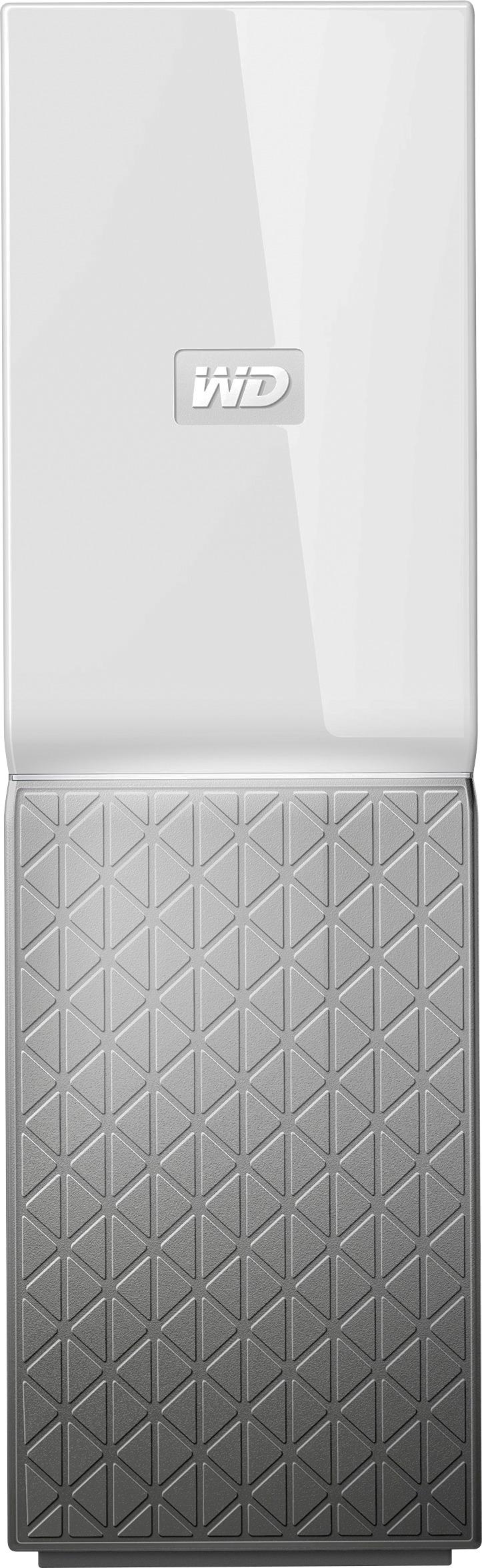
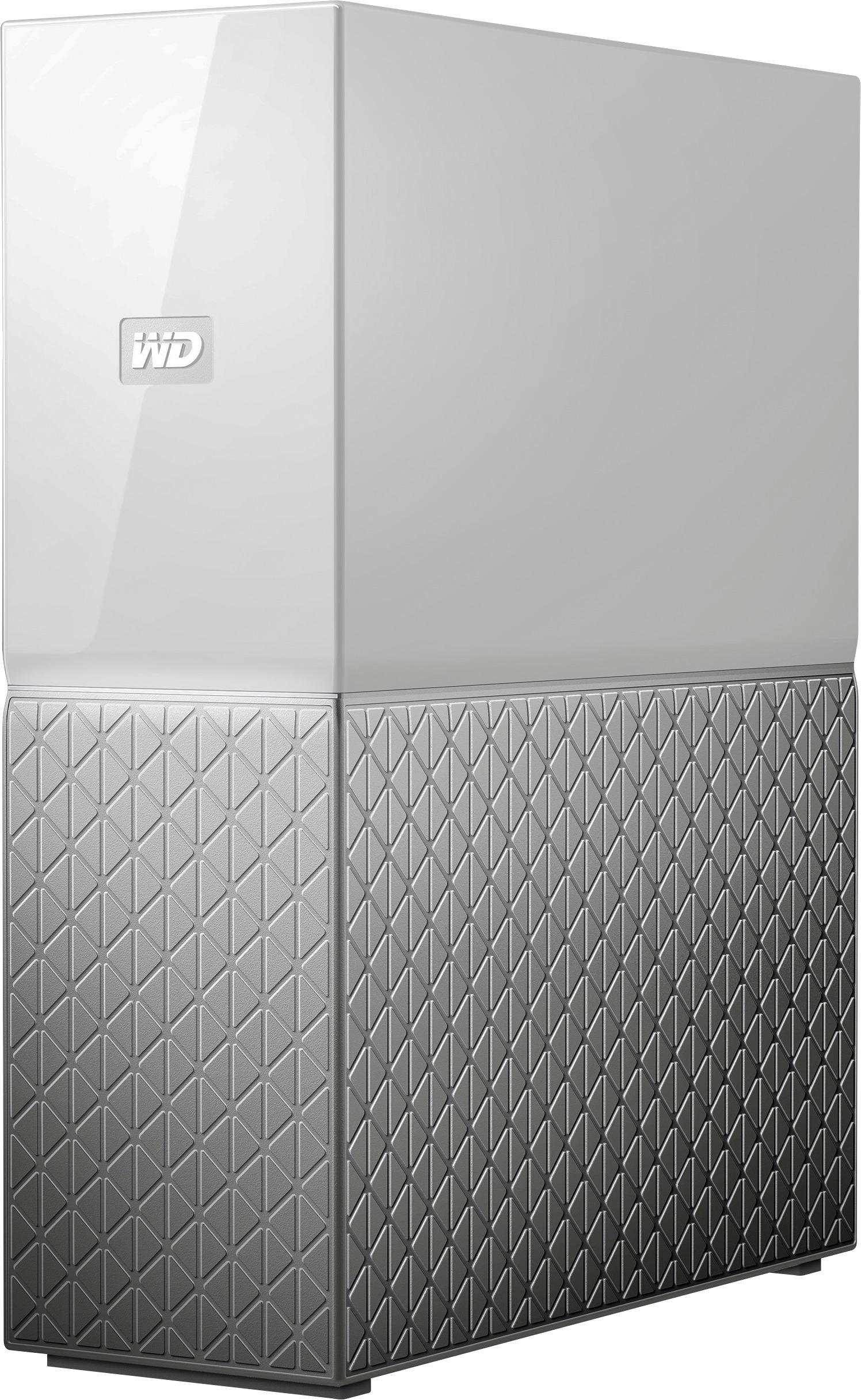
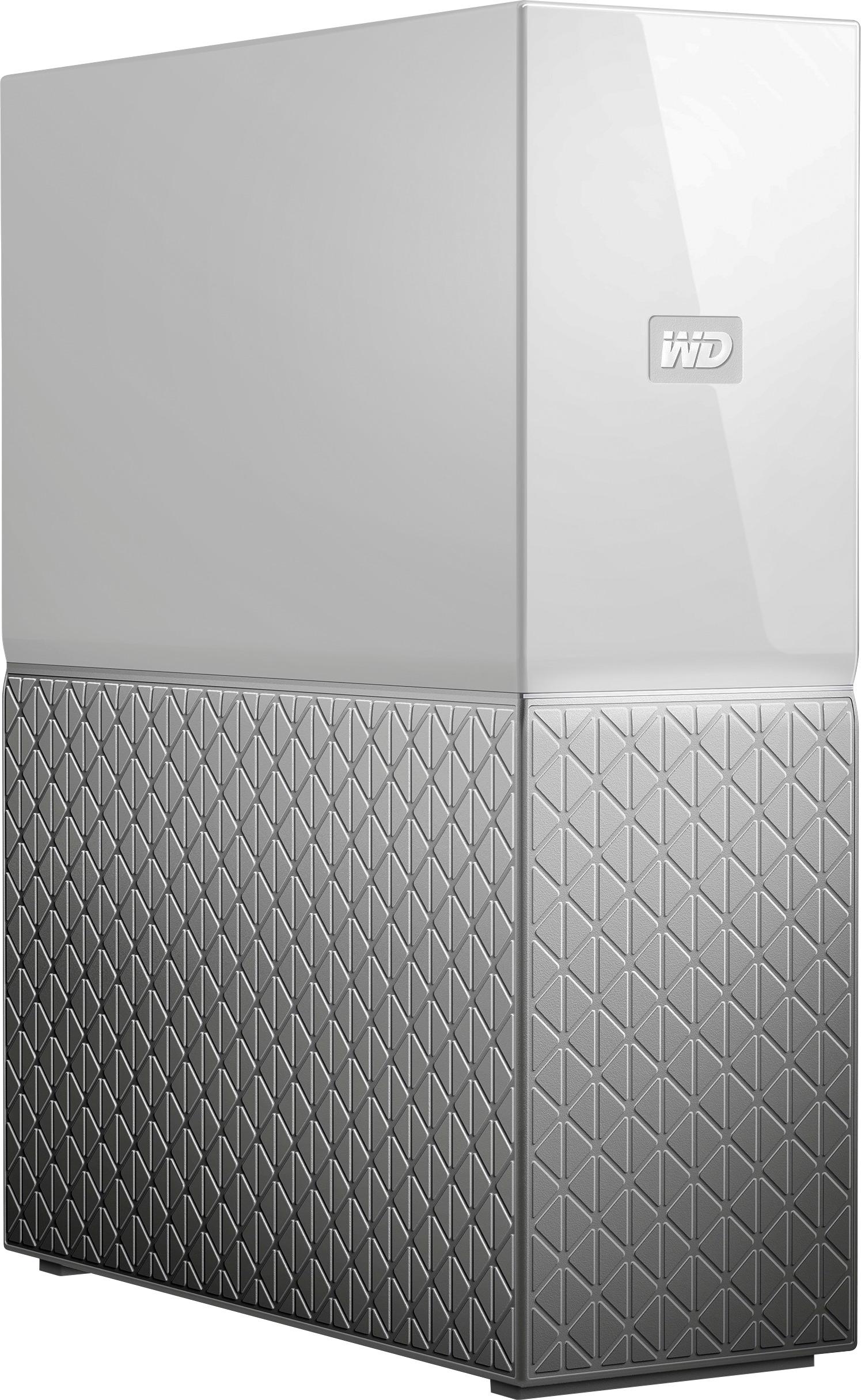
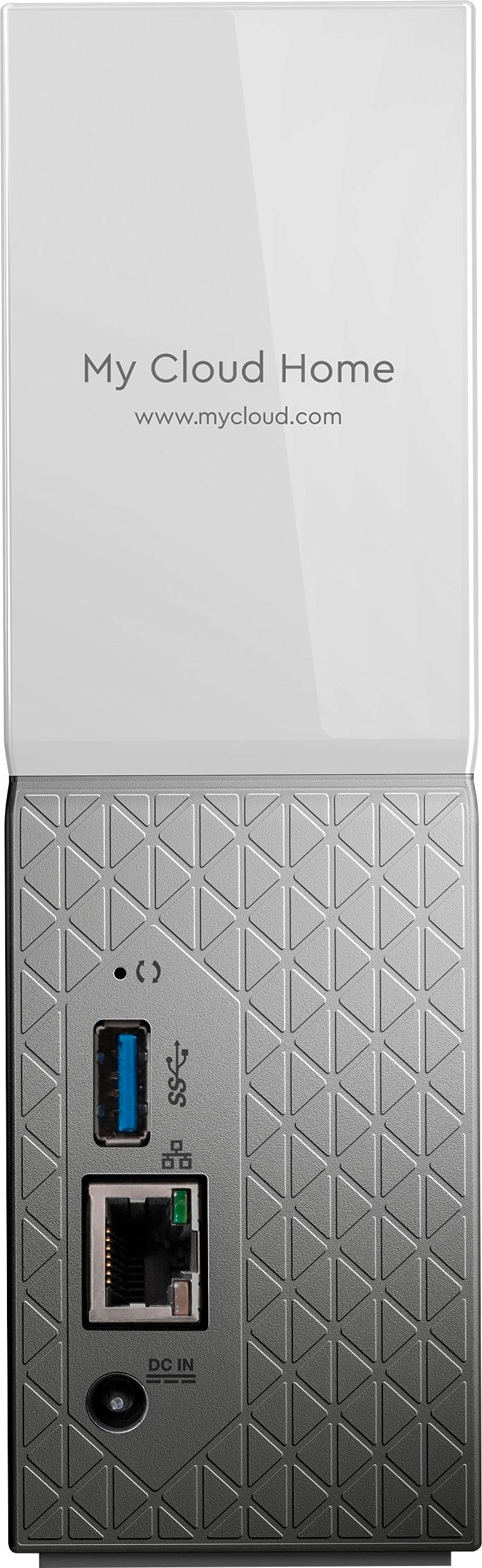
Customers love the My Cloud Home 4TB Personal Cloud for its easy setup, ample storage, and reasonable price. They appreciate the convenience of being able to access and share their files from anywhere. However, some users have experienced compatibility issues with previous generation drives, software crashes, and data loss.
This summary was generated by AI based on customer reviews.
- Cons mentioned:Hard drive
Deprecated item but an alternative NAS
||Posted . Owned for 1 month when reviewed.This reviewer received promo considerations or sweepstakes entry for writing a review.First off, this is a deprecated product because western digital no longer supports this hard drive. You can continue to use it for its intended purpose but this drive can also be jailbroken to run Linux and openmediavault like a NAS. Once that's installed, you can have docker containers running a server like Jellyfin to manage media. You can Google the following, "problem solved save my cloud home" and find the post on the western digital community. Check the attached photos as well.
No, I would not recommend this to a friend - Pros mentioned:Ease of use
Remote Access and Fast Data Backup
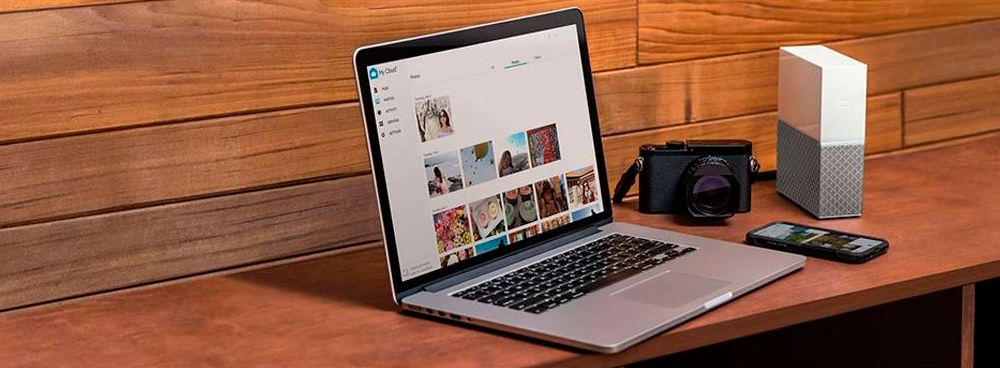
||Posted . Owned for 6 months when reviewed.This reviewer received promo considerations or sweepstakes entry for writing a review.The ultimate backup. The unit works great. Eay to set up. My wife and I are able to backup all of our images and videos from our smartphones and Digital Cameras the moment we walk in the door of our home seamlessly especially while not having any of our computers turned on. Also being able to access our files from the web using a VPN at any time makes everything so simple and safe.
I would recommend this to a friend - Pros mentioned:Ease of use
Easy Setup and Reliable
||Posted . Owned for 1 month when reviewed.This reviewer received promo considerations or sweepstakes entry for writing a review.Having used several network storage devices before I was a bit skeptical about this but I was bit surprised. Easy setup and all my social media data [over 1TB] backed up in a couple of days. Best part is the ease of integration with SONOS. I easily activated the My Cloud Home in the SONOS app and Voila I am streaming my iTunes Library on my SONOS without any further techie stuff.
I would recommend this to a friend - Pros mentioned:Storage
Awesome Personal Cloud device
||Posted . Owned for 3 weeks when reviewed.This reviewer received promo considerations or sweepstakes entry for writing a review.This is a replacement to MyCloud device. I was impressed with quality and improved My Cloud App. It loads faster from my phone and Auto backup faster than old version. This is a personal best Cloud to store Photos, Videos and files in home and access anywhere from world. Recommend to anyone.
I would recommend this to a friend A Slow Unreliable Rock Crusher
||Posted . Owned for 3 weeks when reviewed.This reviewer received promo considerations or sweepstakes entry for writing a review.Western Digital is the best except for "My Cloud Home". I gave it a fair chance, kept it for several weeks. Wipe the drive, return to Best Buy, find a solution that works. 1) It will not work without an internet connection, because everything MUST pass through the Western Digital server. Western Digital Server down or busy or internet down... your files are unavailable. Your "My Cloud Home" is just a white brick on your desk. 2) It sounds like a rock crusher that NEVER stops crushing rocks. It is constantly crushing rocks anytime the power is connected, not just while you're writing files to it. What is it doing with the disk 24 hours 7 days a week? 3) Third issue... it is a VERY SLOW process. My fiber optic internet is reliable and runs around 900mbs. I tried to copy 1.5TB of files to the "My Cloud Home"... five hours later I gave up with only a few percent copied. It still claimed it would take more than one day to finish writing the files. I guess this is caused by the complexity of the process involving internet and Western Digital Servers. I spent days copying many smaller batches of files. 4) One last issue... it's often unavailable. It disappears from Windows File Explorer. You have to mess with the WD software or sometimes reboot the PC.
No, I would not recommend this to a friendSECURITY BREACH COMPLETE LOSS OF DATA
||Posted . Owned for 11 months when reviewed.This reviewer received promo considerations or sweepstakes entry for writing a review.DO NOT PURCHASE*** HUGE SECURITY PROBLEMS***LOSS OF DATA. Western Digital has had a security breach causing all MyCloud devices and servers to go offline with absolutely no access to the data stored on the physical drive. There is no solution by Western Digital and they are lying to customers stating there has not been a security breach. However, "on March 26, 2023, Western Digital identified a network security incident involving Western Digital’s systems. In connection with the ongoing incident, an unauthorized third party gained access to a number of the Company’s systems." Western Digital has not provided any remedy to its customers, and all have been locked out of their personal data. There is no way to physically connect the drive to a computer to access and therefore this product has become an extremely expensive paper weight.
No, I would not recommend this to a friend- Pros mentioned:Ease of use
My Cloud
||Posted . Owned for 1 year when reviewed.This reviewer received promo considerations or sweepstakes entry for writing a review.My Cloud is a great product. Having your own personal cloud backup keeps your memories safe. It’s also easy to set up and use.
I would recommend this to a friend - Pros mentioned:Ease of use
Awesome start to a home cloud!
||Posted . Owned for 1 week when reviewed.This reviewer received promo considerations or sweepstakes entry for writing a review.Great start to having your own cloud system. Not as complete as a PC running a cloud server but with the apps and ease of install you can’t beat it!
I would recommend this to a friend My Cloud review!
||Posted .This reviewer received promo considerations or sweepstakes entry for writing a review.So far so good! I really don't llike posting. So this lets me show my work on my phone access files.
I would recommend this to a friendIntuitive, super easy set up and fast access
||Posted . Owned for 3 weeks when reviewed.This reviewer received promo considerations or sweepstakes entry for writing a review.I was able to set up the WD- My Cloud Home in no time, including app, and desktop apps making it super easy to move files across various devices on my home network to store on the WD cloud. I intend to use this as backup of important files and video storage. So far I am happy at the speed at which I am able to move in and out of the cloud storage across my phone and desktop
I would recommend this to a friendWorks as Described
||Posted . Owned for 3 weeks when reviewed.This reviewer received promo considerations or sweepstakes entry for writing a review.Yes so far it seems to be no issues .... things are functioning as described in the reviews and the sales ad so at this point its still working, thus I am pleased with this purchase .......
I would recommend this to a friend- Pros mentioned:Ease of use
Great back up system for my computers. Wireless!
||Posted .This reviewer received promo considerations or sweepstakes entry for writing a review.The most outstanding wireless back up system I’ve ever had. Easy to install and manage.
I would recommend this to a friend My cloud home
||Posted . Owned for 3 months when reviewed.This reviewer received promo considerations or sweepstakes entry for writing a review.This has been working flawlessly for me. Im very happy with my purchase.
I would recommend this to a friendGreat personal cloud!
||Posted .This reviewer received promo considerations or sweepstakes entry for writing a review.Regardless to negative reviews I see this personal cloud by WD is great! Ot has sleek looking and performes smoothly with one hope that WD updates its application to add more options and services. So happy with it.
I would recommend this to a friendGreat value here!!!
||Posted . Owned for 1 month when reviewed.This reviewer received promo considerations or sweepstakes entry for writing a review.A very good value for a home network attached storage device… I use it to stream music files and it does a great job…
I would recommend this to a friend- Pros mentioned:Remote access, Setup

Nice concept that needs more options
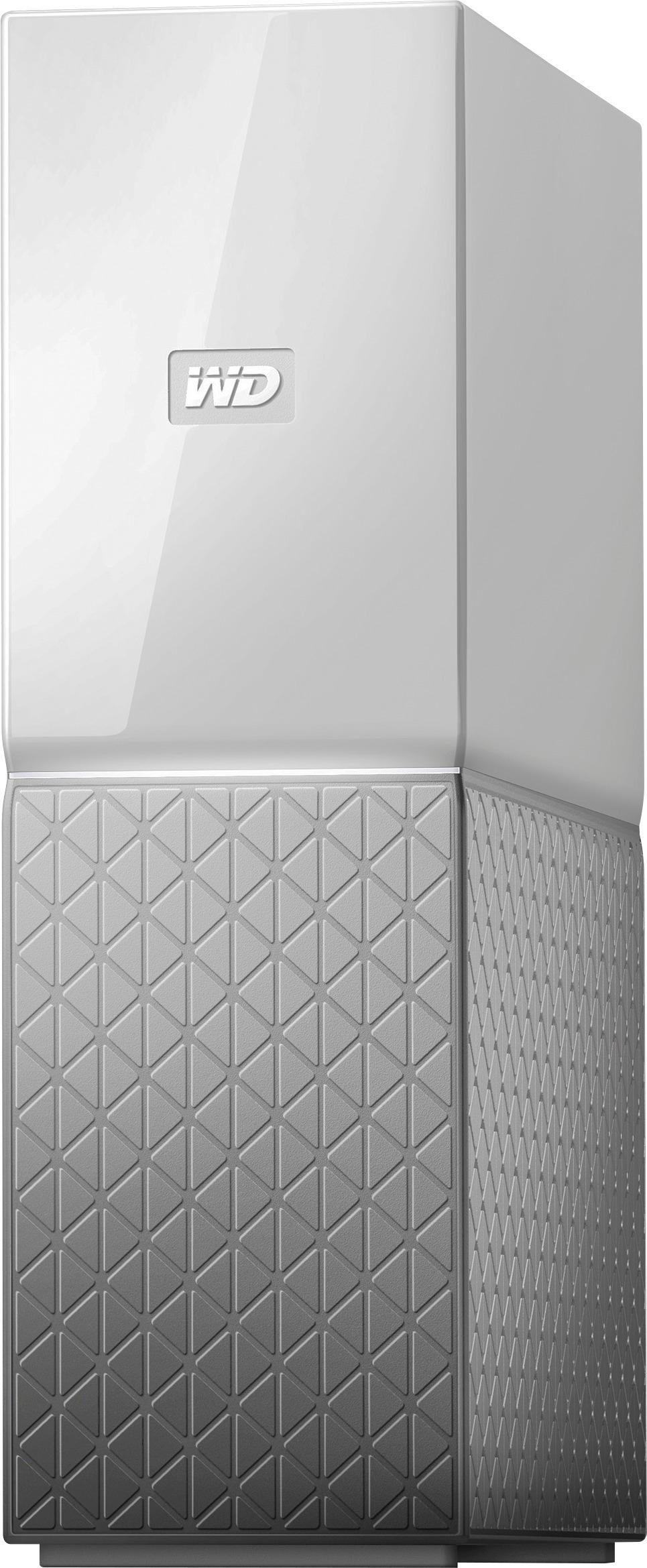
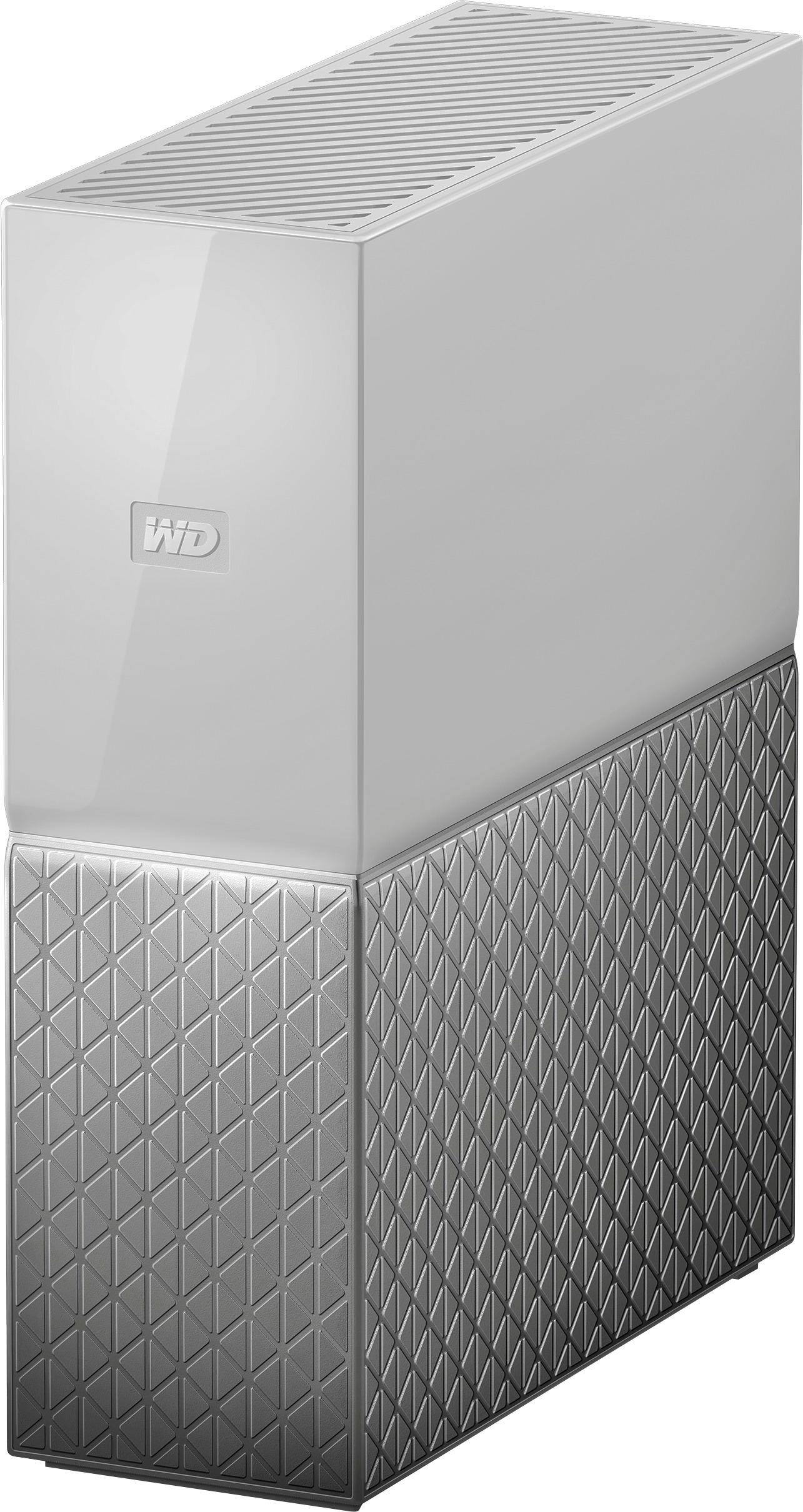
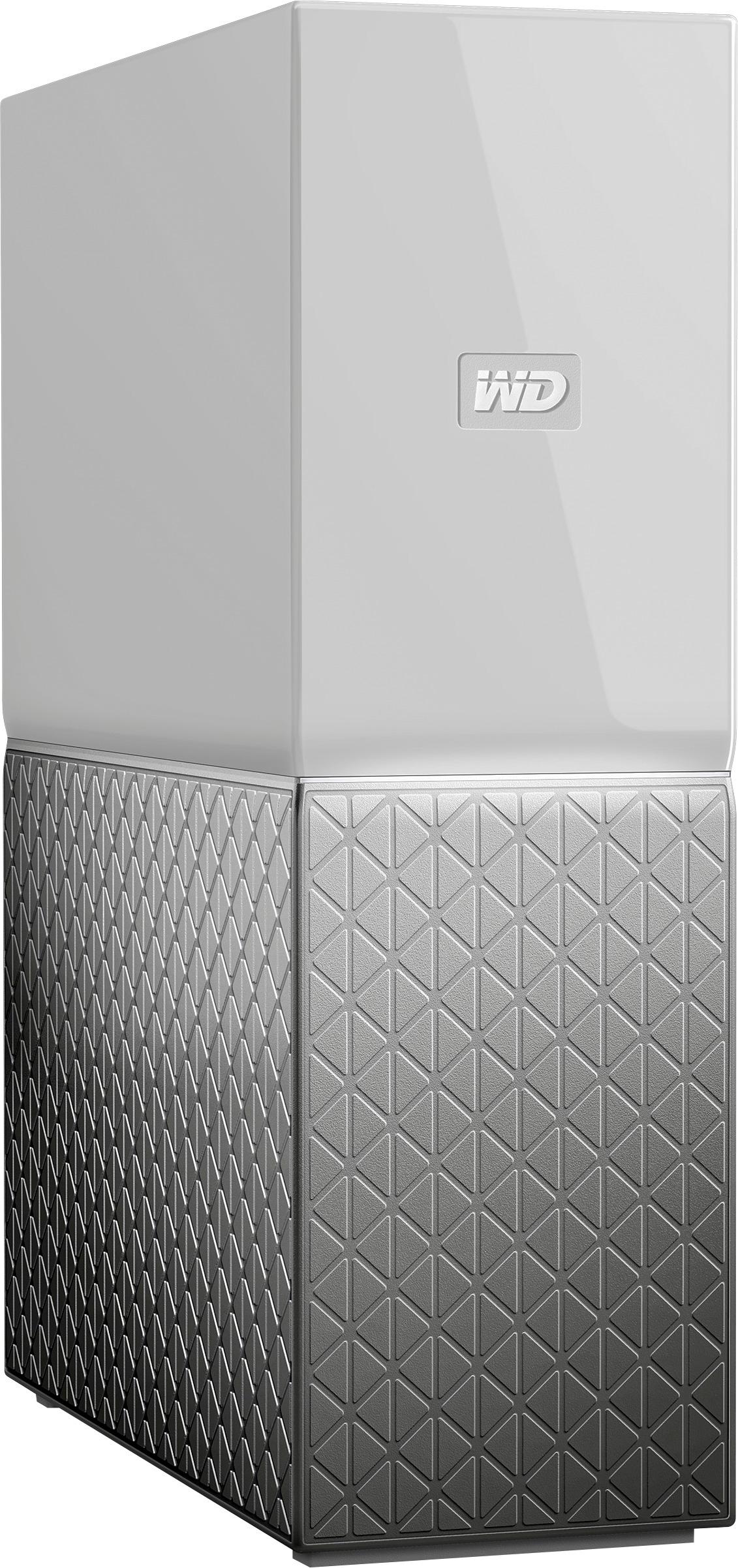
|Posted .This reviewer received promo considerations or sweepstakes entry for writing a review.Pros Attractive design can be placed nearly anywhere Fanless ventilation is quiet Provides access to files anywhere Backs up certain cloud storage and mobile devices Provides multi user access Fingerprint login option to control access Offers a dual drive option for improved file safety Setup is very easy Remote access doesn’t require knowledge of networking Cons Each user can only have one login per cloud system No indication of progress of backups except email when complete Can only backup photos and videos from mobile devices Desktop program offers several applications without telling you they require a purchase Legacy desktop program mostly just redirects to website No matching modern desktop application Drive letter on desktop fixed at Y No main account for viewing and controlling all files on drive No option to encrypt all files on drive No pin access control option like on mobile Very limited compared to a traditional NAS Software is overly basic and different between desktop and mobile The Western Digital My Cloud Home is the latest iteration of a series of network-attached drives. With the addition of the name Home in the latest version of the product, there is no doubt should be left what audience Western Digital is targeting. Tech products for home typically have a greater emphasis on appearance. Although style is subjective, most would likely agree the My Cloud Home has a subtle and attractive design that most people would not object to placing out in the open. It has ventilation slots on the top and bottom to allow passive cooing, meaning no annoying sound of fans running. For the size, it feels quite heavy. Judging from what is visible in the cooling slots, it appears to be due to large heatsinks. Hopefully, this should translate to a long service life. My Cloud Home seems to be more smartphone oriented which makes the initial setup easy but rather odd. The reason is that the unit comes with a setup card that includes an activation code. The sheet instructs you to set up the drive on a computer. It works just fine using the website on a phone but the process could use some refinement. If you have a previous generation My Cloud, you cannot use the old app. It is strange and confusing that the new unit, which shares many of the same features as the previous generation, requires a new and only slightly differently named app. There are a few extra functions which can be added including Plex, an import tool from a legacy My Cloud, and a backup tool for different cloud storage options. You can configure the mobile app to backup your camera roll but not files stored on your mobile device. Cloud backup is a handy option to put final control of your OneDrive or Google Drive documents back in your hands. With each account, you can configure one of each type of cloud storage to download and backup onto your My Cloud Home. Once configured, your files will be downloaded for backup locally so if for whatever reason you lose access to your cloud storage you will still have your files. Unfortunately, there is no status of your sync provided except an email upon completion. Files are accessible via the app on mobile with photos and videos having a dedicate section that works fast but offers little organization. If you have many photos and videos, be prepared for a lot of scrolling. For traditional computers there is a program available although it is essentially a link to the My Cloud website and a list of programs you can install. What is not apparent is that most of the applications require a purchase of a product or subscription until you install them. Unfortunately, there is no corresponding modern Windows App in the store that is battery aware and touch friendly. The software strives to keep things simple and to that end much the complication of standard file and folder sharing is not present. If you want to have the options to share the way it is done at work, this is not the one you will want. The way the system works is once the owner registers via email, others can be invited via email to use the My Cloud Home. Each account is separate from the others giving each person their own private space. Each user has a way to share files based on email accounts but options are much more limited. If you have read this far, you will notice that each feature comes with what could be considered a negative. The My Cloud Home attempts to be simple but the problem is each feature seams either unfinished or overly basic. Overall, it is a solid unit with good performance. In testing, it backed up 125GB from a OneDrive account in less than a day. Stability was good with no occurrences of lockups or freezes. Remote access worked without any special knowledge required greater than entering in an activation code. If you are looking for a network storage for home with advanced features, it might be best to wait and see how Western Digital updates the software or use another option. If your main need is for a hands off device to backup your important files, the My Cloud Home will happily work in the background without needing any further work.
I would recommend this to a friend Buyer Beware
||Posted . Owned for more than 2 years when reviewed.This reviewer received promo considerations or sweepstakes entry for writing a review.Have had this drive for several years now. Not very user-friendly. More importantly there is some sort of short when you connect the ethernet to it that causes it to be on functionable have done a warranty claim which was easy however, data lost. And the second warranty one ended up shorting out as well. So this is absolutely a common issue with the device. Other more premium alternatives available.
No, I would not recommend this to a friend- Pros mentioned:Ease of use, Storage
Easy, quick, flexible storage for most home users
|Posted .This reviewer received promo considerations or sweepstakes entry for writing a review.I recently installed a Western Digital My Cloud Home 4 TB for testing purposes. This is a single drive, home backup system for PCs and mobile devices. It is a very easy solution to setup for most home users that have simple backup requirements. Your data is actually stored in multiple locations: your device/pc, the WD MyCoud Home device, and in the WD MyCloud online storage solution. If you don’t already use solutions to backup your phone photos/videos, this device is drop-dead simple to setup and a must have to keep your memories safe! Seriously – just plug it into your home network, create your free WD account, install the app on your mobile device(s) or PC(s) and start backing your stuff up! I can’t tell you how many people have asked me to recover photos or lost them because they’ve lost their phone! Unless they’ve got a recent backup, they are out of luck! Just setup the “Auto Backup” to automatically backup your photos to our MyCloud Home device so they are protected. If you don’t have unlimited cellular data – no worries, you can configure it to only use Wifi for the auto backups! Another cool feature is the ability to backup your other cloud services like Dropbox, Google Drive, Facebook photos, etc. Now you have them all in one place (well two including the cloud) nad are safe and secure! There are lots of features that I haven’t setup up yet – like PC backup,Desktop Sync, Plex (music, videos, etc) and IFTTT. I would definitely recommend the dual hard drive option (the Duo) versus a single drive option – after all the purpose of the device is to make sure you don’t lose data.
I would recommend this to a friend - Pros mentioned:Price, Setup, Storage
Product works smoothly, but interface is limited.
||Posted . Owned for 3 weeks when reviewed.This reviewer received promo considerations or sweepstakes entry for writing a review.I bought this product to archive photos and documents, and access them from multiple devices. While this can be done with services such as OneDrive and GoogleDrive, I wanted a "private" cloud drive for files that I don't want to lose if I cancel one of those services. This product was easy to set up and works great. But I was expecting something that worked like other cloud services. Instead, My Cloud has a unique interface that I find limiting and annoying at times. For example, you can't just transfer files using Windows 10's File Explorer. You have to use WD's interface, which I found annoyingly limited. My Cloud is still great for the price, but overall I found it disappointing.
I would recommend this to a friend - Pros mentioned:Ease of use, Remote access, Storage
Very pleased
||Posted . Owned for 7 months when reviewed.This reviewer received promo considerations or sweepstakes entry for writing a review.Needed a new network drive for our home. I don't store much locally. Been burned too many times. Very user friendly, tons of storage, and manages backups of our laptops weekly. They seem to have fixed the security issues with these but the notifications on my network say people are still trying. Very good for home use. Ability to access from anywhere helps as well.
I would recommend this to a friend