Customer Ratings & Reviews
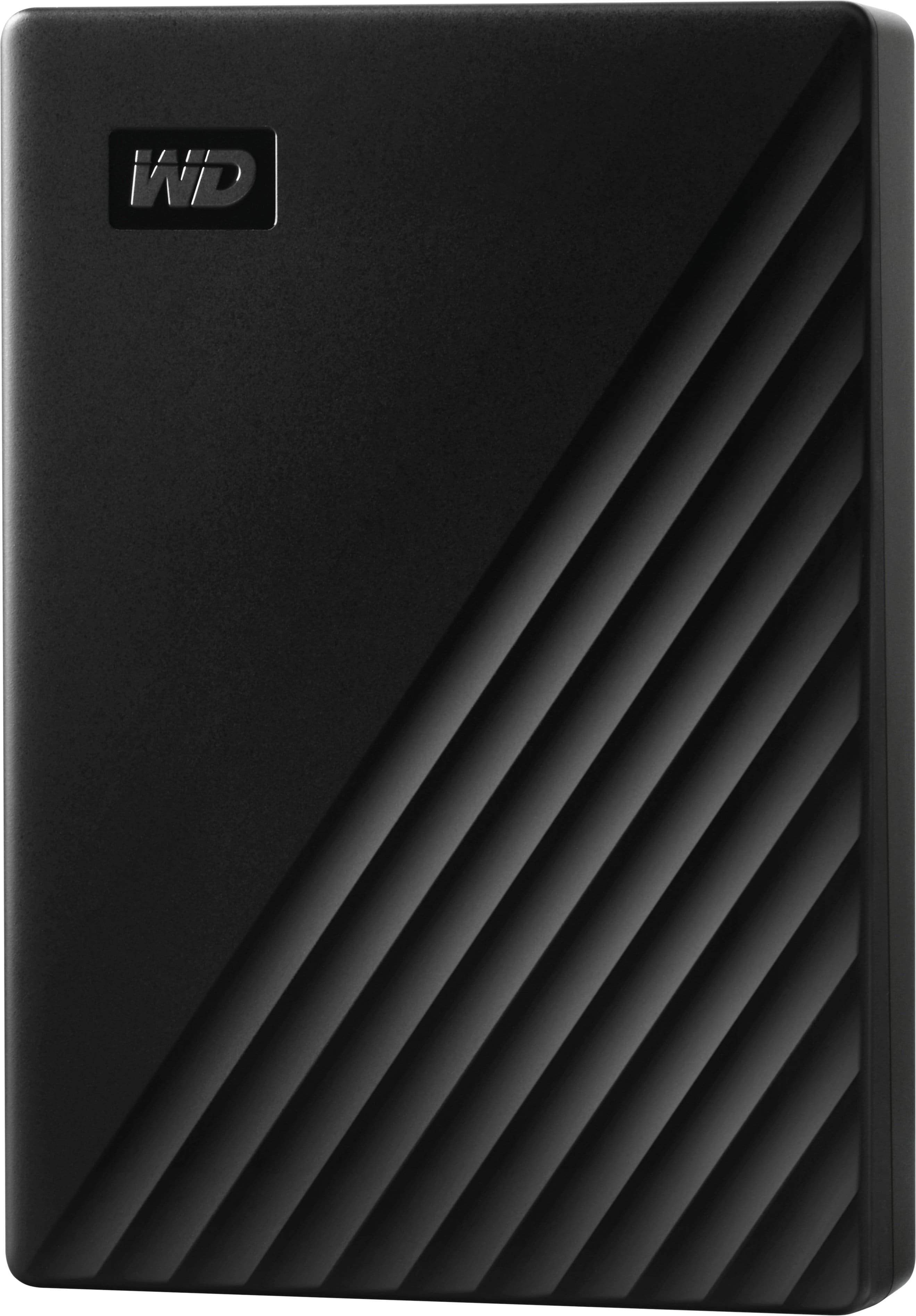
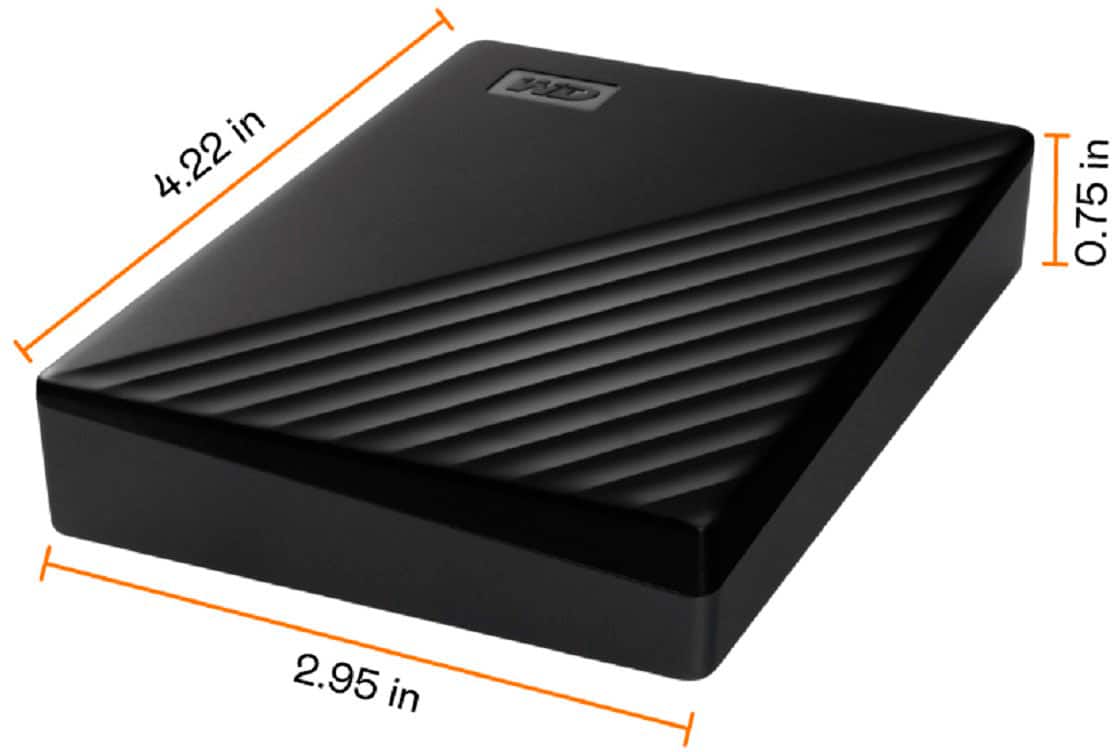
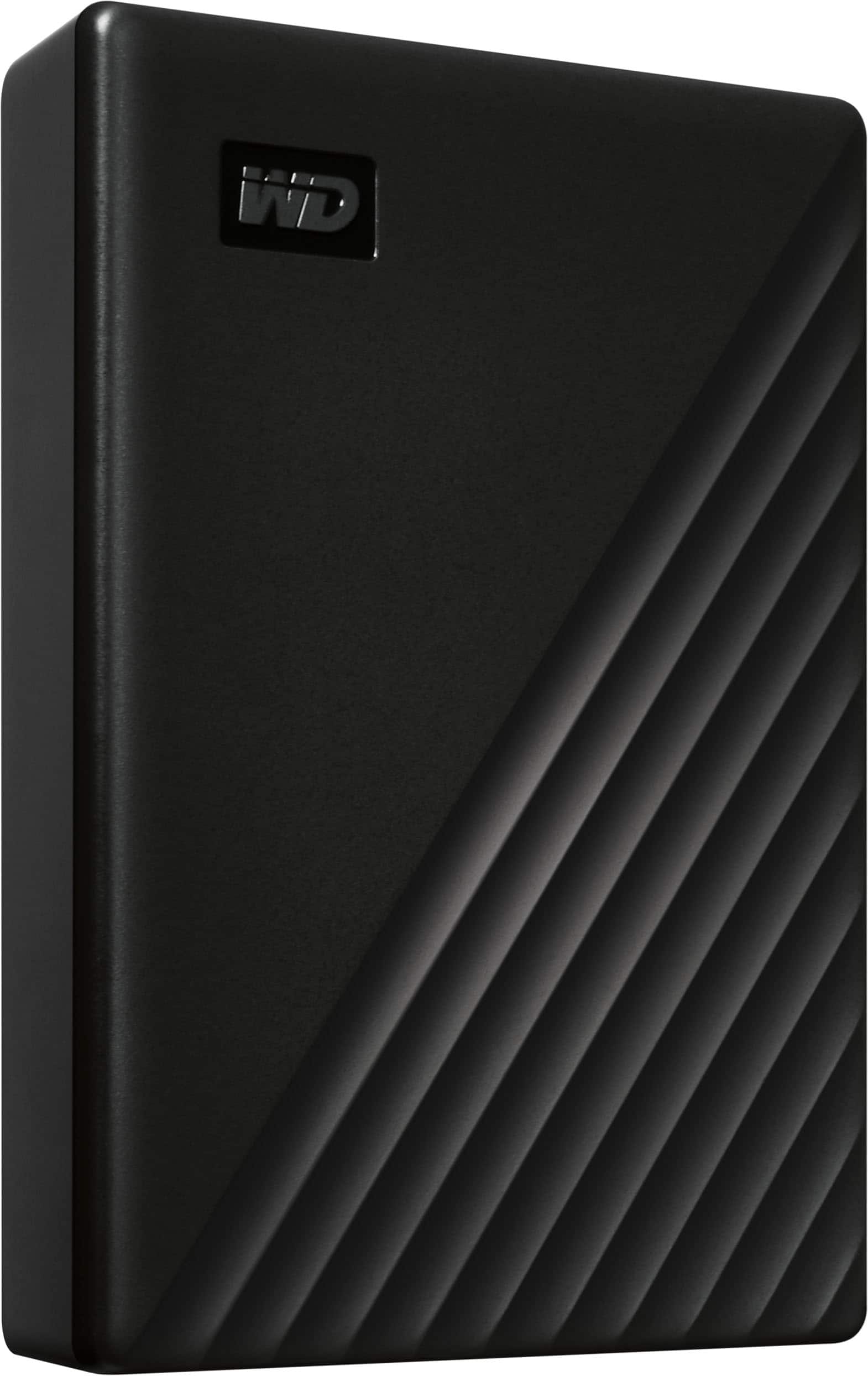
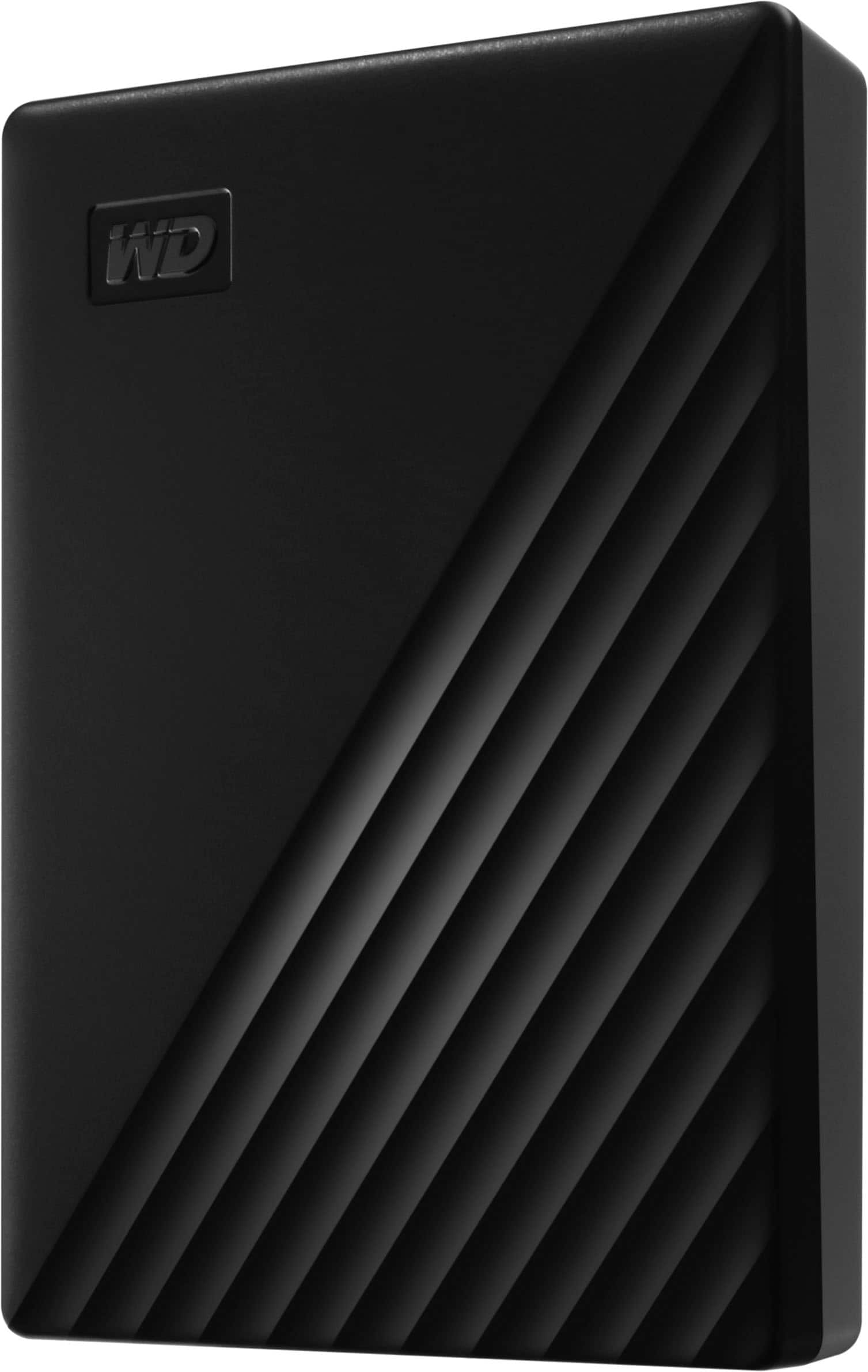
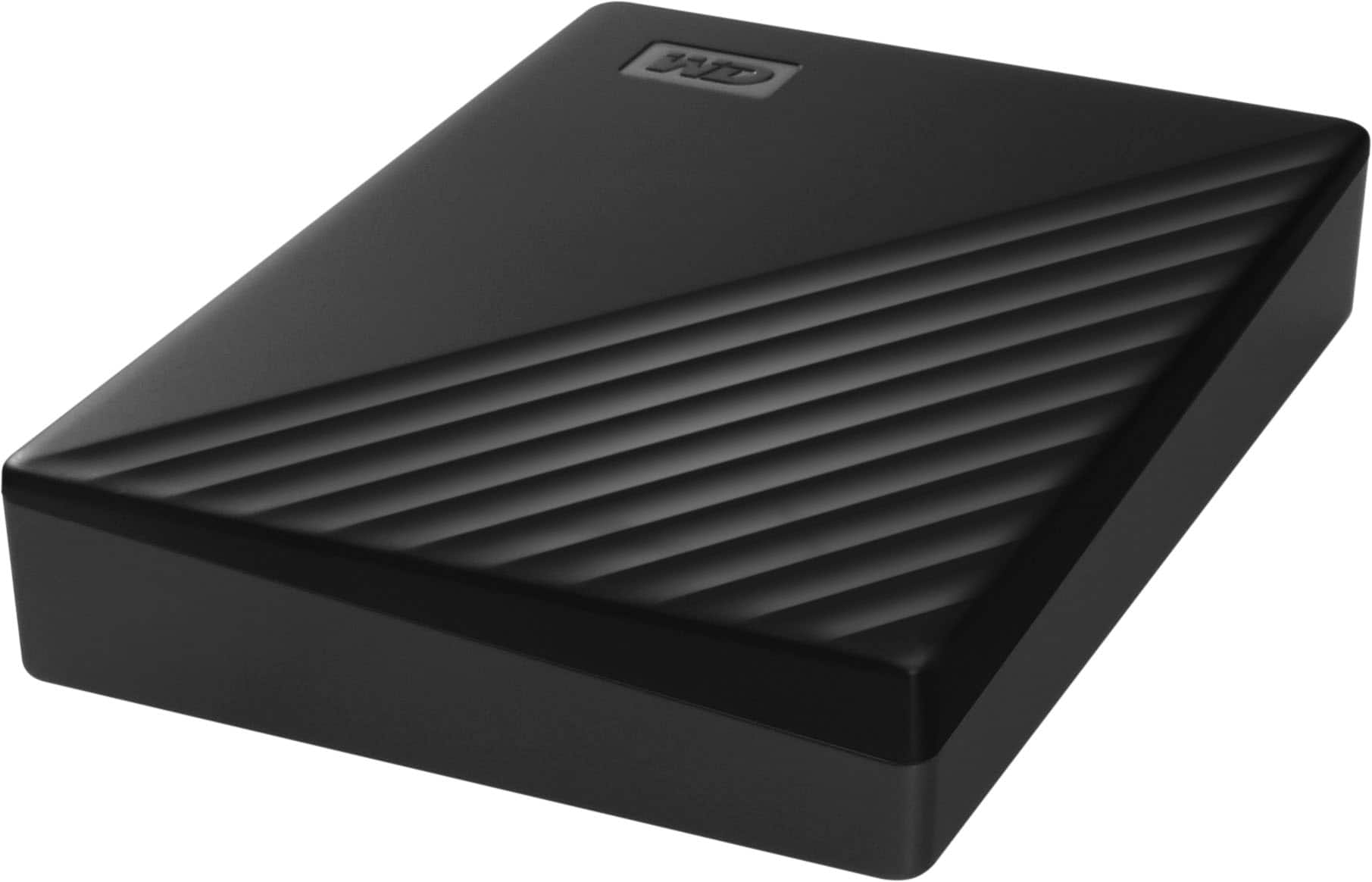

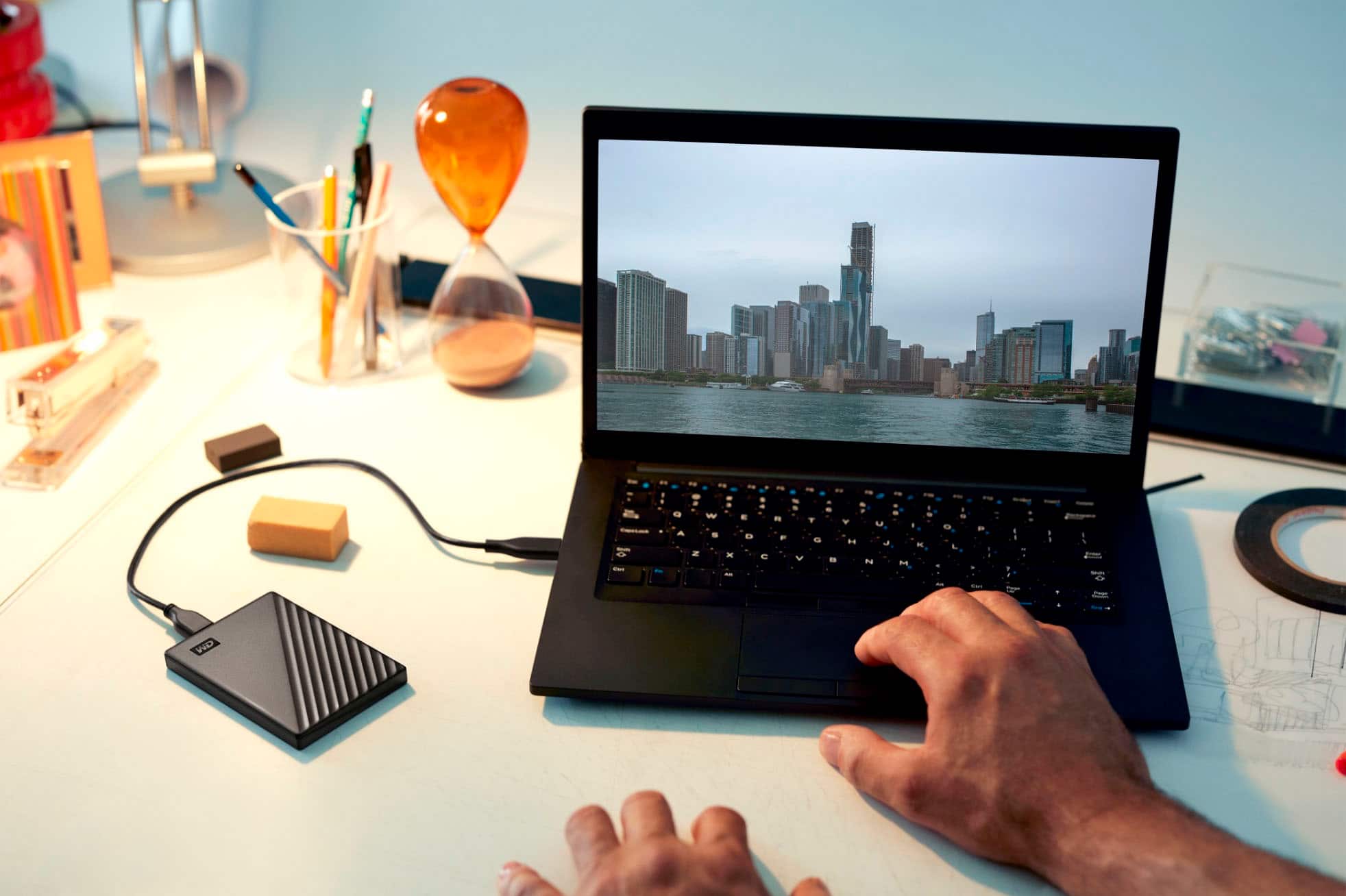
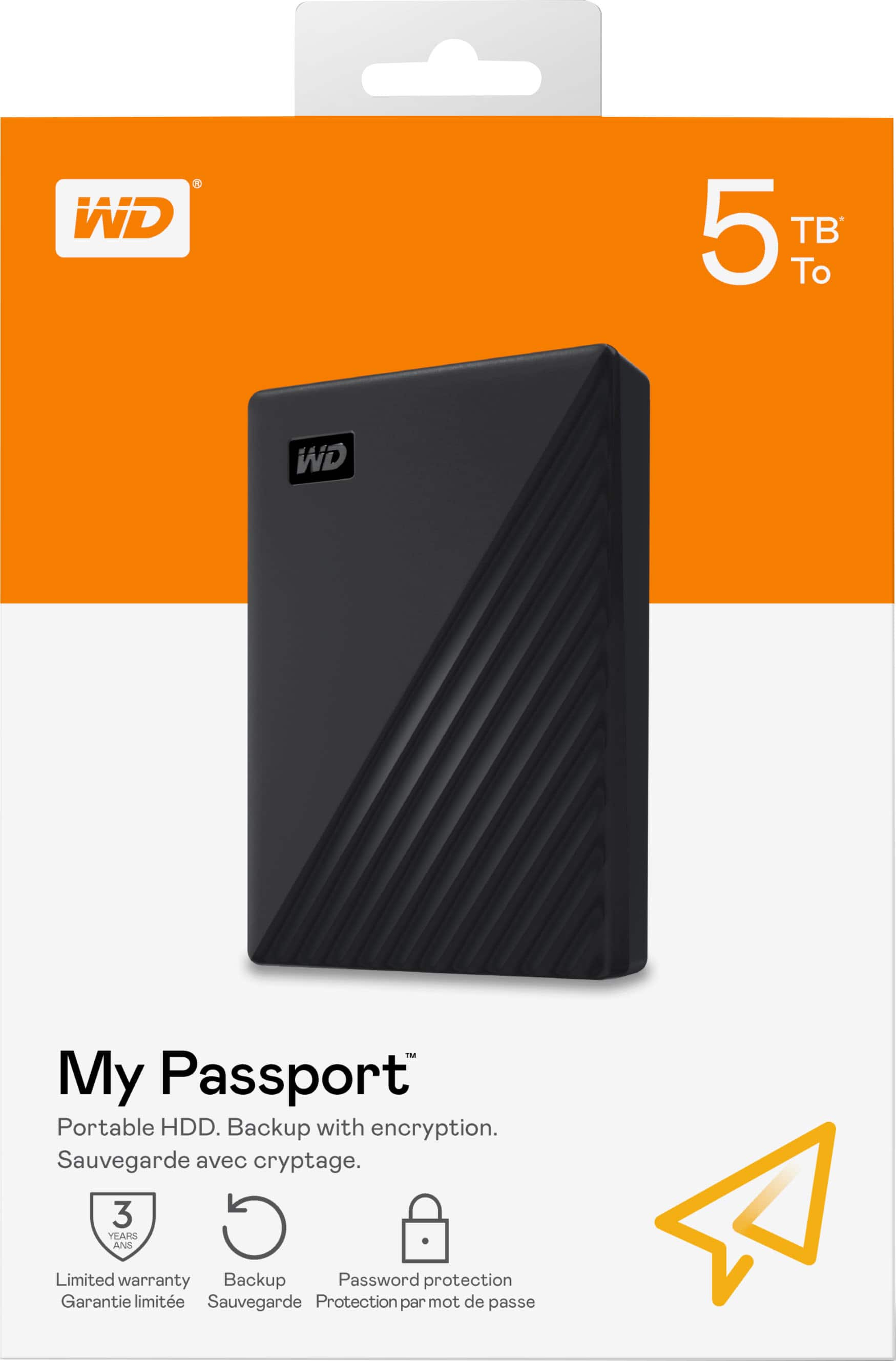

- Model:
- WDBPKJ0050BBK-WESN
- |
- SKU:
- 11256341
Customer reviews
Rating 4.7 out of 5 stars with 2876 reviews
(2,876 customer reviews)Rating by feature
- Value4.6
Rating 4.6 out of 5 stars
- Quality4.7
Rating 4.7 out of 5 stars
- Ease of Use4.7
Rating 4.7 out of 5 stars
- Pros mentioned:Ease of use
Rated 5 out of 5 stars
CSBUDrive
||Posted . Owned for 2 weeks when reviewed.This reviewer received promo considerations or sweepstakes entry for writing a review.Nice small portable drive that I plan to use for backing up multiple devices.
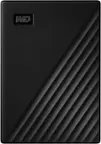
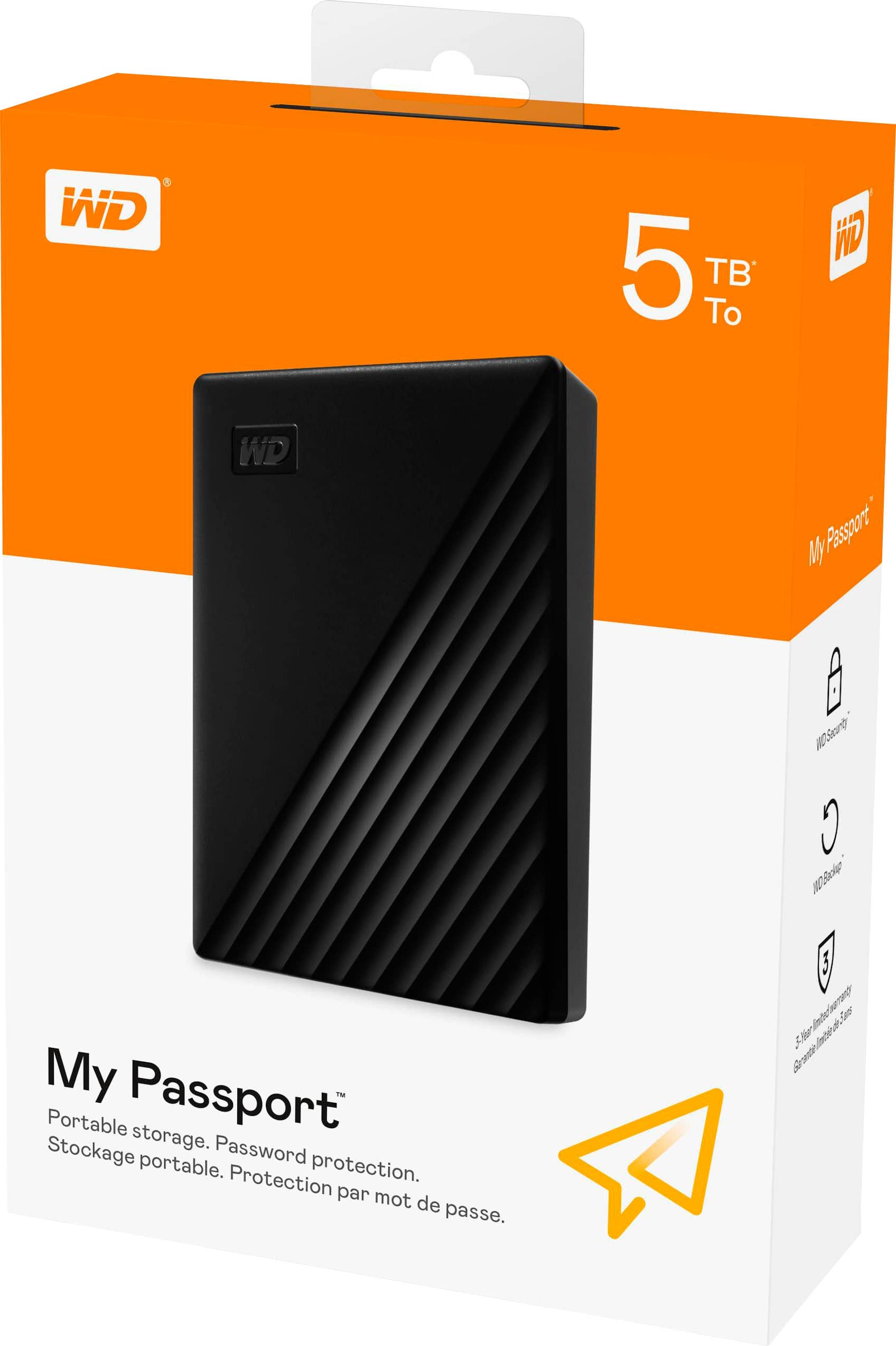
This review is from WD - My Passport 5TB External USB 3.0 Portable Hard Drive - Black
I would recommend this to a friend - Pros mentioned:Ease of use
Rated 5 out of 5 stars
Excellent
||Posted . Owned for 2 weeks when reviewed.This reviewer received promo considerations or sweepstakes entry for writing a review.I needed a new backup device for my Mac. I read all the reviews that companies publish for Best in 2022 and 2023. After a while everything is a blur. I selected the WD because it was Mac compatible. It was easy to setup. So far I'm very pleased with the WD Passport for Mac.
This review is from WD - My Passport 5TB External USB 3.0 Portable Hard Drive - Black
I would recommend this to a friend - Pros mentioned:Size, Storage
Rated 5 out of 5 stars
great storage
||Posted . Owned for 3 weeks when reviewed.This reviewer received promo considerations or sweepstakes entry for writing a review.this product was purchased for additional storage, works great so far, compact enough to place away.
This review is from WD - My Passport 5TB External USB 3.0 Portable Hard Drive - Black
I would recommend this to a friend - Pros mentioned:Reliability
Rated 5 out of 5 stars
Fast, reliable
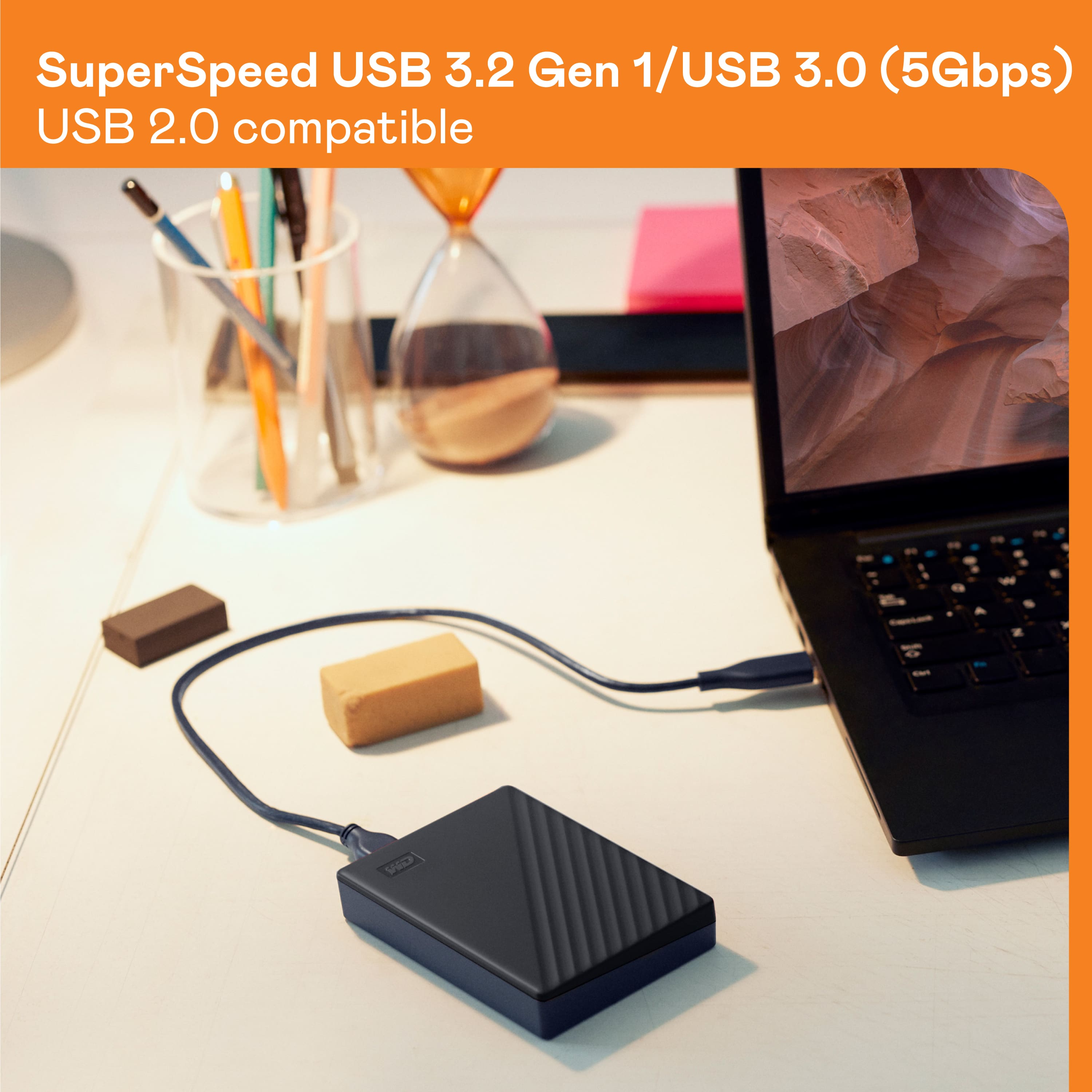
||Posted . Owned for 3 weeks when reviewed.This reviewer received promo considerations or sweepstakes entry for writing a review.Have used several of these over about 5 years now. They are fast with USB3, realizing that spinning player drives have a limit. So far this series has been very reliable, no failures yet
This review is from WD - My Passport 5TB External USB 3.0 Portable Hard Drive - Black
I would recommend this to a friend - Pros mentioned:Ease of use, Size
Rated 5 out of 5 stars
Surprisingly small
||Posted . Owned for 3 weeks when reviewed.This reviewer received promo considerations or sweepstakes entry for writing a review.It is a good product. It is small, fast and easy to use.
This review is from WD - My Passport 5TB External USB 3.0 Portable Hard Drive - Black
I would recommend this to a friend - Pros mentioned:Storage
Rated 5 out of 5 stars
Best device ever
||Posted . Owned for 1 week when reviewed.This reviewer received promo considerations or sweepstakes entry for writing a review.Just want I was looking for to store all my data. Plenty of storage.
This review is from WD - My Passport 5TB External USB 3.0 Portable Hard Drive - Black
I would recommend this to a friend - Pros mentioned:Reliability
Rated 5 out of 5 stars
Rock Solid Drive
||Posted . Owned for 1 month when reviewed.This reviewer received promo considerations or sweepstakes entry for writing a review.The WD Passport is a rock solid hard drive. I've bought three of them and all are still in use. My oldest Passport drive is 4 years old. As a photographer I use them as field storage when I'm on the road and they perform without a hitch. Easy to use with both Macs and PCs and fast enough to open files directly from the drive with a MacBook Pro, and save them back to the drive.
This review is from WD - My Passport 5TB External USB 3.0 Portable Hard Drive - Black
I would recommend this to a friend - Pros mentioned:Size, Storage
Rated 5 out of 5 stars
Nice Backup Drive
||Posted . Owned for 1 year when reviewed.This reviewer received promo considerations or sweepstakes entry for writing a review.This Portable Device is great! it really small and hold so much.
This review is from WD - My Passport 5TB External USB 3.0 Portable Hard Drive - Black
I would recommend this to a friend Rated 5 out of 5 stars
Great value
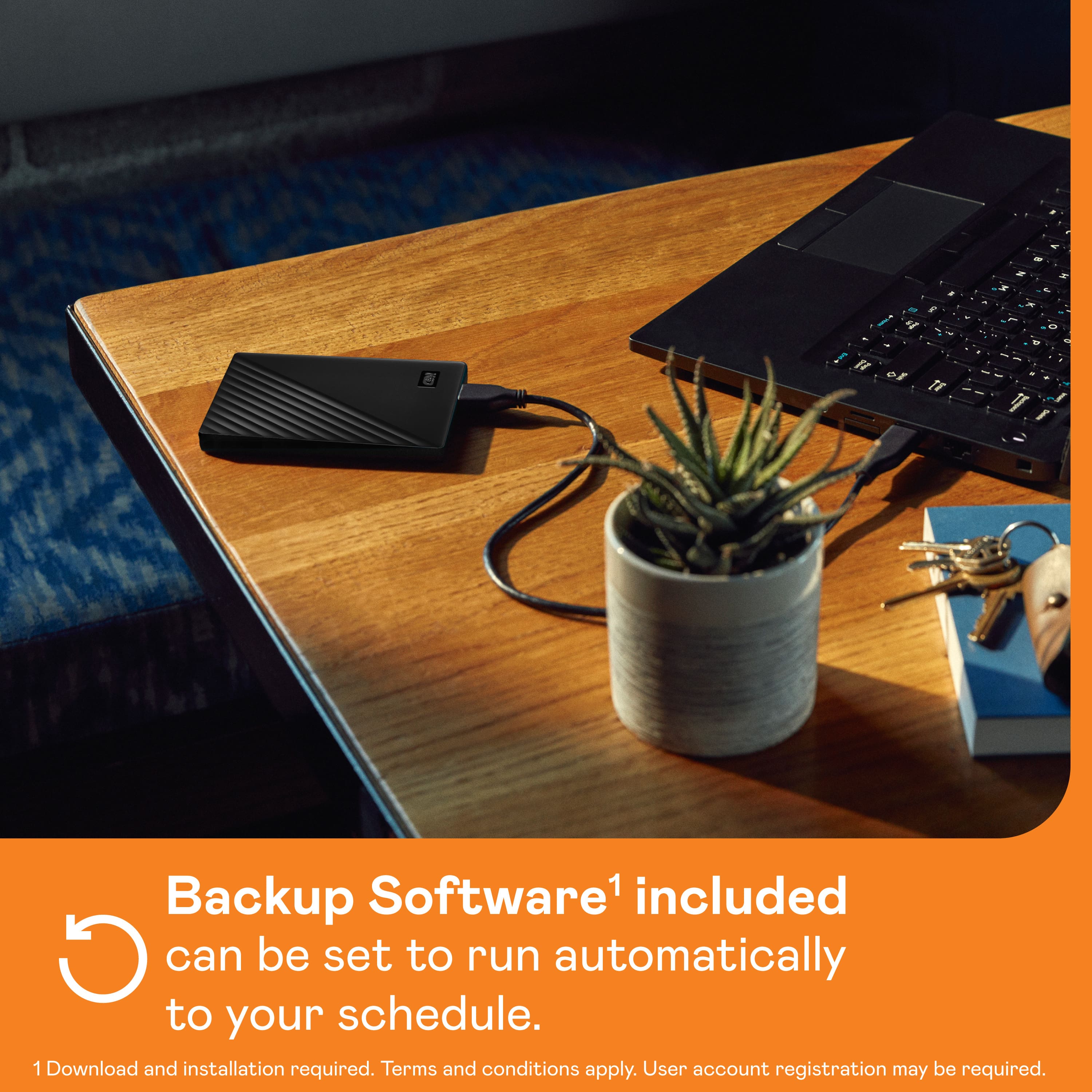
||Posted .This reviewer received promo considerations or sweepstakes entry for writing a review.The hard drive is simple to use and a bonus comes with software for backing up your computer at no additional charge
This review is from WD - My Passport 5TB External USB 3.0 Portable Hard Drive - Black
I would recommend this to a friend- Pros mentioned:Ease of use, Storage
Rated 4 out of 5 stars
WD Passport 5TB External Hard Drive
||Posted . Owned for 1 month when reviewed.This reviewer received promo considerations or sweepstakes entry for writing a review.Used with Dish sat system as external hard drive. Easy to connect, format and use. Adds significant capacity increase.
This review is from WD - My Passport 5TB External USB 3.0 Portable Hard Drive - Black
I would recommend this to a friend Rated 5 out of 5 stars
WD 5TB external Hard drive
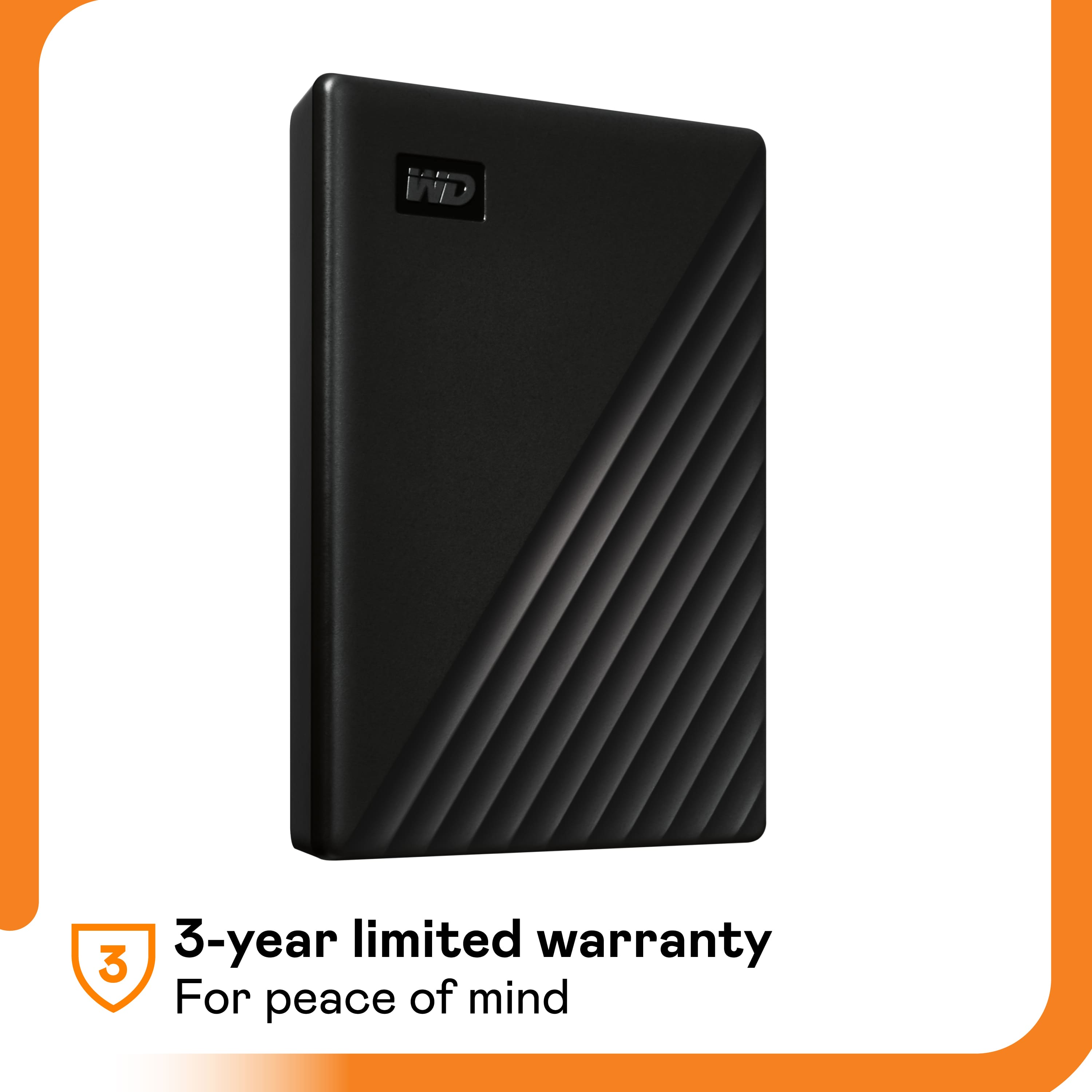
||Posted . Owned for 1 month when reviewed.This reviewer received promo considerations or sweepstakes entry for writing a review.Got a great deal on sale and redeemed my $10 in certificates from past reviews. Very reliable with plenty compacity for all my backups. Love the 3-year factory warranty from Western Digital whose been reliable for me for decades plus my Best buy total care warranty covers it too!
This review is from WD - My Passport 5TB External USB 3.0 Portable Hard Drive - Black
I would recommend this to a friend- Pros mentioned:Reliability
Rated 5 out of 5 stars
Got the Job Done
||Posted . Owned for 1 year when reviewed.This reviewer received promo considerations or sweepstakes entry for writing a review.Works perfectly with my daughters' gaming computers
This review is from WD - My Passport 5TB External USB 3.0 Portable Hard Drive - Black
I would recommend this to a friend - Pros mentioned:Size, Storage
Rated 5 out of 5 stars
So far - so good
||Posted . Owned for 9 months when reviewed.This reviewer received promo considerations or sweepstakes entry for writing a review.So far - so good. Works like it should. Small size, lots of storage.
This review is from WD - My Passport 5TB External USB 3.0 Portable Hard Drive - Black
I would recommend this to a friend - Pros mentioned:Storage
Rated 5 out of 5 stars
PS4 extended storage
||Posted . Owned for 7 months when reviewed.This reviewer received promo considerations or sweepstakes entry for writing a review.Works perfectly to store and run my downloaded/installed games on my PS4 pro system. Note that you can't unplug it while the PS4 is on (risks data corruption and presents a scary error message on screen) so either leave it connected all the time or only disconnect it when the PS4 is completely shut down (not in rest mode).
This review is from WD - My Passport 5TB External USB 3.0 Portable Hard Drive - Black
I would recommend this to a friend - Pros mentioned:Ease of use, Price
Rated 5 out of 5 stars
Fast & Easy Access
||Posted . Owned for 3 weeks when reviewed.This reviewer received promo considerations or sweepstakes entry for writing a review.Great product for the price, easy to set up and fast transfer and download of files.
This review is from WD - My Passport 5TB External USB 3.0 Portable Hard Drive - Black
I would recommend this to a friend - Pros mentioned:Size
Rated 5 out of 5 stars
good little hard drive
||Posted . Owned for 3 weeks when reviewed.This reviewer received promo considerations or sweepstakes entry for writing a review.good little hard drive for backup and using for playing videos on your tv
This review is from WD - My Passport 5TB External USB 3.0 Portable Hard Drive - Black
I would recommend this to a friend - Pros mentioned:Ease of use
Rated 5 out of 5 stars
Great Drive for a Great Price
||Posted . Owned for 1 year when reviewed.This reviewer received promo considerations or sweepstakes entry for writing a review.WD makes great external drives at great prices. They are made well, easy to use and last a long time.
This review is from WD - My Passport 5TB External USB 3.0 Portable Hard Drive - Black
I would recommend this to a friend Rated 5 out of 5 stars
WD my passport 5T
||Posted .This reviewer received promo considerations or sweepstakes entry for writing a review.When I got this drive, initially I was very happy with it. It looked well constructed. It passed all self tests and external-program surface tests with flying colors. Surface tests and full formatting took a normal time for an external drive of such size (about 15 hours for full write/read surface test). However when I started backing up my data to it, it was progressing much slower than expected. Normally it takes from 20 to 30 hours to back up all my data (about 3.5T) to an USB 3 drive. It took more than 100 hours to back up my data to this drive. It looked like each file was being written with a normal speed, but there was a long wait between files, sometimes several minutes, when the drive seemingly was not doing anything. I verified that it was not my computer, or cable, or my USB port - other drives attached to the same port/cable did not experience such problem. The problem stayed consistent throughout the whole backup process. Rebooting computer or changing USB port did not help. The drive did not exhibit unusual noise or vibration, read speed was not affected, and in the end the data were written correctly.
This review is from WD - My Passport 5TB External USB 3.0 Portable Hard Drive - Black
I would recommend this to a friend- Pros mentioned:Reliability
Rated 4 out of 5 stars
Works fine for its purpose
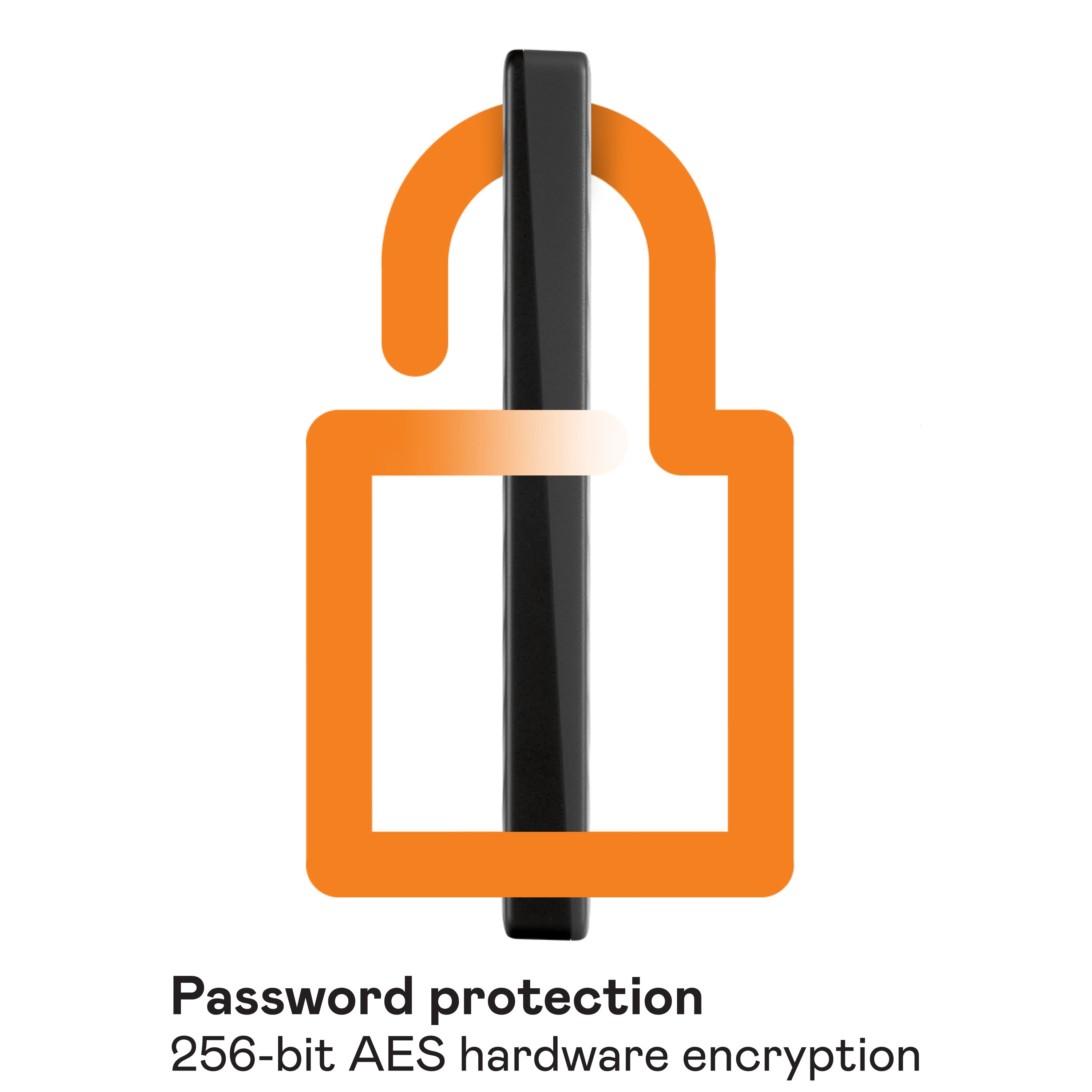
||Posted . Owned for 2 months when reviewed.This reviewer received promo considerations or sweepstakes entry for writing a review.So far the drive works well and performs reasonably well on USB3 for a spinning disk. The encryption and security is not as good as I’d like. Not a big fan of how it’s implemented. Basically anyone can see the root directory, but not open anything. Then you have to run the unlocked app from another partition on the disk to gain access. So if you use the encryption from WD you end up using 2 drive letters for this. At least that’s optional.
This review is from WD - My Passport 5TB External USB 3.0 Portable Hard Drive - Black
I would recommend this to a friend - Pros mentioned:Size, Storage
Rated 5 out of 5 stars
WD5TBytedrive
||Posted . Owned for 3 weeks when reviewed.This reviewer received promo considerations or sweepstakes entry for writing a review.Stable and fast lots of storage. Small foot print and came with needed cable.
This review is from WD - My Passport 5TB External USB 3.0 Portable Hard Drive - Black
I would recommend this to a friend
People also viewed
- $184.99$184.99The price was $224.99
- $224.99$224.99The price was $279.99
- $149.99$149.99The price was $184.99
- $164.99$164.99The price was $199.99
- $174.99$174.99The price was $214.99
- $154.99$154.99The price was $179.99
- $149.99$149.99The price was $174.99
- $94.99$94.99The price was $114.99
- $239.99$239.99The price was $249.99
- $99.99$99.99The price was $119.99
- $84.99$84.99The price was $99.99
- $189.99$189.99The price was $229.99
- $299.99$299.99The price was $329.99