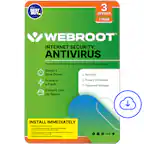
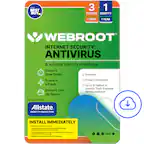
Customer Ratings & Reviews

- Model:
- WEB803800V164
- SKU:
- 6521830
Rating by feature
- Value
Rating 4.7 out of 5 stars
- Quality
Rating 4.6 out of 5 stars
- Ease of Use
Rating 4.6 out of 5 stars
Customers are saying
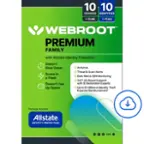
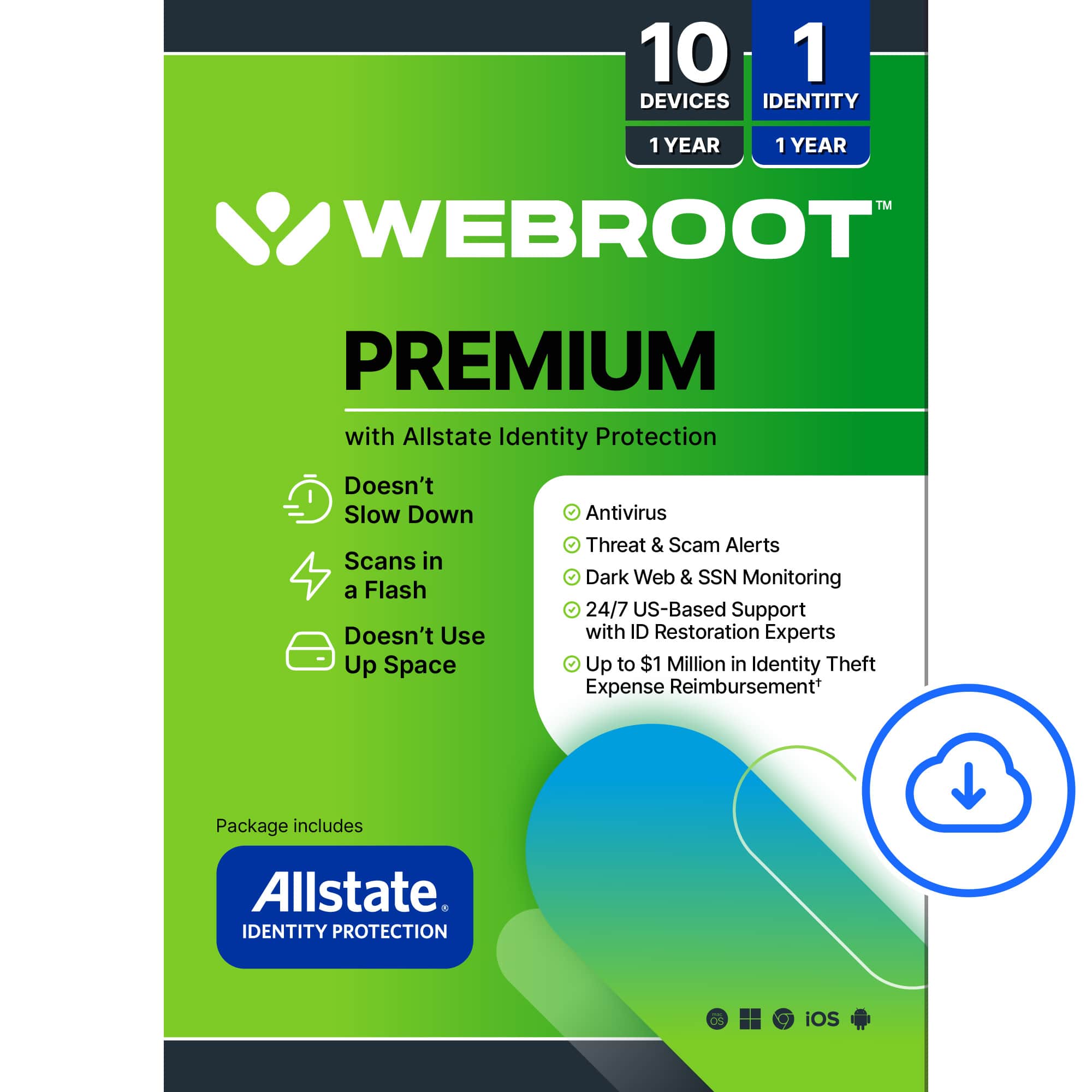
Customers are enthusiastic about the Premium Antivirus Protection's overall performance and ease of use, highlighting its dependability and strong security features. Many appreciate the identity protection provided by Allstate and find the installation process straightforward. Some customers have expressed concerns regarding the absence of a firewall and the outdated feel of the user interface.
This summary was generated by AI based on customer reviews.
- Pros mentioned:Identity protection

Excellent Antivirus & Identity Protection Solution
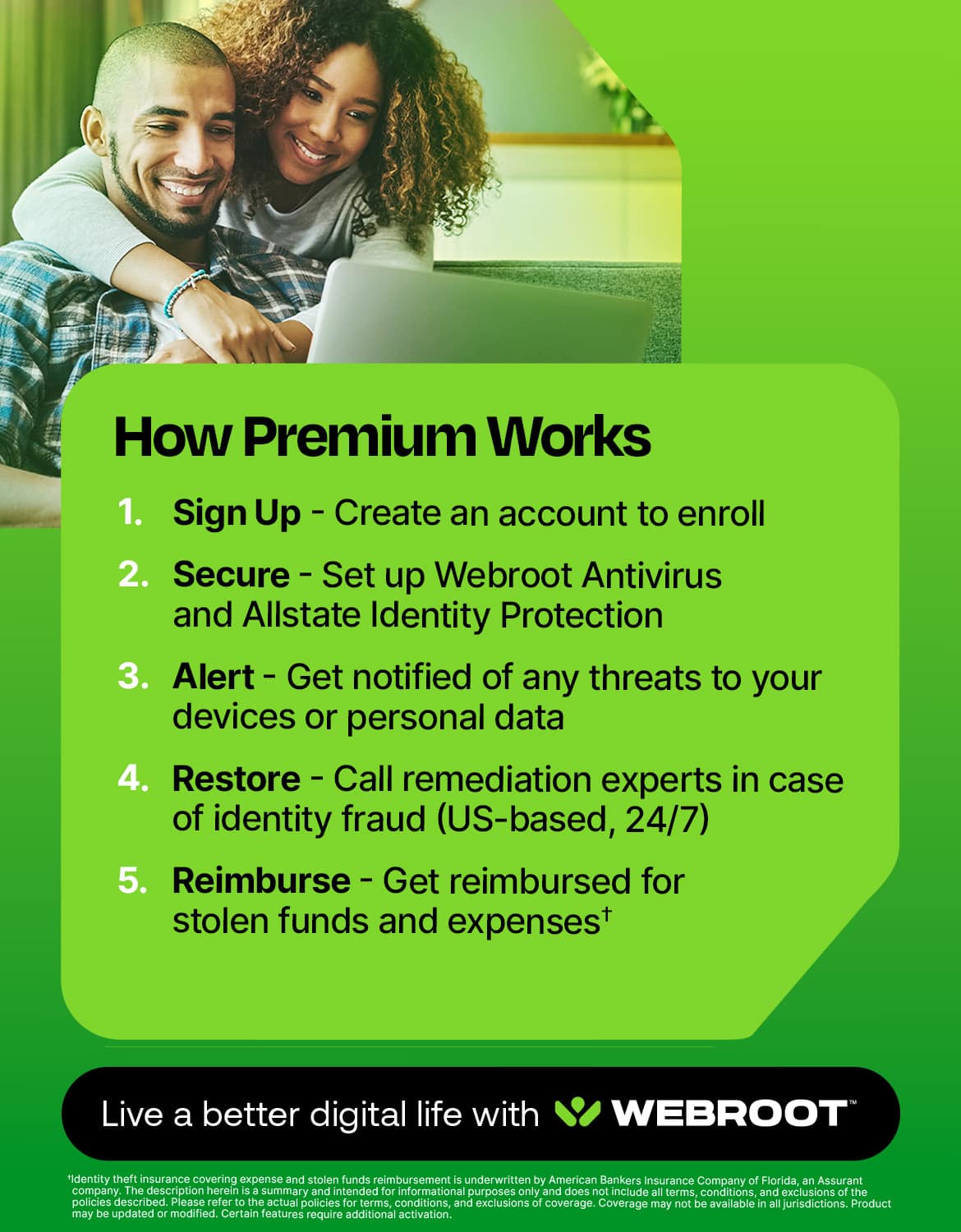
|Posted .This reviewer received promo considerations or sweepstakes entry for writing a review.As a user of Webroot products for the past 5+ years, I was excited to receive a free copy of the latest version of Webroot Premium Antivirus with Identity Protection for review. In the past I have had zero issues with Webroot's Antivirus Protection and looked forward to testing this edition out. The Webroot Premium software providees a complete solution to protect your electronics and identity. This new version of Webroot Antivirus with Identity Protection from Allstate includes coverage for up to 5 computers, laptops, smartphones, Chromebooks, and laptops. The software provides Identity Protection with up to $500,000. in fraud expense reimbursement, up to $50,000 in stolen funds coverage, Dark Web monitoring, Social Security trace, Financial Monitoring with proactive alerts, Identity Monitoring with identity health status updates, Credi Bureau monitoring (1 bureau), 24x7 U.S. based Customer Support with Full Service Remediation all at a very reasonable price for one year coverage. Of all the antivirus and identity coverage solutions available in today's market, I highly recommend this one for the complete solution it provides.
I would recommend this to a friend - Pros mentioned:Overall performance
Beware Internet Viruses and Thieves!
|Posted .This reviewer received promo considerations or sweepstakes entry for writing a review.Excellent value for a lot of valuable features. The software was easy to get downloaded and just as easy to set up on both my Android device and my PC. I like that this gives you protection for your phone, PC, Mac and so on.. a true "one size fits most" anti-virus+. The added benefit of LastPass and Allstate identity protection is a gamechanger, in my opinion. I've used multiple anti-virus companies over the years and so far this is just as good as other big names, if not better. I like the protective alerts that keep you informed in case you accidentally venture into any potentially dangerous places on the web. Scammers and hackers continously come up with new ways to steal private information and I think Webroot innovates and stays on top of what the bad guys are up to. This device and I.D. protection software has given me peace of mind that my devices will stay healthy and virus free and my identity will be safe from the dark web. In summary, this is a great value with all it's features. If you're in the market for a great all around anti-virus and then some, give this a try!
I would recommend this to a friend - Pros mentioned:Identity protection
Simple and secure just the way security should be
|Posted .This reviewer received promo considerations or sweepstakes entry for writing a review.You take the coat out of the box and you install it on your computer. Nice and simple. Gone are the days of disk drives and now is the day of websites and codes. Which I have no problem with. It makes things easy to access things easy to download and just that much easier to navigate. I've had web root before and I wasn't disappointed then. Just been a while since I felt like I've needed protection. As an IT. Major security is everything. I work across various networks for various third parties and security is all I need to not be worrying about why I'm trying to complete a project. But I do need to be mindful of the rules and be mindful not to get penetrated or hacked. Webroot has always been an active scanning security system. Meaning it will detect things that are not supposed to be there all by itself. It makes for an amazing system that gets the job done from top to bottom. I highly recommend this to any and everybody from the don't know. No better novice to the highly intelligible computer user. When you need security and you need the best you need this.
I would recommend this to a friend - Pros mentioned:Identity protection
Protects Well
Posted .This reviewer received promo considerations or sweepstakes entry for writing a review.Provides good protection for the price and would definitely buy again.
I would recommend this to a friend Pretty good job
|Posted .This reviewer received promo considerations or sweepstakes entry for writing a review.This gives you a little bit of everything and does it all pretty well. - Antivirus - Webshield - Firewall - VPN (purchase separately) - Identity protection (Allstate) - Privacy protection (trojans, phishing, etc.) - Backups (Carbonite) - Password protection (LastPass) - System analyzer/optimizer - Chromebook protection The community support and general support pages are pretty well done and easy to find what you are looking for. One of the issues I ran into with the web shield, some web pages I visit regularly would not load completely. These are all known safe sites, but they were hamstrung. After disabling the extension, I no longer had any issues with the web pages. One other issue after initial install, the system became laggy immediately after install. Within about 30 minutes it regulated and I have not had any issues since. Give it time to run what I assume is the initial diagnostics on the system. Management of the firewall and virus scanner is pretty straightforward. The interface is well designed after you get use to it. Some other suites I have used you could tell that it was pieced together and was not a smooth consistent experience. Webroot has taken the time to make sure there is consistency in the management of the different pieces. Overall I am very happy with the product. Outside of the web extension being slightly flaky and the VPN being a paid add on, the tool does its job well. Just a reminder, the first 30 minutes after install I did have a laggy system. I contemplated uninstalling but let it run through its paces and have been happy since.
I would recommend this to a friendSetup headaches, not intuitive when problems arise
|Posted .This reviewer received promo considerations or sweepstakes entry for writing a review.Installation needs to be done in a particular order. Setup is a headache, the program is not intuitive about how to fix problems when I'm alerted to them and I'm waiting for Allstate to let me know why I'm getting an error message when trying to setup my account for monitoring. It's not all bad, it just hasn't been all good yet either. The good: Anti-Virus monitoring is done as scheduled and a report is available. Last Pass**** makes saving passwords convenient and works on multiple devices. It's a simple click to save each time you sign in somewhere. Getting contact info is easy. Up to 10 devices for one year. The bad: Not intuitive. Once initially downloaded, there are variations of the product for different purposes. The product descriptions could be confusing for some. The utilities give a report, but there is no detail or solution given for any problems that show up. Last Pass**** allows you to bring in previous saved passwords to save time, however, if it detects a problem with some of the passwords in the list, it doesn't give any remedy to solve the problem. Last Pass**** does the same thing Google does. Seems redundant on a PC. Allstate monitoring with ID protection would be worth the price of this IF I could finish the setup to have my information monitored. For some reason it has not yet allowed me to save my info. I have, after trying multiple times with no success, contacted the company about the problem and hope they can figure out the problem. Luckily for me, I have monitoring through other accounts so I'm not unprotected while waiting. I'm giving it 3 stars, because it's better than no protection. However. my experience with other products that give the same protection has been much easier, with less headaches and more solutions.
No, I would not recommend this to a friendWindows good, Webroot acct management faulty
|Posted .This reviewer received promo considerations or sweepstakes entry for writing a review.Virus protection and more is what Webroot - Premium Antivirus Protection + Identity Protection is all about. There are versions for Android, Apple iOS, Mac OS, Windows, Chrome OS. The interface is much like others, and you can access many of the functions from the main panel, with menu options along the right side of the application interface. On a Windows PC the program installed really quick and I was ready to go in no time once I created an account online (more on this later). The real-time protection seems to perform well, with no perceptible performance hit, although my PC seemed to start up and get to a login screen more slowly than I recall. I did not try to reinstall, but believe it added about 10-15 seconds to the point of a responsive desktop. The Online Threat protection included browser plugins which seemed to operate well. The Windows suite also installs a Password Manager, System Optimizer and System Analyzer which check system health. If made some recommendations after a scan in tree categories: Hardware, Software and Threats. Generally, I had a good experience with the PC version. Now the negative, I entered my activation code during my account setup and received the standard “confirm your account setup” email. All good, as I wanted to install the iOS version on my phone, downloaded that from the App store and installed it. During the installation process the app wanted me to login to my account, two options appeared. 1. For the initial account setup with activation key and another 2. option for existing to login to existing activated to validate your license. STOP, hard stop – whatever I did, could not login (and I saved my credentials in my password manager) nothing, password reset email request seemed to never come, checked my junk mail, no reset email. Waited and waited for the email, never came. Tried this again the next day to activate the Chrome version for my Chromebook, no luck. Again, password resets emails were never received, checked every email folder and spam folders manually, never to be found. So, hard stop – Windows version of this software seemed fine, but something has gone awry and essentially will prevent me from further using this software.
No, I would not recommend this to a friend