IPS Monitors
IPS Monitors (897)



- $199.99Save $100The comparable value is $299.99
Pick up today
Get it tomorrow • FREE
- Best SellingTop Deal$94.99Save $55The comparable value is $149.99
Pickup unavailable
Get it tomorrow • FREE
- Trending DealTop Deal$79.99Save $40The comparable value is $119.99
Pickup unavailable
Get it tomorrow • FREE
- Great for business
- Best Selling
- Best Selling$89.99Save $20The comparable value is $109.99
Pick up Fri, Oct 2
Get it tomorrow • FREE
- $99.99Save $50The comparable value is $149.99
Pickup unavailable
Get it by Wed, Sep 30 • FREE
- $129.99Save $20The comparable value is $149.99
Get it by Wed, Sep 30 • FREE
- Top Deal$149.99Save $50The comparable value is $199.99
Pick up today
Get it tomorrow • FREE
- Top Deal$89.99Save $30The comparable value is $119.99
Pick up today
Get it tomorrow • FREE
- Top Deal$119.99Save $50The comparable value is $169.99
Pick up today
Get it tomorrow • FREE
- $139.99Save $50The comparable value is $189.99
Pick up today
Get it tomorrow • FREE
- $249.99Save $130The comparable value is $379.99
Pick up today
Get it tomorrow • FREE
- Great for business
- Top Deal$99.99Save $10The comparable value is $109.99
Pick up today
Get it tomorrow • FREE
- $99.99Save $50The comparable value is $149.99
Pickup unavailable
Get it by Wed, Sep 30 • FREE
- $199.99Save $100The comparable value is $299.99
Pick up today
Get it tomorrow • FREE
- $149.99Save $80The comparable value is $229.99
Pick up Tue, Oct 6
Get it tomorrow • FREE
- $149.99Save $80The comparable value is $229.99
Pick up Tue, Oct 6
Get it tomorrow • FREE
- Top Deal$89.99Save $30The comparable value is $119.99
Pick up today
Get it tomorrow • FREE
- $179.99Save $120The comparable value is $299.99
Pick up today
Get it tomorrow • FREE
- Only at Best Buy$299.99Save $100The comparable value is $399.99
Pick up Fri, Oct 2
Get it tomorrow • FREE


New to Best Buy
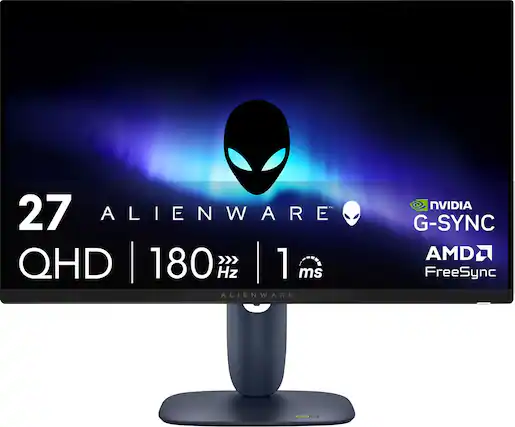
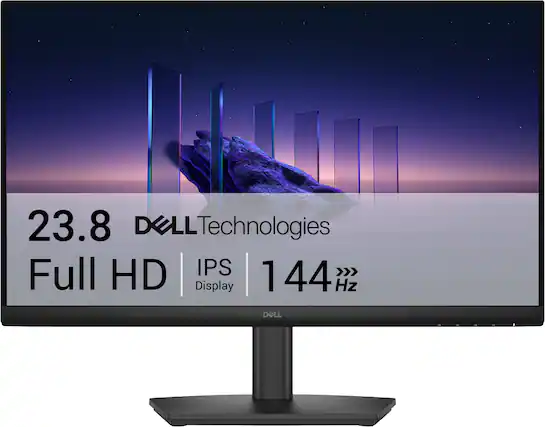
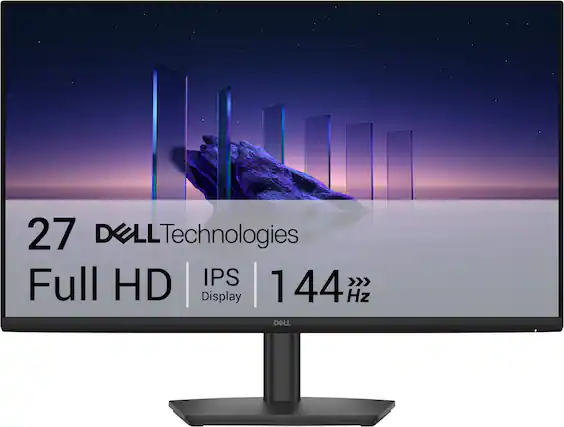

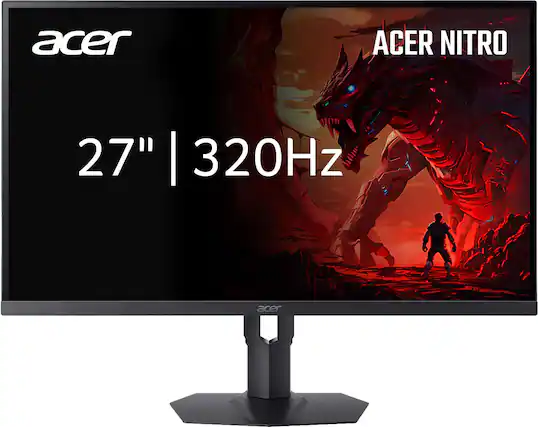
Popular IPS monitors
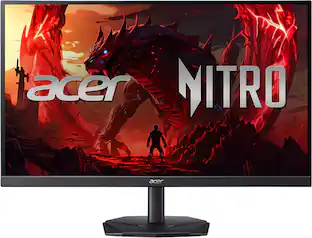 Top Deal$149.99The price was $199.99
 Top Deal$94.99The price was $149.99
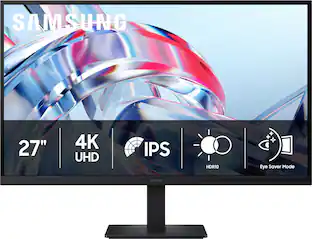 $199.99The price was $299.99
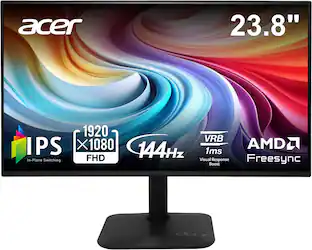 Top Deal$79.99The price was $119.99

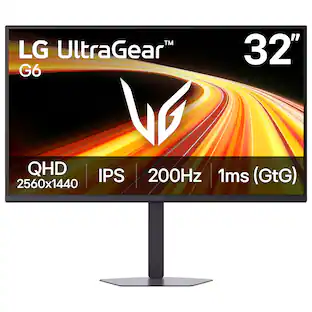
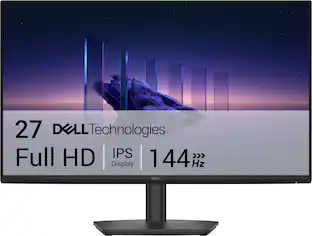
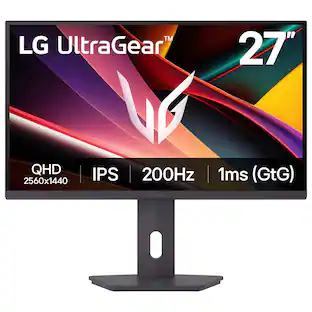
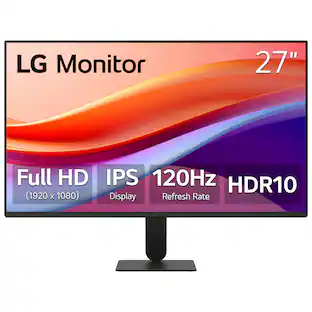
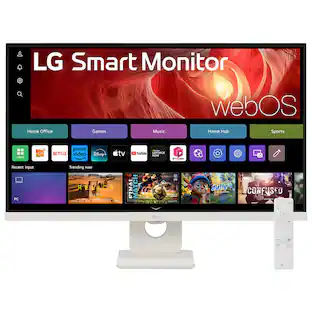
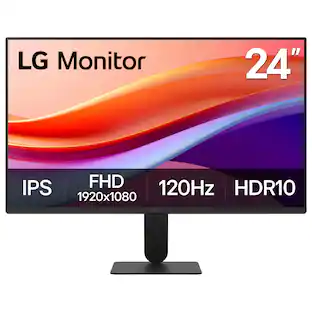
Explore related products Sponsored
 $610.00The price was $735.00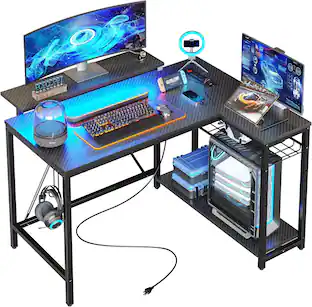
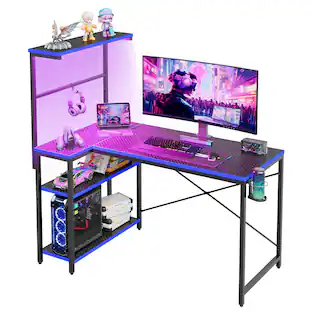
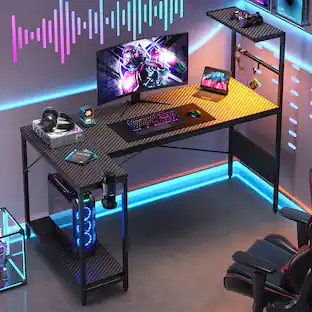
L-Shaped Gaming Desk with Power Outlets LED Lights and Reversible Storage Shelves & Hooks - 42" Wide
$92.99The price was $149.99 $239.99The price was $259.99