Art Computers
-
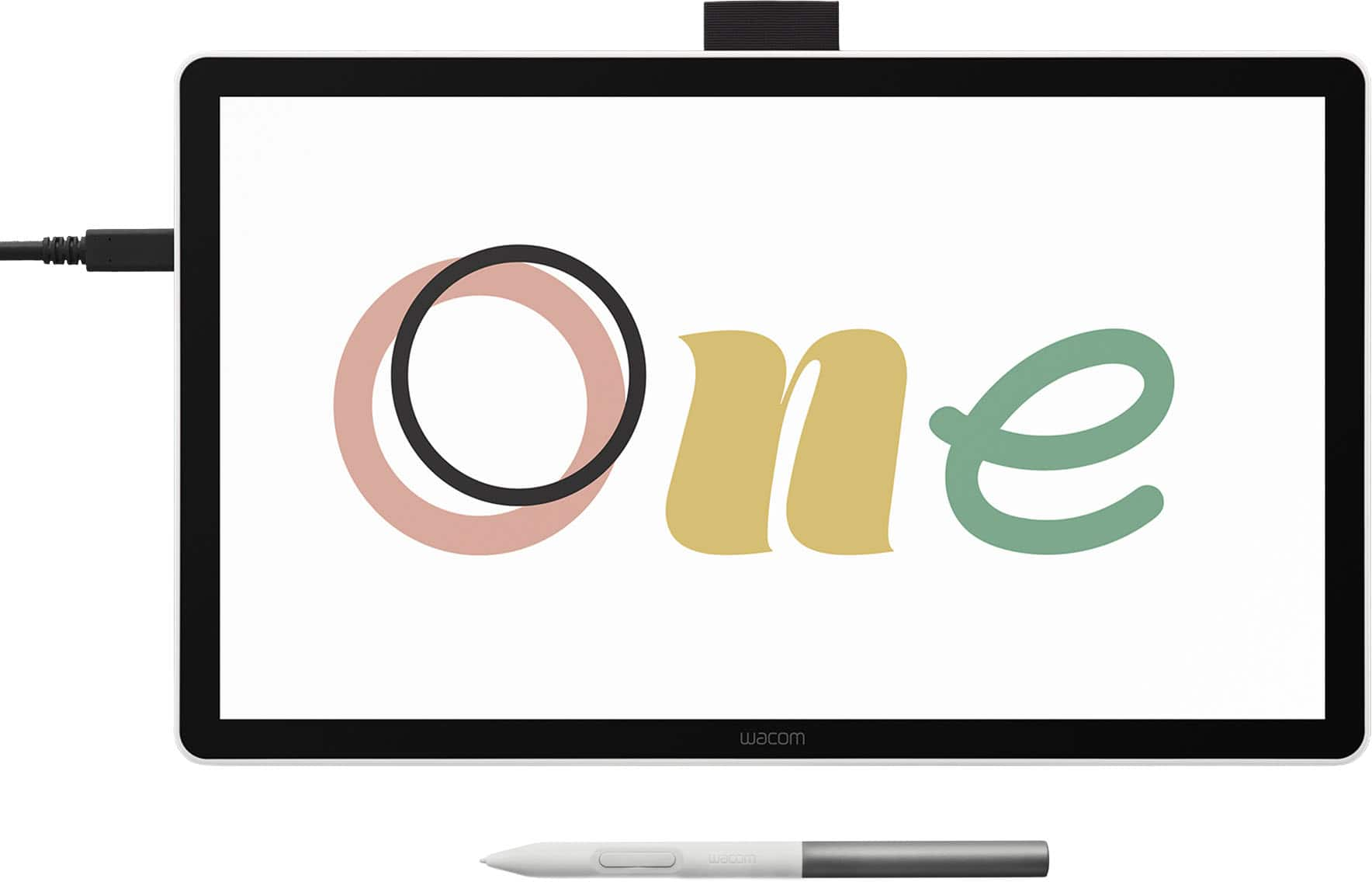
Wacom - One 14 (2025) Pen Display Drawing Tablet - White
SKU: JXFPXQRFVGWacom One14 is Great....Overall I think it's a great drawing tablet....Great drawing tablet for a student/beginner
See all Drawing TabletsProduct Description
A white pen display drawing tablet featuring a 14" anti-glare LCD screen with 98% sRGB color coverage.Your price for this item is $299.95 -
Wacom - MovinkPad 11, Android Mobile Drawing Tablet, 11.45" with Battery-Free Slim Pro Pen 3, 8GB RAM/128 GB Storage - Silver
SKU: JXFPXQRV78Best Art Tablet I’ve Ever Bought...I’m in love - The size and weight are perfect! It feels like you’re writing on paper....I love the Wacom-Moveink Pad 11/ It was a perfect gift for my niece who loves...
See all Drawing TabletsProduct Description
A lightweight silver Android tablet with 8GB RAM, 128GB storage, and a battery-free pen for effortless drawing.Your price for this item is $499.95 -
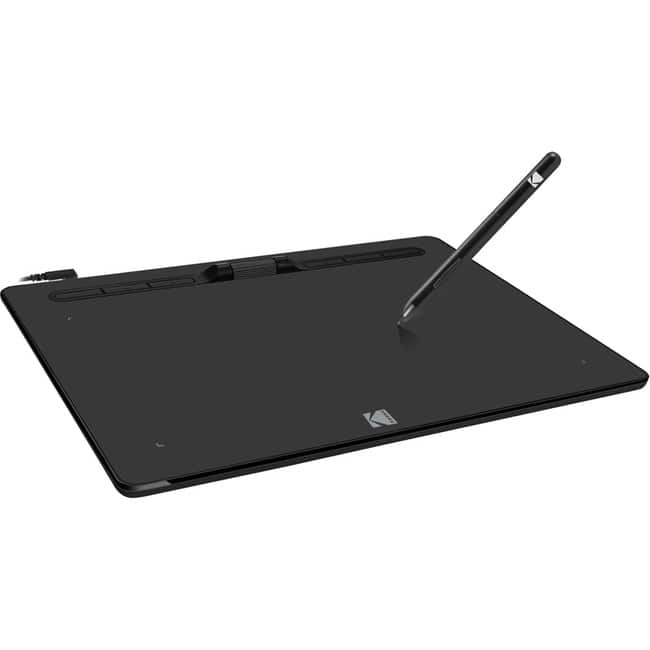
Adesso - 10" x 6" Graphic Tablet - Graphics Tablet - 10" x 6" - 5080 lpi Cable - 8192 Pressure Level - Pen - 1 - Mac, PC - Wired - Black
SKU: J32P877W2HSee all Drawing TabletsProduct Description
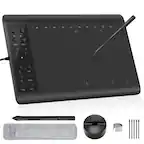
A wired black graphic tablet with 8192 pressure levels and programmable hot keys for precise digital art.Your price for this item is $92.14 -
Corel - Painter Essentials 8 (1-User) - Windows, Mac OS, Windows [Digital]
SKU: JXZS3TTGPZworks well with tablet when creating pics price was great lots of options in the program to work with...I purchased this on sale for a great price.
See all Graphic Design SoftwareProduct Description
A beginner-friendly digital art software offering realistic brushes, AI tools, and seamless performance for Windows and Mac.Your price for this item is $39.99Save $10The previous price was $49.99 -
Adobe - Photoshop (1-Year Subscription) - Mac OS, Windows [Digital]
SKU: J3KZ6LY7HTThis is a great product. Easy to use and works great.
See all Graphic Design SoftwareProduct Description
A versatile digital software for photo editing, compositing, digital painting, animation, and graphic design projects.Your price for this item is $263.88



Best Sellers


Related Pages




FAQ
When choosing a computer for digital art, consider features such as a high-resolution display with accurate color reproduction, a powerful graphics card, ample RAM (at least 16GB), a fast processor, and compatibility with your preferred art software. Touchscreen capability and stylus support can also enhance your creative workflow.
Yes, most art computers are designed to run popular creative software such as Adobe Creative Cloud, Corel Painter, and other industry-standard programs. Always check the system requirements of your preferred software to ensure compatibility.
Many art computers are compatible with external drawing tablets and styluses via USB or Bluetooth connections. Some models even feature built-in touchscreens with stylus support for a more integrated drawing experience.
Absolutely. Many art computers come equipped with high-performance graphics cards and processors, making them suitable for 3D modeling, rendering, and animation tasks. Look for models with dedicated GPUs and sufficient memory for optimal performance.
Art computers are available with various operating systems, including Windows, macOS, and sometimes Chrome OS. The best choice depends on your software preferences and workflow, as some creative programs are optimized for specific operating systems.