Best Monitor For Editing
-
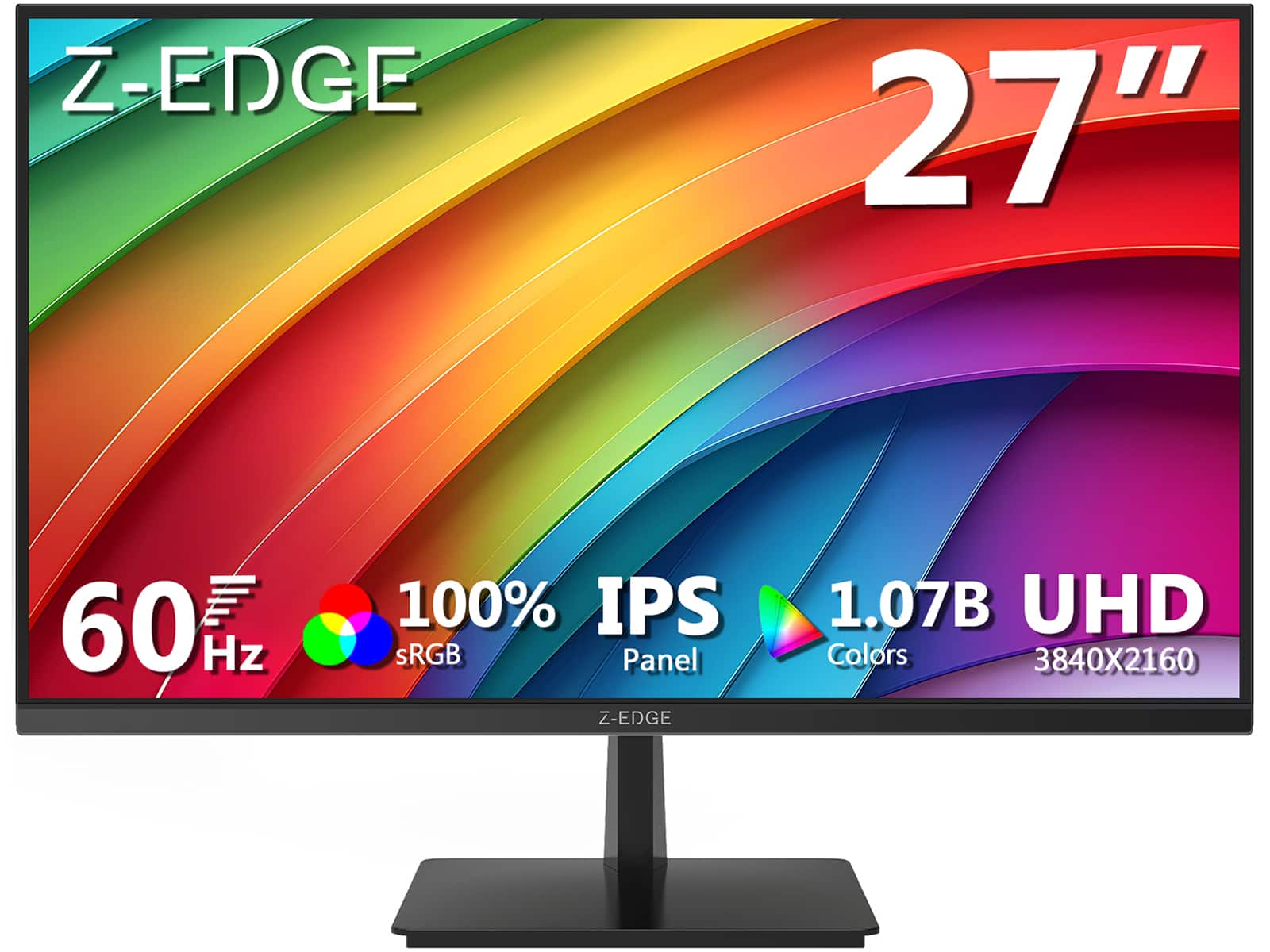
Z Z-Edge - U27P4K 27" IPS 4K Monitor, Ultra HD 3840 x 2160, 300 cd/m², 60Hz, HDMI + DP, 1.07B Colors, 100% sRGB - Black
SKU: J3LH5H8P8JGreat monitor for the value...Best 4k 27 inch monitor for the price. The stand can tilt but doesn't raise.
See all All MonitorsProduct Description
A sleek black 27-inch IPS 4K monitor with HDR10, 100% sRGB, FreeSync, HDMI, and DisplayPort connectivity.Your price for this item is $179.99Save $10The previous price was $189.99 -
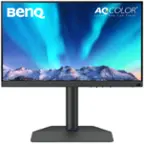
BenQ - AQCOLOR PD3205U Designer 31.5" IPS LED 4K UHD Monitor with HDR10 (HDMI/DP/USB-C 90W/USB Type B) - Gray
SKU: J39QZT4T9RGreat color...this monitory as it will slow down your machine because of the way it has convert video output for best...Great Monitor....Great! monitor for designer like me!
See all All MonitorsProduct Description
A gray IPS LED monitor delivering 4K UHD resolution, HDR10 support, and versatile connectivity for creative work.Your price for this item is $549.99Save $30The previous price was $579.99 -
BenQ - AQCOLOR SW272U Photographer 27" IPS LED 4K Monitor with AdobeRGB (USB Type C,HDMI,DP) - Gray
SKU: J39QZT5JZZNice color great set up Review:I am extremely happy with this BenQ monitor.
See all All MonitorsProduct Description
A gray 27" IPS 4K monitor delivering 99% Adobe RGB coverage and precise color calibration for photographers.Your price for this item is $1,499.99Save $50The previous price was $1,549.99 -
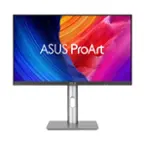
ASUS - ProArt 27" 5K IPS Professional Monitor with HDR (DisplayPort, HDMI) - Black
SKU: JJGGLQP8YYBest 5K Mac Monitor At a Reasonable Price...Screen great - easy set up...Screen is great works well with my MacbookPro....I love the charging USBC and that monitor can be the docking station.
See all All MonitorsProduct Description
A professional 27-inch black IPS LED monitor with 5K resolution, HDR10, and exceptional color accuracy.Your price for this item is $707.95Save $44The previous price was $752.54 -
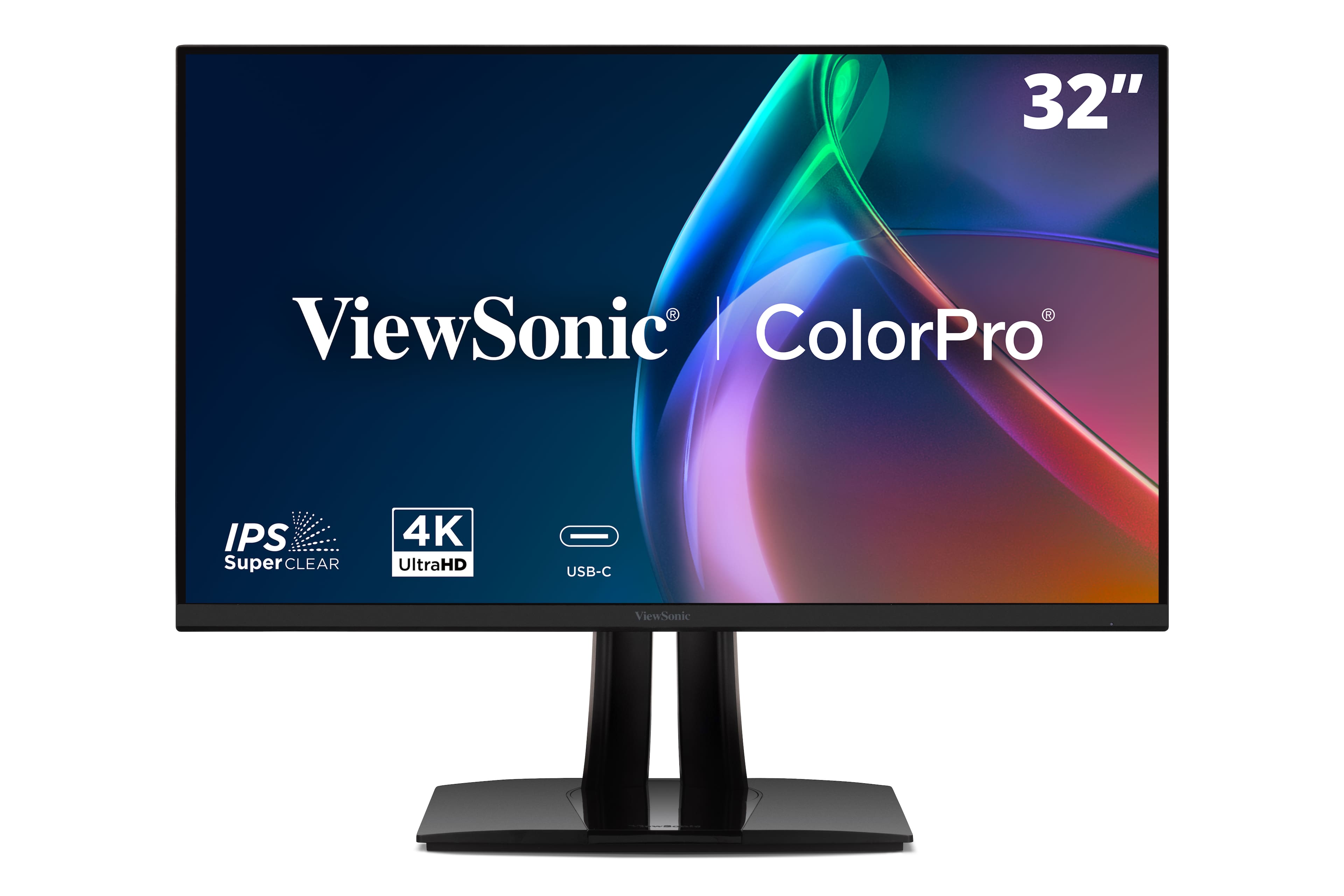
ViewSonic - VP3256A-4K 32" 4K ColorPro IPS Monitor, with 100% sRGB and Pantone Validated, 100W USB-C, HDMI, DP Port - Black
SKU: J37H8G7Q73See all All MonitorsProduct Description
A professional black IPS monitor offering 4K UHD resolution, 100% sRGB, Pantone validation, and 100W USB-C connectivity.Your price for this item is $559.99 -
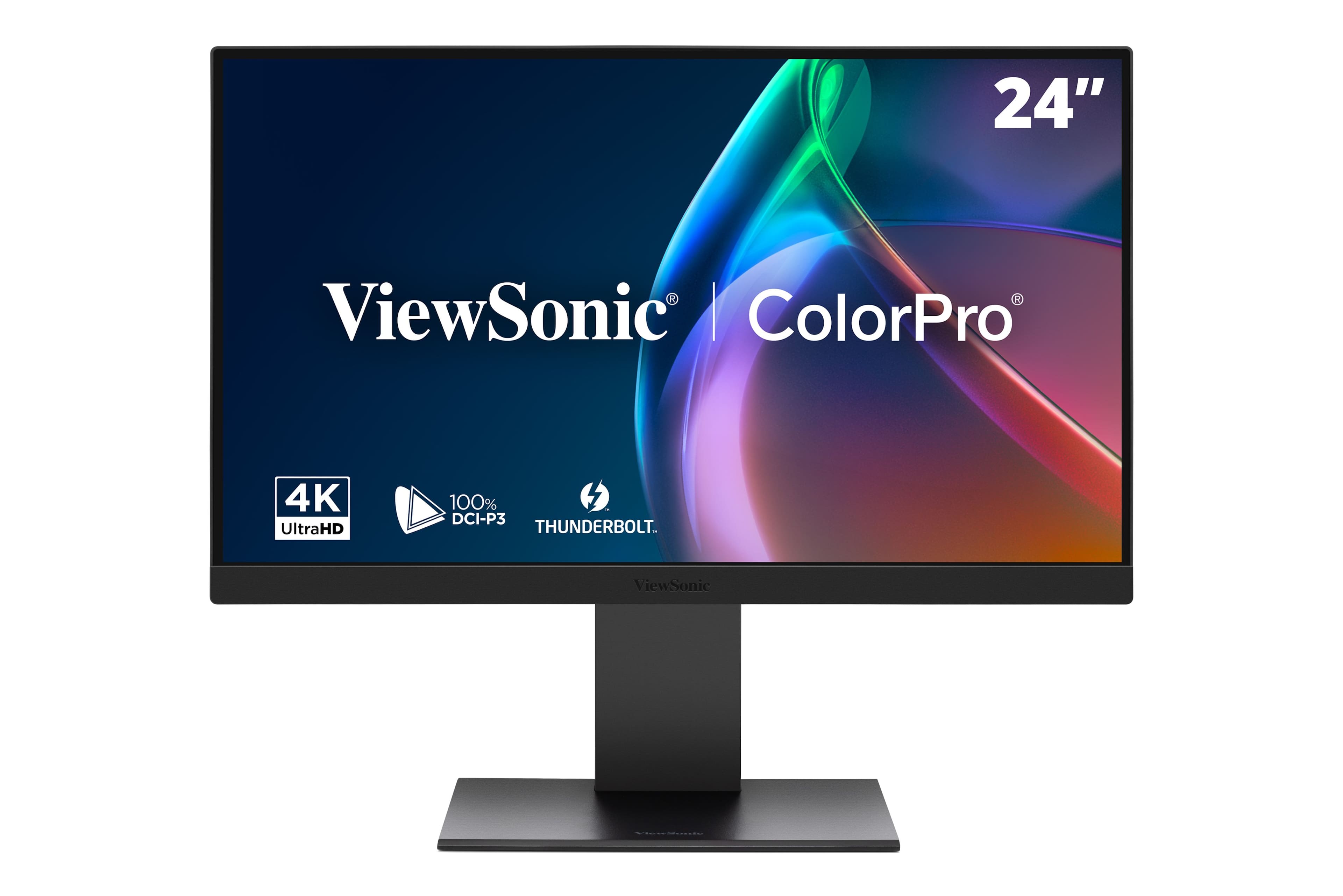
ViewSonic - VP2488-4K 24" 4K Mac-Ready Monitor with 100%sRGB, 98% DCI-P3, Pantone Validated (Thunderbolt 4, USB, HDMI, DP) - Multi
SKU: J37H8G7JHHViewSonic was my first choice as I own an older ViewSonic monitor which is still working great after...Great monitor, terrific features and bold vivid colors. A perfect companion for my new Mac mini.......
See all All MonitorsProduct Description
A black 24-inch 4K LED monitor with 100% sRGB, Thunderbolt 4, and advanced ergonomic adjustments.Your price for this item is $549.99Save $35The previous price was $585.81 -
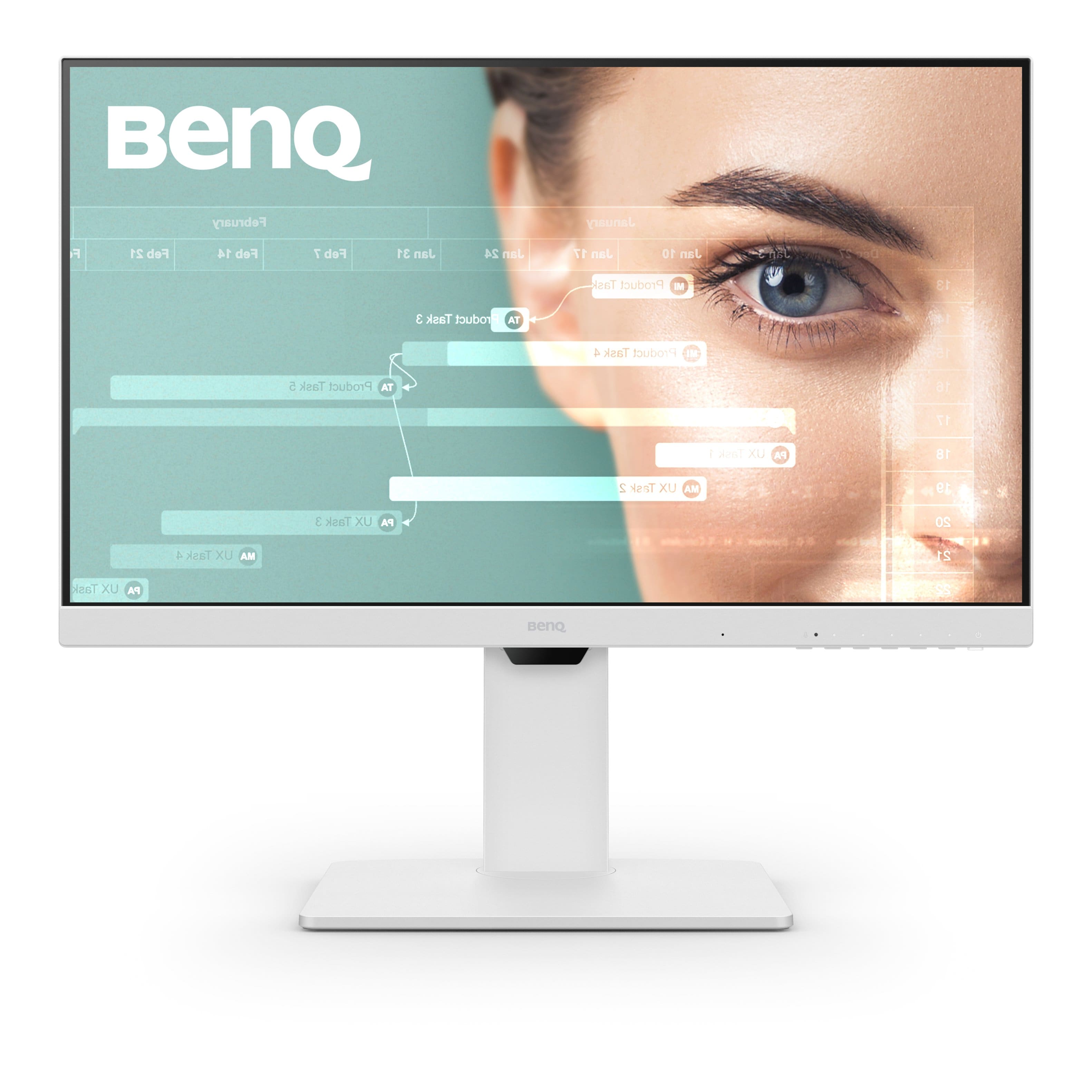
BenQ - GW2786TC 27" IPS LED 1080p FHD 100HZ USB-C Monitor (HDMI/DP/USB-C) - White
SKU: J39QZT53K8This is a great monitor. I was really surprised with how much wew like it. Will get more BenQ
See all All MonitorsProduct Description
A white IPS LED monitor with 1080p resolution, 100Hz refresh rate, USB-C, and integrated speakers.Your price for this item is $209.99Save $40The previous price was $249.99 -
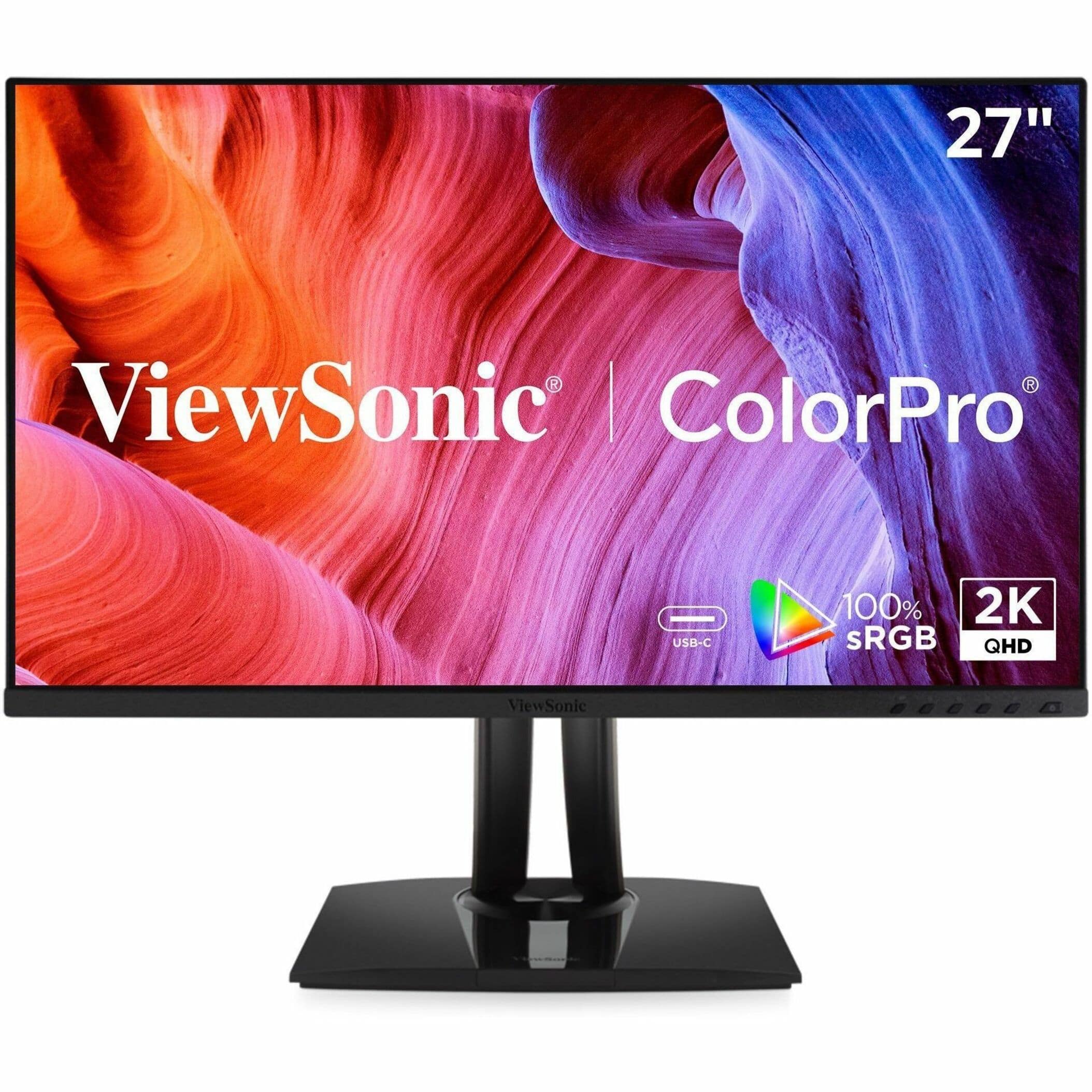
ViewSonic - VP2756A-2K 27 IPS LED QHD Pantone Validated Monitor. (HDMI, USB, Display Port) - Black
SKU: J37H8G7XS2See all All MonitorsProduct Description
A black IPS LED QHD monitor offering Pantone-validated color accuracy, USB-C connectivity, and a frameless design.Your price for this item is $279.99 -
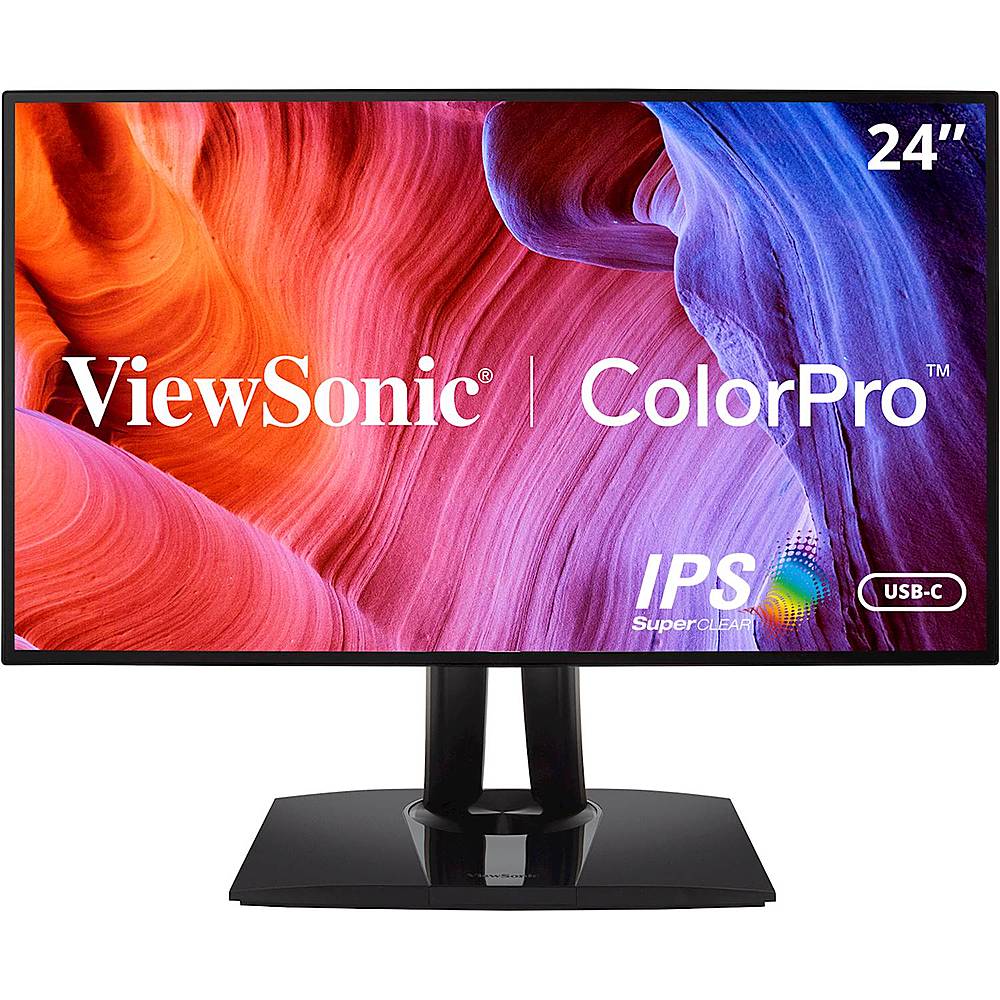
ViewSonic - VP2468A 24" IPS LED FHD Monitor - Black
SKU: J37H88FQXCSee all All MonitorsProduct Description
A black IPS LED monitor with FHD resolution, USB-C connectivity, and factory-calibrated color accuracy for professionals.Your price for this item is $299.99 -
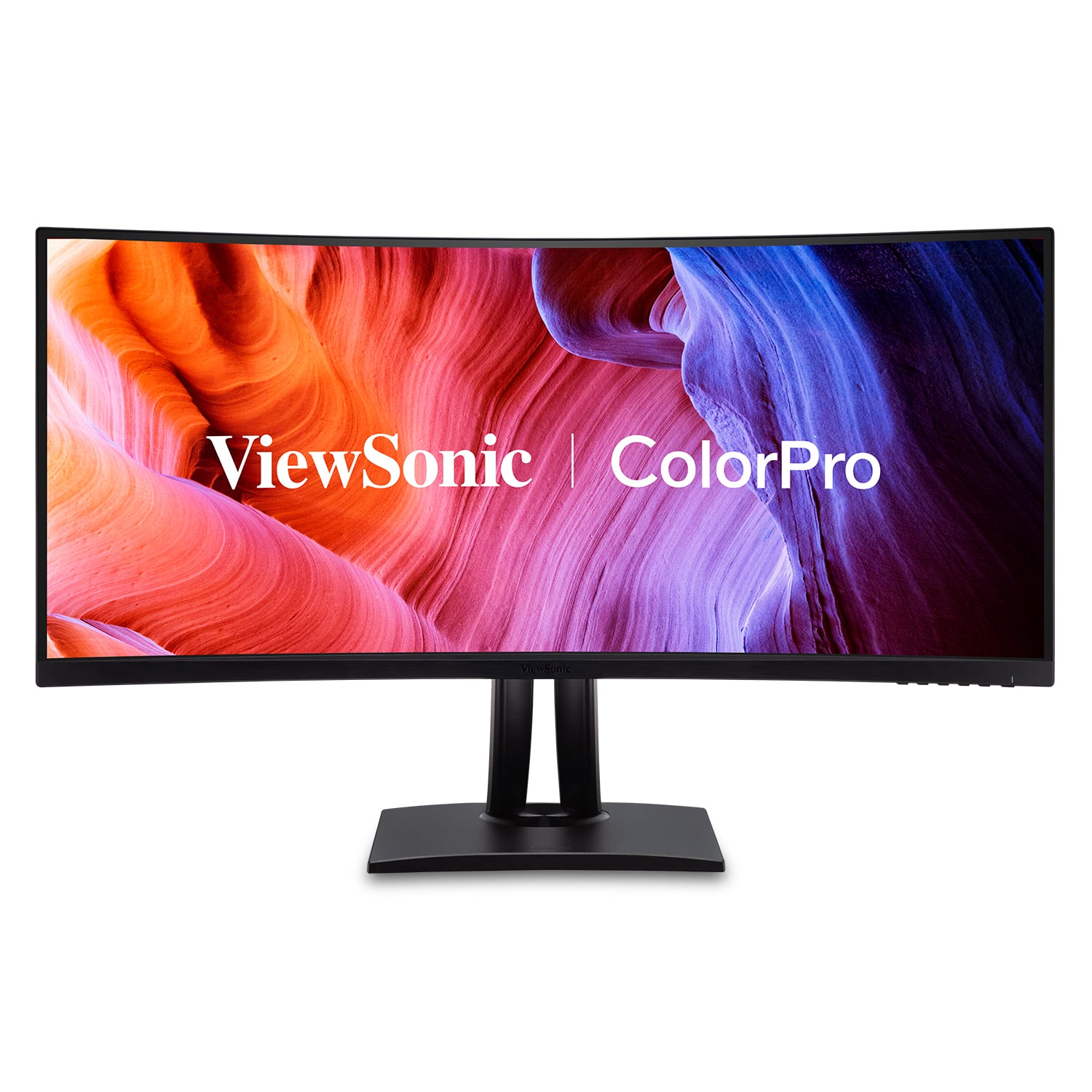
ViewSonic - ColorPro VP3456A 34" LCD Curved UltraWide QHD Monitor (USB-C, HDMI, DP) - Black
SKU: J37H88V3WYSee all Curved MonitorsProduct Description
A curved ultrawide black monitor with QHD resolution, 99% sRGB color accuracy, USB-C, and integrated speakers.Your price for this item is $659.99


Best Sellers







Related Pages


FAQ
When choosing a monitor for editing, prioritize features such as high color accuracy, wide color gamut coverage (like sRGB or Adobe RGB), high resolution (such as 4K), and good viewing angles. An IPS panel is often preferred for its color consistency and clarity.
Yes, IPS (In-Plane Switching) panels are generally considered the best choice for editing because they offer superior color accuracy, wider viewing angles, and more consistent image quality compared to TN or VA panels.
Color calibration ensures that the colors displayed on your monitor are as accurate as possible, which is essential for editing photos and videos. This helps ensure your work looks consistent across different devices and when printed.
HDR (High Dynamic Range) support allows your monitor to display a wider range of colors and contrasts, making it easier to see details in both bright and dark areas of your content. This is especially useful for video editing and color grading.
While not strictly necessary, using multiple monitors can enhance your workflow by providing more screen space for timelines, toolbars, and reference images. Many editors find a dual-monitor setup increases productivity and makes multitasking easier.