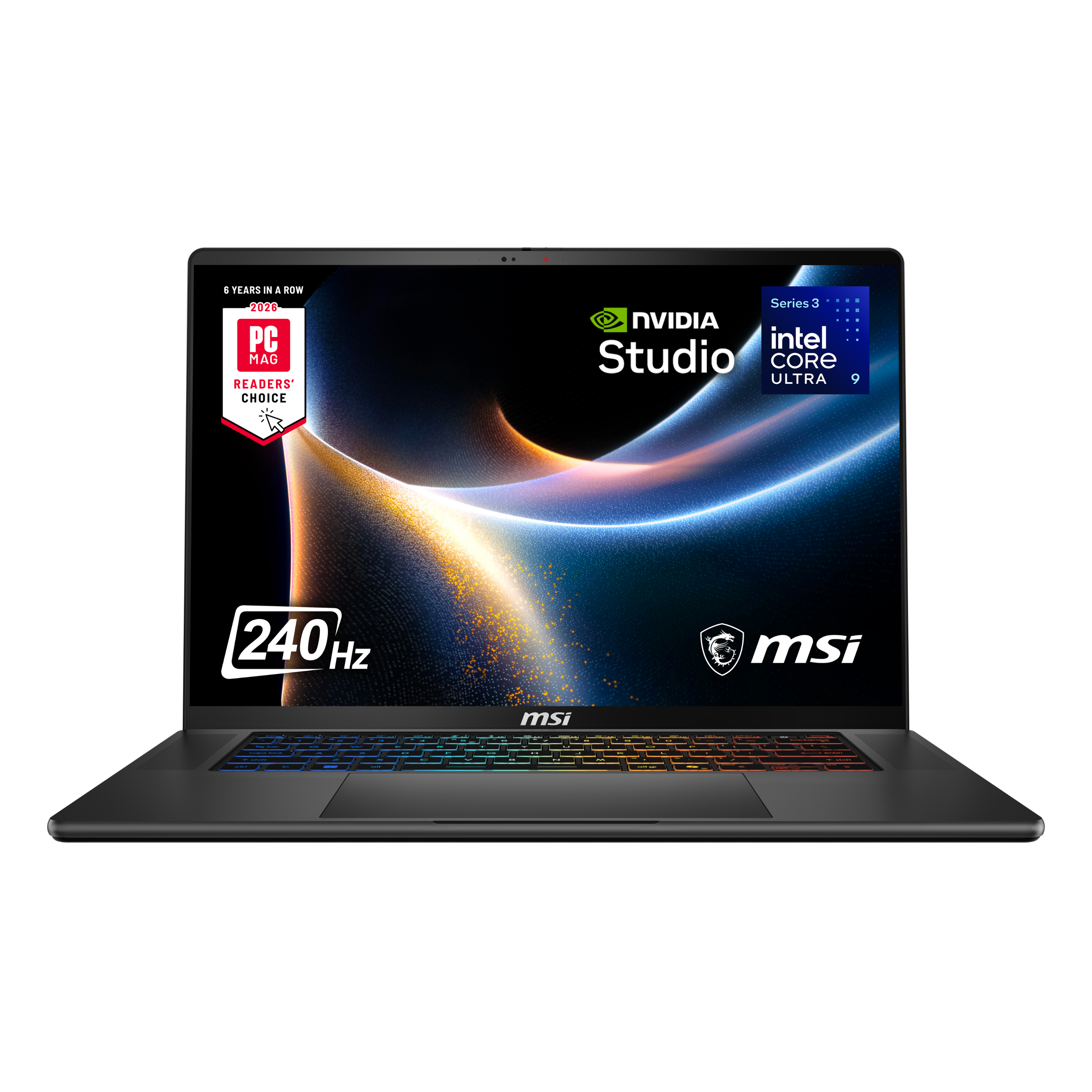
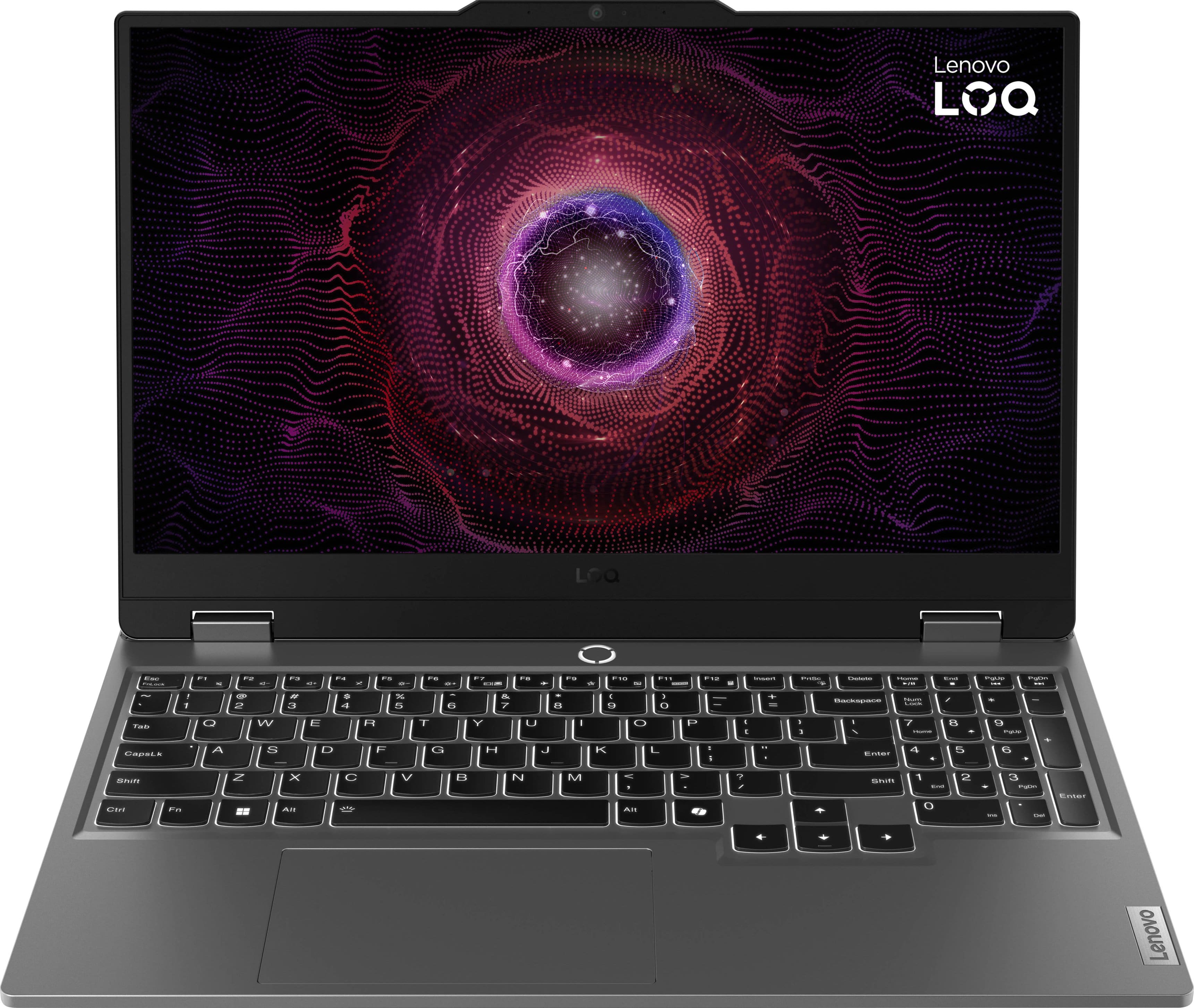
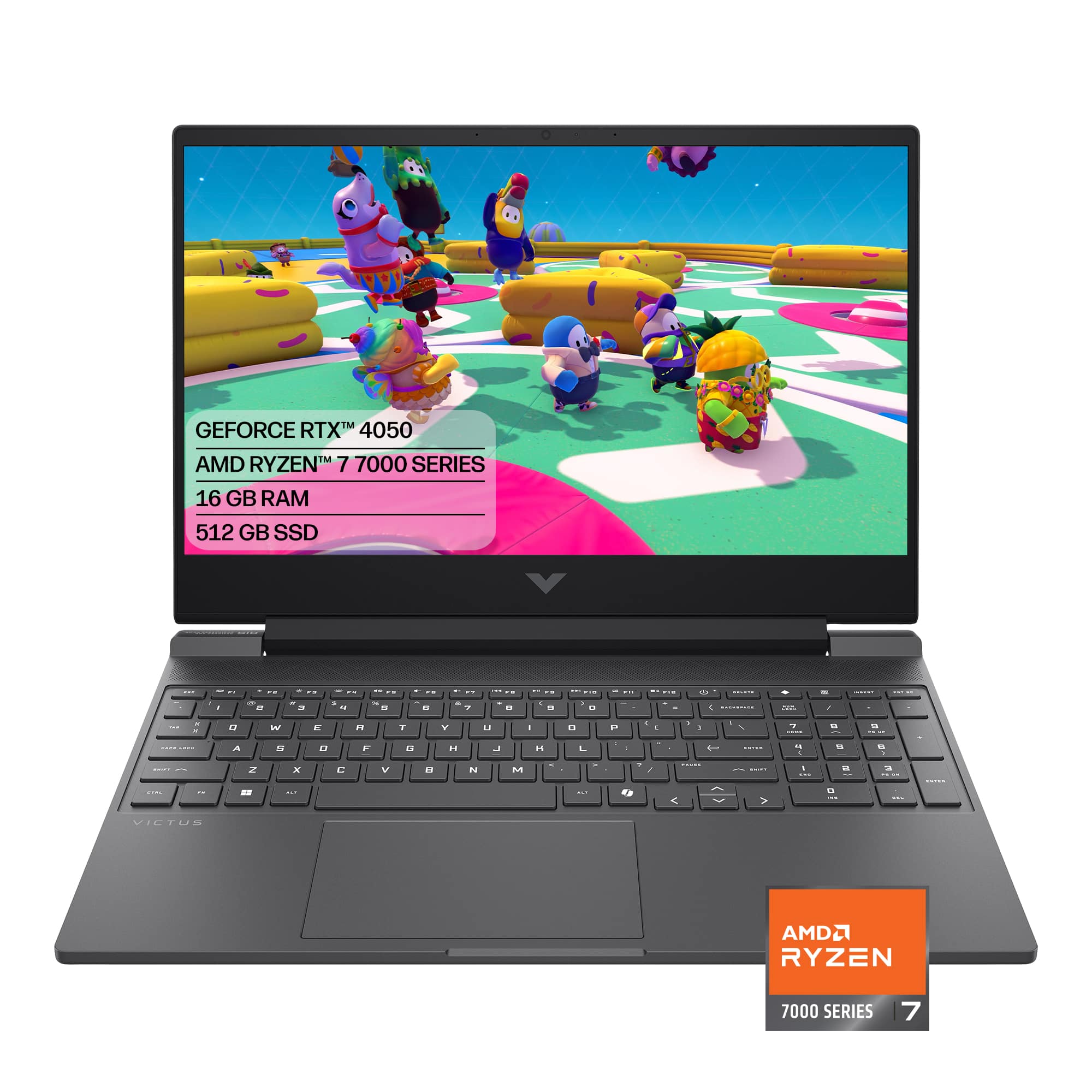
Top Rated Thin Gaming Laptops
The best thin gaming laptop for you balances the performance your games need with a size and weight that’s easy to carry. Compare slim gaming laptops by processor, graphics capabilities, screen size, and cooling design. Check available ports and battery-life estimates, too, especially if your laptop will double as a work or school computer.
What to look for in a thin gaming laptop
Finding the best thin gaming laptop for your needs means balancing gaming performance, portability, cooling and display quality.
1. Gaming Performance
2. Size and Portability
3. Cooling and Fan Noise
4. Display Quality
-
1
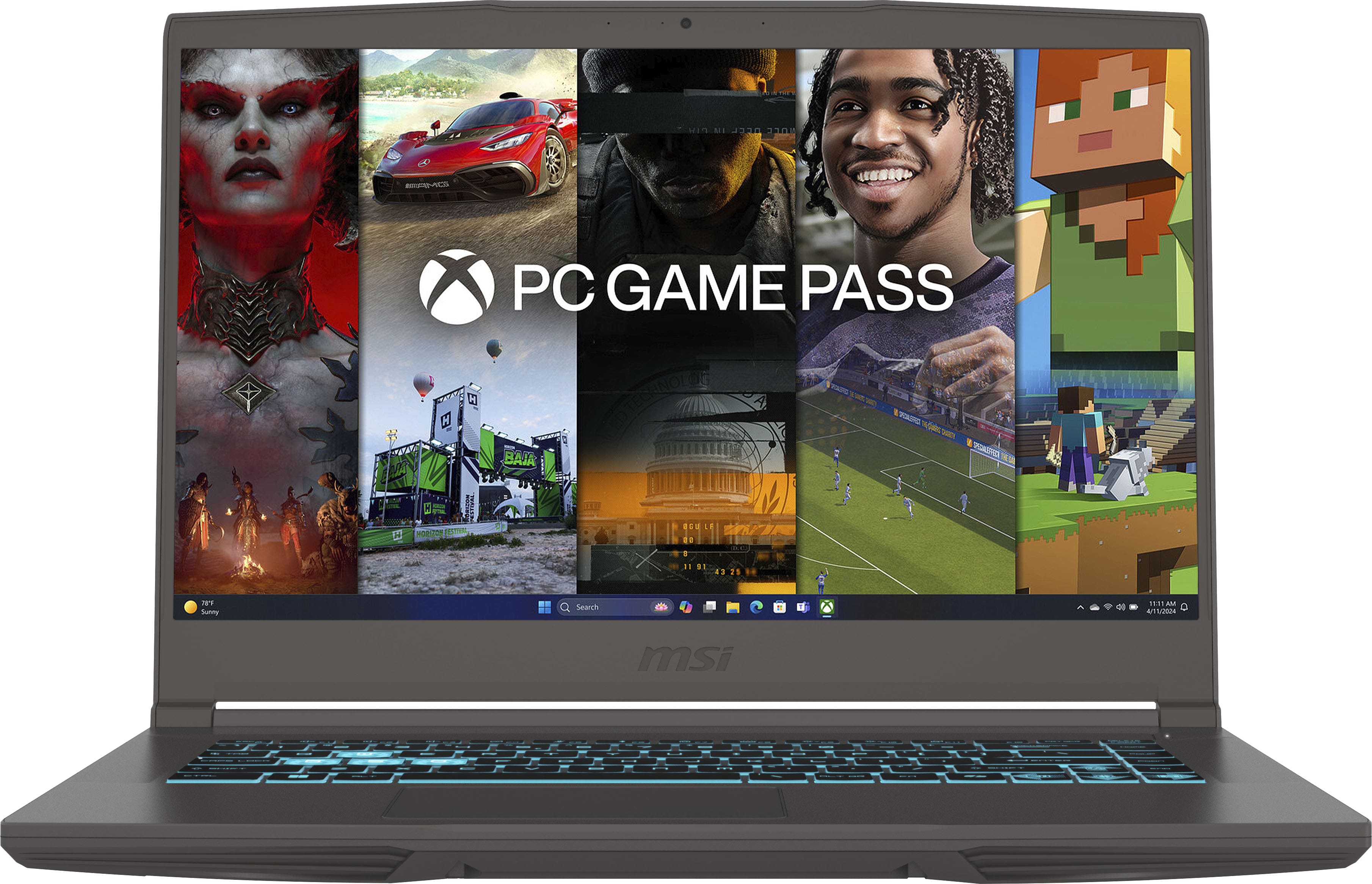
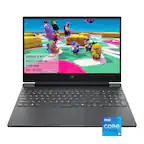
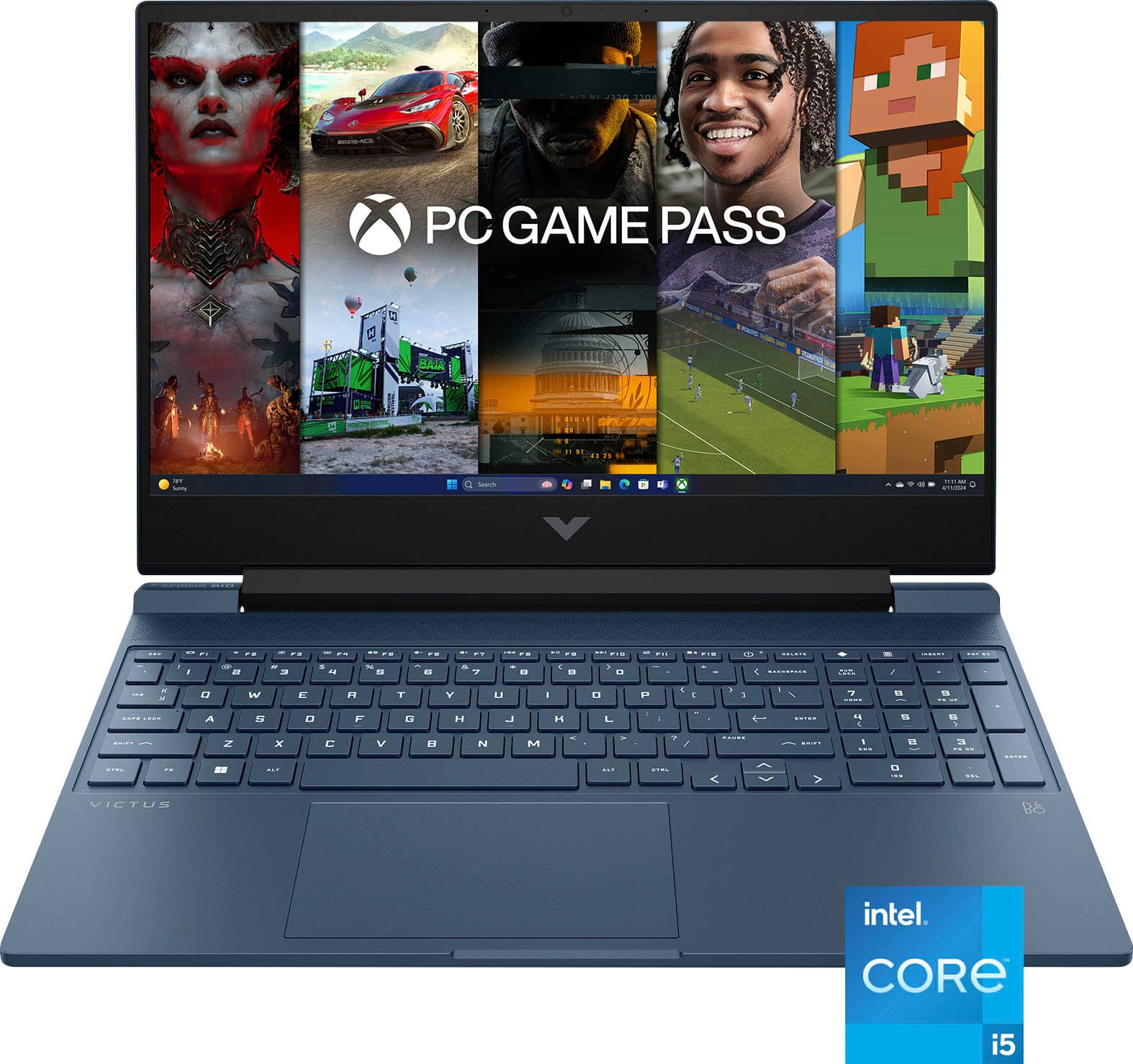
MSI - THIN 15 15.6" 144Hz FHD Gaming Laptop-Intel Core i5-13420H - 16GB Memory - GeForce RTX 4050 - 512GB SSD - Black
About this product
A sleek black gaming laptop featuring a 15.6" 144Hz FHD display, Intel i5, RTX 4050, and 16GB RAM.
(366)$1,249.00 Your price for this item is $1,249.00 -
2
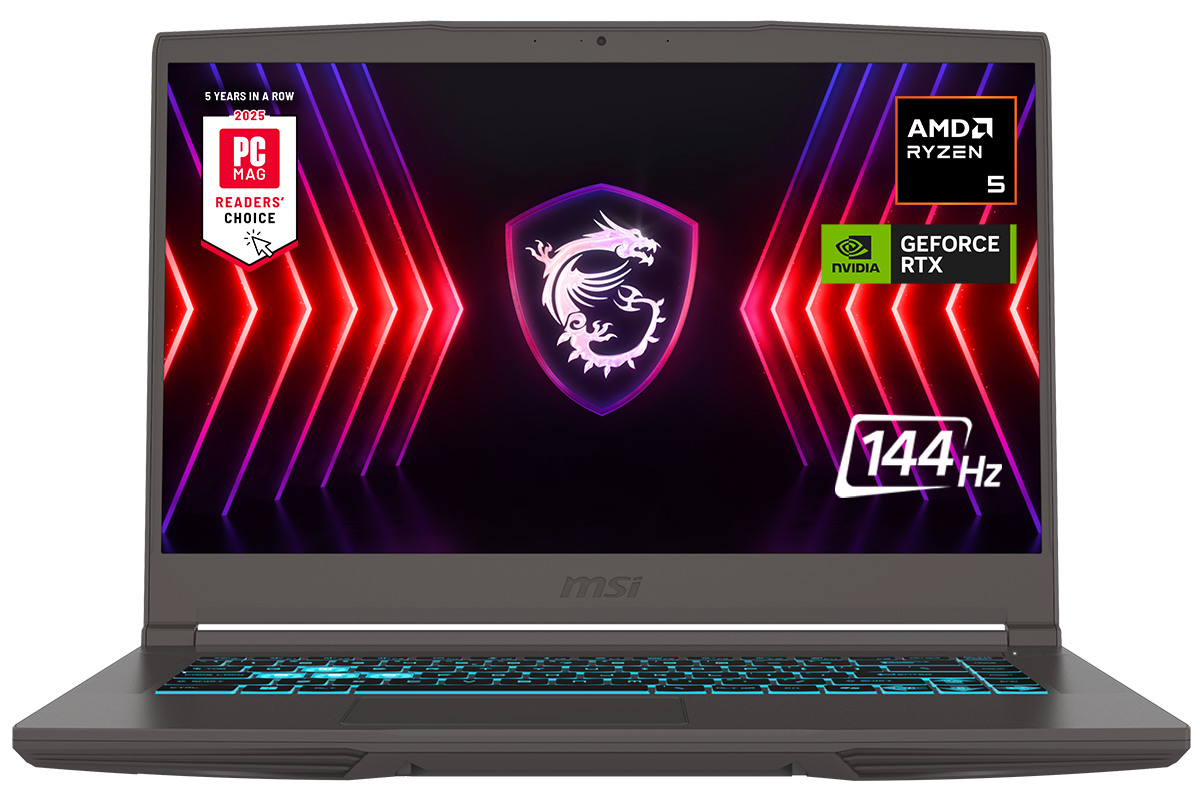
MSI - THIN A15 15.6" 144Hz FHD Gaming Laptop - AMD R5-7535HS - GeForce RTX 4050 - 8GB Memory - 512GB SSD Storage - Black
About this product
A sleek black gaming laptop featuring a 15.6" 144Hz FHD display, RTX 4050, and 512GB SSD.
What customers like
(101)$959.99Your price for this item is $959.99SAVE $205.00 -
3
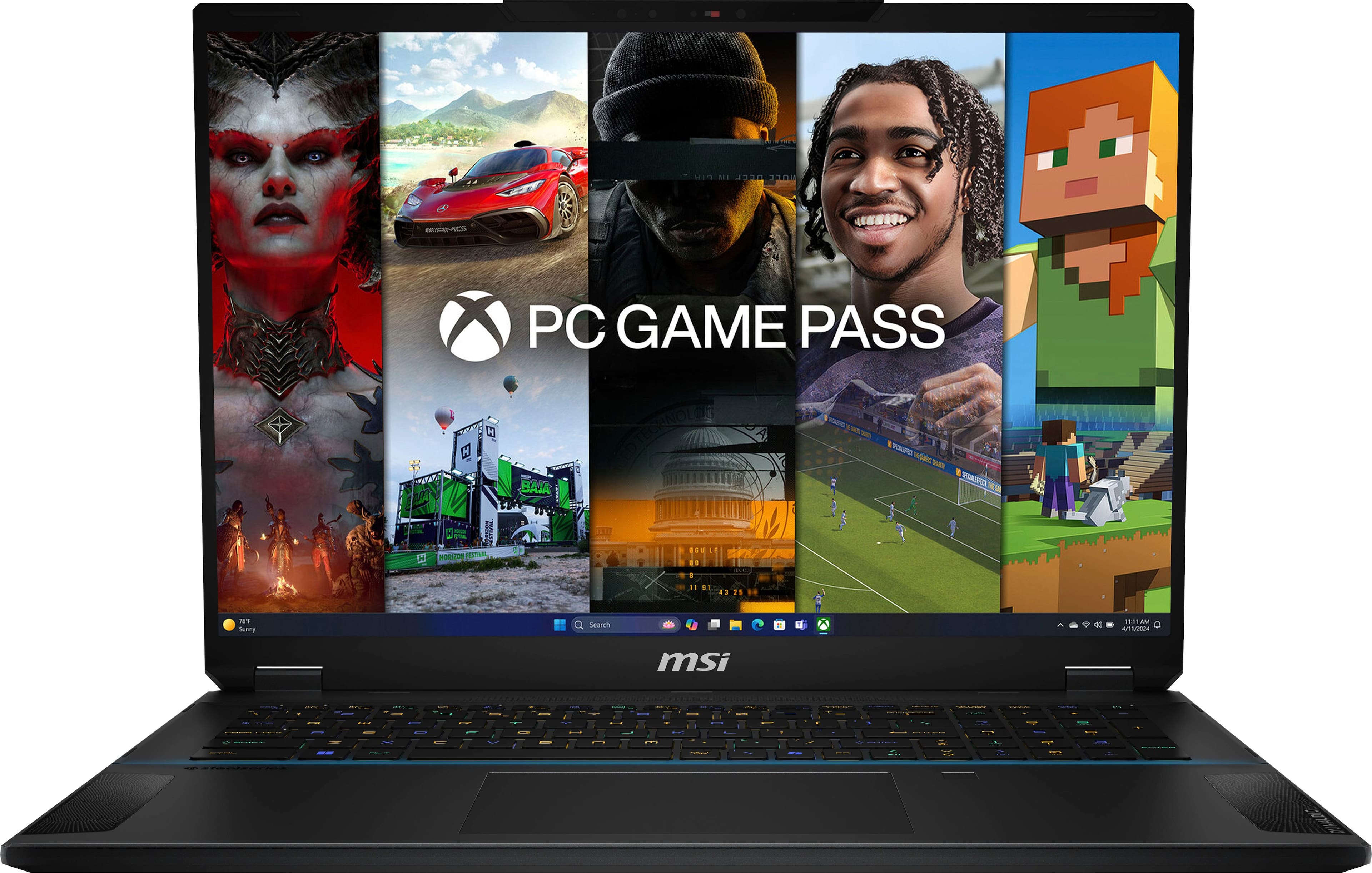
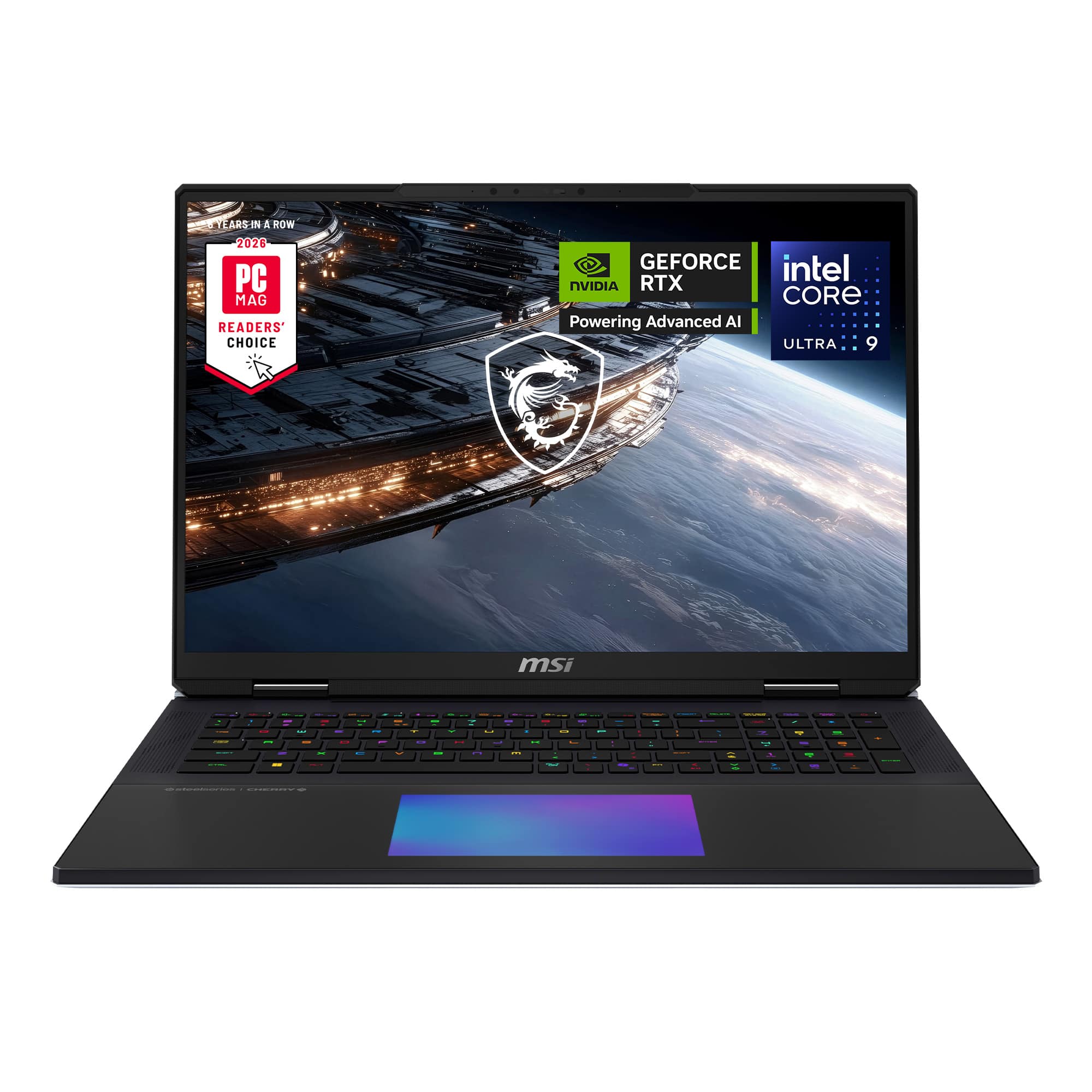
MSI - Stealth 18 AI 18" 120Hz UHD+ Ultra Thin Gaming Laptop-Intel Core Ultra9-185H with 32GB Memory-RTX 4080-1TB SSD - Midnight Black
About this product
A slim blue gaming laptop featuring Intel Core Ultra9, 32GB memory, RTX 4080, and UHD+ display.
What customers like
(24)$3,357.89 Your price for this item is $3,357.89 -
4
MSI - Thin 15.6 inch FHD 144Hz Gaming Laptop Intel Core i5-13420H NVIDIA GeForce RTX 4050 - 16GB DDR4 512GB SSD (2025 - Gray
About this product
A sleek gray laptop featuring a 15.6" FHD 144Hz display, i5-13420H, RTX 4050, and 16GB RAM.
(2)$1,287.00 Your price for this item is $1,287.00 -
5
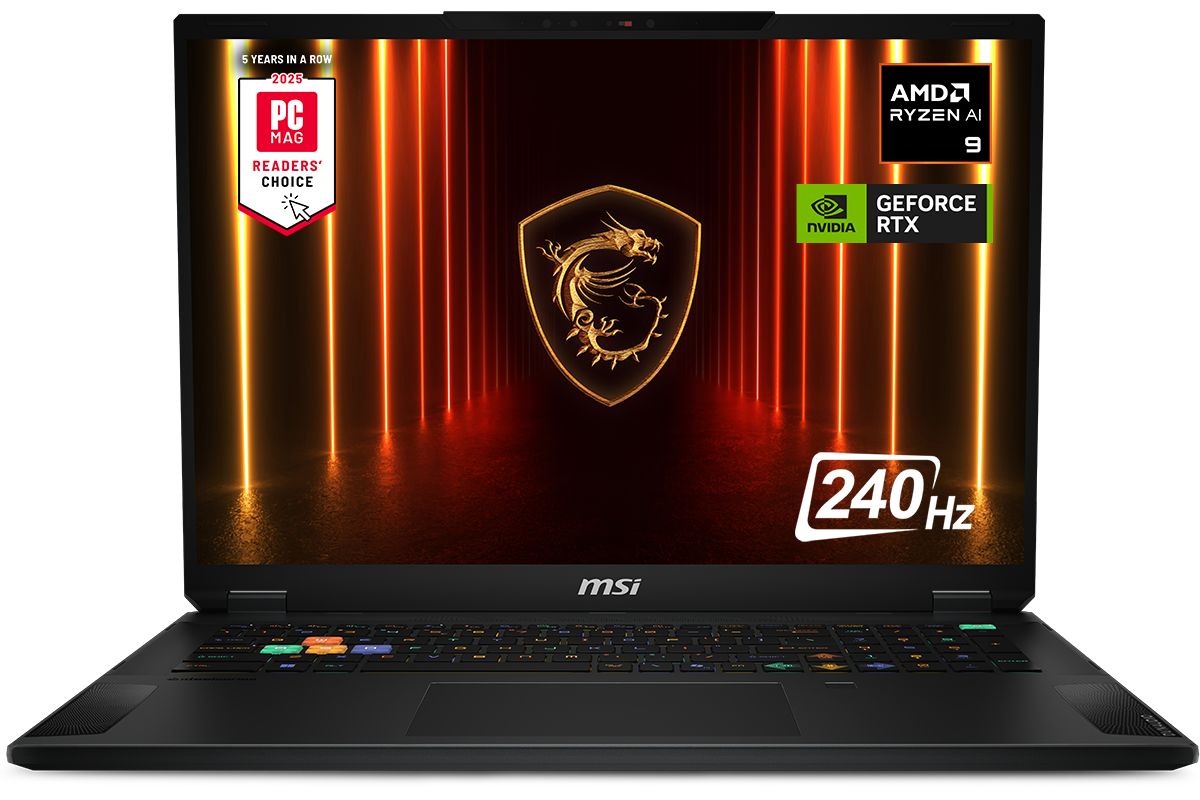
MSI - Stealth A18 AI+ - Copilot+PC- 18" 240Hz QHD+ Ultra Thin Gaming Laptop - AMD Ryzen AI R9-365 - 32GB - RTX 5080 -1TB SSD - Midnight Black
About this product
An ultra-thin black gaming laptop with AMD Ryzen AI R9-365, 32GB RAM, RTX 5080, and 240Hz QHD+ display.
(3)$3,344.05 Your price for this item is $3,344.05 -
6
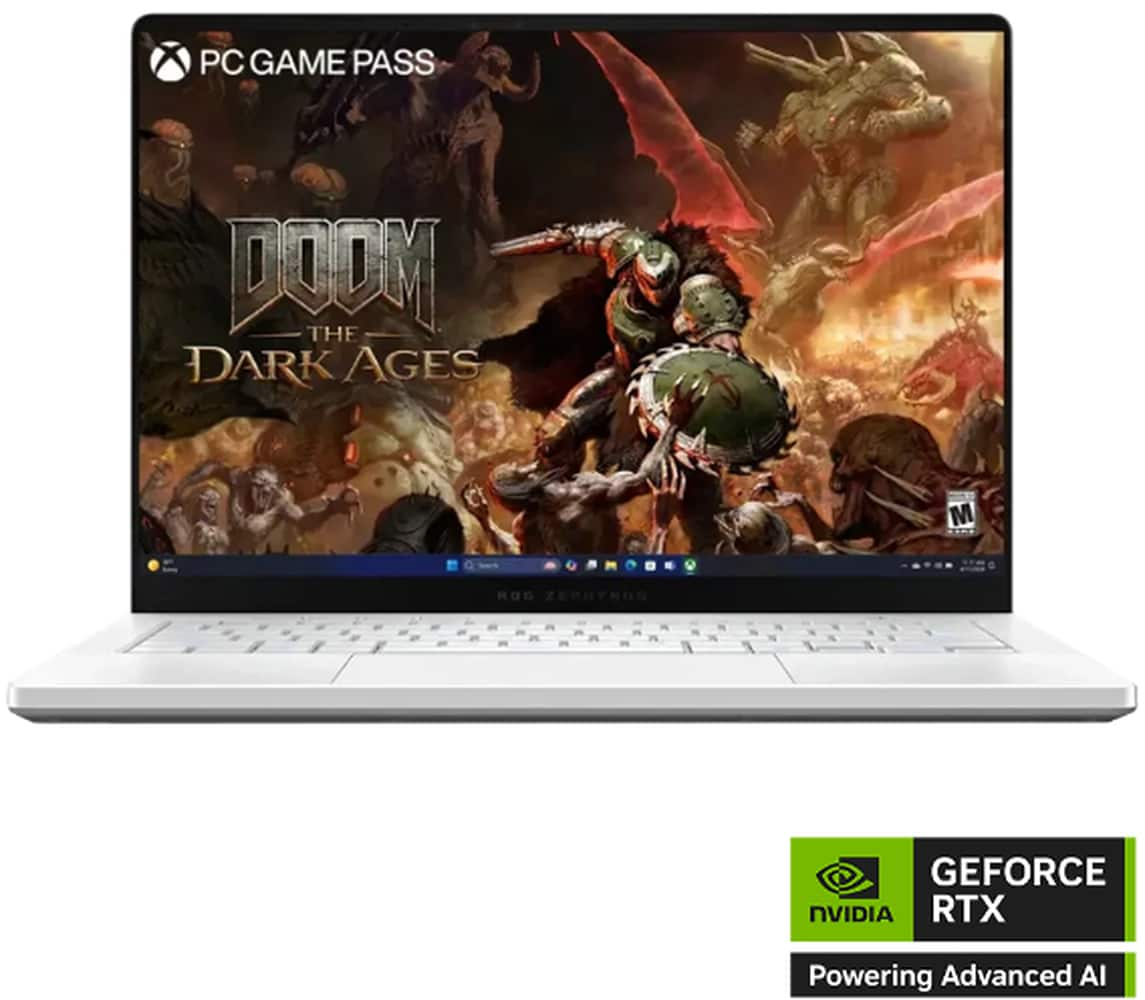
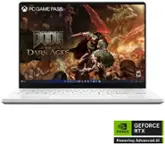
ASUS - ROG Zephyrus G14 14" 3K OLED 120Hz Gaming Laptop - AMD Ryzen 9 270 - 16GB Memory - GeForce RTX 5060 - 1TB Storage - Platinum White
About this product
A platinum white gaming laptop featuring a 14" 3K OLED 120Hz display, Ryzen 9, and RTX 5060.
What customers like
(503)$2,019.99Your price for this item is $2,019.99SAVE $280.00 -
7
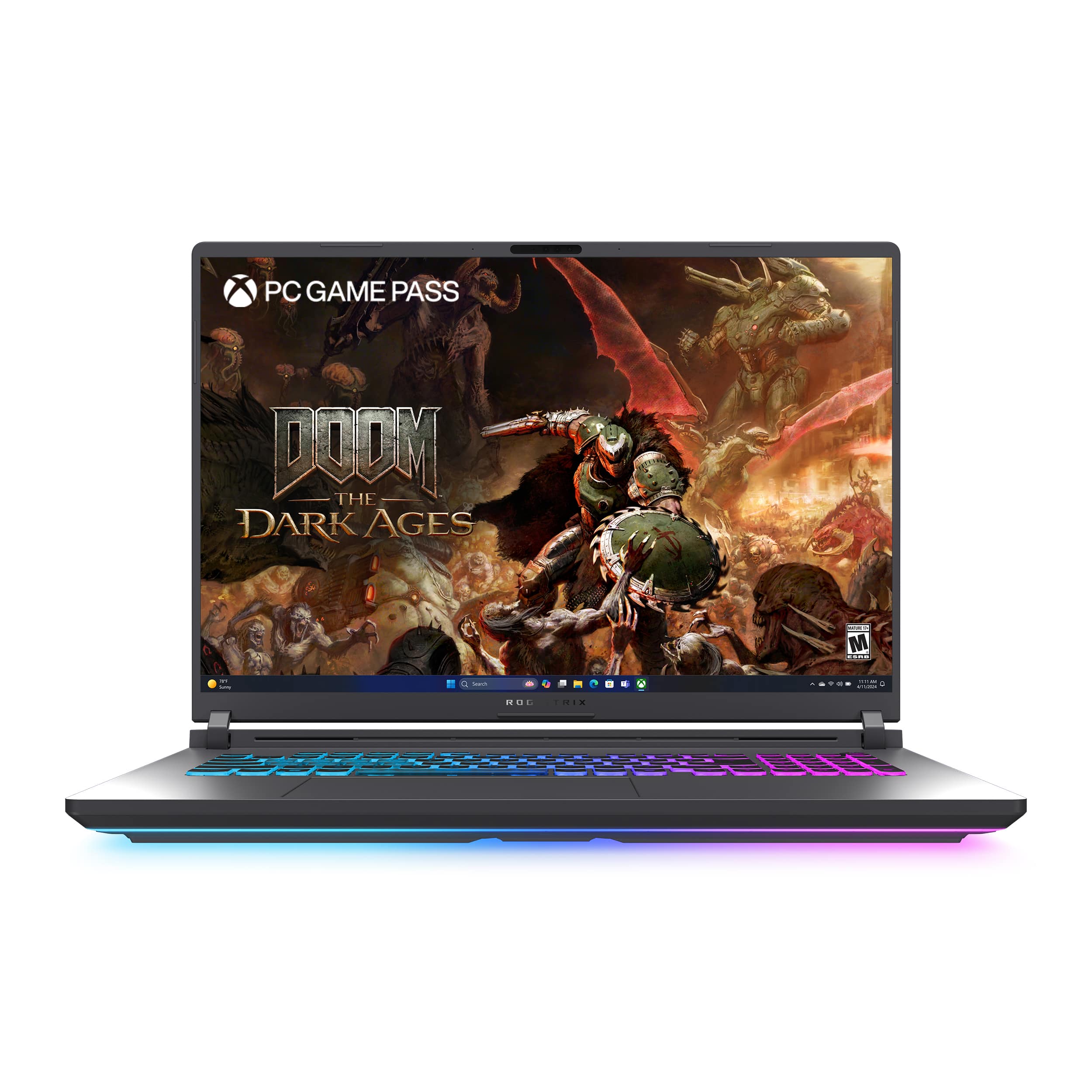
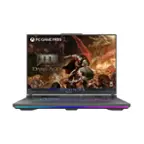
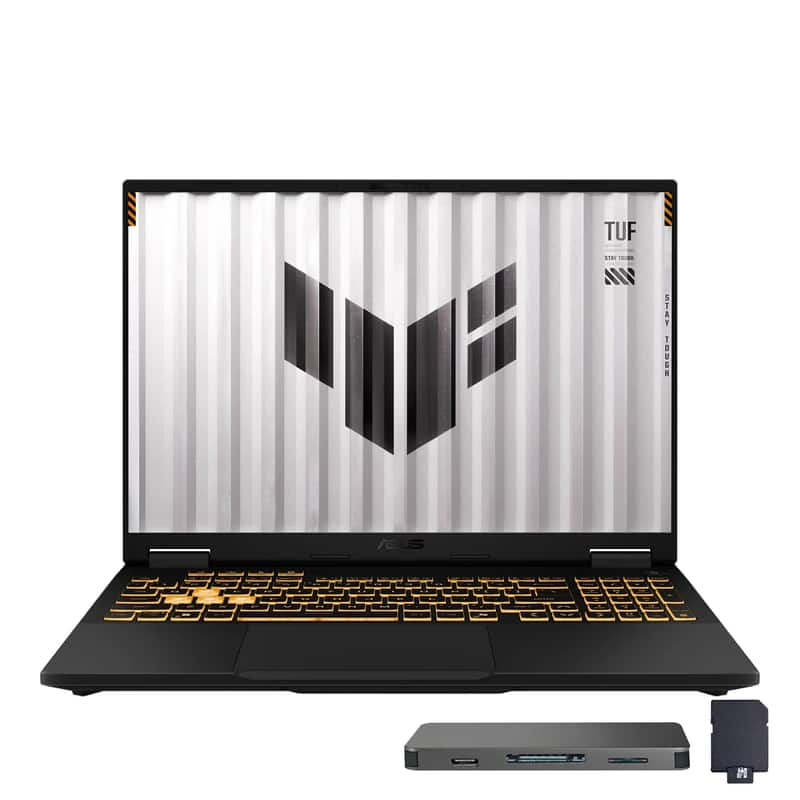
ASUS - ROG Strix G18 18" 2.5K 240Hz Gaming Laptop - Intel Core Ultra 9 HX - 32GB Memory - GeForce RTX 5080 - 2TB Storage - Eclipse Gray
About this product
An 18" grey gaming laptop with 2.5K 240Hz display, Intel Ultra 9, RTX 5080, and 32GB RAM.
What customers like
(323)$3,299.99 Your price for this item is $3,299.99 -
8
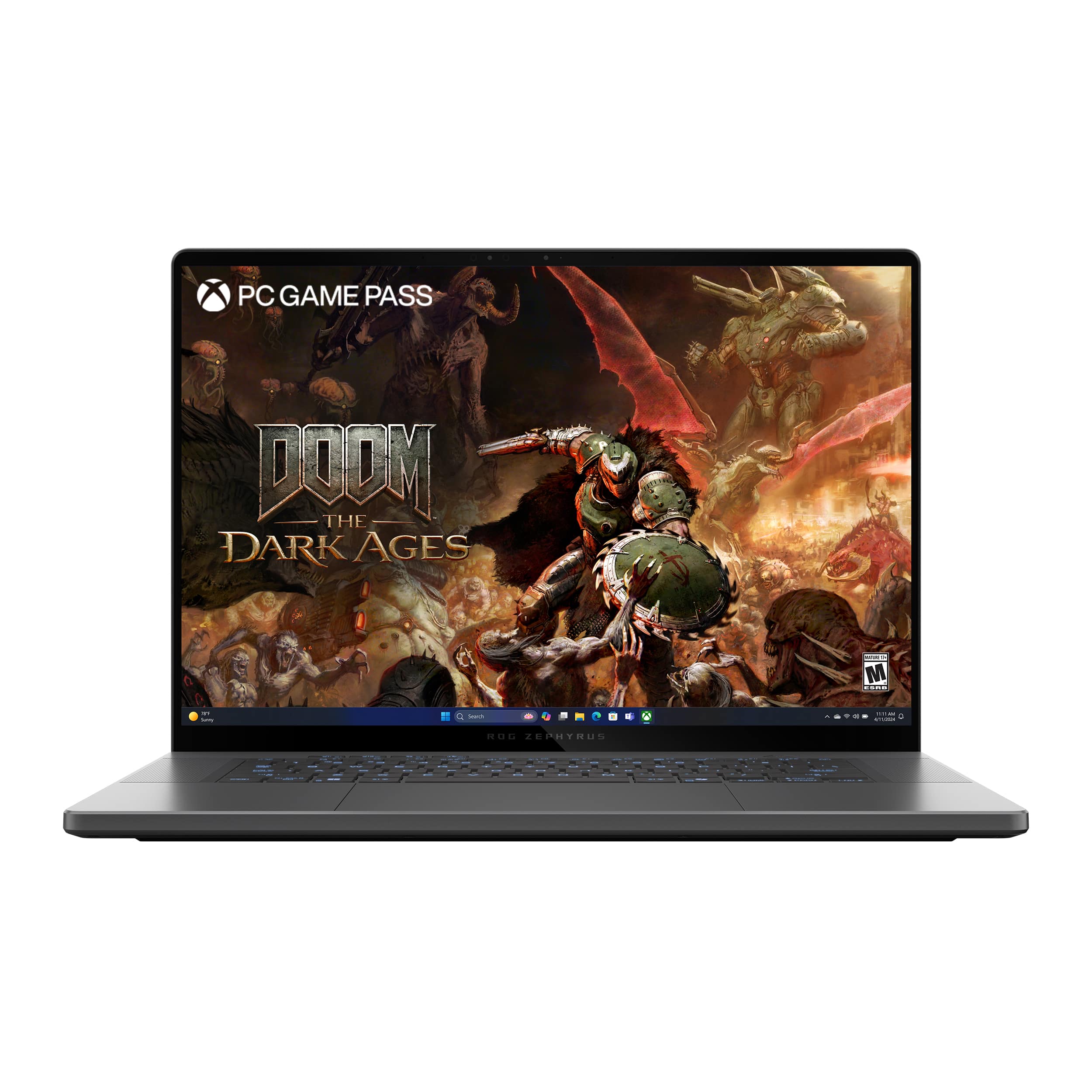
ASUS - ROG Zephyrus G16 16" 2.5K OLED 240Hz Gaming Laptop - Intel Core Ultra 9 285H - 16GB Memory - RTX 5070 - 1TB Storage - Eclipse Gray
About this product
An ultra-slim gray gaming laptop with OLED 2.5K 240Hz display, Intel Ultra 9, RTX 5070, and 1TB SSD.
What customers like
(326)$2,149.99 Your price for this item is $2,149.99 -
9
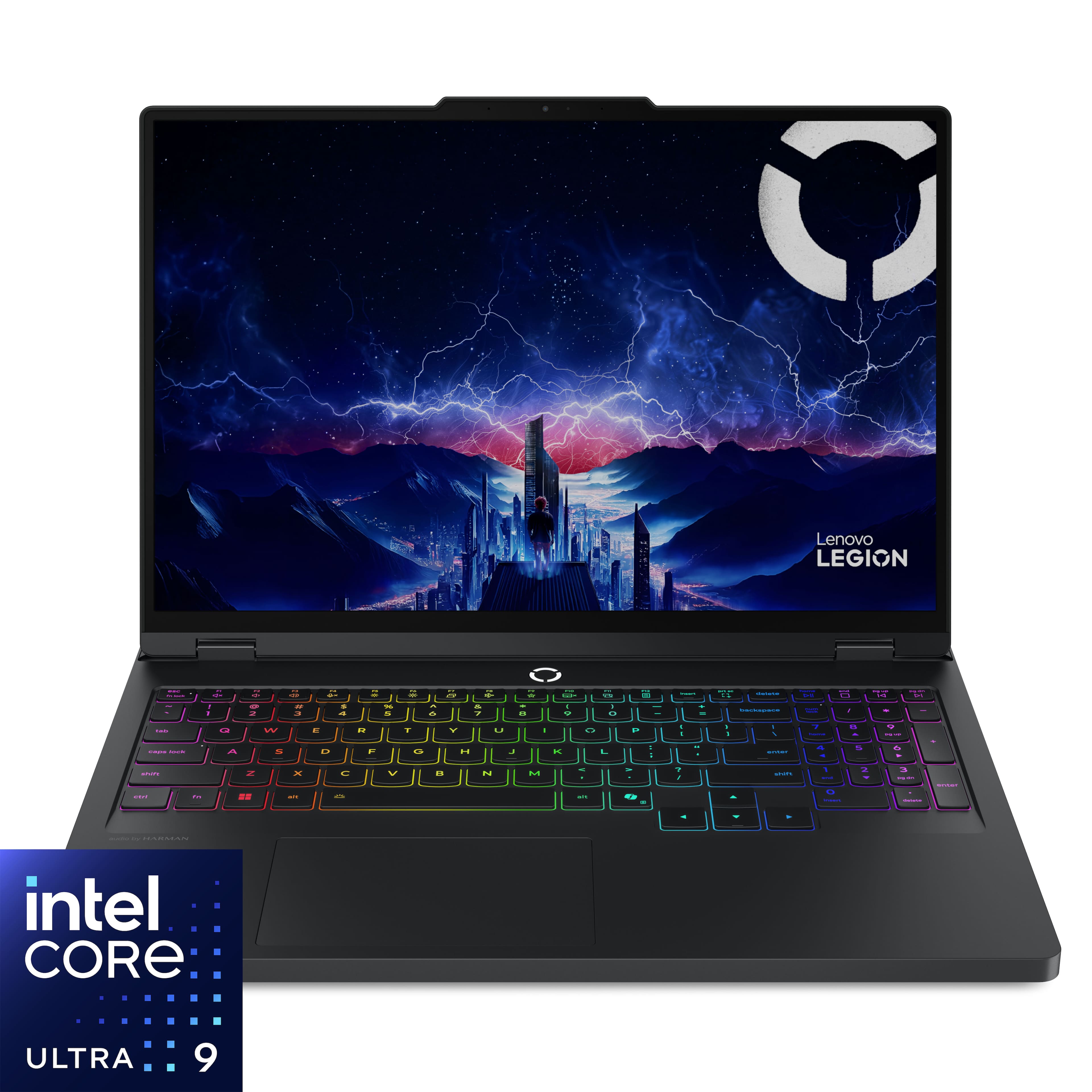
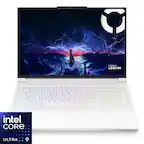
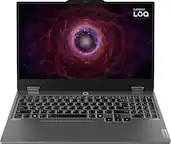
Lenovo - Legion Pro 5i 16" 2.5k OLED Gaming Laptop - Intel Core Ultra 9 275HX 2025 - 32GB RAM - NVIDIA GeForce RTX 5070 - 1TB - Eclipse Black
About this product
An Eclipse Black gaming laptop featuring Intel Core Ultra 9, RTX 5070, 32GB memory, and OLED display.
What customers like
(304)$2,474.99Your price for this item is $2,474.99SAVE $275.00
Best Thin Gaming Laptop
FAQs
Consider the connections your accessories use, such as USB-A for peripherals, USB-C for compatible devices, HDMI for a display, and a headset jack for wired audio. Port selection and capabilities vary, so review the laptop’s specifications before choosing.
Many gaming laptops support external monitors through HDMI, DisplayPort, or a USB-C port with video output. Not every USB-C port supports video, so confirm the laptop’s display connections and choose a compatible cable or adapter.
Compatible controllers can connect through USB, Bluetooth, or a dedicated wireless adapter. Check compatibility with the laptop’s operating system and the games you play, since controller support and button layouts can vary by game.
Look for keyboard features that match your preferences, such as backlighting, customizable RGB lighting, dedicated media controls, and programmable shortcuts. These options vary by model, and some customization features require the manufacturer’s software.
Game launchers typically provide libraries where you can view, install, and organize games associated with your accounts. Some offer categories, favorites, and cloud-save settings. If you use several platforms, you may need multiple launchers to manage your collection.