Carpal Tunnel Keyboard And Mouse
-
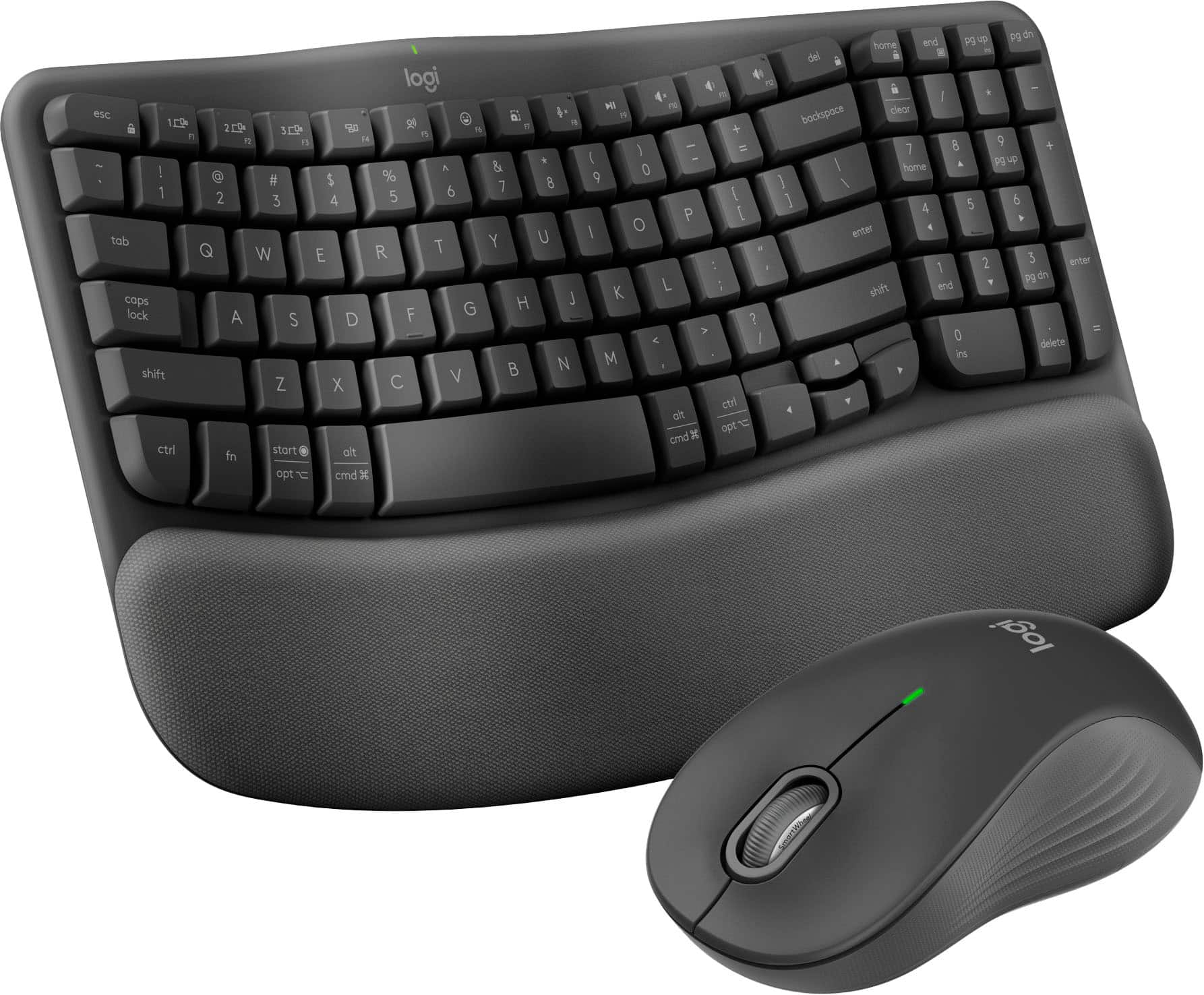
Logitech - Wave Keys MK670 Combo Ergonomic Wireless Membrane Keyboard and Mouse Bundle for PC/Mac with Integrated Palm-rest - Graphite
SKU: J7H7ZYG894Best keyboard I have owned, Bluetooth is great and the fact it works with both my PC and MAC is awesome...Works great, very happy with it. I love not having the cord to mess with,...Works great with MAC...
See all Keyboard & Mouse CombosProduct Description
An ergonomic wireless keyboard and mouse combo in graphite with cushioned palm rest and contoured grip.Your price for this item is $89.99 -
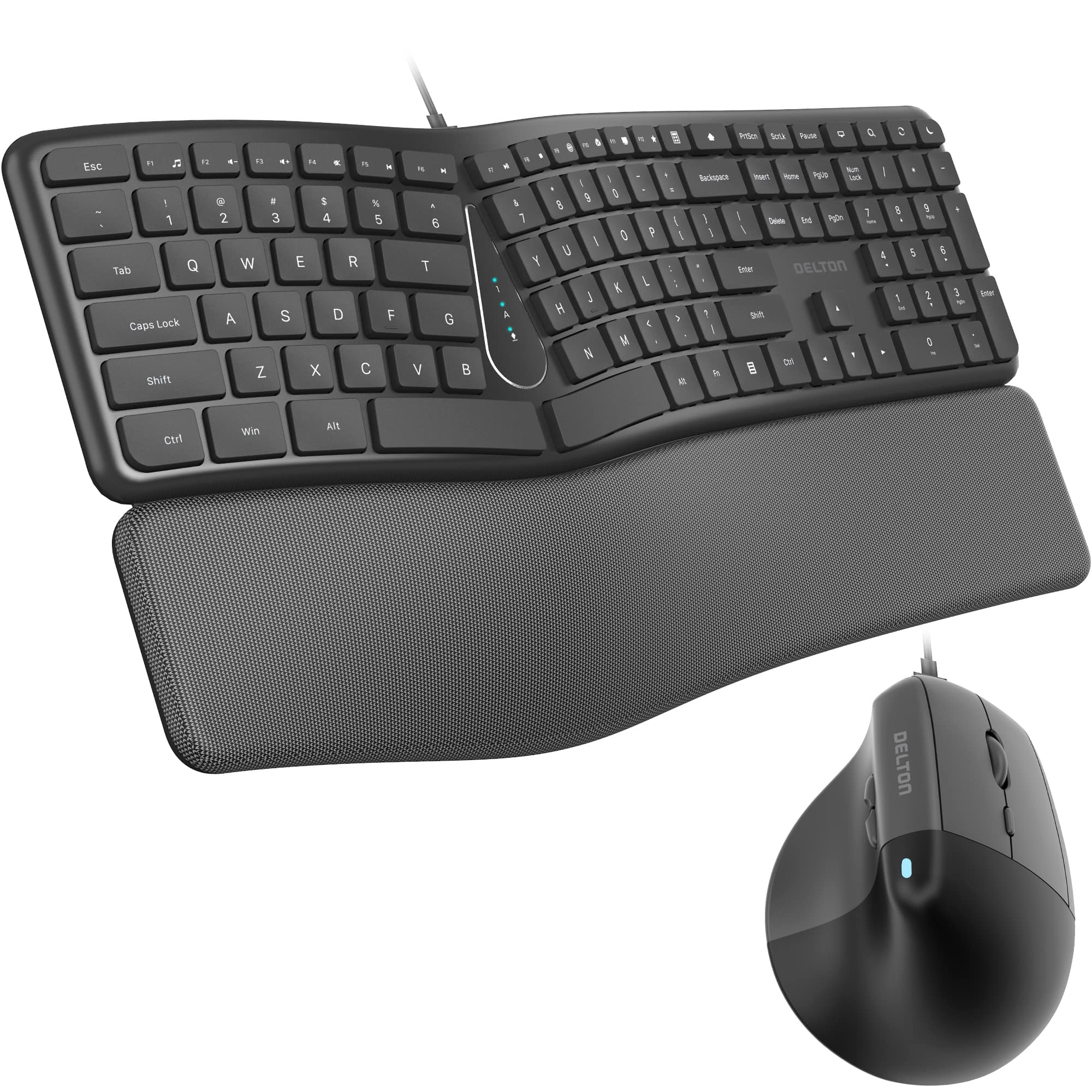
Delton - KB250&S38 Ergonomic Wired Keyboard and Mouse Combo, (DKME250S38-U) - Black
SKU: J38PCKS9H5See all Keyboard & Mouse CombosProduct Description
An ergonomic black wired keyboard and vertical mouse combo with wrist rest, adjustable DPI, and quiet operation.Your price for this item is $109.99 -
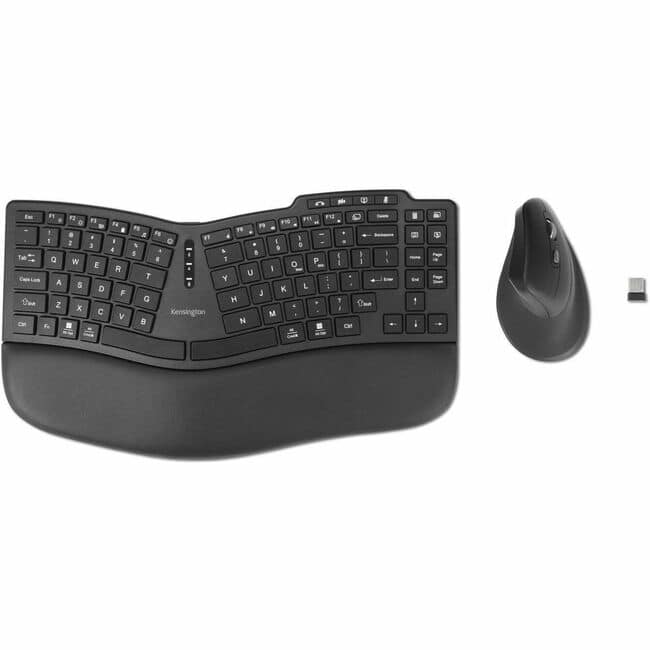
Kensington - Pro Fit Ergo KM675 EQ Wireless Desktop Set - USB Type A Wireless Bluetooth/RF 2.40 GHz Keyboard - Black - USB - Macaron
SKU: J7RJZZTG4FSee all Wireless & Bluetooth KeyboardsProduct Description
An ergonomic black wireless keyboard and mouse set designed for comfortable, efficient desktop use.Your price for this item is $69.48Save $5The previous price was $74.99 -
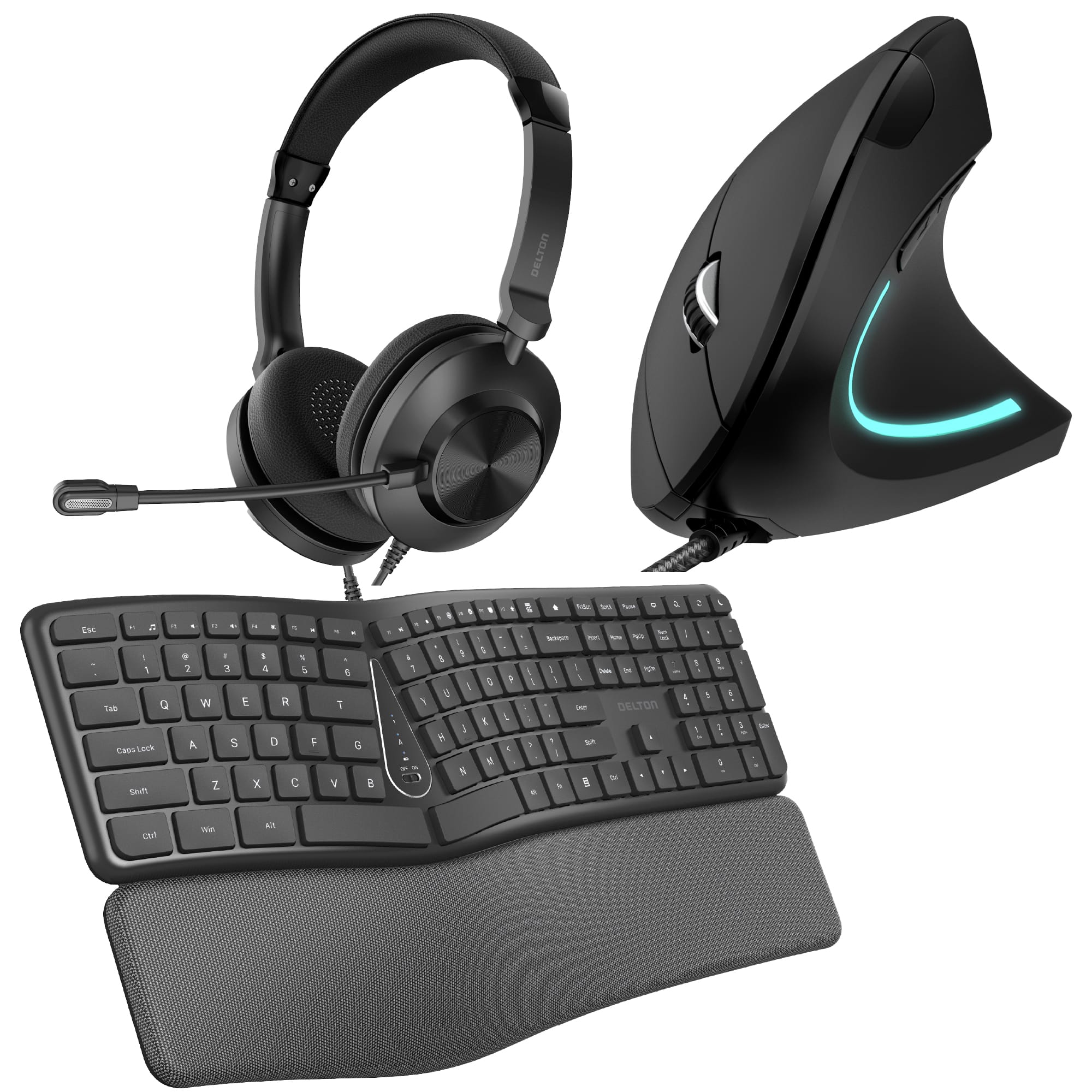
Delton - E250 Wired Ergonomic Keyboard with Vertical Mouse and USB Headset with Microphone - Black
SKU: J38PCKS6HLSee all Wireless & Bluetooth KeyboardsProduct Description
An ergonomic black workstation bundle with wired keyboard, vertical mouse, and USB headset featuring noise-canceling microphones.Your price for this item is $149.99 -
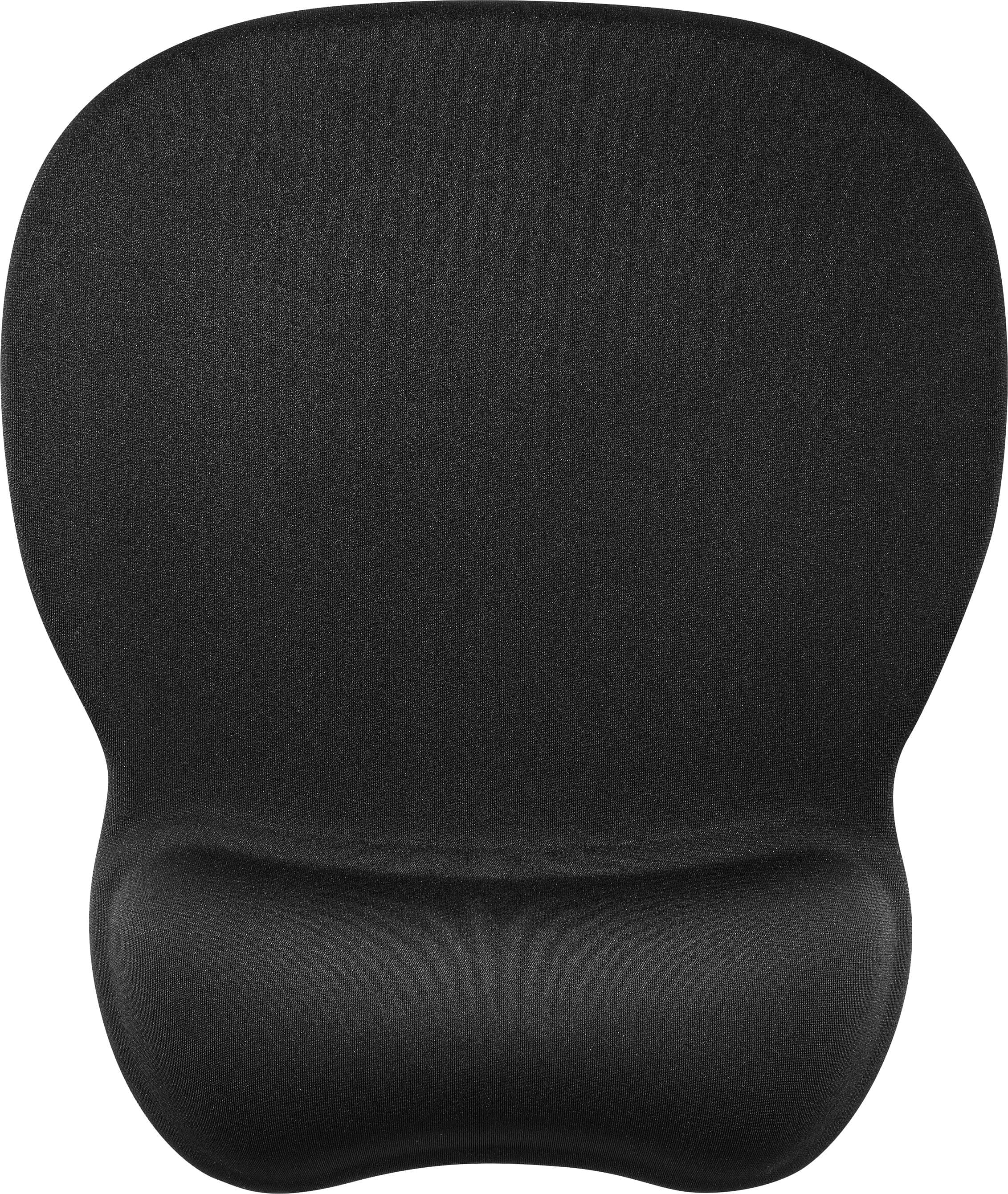
Insignia™ - Premium Mouse Pad with Wrist Rest - Black
SKU: J2FPJK9RWKTHE BEST......SIMPLY THE BEST...SIMPLY THE BEST...SIMPLY THE BEST........Great wrist support. Love the black, but they also had different colors available.
See all Wrist RestsProduct Description
A black mouse pad with a silicone wrist rest, offering comfort, smooth tracking, and a non-slip base.Your price for this item is $9.99 -
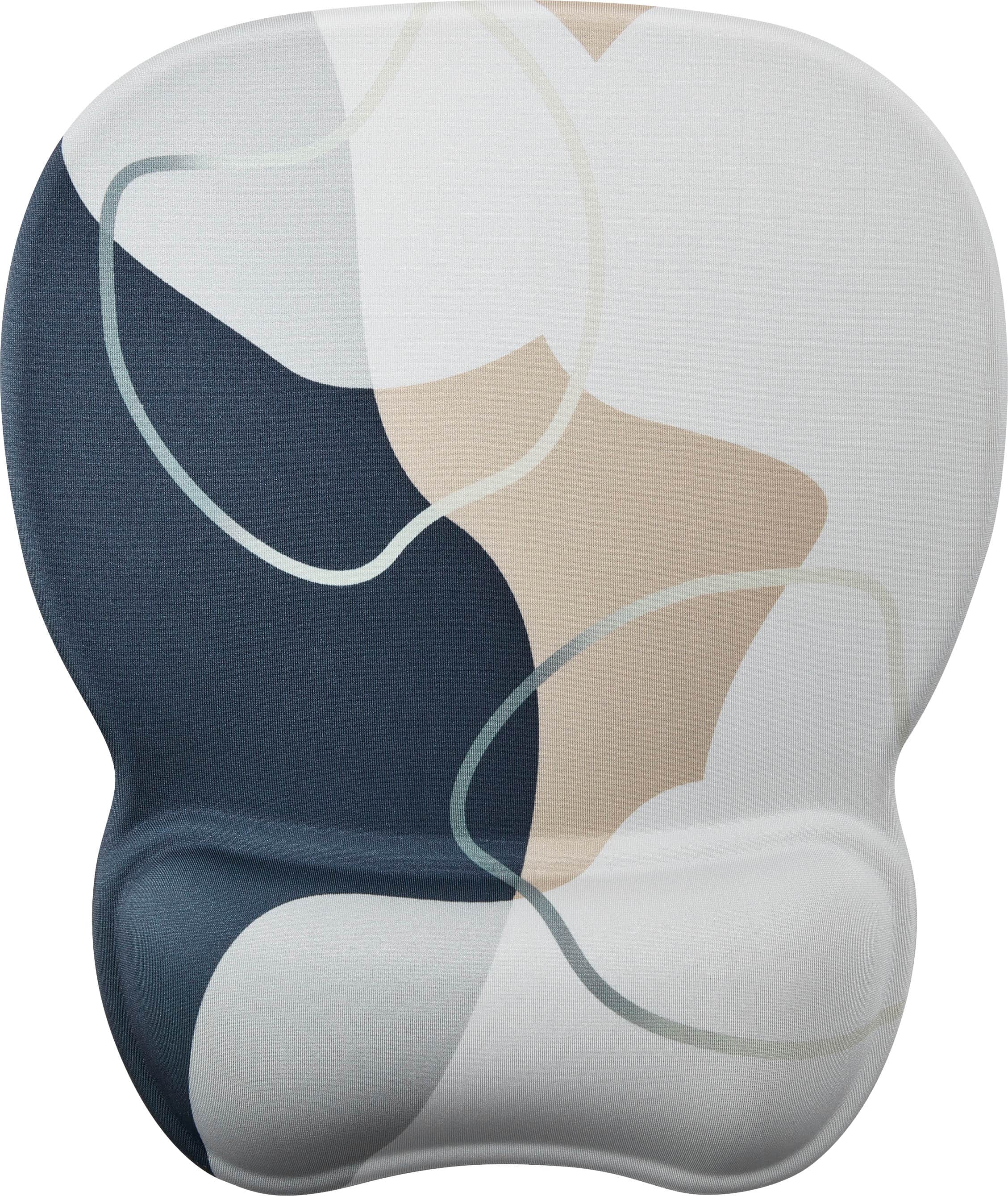
Insignia™ - Premium Mouse Pad with Wrist Rest - Natural
SKU: J2FPJK9RZGThese Are The Best!!...These mouse pads are the best! The material is silky and my mouse glides over it so smoothly....A fabulous buy for the low Best Buy price! Love it!...The best
See all Wrist RestsProduct Description
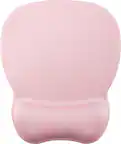
A natural-colored mouse pad with silicone wrist rest, offering comfort, smooth tracking, and a non-slip base.Your price for this item is $9.99 -
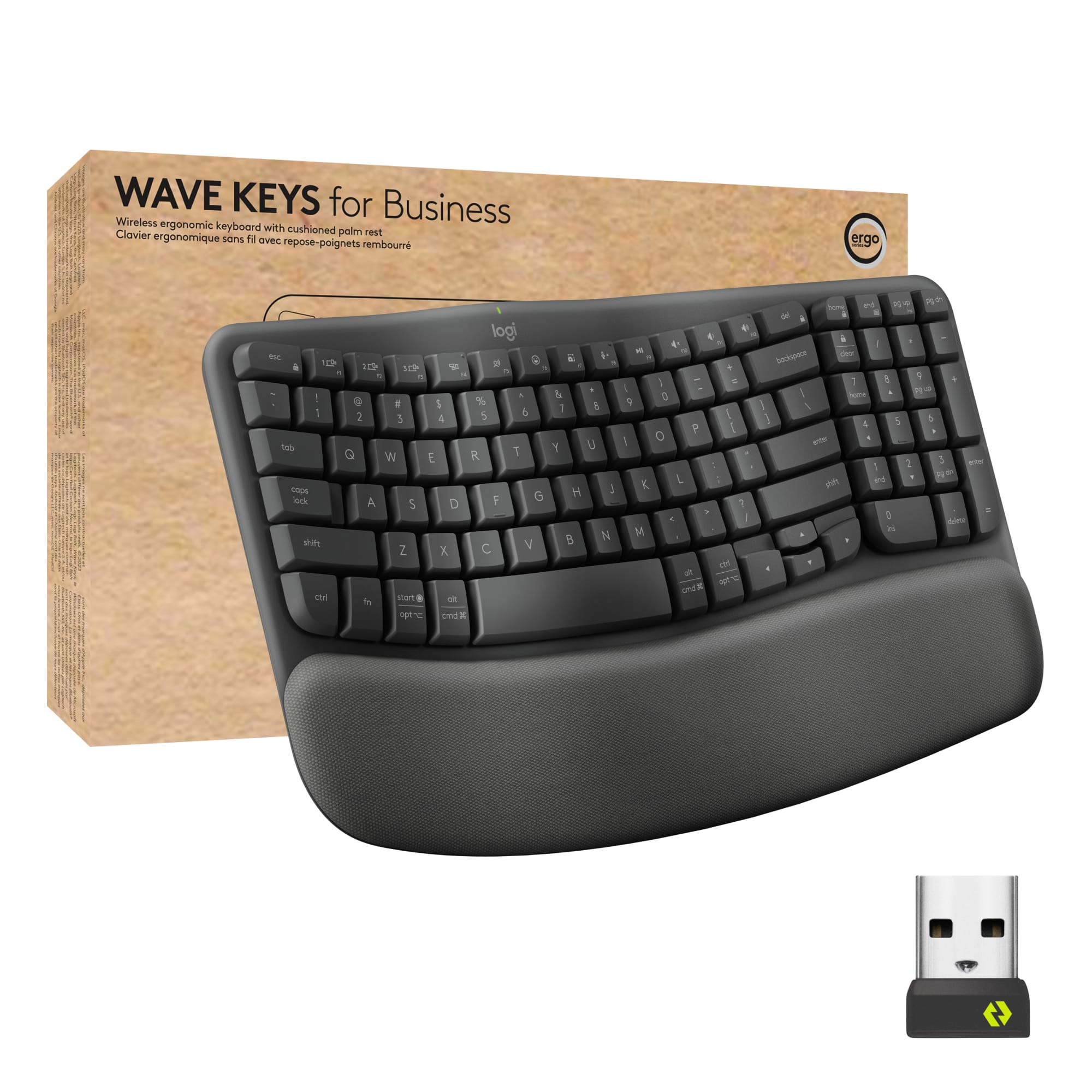
Logitech - Wave Keys For Business Ergonomic Wireless Scissor Tactile Switch Keyboard with Cushioned Palm Rest - Graphite
SKU: J7H7ZYG8LQI purchased this keyboard specifically for its Bluetooth connectivity, and it has worked great.
See all Wireless & Bluetooth KeyboardsProduct Description
An ergonomic wireless keyboard in graphite featuring a wave design, cushioned palm rest, and secure connectivity.Your price for this item is $69.99
Best Sellers



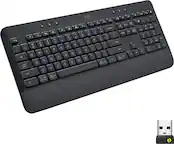
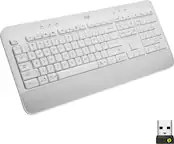
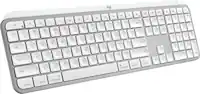
Related Pages
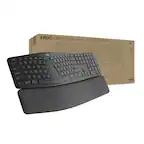





FAQ
When choosing a carpal tunnel keyboard and mouse, look for ergonomic designs that promote natural hand positioning, adjustable tilt options, cushioned wrist rests, and split keyboard layouts. Mice with contoured shapes and customizable buttons can also help reduce wrist strain.
Yes, most carpal tunnel keyboards and mice are designed to be compatible with both Windows and Mac operating systems. Always check the product specifications for specific compatibility details.
Some carpal tunnel keyboards and mice come with dedicated software that allows you to customize keys, adjust sensitivity, or program shortcuts. While basic functions typically work plug-and-play, additional features may require installing the manufacturer's software.
Yes, many carpal tunnel-friendly keyboards and mice are versatile enough for both office tasks and gaming. Look for models with programmable keys and adjustable DPI settings if you plan to use them for gaming.
Wireless carpal tunnel keyboards and mice usually connect via Bluetooth or a USB receiver (dongle). Make sure your computer has the appropriate ports or Bluetooth capability for seamless connectivity.