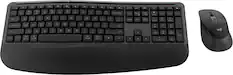
Delton - KB250&S38 Ergonomic Wired Keyboard and Mouse Combo, (DKME250S38-U) - Black
Reviews coming soon
About this product
Experience ultimate comfort and productivity with Delton's ergonomic keyboard and mouse bundle. The wired computer keyboard features a plush wrist rest that enhances typing posture and prevents fatigue during long typing sessions. The vertical mouse with an optical sensor ensures smooth, accurate movement, making it perfect for work or play. Equipped with six high-quality buttons, including a DPI switch and 3D scroll wheel, this mouse offers versatile functionality. The mouse provides three adjustable DPI levels (800/1200/1600) for personalized sensitivity. Our ergonomic mouse and keyboard provide a quiet, distraction-free experience. The split keyboard features USB-A powered connectivity with a 4.9 ft long cable, ensuring a reliable and flexible setup across various devices. Ideal for PCs, laptops, tablets, and smartphones, this USB keyboard and mouse supports Windows, macOS, and iOS. Recommended by rheumatologists, the ergonomic mouse and keyboard offer long-term hand and wrist comfort.
Features
Wrist-Friendly Comfort
Ergonomic mouse and plush wrist rest keyboard help reduce strain during long hours.
Smooth and Precise Control
Adjustable DPI, 6-button mouse, and full-sized keyboard keep your workflow sharp.
Quiet Workspace Vibes
Silent buttons and keys let you focus without the distracting clicks.
Built to Last
Durable design holds up to daily work, study sessions, and everything in between.
Plug In and Go
Compatible with Windows, macOS, laptops, and tablets using a simple USB-A connection.
Specifications
- Lighting TypeNoneAdjustable Weight SystemNoForm FactorErgonomicConnection TypeWired
Reviews
This product doesn't have any reviews yet.

Compare similar products

Experience ultimate comfort and productivity with Delton's ergonomic keyboard and mouse bundle. The wired computer keyboard features a plush wrist rest that enhances typing posture and prevents fatigue during long typing sessions. The vertical mouse with an optical sensor ensures smooth, accurate movement, making it perfect for work or play. Equipped with six high-quality buttons, including a DPI switch and 3D scroll wheel, this mouse offers versatile functionality. The mouse provides three adjustable DPI levels (800/1200/1600) for personalized sensitivity. Our ergonomic mouse and keyboard provide a quiet, distraction-free experience. The split keyboard features USB-A powered connectivity with a 4.9 ft long cable, ensuring a reliable and flexible setup across various devices. Ideal for PCs, laptops, tablets, and smartphones, this USB keyboard and mouse supports Windows, macOS, and iOS. Recommended by rheumatologists, the ergonomic mouse and keyboard offer long-term hand and wrist comfort.

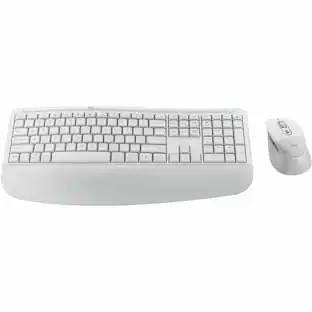
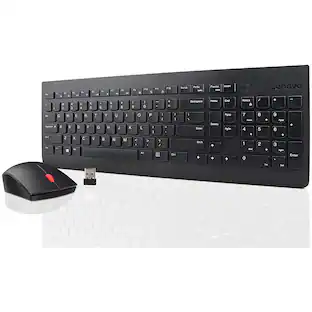
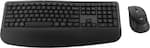
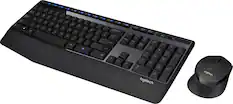
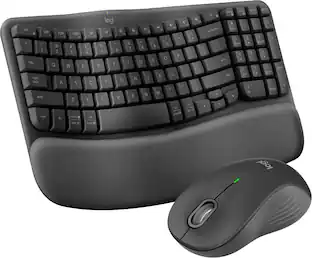
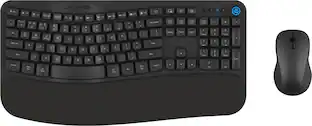
Experience effortless productivity with the wireless keyboard and mouse combo designed for lasting comfort and precision. The ergonomic keyboard features a full-sized 104-key layout with quiet, low-profile keys and a soft wrist rest that promotes natural posture for strain-free typing, while the ergonomic mouse offers a vertical design that fits comfortably in your hand for relaxed control. With six responsive buttons, three adjustable DPI levels, and a smooth scroll wheel, it delivers precision for every task. Both connect instantly through a 2.4GHz USB dongle, offering reliable, lag-free performance across PCs, laptops, tablets, and macOS devices. Built with auto-sleep, instant wake-up, and long-lasting battery life, this computer mouse wireless and wireless keyboard set keeps your workspace comfortable, efficient, and always connected.

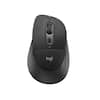
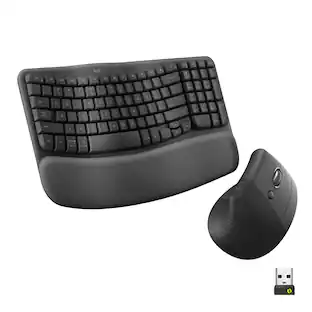
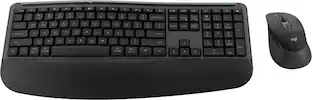
Turn your desk life into a feel-good story with an ergonomic keyboard and mouse matched for day-long comfort. Great for small to medium hands, Wave Keys and Lift Vertical Ergonomic Mouse are designed for day-long comfort and made with recycled plastic. A wavy keyframe design and cushioned palm rest place your body in a natural typing position and give your wrists the support they need. Meanwhile, Lift’s 57° vertical shape promotes a more natural forearm posture throughout the day - with a softly textured grip and snug thumb rest for extra comfy working.

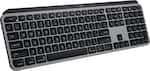
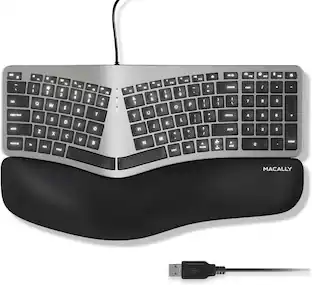
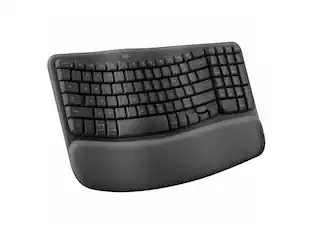
Type more naturally with ERGO K860 – an advanced ergonomic keyboard that promotes a more relaxed typing posture – reducing wrist bending and offering wrist support. A curved keyframe helps reduce wrist strain, while a pillowed wrist rest keeps your forearms elevated to help prevent excessive bending. This Logitech ERGO keyboard features Perfect Stroke keys for quiet performance and responsiveness, and the 2-year battery life offers long-lasting use.
| Pros for Delton - KB250&S38 Ergonomic Wired Keyboard and Mouse Combo, (DKME250S38-U) - Black | |||
|---|---|---|---|
| There were no pros for this product— | There were no pros for this product— | Ergonomics, Overall Performance, Connectivity, Ease of Use, Noise Level | Ergonomics, Overall Performance, Wrist Support, Ease of use, Key Feel |
| Cons for Delton - KB250&S38 Ergonomic Wired Keyboard and Mouse Combo, (DKME250S38-U) - Black | |||
| There were no cons for this product— | There were no cons for this product— | Button Layout | Price, Size |
Specs
Be the first to ask a question.
We’ll try to get your question answered within 24 hours by a Best Buy customer or brand representative.
Customers often buy these together

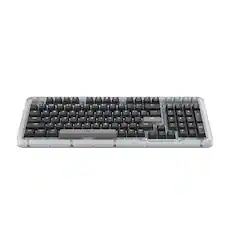
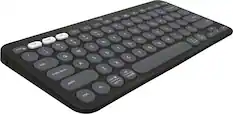
Razer - Huntsman Mini 60% Wired Optical Clicky Switch Gaming Keyboard with Chroma RGB Backlighting - Black
$68.99The price was $119.99
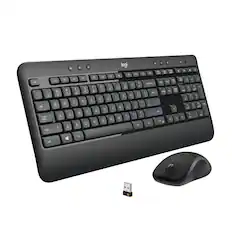
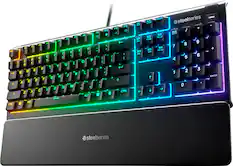




Customers ultimately bought
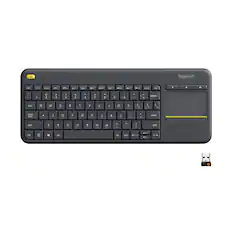
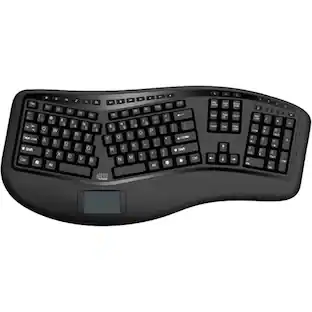
Adesso AKB-450UB Ergonomic Full-size Wired Membrane Keyboard with Touchpad
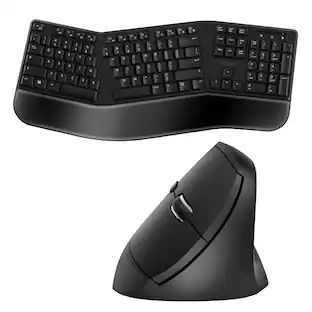
$79.49The price was $88.76Logitech Wave Keys and Lift Vertical Mouse Wireless Ergonomic Keyboard and Mouse Bundle with Cushioned Palm Rest
Holiday Deal$109.99The price was $119.99

Explore tech essentials Sponsored
Discover related products
Acer USB C Docking Station With 2 HDMI, 9-IN-1 Docking Hub with USB A&C 3.0, SD/Micro SD, 100W Charging
Holiday Deal$36.99The price was $47.99Acer USB C to HDMI Cable for Home Office 6.6FT (4K@60Hz), High-Speed Type C to HDMI 2.0 Braided Cord
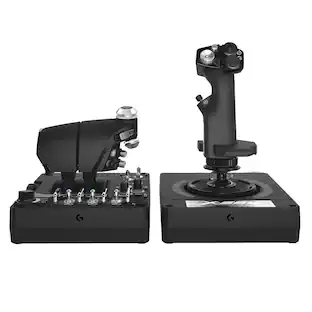
$12.99The price was $13.99Logitech X56 HOTAS Microsoft Flight Simulator RGB Dual-Throttle and Joystick
$249.99The price was $275.00Intel Core i5-14400F 14th Gen 10-Core 16-Thread - 4.7GHz Turbo Socket LGA1700 Unlocked Desktop Processor
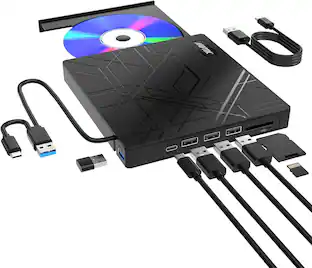
$165.87The price was $197.23AGPtek 8 in 1 External CD/DVD Drive for Laptop, USB 3.0 Ultra Slim Portable CD Burner with 4 USB Ports
$31.99The price was $32.99







Keep exploring
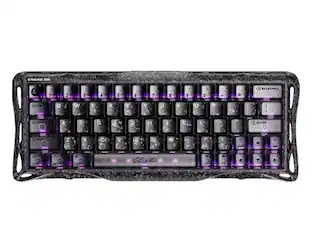
GravaStar Mercury V60 Pro Special Edition 60% Wired Hall Effect Gaming Keyboard
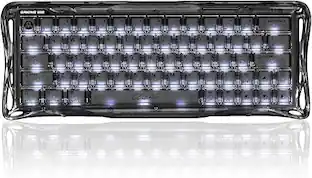
$199.95The price was $299.95GravaStar Mercury V60 60% Wired Hall Effect Gaming Keyboard with 8000Hz Polling Rate
$129.95The price was $159.95