External Hard Drive Under $100
-
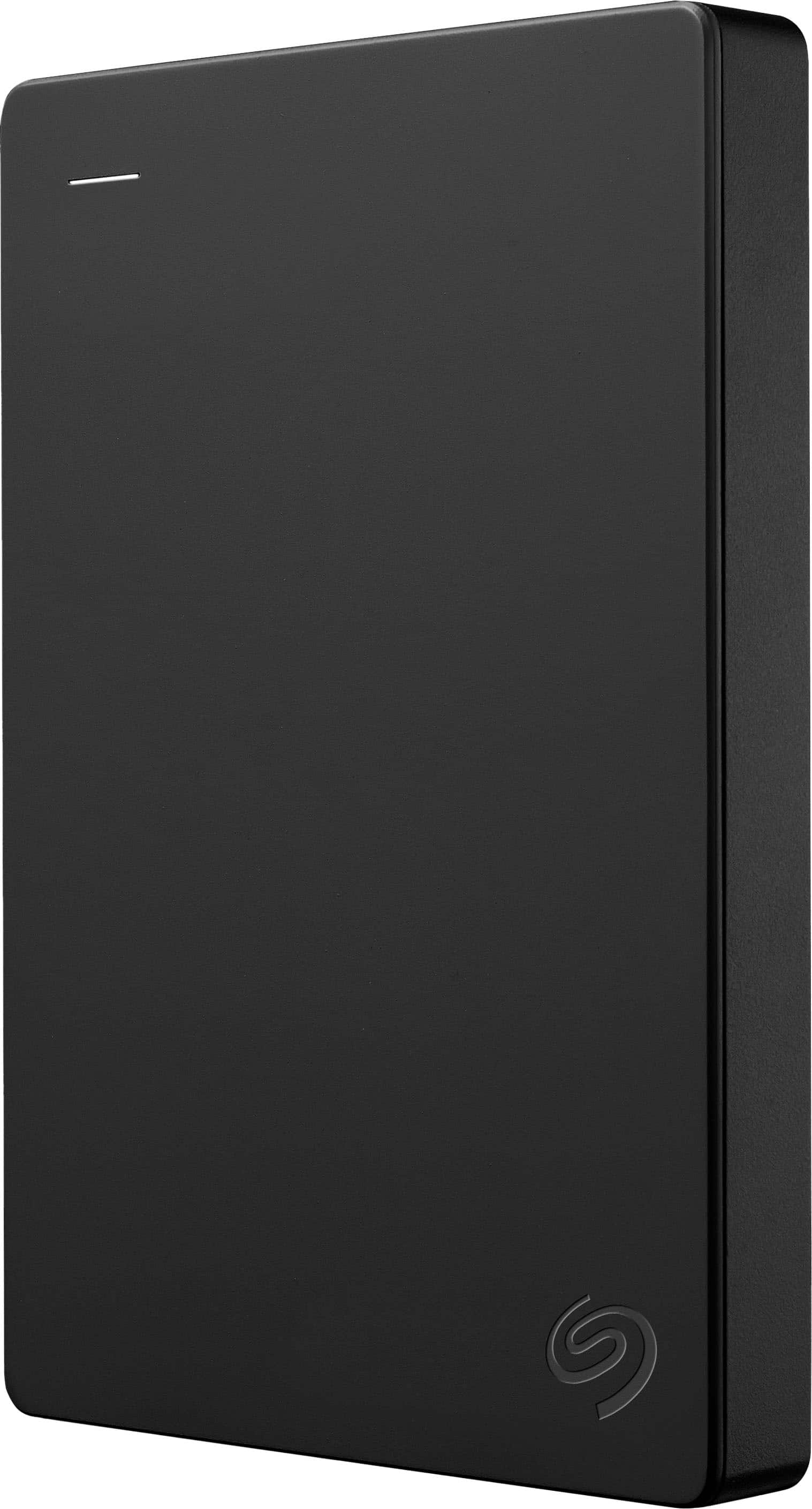
Seagate - 1TB External USB 3.0 Portable Hard Drive with Rescue Data Recovery Services - Black
SKU: J37C5HK2HTSee all External Hard DrivesProduct Description
A portable black external hard drive offering 1TB storage, fast USB 3.0 transfers, and data recovery services.Your price for this item is $154.45 -
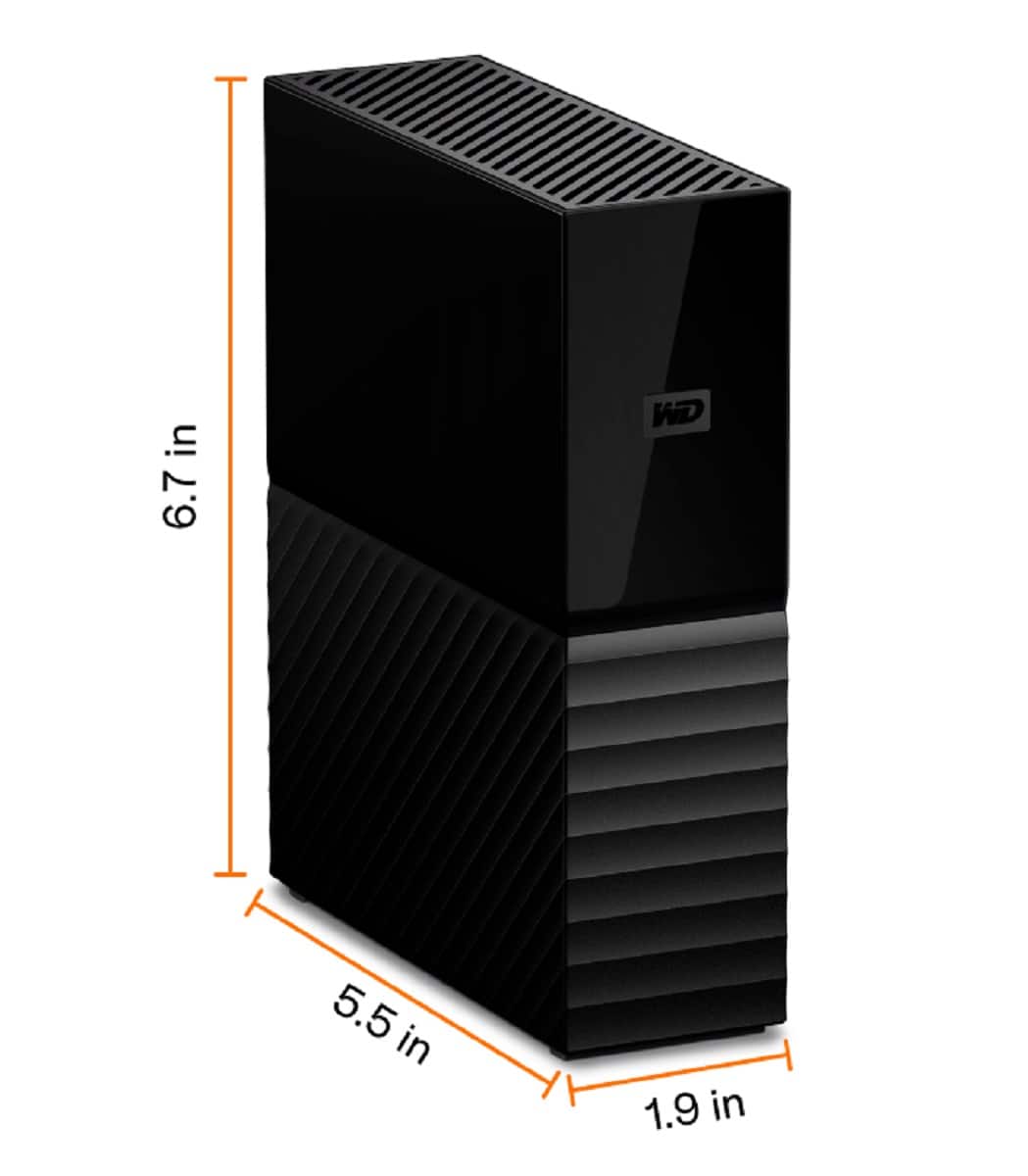
WD - My Book 8TB External USB 3.0 Hard Drive - Black
SKU: JXTHCJ5S3RThis is a great device to store and backup all of your work. Highly recommend...Great drive suitable for any storage needs and at a great price.
See all External Hard DrivesProduct Description
A high-capacity black external hard drive with USB 3.0 connectivity, fast transfers, and 256-bit encryption.Your price for this item is $447.86Save $3The previous price was $451.69
Best Sellers




Related Pages




FAQ
HDD (Hard Disk Drive) external hard drives use spinning disks to store data, offering large capacities at a lower cost. SSD (Solid State Drive) external hard drives use flash memory for faster data transfer speeds, increased durability, and quieter operation. Both types are available under $100, but SSDs typically offer smaller storage capacities at this price point.
Yes, most external hard drives can be used with both Windows and Mac computers. However, you may need to reformat the drive to a file system compatible with both operating systems, such as exFAT. Always back up your data before reformatting.
External hard drives are a popular and reliable option for backing up important files, photos, videos, and documents. They provide a portable solution for data backup and can be easily connected to your computer via USB or other interfaces.
Many gaming consoles, such as PlayStation and Xbox, support external hard drives for expanding storage. Make sure to check your console's compatibility and formatting requirements before use.
To protect your data, consider using password protection or encryption software that comes with some external hard drives. Additionally, safely eject the drive after use and store it in a secure, dry place to prevent physical damage.