Dell Inspiron Laptop
Find a Dell Inspiron laptop for everyday tasks like web browsing, schoolwork, and working on documents. Compare available models by screen size, processor, memory, and storage to narrow your options based on the apps you use, your preferred display size, and how much room you need for files.


Dell Inspiron Laptop
FAQs
Dell Inspiron laptops commonly run Windows, though the operating system and edition can vary by configuration. Review the listed operating system when comparing laptops, especially if you need compatibility with particular software.
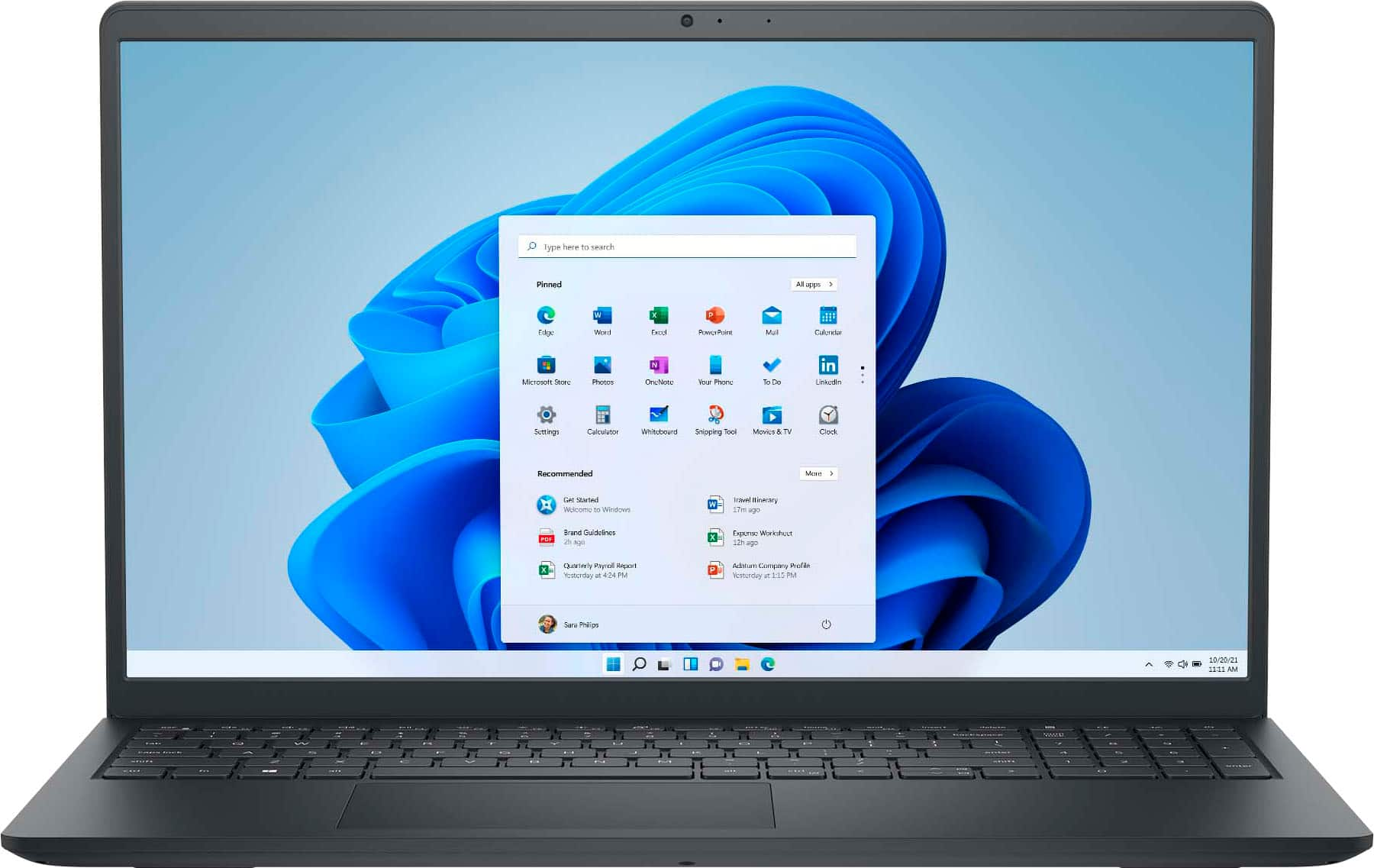
A traditional Dell Inspiron laptop has a clamshell design with a screen and keyboard. An Inspiron 2-in-1 features a touchscreen and a convertible hinge that allows different positions, such as laptop, tent and tablet modes. A touchscreen alone does not make a laptop a 2-in-1.
Compare the laptop’s listed ports with the connections your accessories require. Look for details about USB-A, USB-C, HDMI, audio connections and memory card readers. Port selections vary, and USB-C capabilities can differ, so check whether a port supports data transfer, video output or charging.
Memory, also called RAM, temporarily holds information used by open applications. Storage keeps your operating system, installed programs and saved files even when the laptop is turned off. When comparing Dell Inspiron laptops, review memory and storage as separate specifications.
Keyboard features vary by configuration, so a backlit keyboard is not something to assume from the Inspiron name alone. Check the keyboard specifications for backlighting. A backlit keyboard illuminates the key labels, while other features, such as a numeric keypad, are listed separately.