Dell Monitor Speaker
-
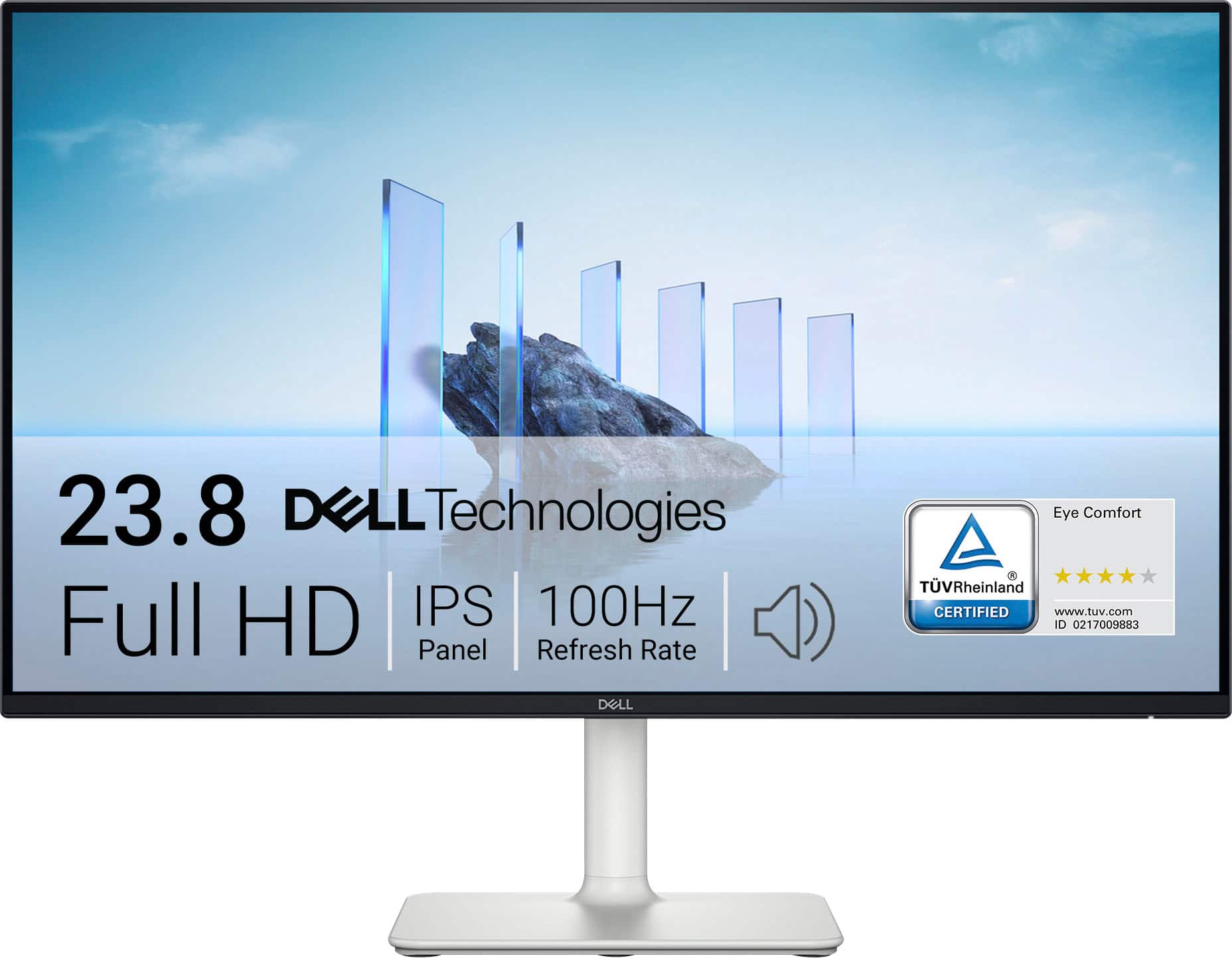
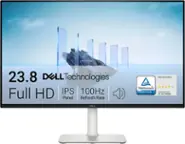
Dell - S2425H 24" IPS LED FHD 100Hz 8ms Monitor (HDMI) - Ash White
SKU: J3K4L62KC5By far 100% the best side monitor and maybe even great for console gaming display I’ve ever used....I love the computer screen that I purchased from Best Buy!...Love the speaker feature with clarity on...
See all All MonitorsProduct Description
An ash white IPS LED monitor with FHD resolution, 100Hz refresh rate, and integrated speakers for immersive viewing.Your price for this item is $134.99 -
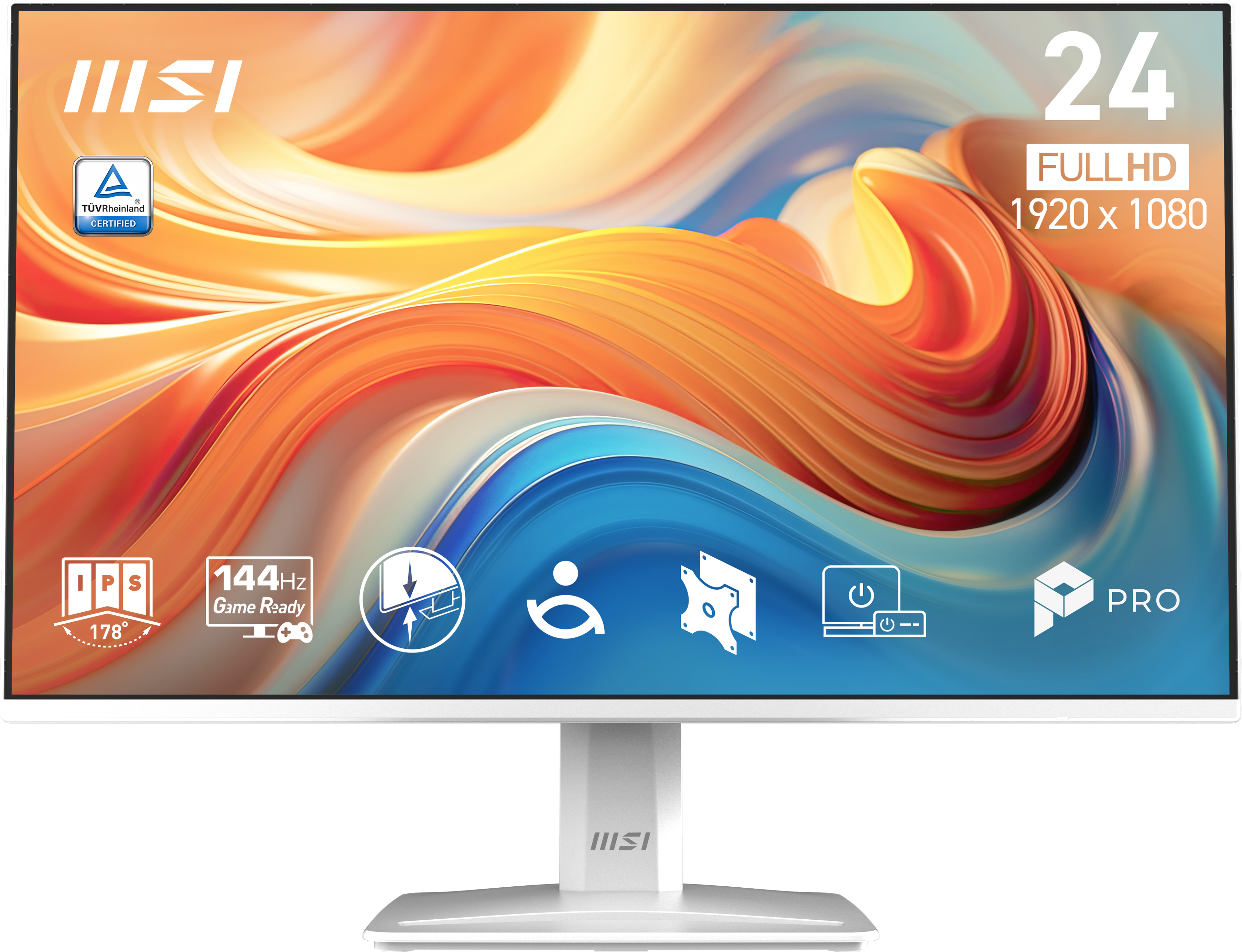
MSI - PRO MP243W E14 23.8" LCD FHD 144Hz 4ms Adaptive Sync Monitor with Built-in Speakers (DisplayPort, HDMI) - Matte White
SKU: J3P7TXQX6SMy son love it!...Overall, a great monitor for the price!
See all All MonitorsProduct Description
A matte white IPS monitor with 144Hz refresh rate, Adaptive Sync, built-in speakers, and HDR support.Your price for this item is $119.99 -
Dell - 34.1" IPS LED Curved 60Hz Monitor with HDR (USB, HDMI) - Black/Silver
SKU: J3K4L6C8YRSee all All MonitorsProduct Description
An ultrawide curved LED monitor in black and silver with HDR, built-in webcam, speakers, and USB-C hub.Your price for this item is $861.60

Best Sellers





Related Pages

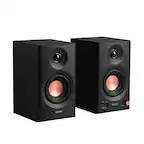
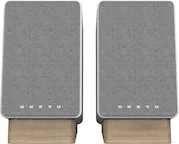

FAQ
Yes, many Dell monitor speakers are designed to be compatible with a variety of monitor brands, as long as the monitor has the appropriate audio output or mounting options. Always check the speaker’s compatibility details to ensure a proper fit and connection.
Dell monitor speakers typically connect to your computer using a standard audio cable (3.5mm jack) or via USB, depending on the model. Some speakers may also attach directly to the monitor and draw power from it, while others require a separate power source.
Some Dell monitor speakers are powered through the monitor itself, while others may require a separate power adapter or USB connection. Check the product specifications for power requirements before installation.
Many Dell monitor speakers allow you to adjust the volume directly from the monitor’s on-screen display or through physical buttons on the speaker itself. Refer to your monitor and speaker manuals for specific instructions.
Yes, Dell monitor speakers are designed to deliver clear audio for a variety of uses, including conference calls, streaming videos, and general multimedia playback. For best results, select a speaker model that matches your audio needs.