MacBook Air Memory Card
-
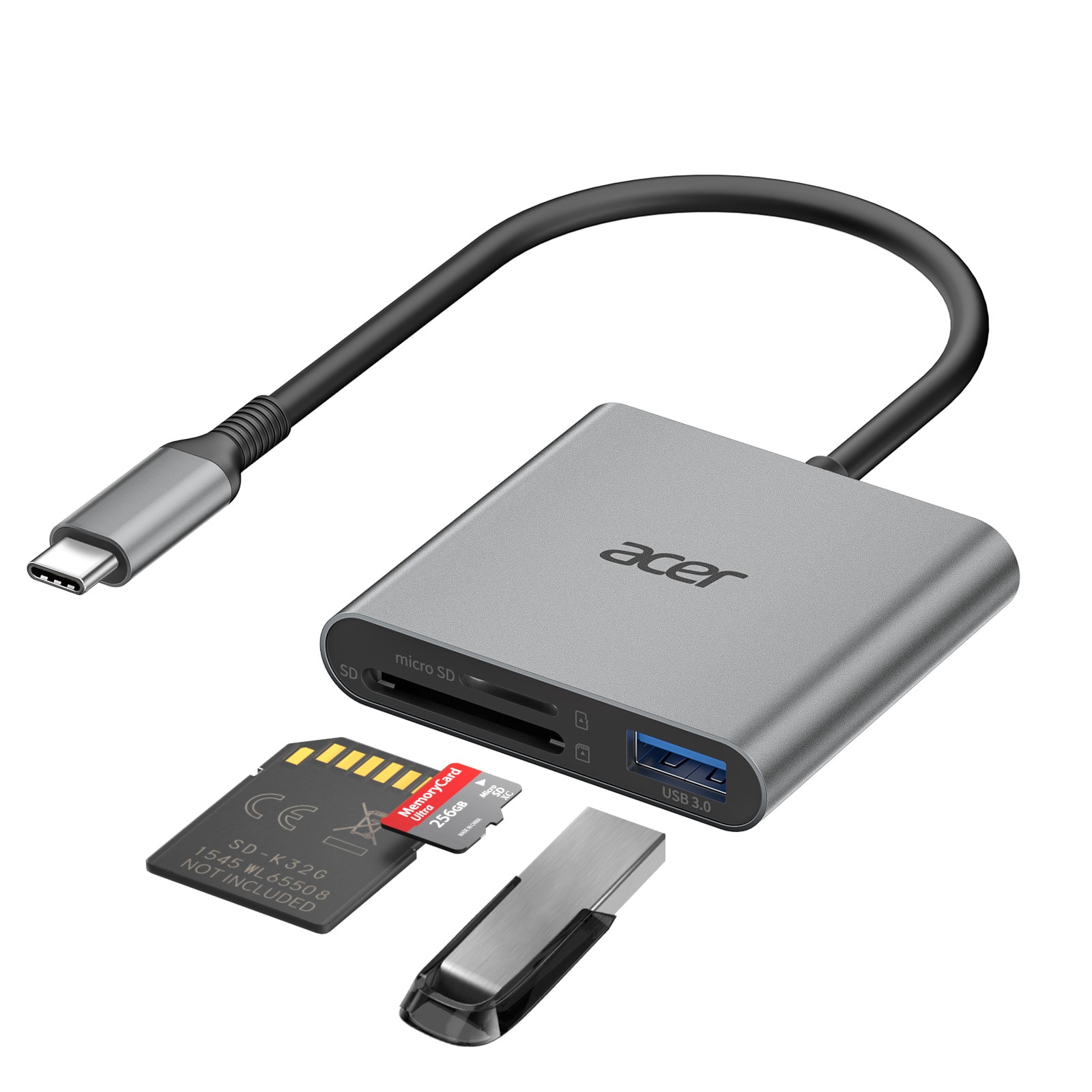
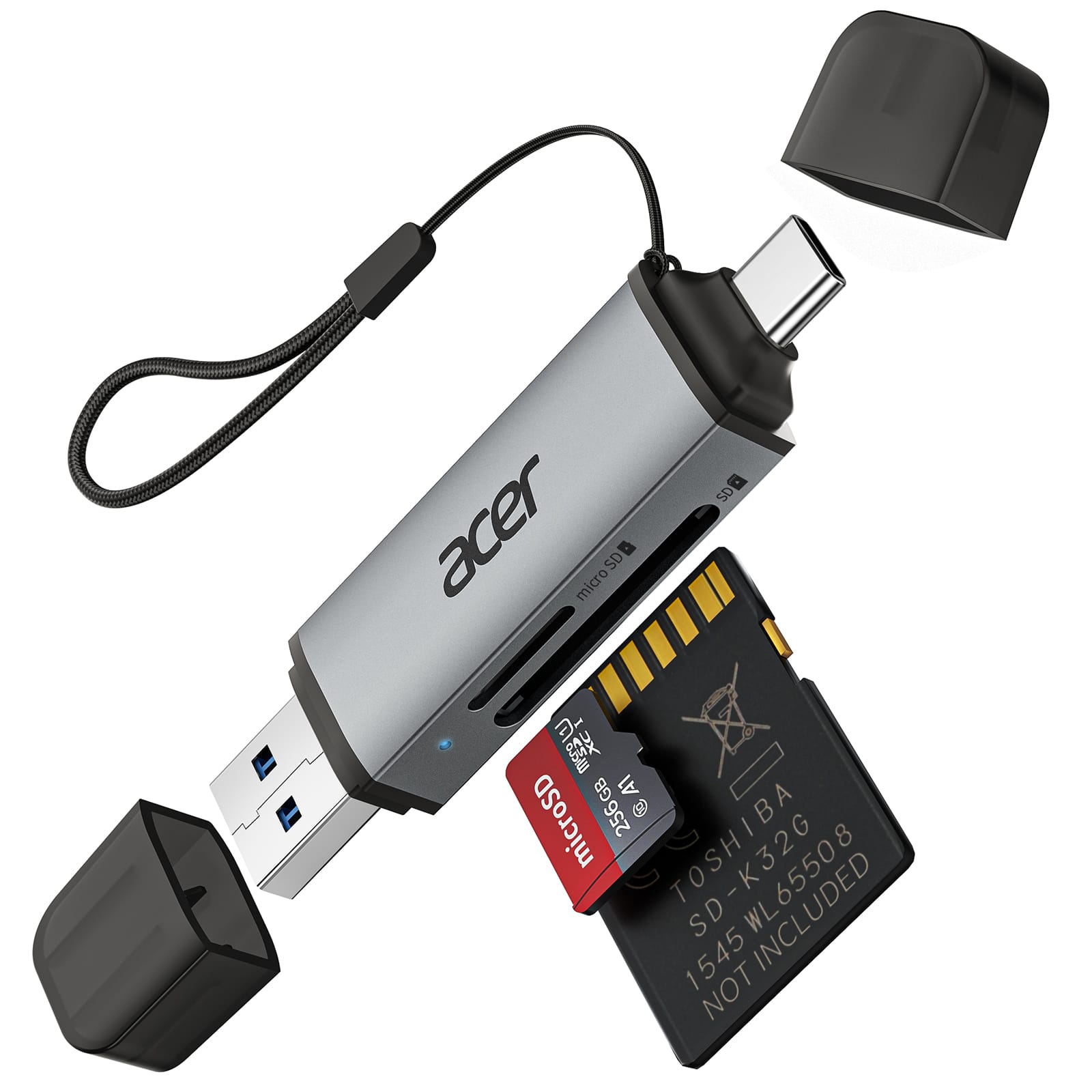
Acer - SD Card Reader USB C, 3 in 1 Memory Card Reader with Dual Slots & USB 3.0, Micro SD Card Adapter - Gray
SKU: JJ8V8H3L8Svery good and it is perfect if you are looking for something for that price believe me this is your best...I just love this memory reader.
See all Memory Card Readers & AdaptersProduct Description
A gray 3-in-1 USB-C memory card reader with dual slots and USB 3.0 plug-and-play support.Your price for this item is $15.99 -
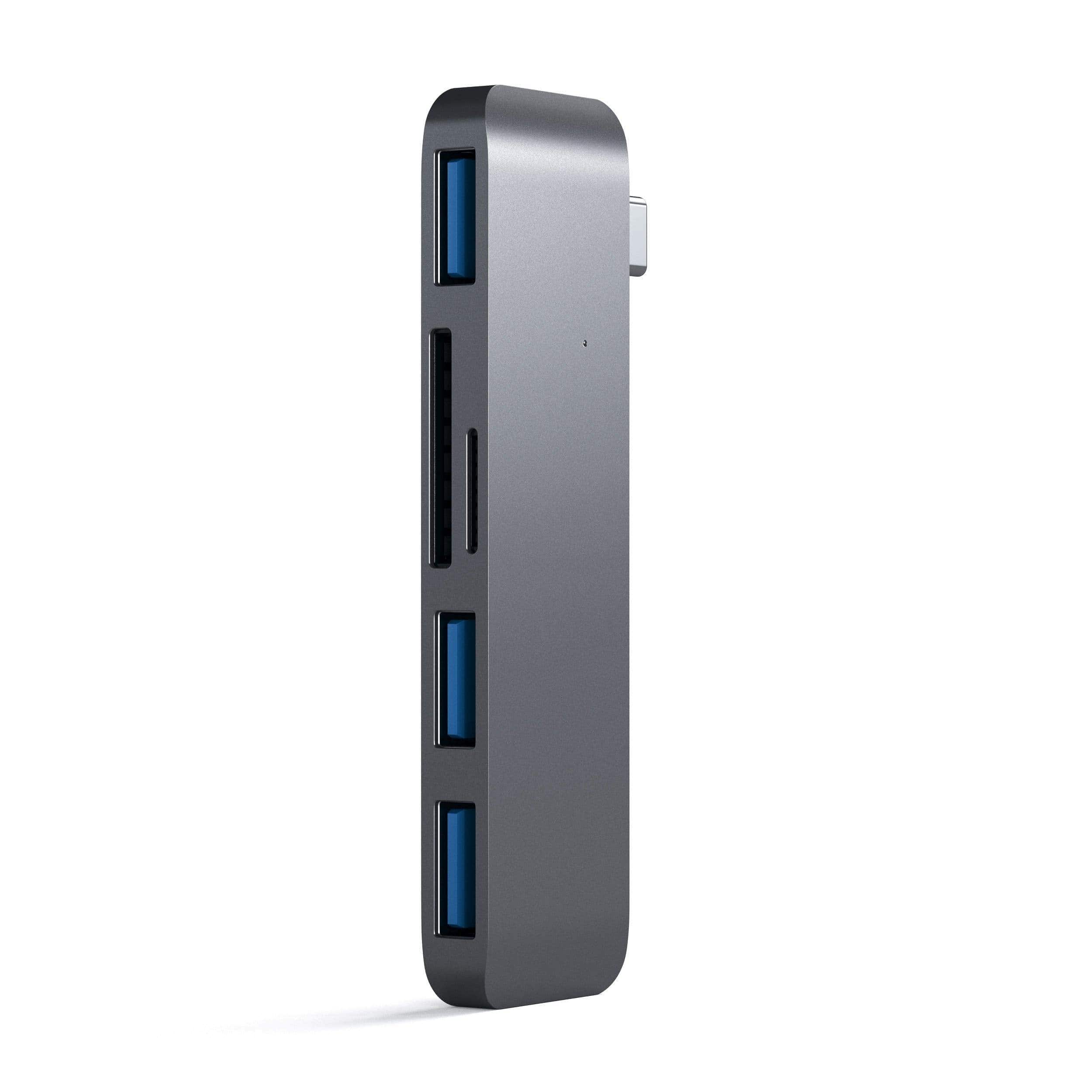
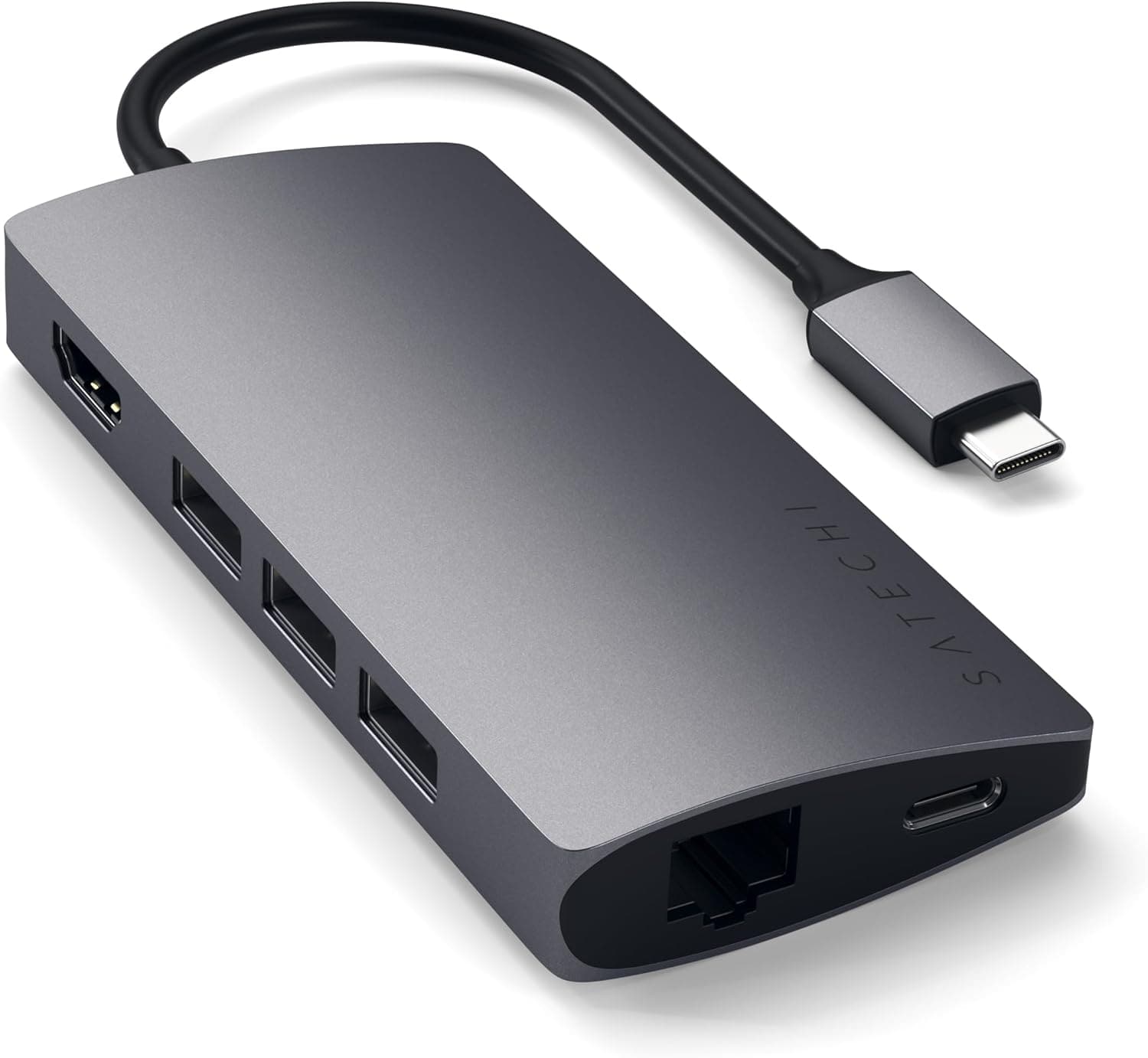
Satechi - Aluminum USB-C 3-in-1 Combo Hub - 3 USB 3.0 Ports & Micro/SD Card Reader for MacBook Pro/Air, iPad Pro & Air - Space Gray
SKU: J3KXL7XLH3Great item’
See all Memory Card Readers & AdaptersProduct Description
An aluminum space gray hub that adds three USB 3.0 ports plus SD and Micro SD card readers.Your price for this item is $27.99Save $12The previous price was $39.99 -
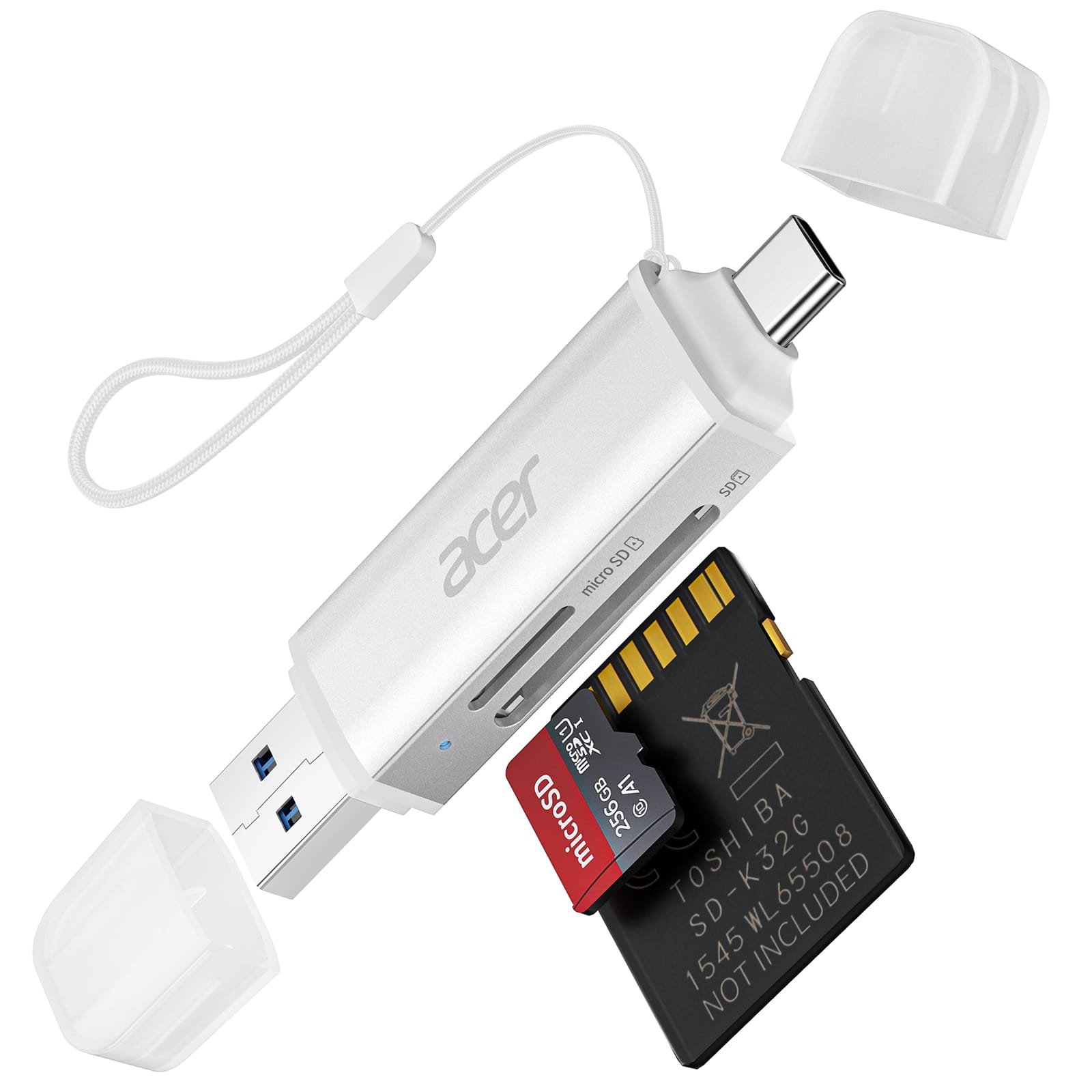
Acer - SD Card Reader USB C, Dual Slots USB 3.0 Type C to Micro SD Card Adapter, Memory Card Reader - Silver
SKU: JJ8V8H3LXVSee all Memory Card Readers & AdaptersProduct Description
A silver dual-slot USB-C card reader offering plug-and-play access for MicroSD, SDHC, and SDXC cards.Your price for this item is $14.99 -
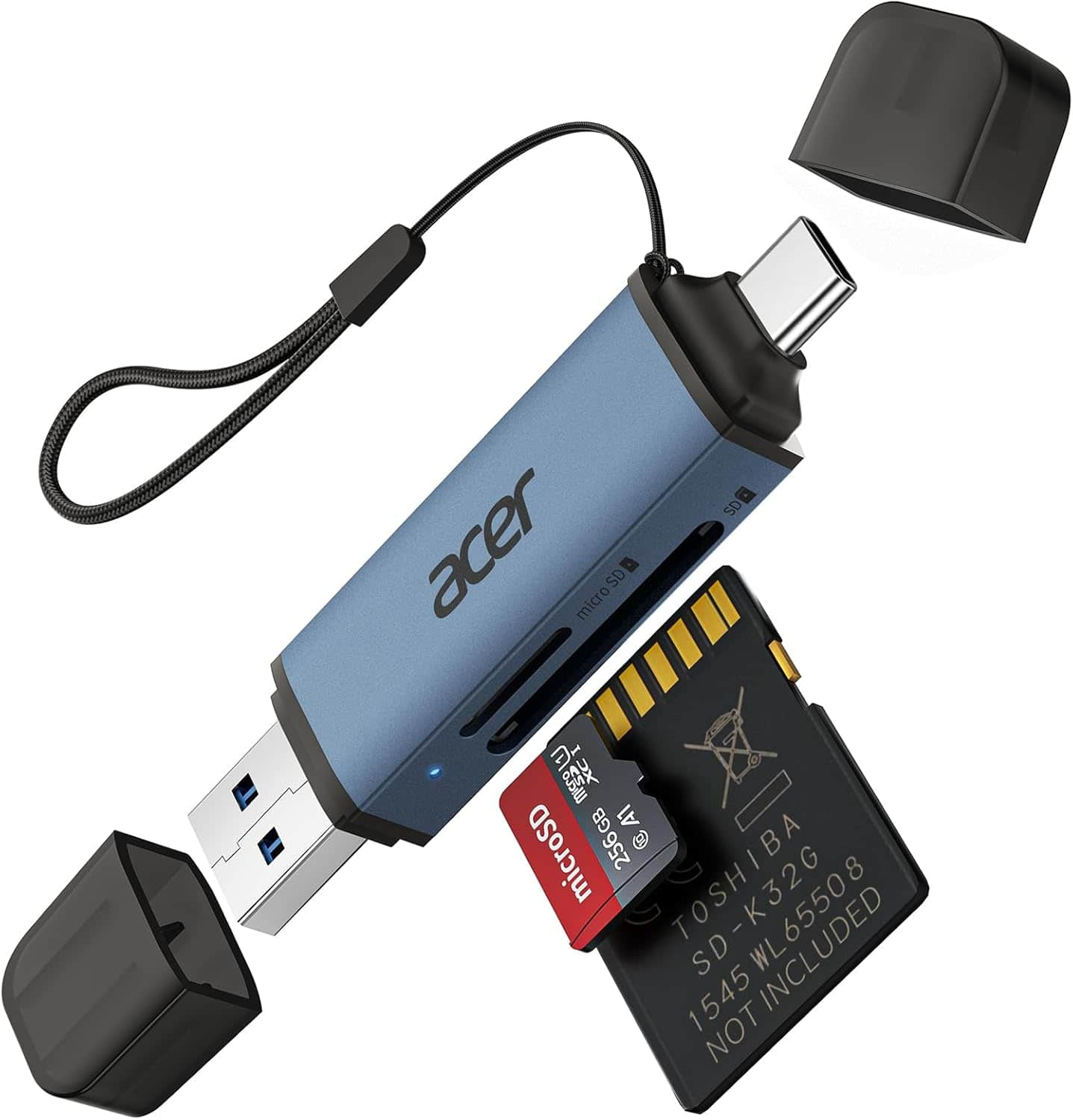
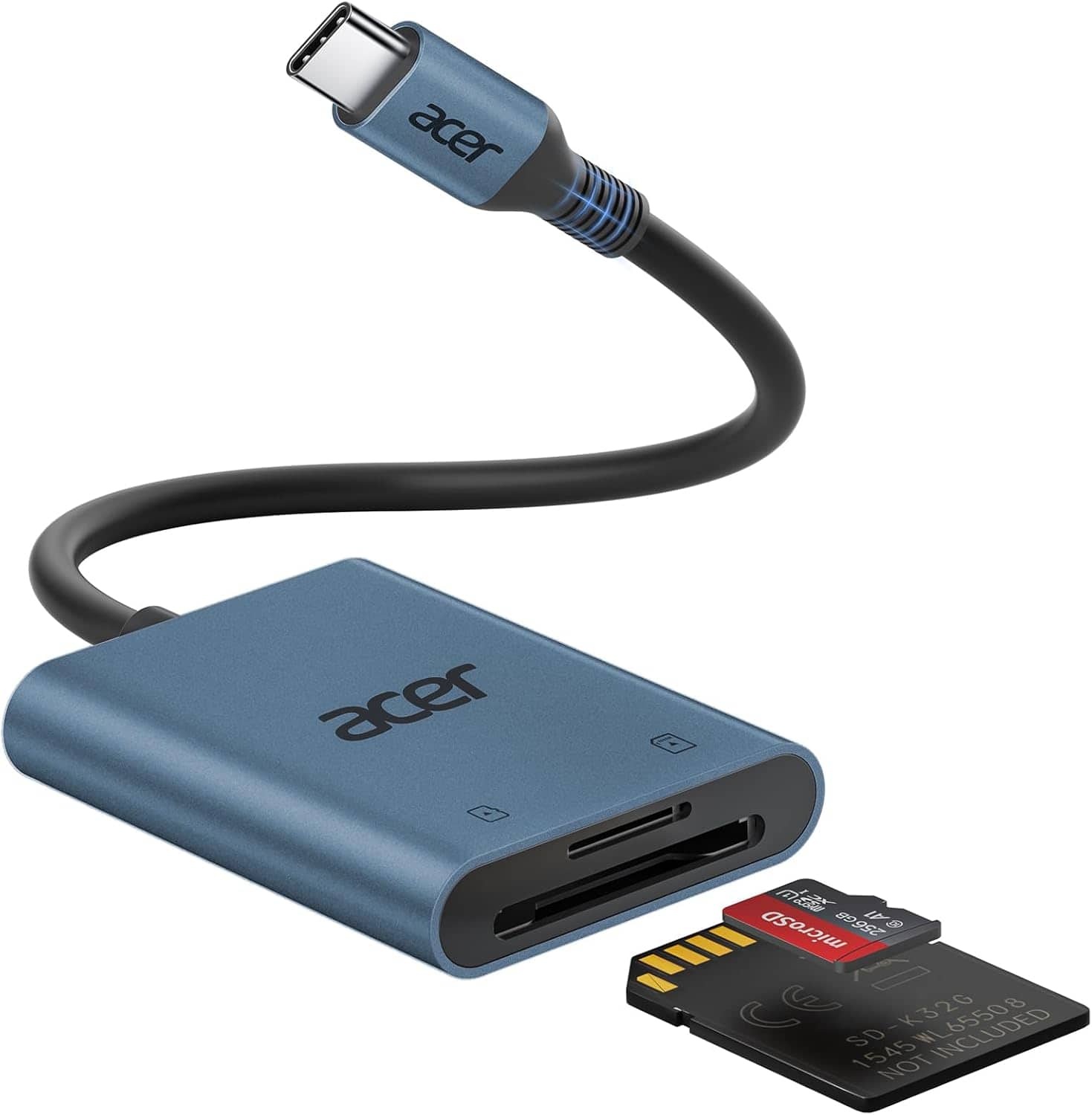
Acer - SD Card Reader USB C, Dual Slots USB 3.0 Type C to Micro SD Card Adapter, Memory Card Reader - Blue
SKU: JJ8V8HGKL6See all Memory Card Readers & AdaptersProduct Description
A blue dual-slot USB-C and USB 3.0 adapter for MicroSD, SDHC, and SDXC memory cards.Your price for this item is $14.99 -
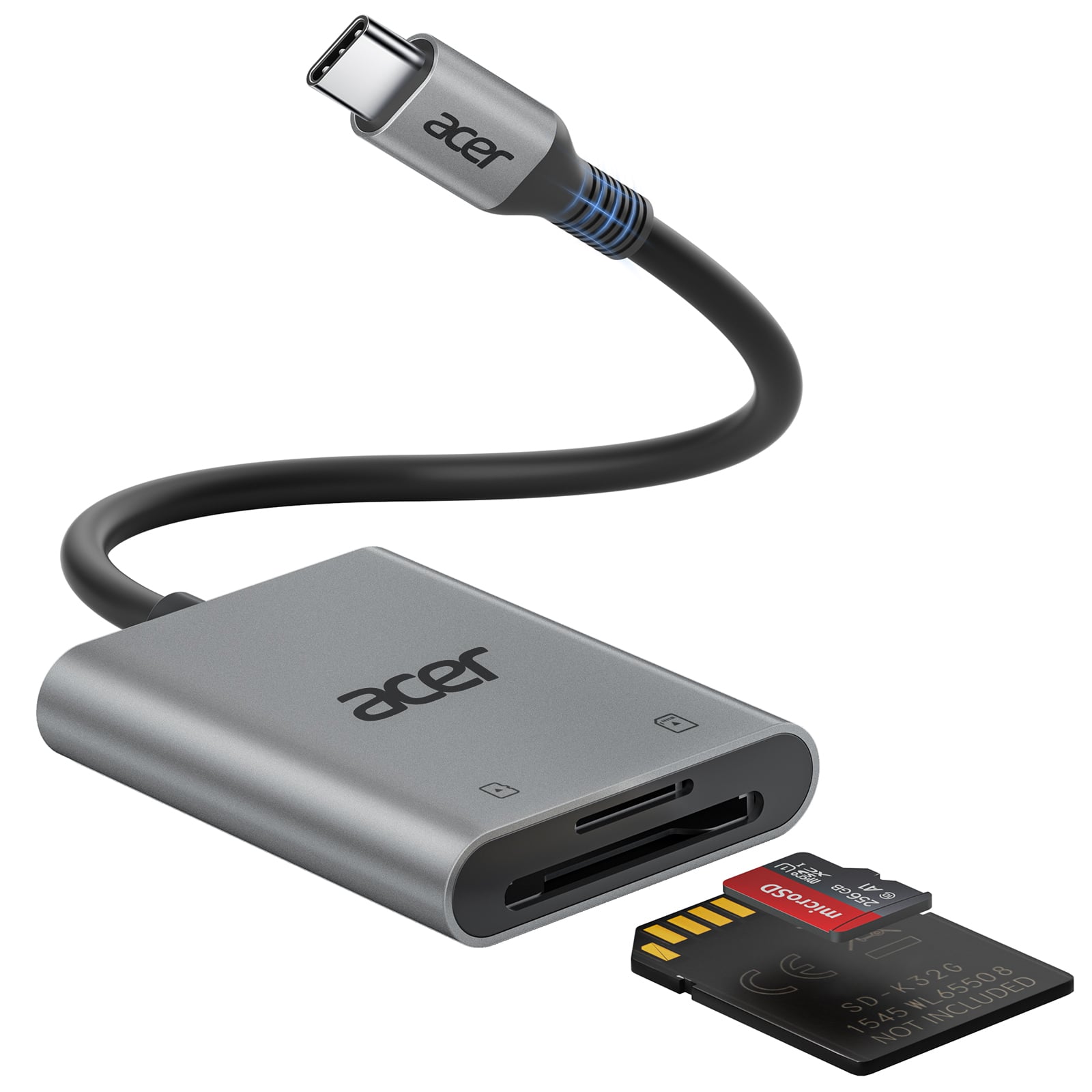
Acer - SD Card Reader USB C, Dual Slots USB 3.0 Type C to Micro SD Card Adapter, Memory Card Reader - Gray
SKU: JJ8V8H3JVGGreat Little Gadget...I love this!! Easy to use, easy to bring along, no cords!!...By far the best and most portable/reliable USBC SD card reader in the universe!
See all Memory Card Readers & AdaptersProduct Description
A gray dual-slot USB-C and USB 3.0 adapter enabling fast, plug-and-play SD and MicroSD transfers.Your price for this item is $12.99Save $1The previous price was $13.99 -
Satechi - Type-C Multi-Port Adapter V2-4K HDMI, Ethernet, USB-C, SD/Micro, USB 3.0 - MacBook Pro, MacBook Air, Windows Laptops - Space Gray
SKU: J3KXL7XSPQGreat multi port...Great speed, sturdy and very easy travel/packing with this multi port being relatively small yet very...Awesome - great for travel. I'm glad I was told to get this item for my new...
See all Docking StationsProduct Description
An aluminum space gray adapter offering 4K HDMI, Ethernet, USB-C, USB 3.0, and SD/microSD ports.Your price for this item is $89.99 -
Acer - SD Card Reader USB C, Dual Slots Type C to Memory Card Reader, Aluminum Micro SD Card Camera Adapter - Blue
SKU: JJ8V8QV338Great device
See all Memory Card Readers & AdaptersProduct Description
An aluminum blue USB-C card reader with dual slots, compatible with MicroSD, SDHC, and SDXC cards.Your price for this item is $14.99 -
Acer - SD Card Reader USB C, Dual Slots Type C to Memory Card Reader, Aluminum Micro SD Card Camera Adapter - Gray
SKU: JJ8V8H3L38Love this SD card reader!...We run trail cameras year round and this has been a great addition to our backpack!...best sd card reader...Great value for the price.
See all Memory Card Readers & AdaptersProduct Description
A gray aluminum USB-C card reader with dual slots, supporting MicroSD, SDHC, and SDXC cards.Your price for this item is $14.99
Best Sellers


Related Pages



FAQ
MacBook Air models typically support SD, SDHC, and SDXC memory cards through compatible card readers or USB adapters. Always check your MacBook Air's ports and specifications to determine which type of memory card or adapter you may need.
To transfer files, insert the memory card into a compatible card reader connected to your MacBook Air. The card will appear as an external drive on your desktop or in Finder, allowing you to drag and drop files between the memory card and your MacBook Air.
Yes, you can use a memory card as external storage for your MacBook Air. While it won't increase your internal storage, you can store documents, photos, videos, and other files on the memory card and access them as needed.
No special software is required to access most memory cards on a MacBook Air. macOS natively supports common file systems like FAT32 and exFAT, which are standard for most memory cards. For cards formatted in unsupported file systems, you may need to reformat the card or use third-party software.
To safely eject a memory card, right-click the card's icon on your desktop or in Finder and select 'Eject.' Wait for the card to disappear from the Finder before physically removing it from the card reader or adapter. This helps prevent data loss or corruption.