Multi-Bay USB Drive Enclosures For One Computer
-
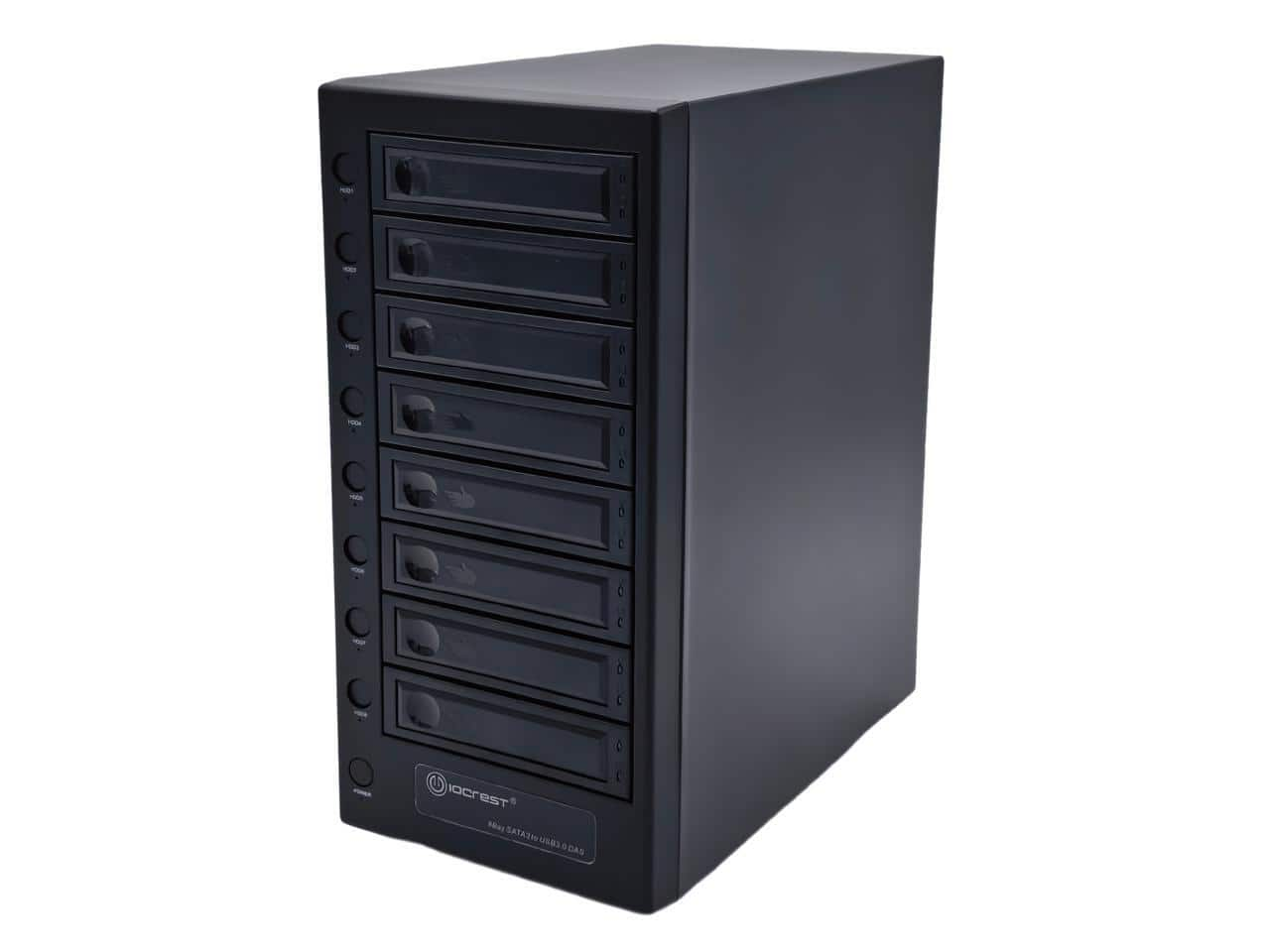
Syba - SY-ENC50125 8-Bay USB 3.2 Type-C SATA HDD Enclosure (2.5" & 3.5")
SKU: J3Q97PRRLZSee all Hard Drive Cables & AccessoriesProduct Description
A black USB 3.2 Type-C enclosure supporting up to eight 2.5" or 3.5" SATA hard drives.Your price for this item is $275.99 -
Syba - 5 Bay USB 3.2 Type-C 10Gbps DAS Enclosure, 120TB (2.5" & 3.5" SATA HDD/SSD) - SY-ENC50128
SKU: J3R8K7WQ99See all Hard Drive Cables & AccessoriesProduct Description
A black USB 3.2 Type-C enclosure supporting up to five 2.5"/3.5" SATA HDDs or SSDs.Your price for this item is $168.99 -
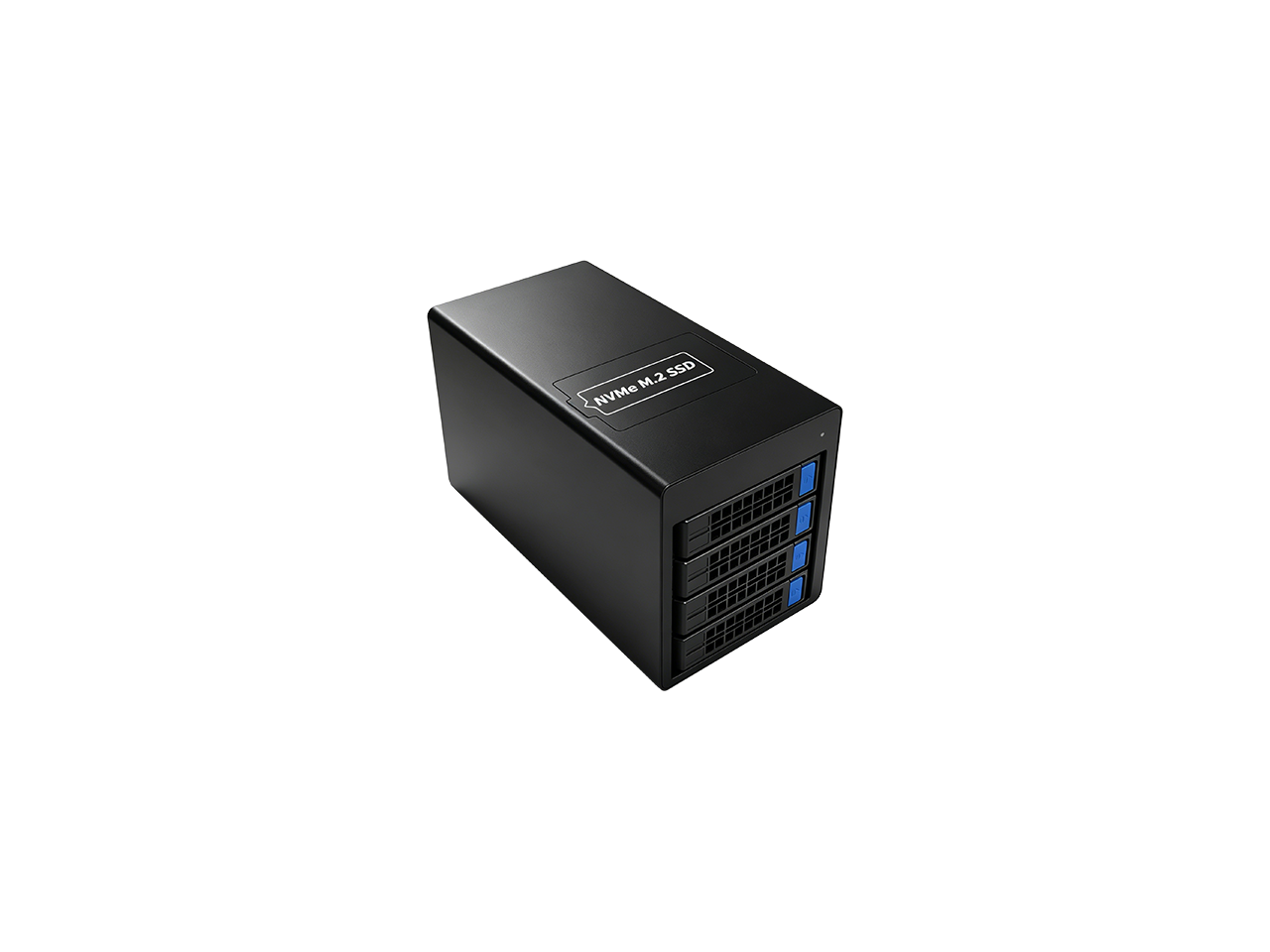
Syba - USB 4.0 40Gbps Type-C 4-Bay 2.5/3.5" SATA + 1-Bay M.2 NVMe Combo Enclosure
SKU: J3R8K7WQHSSee all Hard Drive Cables & AccessoriesProduct Description
A USB 4.0 40Gbps Type-C enclosure supporting four 2.5/3.5-inch SATA drives and one M.2 NVMe SSD.Your price for this item is $284.99Save $55The previous price was $339.99 -
StarTech.com - Dual USB 3.0 Hard Drive Docking Station - Black
SKU: J7PHY2V4C2The best thing about this in my opinion is that you have the option to turn on each dock individually...This dock is great, ive used it with SSDs and HDDs and both work flawlessly on this.
See all Racks, Mounts & AccessoriesProduct Description
A black docking station that connects two SATA III hard drives via dual USB 3.0 ports for efficient access.Your price for this item is $104.95 -
Syba - USB 4.0 (40Gbps) Type-C 8 Bay 2.5 Inch and 3.5 Inch SATA Hard Drive External Hard Drive Enclosure - SY-ENC50129
SKU: J3R8K7WQ6JSee all Hard Drive Cables & AccessoriesProduct Description
An eight-bay USB 4.0 enclosure supporting 2.5-inch and 3.5-inch SATA hard drives with 40Gbps Type-C connectivity.Your price for this item is $317.99 -
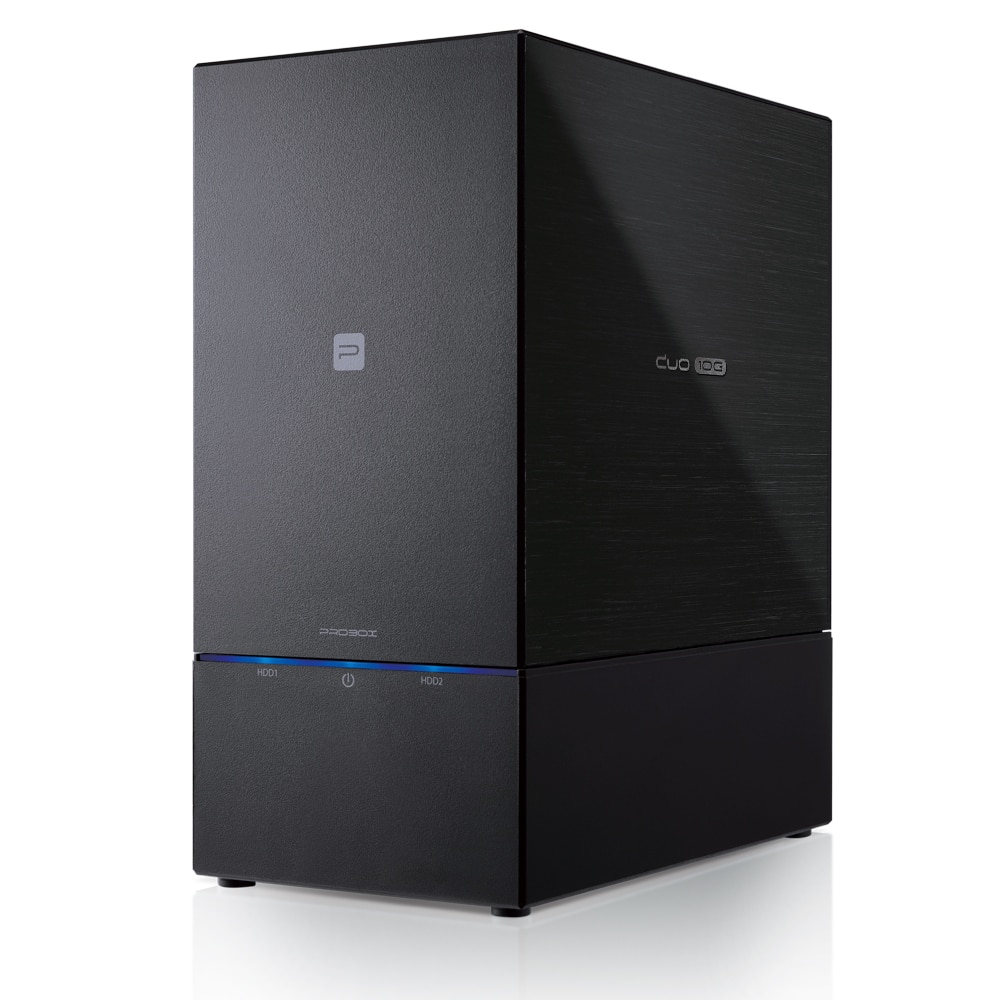
Mediasonic - PRORAID 2 Bay 3.5" & 2.5" SATA Hard Drive Enclosure DAS - USB 3.2 Gen 2 10Gbps Type C USB-C - Black
SKU: JX2CWG82CHSee all Hard Drive Cables & AccessoriesProduct Description
A black two-bay SATA enclosure with USB-C connectivity and 10Gbps USB 3.2 Gen 2 performance.Your price for this item is $89.99 -
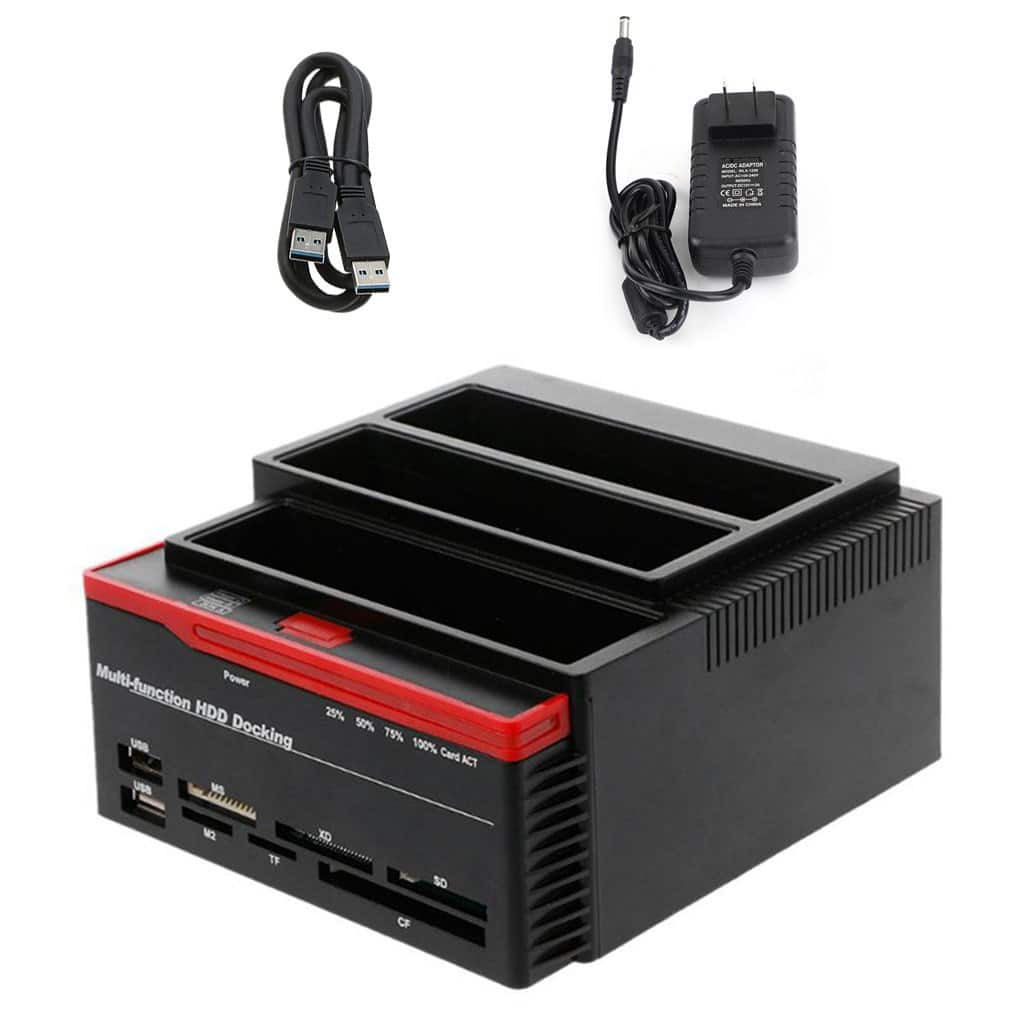
Topteng - 3-Bay Hard Drive Docking Station for IDE & SATA HDD - with Cloner, 7-in-1 Card Reader, 2xUSB Hub, 2.5”/3.5”
SKU: J3R9F7Y9Q8See all Hard Drive Cables & AccessoriesProduct Description
A versatile 3-bay docking station with IDE/SATA support, cloner, 7-in-1 card reader, and USB hub.Your price for this item is $48.99 -
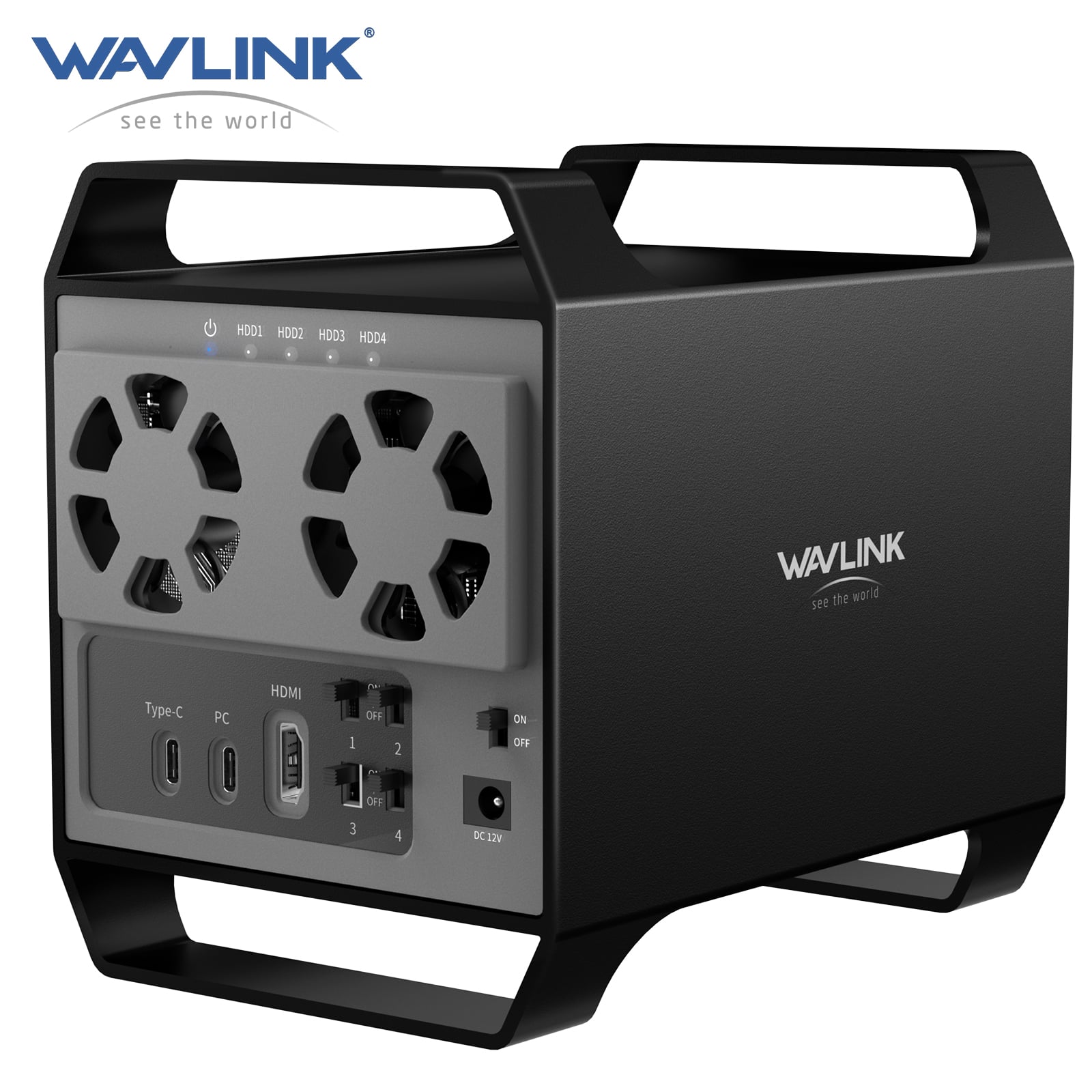
WAVLINK - 4-Bay Hard Drive Enclosure for 3.5" and 2.5'' SATA HDD/SSD Featuring 10Gbps USB-C 3.2, 88TB Capacity, Built-in T - Black
SKU: CZRRXJ54P3See all Hard Drive Cables & AccessoriesProduct Description
A black aluminum-alloy four-bay drive enclosure supporting SATA HDDs and SSDs with 10Gbps USB-C connectivity.Your price for this item is $280.00 -
Syba - 4-Bay USB4 (USB-C) 40G Portable SSD Dock for NVMe/PCIe (22110, 2280, 2260, 2242, 2230) (Docking Only)
SKU: J3R8K7WQRGSee all Hard Drive Cables & AccessoriesProduct Description
A portable USB4 SSD dock supporting ultra-fast NVMe/PCIe drives for efficient external storage and cloning.Your price for this item is $164.50 -
Rosewill - Triple Bay M.2 NVMe/SATA & 2.5/3.5" HDD Dock, USB 3.2 10Gbps, Offline Cloner, Tool-Free
SKU: J39K6Y5KHHSee all Hard Drive Cables & AccessoriesProduct Description
A versatile, tool-free triple bay dock supporting M.2 NVMe/SATA SSDs and 2.5"/3.5" HDDs with USB 3.2.Your price for this item is $79.99 -
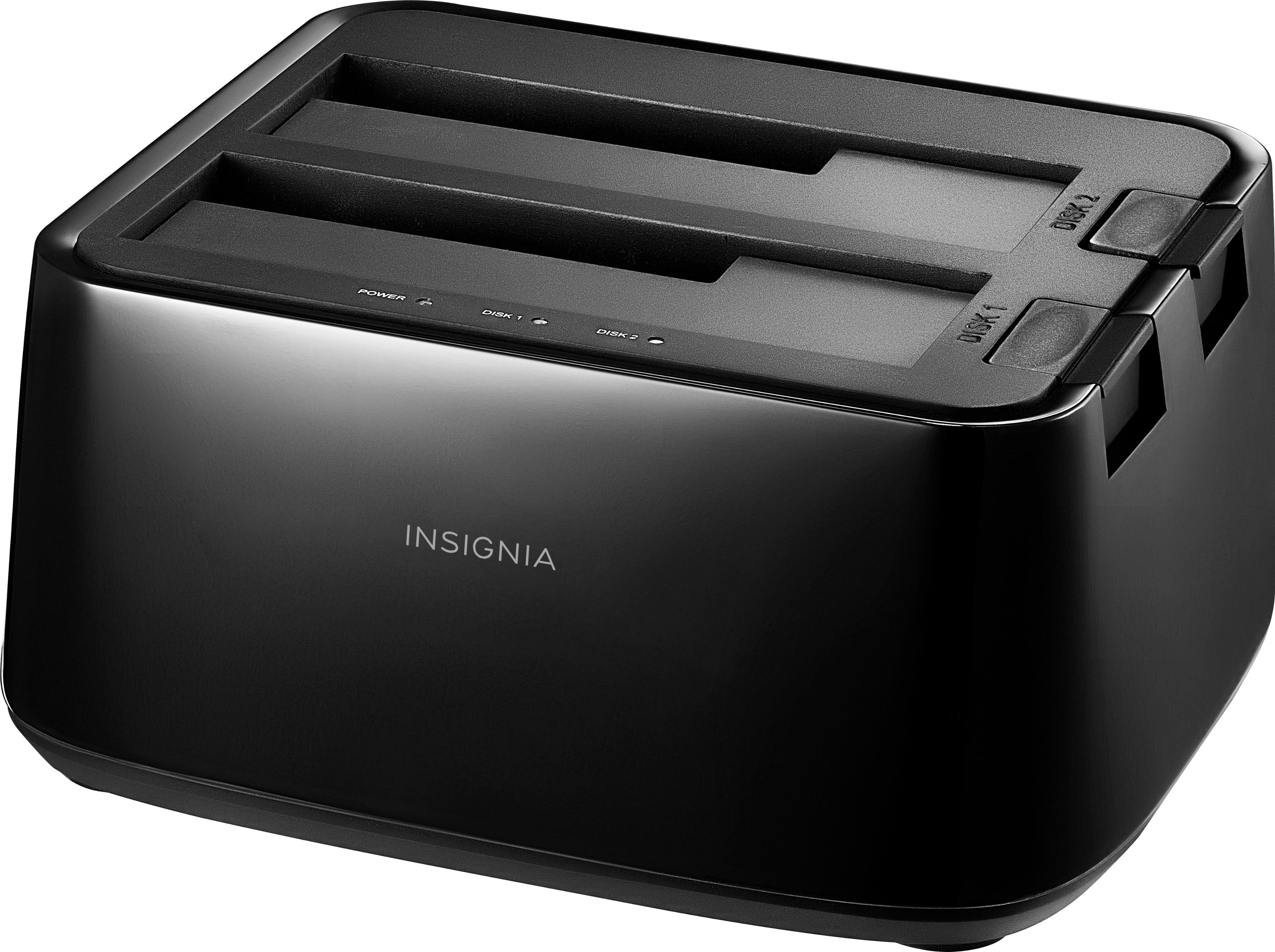
Insignia™ - 2-Bay HDD docking station
SKU: J2FPJKSY9TLove it would definitely recommend to a friend. I...Love it would definitely recommend to a friend. I also love Best Buy...I love best buy...I really love ,technology gadgets, the way this was like new...
See all Hard Drive Cables & AccessoriesProduct Description
A plug-in docking station with two bays for simultaneous SSD/HDD use and fast USB 3.0 transfers.Your price for this item is $49.99 -
Syba - 4-Bay USB4 (USB-C) 40G Portable SSD Dock for NVMe/PCIe (2280, 2260, 2242, 2230) (Docking Only)
SKU: J3R8K7WQRVSee all Hard Drive Cables & AccessoriesProduct Description
A portable USB4 SSD dock offering ultra-fast 40Gbps speeds for NVMe and PCIe drives.Your price for this item is $139.99Save $16The previous price was $156.74 -
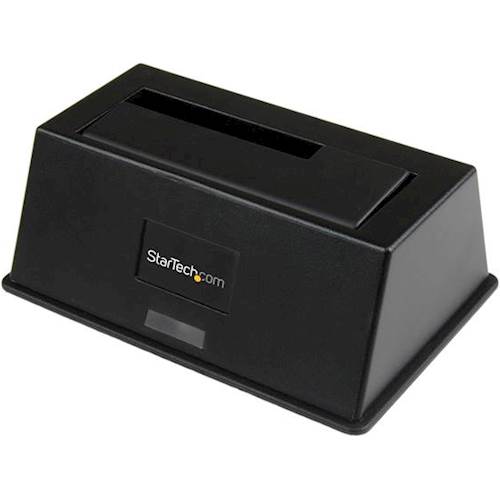
StarTech.com - USB 3.0 Hard Drive Docking Station - Black
SKU: J7PHY2VW92See all Hard Drive Cables & AccessoriesProduct Description
A black docking station enabling fast data transfer for 2.5" and 3.5" SATA hard or solid-state drives.Your price for this item is $81.27 -
Topteng - Dual-Bay Hard Drive Dock for IDE & SATA - USB 2.0, Reads 2.5”/3.5” HDD/SSD, with One-Touch Backup
SKU: J3R9F7Y9Q6See all Hard Drive Cables & AccessoriesProduct Description
A versatile dual-bay dock enabling USB 2.0 access and one-touch backup for IDE and SATA drives.Your price for this item is $29.99 -
StarTech.com - Dual SATA Dock for 2 x 2.5/3.5" SSD/HDD - USB 3.0
SKU: J7PHYX7W7YLove the speed but not happy it does not image
See all Hard Drive Cables & AccessoriesProduct Description
A dual-bay USB 3.0 docking station for connecting two 2.5" or 3.5" SATA SSDs or HDDs.Your price for this item is $93.04 -
StarTech.com - USB 3.1 Hard Drive Docking Station - Black
SKU: J7PHYX72H8See all Hard Drive Cables & AccessoriesProduct Description
A black docking station enabling fast 10 Gbps data transfers for SATA hard and solid-state drives.Your price for this item is $104.70 -
StarTech.com - SDOCK2U313 USB 3.1 Dual-Bay SATA Dock for 2.5"/3.5" SSD/HDDs
SKU: J7PHYX72H6See all Hard Drive Cables & AccessoriesProduct Description
A dual-bay, top-loading USB 3.1 dock supporting 2.5"/3.5" SATA SSDs and HDDs with UASP.Your price for this item is $143.29Save $2The previous price was $145.82 -
ASUS - TUF A2- USB-C 3.2 Gen 2x2 SSD Enclosure, Dual M.2 NVMe, MIL-STD-810H, IP68, Aluminum Alloy
SKU: JJGGLQQSPCSee all Hard Drive Cables & AccessoriesProduct Description
An ultra-durable aluminum SSD enclosure with dual M.2 NVMe support, USB-C 3.2, and IP68 protection.Your price for this item is $72.76








Best Sellers


Related Pages


FAQ
A multi-bay USB drive enclosure houses multiple internal storage drives and connects them externally to one computer through USB. Depending on the enclosure’s supported modes, the computer may recognize each drive separately or recognize a combined storage volume.
Typically, a multi-bay USB enclosure connects all installed drives to one computer through a single USB connection. The enclosure manages communication with the drives internally. Connection and external power requirements vary by enclosure.
RAID organizes multiple drives into an array using a defined storage layout. JBOD stands for “just a bunch of disks” and does not use a RAID layout. Depending on the enclosure’s implementation, JBOD may present drives individually or combine them into one volume. Not every multi-bay USB enclosure supports both options.
Some multi-bay USB drive enclosures support both hard disk drives and solid-state drives, but compatibility depends on the internal drive interface and the enclosure’s specifications. SATA and NVMe drives use different interfaces, so USB connectivity alone does not establish drive compatibility. Support for mixing drive types also varies by enclosure and storage mode.
Compatibility depends on the enclosure’s operating system support and the file system used on its drives. Windows and macOS both support exFAT, which can be useful when moving an enclosure between computers. Enclosure management software and RAID configuration tools may have separate operating system requirements.