Main Content

Photocopy Machine For Small Business

Finding the right photocopy machine for small business needs can make everyday operations smoother and more efficient. Whether you're managing invoices, preparing reports, or handling important documents, having a reliable copier in your workspace is essential. Explore a wide selection of photocopy machines designed to fit the unique demands of small businesses, offering dependable performance to help keep your office running seamlessly. Discover options that support productivity and help you stay organized, so you can focus on growing your business with confidence.

Read More
Results
Main Results
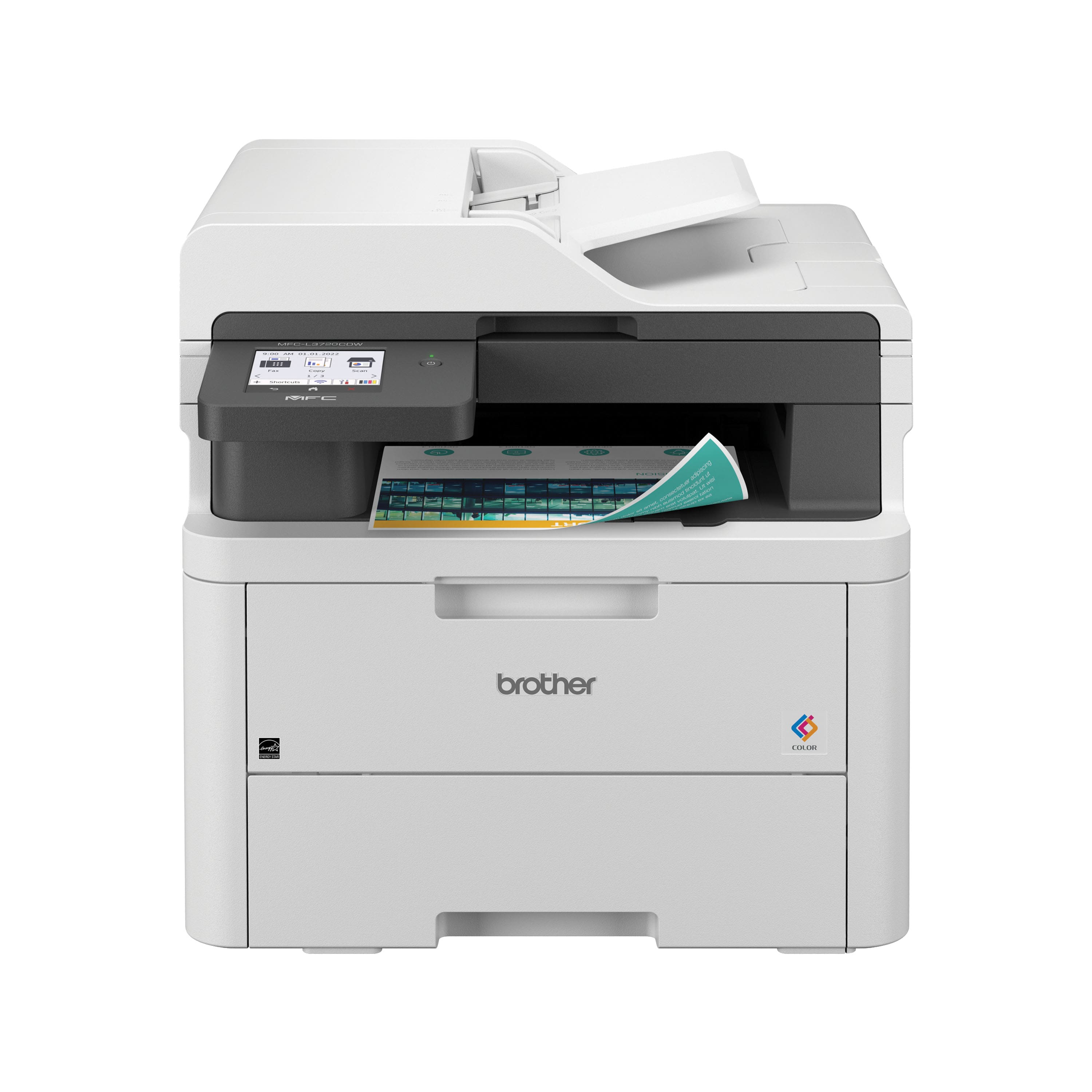
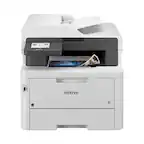
  1. Brother - MFC-L3720CDW Wireless Digital Color All-in-One Printer with Laser Quality Output, Great for Small Offices - White

    SKU: J7CJ38Z5Y3

    Love my new Brother wireless printer - works from any device anywhere in the house, and prints beautifully...- easy to set up, intuitive to use - and love all the features!...Best printer of my life......

    Product Description

    A wireless white all-in-one printer delivering fast, high-quality color prints, scans, copies, and faxes for small offices.
    See all Color Laser Printers
    Your price for this item is $459.99
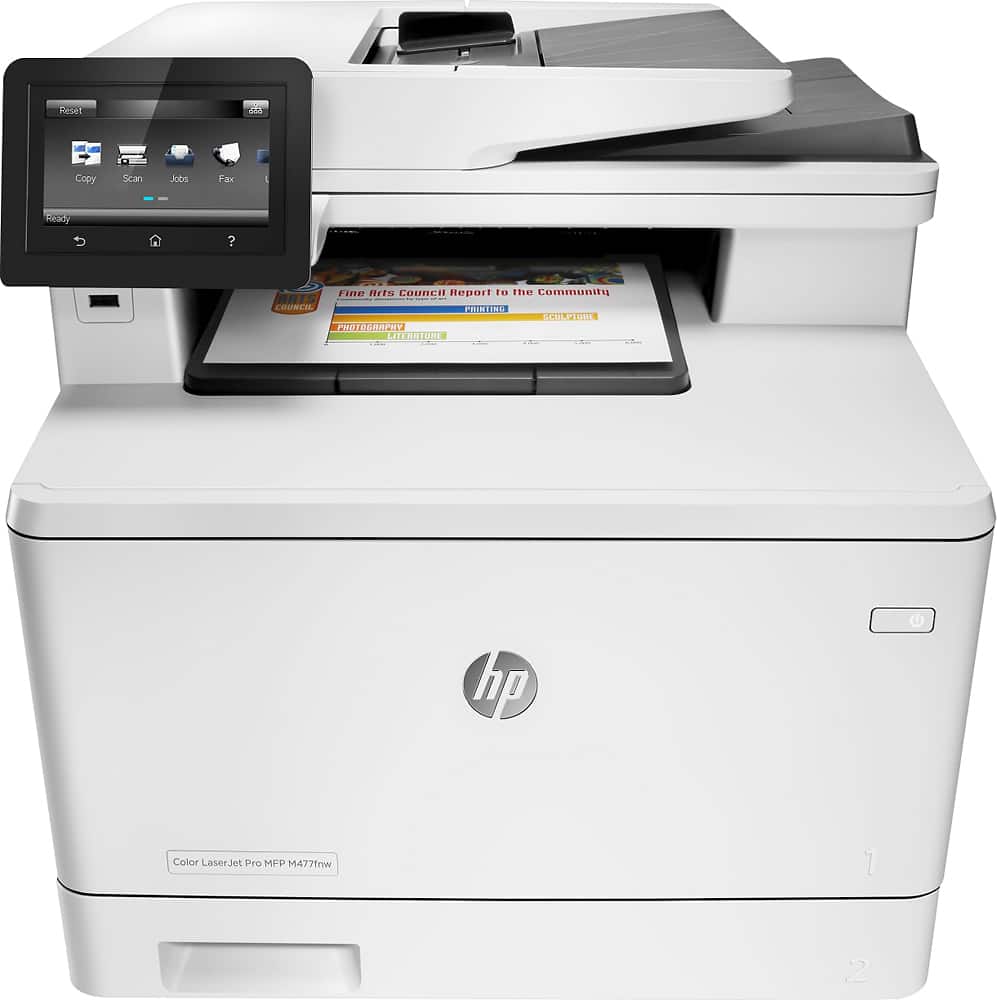
  2. HP - LaserJet Pro MFP m477fnw Color All-In-One Printer - White

    SKU: J3ZQ9SJ6YP

    Product Description

    A versatile white all-in-one printer with wireless connectivity, double-sided scanning, and a convenient touch screen.
    See all Color Laser Printers
    Your price for this item is $969.00
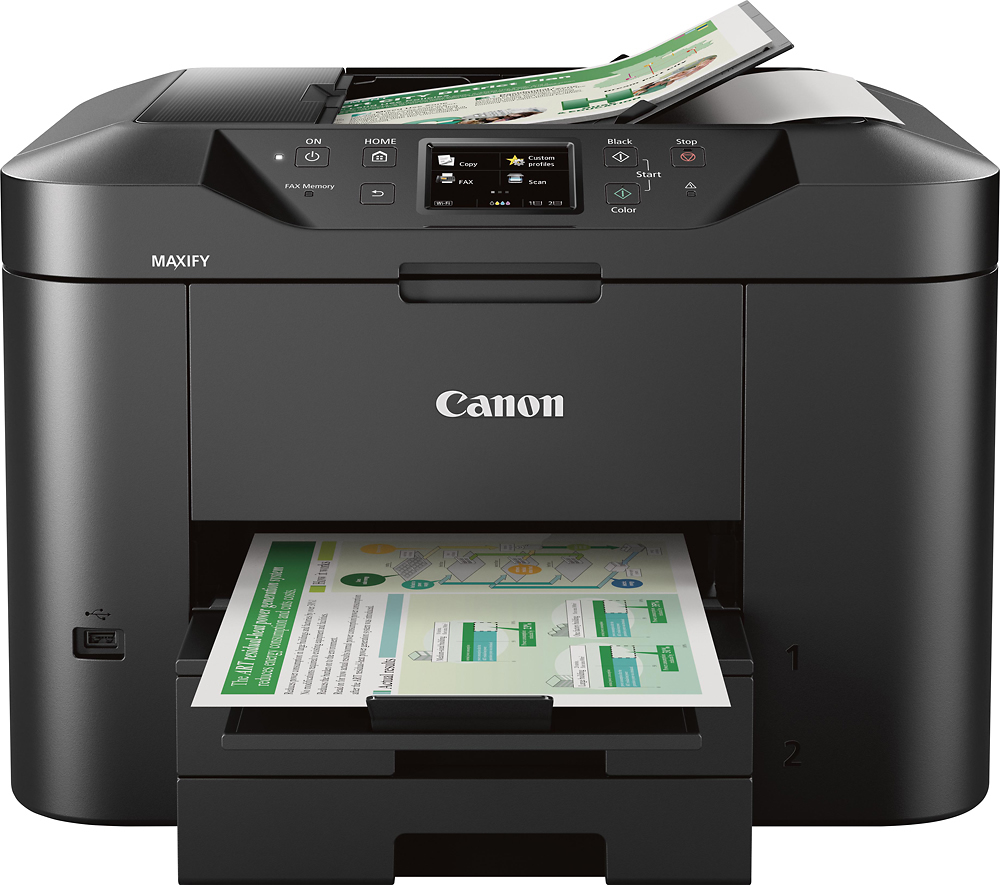
  3. Canon - MAXIFY MB2720 Wireless All-In-One Printer - Black

    SKU: J7C86SY7H5

    love it...great feautures fak bluetooth and wonderful pictures scans and copy ,love it...Love my new printer

    Product Description

    A versatile black wireless all-in-one printer featuring scanning, copying, faxing, and double-sided printing capabilities.
    See all Inkjet Printers
    Your price for this item is $149.99
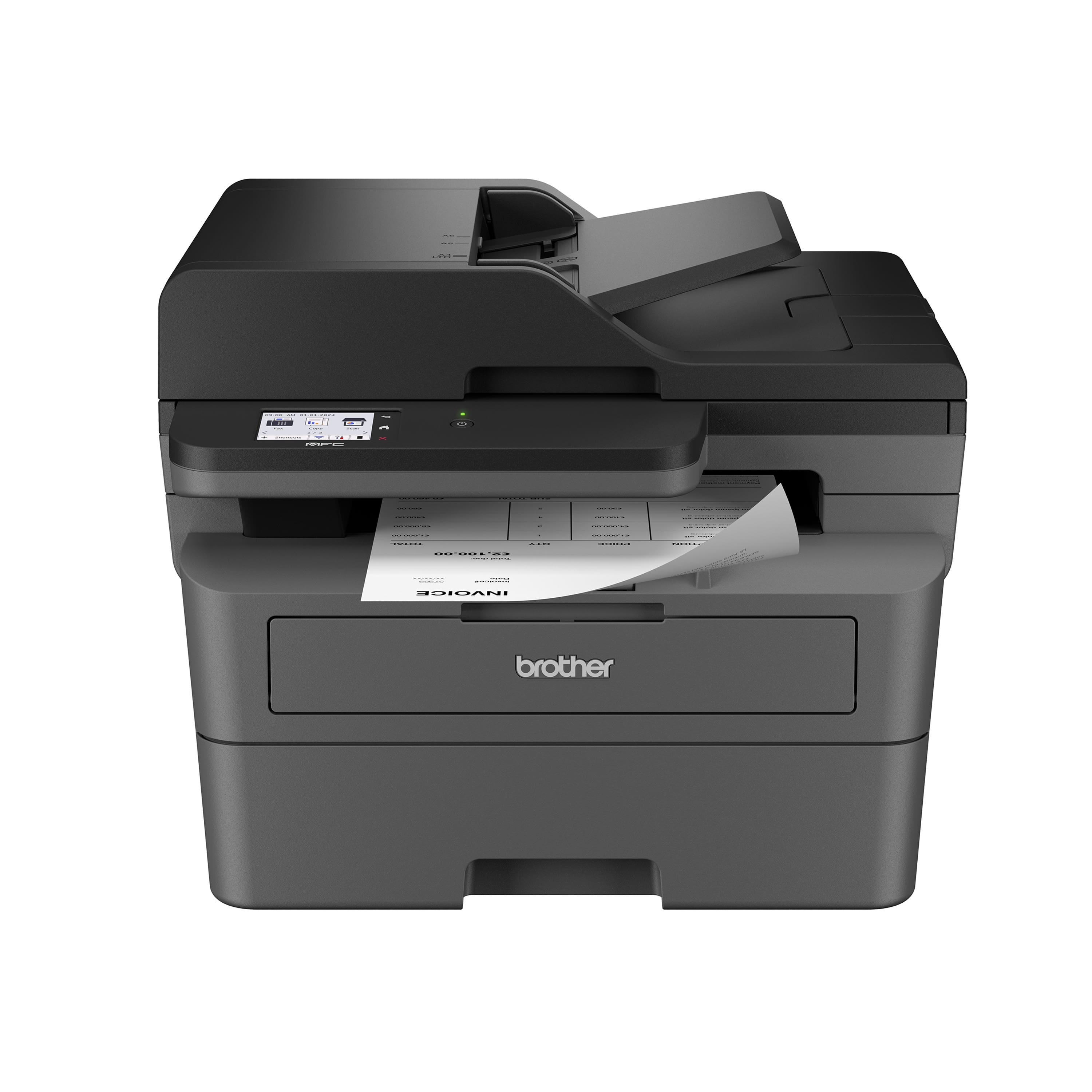
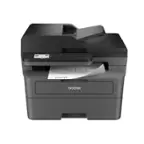
  4. Brother - MFC-L2820DW Wireless Black-and-White Refresh Subscription Eligible All-In-One Laser Printer, Great for Home Offices - Gray

    SKU: J7CJ384J8X

    Best Ever...Love, love this printer/copier/scanner/fax. A good investment....Best printer ever i love it and for my work is perfect

    Product Description

    A versatile gray all-in-one laser printer offering wireless connectivity, fast duplex printing, and touchscreen controls.
    See all Black & White Laser Printers
    Your price for this item is $279.99
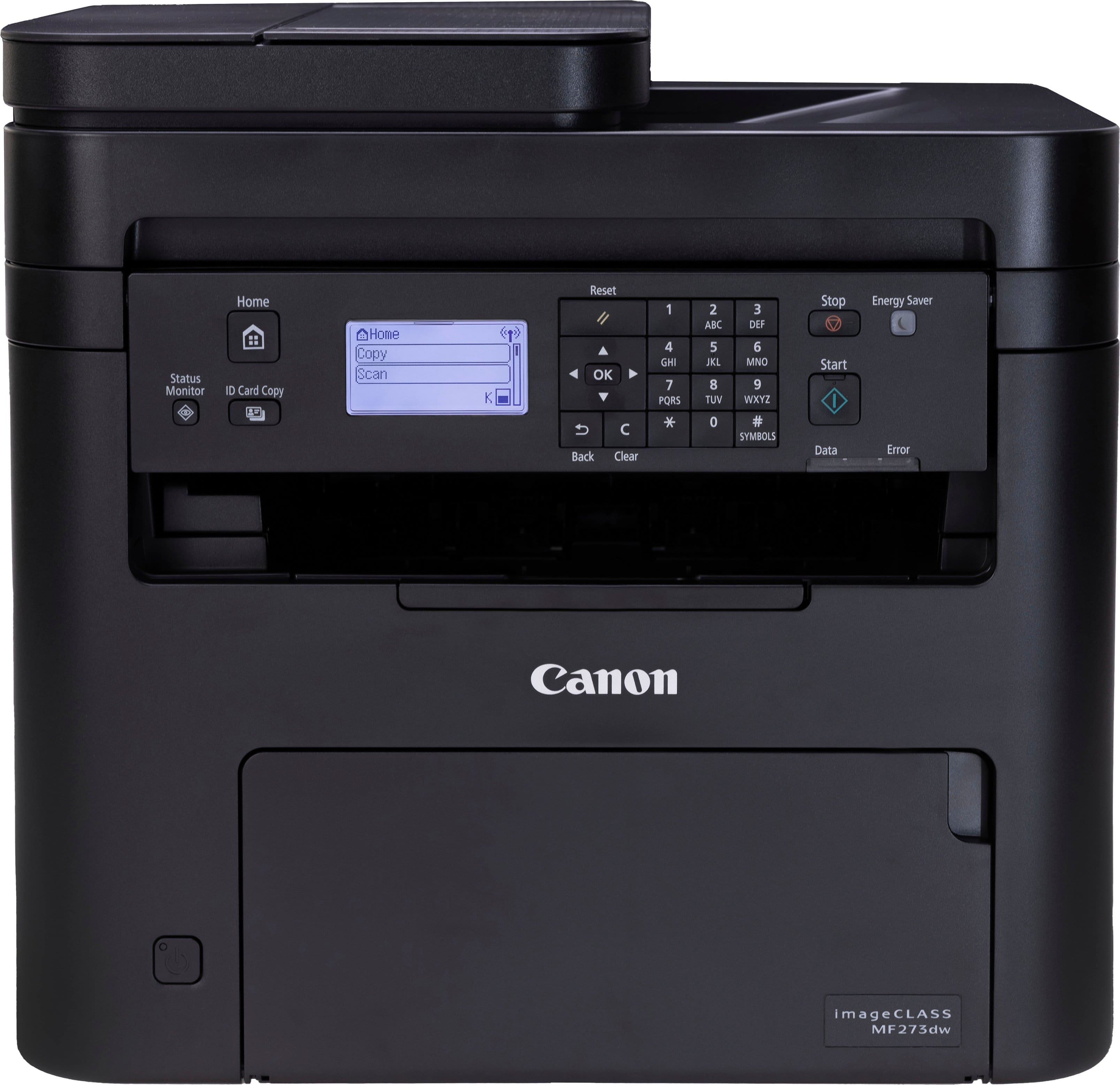
  5. Canon - imageCLASS MF273dw Wireless Black-and-White All-In-One Laser Printer - Black

    SKU: J7C86SR3F6

    Buy at Best Buy...Works great, good wireless printer. Great sales personal...Great for a small face paced small business. I love it!

    Product Description

    A wireless black all-in-one laser printer offering fast, crisp printing, scanning, copying, and mobile connectivity.
    See all Black & White Laser Printers
    Your price for this item is $149.00
    Save $66
    The previous price was $215.00
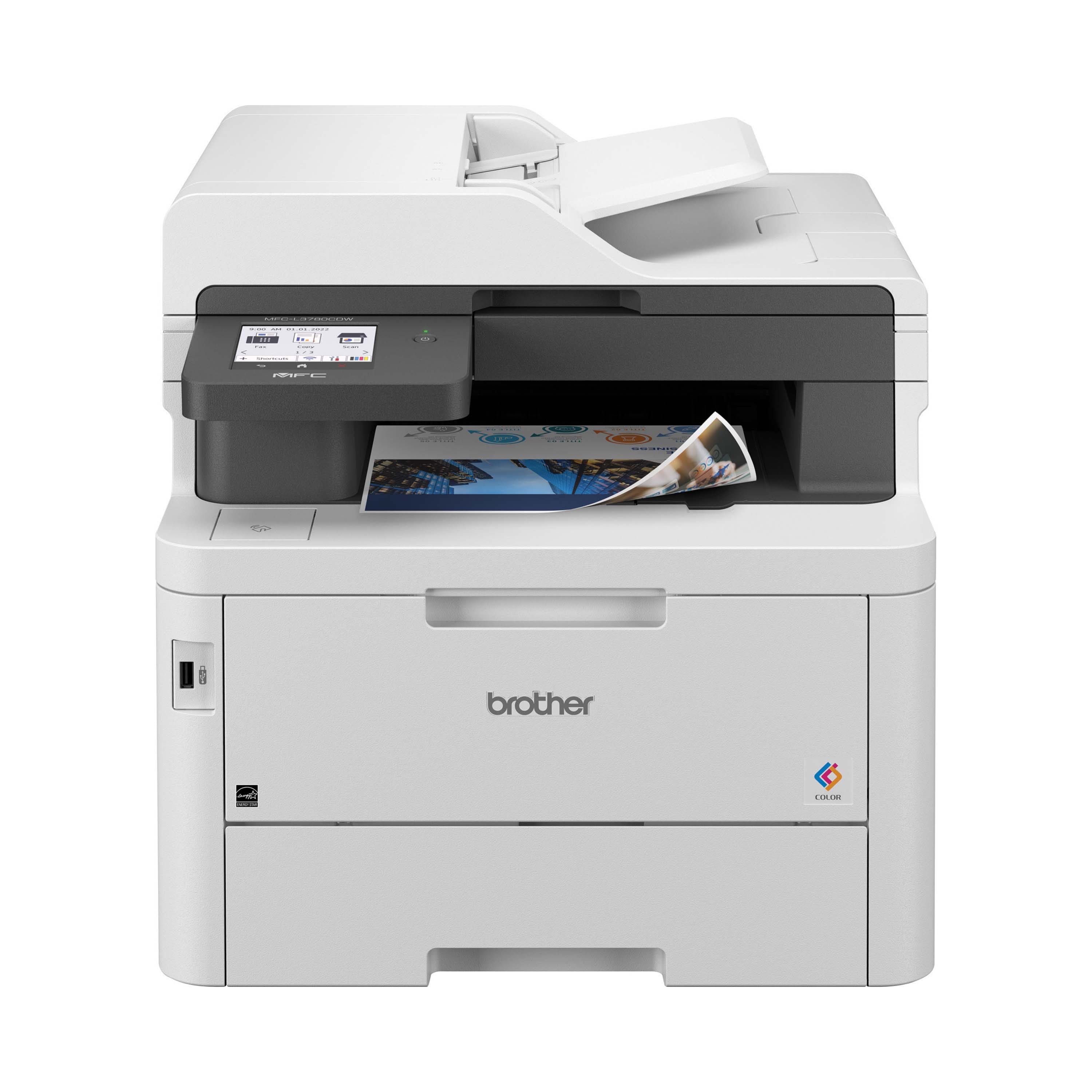
  6. Brother - MFC-L3780CDW Wireless Digital Color All-in-One Printer with Laser Quality Output, Great for Business - White

    SKU: J7CJ38ZHYS

    Best Addition to Office...Love my new printer. Makes scanning jobs smooth and efficient....great printer. Love two sided, once through scanning and super fast printing.

    Product Description

    A white wireless all-in-one printer delivering fast, smudge-free color prints with advanced security and touchscreen controls.
    See all Color Laser Printers
    Your price for this item is $569.98
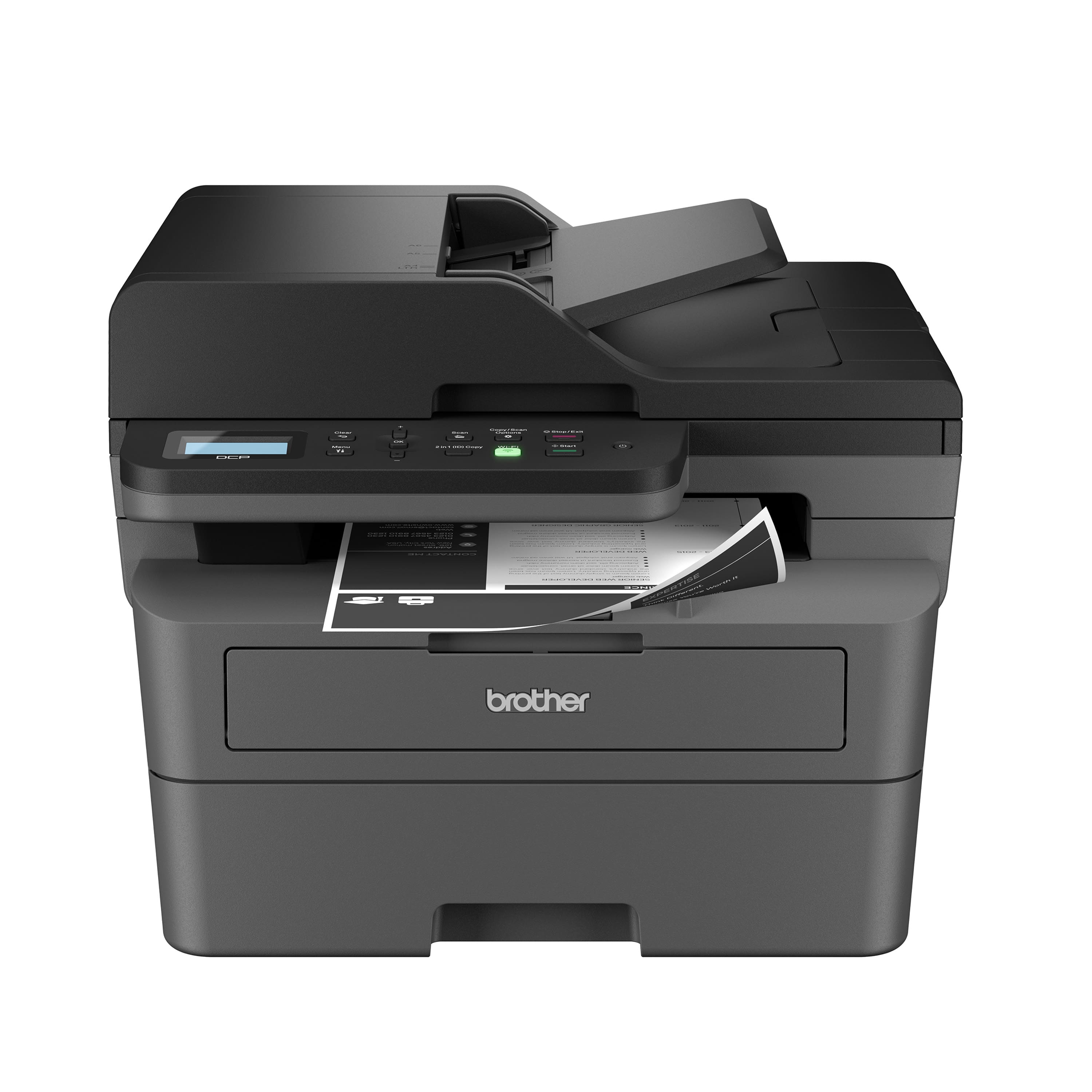
  7. Brother - DCP-L2640DW Wireless Black-and-White Refresh Subscription Eligible 3-in-1 Laser Printer, Great for Small Offices - Gray

    SKU: J7CJ384JGP

    Best around...Love that it has all options...printing, copying and scanning. Couldn't ask for better...Best printer...⭐ Overall Performance:This is a solid, reliable black-and-white printer with great...

    Product Description

    A versatile gray wireless 3-in-1 laser printer offering fast monochrome printing, scanning, and copying for small offices.
    See all Black & White Laser Printers
    Your price for this item is $209.99
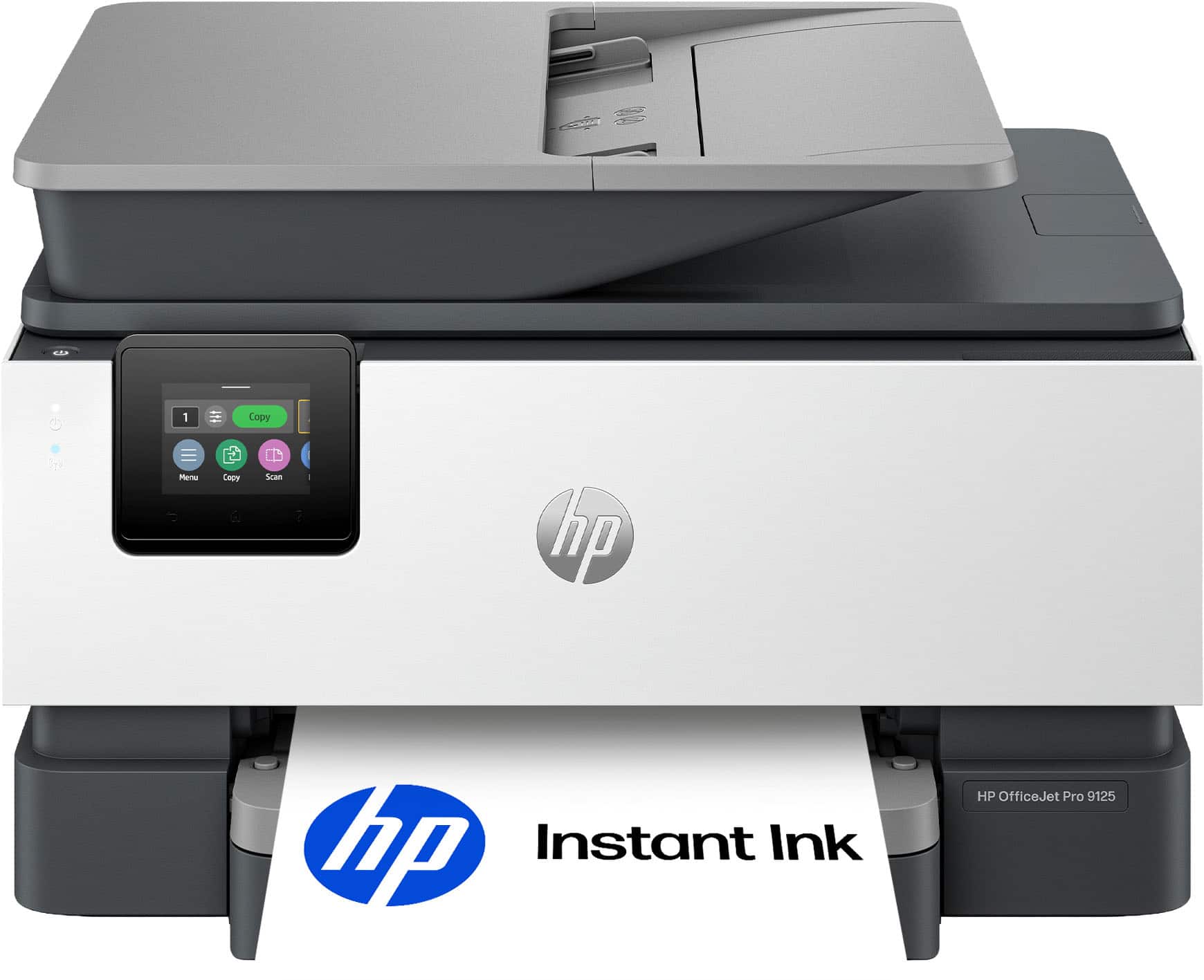
  8. HP - OfficeJet Pro 9125 Wireless All-in-One Inkjet Printer, Scanner, Copier, AI-Enabled with 3 Months of Instant Ink - Cement

    SKU: JJGTCGV5P4

    Great buy...I love my printer, great product, reasonable price,...It's been great. Installed with no problem at all. Love it.

    Product Description

    A white wireless all-in-one inkjet printer with AI-optimized printing, duplex scanning, and touchscreen controls.
    See all Inkjet Printers
    Your price for this item is $199.99
    Save $110
    The previous price was $309.99
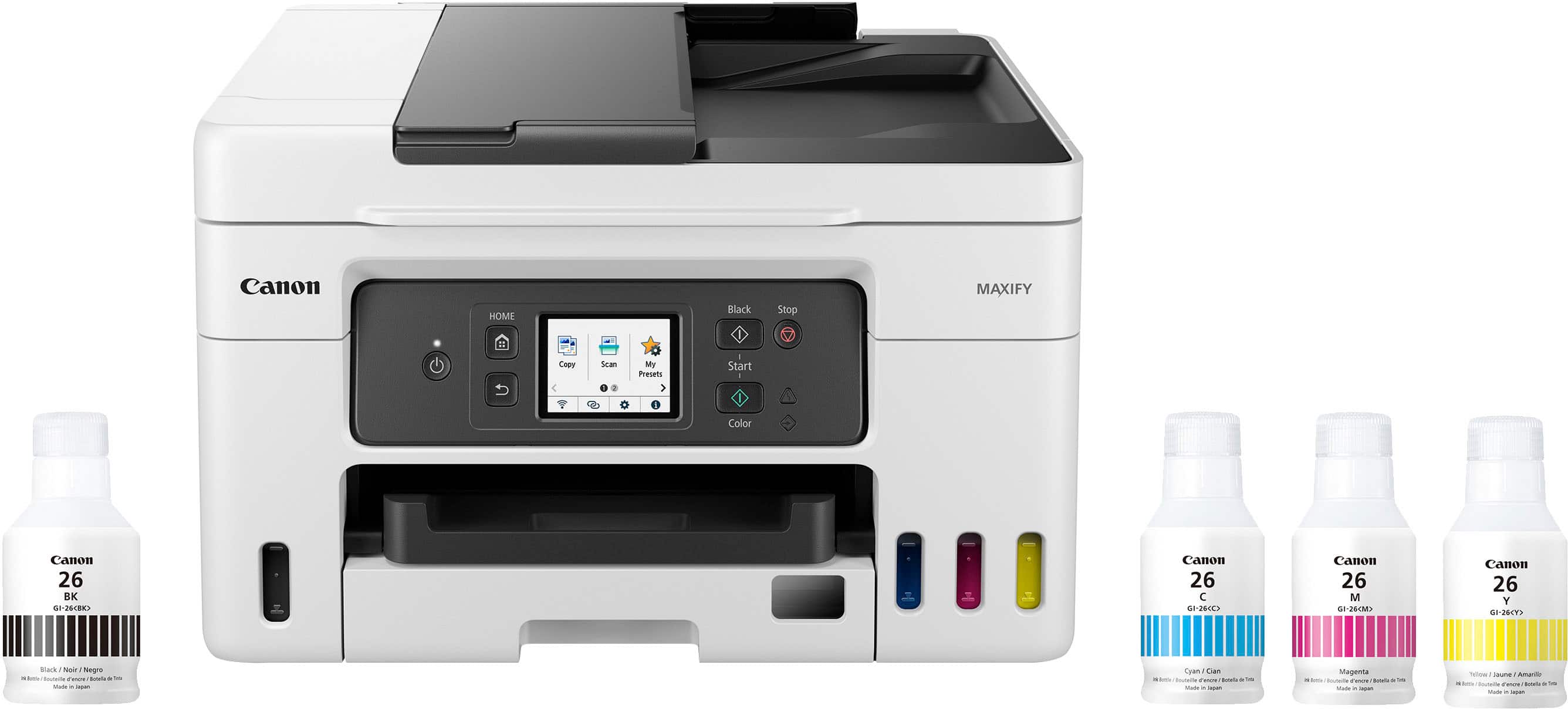
  9. Canon - MAXIFY Megatank GX4020 Wireless All-In-One Supertank Inkjet Printer with Fax - White

    SKU: J7C86SRSRV

    Love it...hooked up the Canon USA-Maxify GX4020 wireless mega tank small office all-in-one office printer and I love...Best Printer I've Ever Had...early 1990s, so have been through quite a few over the...

    Product Description

    A white wireless all-in-one inkjet printer offering high-yield color printing, scanning, copying, and faxing.
    See all Supertank Printers
    Your price for this item is $487.99
    Save $52
    The previous price was $539.99
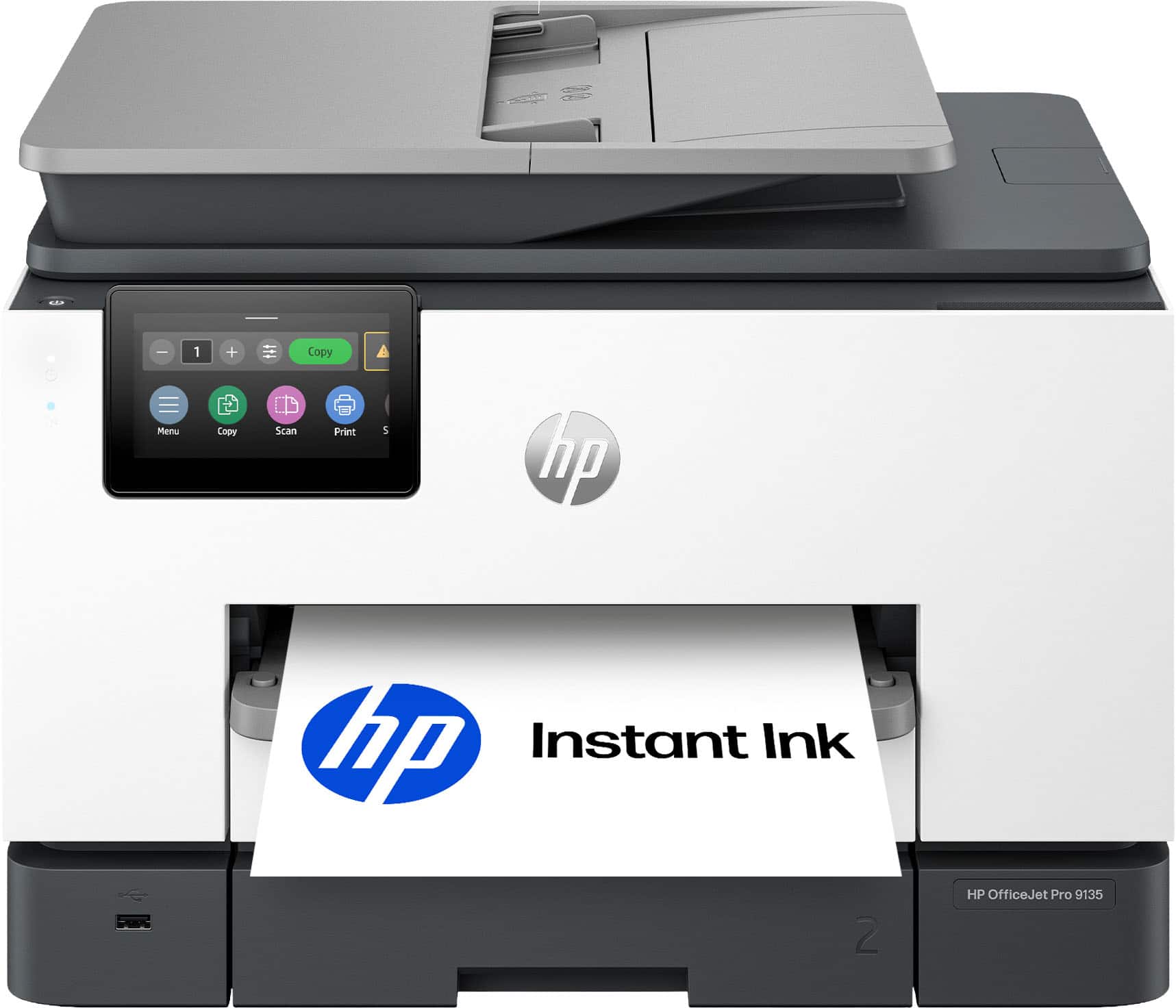
  10. HP - OfficeJet Pro 9135 Wireless All-in-One Inkjet Printer, Scanner, Copier, AI-Enabled with 3 Months of Instant Ink - Cement

    SKU: JJGTCGV5ZY

    It’s working great. The cartridges are easy to install with mo mess. I love it....Best investment

    Product Description

    An AI-enabled white all-in-one printer offering wireless connectivity, duplex scanning, touchscreen, and eco-friendly design.
    See all Inkjet Printers
    Your price for this item is $289.99
    Save $140
    The previous price was $429.99
A photocopy machine for a small business can serve as the dependable center of a busy office, turning contracts, invoices, estimates, forms and customer handouts into clear paper copies without sending staff to a print shop. Today’s office copiers often combine copying, printing, scanning and faxing in one machine, making them useful for home offices, retail counters, real estate teams, medical practices, schools, nonprofit organizations and small professional offices. A monochrome laser model is often a practical choice for businesses that primarily handle text, forms and black-and-white records. It typically keeps operating costs manageable while producing sharp, easy-to-read pages at a steady pace. Color models may be worth considering for menus, presentations, property sheets, product literature, charts and other materials where visual detail helps communicate information. Before choosing a machine, estimate how many pages your office produces during an average month and consider the busiest days rather than only the quiet ones. A company that prints a few dozen pages at a time may be comfortable with a compact unit, while a growing office that regularly prepares packets, shipping documents or client records may benefit from a higher-duty machine with a faster print speed and a larger paper supply. Print speed is measured in pages per minute, and a range of roughly 25 to 45 pages per minute can be a useful starting point for a busy small office, although the best choice depends on document type, user volume and available space. A copier’s recommended monthly volume and duty cycle can also help indicate whether it is designed for occasional use or frequent workloads. As business activity picks up during the cooler months, a dependable machine can help keep routine paperwork moving from the front desk to the file cabinet with fewer interruptions.

Features can make a noticeable difference in everyday convenience. Automatic two-sided copying and scanning help reduce paper use and are especially useful for multi-page reports, employee packets and customer records. An automatic document feeder allows several pages to be scanned or copied in one pass, rather than requiring each sheet to be placed on the glass individually. This can save time when preparing signed agreements or archiving a stack of receipts at the end of a long afternoon. Network connectivity lets multiple computers share one machine, while wireless printing can be helpful in offices where employees move between desks, meeting rooms and service areas. Mobile printing support may allow documents to be sent from a phone or tablet, which is convenient for owners and employees who work away from a traditional workstation. Touchscreen controls, scan-to-email functions, searchable file options and secure print features can further simplify document handling, particularly when several people use the same copier. Security deserves careful attention in any office that processes personal, financial or confidential information. Look for tools such as user authentication, protected print release, encrypted communication and storage safeguards when sensitive paperwork is part of the daily workload. Paper capacity matters, too. A larger input tray means fewer interruptions for restocking, while multiple trays can keep letter-size paper, legal-size paper or specialty stock ready for different jobs. Consider the machine’s footprint, noise level and clearance requirements before placing it beside a receptionist’s desk or in a small workroom. Toner or ink availability, replacement cost, energy-saving modes and the availability of service or maintenance should be part of the total ownership calculation, not afterthoughts. A lower purchase price may be less attractive if the machine requires frequent consumables or cannot keep up with the office’s normal pace. Businesses that need equipment for student packets, administrative forms, classroom handouts or shared campus tasks can also explore a Photocopy Machine for School collection for additional ideas.

The right photocopy machine should fit the way a business actually works, from the documents it produces to the people who depend on them. A small law office may prioritize crisp monochrome text, secure document handling and automatic two-sided scanning, while a boutique, contractor or event business may place more value on color output for proposals, promotional sheets and client-facing materials. A clinic or community organization may need a quiet machine with a straightforward control panel, while a growing office may prefer a model that supports multiple users and larger paper loads. Think about the documents that pile up on your desk: the three-page estimate waiting for a signature, the training packet needed before a new employee arrives, or the customer form that must be copied and filed before closing. These ordinary moments reveal which features will matter most. A compact copier can be a thoughtful and useful gift for a new entrepreneur, remote worker or family member establishing a home-based business, especially when it combines printing and scanning in a single space-saving design. It can also support volunteer groups, community clubs and side businesses that need professional-looking paperwork without investing in separate office equipment. When comparing options, review the included functions, connection methods, supported paper sizes, color capability, print resolution and warranty information. Confirm that the machine works with the computers and mobile devices used in the office, and check whether replacement toner or other supplies are easy to find. For many small businesses, a reliable black-and-white copier offers the most economical path for high-volume text, while a color multifunction machine provides added flexibility for presentations and marketing materials. Choosing based on actual workload, room layout, security needs and long-term running costs can create a smoother document routine—one that keeps paperwork organized through seasonal changes, busy client periods and the everyday rhythm of a growing business.

FAQ

When choosing a photocopy machine for your small business, consider features such as print speed, wireless connectivity, duplex (double-sided) printing, scanning capabilities, and compatibility with your existing devices. Additional options like automatic document feeders and cloud integration can also improve workflow efficiency.

Multifunction photocopy machines combine printing, scanning, copying, and sometimes faxing into one device. This saves space, reduces equipment costs, and streamlines document management for small businesses by centralizing essential office tasks.

Yes, many modern photocopy machines are designed with energy-saving features such as automatic sleep modes and ENERGY STAR certification. These models help reduce electricity consumption and operating costs for small businesses.

Many contemporary photocopy machines offer network connectivity options such as Wi-Fi or Ethernet, depending on the model. This allows multiple users in your office to access the copier from their computers or mobile devices, improving collaboration and productivity.

Regular maintenance includes replacing toner or ink cartridges, cleaning the scanner glass and rollers, and occasionally updating firmware. Following the manufacturer's recommended maintenance schedule helps ensure reliable performance and extends the lifespan of your machine.