Wireless Keyboards For MacBook Pro
-
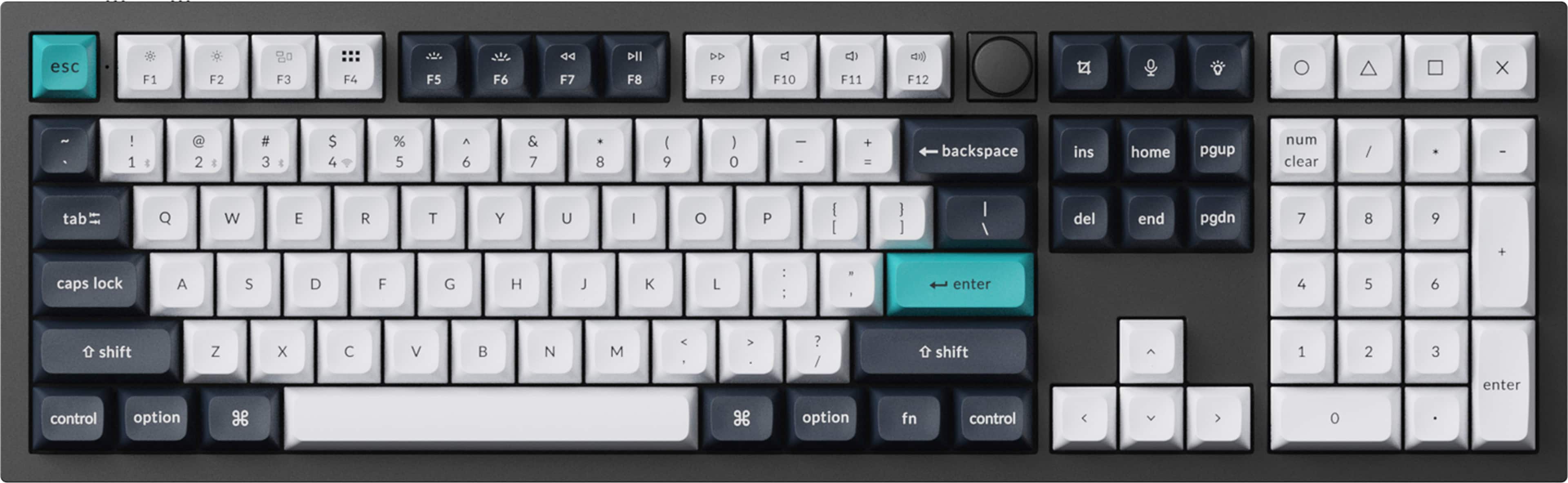
Keychron - Q6 Max 100% Custom Wireless RGB Mechanical Keyboard with Programmable QMK/VIA Hot-Swappable Brown Switch - Black
SKU: CGC7F9CP3YBest keyboard I ever used hands down! I love that you can replace the keys and switches...Best Buy had great availability and the checkout process was super smooth.
See all Wireless & Bluetooth KeyboardsProduct Description
A full-size black metal wireless mechanical keyboard with hot-swappable brown switches and customizable RGB lighting.Your price for this item is $239.99 -
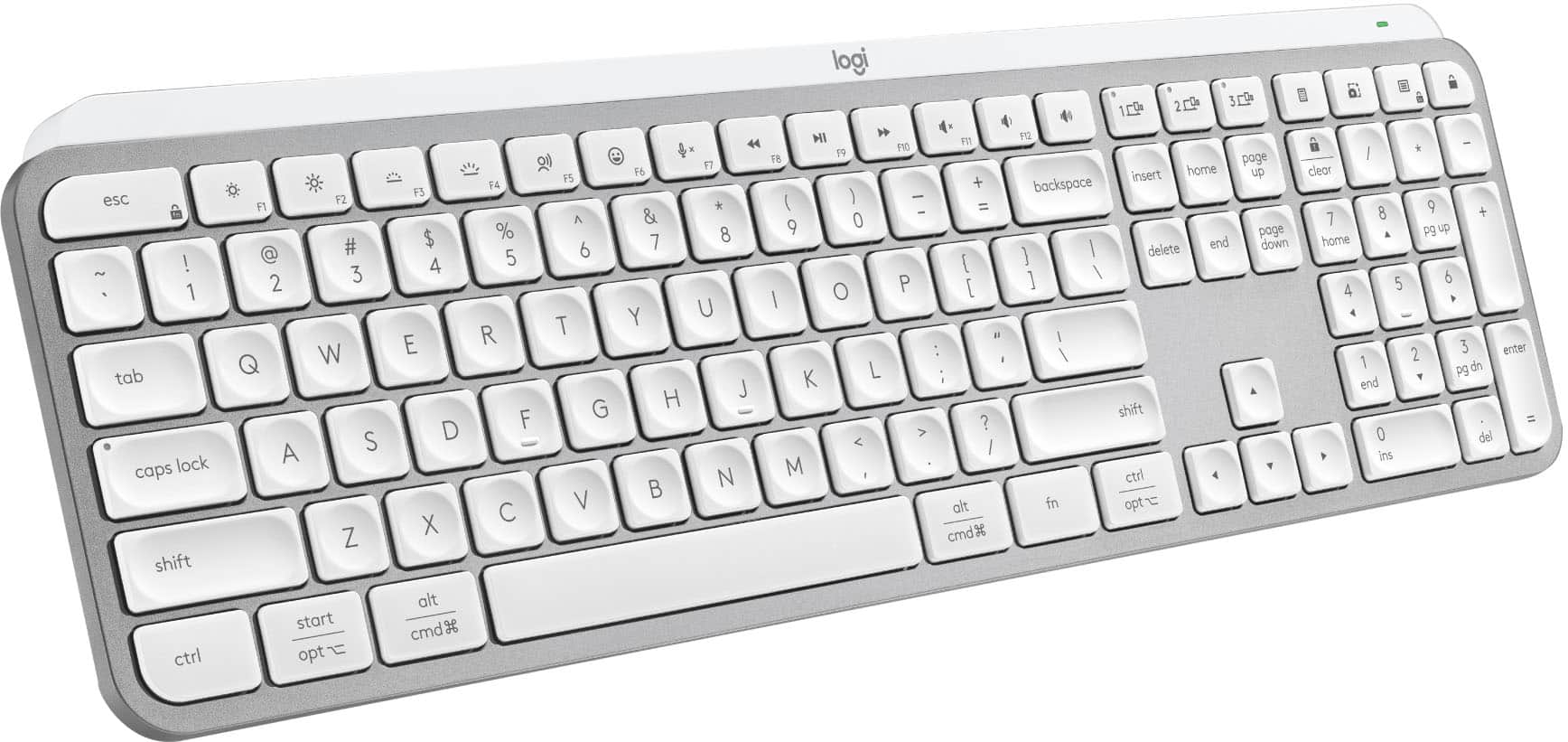
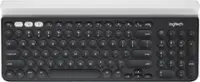
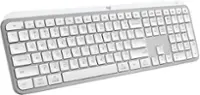
Logitech - MX Keys S Universal Full-size Wireless Scissor Keyboard for PC and Mac with Backlit keys - Pale Gray
SKU: J7H7ZYG7RGI love thisI had to replace my Apple keyboard with this one a great sub substitute...Love it!...Great keyboard, silent key strokes and looks amazing!
See all Wireless & Bluetooth KeyboardsProduct Description
A pale gray wireless keyboard featuring smart backlit keys, scissor switches, and customizable productivity shortcuts.Your price for this item is $119.99Save $10The previous price was $129.99 -
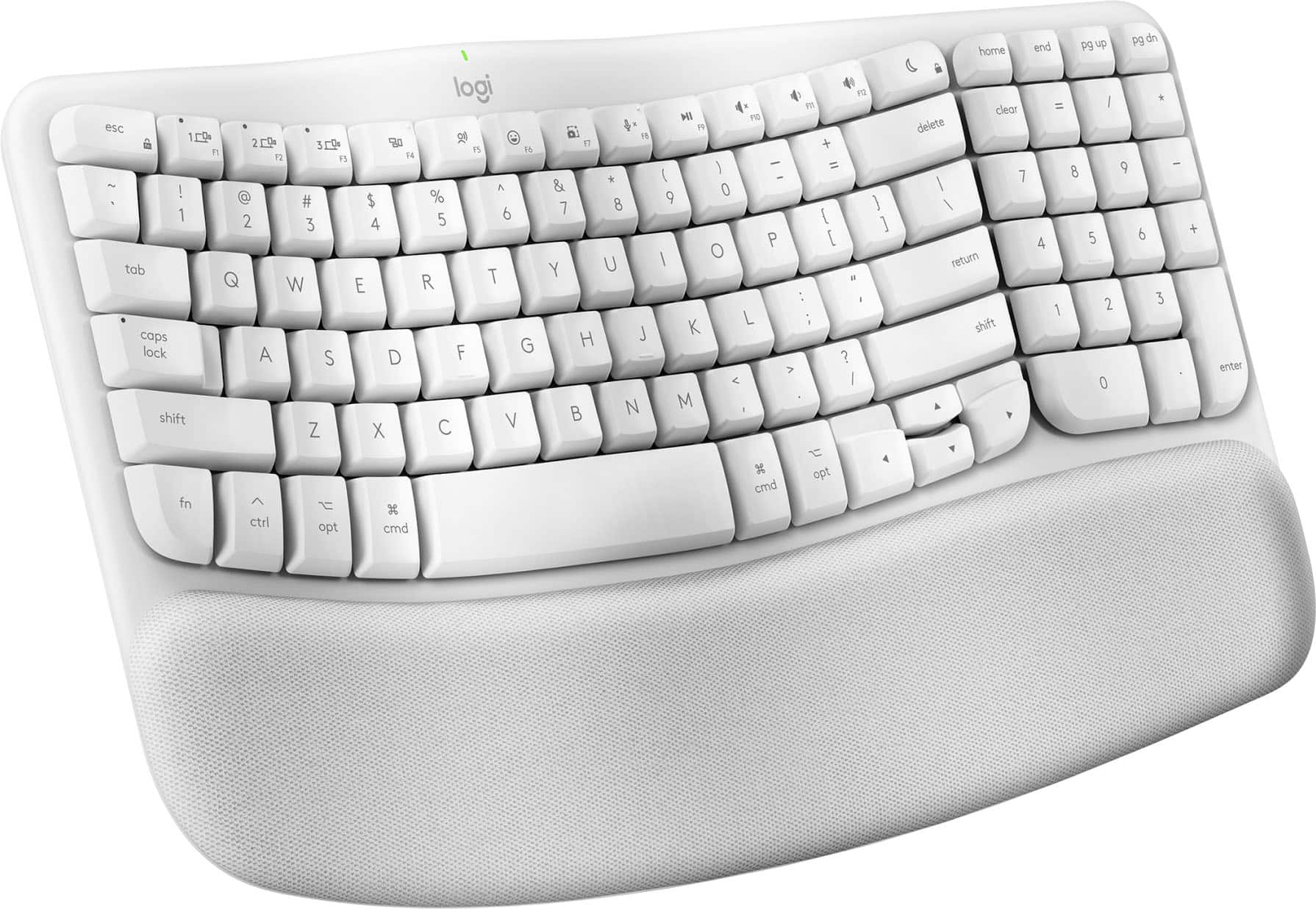
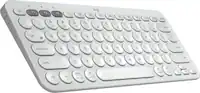
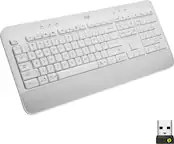
Logitech - Wave Keys for Mac Ergonomic Wireless Membrane Keyboard with Integrated Palm-rest - Off-white
SKU: J7H7ZYG833See all Wireless & Bluetooth KeyboardsProduct Description
An off-white ergonomic wireless keyboard with a wavy keyframe and cushioned memory foam palm rest.Your price for this item is $69.99Save $13The previous price was $83.06 -
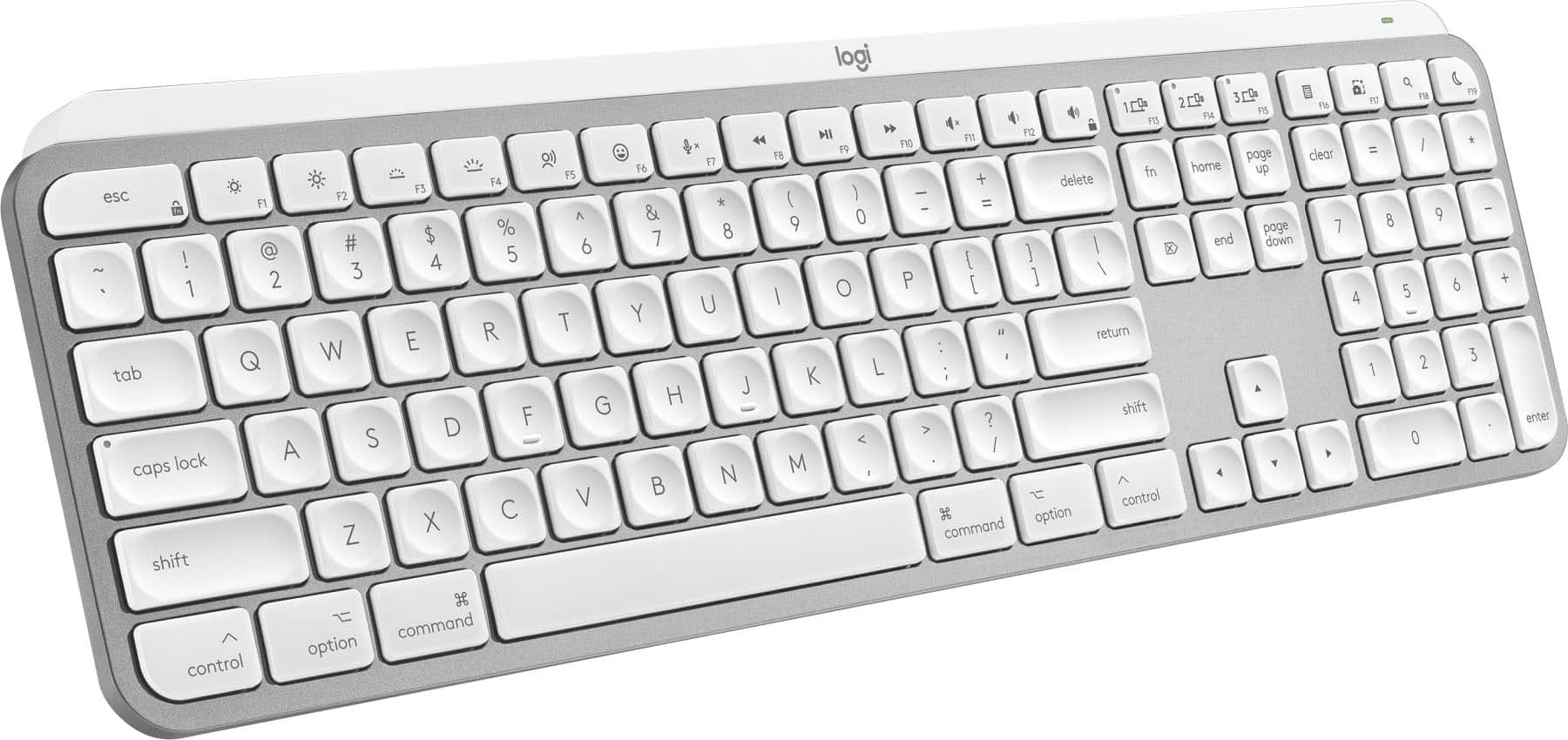
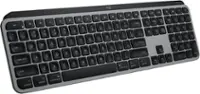
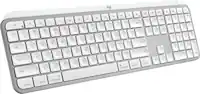
Logitech - MX Keys S for Mac Advanced Full-size Wireless Scissor Keyboard with Backlit keys for MacBook, iMac, iPad - Pale Gray
SKU: J7H7ZYG283Great Keyboard...This is a great keyboard.
See all Wireless & Bluetooth KeyboardsProduct Description
A low-profile pale gray wireless keyboard with Mac-specific keys, smart backlighting, and customizable Smart Actions.Your price for this item is $129.99 -
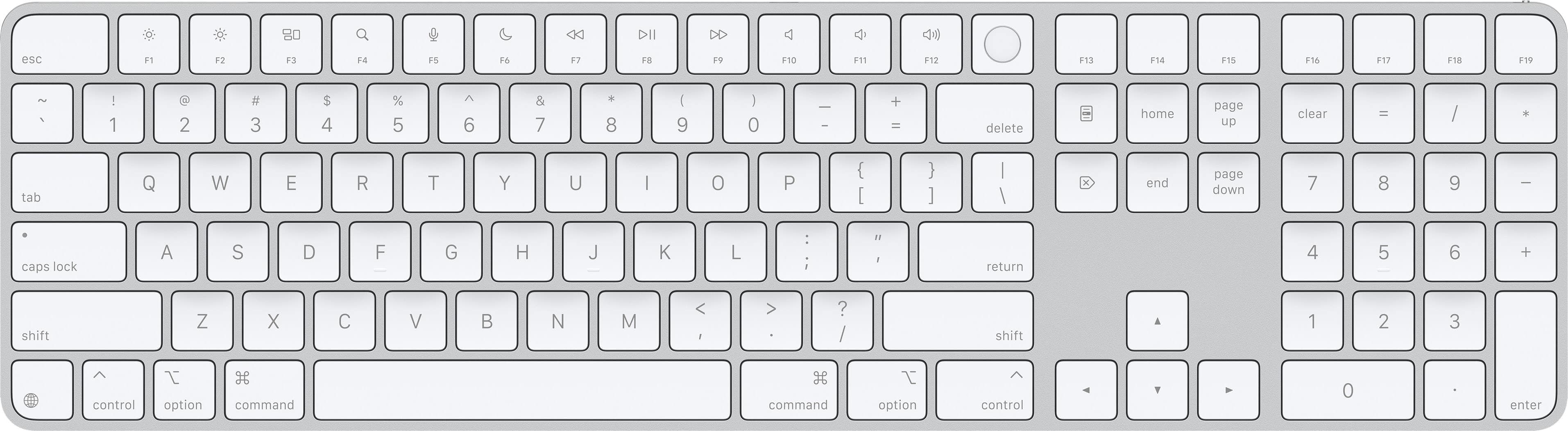
Magic Keyboard with Touch ID and Numeric Keypad for Mac models with Apple silicon (USB-C) - White Keys
SKU: JJGCQ8C5FXLove!...Absolutely love the product. Can tell it is real. Online pickup was very easy!...Great Apple Keyboard...Love the touch id. Really only purchased it because of the touch id....Apple has improved...
See all Wireless & Bluetooth KeyboardsProduct Description
A wireless white keyboard featuring Touch ID, numeric keypad, USB-C connectivity, and a rechargeable battery.Your price for this item is $179.99 -
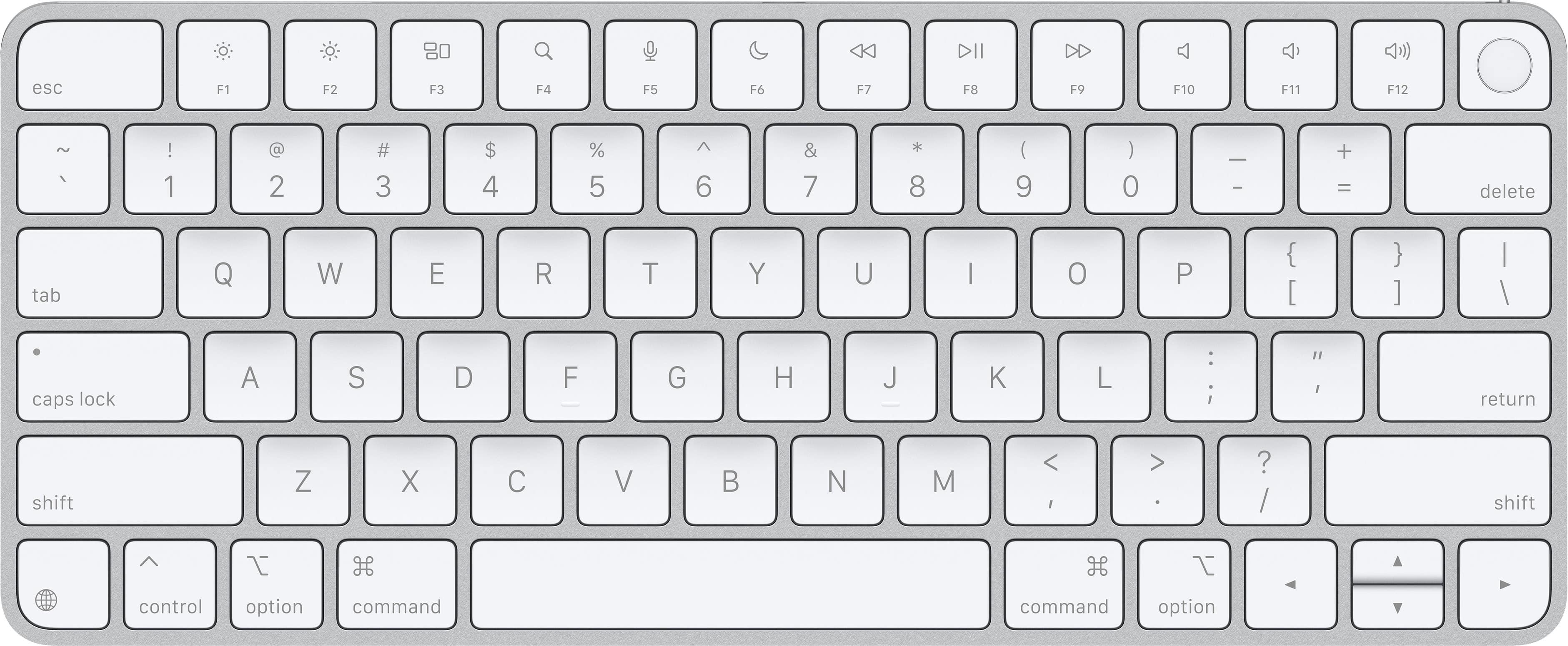
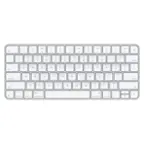
Magic Keyboard (USB-C) with Touch ID for Mac models with Apple silicon - White
SKU: JJGCQ8JR6XI also love the Touch ID because it works very accurately and quickly....Great keyboard to go with my new Apple Mac Mini M4....Best Keyboard for Mac Mini...Definitely a great choice!...Best
See all Wireless & Bluetooth KeyboardsProduct Description
A wireless white keyboard with Touch ID, USB-C charging, and a rechargeable battery for secure, comfortable typing.Your price for this item is $149.99 -
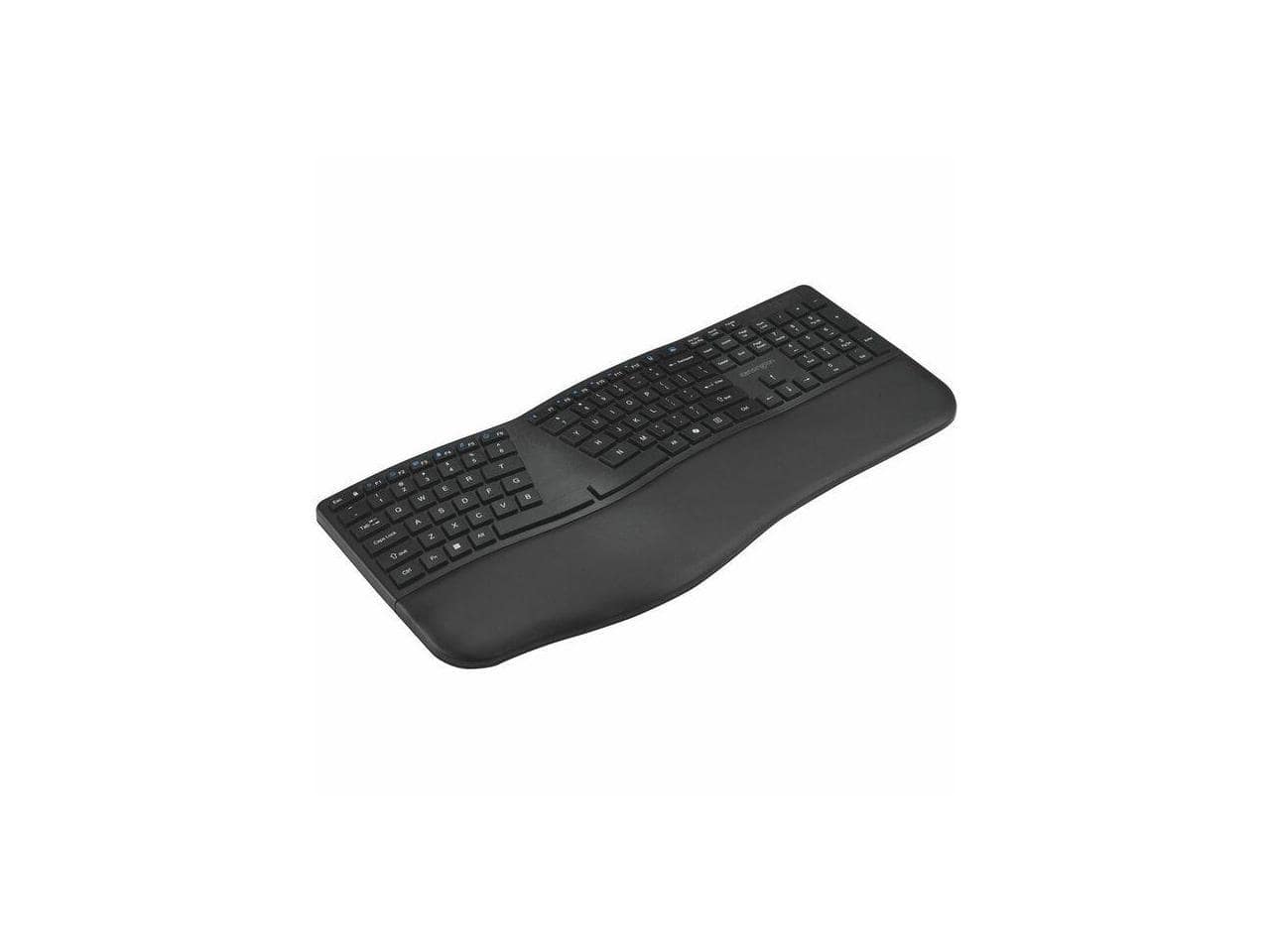
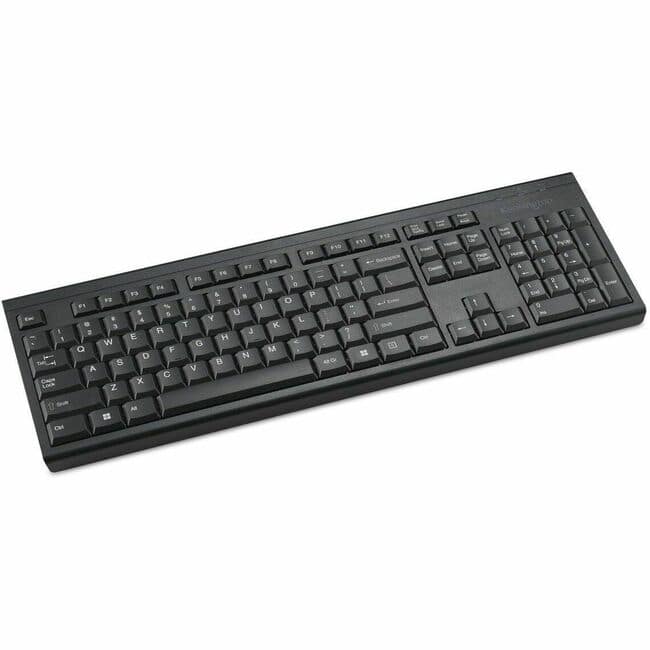
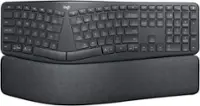
Kensington - KB680 EQ Ergo Keyboard - Wireless Bluetooth/RF - USB A - Windows/Mac - Black
SKU: J7RJZZQYKLSee all Wireless & Bluetooth KeyboardsProduct Description
An ergonomic black wireless keyboard offering Bluetooth and RF connectivity, compatible with Windows and Mac systems.Your price for this item is $67.00 -
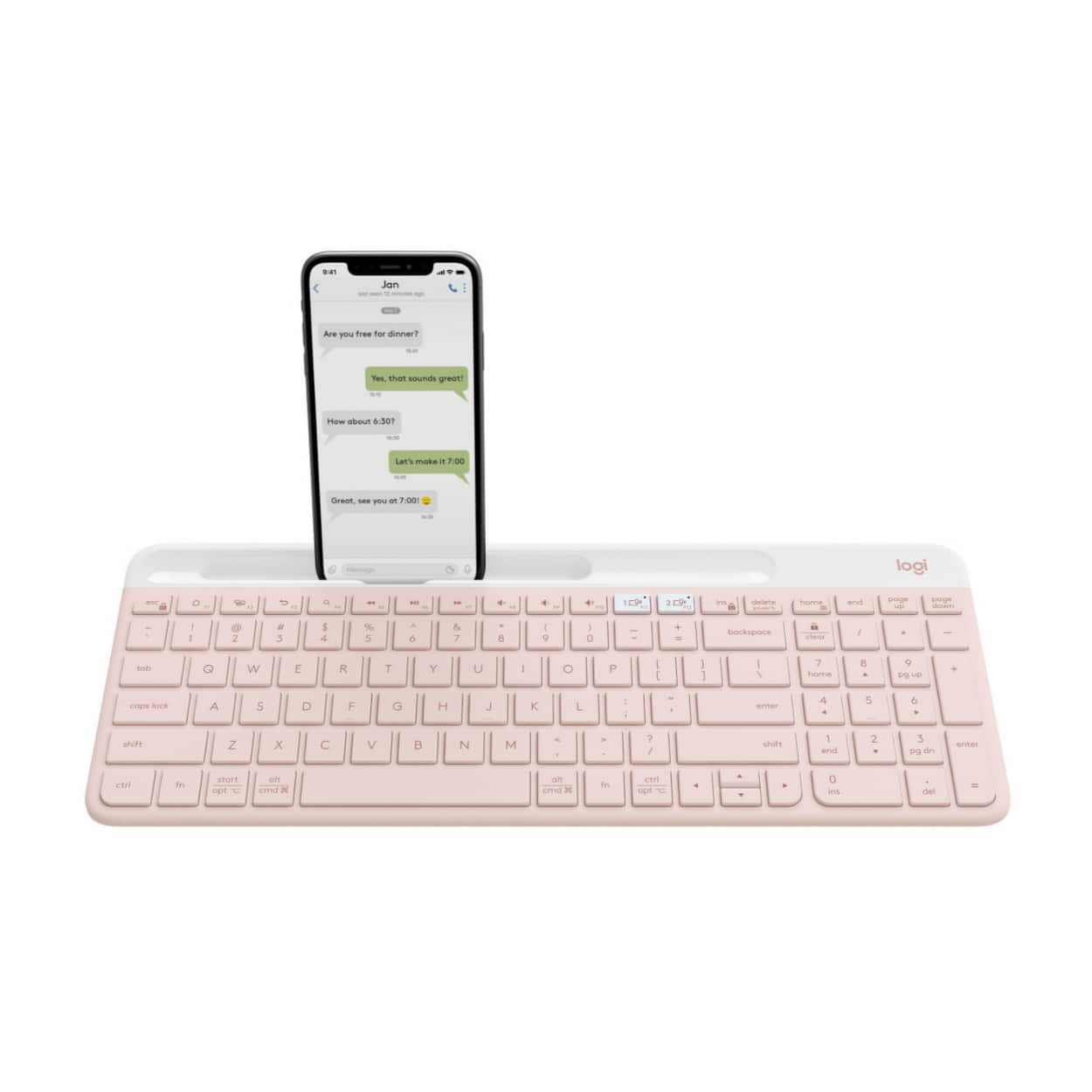
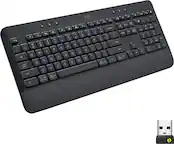
Logitech - K585 Slim Multi-Device Wireless, Compact and Quiet Keyboard (Rose) - Pink
SKU: J7H7ZY8W7GReally Great connection
See all Wireless & Bluetooth KeyboardsProduct Description
A slim, wireless pink keyboard offering quiet typing and easy device switching for seamless multitasking.Your price for this item is $65.31Save $18The previous price was $83.84 -
Kensington - KB150 EQ Wireless Keyboard - Wireless Connectivity - RF - 2.40 GHz - USB Type A Interface - 104 Key(s) - Macaron
SKU: J7RJZZTLVHSee all Wireless & Bluetooth KeyboardsProduct Description
A colorful, full-size wireless keyboard made with 55% recycled plastic, featuring spill protection and AES encryption.Your price for this item is $19.99 -
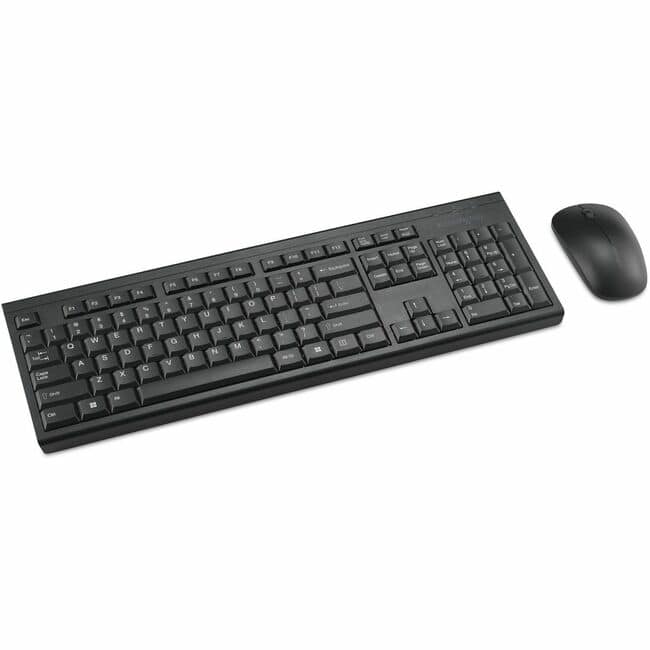
Kensington - KM150 EQ Wireless Desktop Set - USB Type A Membrane Wireless RF 2.40 GHz Keyboard - USB Type A Wireless RF - Macaron
SKU: J7RJZZTLVFSee all Wireless & Bluetooth KeyboardsProduct Description
A wireless desktop set in macaron color featuring a spill-resistant membrane keyboard and 1200 dpi ambidextrous mouse.Your price for this item is $29.99
Best Sellers
Related Pages



FAQ
Most wireless keyboards designed for Mac are compatible with a wide range of MacBook Pro models, especially those running recent versions of macOS. Always check the compatibility details in the product description to ensure it works with your specific MacBook Pro model.
Many wireless keyboards connect seamlessly via Bluetooth and are plug-and-play with macOS, requiring no additional software. However, some models may offer extra features through optional companion apps or drivers, which can be downloaded from the manufacturer’s website.
Yes, most wireless keyboards for MacBook Pro can also be paired with other Apple devices, such as iPads and iPhones, as long as they support Bluetooth connectivity.
Using a wireless keyboard with your MacBook Pro offers greater flexibility and comfort, especially when setting up a desktop workstation. It helps reduce cable clutter and allows you to position your keyboard for optimal ergonomics.
Yes, many wireless keyboards designed for MacBook Pro feature Mac-specific layouts, including Command, Option, and Control keys, as well as dedicated shortcuts for macOS functions like Spotlight, Mission Control, and media controls.