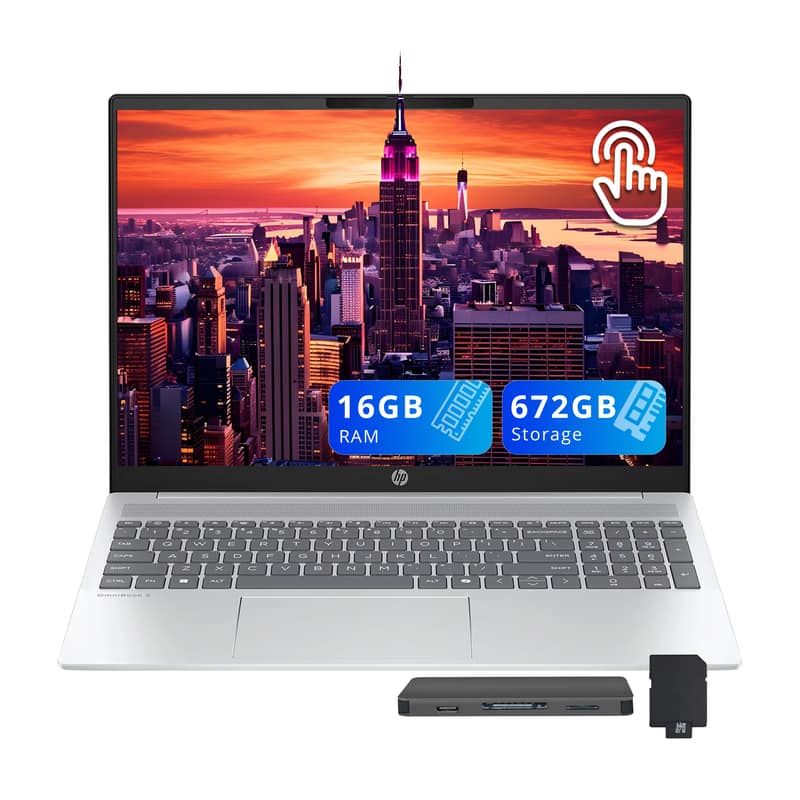
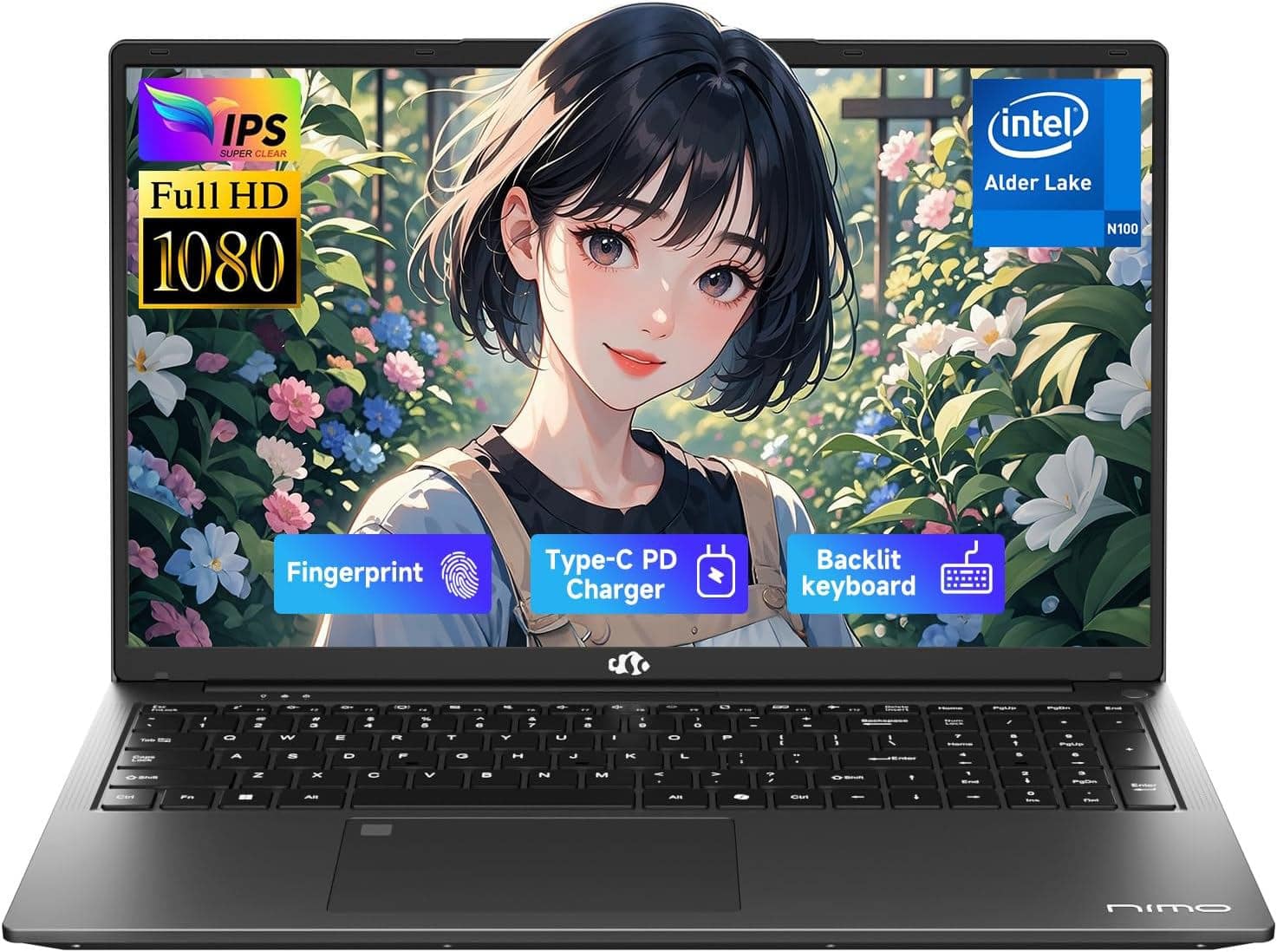
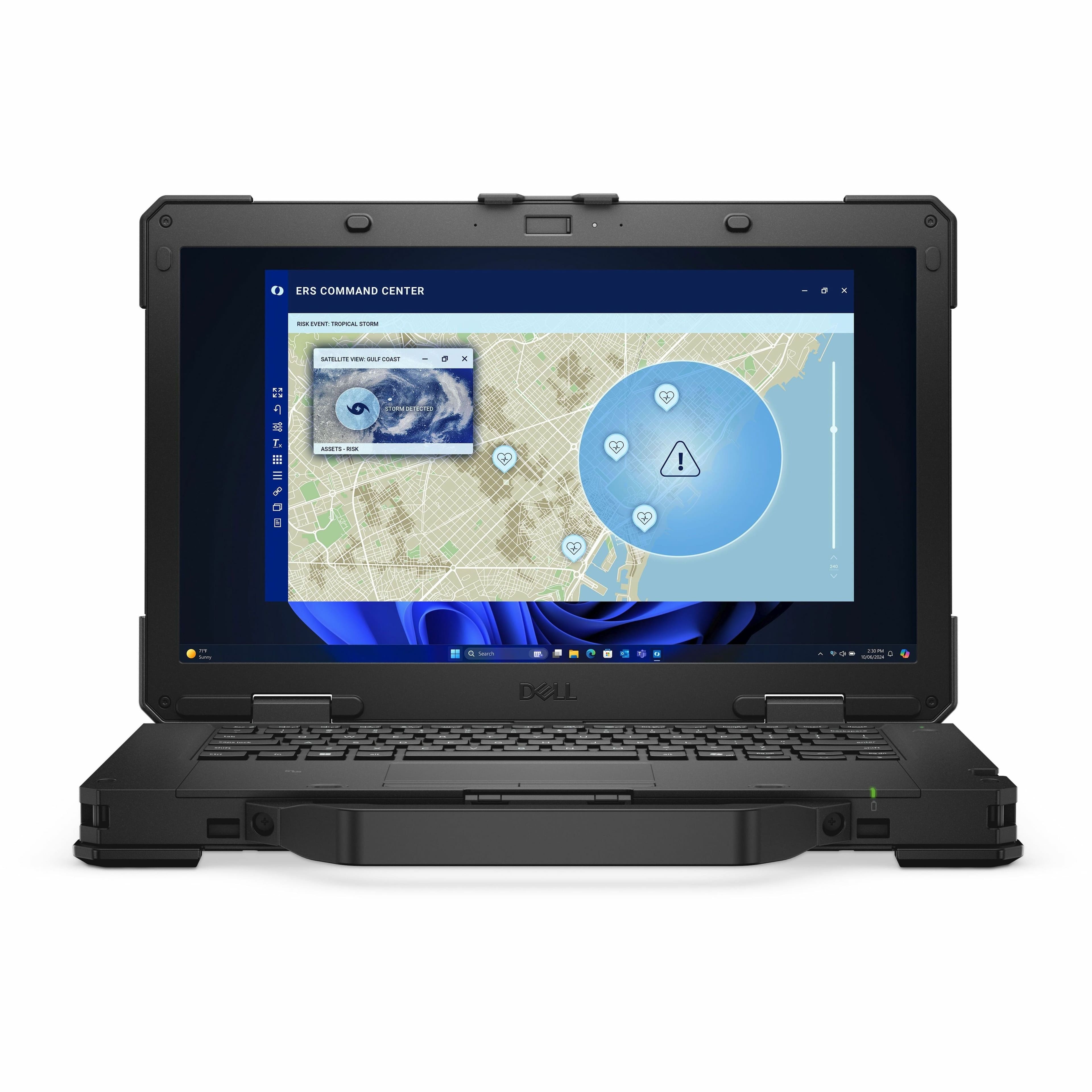
Student Laptops
Compare student laptops for taking notes, researching assignments, and keeping up with coursework. Consider portability, battery life, and compatibility with your school’s required software, then weigh screen size, memory, and storage against your needs and budget.








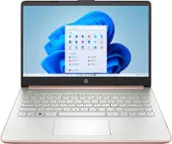

Student Laptops
FAQs
Start with your school's requirements and the software your courses use. Windows and macOS support many desktop applications, while ChromeOS centers on web-based tools and compatible apps. Check whether required programs, testing platforms, and course websites support your chosen operating system.
A 2-in-1 laptop combines a laptop keyboard with a touchscreen that folds back or detaches for tablet-style use. Some models support handwritten notes and annotation with a compatible digital pen. Check pen compatibility and whether a pen is included or sold separately.
Consider the devices you plan to connect, such as a monitor, mouse, headset, or external drive. Common connections include USB-A, USB-C, HDMI, and a headphone jack. USB-C capabilities vary, so check whether a port supports charging, video output, or data transfer before choosing adapters or a dock.
Create a folder for each semester, then separate files by course and assignment. Use consistent file names that include the topic and date. If your school provides cloud storage, review its syncing settings so you know which files are stored online and which are available offline.
Common student laptop accessories include a mouse, external keyboard, headset, webcam, and external storage drive. A compatible hub or dock can provide additional connections for desk setups. Check the laptop's ports, operating system, and accessory requirements before choosing what to pair with it.