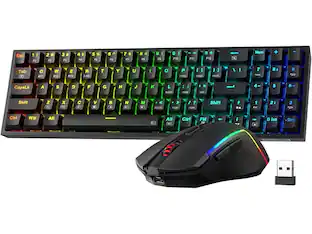
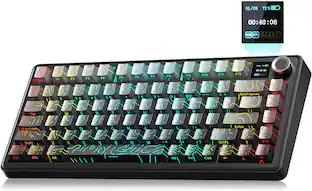
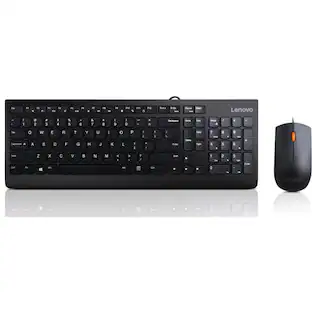
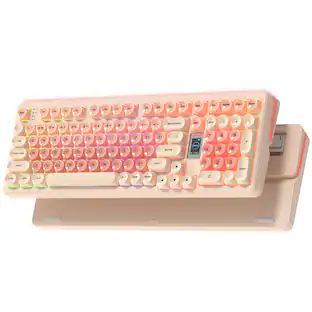
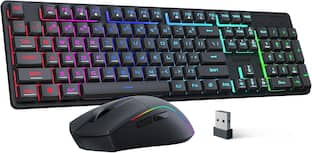
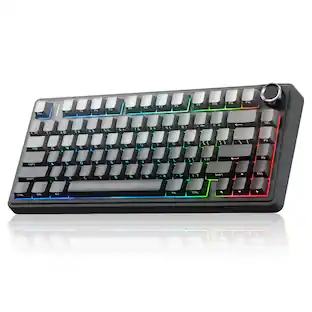
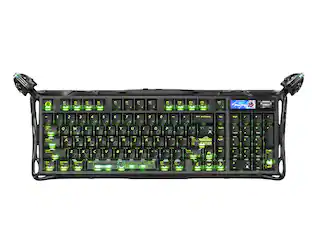
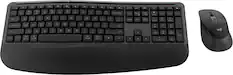
Adesso - Wireless Mini Keyboard & mouse combo - Black
Reviews coming soon
About this product
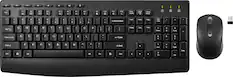
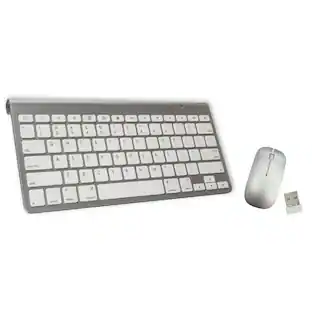
Wireless Mini Keyboard & mouse combo
Features
Wireless Combo Convenience
Includes wireless keyboard and mouse with shared nano receiver
Specifications
- Form FactorCompact (60%), Tenkeyless (TKL)Connection TypeWireless
Reviews
This product doesn't have any reviews yet.

Compare similar products

Wireless Mini Keyboard & mouse combo
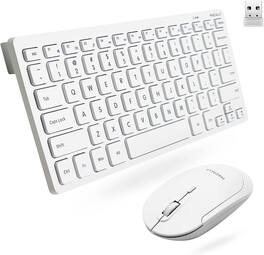
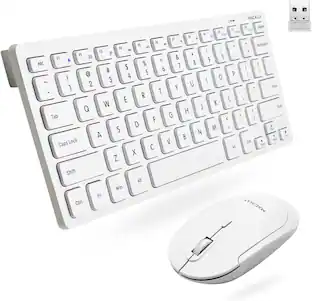
Introducing the Keyboard, Wireless Keyboard Mouse Combo - the perfect combination of small wireless keyboard and mouse for your computer. This compact and portable keyboard and mouse combo is perfect for those who need access to a full-featured yet quiet wireless keyboard and mouse without extra cords. Enjoy comfortable typing with this cordless keyboard and mouse combo that comes with soft keys for tactile feedback and low noise operation. Its sleek design fits right into any workstation or home office setup without taking up much space. With USB connectivity, this wireless keyboards set is compatible with most modern devices, including Windows and Mac computers. Plus, it comes with a teclado inalambrico so you can type in Spanish too! Get the Keyboard, Wireless Keyboard Mouse Combo today for a small keyboard mouse combo that's built to last! white keyboard and mouse wireless, white wireless keyboard and mouse

The slim profile and minimalist design transform your keyboard and mouse into a visual statement that elevates your desk setup. A slim profile and compact design make typing and mousing a pleasure. Low-profile keys give you that laptop-like typing experience you know and love. Whisper-quiet keys and a 90% noise-reduced mouse let you power through in near-silence. Long battery life and an easy plug-and-play 2.4GHz USB receiver ensure a reliable, hassle-free experience.

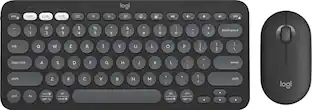
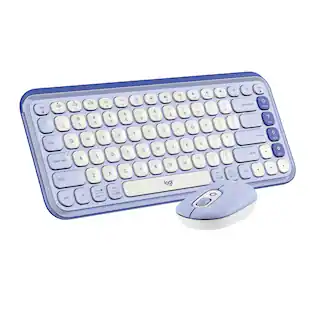
Defy Boring with the Pebble 2 Combo made with recycled plastic. Its minimalist, slim design makes it as iconic as you and super portable. Pair up to 3 wireless devices across OS and switch between devices with a press of a button (Logi Bolt receiver also included). With Logi Options+ app, you can customize your Pebble Mouse 2 M350s’ middle button with shortcuts that shuffle your Spotify playlist, send emojis on WhatsApp, and more. Personalize the 10 keyboard Fn shortcut keys to work how you want and save time.
| Pros for Adesso - Wireless Mini Keyboard & mouse combo - Black | |||
|---|---|---|---|
| There were no pros for this product— | There were no pros for this product— | Keyboard Quality, Size, Ease of use, Design, Noise Level | Size, Keyboard Quality, Portability, Connectivity, Battery Life |
| Cons for Adesso - Wireless Mini Keyboard & mouse combo - Black | |||
| There were no cons for this product— | There were no cons for this product— | Caps Lock Indicator, Compatibility | There were no cons for this product— |
Specs
Customers often buy these together

Razer - Huntsman Mini 60% Wired Optical Clicky Switch Gaming Keyboard with Chroma RGB Backlighting - Black
$68.99The price was $119.99




More to consider
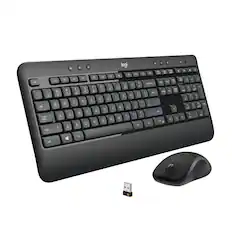
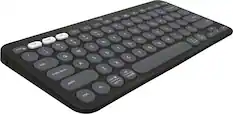
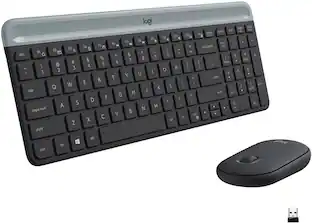
Logitech MK470 Full-size Wireless Scissor Keyboard and Mouse Bundle for Windows with Quiet clicks
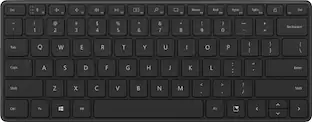
$33.99The price was $49.99Logitech Pebble Keys 2 Slim TKL Wireless Scissor Keyboard for Windows, macOS, iPadOS, Chrome
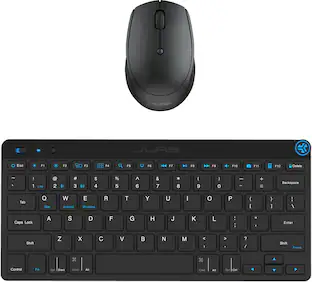
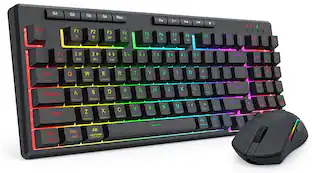
$33.99The price was $39.99REDRAGON S142 Combo, K515 PRO Membrane Gaming Keyboard, M693 4800 DPI Mouse
$44.99The price was $62.99


Explore tech essentials Sponsored
Discover related products
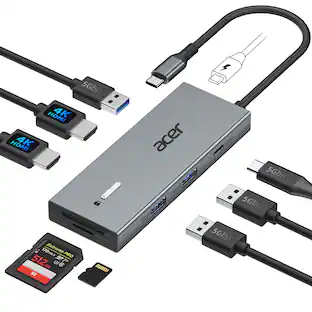
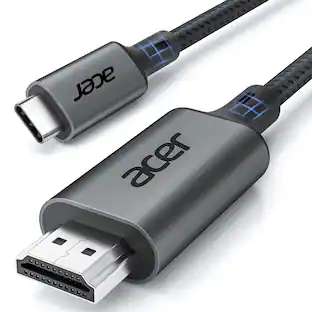
Acer USB C Docking Station With 2 HDMI, 9-IN-1 Docking Hub with USB A&C 3.0, SD/Micro SD, 100W Charging
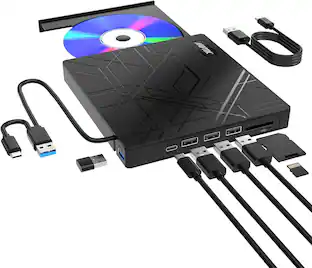
$42.99The price was $47.99AGPtek 8 in 1 External CD/DVD Drive for Laptop, USB 3.0 Ultra Slim Portable CD Burner with 4 USB Ports
$31.99The price was $32.99Nelko PM230 Portable Bluetooth Thermal Sticker Printer with 2 Rolls 54mm x 3.5m
$26.99The price was $40.66Arozzi Alzare Neo Gas Spring Single Monitor Arm – Ergonomic Desk Mount for Gaming & Office –
$54.99The price was $69.99

Keep exploring
REDRAGON S136 75% Tri-Mode Wireless RGB Mech Keyboard & 7200 DPI Mouse Combo, Shared Dongle
$59.99The price was $64.49Lenovo 300 USB Combo Keyboard & Mouse - US English - USB Cable Keyboard - English (US) - USB Cable Mouse
$14.77The price was $35.25GravaStar Mercury K98 Pro 98% Wireless Gaming Keyboard – Tri-Mode, Gasket Mount, Hot-Swap, RGB, Numpad
$233.95The price was $259.95