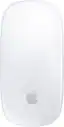
Apple - Magic Mouse - Multi-Touch Surface (USB-C) - Wireless - White Multi-Touch Surface - Open Box - Good
- Works like new. Restored to factory settings.
- May have minor scratches or dents.
- May be missing non-essential parts, accessories, or packaging.

More Buying Options from Best Buy and Marketplace sellers

About This Item
About Open Box
Reviews
Rating 4.6 out of 5 stars with 1220 reviews
- Ease of Use (3)
- Overall Performance (3)
Customer Images
The vast majority of our reviews come from verified purchases. Reviews from customers may include My Best Buy members, employees, and Tech Insider Network members (as tagged). Select reviewers may receive discounted products, promotional considerations or entries into drawings for honest, helpful reviews.





Compare similar products

Magic Mouse is wireless and rechargeable, with an optimized foot design that lets it glide smoothly across your desk. The Multi-Touch surface allows you to perform simple gestures such as swiping between web pages and scrolling through documents. The rechargeable battery will power your Magic Mouse for about a month or more between charges.* It’s ready to go right out of the box and pairs automatically with your Mac. It features a USB-C port and includes a woven USB-C Charge Cable that lets you pair and charge by connecting to a USB-C port on your Mac, so you can charge all of your favorite devices with just a single cable.
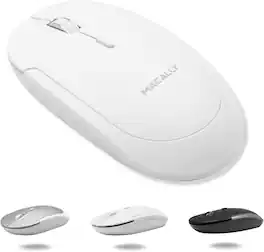
Elevate your computing experience with the Macally BTDYNAMOUSE, a sleek and wireless Bluetooth mouse that brings a perfect blend of elegance and functionality to your desk. Whether you use a Mac, PC, or even an iPad, this Bluetooth mouse for Mac and Bluetooth mouse for PC is engineered to meet your needs. Key Features: Dependable Bluetooth Connectivity: This Bluetooth mouse easily connects to any Bluetooth-enabled Mac or PC, as well as iPads, providing a reliable connection up to 30 feet away. It's the perfect Bluetooth mouse for iPad and Bluetooth mouse for iPad Pro. Silent, Quiet-Click Buttons: Equipped with a silicon membrane, the buttons of this Apple Bluetooth mouse reduce noise by 90%, making it ideal for quiet environments. Smooth and Precise: Featuring an optical sensor with adjustable DPI settings (800/1200/1600), this Bluetooth wireless mouse allows for smooth and precise control. It’s a must-have Bluetooth mouse for MacBook Air and Bluetooth mouse for MacBook Pro. Slim and Compact: The sleek, ambidextrous design not only looks great on any desk but also makes it an excellent Bluetooth travel mouse. This cordless mouse is also perfect for on-the-go scenarios. Comfortable Design: The ambidextrous form factor ensures that both right-handed and left-handed users can enjoy the comfort of this Bluetooth Mac mouse. Long Lasting Battery: Enjoy up to 3 months of usage with just two AAA batteries (included), making it a great choice as a rechargeable Bluetooth mouse. Whether you're looking for a small Bluetooth mouse to carry in your laptop bag, a Bluetooth mouse for laptop, or a Bluetooth computer mouse to use at your desk, the Macally BTDYNAMOUSE is your go-to solution. Also ideal as a Bluetooth mouse for Chromebook, this versatile device ensures compatibility across devices. Don't wait any longer! Add the Macally BTDYNAMOUSE to your cart and start enjoying a quieter, more efficient workflow today. Trust Macally for dependable support and hassle-free returns with every purchase.

Introducing the Macally UCROCKET—a USB-C wired mouse designed with the perfect combination of ergonomics, performance, and simplicity. Whether you need a mouse USB C for your MacBook, iPad, or any newer generation laptop, the UCROCKET offers an unparalleled user experience. Here’s why the UCROCKET is the ideal choice for you: CLEAN, SIMPLE, & EFFECTIVE: Sometimes simple is all you need. The UCROCKET allows you to spend more time working and less time worrying about extra buttons, making it the perfect wired computer mouse. MADE FOR USB-C DEVICES: This USB C mouse for Mac is the perfect solution if you have a MacBook, iPad, or newer gen laptop that only accepts USB-C ports. RELIABLE WIRED CONNECTION: Unlike wireless and Bluetooth mice that often have connectivity issues, our mouse with cord features a 5ft cable to ensure a stable connection. COMFORT FOCUSED DESIGN: The ambidextrous body of our mouse conforms perfectly to the palm of your hand, ensuring comfort during long use. It's an ideal mouse for iMac and other extended work sessions. EFFECTIVE MOUSE LAYOUT: With a 3-button and scroll wheel layout, you can focus on getting work done without worrying about unnecessary buttons. This mouse type C keeps things straightforward and efficient. WIDE DPI ADJUSTABILITY: Simply press the DPI switch and choose between 800, 1200, 1600, and 2400 mouse sensitivity settings to suit your needs. SEAMLESS COMPATIBILITY: The UCROCKET works with MacBooks, iPads, Chromebooks, Surface devices, and more. It’s compatible with Mac, Windows, iOS, and Android, making it a versatile computer mouse USB C. So there's no point in waiting. Enjoy increased productivity with the UCROCKET, your go-to usb c wired mouse. Worry-Free Warranty: At Macally, we believe in our products. That’s why we back them all with a one-year warranty and provide friendly, easy-to-reach support for any of your questions. Upgrade your setup with the Macally UCROCKET, the ultimate mouse for MacBook Air USB C. Its silent mouse wired design ensures a quiet workspace, while its USB wired mouse reliability offers peace of mind. Ideal for those looking for a mouse with USB C connector, this mouse corded device is perfect for anyone needing a wired USB mouse. Choose the Macally mouse and experience the difference of a high-quality, ergonomic, and USB mouse wired solution. Perfect for any macbook mouse USB C, the UCROCKET is ready to enhance your workflow and comfort.

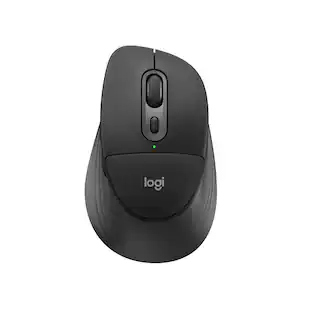
The Logitech MX Master 4 brings immersive control and precision you can feel with haptic feedback. Experience haptic feedback on specific actions, shortcuts, notifications like switching desktops, slider adjustments and more. Customize vibration intensity in Logi Options+. With Actions Ring shortcuts and MX Master 4, save up to 33% of your time by accessing tools and filters at your cursor, reducing repetitive movements by up to 63%. Experience uninterrupted performance with 2X more powerful connectivity, powered by an advanced radio chip, optimized antenna placement, and a new USB-C dongle.
| Pros for Apple - Magic Mouse - Multi-Touch Surface (USB-C) - Wireless - White Multi-Touch Surface | |||
|---|---|---|---|
| Overall Performance, Ease of Use | There were no pros for this product— | There were no pros for this product— | Overall Performance, Ergonomics, Button Functionality, Haptic Feedback, Battery Life |
| Cons for Apple - Magic Mouse - Multi-Touch Surface (USB-C) - Wireless - White Multi-Touch Surface | |||
| There were no cons for this product— | There were no cons for this product— | There were no cons for this product— | Weight, Size |
Specs
Customers often buy these together
Computer Keyboards
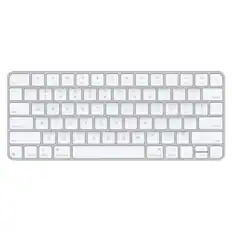
![The text on the image reads:
888 DD DI DD 4 DSC i F2 F3 4 FS T6 ET 1. 1N IN F.. 11 1.. 114 1n F1 F12 118 in9 - a ee 1 8F 2 3 $ 4 % 5 A 6 & 7 . 8 I 9 I 0 ee I + = delete fn home page up clear - / + tab Q W E R T Y U I 0 P { [ ] ] | I delete end page down 7 8 9 ee caps lock A S D F G H J K L : I - return 4 5 6 + shift Z X C V N M < F > ? / shift a 1 2 3 control option 2 command 3 command option control Y - 0 enter
After grouping and correcting the text, it reads:
888 DD DI DD 4 DSC i F2 F3 4 FS T6 ET 1. 1N IN F.. 11 1.. 114 1n F1 F12 118 in9 - a ee 1 8F 2 3 $ 4 % 5 A 6 & 7 . 8 I 9 I 0 ee I + = delete fn home page up clear - / + tab Q W E R T Y U I 0 P { [ ] ] | I delete end page down 7 8 9 ee caps lock A S D F G H J K L : I - return 4 5 6 + shift Z X C V N M < F > ? / shift a 1 2 3 control option 2 command 3 command option control Y - 0 enter](https://pisces.bbystatic.com/image2/BestBuy_US/images/products/f4059d3a-0c2a-46ef-bcfd-4e11b9b26d5d.jpg;maxHeight=232;maxWidth=233?format=webp)

![The text on the image is a list of keys on a keyboard. Here is the grouped and corrected text:
1. Function keys: F1, F2, F3, F4, F5, F6, F7, F8, F9, F10, F11, F12
2. Numeric keys: 1, 2, 3, 4, 5, 6, 7, 8, 9, 0, -, =, +, (, )
3. Modifier keys: shift, control, option, command, caps lock, and return
4. Navigation keys: arrow keys (up, down, left, and right), and home and end keys
5. Punctuation keys: [, ], |, /, and ;
6. Numeric keypad keys: 7, 8, 9, *, -, and =
7. Other keys: tab, Q, W, E, R, T, Y, U, I, O, P, J, K, L, and Z
This list includes all the keys on a standard keyboard, grouped by their functions and types.](https://pisces.bbystatic.com/image2/BestBuy_US/images/products/eba31cb9-2606-42ab-9643-ed4280533545.jpg;maxHeight=232;maxWidth=233?format=webp)

![g) FS F4 F3 esc F2 F1 A $ % # 6 ! 4 5 ~ 3 1 2 R T W E Q tab F G S D lock A caps V C X Z shift H command option control F6 & 7 Y H B logi 44 F9 FB F7 * ( ) 9 0 8 I O U K L J < N M 1.0% r FI3 FQ2 Fl F10 fn + delete - = - 3 I { / P [ ] A return : I ; shift ? > I control option command 2 10 300 3 F PS F1 page clear home up page 7 end down Q P F F8 = I 8 9 4 5 1 2 0 F9 * 1 + 6 3 enter](https://pisces.bbystatic.com/image2/BestBuy_US/images/products/6578/6578481_sd.jpg;maxHeight=232;maxWidth=233?format=webp)

![esc ~ ! 1 tab caps lock shift ctrl F2 Fl # 2 3 Q W A S Z start opt L F3 $ 4 E D X alt cmd3 ) FS F4 A % 5 6 R T F G V C logi 44 HI & F9 FID FB F7 F6 * ) - - & 0 8 9 7 O P U I Y K L H J > < N M 1 B PM + = { [ : I ; ? I alt cmd D 2 4 300 3 1 F12 . * page I insert home up clear backspace 8 9 + 7 page A pg up end down home } I delete ] / 6 4 5 4 enter 2 3 enter 1 dn Pg end shift = 0 del ins etrl fn opt](https://pisces.bbystatic.com/image2/BestBuy_US/images/products/6539/6539505_sd.jpg;maxHeight=232;maxWidth=233?format=webp)
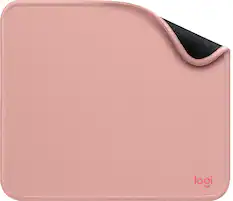
Mouse Pads




More recommended items
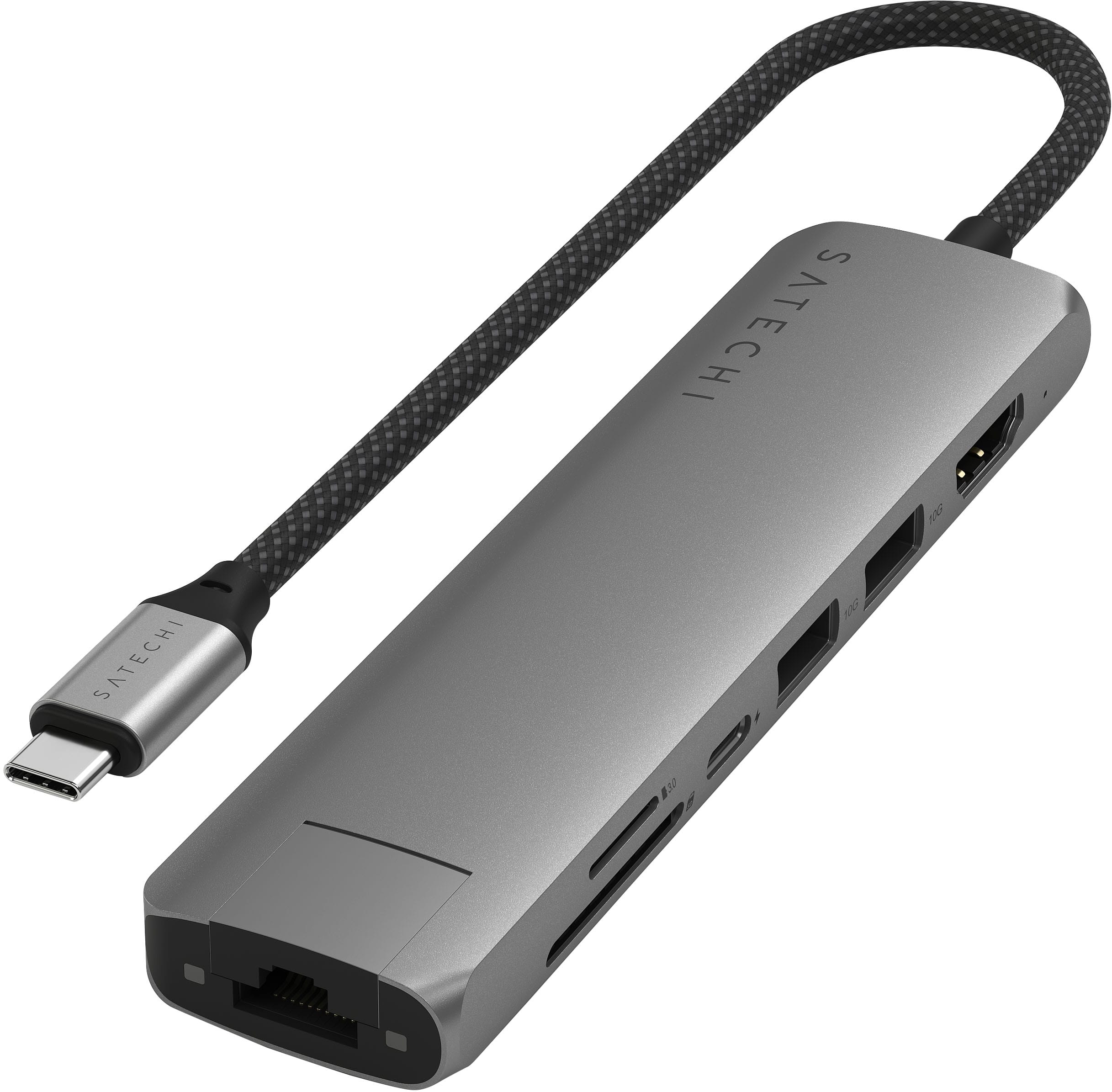 Laptop Docking Stations
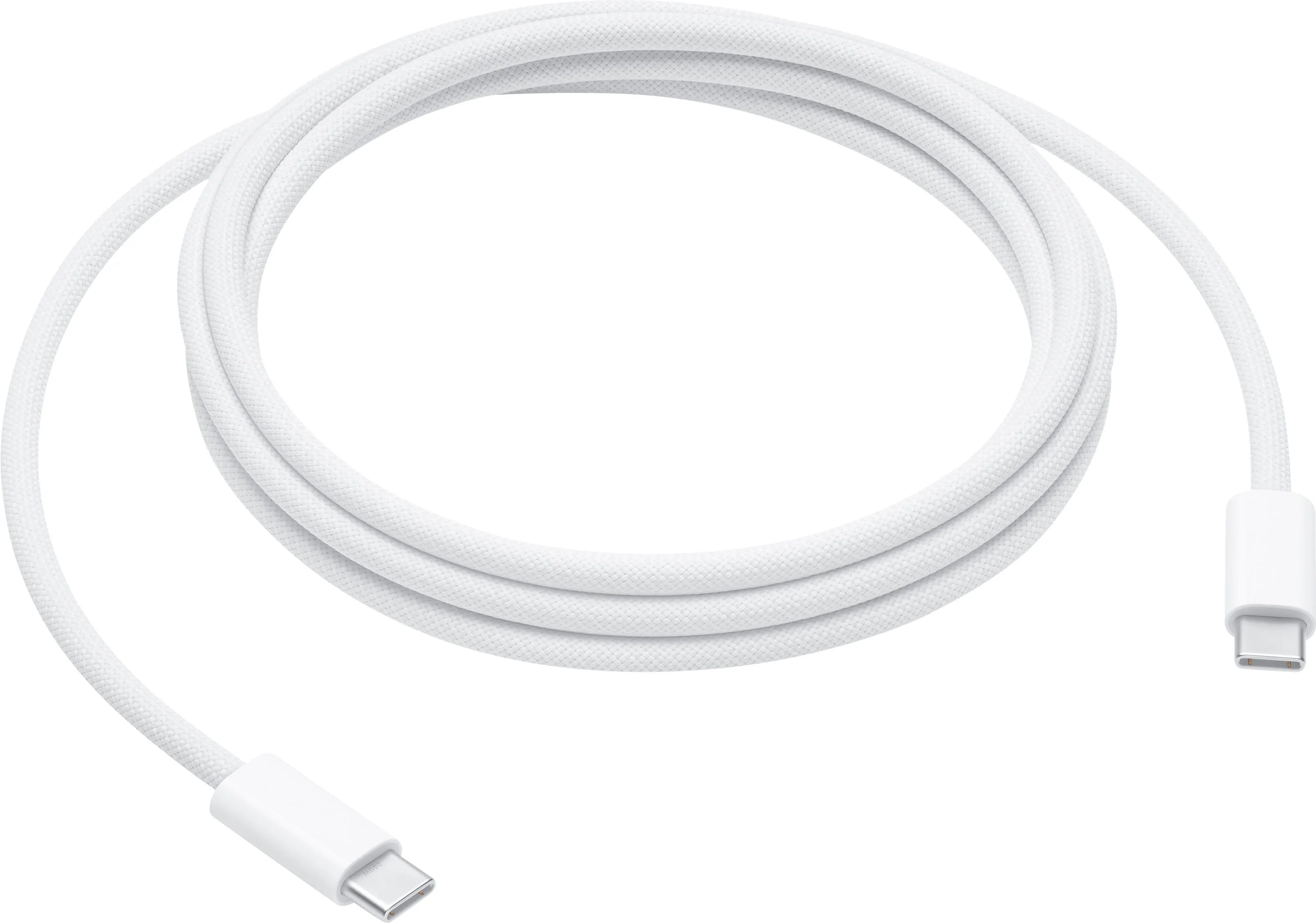 Cables and Adapters
Customers ultimately bought
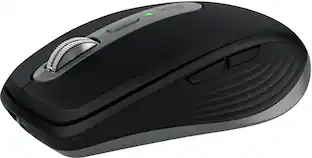 Top Deal$79.99The price was $89.99
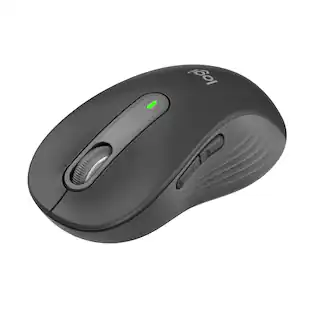 Top Deal$33.99The price was $39.99
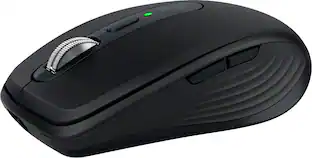 Top Deal$79.99The price was $89.99
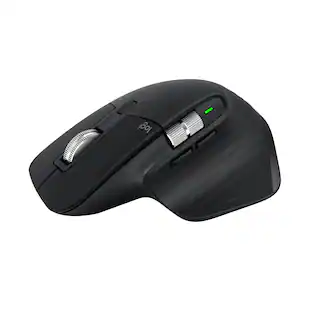 Top Deal$84.99The price was $99.99
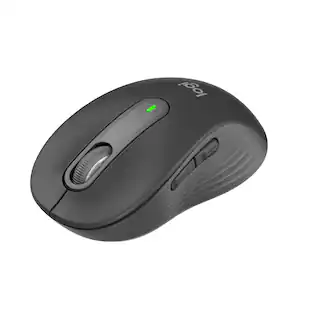 Top Deal$33.99The price was $39.99
 $59.99The price was $79.99





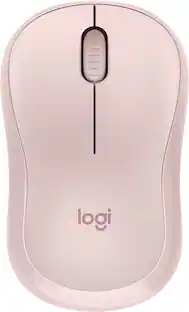
Explore tech essentials Sponsored
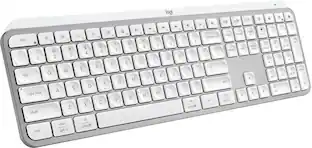 Top Deal$119.99The price was $129.99
- Top Deal$79.99The price was $89.99