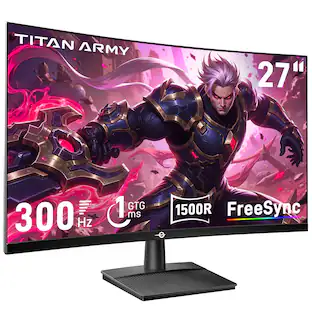
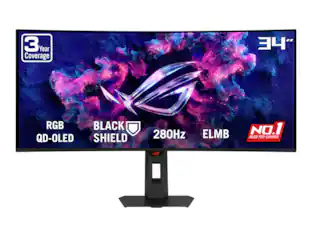
ASUS - ROG Strix 34" Ultrawide QHD 240Hz G-SYNC HDR400 OLED Android 14 Google TV Speakers - Black
Reviews coming soon
About this product
ASUS ROG Strix 34 inch' Ultrawide QHD 2K 1440P 240Hz AMD FreeSync Premium Pro & G-SYNC Compatible HDR400 Built-in Speaker, Android 14 Google TV, MultiScreen OLED Gaming Computer Monitor with Height Adjustable, Swivel & Tilt Stand XG34WCDMTG
Highlights
Features
34" WQHD QD-OLED Curved Screen with 240Hz
Ultra-Wide 34" WQHD QD-OLED Curved Screen (3440x1440) with 240Hz Refresh Rate - Delivers immersive gaming with tear-free, ultra-responsive performance
High Refresh Rate and Rapid Response
Smart Google TV with Android 14 - Stream apps, movies, and shows seamlessly
Advanced HDR and Color Accuracy
High-Speed WiFi 6 with NVIDIA GeForce NOW Pre-Installed - Low latency for online gaming, fast downloads, streaming, and instant cloud gaming
Comprehensive Connectivity Options
Dolby Vision & Dolby Atmos (5W x2 Embedded Speakers) - Stunning HDR visuals and immersive cinematic sound without extra speakers
Smart Features and Built-in Audio
Immersive Gaming Visuals - VESA DisplayHDR 400 True Black, 99% DCI-P3 bring vibrant, lifelike colors and deep contrast
Specifications
- Refresh Rate240HzMaximum Resolution2560 x 1440Synchronization TechnologyFreeSync Premium Pro (AMD Adaptive Sync), G-SYNC Compatible (NVIDIA Adaptive Sync)Screen Size34.0 inchesDisplay Connector(s)1 x HDMI 2.1
Reviews
This product doesn't have any reviews yet.

Compare similar products
ASUS ROG Strix 34 inch' Ultrawide QHD 2K 1440P 240Hz AMD FreeSync Premium Pro & G-SYNC Compatible HDR400 Built-in Speaker, Android 14 Google TV, MultiScreen OLED Gaming Computer Monitor with Height Adjustable, Swivel & Tilt Stand XG34WCDMTG
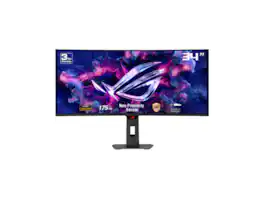
ASUS ROG Strix 34" Ultrawide OLED HDR Gaming Monitor (XG34WCDG) - 3440x1440, 175Hz, 0.03ms, OLED Care Pro, True 10-bit, G-SYNC Compatible, DisplayWidget, Extreme Low Motion Blur

The ROG Swift OLED PG32UCDMR boasts a 32-inch 4K QD-OLED panel that delivers astounding visuals at a buttery-smooth 240 Hz. Powered by third-generation QD-OLED technology, the PG32UCDMR delivers vibrant colors, the deepest black hues, and the brightest highlights. Plus, the 0.03 ms response time ensures blur-free action, even in intense gameplay. Inside, an advanced custom heatsink offers exceptional cooling to reduce the likelihood of burn-in and improve performance and longevity of the OLED panel. This premium monitor is designed for gamers who demand the very best, offering an unbeatable combination of size, image quality, and refresh rate speed for exhilarating gaming experiences.
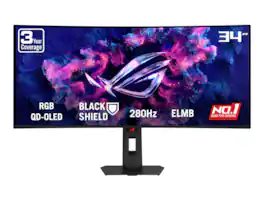
ASUS ROG Strix 34 inch UltraWide QHD 2K 1440P 280Hz G-Sync Compatible HDR500 0.03ms USB-C OLED Curved Gaming Computer Monitor XG34WCDMS
| Pros for ASUS - ROG Strix 34" Ultrawide QHD 240Hz G-SYNC HDR400 OLED Android 14 Google TV Speakers - Black | |||
|---|---|---|---|
| There were no pros for this product— | There were no pros for this product— | Color Quality, Refresh Rate, HDR Performance | There were no pros for this product— |
Specs
Be the first to ask a question.
We’ll try to get your question answered within 24 hours by a Best Buy customer or brand representative.
Customers often buy these together
Monitor and Video Cables
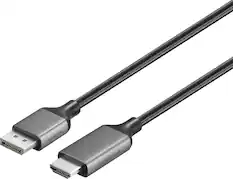
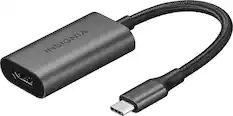
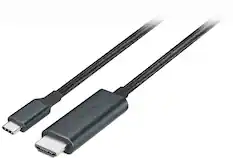

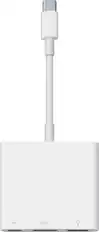
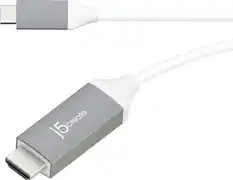
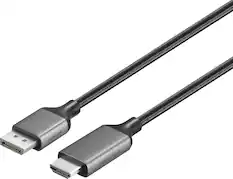
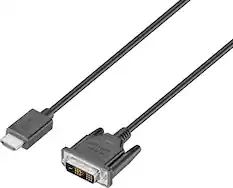
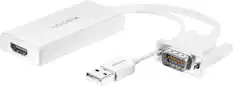

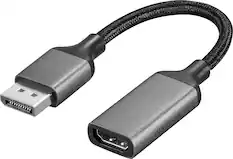
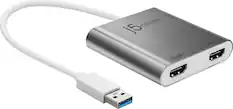
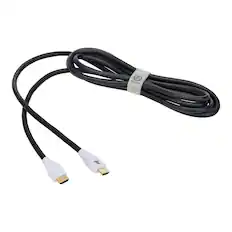
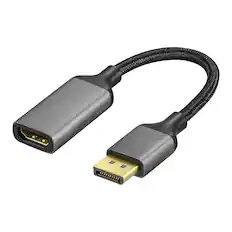
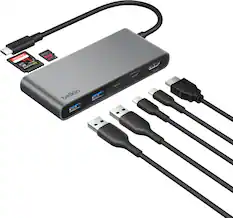
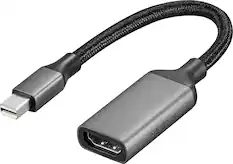
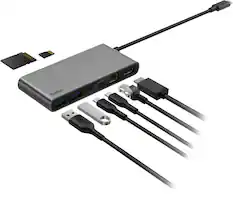
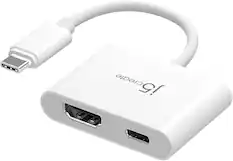
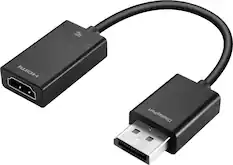
Customers ultimately bought
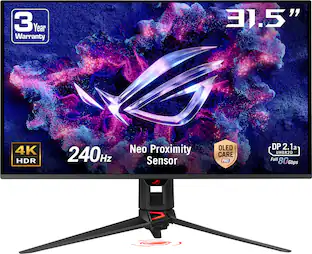 $1,035.99The price was $1,299.99
 Top Deal$699.99The price was $799.99
 $679.99The price was $849.99
Explore tech essentials Sponsored
 Top Deal$1,599.99The price was $1,799.99
Keep exploring
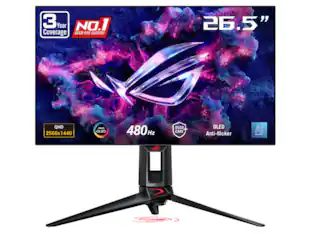 $899.00The price was $934.64
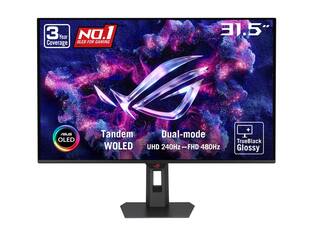 $755.99The price was $971.99
 $199.99The price was $218.99
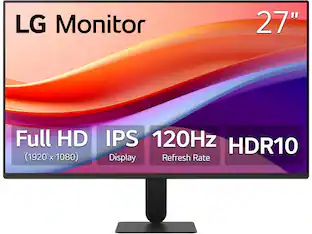 $120.99The price was $129.99