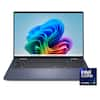
ASUS - Zenbook S14 14" OLED 3K Touchscreen - Intel Core Ultra 9 Processor 2026 - 32GB RAM - 1TB SSD - Copilot+ PC - Scandinavian White

More Buying Options from Best Buy

Highlights
- Key Specs
- Screen Size: 14 inches (Size of the screen, measured diagonally from corner to corner.)
- Screen Resolution: 2880 x 1800 (Screens come in a range of resolutions (measured in pixels, horizontal x vertical). The higher the resolution, the greater the picture quality.)
- Touch Screen: true (Touch-screen devices make navigating more intuitive. Using a touch-screen display, you can do things such as tap to select, hold and drag to move items, swipe to scroll, and pinch to zoom.)
- Refresh Rate: 120Hz (The number of frames per second the device can produce natively without enhancement. Higher rates help produce smooth, seamless pictures.)
- Brightness: 1100 nits (A measure of the total light output.)
- Processor Model: Intel Core Ultra 9 Series 3 (Your computer's processor is like its brain. Working in combination with system memory, the power of the processor determines the complexity of software you can run, how many programs you can have open at the same time, and how fast those programs will run. Most computers feature an AMD, Intel or Snapdragon processor.)
- CPU Base Clock Frequency: 2.1 gigahertz (Actual central processing unit (CPU) speed may vary by device configuration and design. The average rate at which the processor is able to execute tasks under normal operating conditions as asserted by the manufacturer.)
- Storage Type: SSD
- Total Storage Capacity: 1000 gigabytes
- System Memory (RAM): 32 gigabytes (Random-access memory (RAM) is a computing device's short-term data storage, which allows active information to be accessed quickly. The size and type of RAM determines how efficiently the device can handle large amounts of information at one time. For example, gaming or video editing requires more RAM for optimal performance.)
- Graphics: Intel Graphics (Often referred to as a "graphics processing unit" (GPU), this device is responsible for displaying image content and decoding/encoding video content in programs and games.)
- Display Connector(s): 1 x HDMI 2.1, 2 x Thunderbolt 4 (The number and type of connectors used to connect to an external display.)
- Battery Chemistry: Lithium-ion
- Backlit Keyboard: true (Integrated lights allow for visibility of the keys in low-light conditions.)
- General
- Brand: ASUS
- Model Number: UX5406AA-ZB/S14_90
- Product Name: Zenbook S14 14" OLED 3K Touchscreen - Intel Core Ultra 9 Processor 2026 - 32GB RAM - 1TB SSD - Copilot+ PC
- Color: Scandinavian White
- Year of Release: 2026
- Display
- Display Type: OLED
- Screen Size: 14 inches (Size of the screen, measured diagonally from corner to corner.)
- Screen Resolution: 2880 x 1800 (Screens come in a range of resolutions (measured in pixels, horizontal x vertical). The higher the resolution, the greater the picture quality.)
- Touch Screen: true (Touch-screen devices make navigating more intuitive. Using a touch-screen display, you can do things such as tap to select, hold and drag to move items, swipe to scroll, and pinch to zoom.)
- Refresh Rate: 120Hz (The number of frames per second the device can produce natively without enhancement. Higher rates help produce smooth, seamless pictures.)
- Brightness: 1100 nits (A measure of the total light output.)
- Processor
- Processor Brand: Intel
- Processor Model: Intel Core Ultra 9 Series 3 (Your computer's processor is like its brain. Working in combination with system memory, the power of the processor determines the complexity of software you can run, how many programs you can have open at the same time, and how fast those programs will run. Most computers feature an AMD, Intel or Snapdragon processor.)
- Processor Model Number: Ultra 9 386H
- CPU Base Clock Frequency: 2.1 gigahertz (Actual central processing unit (CPU) speed may vary by device configuration and design. The average rate at which the processor is able to execute tasks under normal operating conditions as asserted by the manufacturer.)
- CPU Boost Clock Frequency: 4.9 gigahertz (Actual central processing unit (CPU) speed may vary by device configuration and design. The maximum rate at which the processor is able to execute tasks, typically only used for a short period of time as needed. This rate may temporarily boost the processor's performance, but may result in overheating, shutdown, or damage to equipment if sustained.)
- Number of CPU Cores: 16-core (A core, or "brain" of a CPU, allows it to receive and execute instructions. Each core can work independently or together to perform parallel operations.)
- Number of CPU Threads: 16 (Generally, the more threads, the faster and more responsive the operating system.)
- Neural Processing Unit (NPU): true (Whether the product comes with an integrated neural processing unit (NPU) that performs computations for AI (artificial intelligence) functions to increase proficiency of the CPU and reduce power consumption.)
- Maximum NPU Performance: 50 trillions operations per second (The maximum neural processing unit (NPU) computations performed. NPUs increase proficiency of the CPU and reduce power consumption for AI (artificial intelligence) functions.)
- Storage
- Storage Type: SSD
- Total Storage Capacity: 1000 gigabytes
- Solid State Drive Capacity: 1000 gigabytes (The amount of data that can be stored on the device's solid state drive (SSD). SSD is a flash-based storage with faster speeds than a hard disk drive (HDD).)
- Solid State Drive Interface: PCIe 4.0 (Connects the solid state drive to the host system. PCI and SATA interfaces are the most common; PCI interfaces are typically faster, but SATA interfaces are compatible with a wider range of systems.)
- Memory
- System Memory (RAM): 32 gigabytes (Random-access memory (RAM) is a computing device's short-term data storage, which allows active information to be accessed quickly. The size and type of RAM determines how efficiently the device can handle large amounts of information at one time. For example, gaming or video editing requires more RAM for optimal performance.)
- Type of Memory (RAM): LPDDR5X (Each type of RAM delivers a different level of speed, bandwidth, energy efficiency and performance.)
- System Memory RAM Speed: 8533 megahertz (How fast the information-storing hardware operates. The faster the RAM, the faster memory can be transferred to other system components. Ultimately, faster RAM improves operational efficiency.)
- Graphics
- Graphics Type: Integrated (Dedicated graphics uses a separate graphics card for processing video images. Because it does not use memory from the system's RAM, there is no extra burden on the CPU and graphics are processed more efficiently. Integrated graphics shares system RAM to process video images.)
- GPU Brand: Intel
- Graphics: Intel Graphics (Often referred to as a "graphics processing unit" (GPU), this device is responsible for displaying image content and decoding/encoding video content in programs and games.)
- Compatibility
- Operating System: Windows 11 Home (The operating system manages all software and hardware, including files, memory and connected devices. Most importantly, it lets you interact with your device and your programs in a visual way; otherwise, you'd be typing computer code to get anything done.)
- Connectivity
- Display Connector(s): 1 x HDMI 2.1, 2 x Thunderbolt 4 (The number and type of connectors used to connect to an external display.)
- Number of HDMI Outputs (Total): 1
- Number of Thunderbolt Ports (Total): 2
- USB Ports: 1 x USB-A 3.2, 2 x USB-C 4 (The number and type of USB ports the product has.)
- Number of USB Ports (Total): 3
- Number of USB-A Charging Ports: 1
- Number of USB-C Charging Ports: 2
- Headphone Jack: true (The device features an interface that allows for the connection of headphones.)
- Microphone Input: true (The device features an input for connecting an external microphone.)
- Wireless Connectivity: Wi-Fi, Bluetooth (The manner in which a device sends data to another device over a short distance without the use of wires or cables.)
- Wireless Standard: BE (The wireless networking protocol used by the device. Each iteration of the protocol is based on the 802.11 standard developed by the Institute of Electrical and Electronics Engineers (IEEE) Standards Association. Denoted by letters following 802.11 (802.11a, 802.11ac, etc.), each version, published in alphabetical order, encompasses all previous versions.)
- Wireless Networking Standard: Wi-Fi 7 (The wireless networking standard used by the device. Each iteration of the standard developed by the Wi-Fi Alliance corresponds to an existing IEEE 802.11 protocol; for example, standard 802.11ac (or AC) is termed Wi-Fi 5. Refers specifically to the standard the device is designed to use, but ultimately determines product interoperability and backward compatibility including previous versions.)
- Cooling
- CPU Cooling System: Air
- GPU Cooling System: Air
- Power
- Power Supply Input: USB-C
- Power Supply Maximum Wattage: 68 watts
- Battery Cells: 4-cell
- Battery Chemistry: Lithium-ion
- Camera
- Front-Facing Camera: true
- Front Facing Camera Video Resolution: 1080p (Refers to the number of pixels, both horizontally and vertically, used by the camera facing the user to capture video. The higher the resolution the finer the video detail that can be seen.)
- Built-In Microphone: true
- Features
- Backlit Keyboard: true (Integrated lights allow for visibility of the keys in low-light conditions.)
- Touchpad Type: Precision
- Media Card Reader: false (A hardware device that allows for access to data on a memory card and enables the transfer of its files to a computer. These devices may have one or multiple slots for various types of memory cards, and may be integrated into the computer or available as an external device.)
- Audio Technology: Dolby Atmos, Smart Amp Technology
- Windows AI: Copilot+ PC
- Security Features: Facial recognition
- Casing Material: Aluminum
- Dimensions
- Product Height: 0.51 inches (The out of box height of the item. Height is measured as the vertical distance from the bottom of the item to the top as it would be primarily used or placed.)
- Product Width: 12.26 inches (The out of box width of the item. Width is measured as the horizontal distance from one side of the item to the other as it would be primarily used or placed.)
- Product Depth: 8.49 inches (The out of box depth of the item. Depth is measured as the distance from the front of the item to the back as it would be primarily used or placed.)
- Product Weight: 2.76 pounds (The out of box weight of the item.)
- Certifications Listings & Approvals
- ENERGY STAR Certified: true (Devices carrying the ENERGY STAR service mark, such as computer products and peripherals, kitchen appliances, and other products, generally use 20% to 30% less energy than required by federal standards.)
- EPEAT Qualified: true (The Electronic Product Environmental Assessment Tool (EPEAT) was designed to provide an environmental assessment tool for purchasers. In order to qualify for EPEAT, a product must meet all 23 required criteria.)
- EPEAT Level: Gold (The Electronic Product Environmental Assessment Tool (EPEAT) was designed to provide an environmental assessment tool for purchasers. In order to qualify for EPEAT, a product must meet all 23 required criteria. Products are rated Bronze, Silver or Gold based on how many of 28 optional criteria they meet (below 50%, 50%, 75%).)
- Included
- Included Software: StoryCube, MyASUS, ScreenXpert, GlideX
- Numeric Keypad: false
- Warranty
- Warranty - Parts: 1 year
- Warranty - Labor: 1 year
- Other
- UPC: 199291410589
ASUS Zenbook S14 brings luxury to mobility with its ultra‑thin, ultra‑light Ceraluminum design that feels as refined as it looks. As a Copilot+ PC powered by the latest Intel Core Ultra processors, it delivers intelligent performance wrapped in effortless elegance. Its stunning 14" OLED WQXGA+ 16:10 display elevates every detail with vivid brilliance, while the long‑lasting 77 Wh battery keeps you going in style wherever the day leads.
- Copilot+ PC on Windows 11 Home: Copilot+ PC on Windows 11 Home brings you smarter search, quick summaries, and seamless task assistance—right when you need it.
- Brilliance You Can See: Experience brilliant visuals on a 14-inch OLED WQXGA+ 16:10 touch screen with vibrant color, deep contrast, and up to 1100‑nit HDR brightness.
- Effortless Performance, Elevated: Powered by the Intel Core Ultra 9 processor with up to 50 TOPS, performance stays smooth and responsive through every task.
- Smooth, Reliable Graphics: Intel Graphics delivers smooth visuals and responsive performance for everyday work, play, and creative tasks.
- Fast Memory for Smooth Multitasking: With 32GB of high speed LPDDR5X RAM, apps stay smooth and responsive, letting you switch tasks, edit content, and work across multiple windows without slowdowns.
- Spacious Storage for Everyday Files: A spacious 1TB PCIe 4.0 SSD ensures quick boot times, fast file access, and ample room for large projects, keeping heavy workloads feeling smooth and effortless.
- Slim. Light. Effortlessly Luxurious.: Remarkably slim at just 0.51″ and weighing only 2.65 lbs, Zenbook S14 delivers effortless elegance in every moment. Designed for true mobility, it’s the perfect balance of sleek sophistication and everyday portability.
- Bright, Comfortable Typing: Enjoy comfortable, precise typing with a sleek chiclet-style keyboard that stays clear and easy to use—even in low‑light environments, thanks to its built‑in backlighting.
- See Clearly. Sign In Instantly: The FHD front camera with IR support delivers crisp video quality and enables fast, secure Windows Hello facial login, making every call and sign‑in smooth and effortless.
- Hear Every Detail: Smart Amp speakers and an array microphone deliver rich, detailed sound and clear voice pickup, creating a more immersive audio experience whether you’re on calls, watching content, or working on the go.
- Strength for Every Day: US MIL‑STD 810H certification means it withstands rigorous durability testing, giving you confidence and reliability through commutes, travels, and everyday moments.
- Connected with Ease: Enjoy versatile connectivity with USB‑A, dual Thunderbolt 4, HDMI 2.1, and a 3.5 mm audio jack—ready for your displays, accessories, and everyday convenience.
Whats Included
- Zenbook S 14 14" 3K OLED Touch Screen Laptop - Copilot+ PC - Intel Core Ultra 9 - 32GB Memory - 1TB SSD
- Power Cord
- Power Adapter
Disclaimers
- 1-Month Membership of Adobe Creative Cloud All Apps, Individual. The redemption duration from September 15, 2021 to August 31, 2026.
Q: Is Windows 11 Pro not an option? Love the tech specs, but I need Windows Pro!
A: The ASUS Zenbook S14 UX5406AA is available in a Windows 11 Pro configuration. Specifically, the UX5406AA‑XS79T model, which ships with Windows 11 Pro preinstalled.
Q: What are the specs for video board
A: The ASUS Zenbook S14 (UX5406AA) is equipped with an integrated Intel Arc Graphics GPU.
Q: For this laptop, with the upgraded Ultra 9 386H, is the onboard / dedicated graphics the Arc B390?
A: The ASUS Zenbook S14 UX5406AA with the Intel Core Ultra 9 386H uses Intel integrated graphics, not a dedicated Arc B390 GPU.
Q: What is the camera configuration of this laptop?
A: The camera configuration of this laptop is FHD( 1920 x 1080) resolution. It enables secure, fast facial recognition login using Windows Hello, provides AI-powered features such as background blurring, automatic framing, and eye-tracking using ASUS AiSense and has an IR sensor that supports ASUS Adaptive Lock, which detects your presence and locks the laptop when you step away.
A: Same question! It may be a separate basic graphics chip. Intel is making these now in several models. Suspect this one is the basic chip in the line up. See last entry at bottom. https://www.intel.com/content/www/us/en/products/docs/discrete-gpus/arc/mobile/overview.html GPU Peak TOPS - INT8 (up to) Graphics Experience Intel® Arc™ B390 GPU 12 2.50 GHz 122 Intel’s best thin and light mobile graphics experience, delivering high performance, modern gaming and cutting-edge content creation experiences while able to run advanced local AI models Intel® Arc™ B370 GPU 10 2.40 GHz 98 High performance graphics optimized for efficiency. Engineered for balance between expansive AI content creation, smooth gaming, and maximized battery life. Intel® Arc™ 140V GPU Intel® Arc™ 140T GPU 8 2.35 GHz 77 Unlock groundbreaking local AI capabilities in mobile systems, from high quality, upscaled gaming to AI enhanced content creation. Create, game and explore while on the go. Intel® Arc™ 130V GPU Intel® Arc™ 130T GPU 7 2.2 GHz 63 AI boosted gaming performance and seamless content creation in a variety of portable form factors Intel® Graphics 4 1.75 - 2.0 GHz 8 Power everyday media & display capabilities of mobile systems, along with casual gaming and photo & video editing capabilities.
Compare similar products
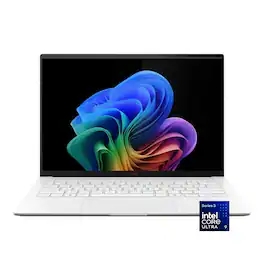
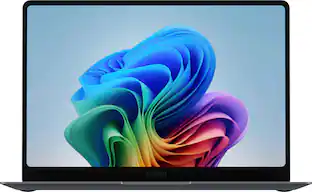
ASUS Zenbook S14 brings luxury to mobility with its ultra‑thin, ultra‑light Ceraluminum design that feels as refined as it looks. As a Copilot+ PC powered by the latest Intel Core Ultra processors, it delivers intelligent performance wrapped in effortless elegance. Its stunning 14" OLED WQXGA+ 16:10 display elevates every detail with vivid brilliance, while the long‑lasting 77 Wh battery keeps you going in style wherever the day leads.
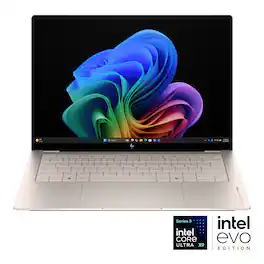
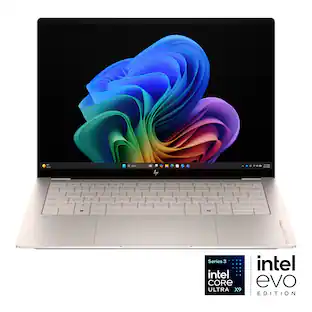
Performance never looked so good. Say hello to the OmniBook Ultra—thin, light, and military-gradedurable, with an ultra-efficient neural engine and OLED display delivering smart, immersive, cool performance for the AI era.
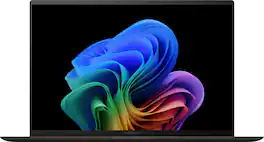
The new Zenbook S 14 harmoniously blends craftsmanship and performance, featuring an impossibly thin 0.47-inch profile made from Ceraluminum. Immerse your senses in a breathtaking 14-inch 3K OLED Lumina touchscreen and experience multi-dimensional, high-fidelity sound from a four speakers tuned by Harman/Kardon. Optimized for productivity, the S 14 is powered by an all-new, supercharged Intel Core Ultra 7 Series 2 processor with an Intel AI Boost NPU up to 47 TOPS that speeds up local AI processes, while a quick-access Copilot AI Assistant key streamlines your workflow. Powerful yet light, keep it portable with an all-day 72Wh battery.

The new Zenbook S 16 harmoniously blends beauty and performance. Featuring an impossibly thin 0.43-inch chassis crafted from premium Ceraluminum material, the S 16 exudes elegance in its craftsmanship. Immerse your senses in its breathtaking 16-inch 3K OLED Lumina display and experience high-fidelity audio from its six powerful speakers. Optimized for productivity, the S 16 is powered by the latest AMD Ryzen processor with a dedicated AI NPU that speeds up local AI processes, while a quick-access Copilot AI Assistant key streamlines your workflow. Despite its compact form and powerful performance, the Zenbook S 16 offers incredible all-day endurance thanks to its 78Wh battery.
| Pros for ASUS - Zenbook S14 14" OLED 3K Touchscreen - Intel Core Ultra 9 Processor 2026 - 32GB RAM - 1TB SSD - Copilot+ PC - Scandinavian White | |||
|---|---|---|---|
| There were no pros for this product— | There were no pros for this product— | Portability, Battery Life, Processor Speed, Build Quality, Weight | Battery Life, Processor Speed, Portability, Screen Quality, Overall Performance |
| Cons for ASUS - Zenbook S14 14" OLED 3K Touchscreen - Intel Core Ultra 9 Processor 2026 - 32GB RAM - 1TB SSD - Copilot+ PC - Scandinavian White | |||
| There were no cons for this product— | There were no cons for this product— | Heat Dissipation, Fan Noise | Heat Dissipation |
Specs


Reviews
Customer Images
The vast majority of our reviews come from verified purchases. Reviews from customers may include My Best Buy members, employees, and Tech Insider Network members (as tagged). Select reviewers may receive discounted products, promotional considerations or entries into drawings for honest, helpful reviews.
- Rated 5 out of 5 stars
Amazing laptop for everything, plus AI tasks!
I find myself caught between some different tasks - browsing, researching, AI agent tasks and even running a local Large Language Model and I was wondering if the ASUS Zenbook S14 could handle some of these without getting too bogged down. I’ll hit some major points and then get into the details below. Good: OLED Display / Resolution / Refresh Touch Battery Life Keyboard (backlight/quiet) Form Factor Ports CPU / RAM combo Intel NPU Color / Texture of Lid WiFi 7 3.5mm audio port Meh: Trackpad ASUS monster charger No webcam slider Bad: Nothing at all. Really. Normal Use … ASUS packaged this thing right - slim and sharp, just like the laptop itself. On unboxing, I didn’t even open the laptop and sent it right over to the charger until the orange charging light turned white, then it was time to play. I also loved the color as it didn’t become smudged with fingerprints and there seems to be a bit of a texture to it that I also liked when carrying it around. A notebook is a perfect description of this as I was carrying it around with little effort, just like I would with a notebook. Let me reiterate one part of my TL; DR above - I dislike nothing about this laptop. While I may not be a fan of the charging brick or maybe feel that the trackpad needs some extra pressing down to click - but wow, this little machine has pushed my iPad Pro M4 13” aside from when I got this for a week before I wrote this review. Microsoft’s Windows 11 setup experience doesn’t differ and still requires a Microsoft account to set it up (but you can ‘move’ to a local account after setup if you wanted). The ASUS Zenbook S14 has a glossy display that, like any glossy display, shows fingerprints and everything else that may land on the screen. And the display - shoot, OLED. Such a crisp screen that doesn’t tear letters as one of my other OLED displays does and the colors do not disappoint. The touch of the display is responsive and is there for me when I forget I’m on a laptop and back on an iPad. A 3k resolution is boasted in the specs - which was a new one to me. After looking it up, that resolution sits around 2880x1800 (one site says 2880 x 1620) and for my eyes, the recommended 200% scale zoom is perfect. In going through the menus, a 120Hz refresh rate is also available - so, I went right to that. While the world is going USB-C - this laptop is no different, however it does still have a USB-A port. I hate to say it, but yes - even as a techie, I still have some USB-A devices and one of them is a memory card reader - so grabbing a dongle all the time for USB-A support on my other laptops can be a pain. USB-C powers the laptop and also has no issues with a portable 15in display. Usage (given it’s Windows) has been stable, jitter free and when backed by 32GB of RAM and an Ultra9 processor - life is pretty easy. WiFi 7’s 6GHz offers wired speeds when running a speed test with minimal interference and obstacles. Don’t want to take the hit of 6GHz, then use a 5GHz band - or 2.4GHz if you’re far away - the same goes for any laptop or device: better speeds = less distance and few obstacles. A huge benefit to this laptop is the keyboard; smooth and quiet. I type on many types of keyboards and lots of laptop keyboards and there’s also a nice backlight that’s easily adjusted. Outside of a larger, thin “Air like” laptop, this is probably my second favorite. Not necessarily a “but” - but, the trackpad is a bit harder to click than I’d like. I thought I was having some phantom keypresses, but there are some hidden MyAsus Input settings for display, volume and forward/rewind. Pretty slick! Under the screen above the special keys is some upward heat dissipation which seems to lessen the bottom - keeping my lap from heating up too much during these wonderful summer months. Battery life you ask? Amazing. Easily 3 nights of couch browsing, researching and shopping - plus some daily tasks like email and social media. I must say, for a Windows laptop, I’m impressed. If I backed down to 60Hz - like most people will run at, I’m sure I could have squeezed out a few more minutes before I went into “power save” mode at 30% remaining battery. In some basic use, the webcam is pretty high quality however there isn’t a privacy slider - which some Windows Hello features will want to always be watching you. A few strips of tape made it blurry enough to not be able to see much, however - you forfeit using the camera regularly. It’s up to you how you feel about that, but for me, I appreciate a privacy slider. Lastly, a 3.5mm jack is there for wired non-USB headphones for those of us that still opt for a wire from time to time. Techie Notes … On top of all of the above during my normal day-to-day life, I loaded up WSL, Docker desktop and set up Ollama to run with OpenWebUI and a few mid-parameter models. Since this NPU lets you share some of the 32GB of RAM - and emulate roughly 18GB of VRAM … we’re not limited to the regular “Intel Graphics” 128MB or whatever silliness they normally run with. On top of that, 1TB of NVMe storage has plenty of room for experimentation with different tasks and models that eat up space if you forget to clean up after yourself. I read about an Intel Graphics setting (for this Intel model) that allows for 80% of the RAM to be used for VRAM - but in the Intel Graphics Software, I didn’t see it (maybe soon?). Low parameter models - like llama3.2:3b got me around 50 tokens/sec; the bigger the models, the fewer tokens. I tried DeepSeek 32b - and got a few runs before something took away some RAM and the model wouldn’t run - so it “can be done” just not easily. Why even try that? The way I see it, is that if I’m offline (crummy or super slow wifi at the car dealer), I have a portable little internet I can refer to and then double check the results of later, while not really missing any of my stride when working off a single table away from the office. Sure, some people prefer the iEcosystem to run some of this but remember - some are Windows folks. I happen to straddle both worlds and enjoy this as much as I do my Air-like laptop. Overall - what a great notebook/laptop; amazing display, great keyboard, great form factor and some oomph to run some techie LLM things. Highly, highly recommended!
nhtechie Posted
- Rated 4 out of 5 stars
5 stars over-all /very fast lite laptop
5 Stars for ASUS solid metal build and cooling improvements and lite travel use for functionality. 5 stars for a well-built ultra lite travel laptop. 5 stars for looks. 5 stars for speed. 3 stars for one M.2 slot and a unknown drive. ASUS - Zenbook S14 14" OLED 3K Touchscreen - Intel Core Ultra 9 Processor 2026 - 32GB RAM - 1TB SSD - Copilot+ PC - Scandinavian White Model: UX5406AA-ZB/S14_90 SKU: 6671015 This unit has significant improvements over most laptops. Examples are; very lite, extremely fast, compact, cooling, keyboard layout, and basic well designed laptop for functionality. Someone at ASUS has been good about pushing the quality up. Very nice! One drive is a definite downgrade. 1. Very sturdy all Aluminum white body! 2. Worked on first boot / no issues in updates 3. Twelve months parts and labor warranty 4. Complete printed manual with extended warranty options online and also in the MY ASUS APP 5. Side cooling/grip slots for back cover for removal (be sure you have all the 10 T4 screws removed/ one stays in but loose) See note below! Also, they have gone back to size T4 screws. Be sure to magnetize a bit in advance. 6. No heat shield for the M.2 4.0 drive. If you swap out/clone drives, be sure to turn off drive encryption in the settings. 7. Internal drive is fine the way it is! No upgrade needed but only one M.2 slot with no heat shield. Use the clone software that works for you. I could not get any software to recognize this drive. Samsung Magician could not recognize this drive even though it is a Samsung product (MIC). This is the second time I have had a M.2 4X4 drive that was not properly recognized. If you forget to turn off drive encryption before you start you will be in for a bad day at best. I discovered, by accident, that Acronis can wipe a drive if you select a data only un-encrypted drive to clone and stop it after 20 minutes. Also, there is a free software online (on initial use) that you can wipe the drive. 8. Small USB charger works great and fast 9. Never use additional security software with Microsoft built in complete security system 10. Keep MY ASUS (important FW update needed) and set up your account online/register for service. After warranty runs out consider delete if needed for space! Run the complete update in this APP! 11. Go into Microsoft settings and turn off everything you can live without. On initial setup say no to everything in life as you can always say yes later (exception security log ins). 12. Fully install XBOX and try to claim the 3-month pass. Having severe issues with 3- month free pass as it is broken as of today. If you are already a member this will not work. 13. Perfect business travel laptop 14. One USB A and 2 USB C make mouse, keyboard, and USB stick options easy 15. HDMI is a nice option but your 2 USB C (type 4) connections are a one place stop for everything. Full 3K external video with the ARK Intel video chip! 16. Installed 4 small stick-on furniture pads on the bottom for additional ventilation space! Be careful not to cover and vents. 17. WF 7 BE connections were perfect as I have a full WIFI 7 BE mesh network 18. Checked the WIFI 7 and it displays all my options and not just locked into one connection type. Extremely fast connection speeds. 19. Ten T4 screws and the clips are nicely weak. Don’t do this unless you have to. M.2 drive Philips screw in tight! 20. Cloning could not be done as the drive is not recognized as Samsung product. I had to remove the drive from the unit and do an external clone on another machine. Be careful! Turn off encryption! 21. The ASUS APP is a very nice product to keep you unit updated. 22. Sound is fine. 23. Battery life is phenomenal 24. Windows Hello is quick and accurate. 21. Most parts made in China. Installed XBOX Ultimate and played several games (Fight Simulator 2024, Minecraft Bedrock, Warcraft 3, etc). Fans were on the highest speed in auto mode for the high-end games. Cooling is sufficient. When completely finished setting the unit up, I updated the BIOS FW in the ASUS APP. Critical update for this unit. Windows update should catch all the rest. The 10 T4 head screws for back access panel were easy to find. If you are not an experienced hardware technician, you may want to skip this step. Fans came on at the right temperatures. Also, the keyboard FN keys allow you have multiple functionalities. Cloning software failed. XBOX-X controller is the best bet for games. The i9 CPU showed its strength in gaming mode as I was surprised how quick it was. The external mouse and keyboard were ok for some gaming with the lighted keys. I use an external XBOX controller for most games. For additional cooling, I bought an elevated laptop stand and can place a fan under it for extremely intense games (decided it was easier to place 4 furniture pads under the raised feet of the laptop). Not needed for 99% of the games. Read the manual on how to use the FN keys. The manual is your friend. Also, the keys are clearly tagged as to functions. No separate number key pad area (no issue). The sound worked perfectly on startup with no adjustments needed. The screen will open to 140 degrees. I could not find a function to turn on dedicated WASD key lighting Final thoughts! This a compact robust laptop. Fast and portable. Not being able to clone the drive without removing the 4X4 M.2 Stick was a significant setback. Wound up removing the drive and doing a very painful external clone on my desktop. Features! • Copilot+ PC on Windows 11 Home Copilot+ PC on Windows 11 Home brings you smarter search, quick summaries, and seamless task assistance—right when you need it. • Brilliance You Can See Experience brilliant visuals on a 14-inch OLED WQXGA+ 16:10 touch screen with vibrant color, deep contrast, and up to 1100 nit HDR brightness. • Effortless Performance, Elevated Powered by the Intel Core Ultra 9 processor with up to 50 TOPS, performance stays smooth and responsive through every task. • Smooth, Reliable Graphics Intel Graphics delivers smooth visuals and responsive performance for everyday work, play, and creative tasks. • Fast Memory for Smooth Multitasking With 32GB of high speed LPDDR5X RAM, apps stay smooth and responsive, letting you switch tasks, edit content, and work across multiple windows without slowdowns. • Spacious Storage for Everyday Files A spacious 1TB PCIe 4.0 SSD ensures quick boot times, fast file access, and ample room for large projects, keeping heavy workloads feeling smooth and effortless. • Slim. Light. Effortlessly Luxurious. Remarkably slim at just 0.51″ and weighing only 2.65 lbs, Zenbook S14 delivers effortless elegance in every moment. Designed for true mobility, it’s the perfect balance of sleek sophistication and everyday portability. • Bright, Comfortable Typing Enjoy comfortable, precise typing with a sleek chiclet-style keyboard that stays clear and easy to use—even in low light environments, thanks to its built in backlighting. • See Clearly. Sign In Instantly The FHD front camera with IR support delivers crisp video quality and enables fast, secure Windows Hello facial login, making every call and sign in smooth and effortless. • Hear Every Detail Smart Amp speakers and an array microphone deliver rich, detailed sound and clear voice pickup, creating a more immersive audio experience whether you’re on calls, watching content, or working on the go. • Strength for Every Day US MIL STD 810H certification means it withstands rigorous durability testing, giving you confidence and reliability through commutes, travels, and everyday moments. • Connected with Ease Enjoy versatile connectivity with USB A, dual Thunderbolt 4, HDMI 2.1, and a 3.5 mm audio jack—ready for your displays, accessories, and everyday convenience. What's Included Zenbook S 14 14" 3K OLED Touch Screen Laptop - Copilot+ PC - Intel Core Ultra 9 - 32GB Memory - 1TB SSD, Power Cord, Power Adapter Specifications • Key Specs Screen Size 14 inches Screen Resolution 2880 x 1800 Touch Screen Yes Refresh Rate 120Hz Brightness 1100 nits Processor Model Intel Core Ultra 9 Series 3 CPU Base Clock Frequency 2.1 gigahertz Storage Type SSD Total Storage Capacity 1000 gigabytes System Memory (RAM) 32 gigabytes Graphics Intel Graphics Display Connector(s) 1 x HDMI 2.1, 2 x Thunderbolt 4 Battery Chemistry Lithium-ion Backlit Keyboard Yes • General Brand ASUS Model Number UX5406AA-ZB/S14_90 Product Name Zenbook S14 14" OLED 3K Touchscreen - Intel Core Ultra 9 Processor 2026 - 32GB RAM - 1TB SSD - Copilot+ PC Color Scandinavian White Year of Release 2026 • • Display Display Type OLED Screen Size 14 inches Screen Resolution 2880 x 1800 Touch Screen Yes Refresh Rate 120Hz Brightness 1100 nits • • Processor Processor Brand Intel Processor Model Intel Core Ultra 9 Series 3 Processor Model Number Ultra 9 386H CPU Base Clock Frequency 2.1 gigahertz CPU Boost Clock Frequency 4.9 gigahertz Number of CPU Cores 16-core Number of CPU Threads 16 Neural Processing Unit (NPU) Yes Maximum NPU Performance 50 trillions operations per second • • Storage Storage Type SSD Total Storage Capacity 1000 gigabytes Solid State Drive Capacity 1000 gigabytes Solid State Drive Interface PCIe 4.0 • • Memory System Memory (RAM) 32 gigabytes Type of Memory (RAM) LPDDR5X System Memory RAM Speed 8533 megahertz • • Graphics Graphics Type Integrated GPU Brand Intel Graphics Intel Graphics • • Compatibility Operating System Windows 11 Home • • Connectivity Display Connector(s) 1 x HDMI 2.1, 2 x Thunderbolt 4 Number of HDMI Outputs (Total) 1 Number of Thunderbolt Ports (Total) 2 USB Ports 1 x USB-A 3.2, 2 x USB-C 4 Number of USB Ports (Total) 3 Number of USB-A Charging Ports 1 Number of USB-C Charging Ports 2 Headphone Jack Yes Microphone Input Yes Wireless Connectivity Wi-Fi, Bluetooth Wireless Standard BE Wireless Networking Standard Wi-Fi 7 • • Cooling C
ETP1 Posted
- Rated 5 out of 5 stars
ASUS Zenbook S14: The Ultimate Work Companion
ASUS has done something genuinely impressive with the Zenbook S14. Instead of just trying to make the fastest laptop possible, they clearly focused on making a machine where the battery actually lasts all day and the laptop doesn't turn into a loud, hot fan on your lap. Packed with 32GB of memory, this sleek model makes a compelling case for a premium daily driver, but it comes with a few design and performance trade-offs that any everyday power user should consider before buying. For my workflow, these specific design choices mean it doesn't have to do absolutely everything. It fits perfectly into my dual-laptop setup as a dedicated work and productivity machine, allowing me to leave the heavy lifting and modern AAA gaming to my separate gaming laptop. Since the Zenbook handles almost every task outside of heavy video rendering with absolute ease, leaning into its strengths as a pure productivity tool is a no-brainer. Right out of the box, the first thing you notice is the lid. ASUS uses a unique ceramic-aluminum blend they call "Ceraluminum." Instead of the familiar smooth metal feel found on most laptops, it offers a distinct, matte, stone-like texture that feels incredibly durable and stays completely free of smudges throughout the day. At just half an inch thick and weighing a featherlight 2.65 lbs, the entire frame feels remarkably solid and premium when you pick it up. In fact, it is actually lighter than my previous daily driver, the 13-inch Microsoft Surface Pro, which tipped the scales at 2.72 lbs with its keyboard attached. While the Zenbook can't double as a tablet like the Surface, walking away with a larger display and even better battery life in an overall lighter package is a fantastic trade-off. Much like the Surface, the Zenbook's ultra-slim profile means the keys don't travel very deep when pressed. However, because it is a rigid, traditional clamshell base rather than a detachable fabric keyboard, the deck has absolutely zero flex. The tactile response feels crisp and incredibly stable, making it an easy adjustment if you are used to typing on a thin, highly portable device. The centerpiece of this machine is the 14-inch 3K touchscreen. Because it uses OLED technology, the colors are incredibly vibrant, the contrast is perfect, and blacks are genuinely black. It also uses a taller screen shape, which gives you extra vertical workspace, which is perfect for reading long documents, managing large spreadsheets, or keeping multiple windows open side-by-side. What is genuinely surprising is the audio. For a laptop this thin, the speakers deliver a full, rich sound with an unexpected amount of bass, easily beating out most standard Windows laptops. For day-to-day work, the laptop handles heavy multitasking, dozens of browser tabs, and photo editing with absolute ease. However, because of the way this computer is engineered to save power, there are several performance quirks to keep in mind. First, the 32GB of memory is permanently attached inside for maximum efficiency, meaning it cannot be upgraded later. Buying this specific version is the smartest move to ensure the laptop stays fast for years to come. Second, while it is lightning-fast for normal tasks, it will slow down compared to rival chips if you push it with sustained, heavy-duty workloads like rendering complex 4K video projects. The massive benefit to this internal design is the battery life. In real-world use like web browsing and streaming video, it easily lasts between 11 and 15 hours on a single charge while staying virtually silent and cool on your lap. Finally, while it handles casual games smoothly, it lacks the horsepower to run the latest blockbuster gaming titles, though that is a non-issue if you already have a secondary machine handling your gaming needs. Unlike many modern ultra-thin laptops that force you to carry around an annoying adapter just to plug things in, ASUS deserves credit for keeping a highly functional physical layout. The chassis manages to include a standard HDMI port to plug into a TV or projector, a traditional USB port for older accessories, two modern USB-C ports, and a headphone jack. Ultimately, the ASUS Zenbook S14 is a beautifully made, premium laptop that finally gives Windows users the luxury build quality and all-day battery life usually reserved for a MacBook Air. Realistically, you can't serious game on a MacBook Air either, and that is precisely the point. When you treat this machine as the ultimate thin and light companion for heavy office productivity, web work, media streaming, and light creative projects, the lack of gaming muscle completely fades away. It stands out as a phenomenal, highly portable package that easily gets you through a full workday without a charger, leaving the gaming to the hardware actually built for it.
hahanson Posted
Customers often buy these together
Office Software





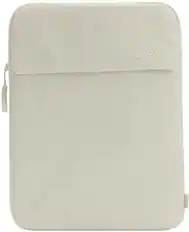
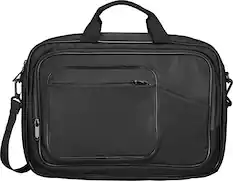
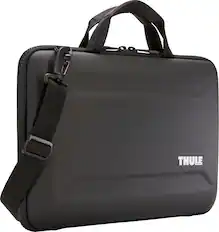
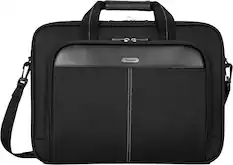
Laptop Bags and Cases
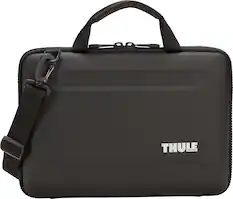
More recommended items
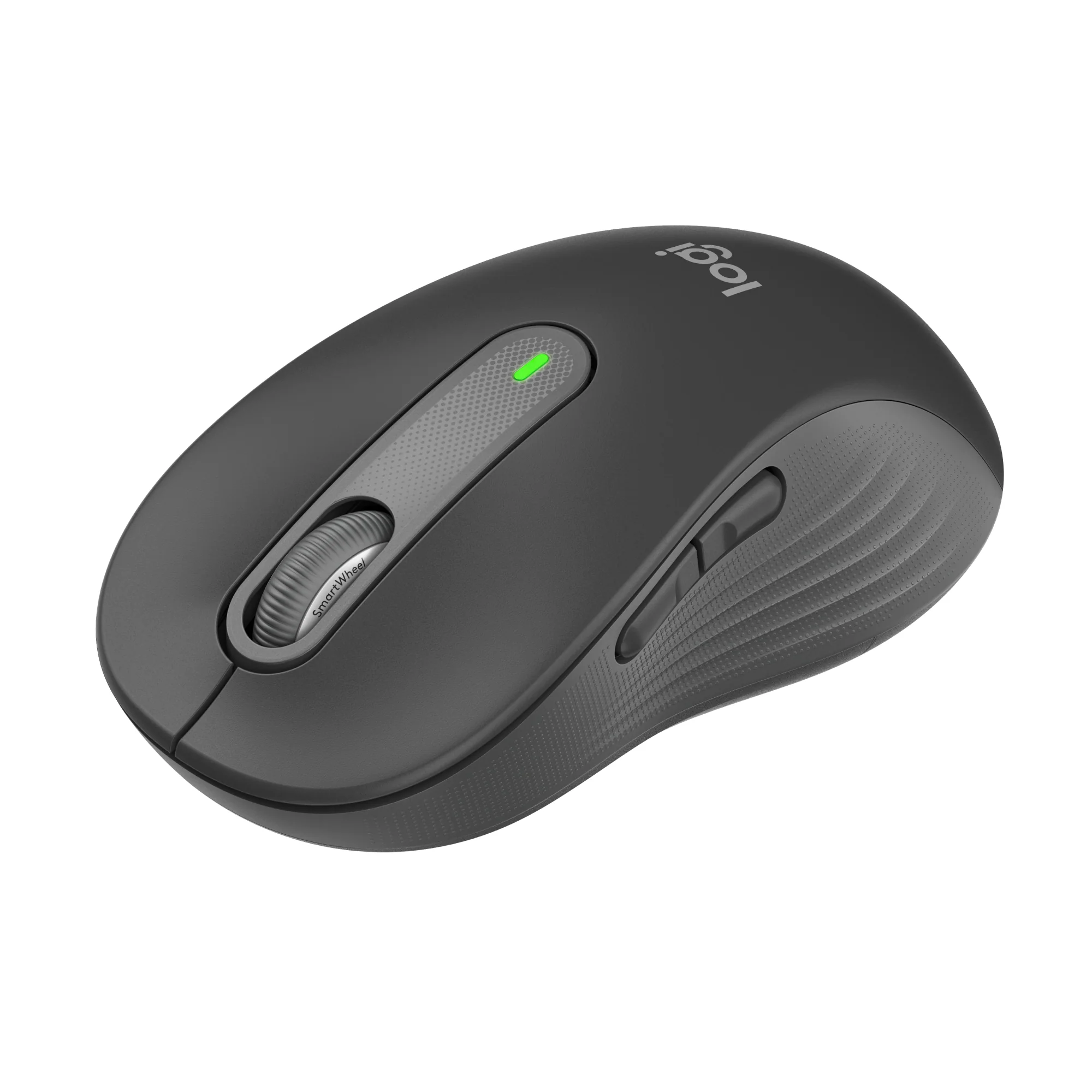 Mice
Mice Antivirus and Internet Security Software
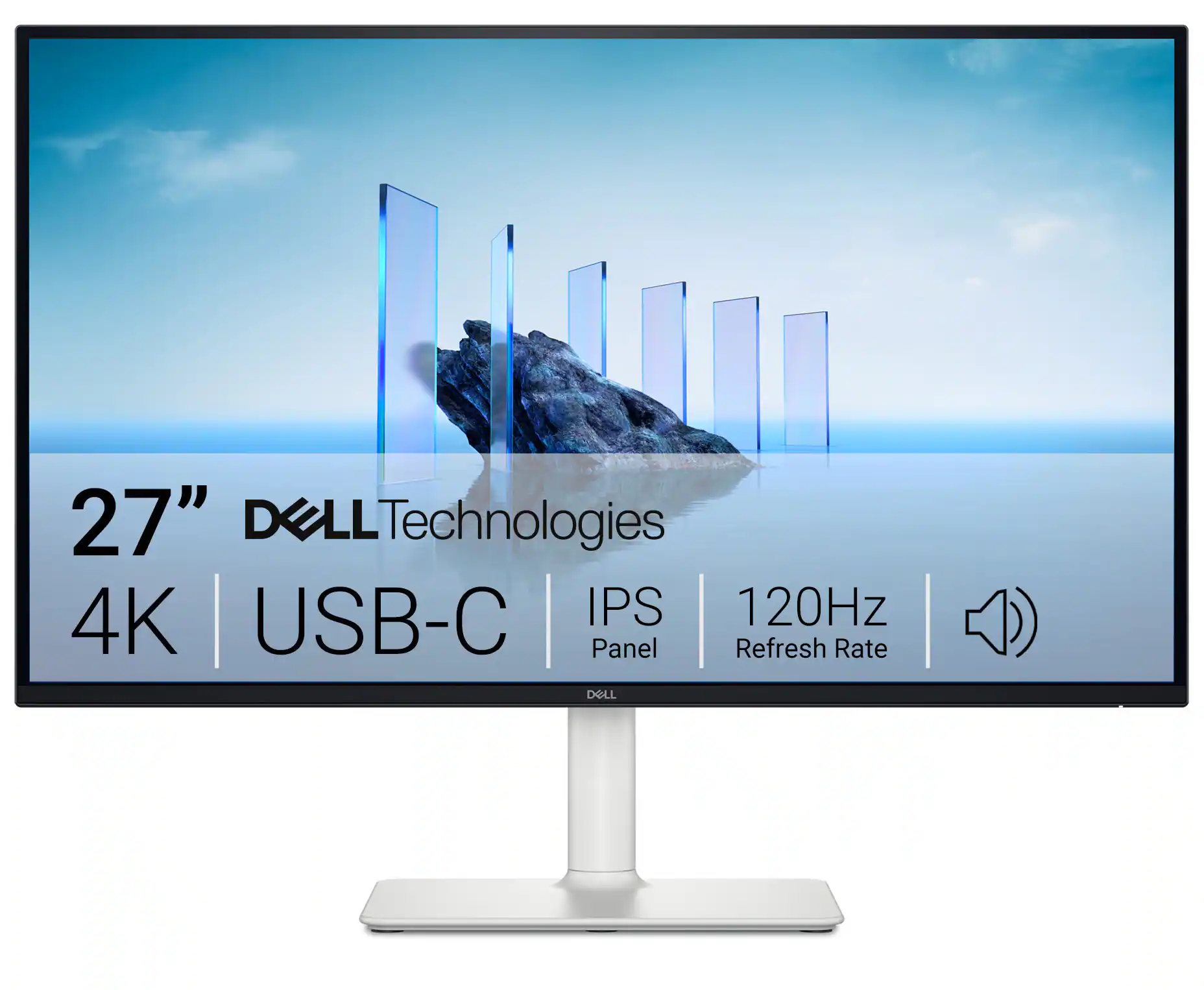 Monitors
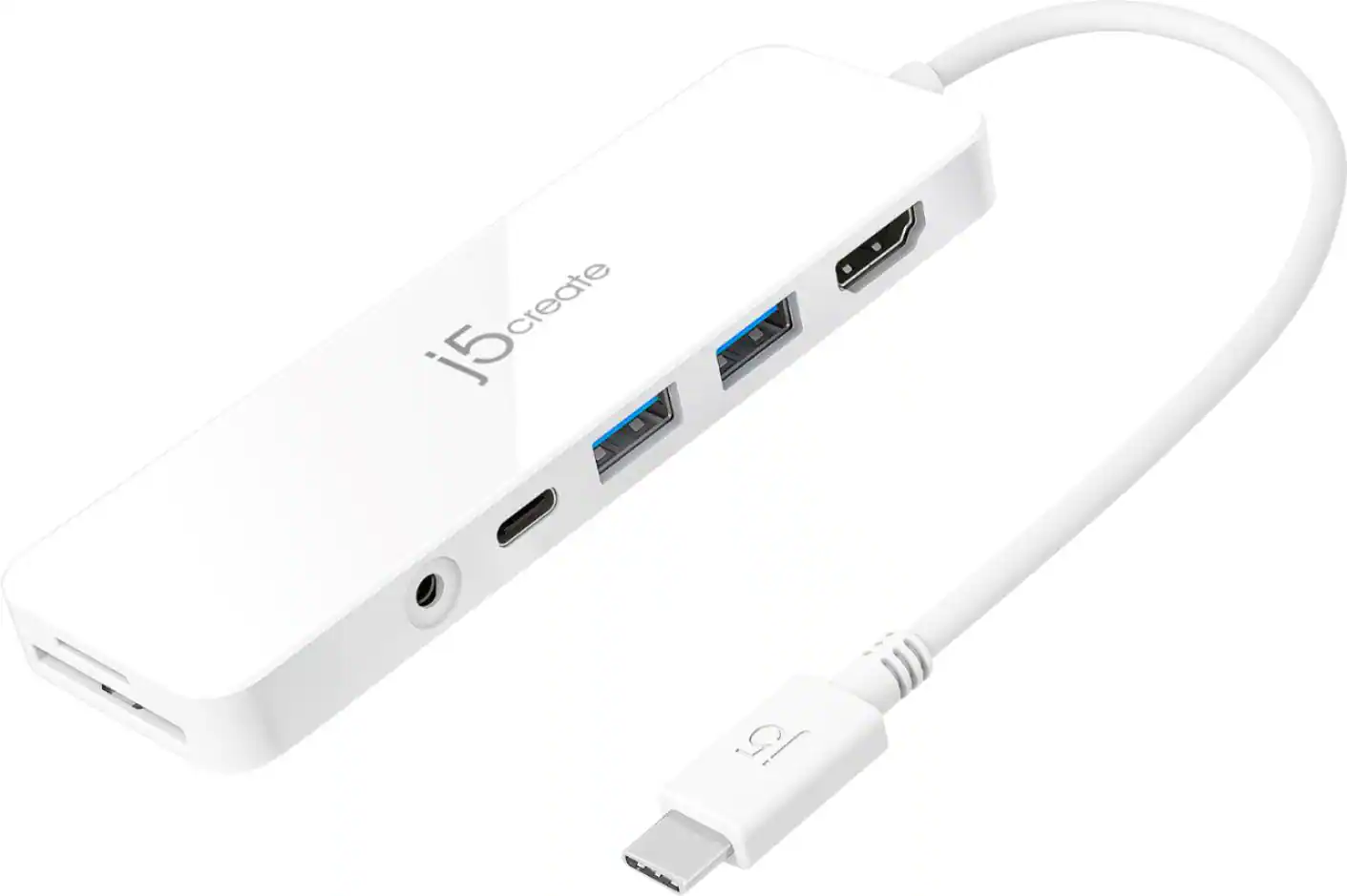 Laptop Docking Stations
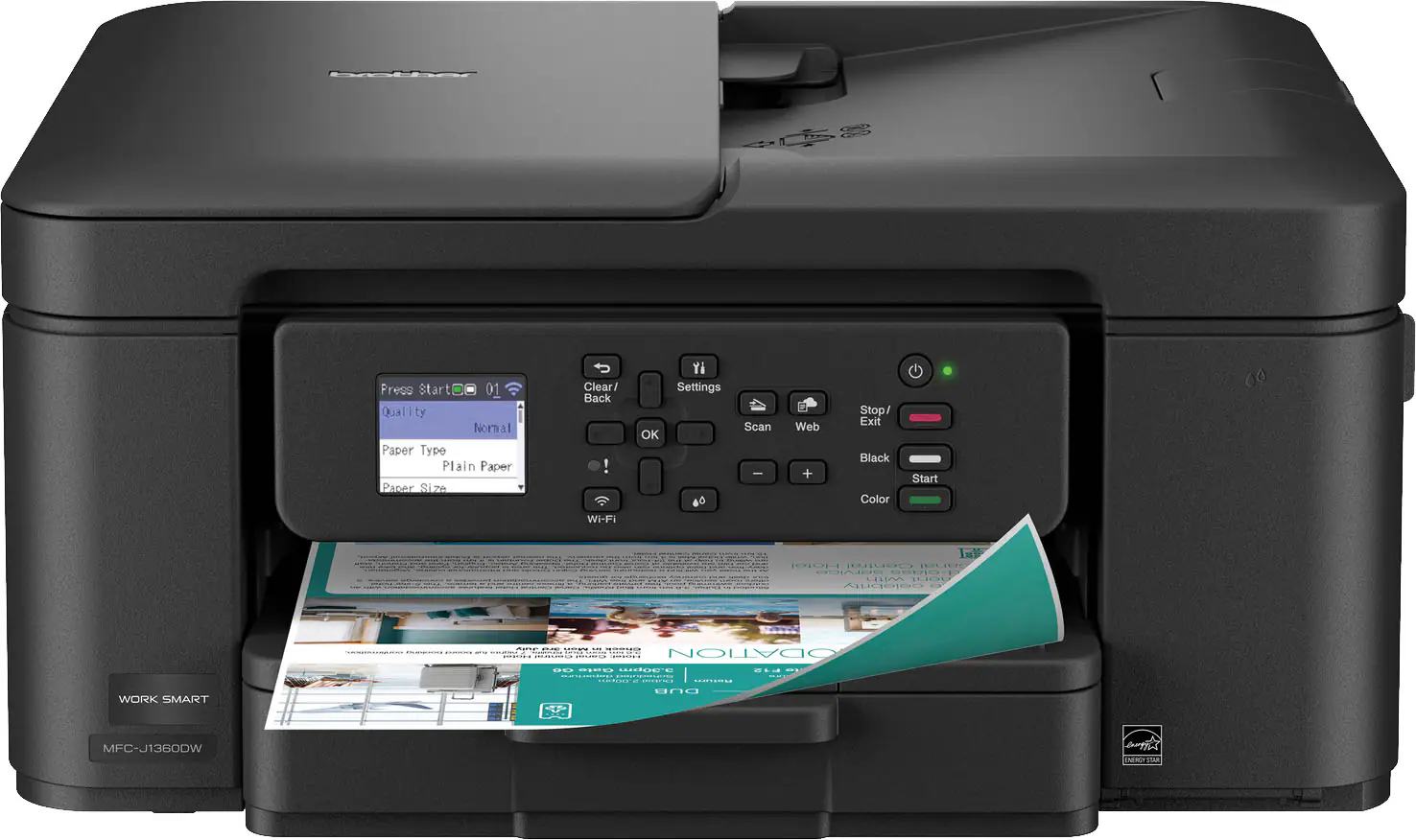 Inkjet Printers
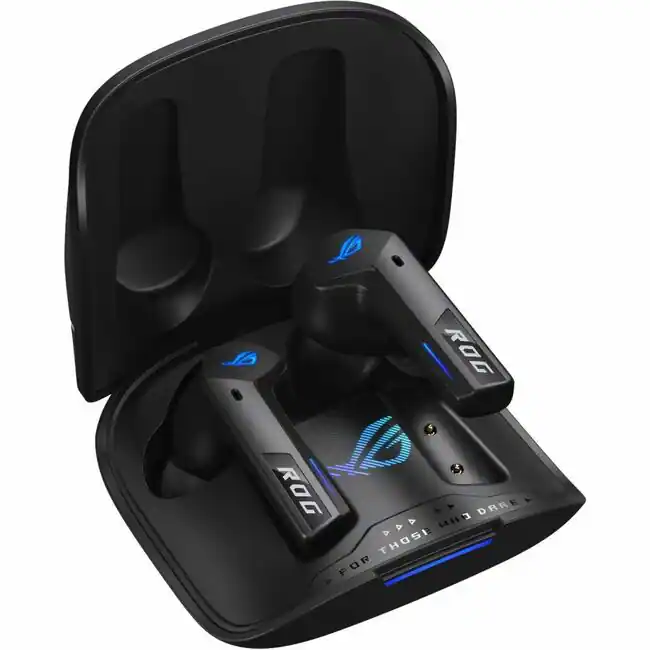 Headphones
Explore tech essentials Sponsored
 $1,449.99The price was $1,799.99
 $1,449.99The price was $1,599.99
 $499.99The price was $799.99

Discover related products
 $1,609.99The price was $2,404.37
 $169.99The price was $269.99



Keep exploring
 $128.00The price was $139.00
 $1,329.99The price was $1,449.99
 $299.00The price was $349.00
 $399.00The price was $599.99