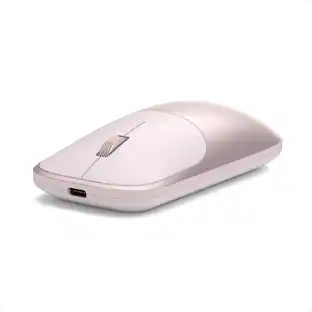
Core Tech - Slim 2.4GHz Wireless Optical Mouse with USB-A Receiver and Quiet Clicks - Wireless - White and Gold
Reviews coming soon
About this product
Work comfortably with this compact wireless optical mouse in White and Gold. A 2.4GHz connection uses the included USB-A nano receiver for plug-and-play operation with compatible computers. Quiet clicks suit shared workspaces, while the slim design fits easily in a laptop bag. Automatic sleep starts after five minutes of inactivity; click to wake the mouse. Store the receiver inside the mouse when travelling. A USB-A port is required.
Color
White and GoldFeatures
2.4GHz wireless connection
Connect the included nano receiver to a USB-A port on your compatible computer. No Bluetooth pairing is required.
Quiet clicks
Quiet button operation supports everyday work in shared offices, study areas and home workspaces.
Compact portable design
The slim body fits in a laptop bag. Store the nano receiver inside the mouse when it is not in use.
Automatic sleep
The mouse enters sleep mode after five minutes of inactivity. Click a button to wake it and resume use.
Simple everyday control
Optical tracking and a scroll wheel support browsing, documents and everyday computer tasks.
Specifications
- Lighting TypeNoneNumber of Buttons (Total)3Connection TypeWireless
Reviews
This product doesn't have any reviews yet.

Compare similar products
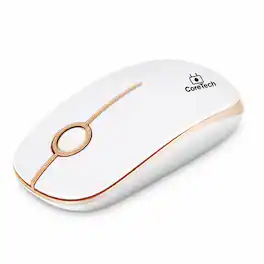
Work comfortably with this compact wireless optical mouse in White and Gold. A 2.4GHz connection uses the included USB-A nano receiver for plug-and-play operation with compatible computers. Quiet clicks suit shared workspaces, while the slim design fits easily in a laptop bag. Automatic sleep starts after five minutes of inactivity; click to wake the mouse. Store the receiver inside the mouse when travelling. A USB-A port is required.

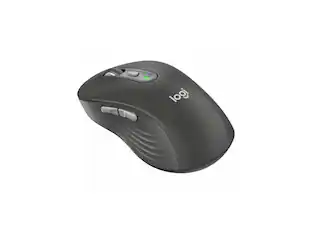
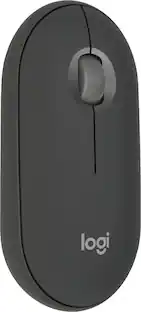
Defy Boring with Pebble Mouse 2 M350s wireless mouse made with recycled plastic. Its minimalist round shape and compact mouse design make it as iconic as you and super portable. Hop across 3 devices with the Easy-Switch button on the Bluetooth mouse. With Logi Options+ app, you can assign shortcuts to the mouse’s middle button for your favorite apps, like WhatsApp or Spotify. Work, browse, and chat with Silent Touch Technology that removes 90% of click noise. Pebble Mouse 2 M350s Bluetooth mouse comes with a 24-month battery and auto-sleep power-saving mode, to keep you going for longer, worry-free.
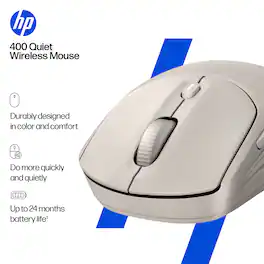
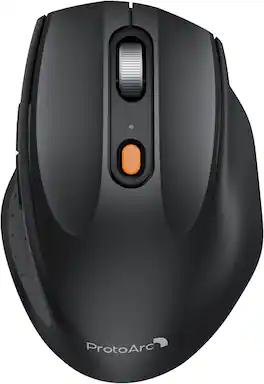
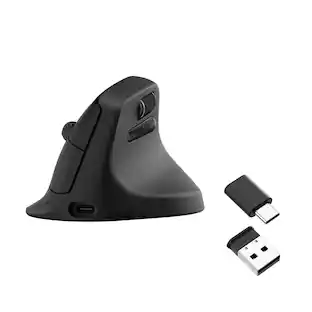
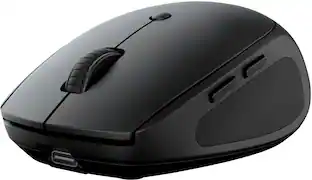
The EM16 is a compact wireless Bluetooth mouse designed for small-to-medium hands, featuring switchable Smart Touch and traditional scrolling, dual Bluetooth plus 2.4G connectivity with one-click switching among three devices, browser-based button customization, three adjustable DPI levels, and USB-C rechargeability
| Pros for Core Tech - Slim 2.4GHz Wireless Optical Mouse with USB-A Receiver and Quiet Clicks - Wireless - White and Gold | |||
|---|---|---|---|
| There were no pros for this product— | Portability, Overall Performance, Size, Connectivity, Design | There were no pros for this product— | There were no pros for this product— |
| Cons for Core Tech - Slim 2.4GHz Wireless Optical Mouse with USB-A Receiver and Quiet Clicks - Wireless - White and Gold | |||
| There were no cons for this product— | Scroll Wheel, Click Sound | There were no cons for this product— | There were no cons for this product— |
Specs
Be the first to ask a question.
We’ll try to get your question answered within 24 hours by a Best Buy customer or brand representative.
Customers often buy these together
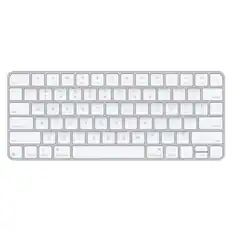
Computer Keyboards

![The text on the image reads:
888 DD DI DD 4 DSC i F2 F3 4 FS T6 ET 1. 1N IN F.. 11 1.. 114 1n F1 F12 118 in9 - a ee 1 8F 2 3 $ 4 % 5 A 6 & 7 . 8 I 9 I 0 ee I + = delete fn home page up clear - / + tab Q W E R T Y U I 0 P { [ ] ] | I delete end page down 7 8 9 ee caps lock A S D F G H J K L : I - return 4 5 6 + shift Z X C V N M < F > ? / shift a 1 2 3 control option 2 command 3 command option control Y - 0 enter
After grouping and correcting the text, it reads:
888 DD DI DD 4 DSC i F2 F3 4 FS T6 ET 1. 1N IN F.. 11 1.. 114 1n F1 F12 118 in9 - a ee 1 8F 2 3 $ 4 % 5 A 6 & 7 . 8 I 9 I 0 ee I + = delete fn home page up clear - / + tab Q W E R T Y U I 0 P { [ ] ] | I delete end page down 7 8 9 ee caps lock A S D F G H J K L : I - return 4 5 6 + shift Z X C V N M < F > ? / shift a 1 2 3 control option 2 command 3 command option control Y - 0 enter](https://pisces.bbystatic.com/image2/BestBuy_US/images/products/f4059d3a-0c2a-46ef-bcfd-4e11b9b26d5d.jpg;maxHeight=232;maxWidth=233?format=webp)
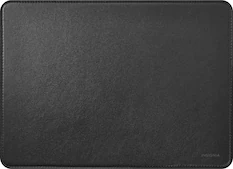
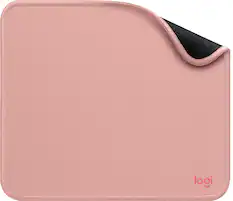
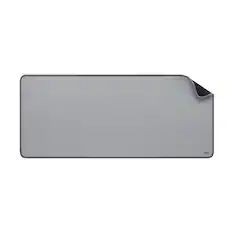
Mouse Pads
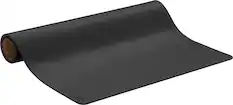
Insignia™ - Desk Mat - Black
Black Friday Deal$12.49The price was $24.99


More to consider

Explore tech essentials Sponsored
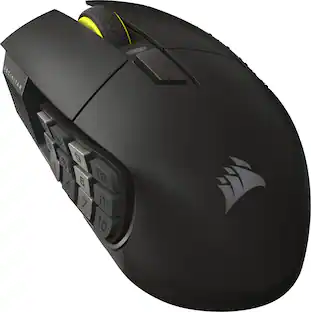
CORSAIR Scimitar Elite Wireless SE MOBA/MMO Optical Gaming Mouse with 16 Programmable Buttons
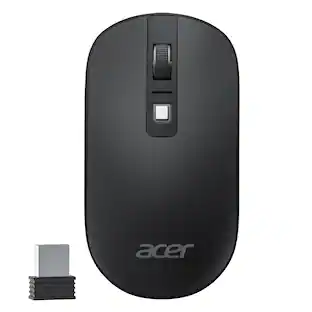
Black Friday Deal$69.99The price was $139.99Acer Computer Mouse Wireless, 2.4G Slim USB Wireless Mice with USB Receiver, 800/1200/1600 Adjustable DPI
Black Friday Deal$12.99The price was $14.99
Keep exploring
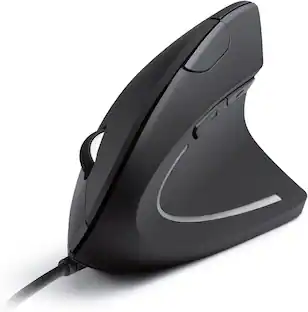
Anker Ergonomic Optical USB Wired Vertical Mouse 1000/1600 DPI, 5 Buttons CE100
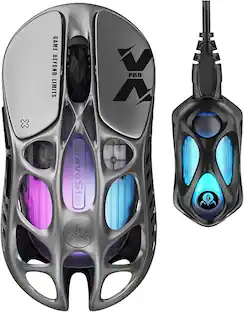
$16.14The price was $25.99GravaStar Mercury X Pro Wireless 8K Hz Gaming Mouse with 32000 DPI and 49g Magnesium Alloy Frame
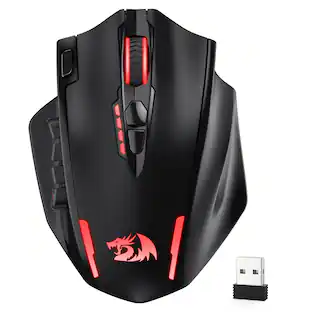
$104.95The price was $139.95REDRAGON M914P Wireless Optical 9 Programmable Button Tri-mode Gaming Mouse with 12,000 DPI HERO Sensor & RGB Lighting - Wireless
Black Friday Deal$33.99The price was $39.99