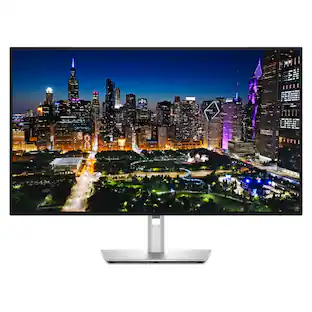
Dell - UltraSharp 39.7" IPS LED Curved 120Hz Monitor with HDR (USB, HDMI) - Black, Silver, Dual Color
Customers are saying
Customers express satisfaction with the monitor's exceptional color accuracy and high-quality picture performance. Users also frequently highlight the device's excellent connectivity options and its impressive 5120x2160 resolution. Additionally, the inclusion of a 120Hz refresh rate is noted as a significant benefit for those seeking a smooth visual experience.
Highlights
Features
Immersive experience
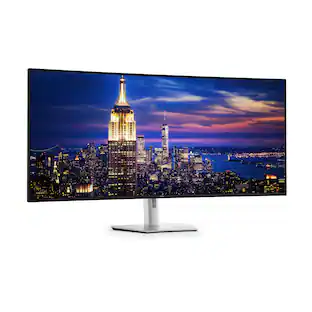
Completely immerse yourself with the 40" curved panel which is designed for comfort, productivity and style
VESA DisplayHDR 600
This monitor is compatible with VESA DisplayHDR 600 high dynamic range
Viewing angle
This stylish LED Monitor offers 178/178 degree viewing angles for some great viewing experience no matter where and how you look at it
VESA compatible
VESA mount compatibility allows you to mount the display on a wall or with a stand depending on your specific needs
Brightness
View your content easily in well-lit areas with 600 Nit brightness
Picture-in-Picture
Picture-in-Picture (PiP) mode enables you to view content from multiple inputs simultaneously
Thunderbolt
Thunderbolt I/O technology lets you move data between your devices and your computer with unprecedented speed
Specifications
- Refresh Rate120HzMaximum Resolution5120 x 2160Response Time5 millisecondsPanel TypeIPSSynchronization TechnologyNot Applicable
Reviews
Rating 4.9 out of 5 stars with 24 reviews
- Color Accuracy (13)
- Connectivity (11)
- Resolution (4)
- Refresh Rate (3)
Customer Images
The vast majority of our reviews come from verified purchases. Reviews from customers may include My Best Buy members, employees, and Tech Insider Network members (as tagged). Select reviewers may receive discounted products, promotional considerations or entries into drawings for honest, helpful reviews.

Compare similar products
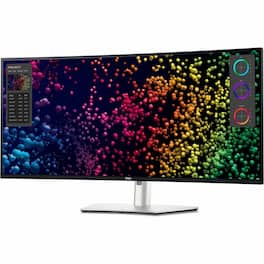
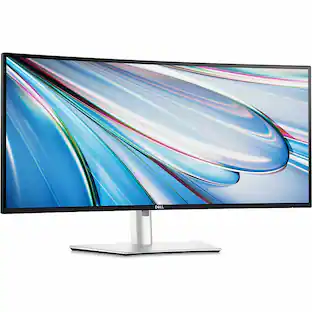
Transform the way you work with the Dell UltraSharp 40 Curved Thunderbolt Hub Monitor. This impressive 40" 5K curved monitor features a 120Hz refresh rate for an expansive field of view with smooth and responsive visuals. See true-to-life color with 99% DCI-P3/Display P3 color coverage and get a wide viewing angle with IPS Black panel technology that delivers deeper blacks with 2000:1 contrast ratio. Experience fast connectivity and image transmission with this Thunderbolt 4 hub monitor that delivers up to 140W power delivery (PD) through a single cable. Multitask effortlessly with Internal multistream transport (iMST). Partition your display as if there were two 2560x2160 physical monitors instead of one. No external software or DisplayPort splitter needed. New Network KVM feature on Dell Display Manager allows you to work across two PCs for improved productivity.
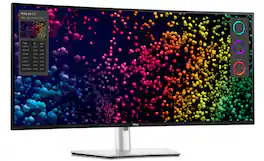
UltraSharp U4025QW 39.7" curved 21:9 5K2K WUHD LED monitor designed for productivity and clear visuals in bright environments. The Thunderbolt hub and USB Type-C connectivity streamline data transfer and cable management for modern workspaces. With up to 600-nit peak brightness and a 5 ms response time, the display keeps content vivid and responsive for multimedia, multitasking, and casual gaming. The large curved screen enhances immersion and workspace efficiency.

The Dell UltraSharp 32 4K Monitor U3225QE is a 32-inch professional display designed to deliver exceptional visual clarity, expanded workspace, and enhanced productivity for demanding professional environments. Featuring 4K resolution, it provides outstanding detail and increased screen real estate for multitasking, content creation, data analysis, and business applications. As part of Dell's UltraSharp series, the U3225QE is built for professionals who require a premium viewing experience and reliable performance throughout the workday. Its large display and professional-focused design make it an ideal choice for modern offices, creative workflows, and hybrid workspaces where productivity and visual precision are essential.

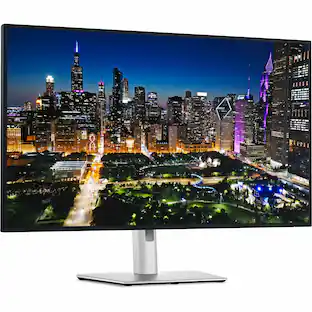
Dell U3425WE UltraSharp 34" Curved Thunderbolt Hub Monitor. This 34.1-in, 1900R curvature, 3440x1440 resolution, hub monitor offers enhanced visual comfort and features a KVM Switch. Environmentally-forward thinking with sustainable materials and elevated standards with packagining innovation and energy conservation. Get a seamless viewing experience and focus on your task with ultra-thin bezel design. Varied and multiple interfaces to ensure that whatever device you need has a connection.
| Pros for Dell - UltraSharp 39.7" IPS LED Curved 120Hz Monitor with HDR (USB, HDMI) - Black, Silver, Dual Color | |||
|---|---|---|---|
| Color Accuracy, Connectivity, Resolution, Refresh Rate | There were no pros for this product— | Screen Quality | Overall Performance |
Specs
Questions & Answers
I have very limited vertical space- does the stand adjust to as low as 2 inches ?
Answered by YourDellTeamNo, the monitor stand allows vertical adjustment, but the lowest height is approximately 4.5 to 5 inches from the desk to the bottom edge of the screen.
What is the weight of the monitor?
The product weight is 18.41 pounds.
This question and answer was generated by AI based on customer and product data.What is the maximum resolution of the monitor?
The maximum resolution of the monitor is 5120 x 2160.
This question and answer was generated by AI based on customer and product data.How many HDMI inputs does the monitor have?
This monitor has one HDMI input.
This question and answer was generated by AI based on customer and product data.Can the monitor be wall mounted?
This monitor can be wall mounted.
This question and answer was generated by AI based on customer and product data.

Customers often buy these together
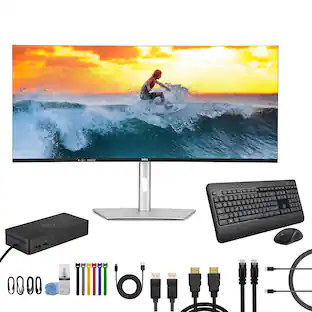
Monitor and Video Cables
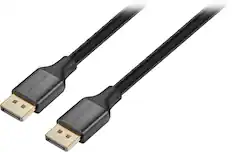
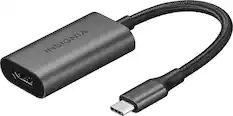
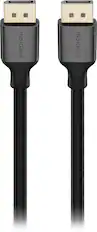
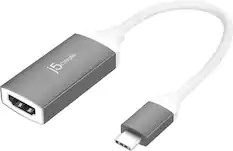

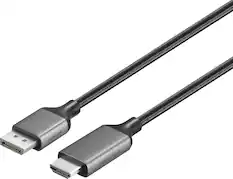

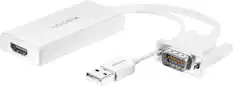
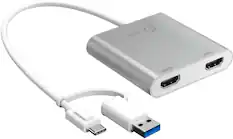


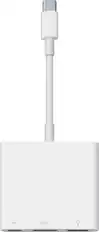
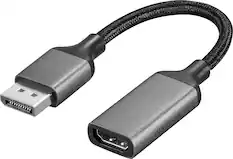
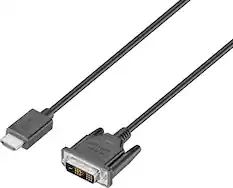
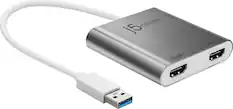
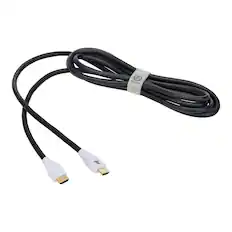
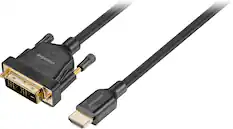
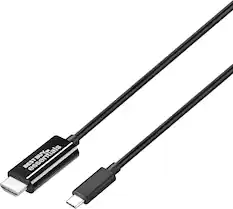
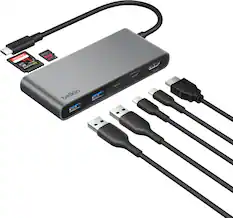
More to consider
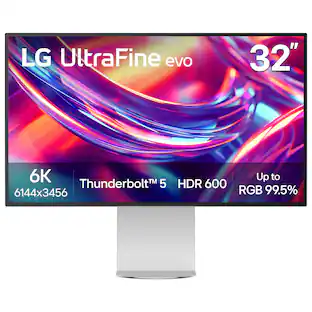 $1,551.43The price was $1,999.99
 $1,769.99The price was $1,999.99
 $689.99The price was $709.99
 $1,449.99The price was $2,099.99


Explore tech essentials Sponsored
 $714.95The price was $819.95
Discover related products
 $634.99The price was $749.00
 $658.38The price was $688.99
 $434.99The price was $499.00


Keep exploring
 $189.99The price was $199.99
 $479.99The price was $549.99
 $229.99The price was $294.99
 $755.99The price was $971.99
 $89.99The price was $109.99