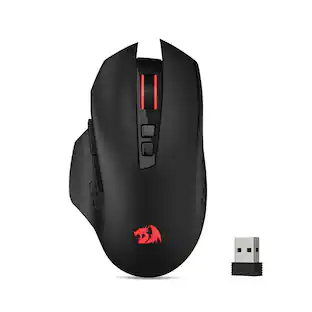
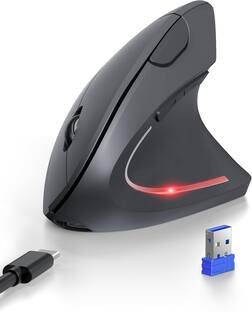
J-Tech Digital - Wireless Vertical Ergonomic Mouse for Left Hand – 4 DPI Settings, 2.4GHz USB Receiver - Wireless - Black
Reviews coming soon
About this product
J-Tech Digital is proud to introduce the V628ML – Left Handed Wireless Vertical Mouse. Left hand users have spoken and J-Tech Digital has listened! The V628ML Left Hand Wireless Vertical Mouse is specifically designed to offer J-Tech Digital left hand mouse users the same ergonomic comfort and support while using a computer mouse that our right hand users have come to enjoy. The V628ML Left Handed Ergonomic Vertical Mouse connects to your Windows PC, Mac or Linux computer wirelessly via the included 2.4 GHz nano USB transceiver and eliminates any need for unsightly cables. Toggle through three DPI sensitivity settings (800 | 1200 | 1600) via the DPI button found on the left hand ergonomic mouse to find the setting best suited for you. Optional DPI settings and operating system flexibility make the V628ML one of the best left handed gaming mouse options.
Features
Comfortable & Compact Ergonomic Design
The unique ergonomic shape supports the palm, with an innovative vertical design that keeps your hand and arm in a more natural and comfortable position
Please Note
This left handed vertical mouse is suitable for smaller hands, for users with larger hands we recommend our V628 & V628P mice
2.4Ghz USB Nano Transceiver
Avoid unsightly cables and connect your wireless vertical mouse to your computer with the included 2.4G USB Transceiver. Makes for a great left handed gaming mouse and perfect for applications that require precision and accuracy
4 Adjustable DPI Settings
Switch between the 4 following DPI settings: 800/1200/1600/2400. The DPI switch button is located conveniently near the Forward and Back buttons, making switching your DPI settings on your left hand vertical mouse quick and easy
Battery Powered
The V628M-2.4G wireless vertical mouse runs on a single 1.5V/AA battery. Battery included in the package contents
Specifications
- Lighting TypeNoneMaximum Sensitivity2400 dots per inchNumber of Buttons (Total)5Connection TypeWireless
Reviews
This product doesn't have any reviews yet.

Compare similar products
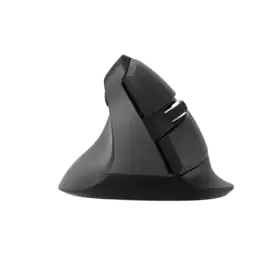
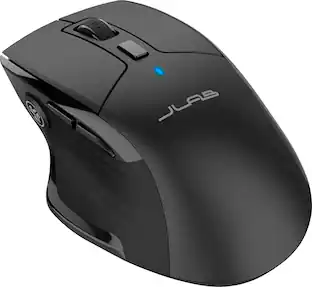
J-Tech Digital is proud to introduce the V628ML – Left Handed Wireless Vertical Mouse. Left hand users have spoken and J-Tech Digital has listened! The V628ML Left Hand Wireless Vertical Mouse is specifically designed to offer J-Tech Digital left hand mouse users the same ergonomic comfort and support while using a computer mouse that our right hand users have come to enjoy. The V628ML Left Handed Ergonomic Vertical Mouse connects to your Windows PC, Mac or Linux computer wirelessly via the included 2.4 GHz nano USB transceiver and eliminates any need for unsightly cables. Toggle through three DPI sensitivity settings (800 | 1200 | 1600) via the DPI button found on the left hand ergonomic mouse to find the setting best suited for you. Optional DPI settings and operating system flexibility make the V628ML one of the best left handed gaming mouse options.

The Scroll Endurance by J-Tech Digital is perfect for anyone who experiences wrist or hand fatigue when using a regular mouse. Its vertical design reduces the torsion of the forearm and wrist caused when using most other mice. The Scroll Endurance also includes a detachable palm rest to reduce drag on the desk surface. In addition to its comfortable, ergonomic design, the Scroll Endurance also has adjustable sensitivity, which can be changed on-the-fly using the DPI button on the mouse. Another neat feature is the two thumb buttons, which perform back/forward browser navigation functions.

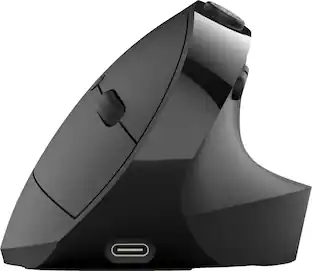
Say goodbye to arm and wrist strain caused by using a traditional mouse! The J-Tech Digital Wireless Vertical Ergonomic Mouse features a design that places your hand in a natural “handshake” position which greatly reduces strain on your wrist and arm especially during extended computer sessions. This wireless mouse features 2.4G wireless and 3.0 / 5.0 Bluetooth modes to allows for 3 multi-device connectivity. Made for small-medium sized hands and right-hand orientation, it’s never too late to start taking advantage of all the benefits that this wireless mouse has to offer!
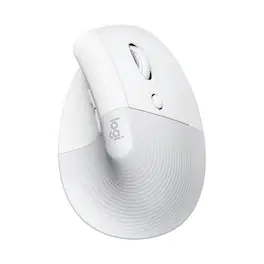
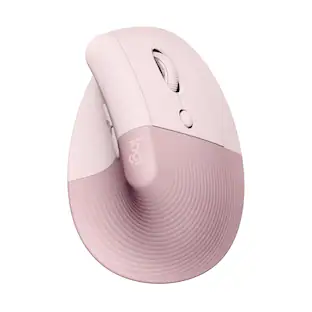
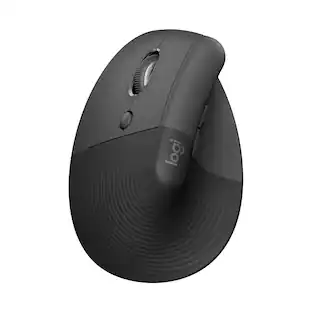
Desk life getting you down? Lift yourself up with Lift Vertical Ergonomic Mouse – a comfy and intuitive wireless mouse with quiet clicks crafted specially for small-to-medium hands. Available in right and left. Lift’s unique 57-degree angle elevates your wrist to give a feeling of relief — and sends a wave of comfort through the forearm and upper body. Scrolling feels second nature with SmartWheel, which easily shifts from precision to speed-scroll. Customize Lift ergo mouse using intuitive Logi Options+ Software.
| Pros for J-Tech Digital - Wireless Vertical Ergonomic Mouse for Left Hand – 4 DPI Settings, 2.4GHz USB Receiver - Wireless - Black | |||
|---|---|---|---|
| There were no pros for this product— | There were no pros for this product— | There were no pros for this product— | Ergonomics, Ease of use, Size, Overall Performance, Battery Life |
| Cons for J-Tech Digital - Wireless Vertical Ergonomic Mouse for Left Hand – 4 DPI Settings, 2.4GHz USB Receiver - Wireless - Black | |||
| There were no cons for this product— | There were no cons for this product— | There were no cons for this product— | Wrist Pain, Price, Scroll Wheel |
Specs
Be the first to ask a question.
We’ll try to get your question answered within 24 hours by a Best Buy customer or brand representative.
Customers often buy these together
Computer Keyboards

![The text on the image reads:
888 DD DI DD 4 DSC i F2 F3 4 FS T6 ET 1. 1N IN F.. 11 1.. 114 1n F1 F12 118 in9 - a ee 1 8F 2 3 $ 4 % 5 A 6 & 7 . 8 I 9 I 0 ee I + = delete fn home page up clear - / + tab Q W E R T Y U I 0 P { [ ] ] | I delete end page down 7 8 9 ee caps lock A S D F G H J K L : I - return 4 5 6 + shift Z X C V N M < F > ? / shift a 1 2 3 control option 2 command 3 command option control Y - 0 enter
After grouping and correcting the text, it reads:
888 DD DI DD 4 DSC i F2 F3 4 FS T6 ET 1. 1N IN F.. 11 1.. 114 1n F1 F12 118 in9 - a ee 1 8F 2 3 $ 4 % 5 A 6 & 7 . 8 I 9 I 0 ee I + = delete fn home page up clear - / + tab Q W E R T Y U I 0 P { [ ] ] | I delete end page down 7 8 9 ee caps lock A S D F G H J K L : I - return 4 5 6 + shift Z X C V N M < F > ? / shift a 1 2 3 control option 2 command 3 command option control Y - 0 enter](https://pisces.bbystatic.com/image2/BestBuy_US/images/products/f4059d3a-0c2a-46ef-bcfd-4e11b9b26d5d.jpg;maxHeight=232;maxWidth=233?format=webp)

Customers ultimately bought
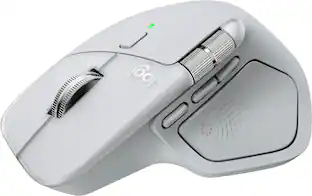
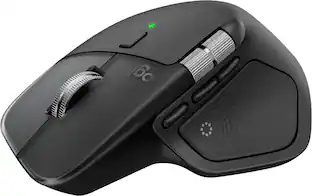
Logitech Lift Vertical Wireless Optical Ergonomic Mouse with 4 Customizable Buttons
Holiday Deal$63.99The price was $79.99Logitech Lift Left Vertical Wireless Ergonomic Left-Handed Mouse with 4 Customizable Buttons
$79.99The price was $99.00
Explore tech essentials Sponsored
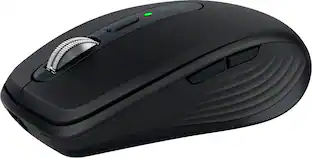
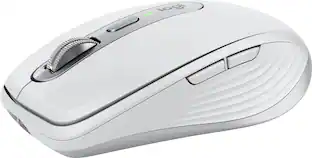
Logitech MX Anywhere 3S Wireless Bluetooth Optical Fast Scrolling Mouse with Programmable Buttons
$69.99The price was $89.99
Discover related products
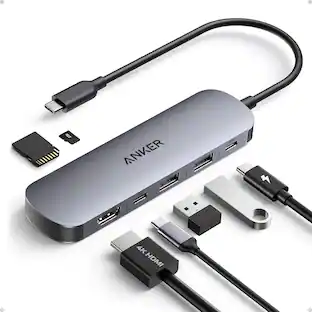
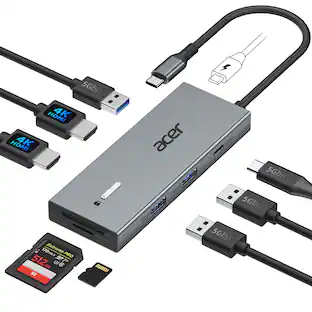
Acer USB C Docking Station With 2 HDMI, 9-IN-1 Docking Hub with USB A&C 3.0, SD/Micro SD, 100W Charging
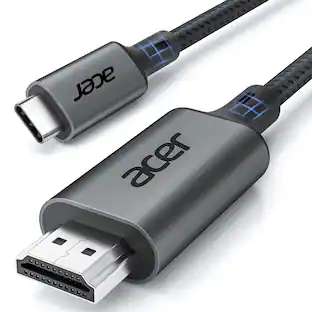
$42.99The price was $47.99Acer USB C to HDMI Cable for Home Office 6.6FT (4K@60Hz), High-Speed Type C to HDMI 2.0 Braided Cord
Holiday Deal$10.99The price was $13.99Z Z-Edge 2K 2592x1944 Stream Webcam Auto Focus Web Camera for PC/Desktop/Laptop
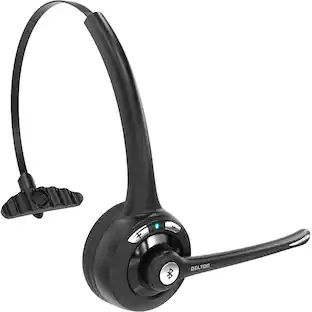
$24.99The price was $39.99Delton 10X Noise Isolating Bluetooth Over-the-Head Headset for Office & Remote Work (DBTHEAD10X)
$29.99The price was $32.82

Keep exploring
Womier G57 Wireless Gaming Mouse, 8000 DPI, 2.4G/Bluetooth/USB-C Rechargeable Mice for PC/Mac
$25.99The price was $34.99Logitech B100 Corded Mouse – Wired USB Mouse for Computers and laptops, for Right or Left Hand Use
$13.29The price was $20.06Logitech Design Mouse Limited Edition Wireless Optical 3-button Mouse with Broad Compatibility
$29.46The price was $55.07