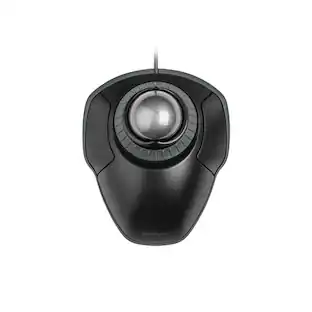
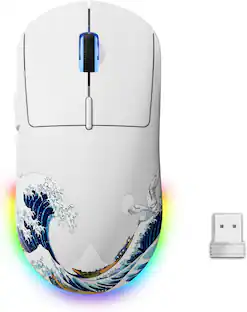
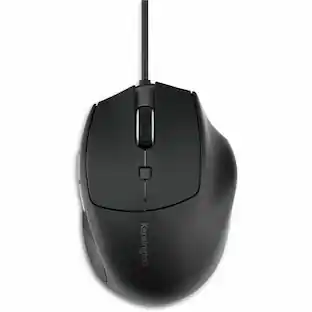
Kensington - Pro Fit Ergo Wired Mouse - Cable - USB - 3200 dpi - 5 Button(s) - Wired - Black
Reviews coming soon
About this product
Kensington Pro Fit Ergo Wired Mouse - Cable - Black - USB - 3200 dpi - 5 Button(s)
Features
Ergonomist-Approved Design
Positions your hand for improved comfort.
Built-In Wrist Support and Neutral Grip
Supports, cushions, and positions the wrist for comfort and neutral hand alignment.
Quiet Clicking.
For smooth, non-disruptive operation.
Plug & Play USB Connection.
Simple and reliable.
Five Buttons (including forward and back).
Enhance navigation and productivity.
Specifications
- Connection TypeWired
Reviews
This product doesn't have any reviews yet.
Compare similar products

Kensington Pro Fit Ergo Wired Mouse - Cable - Black - USB - 3200 dpi - 5 Button(s)

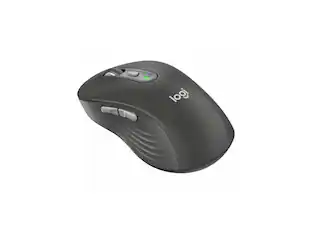
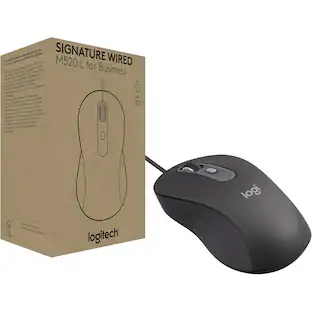
Signature Wired M520 L for Business is an ambidextrous mouse that offers an improved user experience with USB-C wired connectivity. Provides super fast scrolling and a customizable DPI button. Ideal for companies or industries that require wired solutions for reliability, physical security, or shared workspaces. A mouse for everyoneThe ambidextrous mouse is shaped for comfort and improves productivity for both left- and righthanded users.SmartWheel technologySwitch between super fast or precise, line-by-line scrolling with a flick of the SmartWheel.Quiet clickingStay focused with quiet clicks that are light to the touch. Silent Touch technology produces 90% less click noise.Customizable DPI button One-click to adjust mouse cursor speed on bigger screens. Customize the button for other shortcuts via Logi Tune or Logi Options+.Multi-OS compatibilityThe mouse works with Windows, ChromeOS, macOS, and Linux , making it easy to deploy across the company.Improved power efficiencySignature Wired M520 L is designed with a power-saving model that consumes 68% less energy. Designed for sustainabilityMade with a minimum of 73% post-consumer recycled plastic and shipped in FSC-certified paper packaging.

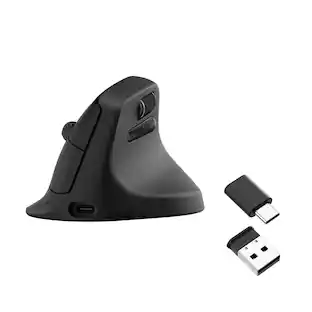
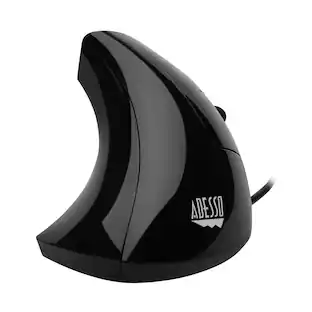
Click in comfort with this Adesso iMouse vertical mouse. It keeps your forearm in handshake position to reduce strain, and the switchable DPI control lets you adjust the speed of navigation. This Adesso iMouse vertical mouse has two ergonomic side buttons for seamless back-and-forth browsing, and the optical sensor works on a variety of different surfaces.
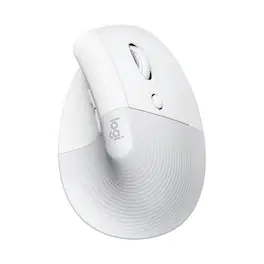
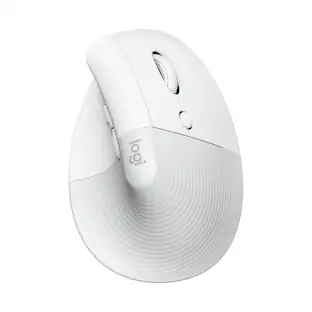
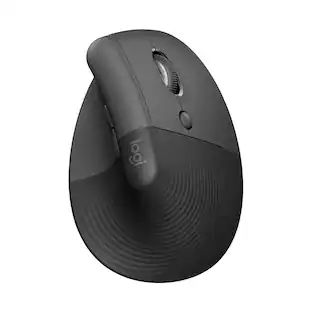
Desk life getting you down? Lift yourself up with Lift Vertical Ergonomic Mouse – a comfy and intuitive wireless mouse with quiet clicks crafted specially for small-to-medium hands. Available in right and left. Lift’s unique 57-degree angle elevates your wrist to give a feeling of relief — and sends a wave of comfort through the forearm and upper body. Scrolling feels second nature with SmartWheel, which easily shifts from precision to speed-scroll. Customize Lift ergo mouse using intuitive Logi Options+ Software.
| Pros for Kensington - Pro Fit Ergo Wired Mouse - Cable - USB - 3200 dpi - 5 Button(s) - Wired - Black | |||
|---|---|---|---|
| There were no pros for this product— | There were no pros for this product— | There were no pros for this product— | Ergonomics, Ease of use, Size, Overall Performance, Battery Life |
| Cons for Kensington - Pro Fit Ergo Wired Mouse - Cable - USB - 3200 dpi - 5 Button(s) - Wired - Black | |||
| There were no cons for this product— | There were no cons for this product— | There were no cons for this product— | Wrist Pain, Weight, Price |
Specs
Customers often buy these together
Computer Keyboards
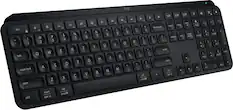
Logitech - MX Keys S Universal Full-size Wireless Scissor Keyboard for PC and Mac with Backlit keys - Black
Top Deal$119.99The price was $129.99

![The text on the image reads:
888 DD DI DD 4 DSC i F2 F3 4 FS T6 ET 1. 1N IN F.. 11 1.. 114 1n F1 F12 118 in9 - a ee 1 8F 2 3 $ 4 % 5 A 6 & 7 . 8 I 9 I 0 ee I + = delete fn home page up clear - / + tab Q W E R T Y U I 0 P { [ ] ] | I delete end page down 7 8 9 ee caps lock A S D F G H J K L : I - return 4 5 6 + shift Z X C V N M < F > ? / shift a 1 2 3 control option 2 command 3 command option control Y - 0 enter
After grouping and correcting the text, it reads:
888 DD DI DD 4 DSC i F2 F3 4 FS T6 ET 1. 1N IN F.. 11 1.. 114 1n F1 F12 118 in9 - a ee 1 8F 2 3 $ 4 % 5 A 6 & 7 . 8 I 9 I 0 ee I + = delete fn home page up clear - / + tab Q W E R T Y U I 0 P { [ ] ] | I delete end page down 7 8 9 ee caps lock A S D F G H J K L : I - return 4 5 6 + shift Z X C V N M < F > ? / shift a 1 2 3 control option 2 command 3 command option control Y - 0 enter](https://pisces.bbystatic.com/image2/BestBuy_US/images/products/f4059d3a-0c2a-46ef-bcfd-4e11b9b26d5d.jpg;maxHeight=232;maxWidth=233?format=webp)

More to consider
Logitech Lift Vertical Wireless Ergonomic Mouse with 4 Customizable Buttons
$69.99The price was $84.99Logitech Lift Vertical Wireless Optical Ergonomic Mouse with 4 Customizable Buttons
Top Deal$69.99The price was $79.99






Explore tech essentials Sponsored
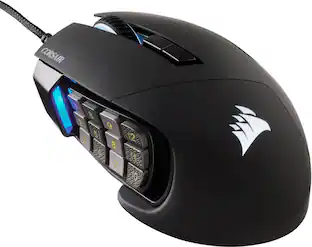
CORSAIR Scimitar RGB Elite Wired MOBA/MMO Optical Gaming Mouse with 17 Programmable Buttons
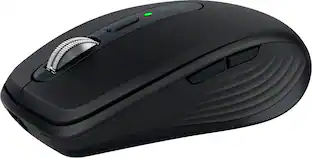
$69.99The price was $89.99Logitech MX Anywhere 3S Wireless Bluetooth Optical Fast Scrolling Mouse with Programmable Buttons
Top Deal$69.99The price was $89.99

Keep exploring
Logitech Design Mouse Limited Edition Wireless Optical 3-button Mouse with Broad Compatibility
$29.46The price was $55.07