Keychron - K8 Version 2 TKL Wireless Mechanical Keyboard with Aluminum Frame and Brown Switch - Black
Reviews coming soon
About this product
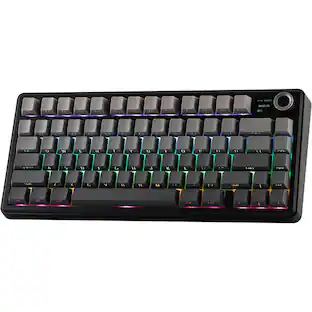
Keychron K8 Version 2 Aluminum Frame brings a more substantial TKL typing experience to Mac, Windows, and Linux desks. This hot-swappable RGB Brown switch version supports Bluetooth 5.2, USB-C wired mode, QMK/Keychron Launcher customization, double-shot PBT keycaps, and a rechargeable 4000 mAh battery.
Features
Aluminum-Frame TKL
The aluminum-frame 80% layout adds a firmer desktop feel while keeping the mouse space benefits of a tenkeyless keyboard.
QMK Version 2 Control
Customize keys and macros with Keychron Launcher support so the keyboard can match gaming, office, or productivity workflows.
Keychron Super Brown
Brown switches add a tactile bump without a clicky sound, giving everyday typing more feedback while staying office friendly.
Hot-Swappable Switches
Hot-swap sockets support many MX-style 3-pin and 5-pin switches, making future switch changes simpler.
PBT Keycaps and RGB
Double-shot PBT keycaps, RGB lighting, Bluetooth, and USB-C wired mode give the K8 Version 2 a strong daily-driver setup.
Specifications
- Lighting TypeRGBForm FactorTenkeyless (TKL)Keyboard TechnologyMechanicalKey Switch BehaviorTactileConnection TypeWireless
Reviews
This product doesn't have any reviews yet.
Compare similar products
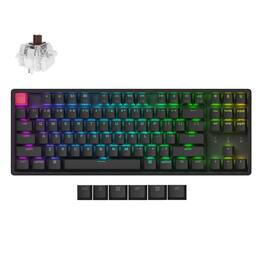
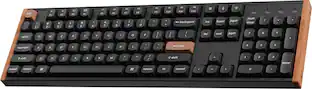
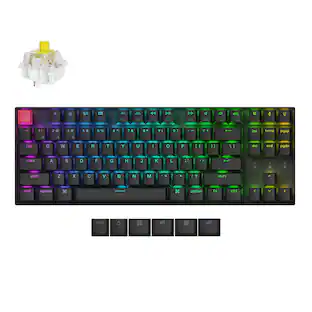
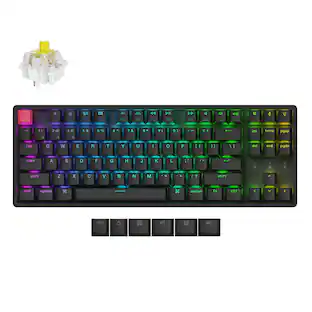
Keychron K8 Version 2 Aluminum Frame brings a more substantial TKL typing experience to Mac, Windows, and Linux desks. This hot-swappable RGB Brown switch version supports Bluetooth 5.2, USB-C wired mode, QMK/Keychron Launcher customization, double-shot PBT keycaps, and a rechargeable 4000 mAh battery.
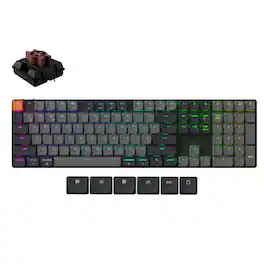
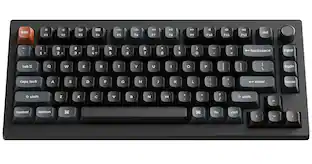
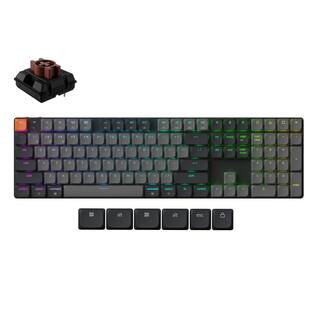
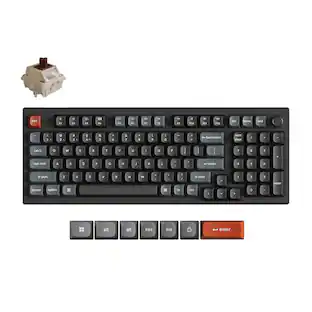
Keychron K5 Version 2 is a full-size low-profile wireless mechanical keyboard for users who need a number pad without a tall desktop profile. This hot-swappable RGB Brown switch version supports Bluetooth 5.2 and USB-C wired mode, QMK/Keychron Launcher customization, shine-through ABS keycaps, and a rechargeable 2000 mAh battery.

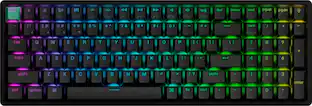
Forever change your gaming and typing experience with Keychron K4 HE, which brings a top-notch performance by merging the best of traditional mechanical keyboards with the advanced benefits of magnetic tech — in a clean, minimalistic design with natural rosewood accents. A fully customizable 96% layout wireless keyboard with magnetic switches — a breakthrough in switch technology, which instead of physical contacts, uses magnetic sensors to measure actuation depth, putting you in total control over the response of each and every switch.
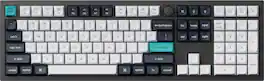
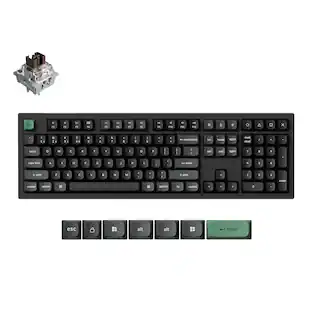
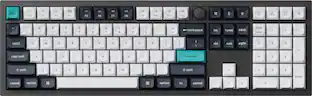
The Q6 Max is a full-metal QMK/VIA wireless customized mechanical keyboard with a 100% full-size layout and support for 2.4 GHz wireless, Bluetooth 5.1, and Type-C wired connectivity. The combination of reinforced multi-layer acoustic foam and double-gasket design provides an incredibly satisfying typing experience.
| Pros for Keychron - K8 Version 2 TKL Wireless Mechanical Keyboard with Aluminum Frame and Brown Switch - Black | |||
|---|---|---|---|
| There were no pros for this product— | There were no pros for this product— | Build Quality, Feel, Switch Sound, Typing Experience | Build Quality, Key Feel, Connectivity, Weight, Battery Life |
| Cons for Keychron - K8 Version 2 TKL Wireless Mechanical Keyboard with Aluminum Frame and Brown Switch - Black | |||
| There were no cons for this product— | There were no cons for this product— | There were no cons for this product— | Keycap Design |
Specs
Be the first to ask a question.
We’ll try to get your question answered within 24 hours by a Best Buy customer or brand representative.
Customers often buy these together


More to consider
 Top Deal$119.99The price was $149.99
 $129.99The price was $159.99
 $115.99The price was $144.99
 $103.49The price was $114.99
Explore tech essentials Sponsored
- $103.49The price was $114.99
 Top Deal$129.99The price was $159.99




Keep exploring
 $199.95The price was $209.95
 $199.95The price was $299.95
 $71.99The price was $89.99
 $129.95The price was $159.95
 $59.99The price was $69.99