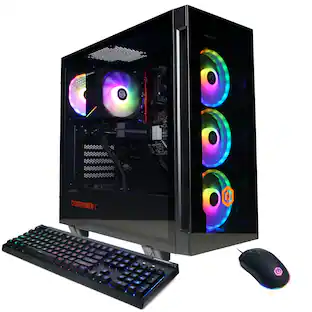
Lenovo - Legion Tower 5i Gaming Desktop - Intel Core Ultra 7 Processor 265F - 32GB RAM - NVIDIA RTX 5060Ti 8GB - 1TB SSD - Eclipse Black
About this product
The Legion Tower 5i is designed to grow with your ambitions. Equipped with an Intel Core Ultra Desktop processors and NVIDIA GeForce RTX graphics, it delivers stunning real-time ray tracing and AI-powered DLSS for hyperrealistic visuals. Up to 180W Legion Coldfront cooling keeps your system cool and quiet during intense gaming and streaming sessions.
Color
Eclipse BlackHighlights
Windows 11 operating system
Windows 11 brings back the Start Menu from Windows 7 and introduces new features, like the Edge Web browser that lets you markup Web pages on your screen.
Intel Core Ultra Desktop Processors
Game & stream fast. Intel Core Ultra Desktop processors and built-in Intel Graphics are designed to give you the performance you need.
NVIDIA GeForce RTX 5060
NVIDIA GeForce RTX 50 Series GPUs are beyond fast for gamers and creators. Experience lifelike virtual worlds, ultra-high FPS gaming, revolutionary new ways to create, and unprecedented workflow acceleration.
32GB of DDR5 RGB 5600MHz memory
Reams of high-bandwidth DDR5 RGB RAM to smoothly run your graphics-heavy PC games and video-editing applications, as well as numerous programs and browser tabs all at once.
1TB NVMe solid state drive
The 1TB NVMe SSD provides fast boot up and load times as well as plenty of storage space for your favorite games and important files.
Unlock Seamless Control and AI-Powered Gaming with Legion Space
Legion Space simplifies settings and device management across all Lenovo Legion devices. Save settings with Lenovo ID, update drivers, and sync ARGB lighting easily. Enjoy AI-driven tools like Game Coach, Game Clip Master, and Game Companion to enhance gameplay.
Whisper-Quiet Legion Coldfront Cooling
Up to 180W optimized air cooling solutions to maintain peak performance while keeping your system cool and quiet.
Tool-Less Side Panel for Easy Upgrades
Effortlessly access and upgrade components with a transparent, tool-free glass panel, perfect for future-proofing your rig.
- Processor ModelIntel Core Ultra 7 Series 2Storage TypeSSDTotal Storage Capacity1000 gigabytesSystem Memory (RAM)32 gigabytesGraphics TypeDedicated
Reviews
Rating 4.8 out of 5 stars with 213 reviews
Top Mentions
- Overall Performance (95)
- Noise Level (17)
- Speed (14)
- Design (13)
- Heat Dissipation (4)
- Size (3)
- Software (3)
Customer Images
The vast majority of our reviews come from verified purchases. Reviews from customers may include My Best Buy members, employees, and Tech Insider Network members (as tagged). Select reviewers may receive discounted products, promotional considerations or entries into drawings for honest, helpful reviews.

- ASUS - PM700 Desktop - Copilot+ PC - AMD Ryzen AI 5 330 (2025) - 16GB Memory - 1TB SSD Storage - Dark GrayBlack Friday in July Deal$549.99
- ASUS - PM700 Desktop - Copilot+ PC - AMD Ryzen AI 7 350 (2025) - 16GB Memory - 1TB SSD Storage - Dark GrayBlack Friday in July Deal$649.99
Compare similar products
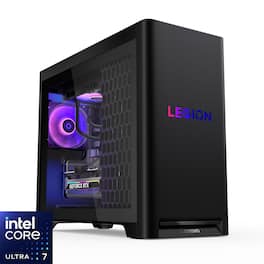
The Legion Tower 5i is designed to grow with your ambitions. Equipped with an Intel Core Ultra Desktop processors and NVIDIA GeForce RTX graphics, it delivers stunning real-time ray tracing and AI-powered DLSS for hyperrealistic visuals. Up to 180W Legion Coldfront cooling keeps your system cool and quiet during intense gaming and streaming sessions.

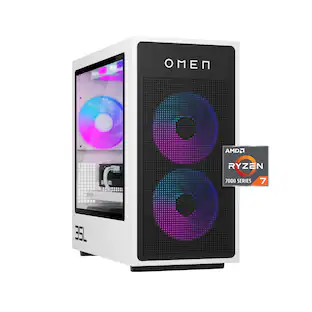
The Legion Tower 5 is designed to grow with your ambitions. Equipped with an AMD Ryzen 7000 processor and NVIDIA GeForce RTX graphics, it delivers stunning real-time ray tracing and AI-powered DLSS for hyperrealistic visuals. Up to 180W Legion Coldfront cooling keeps your system cool and quiet during intense gaming and streaming sessions.

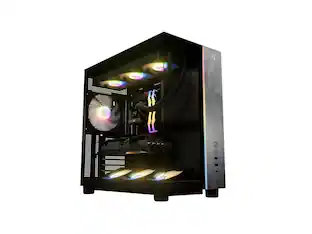
The G700 Gaming Desktop combines fearless design, next-generation power, and advanced connectivity into a striking and versatile package. Its dual-glass panel chassis showcases the bold ROG identity with the iconic ROG Slash and Fearless Eye logo, complemented by customizable RGB lighting with Aura Sync. Powered by the next-gen Intel Core Ultra 5 Series 2 processor and NVIDIA GeForce RTX 5060 GPU, the G700 is equipped with 16GB of DDR5 RAM and 1TB of high-speed PCIe Gen 4 storage for unparalleled performance. A quad-fan airflow system and dust filters ensure optimal thermal management and system longevity. Built for reliability and flexibility, the spacious 58L chassis accommodates triple-slot GPUs, and a full-sized 600W power supply, while the tool-less design allows for effortless upgrades and maintenance. Stay connected with 2.5Gbps Ethernet, WiFi 6, and versatile high-speed ports, while Dolby Atmos delivers multidimensional soundscapes for an immersive audio experience. The G700 is the ultimate choice for gamers and builders seeking a future-ready, high-performance desktop.
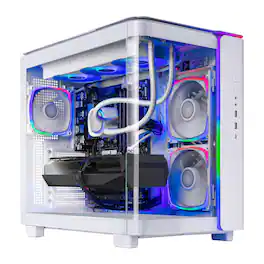
Skytech Gaming introduces the King 95, powered by the Intel Intel Core Ultra 7 U7 265F, featuring 16GB of high-speed DDR5 6000 MHz memory and a fast 1TB NVMe SSD for smooth, responsive gameplay, with the NVIDIA GeForce RTX 5060 driving crisp visuals and immersive performance, making the King 95 a strong choice for modern gaming.
| Pros for Lenovo - Legion Tower 5i Gaming Desktop - Intel Core Ultra 7 Processor 265F - 32GB RAM - NVIDIA RTX 5060Ti 8GB - 1TB SSD - Eclipse Black | |||
|---|---|---|---|
| Overall Performance, Noise Level, Speed, Design, Heat Dissipation | Overall Performance, Noise Level, Heat Dissipation, Speed, Design | Overall Performance, Noise Level, Speed, Design, Cooling System | Overall Performance, Noise Level |
| Cons for Lenovo - Legion Tower 5i Gaming Desktop - Intel Core Ultra 7 Processor 265F - 32GB RAM - NVIDIA RTX 5060Ti 8GB - 1TB SSD - Eclipse Black | |||
| Size, Software | Upgradability, BIOS Customization, Storage Capacity | VRAM, Case Size, Memory Capacity | There were no cons for this product— |
Specs
What is the largest graphics card i can put in it. Also how many SSDs can the motherboard take.
Answered by Lenovo Product ExpertHey Nick, If you're talking about tiers of GPU, the highest offered for the Legion T5i is the RTX 5070, but upgrading to this GPU may warrant upgrading the PSU, as offerings with a 5070 have an 850W PSU. Also, you can have a total of 3 M.2 2280 SDDs, along with the option to add a 3.5" HDD upgrade yourself. Please feel free to reach out to us with any other questions!
What is the motherboard model?”
Answered by Lenovo Product ExpertHey BenToven, This Legion T5i features a unique mATX motherboard that's supplied by Lenovo with no unique model number to review specifications outside of a part number to order a replacement board. If there's a specific feature or function you're inquiring about, please let us know in another question and we'd be happy to help. Please feel free to reach out to us with any other questions!
How much system memory does this gaming desktop have?
This gaming desktop has 32 gigabytes of system memory.
This question and answer was generated by AI based on customer and product data.How many displayport outputs does this desktop have?
This desktop has three displayport outputs.
This question and answer was generated by AI based on customer and product data.Are a keyboard and mouse included with this desktop?
Yes, a keyboard and mouse are included with this desktop.
This question and answer was generated by AI based on customer and product data.

Customers often buy these together
Office Software





Monitors

Samsung - 27” Odyssey FHD IPS 240Hz G-Sync Gaming Monitor - Black
$279.00The price was $299.99
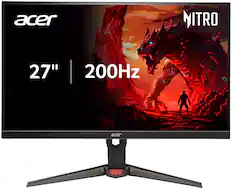
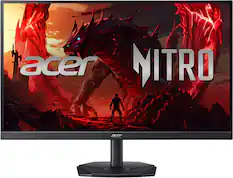
Acer - Nitro ED340CUR Gaming 34” 1500R 21:9 Curved QHD 200Hz 1ms FreeSync Premium Gaming Monitor with HDR10 (DisplayPort, HDMI) - Black
Black Friday in July Deal$249.99The price was $349.99




More recommended items
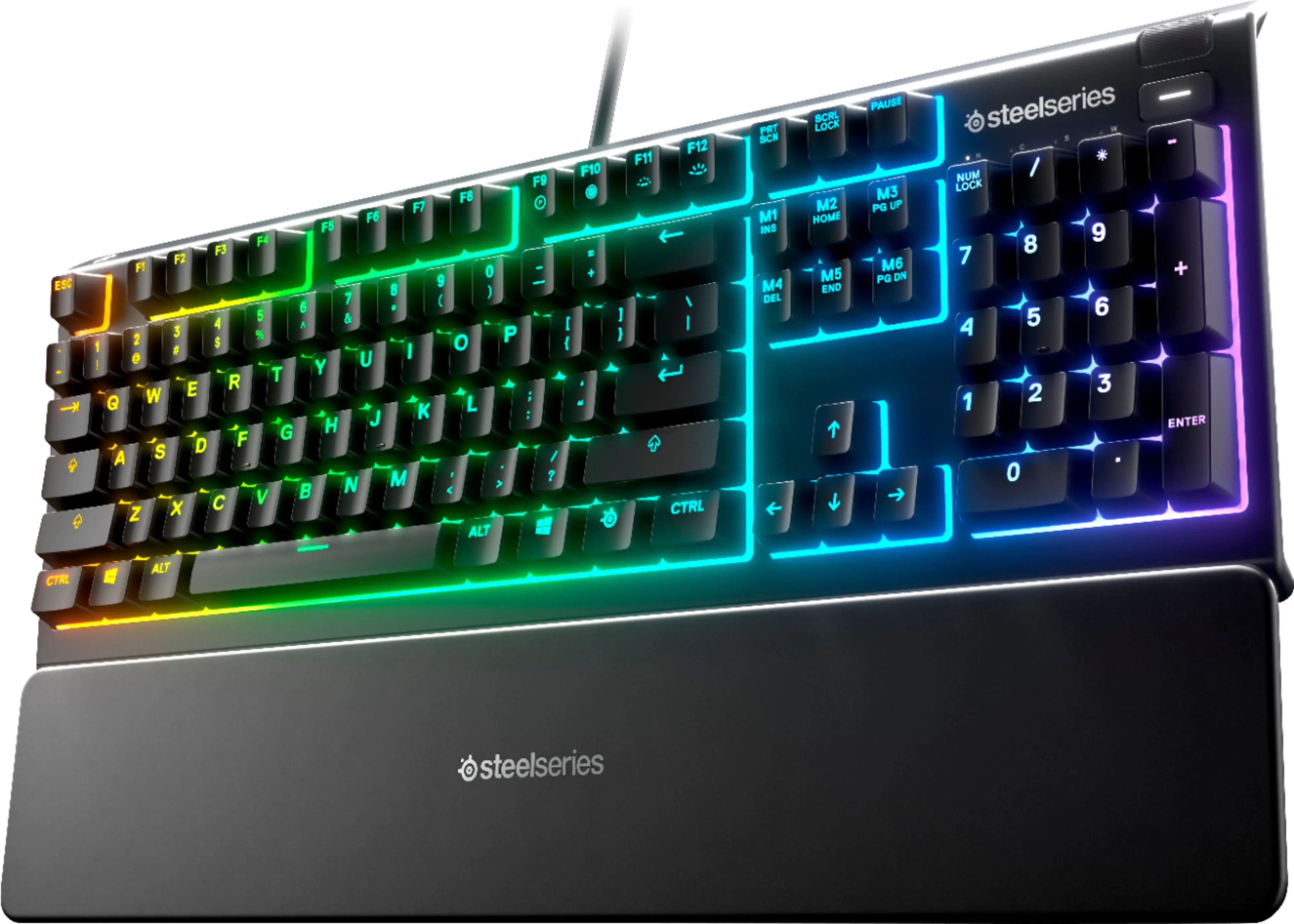 Computer Keyboards
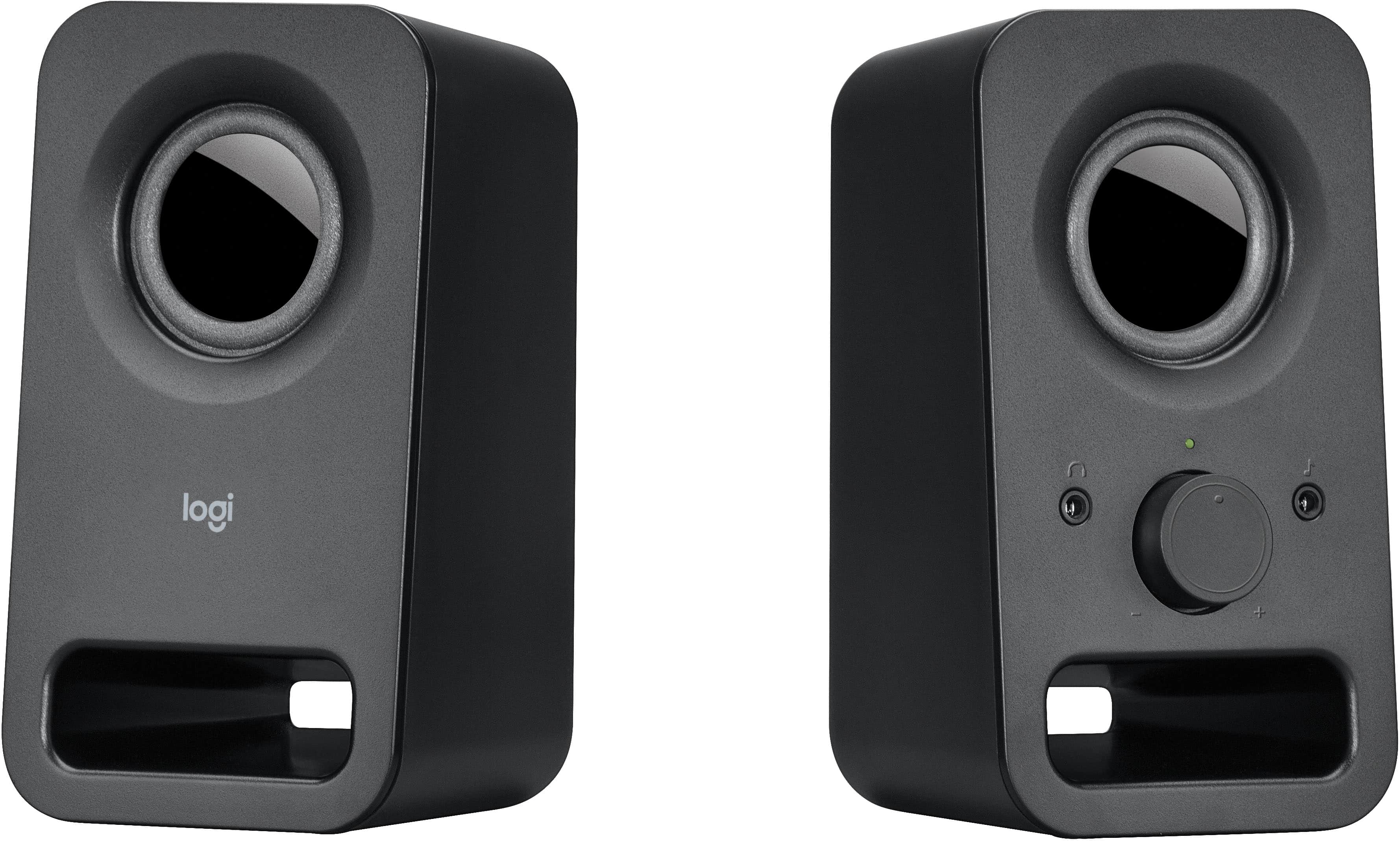 Computer Speakers
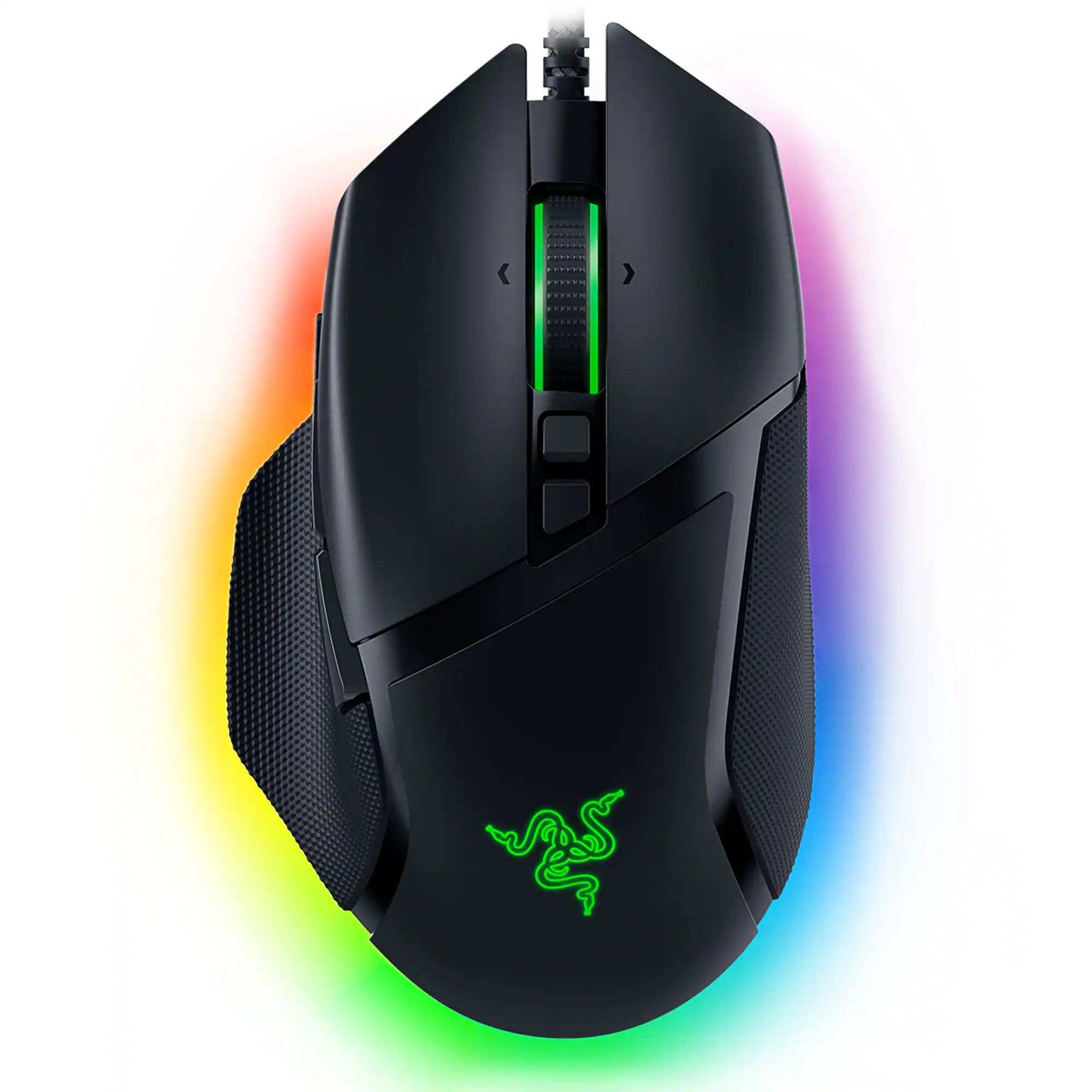 Mice
Mice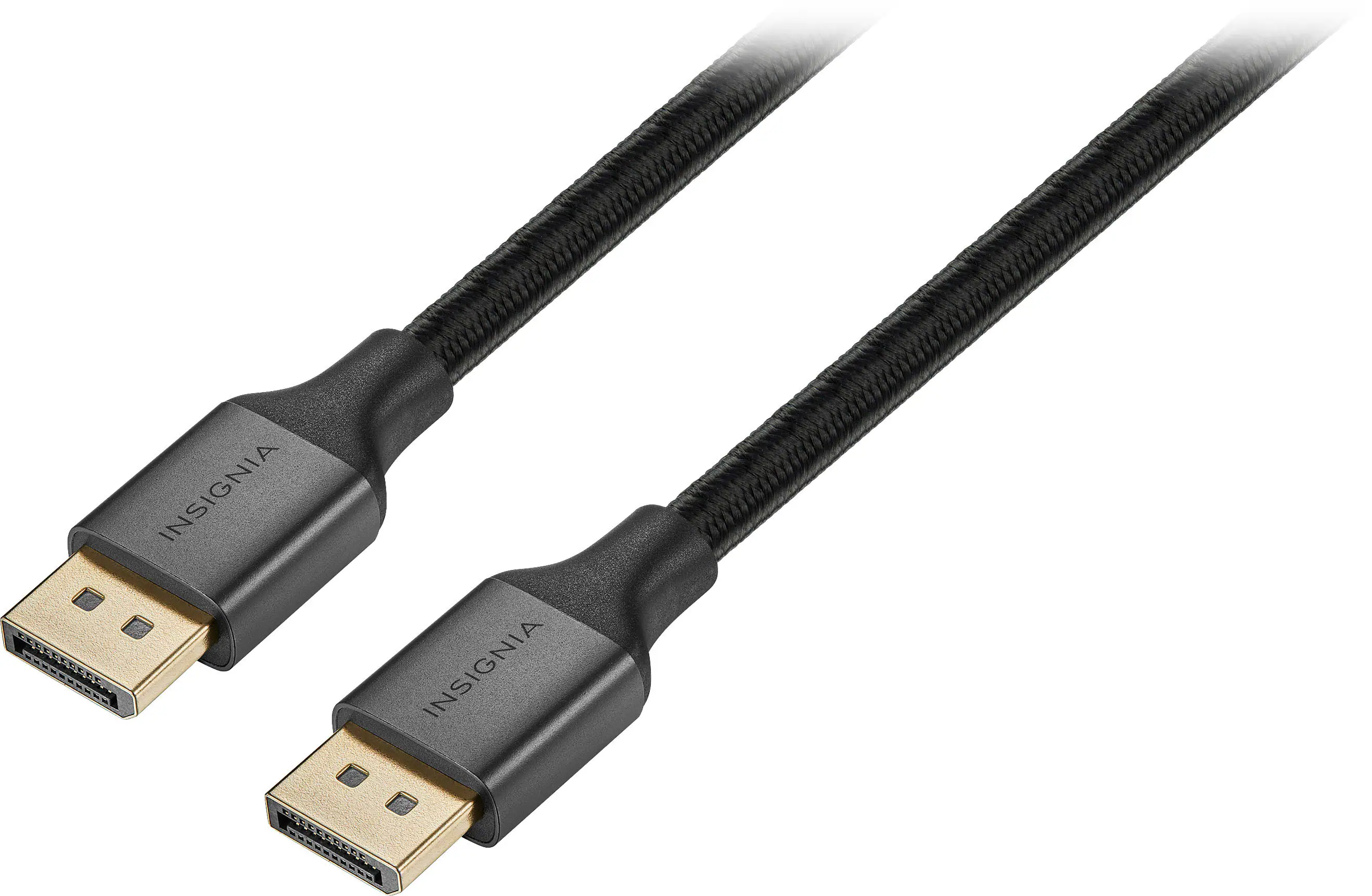 Monitor and Video Cables
 Web Cameras
 PC Gaming Headsets
 Mouse Pads
 Optical Media Drives
More to consider
 Doorbuster$1,299.99The price was $1,599.99
 $1,879.00The price was $2,689.00
 Doorbuster$1,569.99The price was $1,849.99
 Doorbuster$1,459.99The price was $1,599.99
 Doorbuster$1,619.99The price was $2,079.99
 Doorbuster$1,264.99The price was $1,424.99

Explore tech essentials Sponsored
 Doorbuster$1,849.99The price was $2,099.99
 Doorbuster$2,139.99The price was $2,699.99
 Doorbuster$2,294.99The price was $3,144.99
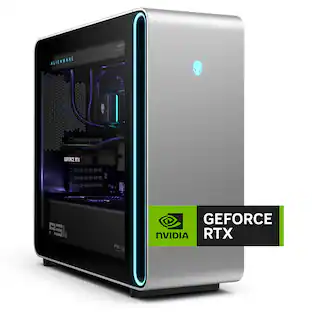
Discover related products
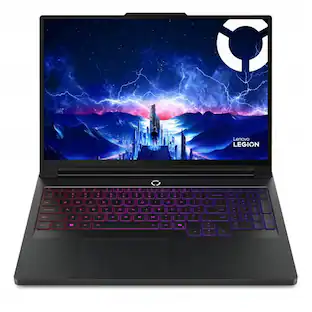 $3,999.00The price was $4,099.00
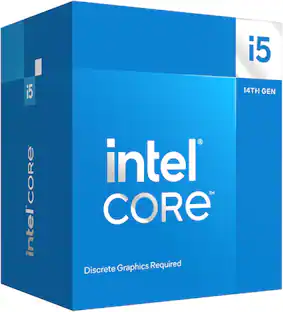 $196.06The price was $201.24
 Black Friday in July Deal$36.99The price was $49.99
 Black Friday in July Deal$1,459.99The price was $1,549.99
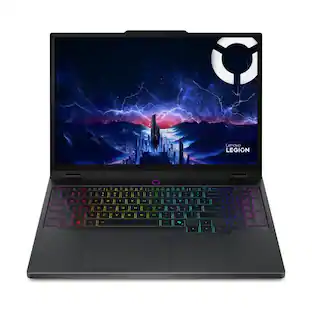




Keep exploring
 $2,179.99The price was $2,199.99
 Black Friday in July Deal$369.00The price was $539.00
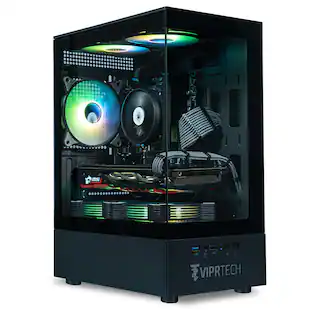 $649.99The price was $669.99
 $649.99The price was $669.99
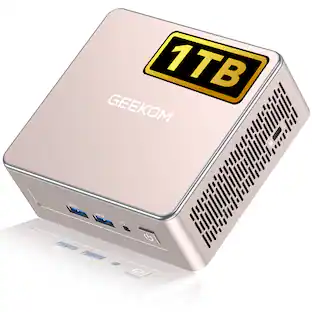 Black Friday in July Deal$459.00The price was $719.00
 Black Friday in July Deal$395.99The price was $448.99