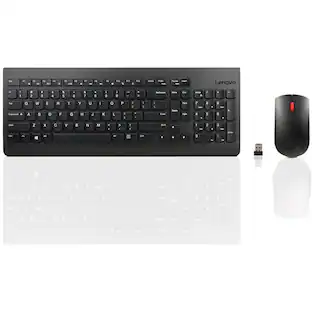
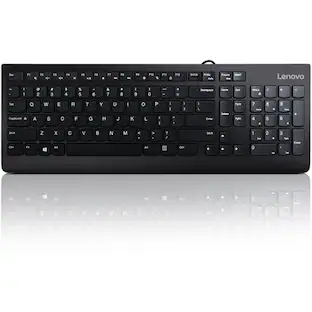
Lenovo - Preferred Pro II USB Keyboard-US English - Cable Connectivity - Full-size - USB Type A Interface - 104 Key(s) - Jet Black
Reviews coming soon
About this product
The Think tradition of high-quality products continues with this general purpose USB keyboard. Durable and reliable, the Lenovo Preferred Pro II USB Keyboard is a perfect companion for your ThinkPad, ThinkCentre and ThinkStation PCs as well as docks. The sleek modern design is complemented with finger-friendly keys that can last up to 10 million clicks under normal operation. Improve your working efficiency with specialized Microsoft Copilot Key.
Features
Lenovo Preferred Pro II USB Keyboard-US English - Cable
The Think tradition of high-quality products continues with this general purpose USB keyboard. Durable and reliable, the Lenovo Preferred Pro II USB Keyboard is a perfect companion for your ThinkPad, ThinkCentre and ThinkStation PCs as well as docks. The sleek modern design is complemented with finger-friendly keys that can last up to 10 million clicks under normal operation. Improve your working efficiency with specialized Microsoft
Cable Connectivity
USB Type A Interface
104 Key(s)
CoPilot Hot Key(s)
Specifications
- Form FactorFull-sizeConnection TypeWired
Reviews
This product doesn't have any reviews yet.



Compare similar products

The Think tradition of high-quality products continues with this general purpose USB keyboard. Durable and reliable, the Lenovo Preferred Pro II USB Keyboard is a perfect companion for your ThinkPad, ThinkCentre and ThinkStation PCs as well as docks. The sleek modern design is complemented with finger-friendly keys that can last up to 10 million clicks under normal operation. Improve your working efficiency with specialized Microsoft Copilot Key.

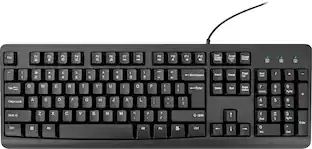
The Lenovo 300 USB Keyboard is perfect for those looking for a basic USB keyboard that just works. The keyboard boasts an island key design that makes typing a joy. In addition, the Lenovo 300 USB Keyboard passed rigorous testing simulations to ensure maximum reliability.

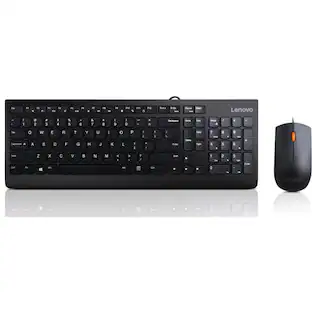
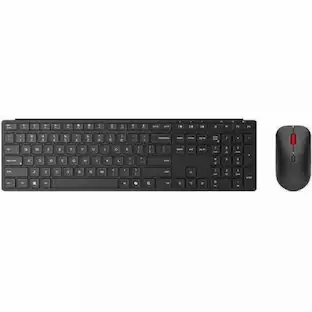
A keyboard & mouse combo that features a modern, space-saving design giving your desk a clean and stylish appeal. To go along with its design, the keyboard features a waterproof exterior keeping away accidental spills. Matching its practical mate, the full-size mouse is an ergonomic masterpiece - all-day comfort at your fingertips.

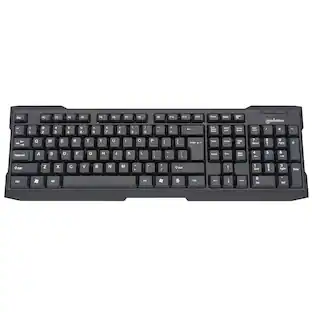
Are you in need of a new keyboard but find yourself overwhelmed by all the fancy gadgets on the market? Stick to the basics with the Best Buy essentials Full-size Wired Membrane Keyboard. It has plug-and-play technology, so just plug the USB cable into your Windows or Mac computer to use. The membrane keyboard provides a smooth typing experience, and a full-size number pad makes it easy to input data. Now let’s get typing!
| Pros for Lenovo - Preferred Pro II USB Keyboard-US English - Cable Connectivity - Full-size - USB Type A Interface - 104 Key(s) - Jet Black | |||
|---|---|---|---|
| There were no pros for this product— | There were no pros for this product— | There were no pros for this product— | Overall Performance, Ease of Use, Key Feel, Noise Level, Ergonomics |
Specs
Be the first to ask a question.
We’ll try to get your question answered within 24 hours by a Best Buy customer or brand representative.
Customers often buy these together

Logitech - MK270 Full-size Wireless Membrane Keyboard and Mouse Bundle for PC - Black
Top Deal$19.99The price was $29.99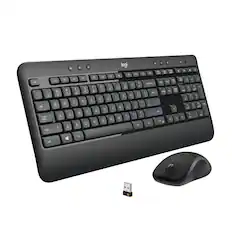
Logitech - MK540 Full-size Advanced Wireless Membrane Keyboard and Mouse Combo for PC - Black
Top Deal$49.99The price was $59.99
Razer - Huntsman Mini 60% Wired Optical Clicky Switch Gaming Keyboard with Chroma RGB Backlighting - Black
Top Deal$69.00The price was $119.99

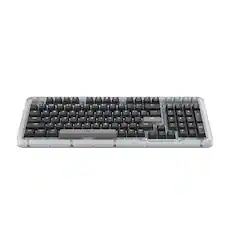

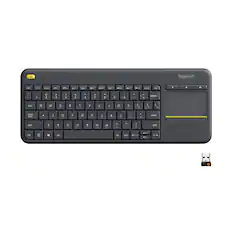


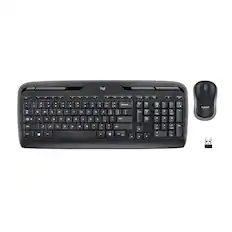
More to consider
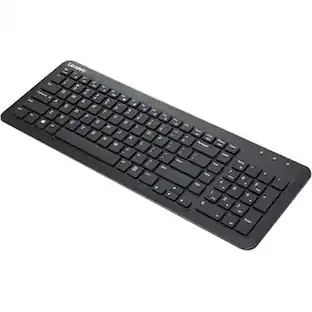
Lenovo 300 USB Keyboard - US English - Cable Connectivity - USB Interface - English (US)
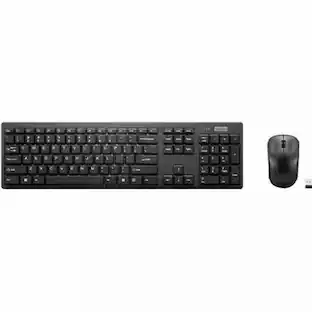
$12.79The price was $30.84Lenovo 300 USB Combo Keyboard & Mouse - US English - USB Cable Keyboard - English (US) - USB Cable Mouse
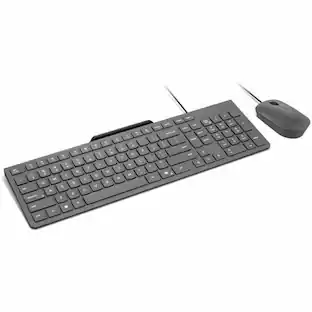
$15.99The price was $35.25Lenovo Essential Wired Combo US English - USB Type A Membrane Cable Keyboard - English (US) - USB Type A
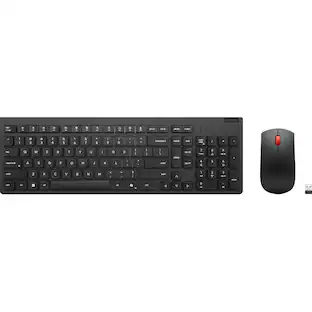
$24.99The price was $30.91Lenovo Essential Wireless Combo Keyboard & Mouse Gen2 AI - US English 4X31R64453
$36.27The price was $46.00




Explore tech essentials Sponsored
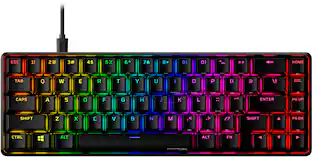
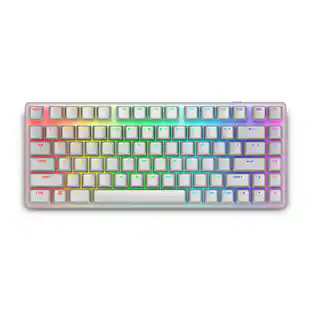
HyperX Alloy Origins 65% Compact Wired Mechanical Red Linear Switch Gaming Keyboard with RGB Lighting
$68.99The price was $114.99Alienware Pro 75% Wireless Mechanical Gaming Keyboard with RGB Back Lighting
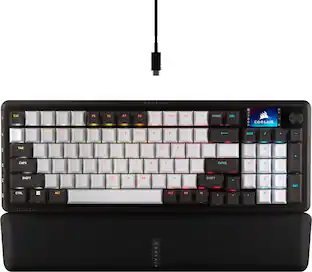
$150.99The price was $199.99CORSAIR VANGUARD 96 RGB Wired MLX Quantum Linear Mechanical Switch 96% Gaming Keyboard with FlashTap SOCD
Top Deal$139.99The price was $179.99
Keep exploring
GravaStar Mercury K1 Pro Special Edition 75% Wireless Mechanical Gaming Keyboard with Hot-Swappable Switches
$199.95The price was $209.95