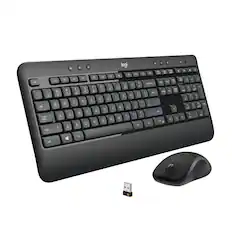
Logitech - Advanced Wireless Combo Keyboard and Mouse - Black
Reviews coming soon
About this product
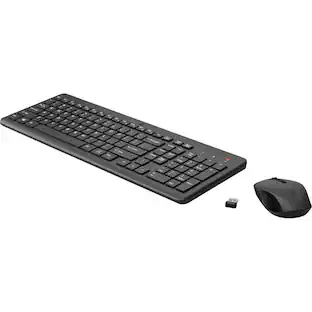
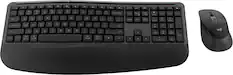
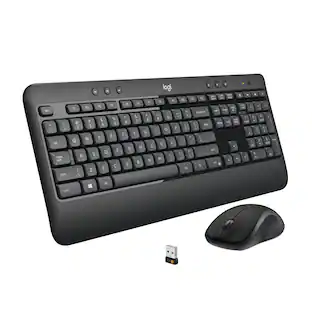
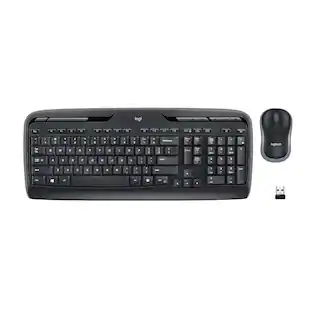
Advanced Combo is an instantly familiar wireless keyboard and mouse built for precision, comfort, and reliability. The full-size keyboard features a familiar key shape, size, and feeling optimized for precision and noise reduction. Get the freedom of wireless with a compact mouse designed to fit comfortably in either hand. Plug and play your keyboard and mouse with one tiny USB receiver. You’ll get a reliable and encrypted wireless connection up to 10 meters away with virtually no delays or dropouts.
Features
A full-size keyboard with familiar key shape, size, and feeling optimized for better precision and reduced noise
A compact, wireless mouse designed to fit comfortable in either hand
The keyboard won’t require new batteries for 36 months, The mouse won’t require new batteries for 12 months
Convenient and essential hot keys give you direct access to media, calculator and battery check functions
Connect your keyboard and mouse via one tiny USB receiver
Specifications
- Form FactorFull-sizeConnection TypeWireless
Reviews
This product doesn't have any reviews yet.

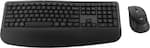
Compare similar products

Advanced Combo is an instantly familiar wireless keyboard and mouse built for precision, comfort, and reliability. The full-size keyboard features a familiar key shape, size, and feeling optimized for precision and noise reduction. Get the freedom of wireless with a compact mouse designed to fit comfortably in either hand. Plug and play your keyboard and mouse with one tiny USB receiver. You’ll get a reliable and encrypted wireless connection up to 10 meters away with virtually no delays or dropouts.
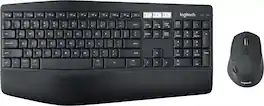
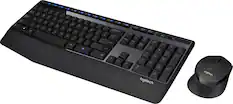
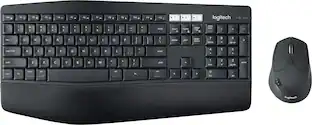
Experience next-level comfort and productivity with the MK850 Performance. Hyper-fast scrolling and a full-size keyboard help you get more done at your desk – and a cushioned palm rest, curved keyframe and contoured mouse let you power through in comfort. Type and switch seamlessly between your computer, tablet, and phone. And pair your mouse with up to 3 devices. The combo has been optimized for use with all your operating systems – including Windows, Mac, and Chrome OS.

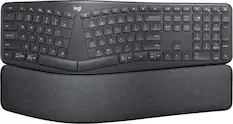
MK540 Advanced is an instantly familiar wireless keyboard and mouse combo built for precision, comfort and reliability. The full-size keyboard features a familiar key shape, size, and feeling – optimized for precision and noise reduction. The palmrest and adjustable tilt legs keep you comfortable for long stretches and the contoured mouse is designed to fit perfectly into either palm. Plug and play your keyboard and mouse with one tiny USB receiver with Logitech Unifying technology. You’ll get a reliable – and encrypted – wireless connection up to 32.8 ft away with virtually no delays or dropouts.

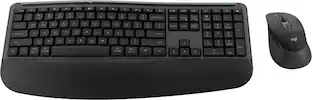
Add an extra pop to your desk with the POP Icon Combo, a contoured design with customizable Action Keys and Buttons. The low-profile keys give you a comfy typing experience. POP Mouse boosts productivity by 30%, compared to a trackpad. The Smartwheel speed scroll takes you where you need to go, fast.
| Pros for Logitech - Advanced Wireless Combo Keyboard and Mouse - Black | |||
|---|---|---|---|
| There were no pros for this product— | Keyboard Quality, Ease of use, Connectivity, Battery Life | Keyboard Quality, Ease of use, Battery Life, Wireless, Price | Connectivity, Overall Performance, Portability, Size, Noise Level |
| Cons for Logitech - Advanced Wireless Combo Keyboard and Mouse - Black | |||
| There were no cons for this product— | Lag, Price | Lag, Size | Key Sound |
Specs
Be the first to ask a question.
We’ll try to get your question answered within 24 hours by a Best Buy customer or brand representative.
Customers often buy these together

Razer - Huntsman Mini 60% Wired Optical Clicky Switch Gaming Keyboard with Chroma RGB Backlighting - Black
$68.99The price was $119.99




Customers ultimately bought
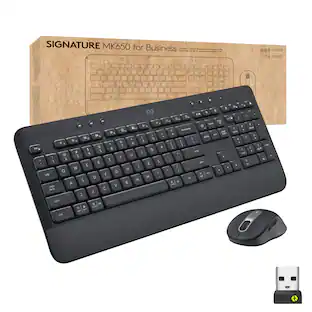
Logitech MK850 Performance Full-size Wireless Membrane Keyboard and Mouse Combo for PC and Mac
Black Friday Deal$69.99The price was $99.99Logitech MX Keys S Universal Full-size Wireless Scissor Keyboard for PC and Mac with Backlit keys
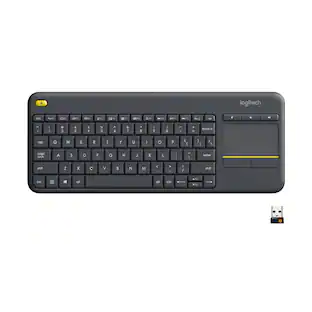
$119.99The price was $129.99Logitech K400 Plus TKL Wireless Membrane Keyboard for PC/TV/Laptop/Tablet with Built-in Touchpad
$29.99The price was $34.99





Explore tech essentials Sponsored
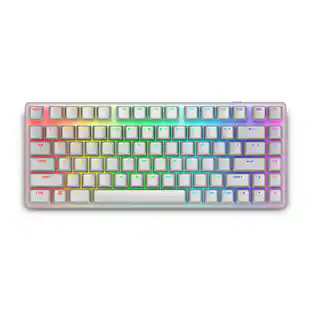
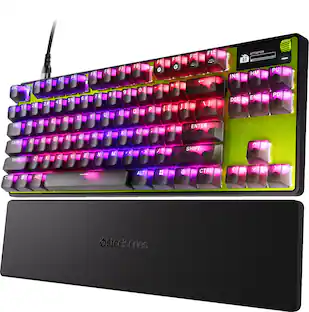
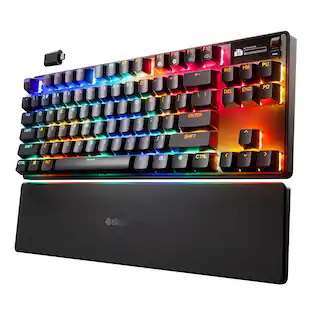
Alienware Pro 75% Wireless Mechanical Gaming Keyboard with RGB Back Lighting
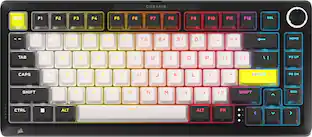
$164.99The price was $199.99CORSAIR MAKR PRO 75 Hall Effect DIY keyboard - full aluminum build, gasket mounting, and 8kHz polling
$179.99The price was $249.99
Discover related products
Acer USB C Docking Station With 2 HDMI, 9-IN-1 Docking Hub with USB A&C 3.0, SD/Micro SD, 100W Charging
Holiday Deal$36.99The price was $47.99Acer USB C to HDMI Cable for Home Office 6.6FT (4K@60Hz), High-Speed Type C to HDMI 2.0 Braided Cord
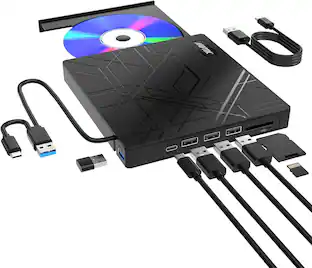
$12.99The price was $19.99AGPtek 8 in 1 External CD/DVD Drive for Laptop, USB 3.0 Ultra Slim Portable CD Burner with 4 USB Ports
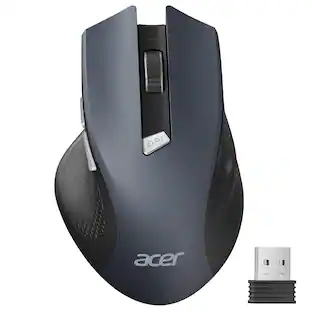
$31.99The price was $32.99Acer Wireless Mouse for Laptop, 2.4GHz Computer Mouse 3 Adjustable DPI Office Cordless USB Mice with USBA Receiver
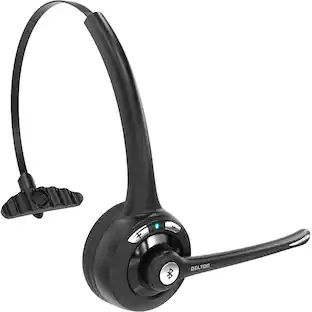
Holiday Deal$10.99The price was $12.99Delton 10X Noise Isolating Bluetooth Over-the-Head Headset for Office & Remote Work (DBTHEAD10X)
$29.99The price was $32.82






Keep exploring
REDRAGON S107-RGB-BA Gaming Keyboard and Mouse Combo, RGB Backlit Keyboard & 10000 DPI Mouse, Plug & Play to PC/Laptop/Windows
Holiday Deal$29.99The price was $34.99GravaStar Mercury V60 Pro Special Edition 60% Wired Hall Effect Gaming Keyboard
$199.95The price was $299.95GravaStar Mercury V75 Wireless Hall Effect Gaming Keyboard, 75% Layout, 8000Hz Polling, Dynamic RGB
$189.95The price was $259.95