This item is no longer available in new condition.
See similar items below.
No content
Description
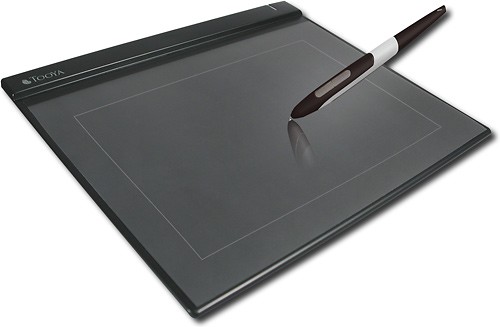
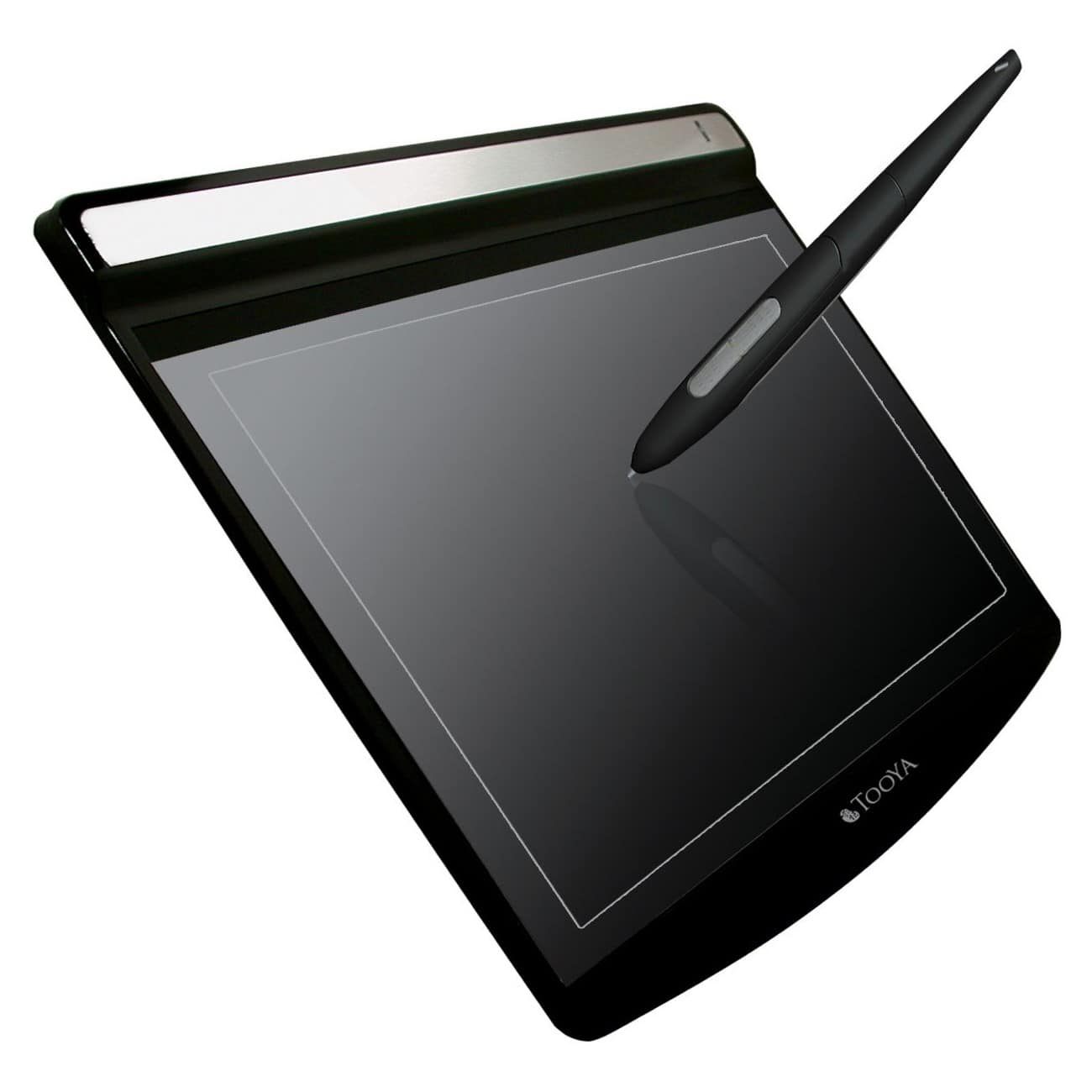
Extremely slim and light, the Tooya Pro graphics tablet comes in with a stylish design that fits elegantly in any homes and offices. With ergonomic design,Tooya Pro gives you the most comfort that you never feel while working on the projects. Tooya Pro is not only a tablet but also serves as a mouse pad. It provides you the best graphic performance for your professional design.
Features
Connectivity Technology: Cable
Active Area: 10" x 6.25"
Input Device Type: Pen
Input Resolution: 2000 lpi
Interfaces/Ports: USB 1.1 USB
Height: 0.4"
Width: 10.0"
Depth: 12.0"
What's Included
1 x Tooya Pro USB Graphics Tablet
1 x Pen
1 x Pen Holder
1 x Pen Tweezers
2 x Refill
4 x CD
1 x Quick Guide
Other
Assembly Required
No
Tablet Size
10" x 6.25"
Ergonomic
Yes
Compatibility
PC and Mac
Mac Compatible
Yes
Cordless/Wireless
No
Length of Cord
4.9'
Connection Type
USB
Port Connection
USB
Included Software
Adobe Photoshop Elements 5.0, Photo Express 5, Windows driver, Mac driver
System Requirements
PC: Windows 2000, XP or Vista; Mac: OS X v.10.2.8 or later; USB 1.1 port
UPC
4710837758307
Customer reviews
5.0
Rating 5 out of 5 stars with 1 review
(1 customer review)
100%
would recommend to a friend
The vast majority of our reviews come from verified purchases. Reviews from customers may include My Best Buy members, employees, and Tech Insider Network members (as tagged). Select reviewers may receive discounted products, promotional considerations or entries into drawings for honest, helpful reviews.
Page 1 Showing 1 of 1 review
Rated 5 out of 5 stars
So far so good
|
|
Posted .
This reviewer received promo considerations or sweepstakes entry for writing a review.
I've been using an older Wacom Graphire to do Khan Academy like videos for my math class. It worked fine, but the active drawing area is so small. Obviously I don't need a very high pressure resolution for my application, so that is not an issue with me. I just wanted a larger active drawing area and with this pad, I got it. The install was easy. One little issue is that I did have to uninstall the driver for the Wacom in order to install the new driver software, but once I did, the new tablet started working right away. It does use the older USB 1.1 port, but that doesn't seem to be causing any problems. I plugged it into my USB 2.0 port and it works fine.