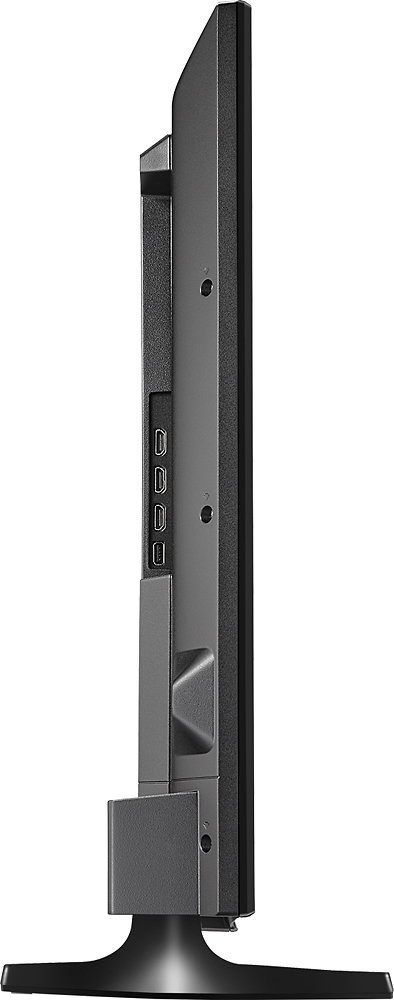
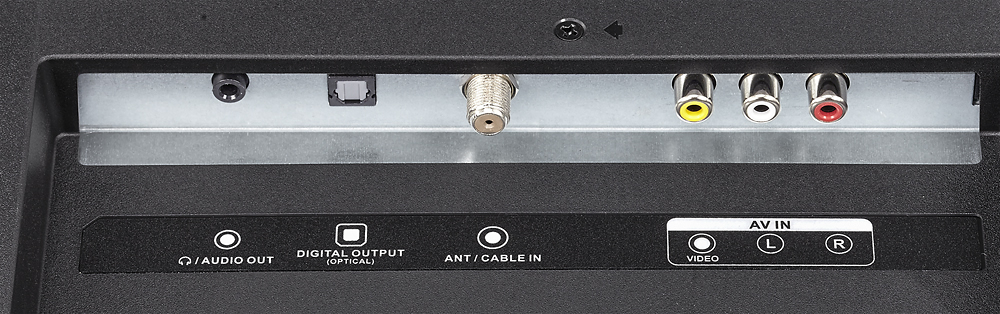
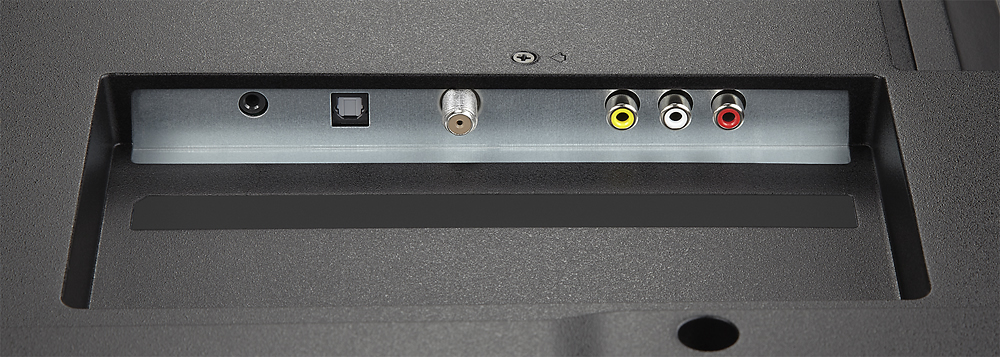
A:AnswerAccording to the Insignia web site speaker output for the NS-40D510NA15 is 5W per channel. FYI - the NS-40D510NA17 is also 5 watts per channel. Go to www.insigniaproducts.com for answers to Insignia questions. Insignia customer service may well be the best anywhere in the consumer electronics business.
A:AnswerFor a spare bedroom TV the speakers project surprisingly well. If you are using this in a room with the dimensions that exceed 12x12, I would recommend hooking up to a surround system with a center channel or at least a sound bar
A:AnswerWith the remote go to menu,picture,advanced settings then hit enter,go to aspect ratio>normal,zoom,wide,cinema or auto.choose the picture size you like.
A:AnswerTotal numbers are 41 1/2 inches corner to corner, just shy of 36 inches side to side and 21 1/4 inches up and down for the measurements which all include the screen edge. The specifications on the item also include measurements with the stand pieces installed.
A:AnswerI was all set to buy this since Jonnett said it will play movies from a USB flash drive. However I finally found an owners manual for this tv and it appears it will NOT. .jpg is the only supported file extension. Talk a look at page 39 in the manual located here:
https://www.manualowl.com/m/Insignia/NS-40D510NA17/Manual/474935
It has all the other features I need, HDMI ports, USB port [but only for .jpg photo's as it turns out] RCA input jacks [since I won't trash good DVD players that don't have an HDMI port] and others feature that are nice but not needed for what I need. So if you want to play movies from a USB drive, at least according to the manual this TV falls short as so many other's have that I found at this Best Buy site and I've bought a lot from them.
Nothing against the store, but they need to add owners manuals for the products they sell so they will be open with the shopper on what the products will actually do. I've been reading the answers others have left and so, so many are just incorrect. An owners manual solves that problem.
Let's get on the ball Best Buy, your consumers trust you need the "correct facts" and that's not a hard thing to do to list an owners manual or link to one. Had I bought this TV, went through all the trouble to set it up and then found out it won't do what I needed. I'd be done with you!! I say that respectfully as I like the Company and I spend thousands a year in your various stores.
It's just for the room this TV will go in, I don't need to get into an expensive product. So folks copy and paste the link above in your browser to be sure it is what you need. I'm just trying to be a helpful shopper and intend no ill wishes on anyone :), I'm sure they are trying to help but to often they miss the target.
So what will I do now, I'll put a TV show in the following formats on a flash drive [AVI, both Divx and Xvid, MP4 and MKV extensions and take it to the store with me] If Best Buy won't let me play it [But they always have in the past] I just won't be shopping for what I currently need there.
So My search continues, good luck to the other shoppers that read this little note. Hope that it helped you!
Sincerely,
Dirk
A:AnswerHello Michwar, you will be able to play just the internal speakers, just the external speakers or both at the same time by going into the "audio" menu, selecting "TV speakers" and choosing the option you like. "Auto" will disable TV speakers when 3.5 is plugged, "On" will let you use both speakers at the same time and "Off" will disable the TV speakers. Omar S. - Insignia Products Support.