A:AnswerI don't game on this device but when I was looking at them in the store the salesman helping me said he uses his for gaming all the time and I don't see any reason it wouldn't work. It is bright and responsive.
A:AnswerJesse, the government sets standards on energy ratings. Electronics that use a specific amount of reduced energy to operate, which is less than normal for other comparable devices, earn an energy star rating. If it is equal to or exceeds the normal energy usage, it doesn't earn a star. I wouldn't be too concerned with energy star ratings. The amount of money it saves you annually probably wouldn't buy you a happy meal, nor would it give you a big kick back on your taxes.
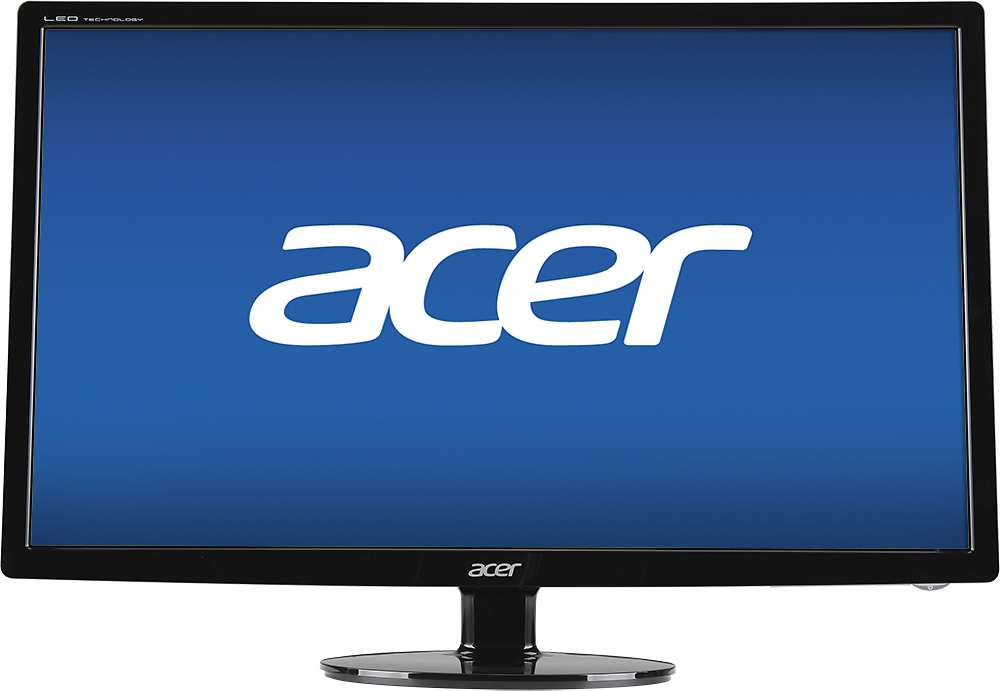
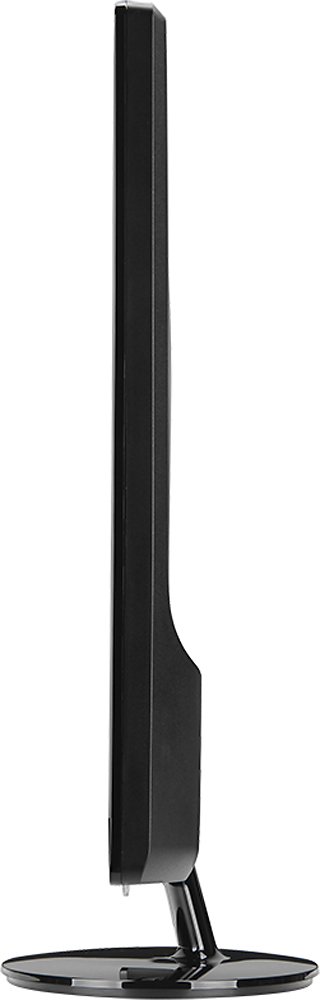
A:AnswerThe supplied stand only allows for horizontal (landscape) viewing. To mount vertically (portrait) the supplied stand is removed and the monitor is mounted vertically using a VESA compatible stand or wall mount. The control panel in Windows allows you to choose the portrait (vertical) option.
A:AnswerThe controls are on the bottom of the montior, just to the left of the lighted power switch, you have to feel for them. Once you press one of the buttons, a legend will pop up directly above the button cluster on screen. The button immediately to the left of the power switch is the input button, if you happen to have cable running to your monitor as well such as i.