Questions & Answers
- Model:
- CB315-4H-C0BR
- |
- SKU:
- 10917222
$205.00Your price for this item is $205.00
Comp. Value: $299.00
The comparable value price is $299.00
Page Showing 61-80 of 93 questions
Q: QuestionColor photos??
Asked by Roberto.
- A:Answer We are not sure what you mean by your question. If you want to know if this Acer Chromebook will display photos in color, yes it can do this.
Answered by TeamAcer
Q: QuestionCan use android apps?
Asked by Kiddo939.
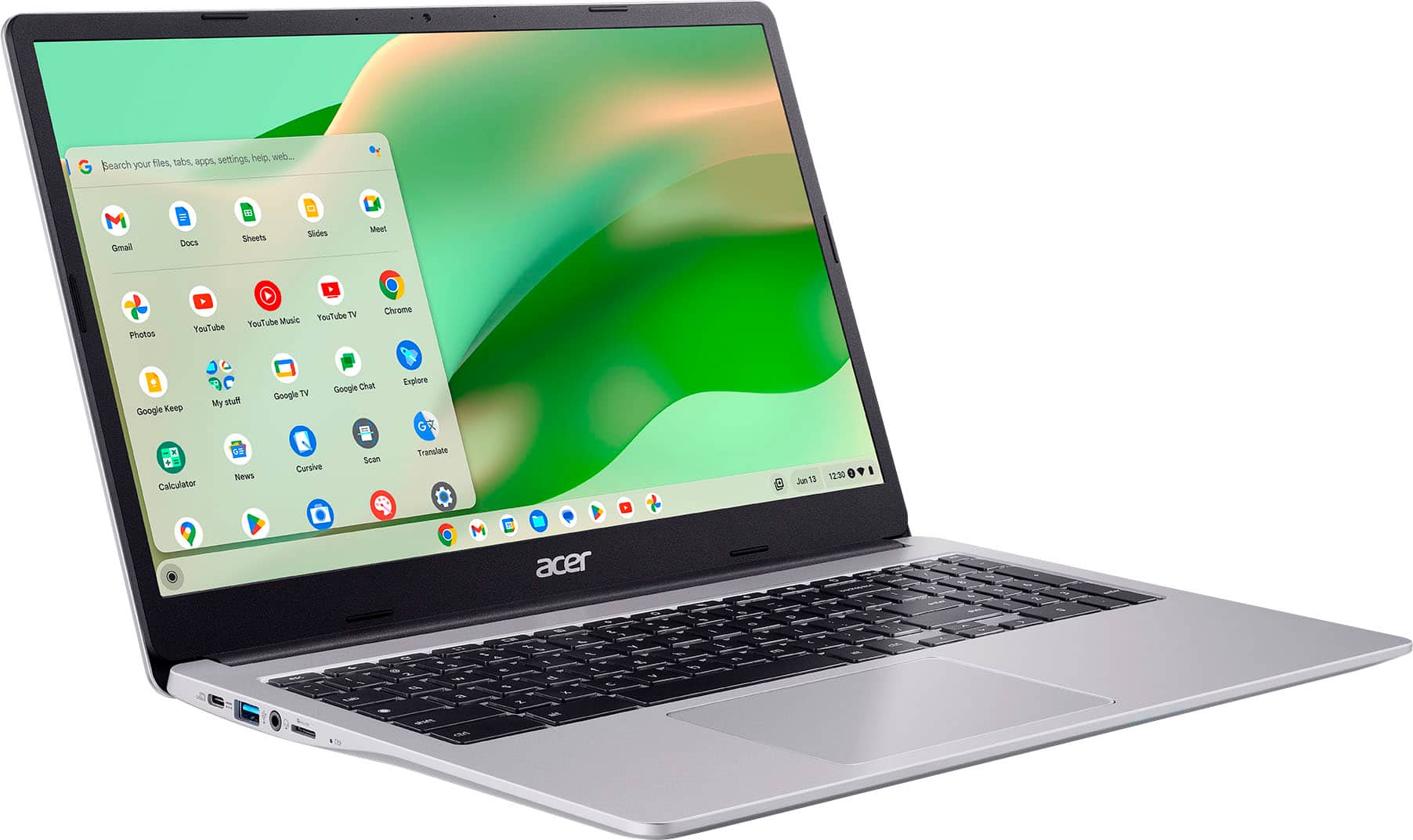
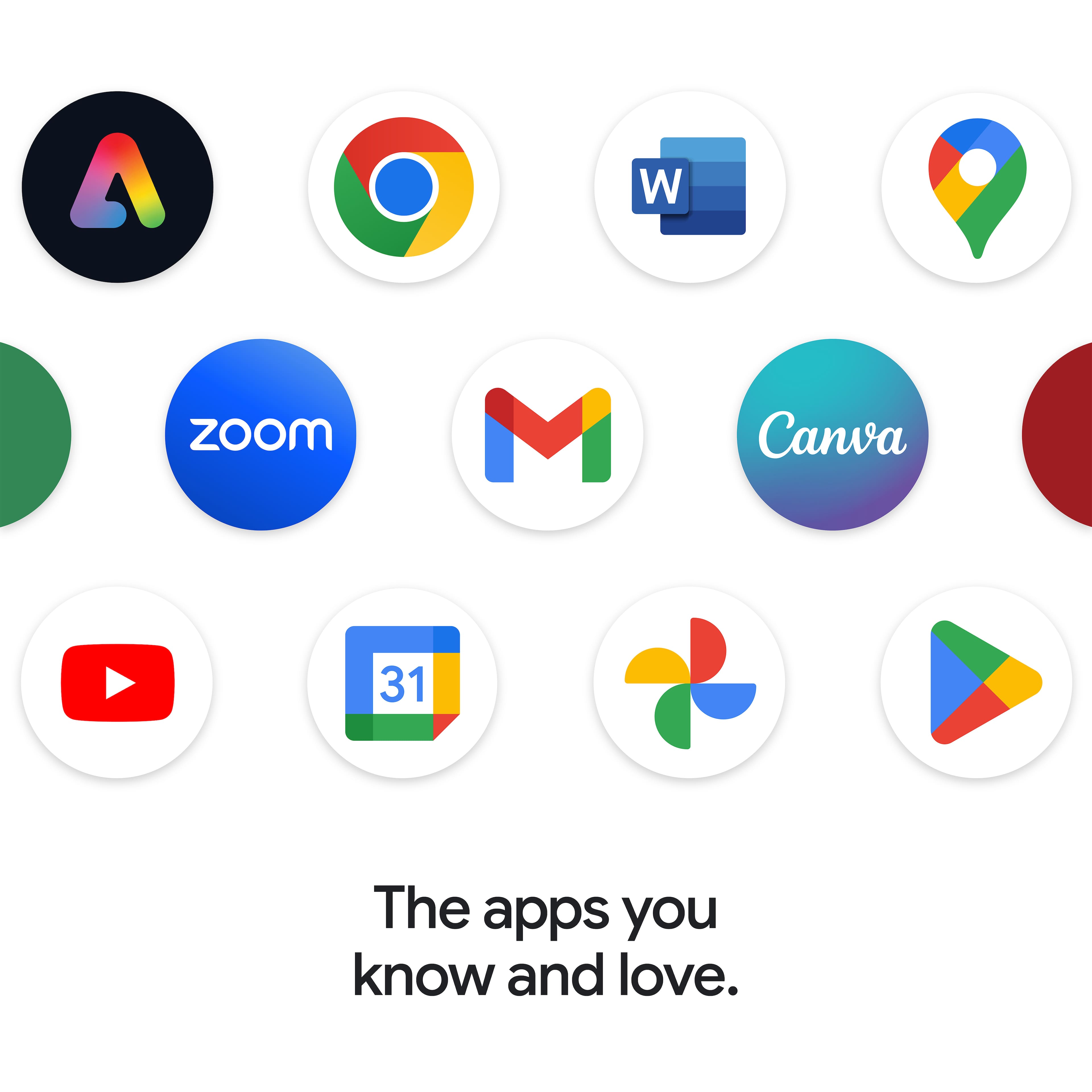
- A:Answer Yes, this Chromebook supports Android apps via the Google Play Store.
Answered by TeamAcer
Q: QuestionCan this chromebook connect to an HP printer?
Asked by Anonymous.
- A:Answer It should
Answered by NelsonP
Q: QuestionWill this device run Windows 11 ?
Asked by Jody.
- A:Answer No, it is a chromebook.
Answered by NelsonP
Q: QuestionCan I upgrade storage
Asked by Jay.
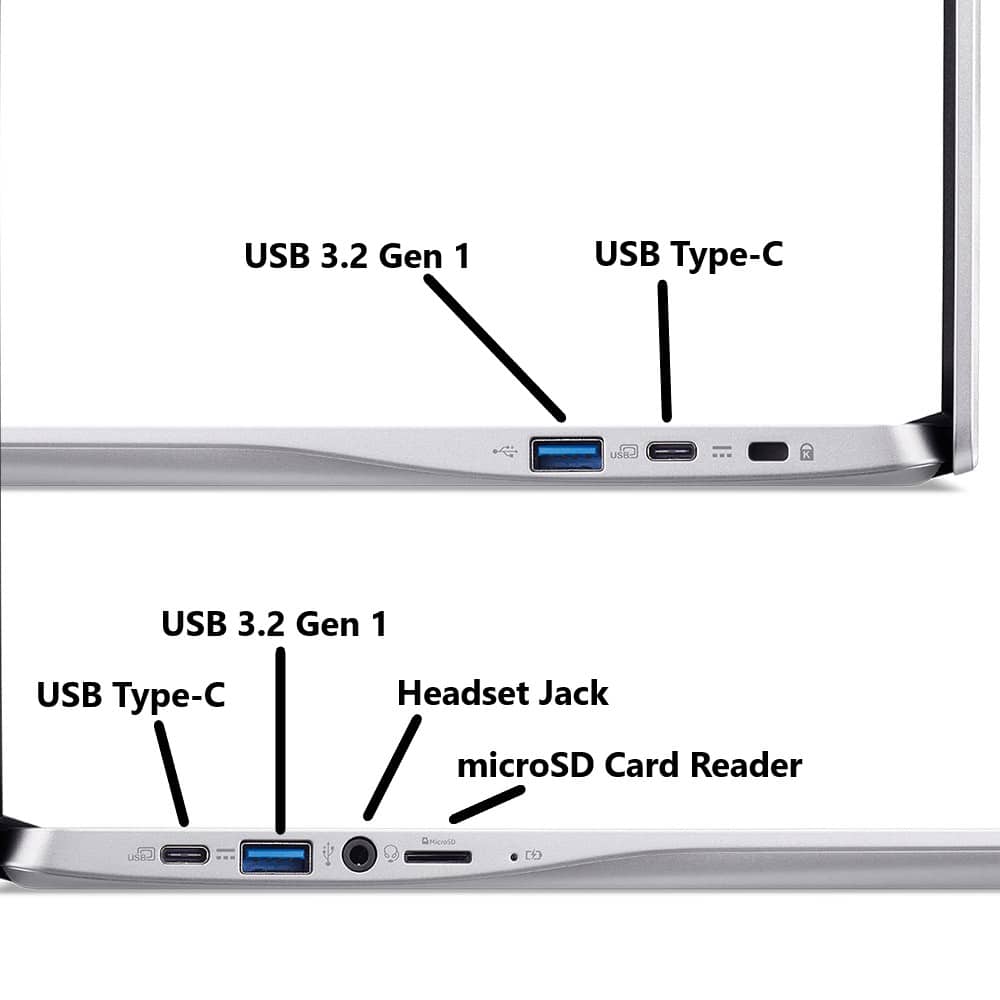
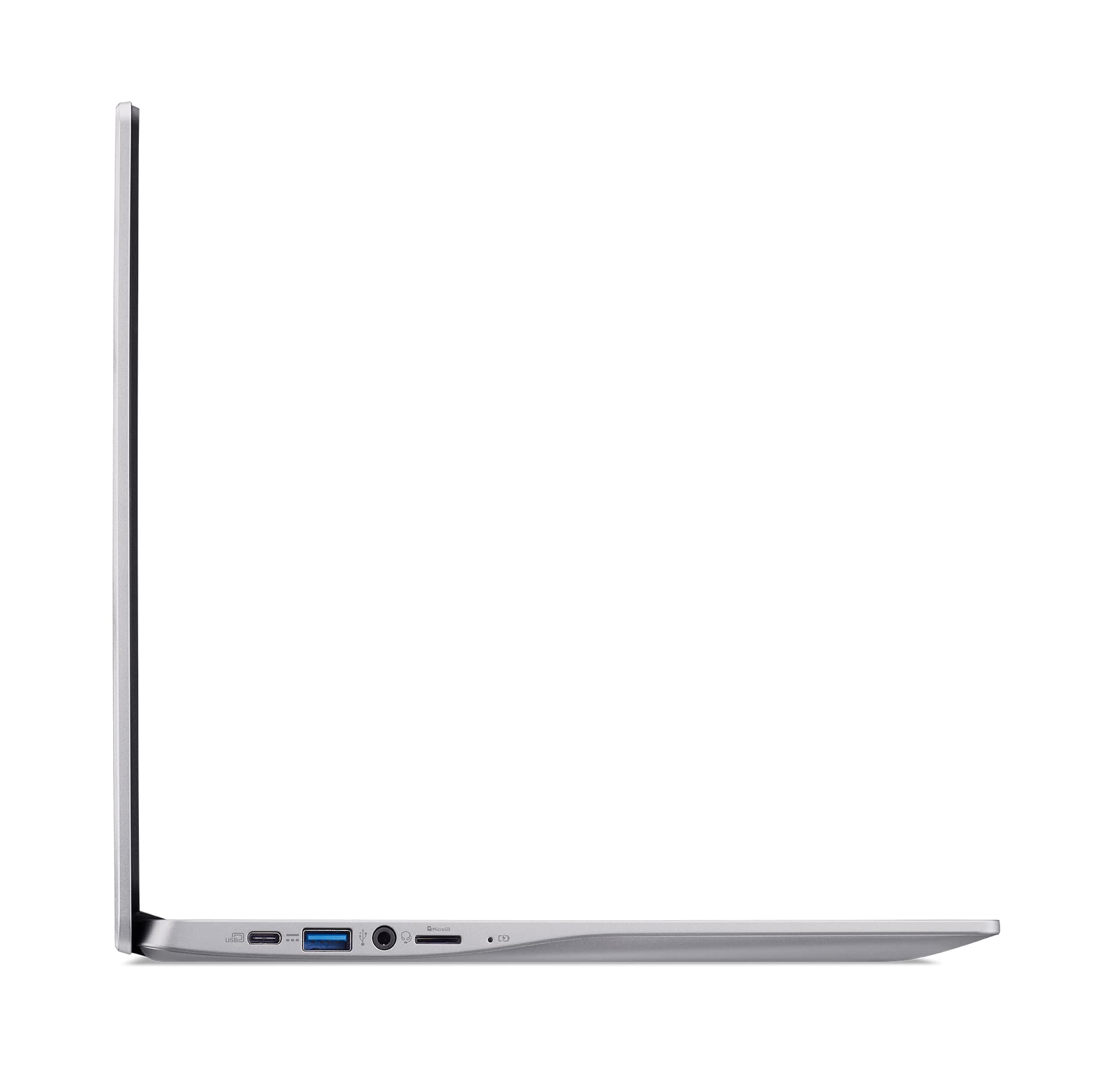
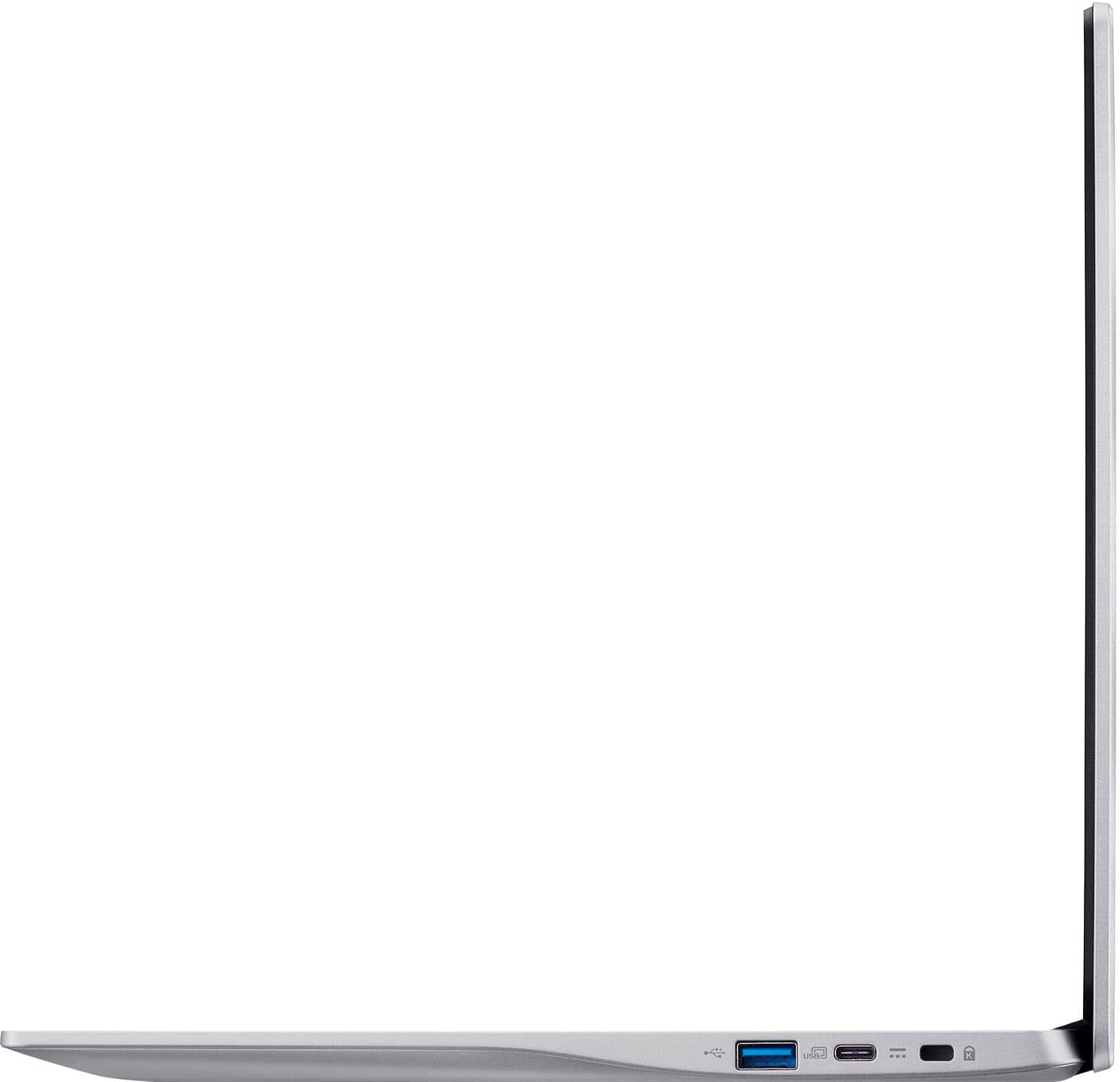
- A:Answer Memory and storage are not upgradeable on Chromebook devices. You can however use USB thumb drives, external hard drives to save your documents, or what most people use is Cloud storage.
Answered by TeamAcer

Q: QuestionCan I use this for Zoom calls?
Asked by John.
- A:Answer Yes, you can use Zoom on a Chromebook.
Answered by TeamAcer

Q: QuestionI’m thinking about getting this for my brother who lives in the country and doesn’t have wireless connection. Will this work
Asked by Cathie.
- A:Answer This Chromebook does not have an Ethernet connection but does connect to the internet via wifi. If you mean he does not have Internet service where he lives, this may not be a good choice as Chromebooks are designed to be used primarily while connected to the Internet, with most applications and documents living in the cloud.
Answered by TeamAcer

Q: QuestionDoes Acer provide a manufacturer warranty separate from the Best buy warranty?
Asked by RogerDodger.
- A:Answer Yes, Acer provides a one year manufacturer's warranty against hardware defects from the date of purchase. You would need to clarify with Best Buy as to whether they offer anything with or beyond this warranty.
Answered by TeamAcer

Q: Questionwhat year made this item
Asked by danny.
- A:Answer This model first came out in May 2022. In order for us to determine when a particular Chromebook was manufactured, we would need the serial number of that Chromebook.
Answered by TeamAcer

Q: QuestionCan you play Roblox on this laptop?
Asked by Roblox.
- A:Answer Yes, you can play Roblox on a Chromebook. Most Chromebooks released in 2019 or later have built-in Android app support, allowing you to install and play the Roblox Android app.
Answered by TeamAcer

Q: Questionwhen is the EOL 'End of Life' for updates for Acer 315?
Asked by Endoflife.
- A:Answer The AUE for this Chromebook is Jun 2031.
Answered by TeamAcer

Q: QuestionCan you print from this device?
Asked by Anonymous.
- A:Answer Yes, you can print with it.you need to set it up with the wifi or usb cable or load down the program in the laptop
Answered by Solo
Q: QuestionCan I download and use turbo tax on this laptop
Asked by Dj.
- A:Answer You will need to check Google Play Store to see if Turbo Tax has an app that is compatible with the Chrome operating system.
Answered by TeamAcer

Q: Questionis it renewed?
Asked by Charmane.
- A:Answer No. I purchased it brand new at Best buy November 2023
Answered by Anonymous
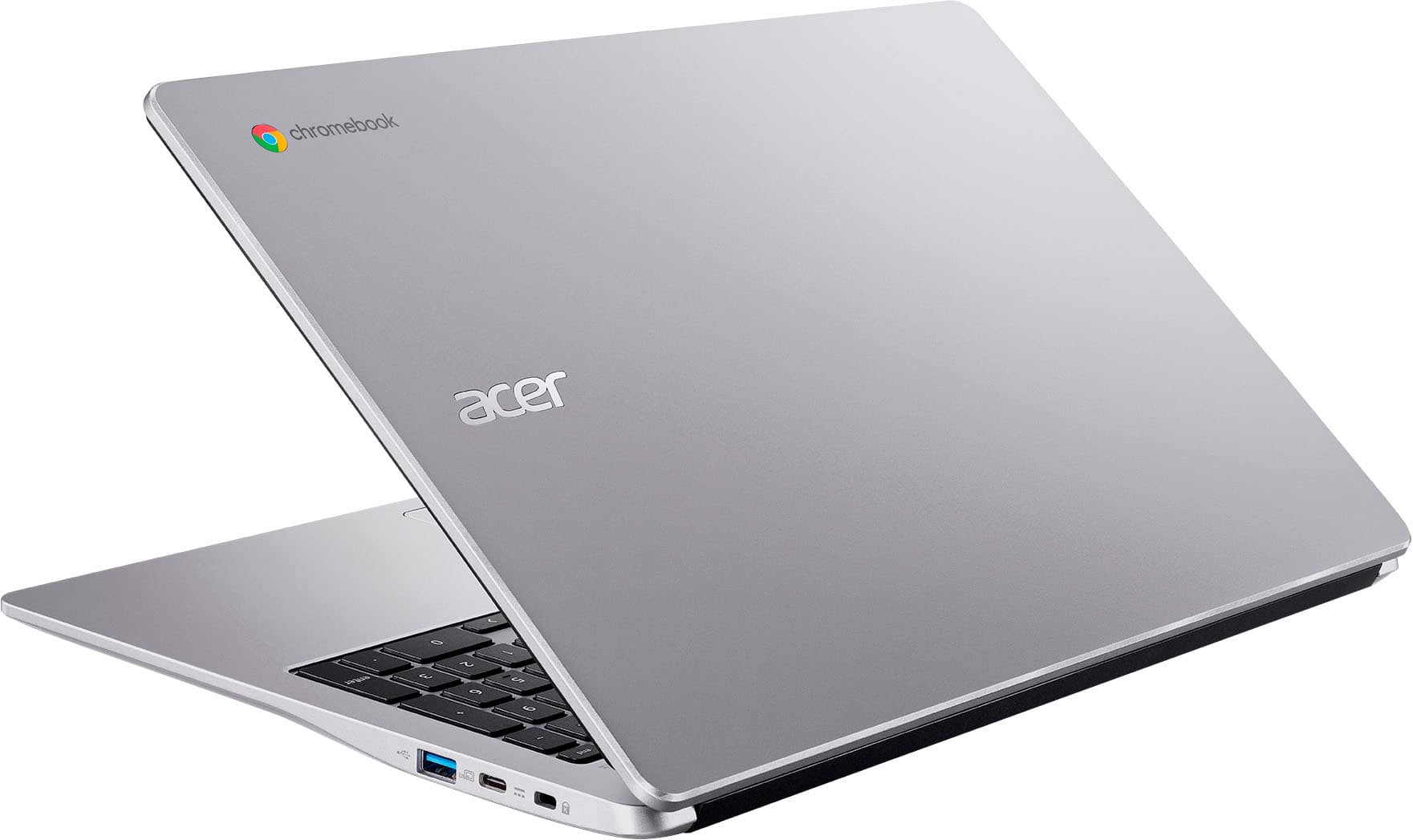
Q: QuestionDoes this Chromebook have Bluetooth?
Asked by Cloud.
- A:Answer Yes it is Bluetooth compatible
Answered by ChelseyD
Q: QuestionHow long does it take to charge to full if dead?
Asked by Anonymous.
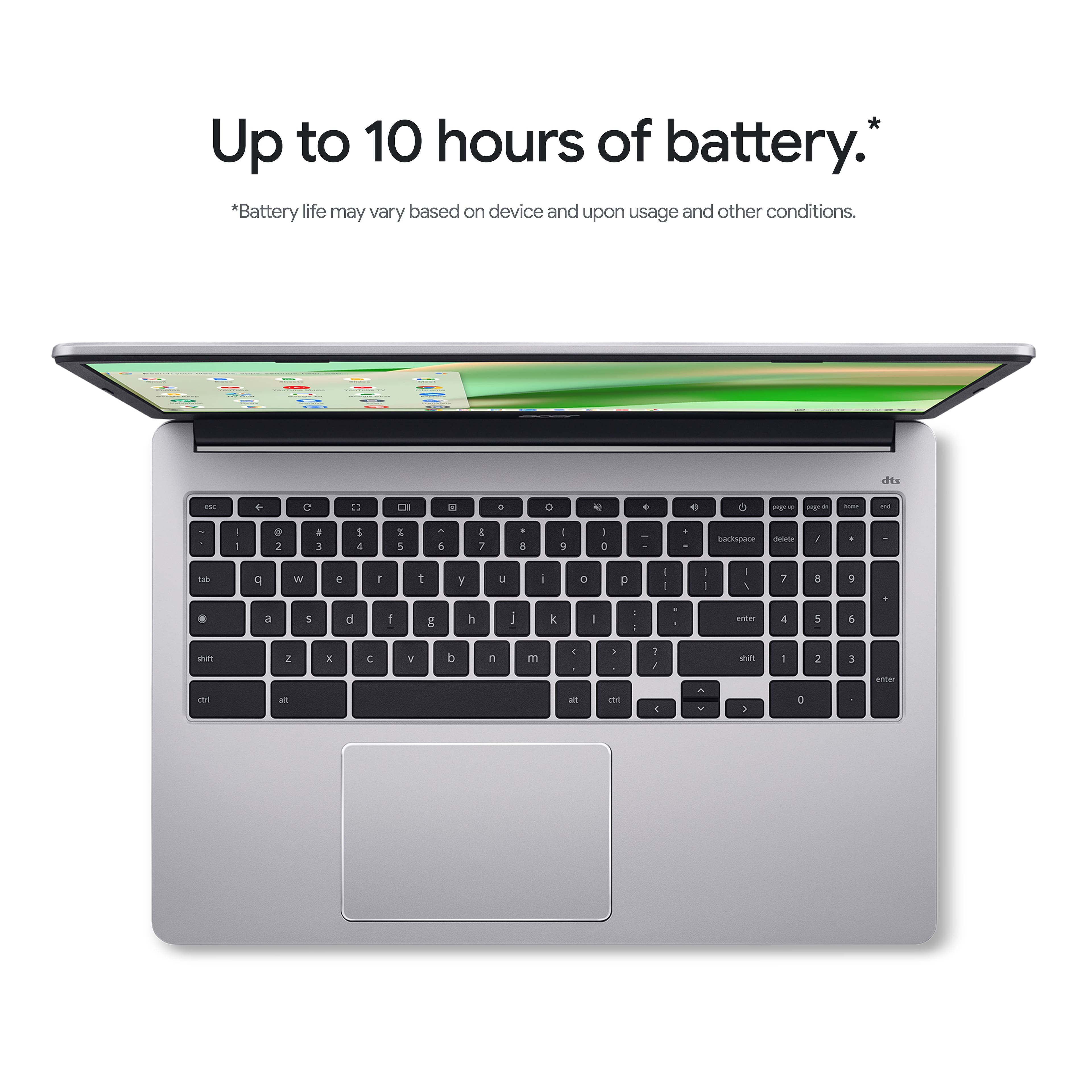
- A:Answer Fast charging normally takes about 45-60 minutes to fully recharge if completely dead
Answered by LAMcMullen
Q: QuestionDos it have a app to write a book with illustrations and the ability to send it all to a printer?
Asked by Anonymous.
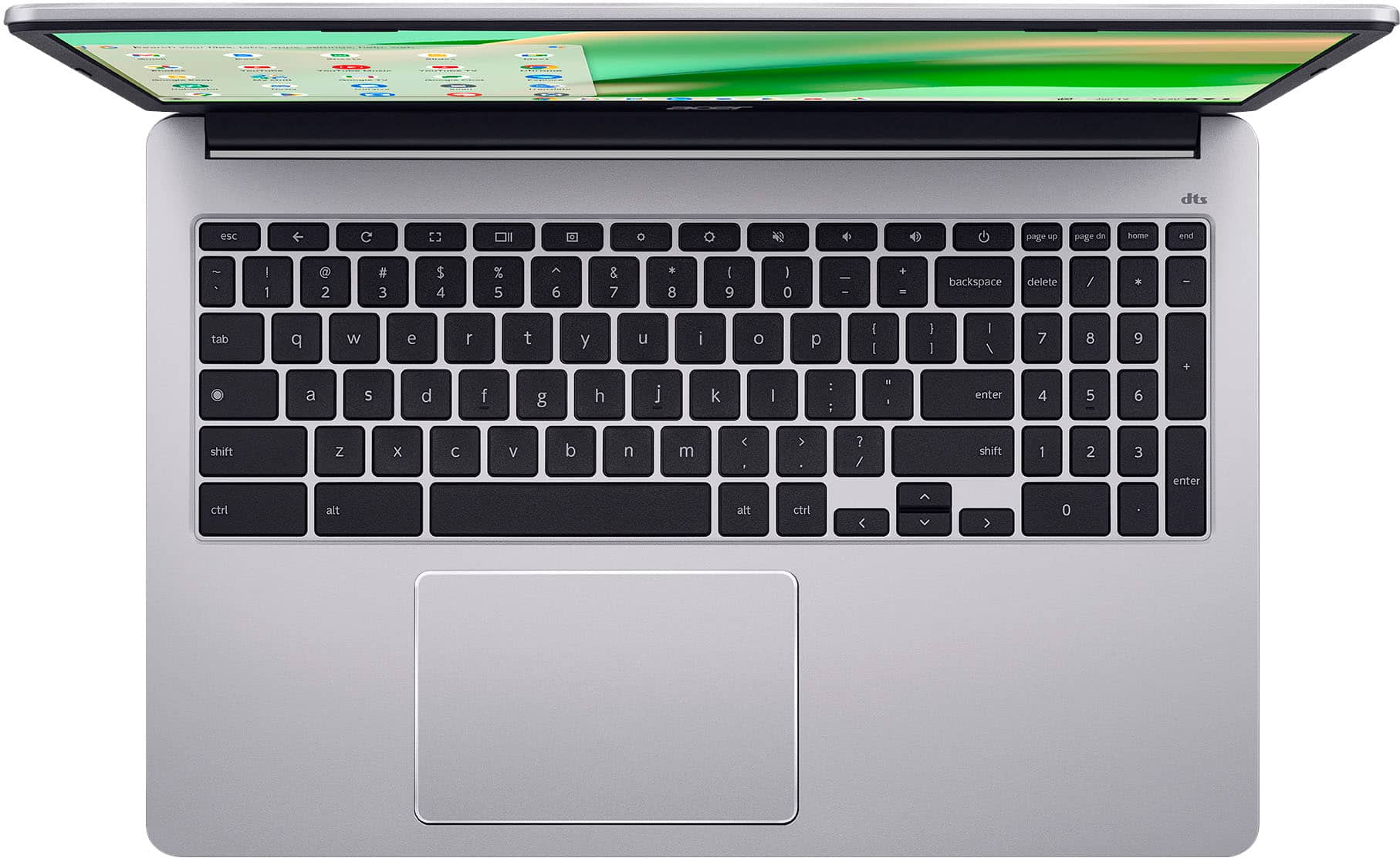
Q: QuestionDoes it have a button on the keyboard to disable the touchpad if you're using an mouse and don't want to accidentally touch the pad with your wrist while writing?
Asked by ClubCrackerMan.
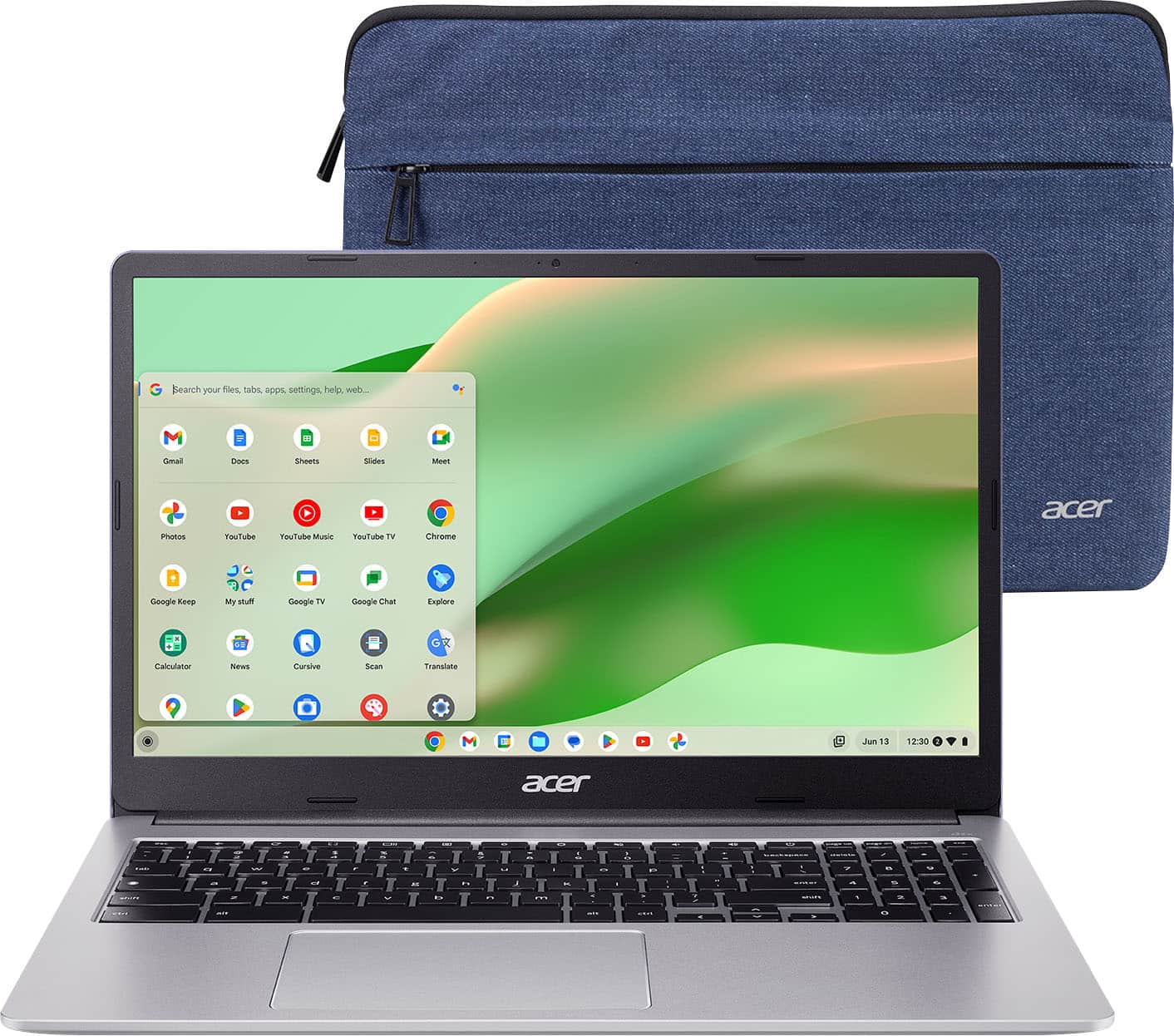
- A:Answer There isn't a dedicated key to press, but to disable the touchpad on your Acer Chromebook CB315-4H-C0BR, please follow these steps:1.Open your web browser.2.Type chrome://flags/#ash-debug-shortcuts in the address bar and press Enter.3.Enable the option Debugging keyboard shortcuts, then restart your Chromebook.4.Press the Search + Shift + P keys at the same time to toggle the touchpad On or Off.
Answered by TeamAcer

Top Rated
- Black Friday Deal$119.00Your price for this item is $119.00
- Black Friday Deal$149.00Your price for this item is $149.00
- $369.99Your price for this item is $369.99$429.00The comparable value for this item is $429.00
- Black Friday Deal$199.00Your price for this item is $199.00
- $249.00Your price for this item is $249.00$399.00The comparable value for this item is $399.00
- Black Friday Deal$249.00Your price for this item is $249.00
- $279.00Your price for this item is $279.00$479.00The comparable value for this item is $479.00
- $178.99Your price for this item is $178.99$249.00The comparable value for this item is $249.00
- Black Friday Deal$399.00Your price for this item is $399.00
- Black Friday Deal$549.99Your price for this item is $549.99
- $185.98Your price for this item is $185.98$319.00The comparable value for this item is $319.00
- $399.00Your price for this item is $399.00$599.00The comparable value for this item is $599.00
- Black Friday Deal$599.00Your price for this item is $599.00
- $279.00Your price for this item is $279.00
- $629.99Your price for this item is $629.99$799.99The comparable value for this item is $799.99
- $349.00Your price for this item is $349.00$549.00The comparable value for this item is $549.00
- Clearance$479.99Your price for this item is $479.99