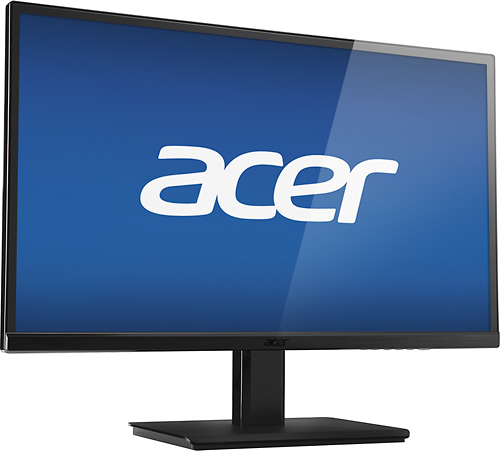
A:AnswerI will say that I had the same issue. The button is underneath the monitor on the right-hand side. It's somewhat hidden. I had to tip the monitor over to find it. Now that I know where to look, it's not hard to get at - just didn't know it was there.
A:AnswerThe external power adapter (a brick like for a laptop) says yes: Input: 100-240V-50/60Hz 1.0A max.
Output: 19V (DC symbol) 2.1A. This is what is fed into the monitor through a barrel plug.
The cable to the wall is removable from the power adapter. You may need a different a cable with a 240V plug at the end of it.
or,
You could use your own power adapter that makes =>2.1A 19V DC with the correct polarity on the barrel plug.
A:AnswerYes you can! Almost every monitor/Tv that has an HDMI input is capable with the Xbox 360 / any other gaming system. I use this monitor to play on my playstation 4.
A:AnswerI believe so yes. I am actually playing Overwatch on my PS4 on mine right now. Can hook up a PC and HDMI to it as well. So for the XBox you have to connect your HDMI and it'll play great.
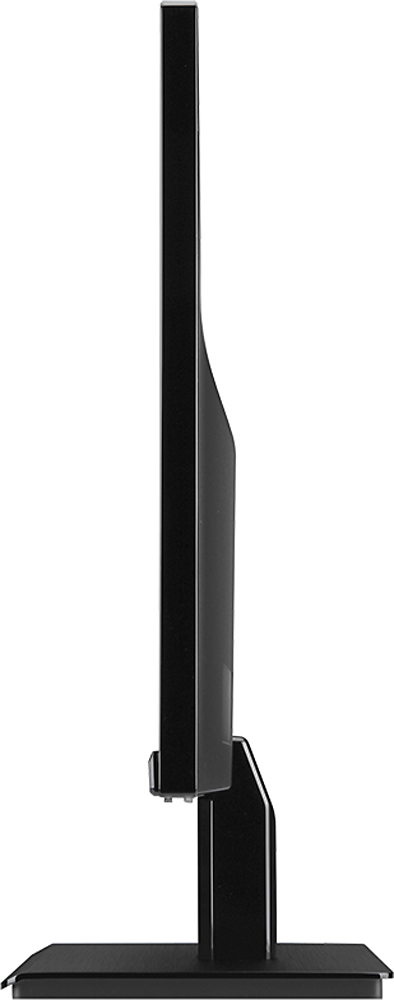
A:AnswerYes it does. It isn't a LOT of tilt but it's enough for my son's PS4 setup and my husband's office where window glare is an issue. (I've purchased two.)