Questions & Answers
- Model:
- EDB323QU S3bmiipx
- |
- SKU:
- 6593333
Q: QuestionDoes it support pbp
Asked by Anonymous.
- A:Answer No, this monitor does not support PBP.
Answered by TeamAcer
Q: QuestionWhat are the best color and brightness settings for gaming? Out of box it’s very dull and dark? Are there any videos for color and brightness setup? Thanks.
Asked by Marwan.
- A:Answer We had this *same* issues with washed out colors when we first starting using the monitor. After doing a google search we found out it isn't the monitor. It was the settings on the PS5. Try this and you should have perfect intense color: Especially if you are going from a TV to a monitor to play on a PlayStation. You will think there is something wrong with this monitor because the display will look grey-ed or grayed out. It is not the monitor. Go into your PS5 or other device and adjust the settings. IF you have a PS5 you are trying to use with this monitor - You MUST go into the PlayStation settings and "DISABLE HDR" on the PS5. Go to Settings> Screen and Video > Video Output> HDR Change this to OFF. You may have to fix the settings on the PS5 where you see the black box and gray cogs wheel and the white box with the gray cogs wheel to make sure your contrast and brightness weren't adjusted prior due to your television settings. If you are not using a PS5 and are using another device - it would be the same on another gaming device. Look for HDR settings on the settings in your console. You can google your exact device say for example "XBOX Acer Nitro washed out display. What settings should I fix?" Google should walk you through which settings to adjust for your exact device. I hope this helps you like it helped us! Just trying to pay it forward. We thought the monitor was to blame at first and almost went back to the store with the monitor. It isn't the monitor. It takes two minutes to fix the settings.
Answered by daxd
Q: QuestionWill this work well for an Xbox series x
Asked by Dv.
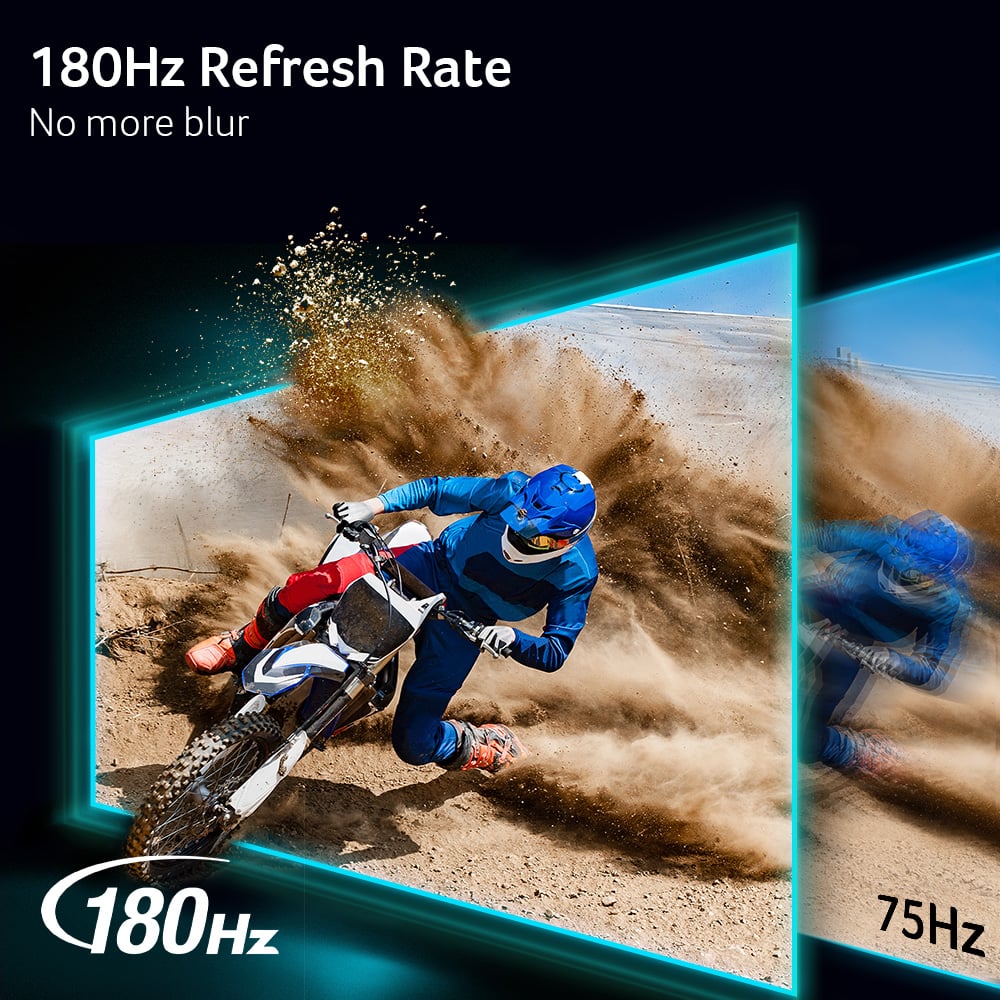
- A:Answer Yes. 100% will work with your Xbox. And it would support your 120fps capabilities as it’s 180hz(capable of running 180fps).
Answered by CyRRaptor
Q: QuestionWhat is the min Brightness?
Asked by Anonymous.
- A:Answer The max brightness is 250NIT. Acer does not offer minimum brightness specifications.
Answered by TeamAcer
Q: QuestionCan I daisy change these if I buy two?
Asked by Anonymous.
- A:Answer I have this monitor working alongside two others.
Answered by KatharineD
Q: QuestionDoes it come with mounting screws?
Asked by Casey.
- A:Answer Yes. I have a couple monitor towers and these came with the screws necessary to mount my backing plates and put it all together
Answered by GregH
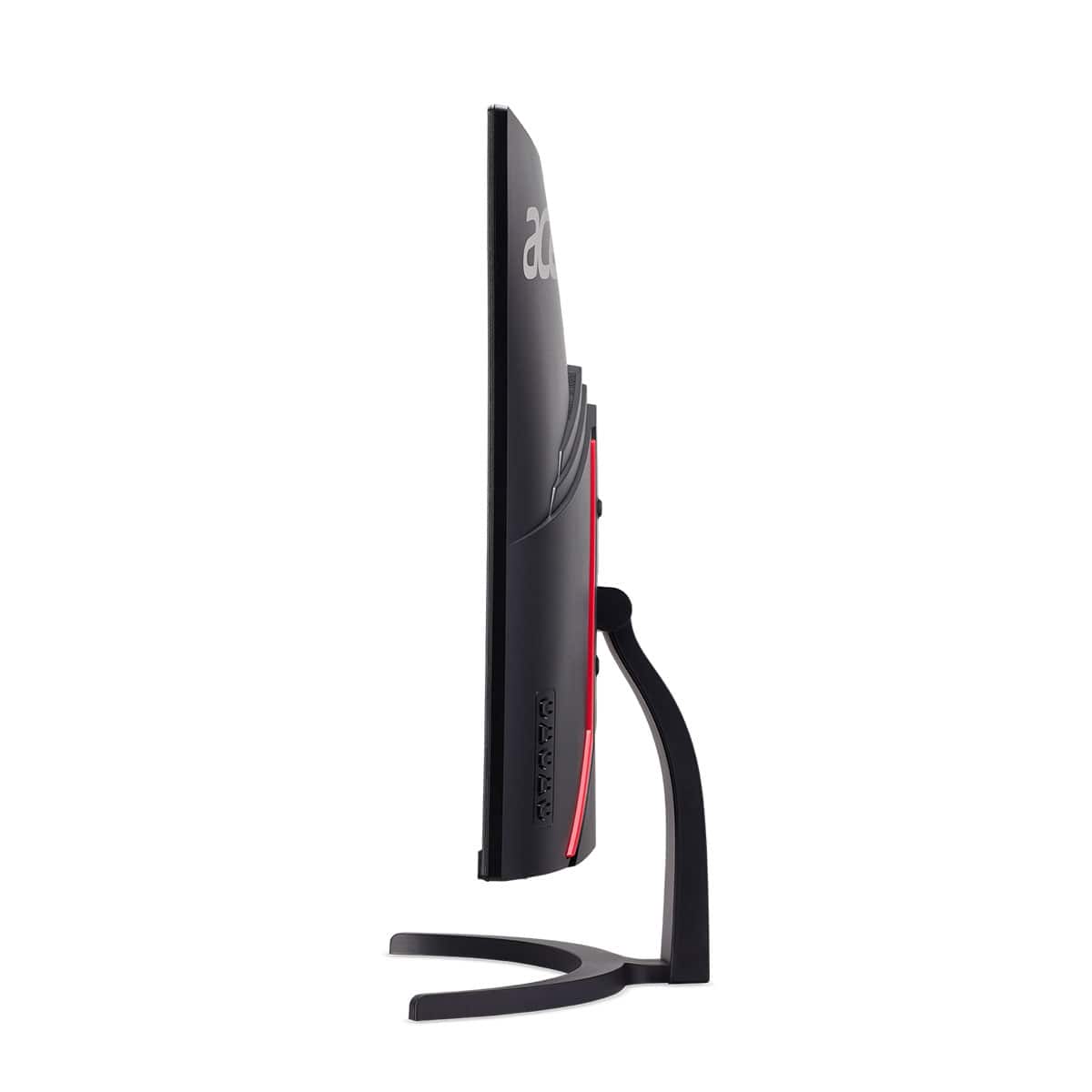
Q: QuestionIs this mountable on a different stand or wall mount?
Asked by Sendhelp.
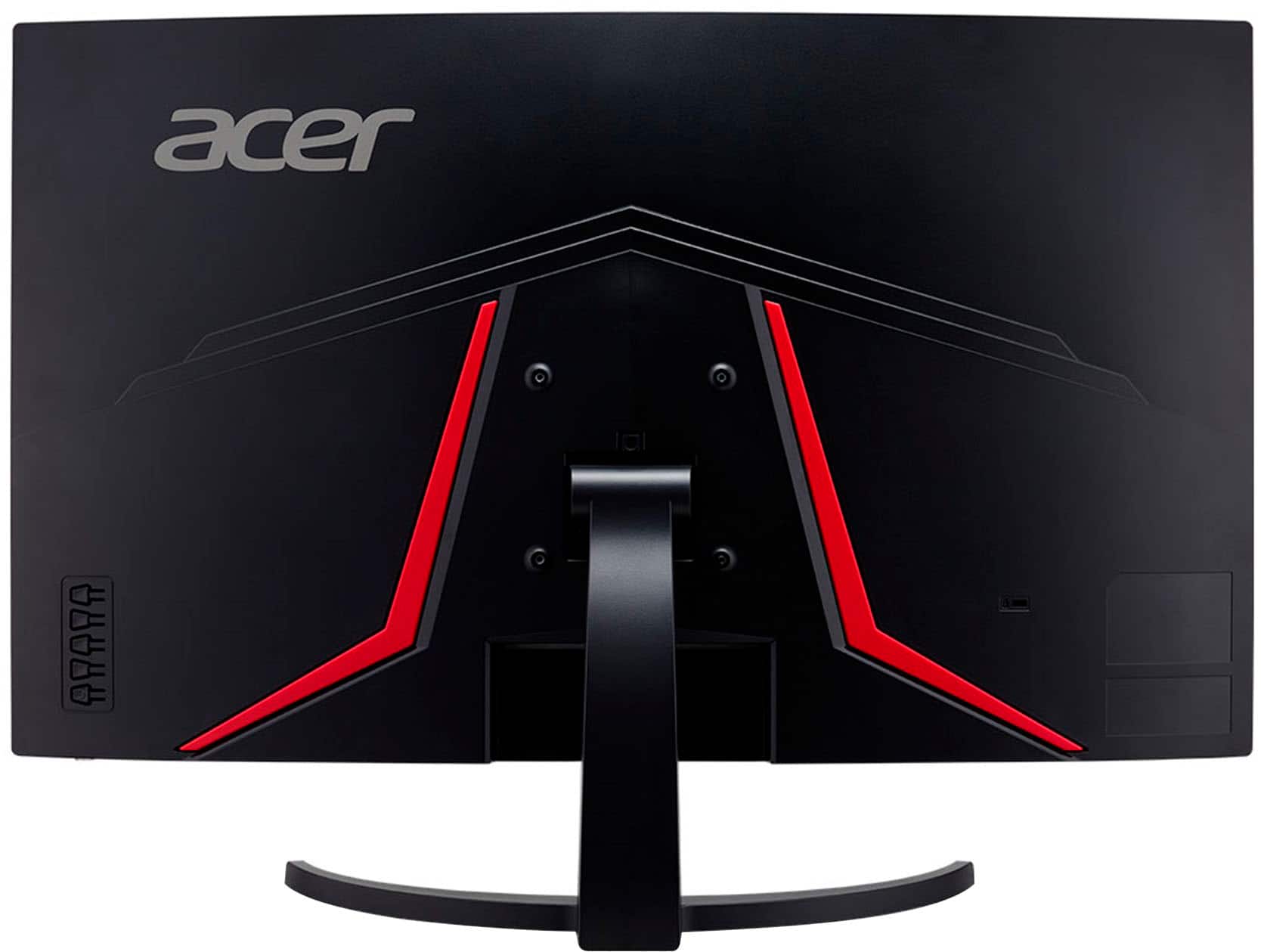
- A:Answer Yes it has standard mounting holes on the back. At least for a wall mount.
Answered by RemiB
Q: QuestionWhat is the 4 screws for that come with it? The stand just snaps into place so I’m confused.
Asked by Court.
- A:Answer For a monitor mount
Answered by BjornH
Q: QuestionCan the monitor go on a dual mount
Asked by Anonymous.
- A:Answer Yes I have 2 32 on one mount
Answered by BjornH
Q: QuestionDoes it support split screen?
Asked by Ravi.
- A:Answer Yes it supports split screen. My son has a PC and split screen works great.
Answered by CharlotteR
Q: QuestionDo this monitor support the xfx 9070xt mercury gpu graphics card?
Asked by Mkoho.
- A:Answer Yes, the Acer EDB323QU S3bmiipx monitor is compatible with the XFX 9070XT Mercury graphics card.
Answered by TeamAcer
Q: QuestionWhat is the monitor height without the stand?
Asked by Drehhas.
- A:Answer ~18-20 inches
Answered by KatharineD
Q: Questiondoes it have 2.1 hdmi ports
Asked by capone.
- A:Answer This monitor has two HDMI 2.0 ports.
Answered by TeamAcer

Q: Questiondo you need to have amd to run this????
Asked by Anonymous.
- A:Answer No, works with anything.
Answered by KelvinC
Q: QuestionCan the monitor be mounted to a wall?
Asked by Anonymous.
- A:Answer I have mine mounted on the wall. So yes
Answered by MichaelB
Q: QuestionDoes this monitor support hdr 10 like the acer EDA323QU S3bmiiphx
Asked by T.
- A:Answer Yes, this monitor has HDR10
Answered by KyleS
Q: QuestionIs there a included HDMI port or a DisplayPort?
Asked by Ron.
- A:Answer Both
Answered by FinKish
Q: Questionwhat would be the best kind of speakers to hook up to this monitor
Asked by Sbaciak.
- A:Answer For the best audio we recommend using powered speakers that connect to the monitor's audio out port.
Answered by TeamAcer

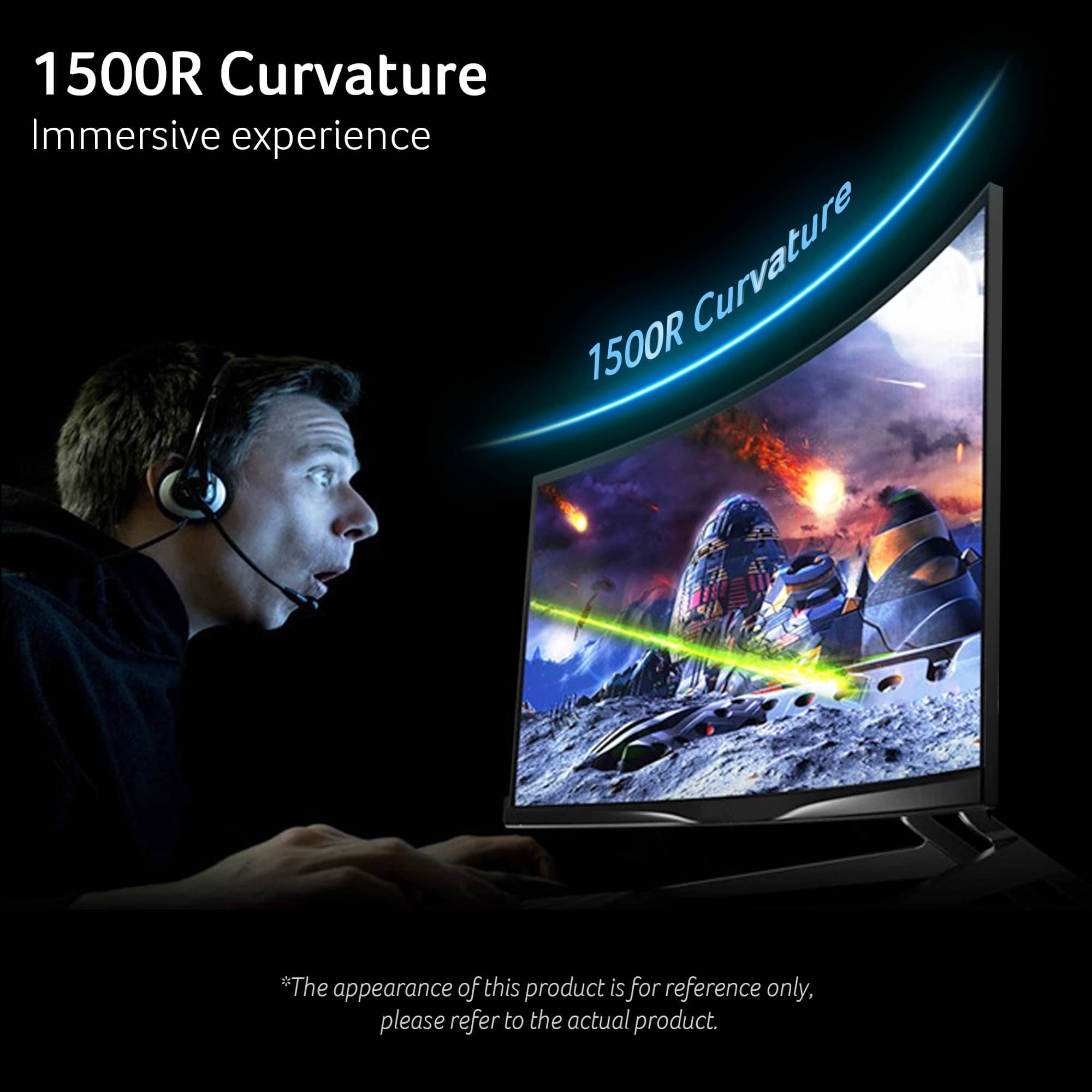
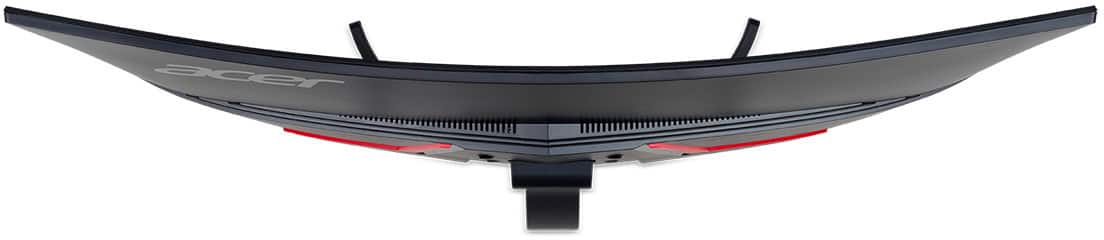
Q: QuestionWhat is the measurement of the curve?
Asked by Anonymous.
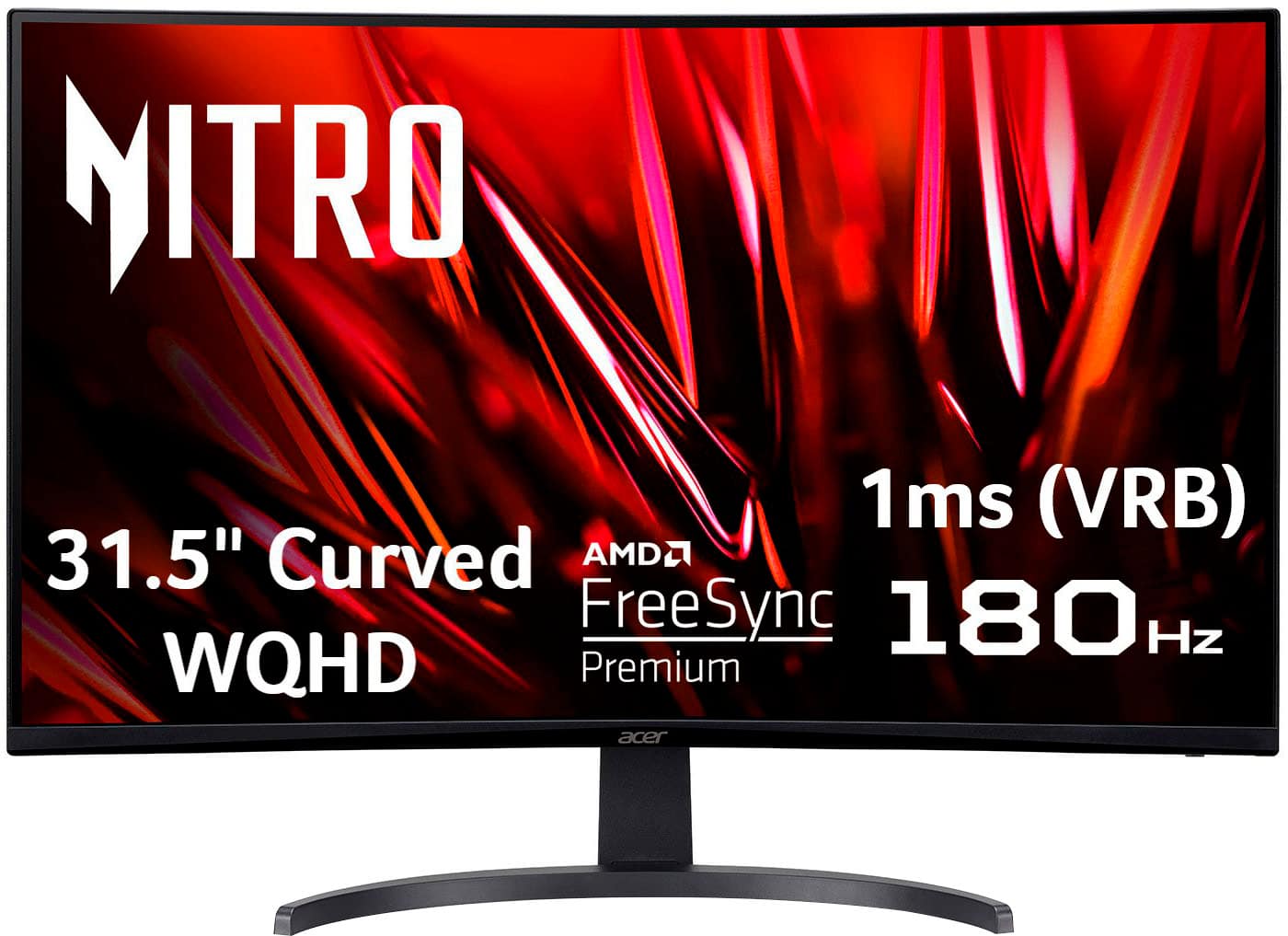
- A:Answer The curvature of the display is 1500R.
Answered by TeamAcer

Q: QuestionIs the monitor G-Sync compatible
Asked by TheCyr.
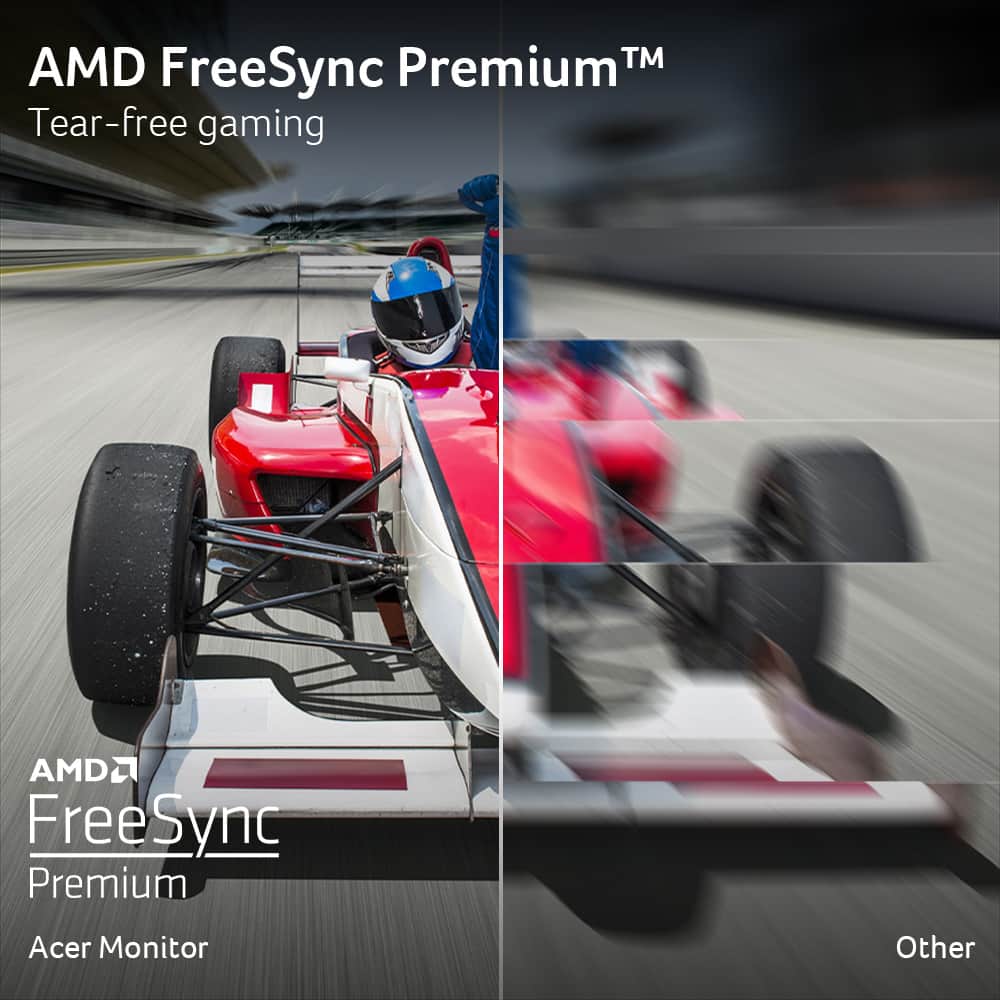
- A:Answer While you can use this monitor with an Nvidia GPU, it supports Freesync only.
Answered by TeamAcer

Top Rated
- $369.99$369.99The price was $549.99
- $199.99$199.99The price was $299.99