Questions & Answers
- Model:
- KG270 P6bi
- |
- SKU:
- 6639158
Highly rated by customers for: Overall Performance, Refresh Rate, Size
Page Showing 1-11 of 11 questions
Q: QuestionCan I run USB to USB port on my sound bar for audio? Otherwise he has no audio out for his PS4
Asked by BigDave.
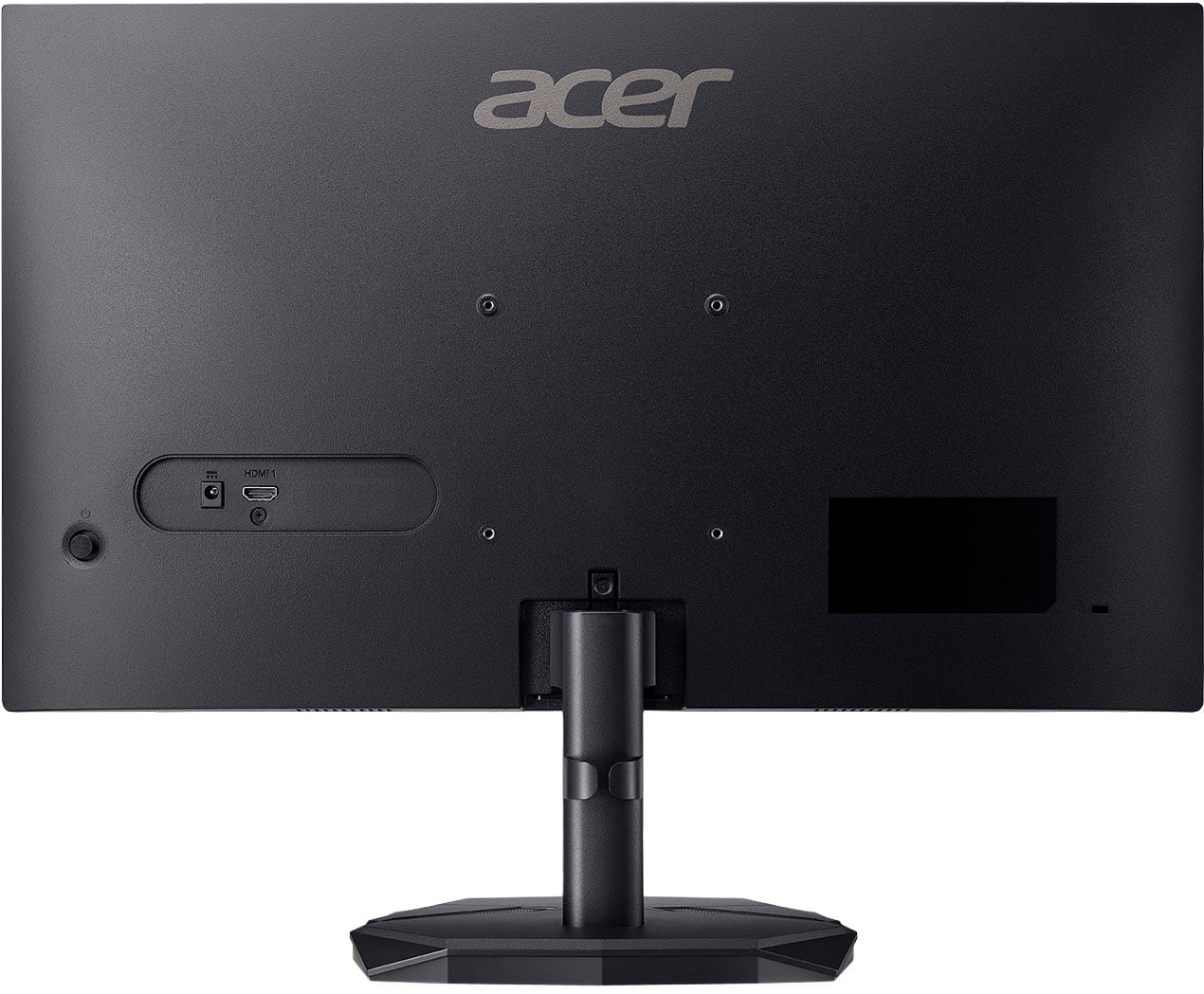
- A:Answer No. The display only has a HDMI port and a VGA port. No speakers.
Answered by JonathanW
Q: QuestionDoes this monitor have built-in speakers? What about 3.5mm jack sound output?
Asked by Dare.
- A:Answer No built in speakers, no 3.5mm jack sound output
Answered by Rachael
Q: QuestionCan this monitor run 120 frames on ps5 light
Asked by Timmy.
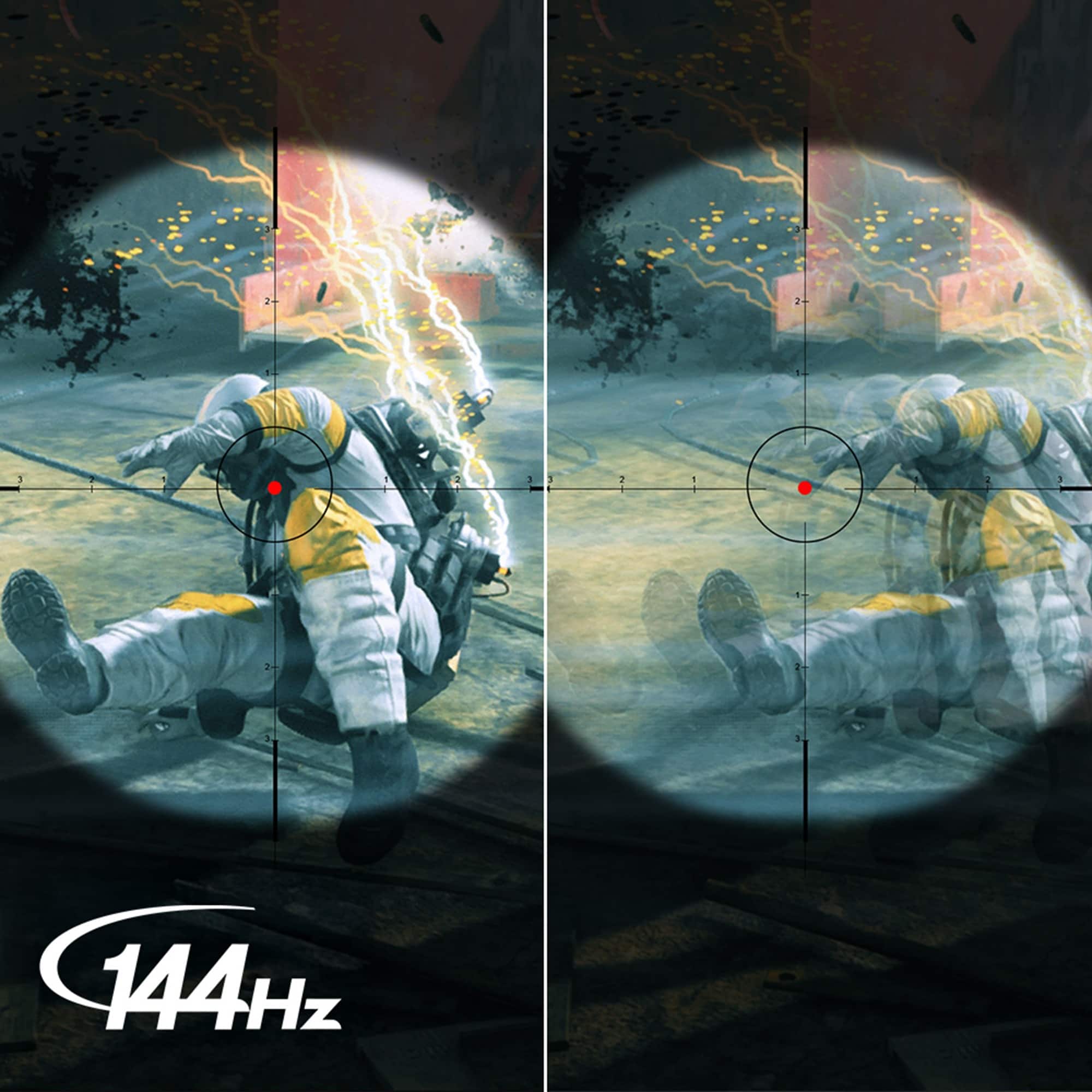
- A:Answer Yes, this monitor can run 120fps with a PS5 console.
Answered by TeamAcer
Q: QuestionI just bought this monitor and it has no physical buttons to adjust brightness. How do you perform those functions?
Asked by TT.
- A:Answer In actuality, the power button functions to adjust brightness as well. I discovered this by accident when powering the monitor off. I noticed a bit of 'wiggle' in the power button and moved it to one side which, ultimately, displayed the brightness menu onto the monitor's screen. It's ridiculous that this simple information is not included with the provided usage instructions nor on the manufacturer's website. Obviously, the support staff doesn't know either. Hopefully, this help everyone.
Answered by Anonymous
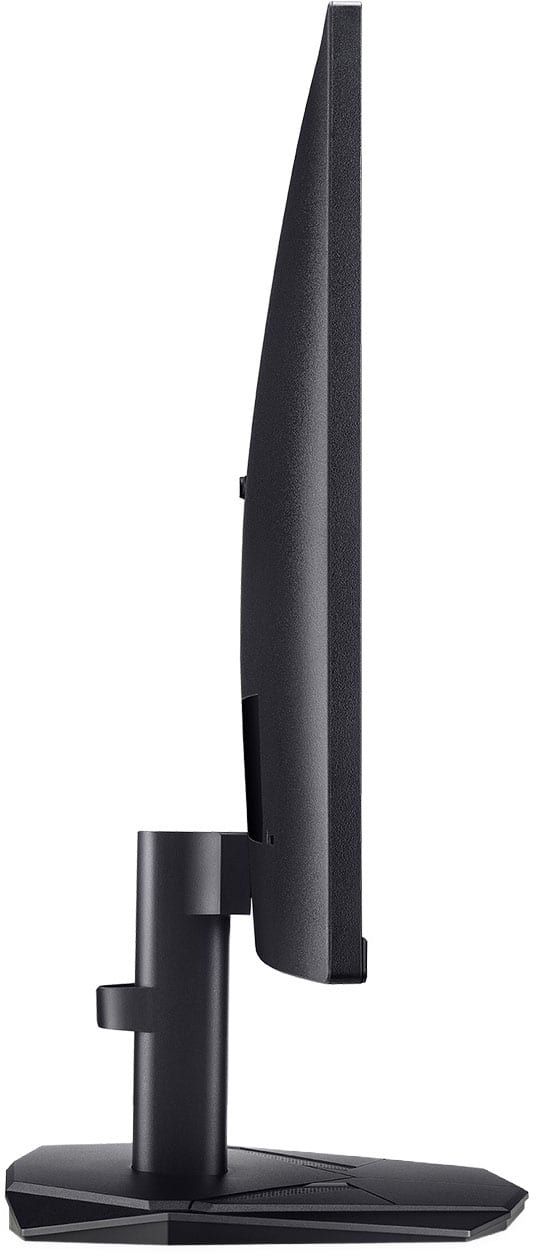
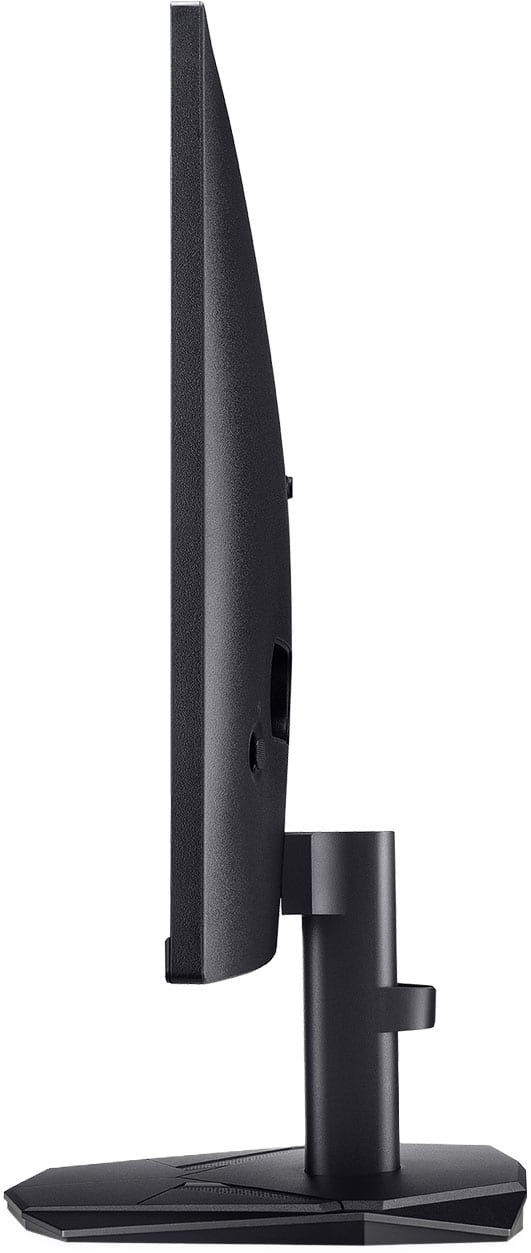
Q: QuestionI know that the screen tilts up and down, but does it tilt very much or only a little bit?
Asked by MonitorSeeker.
- A:Answer It can tilt a lot up it seems, but it can't tilt down very far because of the stand.
Answered by AlakeaP
Q: QuestionDo I have to have another computer/laptop or any of the sort to use this or can I js get a keyboard and mouse?
Asked by Luci.
- A:Answer This is a display device only so you will need a laptop/PC/gaming console in order to use this monitor.
Answered by TeamAcer
Q: QuestionCan it turn vertically?
Asked by Cedric.
- A:Answer This monitor does not support pivoting to portrait mode.
Answered by TeamAcer
Q: QuestionIs this monitor Mac mini compatible
Asked by Grandma.
- A:Answer Yes, the Acer KG270 monitor will work with a Mac Mini, as this and most monitors are plug-and-play with Macs, but you'll need the right cable (USB-C to DisplayPort or HDMI) and may need adapters depending on your Mac Mini's ports.
Answered by TeamAcer
Q: QuestionWhat is the size of screws use to attach this monitor to a dual stand? Not for the stand come with it, just for the four holes behind the monitor
Asked by Pk3357.
- A:Answer You can use M4 screws, typically 10mm or 12mm long (M4x10mm or M4x12mm).
Answered by TeamAcer
Q: QuestionIs the stand height adjustable on this model?
Asked by Kruser.
- A:Answer You can tilt it up in down but the height is not adjustable unless buying a monitor mount
Answered by MekoS
Q: QuestionIs there a display port on this model?
Asked by Anonymous.
- A:Answer No only 1 hdmi port
Answered by MekoS
Page 1, Showing 1-11 of 11 questions