A:AnswerIf you mean technical support, the Acer store does not offer tech support for our products. If you are in Canada or the US, you can call 866-695-2237 for technical support. If you are outside North America and cannot call, you can contact support via Facebook or Instagram, or by chat support. Contact information for support is posted here: https://www.acer.com/us-en/support
A:AnswerAcer provides a domestic warranty in the country of purchase and an International Travelers Warranty for the laptop products. This applies to genuine travelers only; if you travel a lot we highly recommend you read the terms and conditions on our website under Support. This page also provides links to the ITW service locations, ITW FAQ, and ITW Service Limitations. Please note if you purchase the system in the US but live outside North America, you will not get a domestic warranty in your country of residence. If local repair and support is important to you, we recommend you purchase the system in the country of residence.
A:AnswerI assume you are meaning a portable power bank. I can't imagine there is anything practical for portability that can keep this charged for long. The GPU alone is pretty power hungry. I suppose an AVR power backup would work but as previously stated they aren't practical if portability is something you want.
A:AnswerThis product has an International Travelers Warranty, for genuine travelers. The domestic warranty is in the country of purchase. If you purchase the product in the US (for example) then the domestic warranty is in the US. If you travel outside the US the ITW warranty can apply. We recommend you check the terms and conditions at http://www.acer.com/worldwide/support/itw.htm.
A:AnswerNo, this particular model is not in the Neo series. You can view the Neo models here: https://www.acer.com/us-en/predator/laptops/helios/helios-neo-16
A:AnswerWork and school software are usually Microsoft word, PowerPoint or Excel. This laptop is over powered to simply do these tasks. You can go with a lighter / cheaper laptop. However for games, video editing, in between work and school, this is where this laptop shines.
A:AnswerThat’s a pretty broad question. What makes a screen good? Brightness? Response time? Glare? Dead pixels? Screen tearing?
For the price you pay, this is the best in class to value. The screen is very bright , very little glare, colors are slightly off to accuracy if you are a hardcore photographer. For a gamer , which is what this laptop is intended for, you won’t even notice. I had zero dead pixels on my machine but it can vary from model to model. I adjusted my screen for Overwatch/twitch shooters, no ghosting. I don’t use it for content creation as the colors are slightly under contrasted. Hope that helps
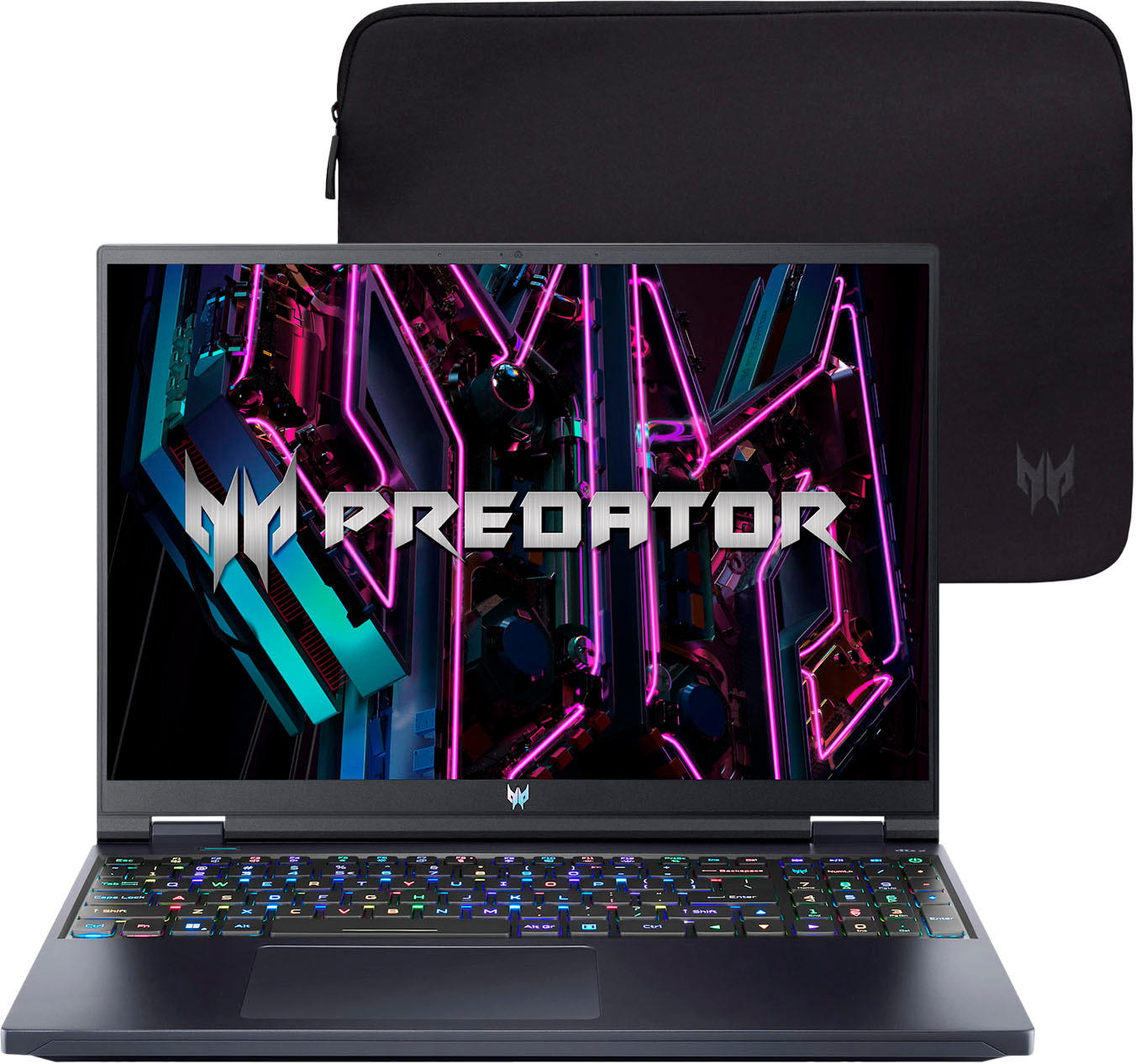
A:AnswerSeveral possibilities but the common one is most people upgrade RAM and Storage as one of the first things after buy. In order to facilitate this , they give just enough RAM to give to the initial setup of the system . AS noted in other answers and user manual , there are two slots available for RAM. Various answers regarding max RAM allowed (some say 32 , some say 64), but I would go with most that recommend a kit for 32gb (two sticks). Make SURE , if you decide to go this route , that it's two sticks and not just the identical one in both slots. That's been know to cause issues.
Or yould just go with one stick that equals 32gb.
Take your pick. There are several brnads that work well either way and fit the system.