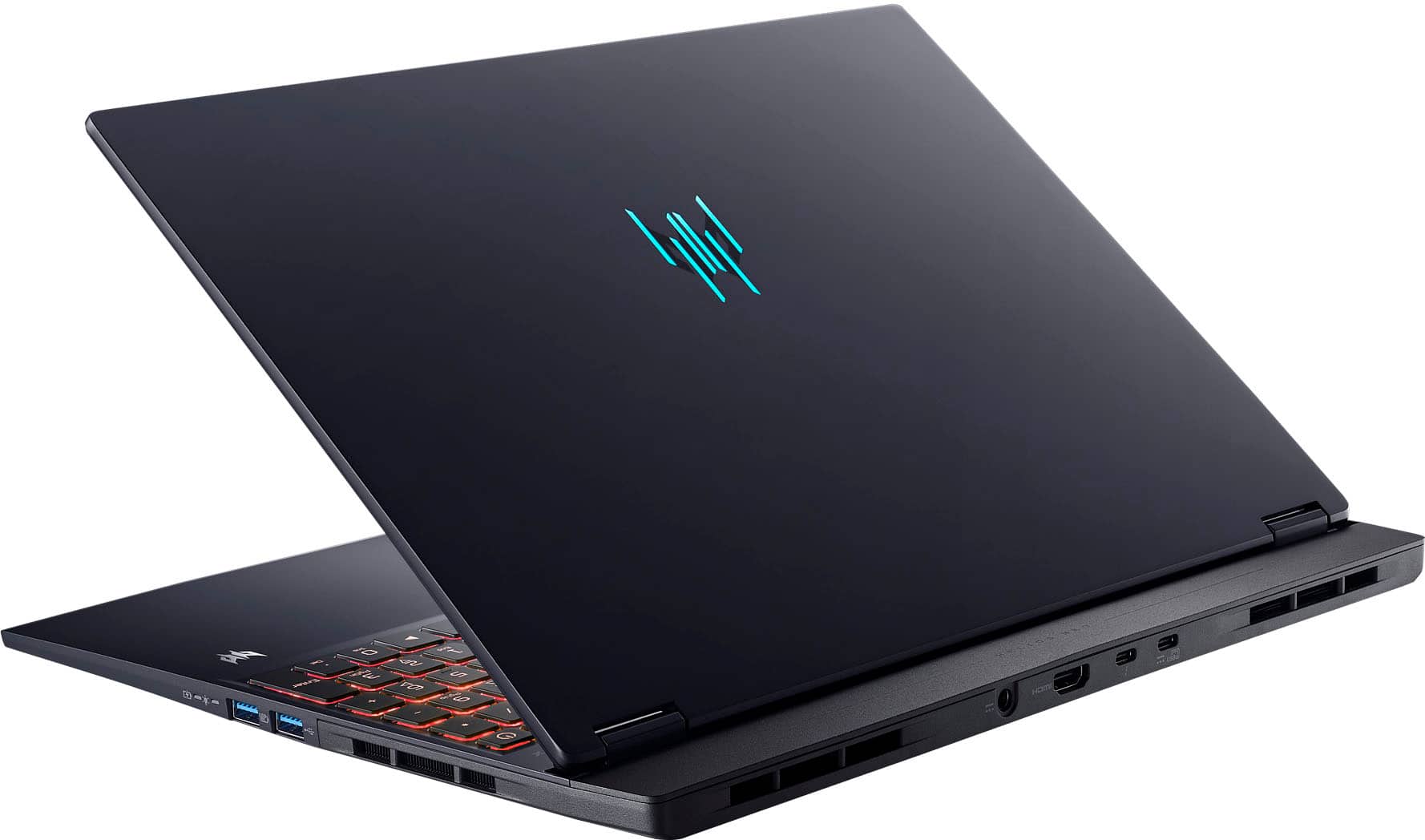
A:AnswerYes, the keyboard lighting on the PHN16S-71-98RF is customizable through the included PredatorSense software, allowing for 4-zone RGB backlighting customization, including color and effects.
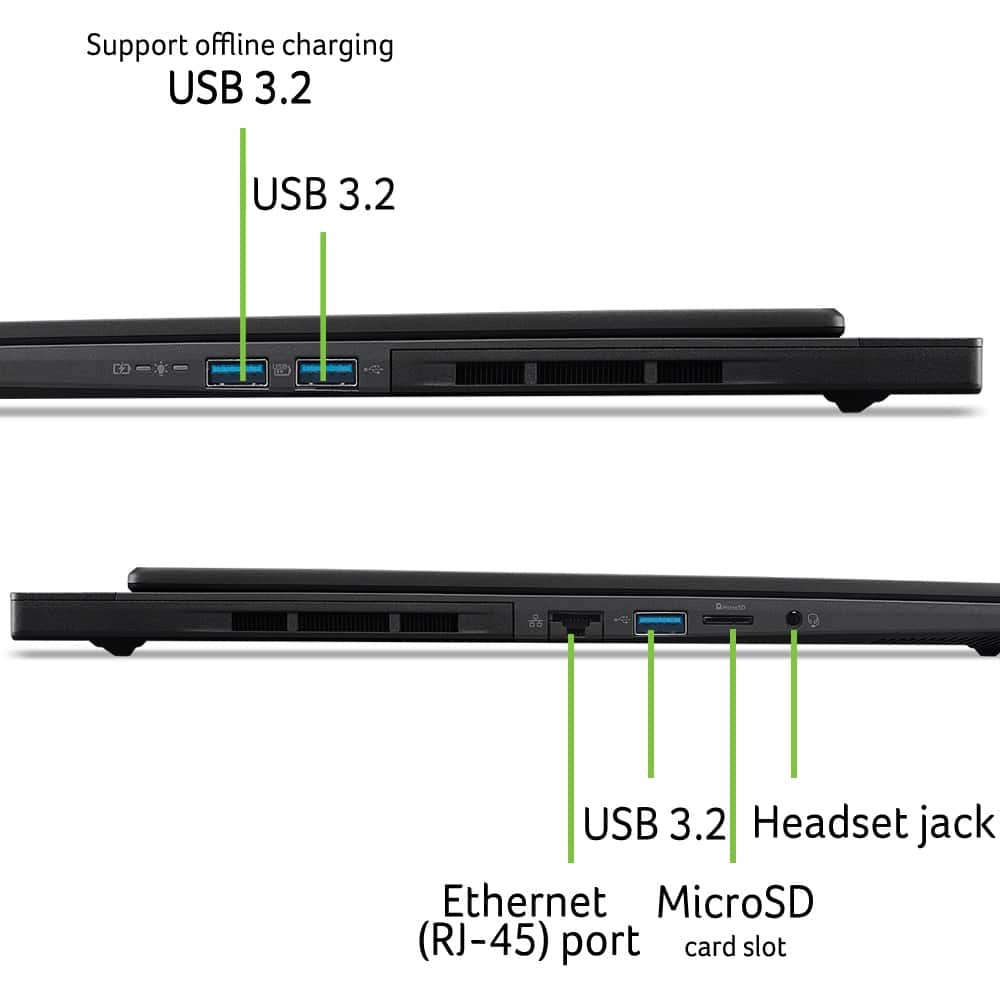
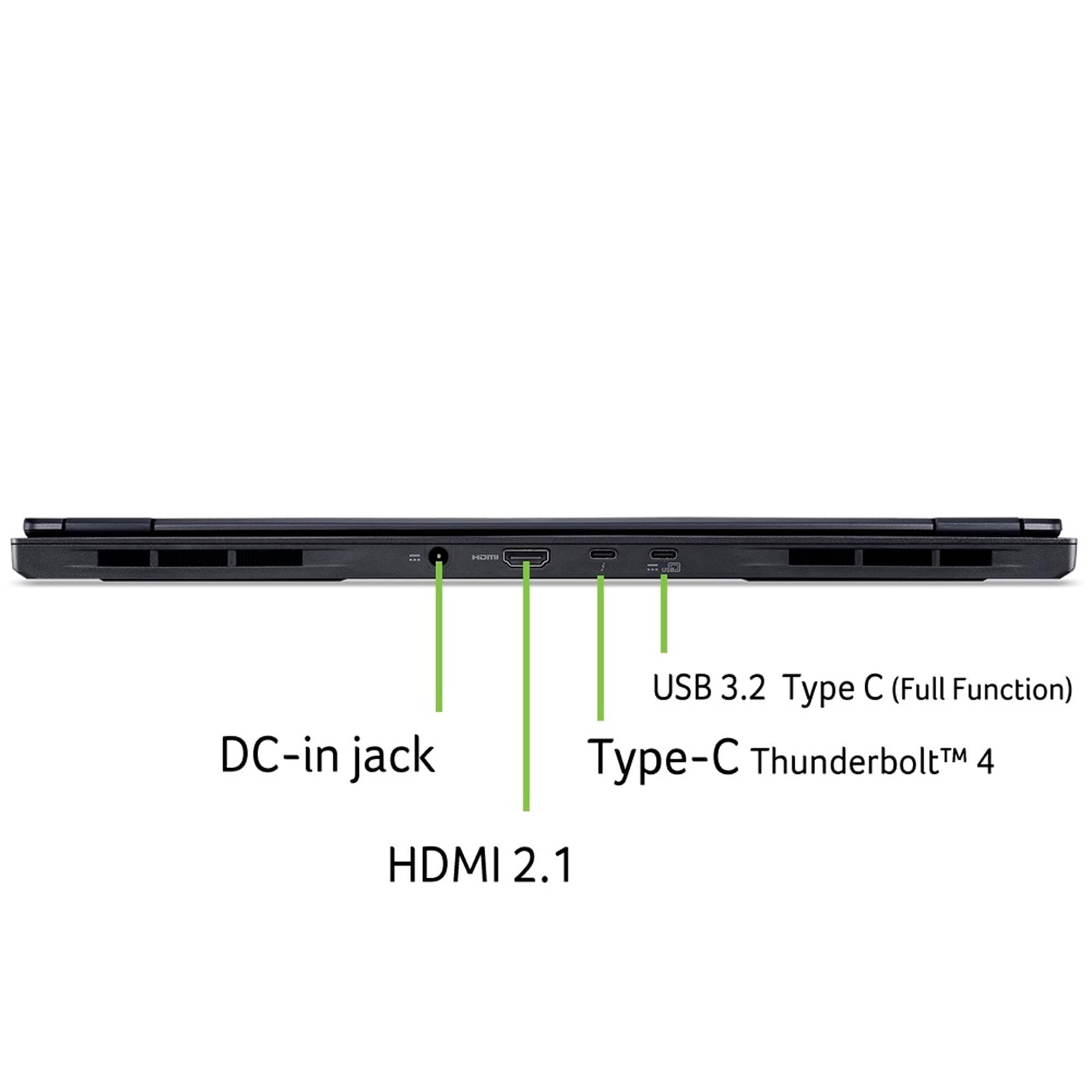
A:AnswerYes, the PHN16S-71-98RF supports USB-C to DisplayPort 2K (2560x1440 or 2560x1600) at 240Hz. This model has multiple USB-C ports, including a Thunderbolt 4 port, which are capable of this output.
A:AnswerYes, the Acer Predator Helios Neo 16S AI (PHN16S-71-98RF) supports USB-C Power Delivery (PD) charging. The laptop can accept a maximum of 100W of power via a compatible USB-C port.
A:AnswerIt's a hot item, so it goes quick. Definitely set up those Best Buy restock alerts so you know when it's back. I waited like, three months for mine. Good luck!
A:AnswerThe approximate dimensions of the touchpad are 4.9" wide by 3.21" high. Our documentation does not state the material of the touchpad surface but it is a smooth matte black.
A:AnswerAcer recommends using the included AC adapter with standard barrel jack. If you use a USB C charger, make sure it supports the voltage/wattage information on the label of the included AC adapter.
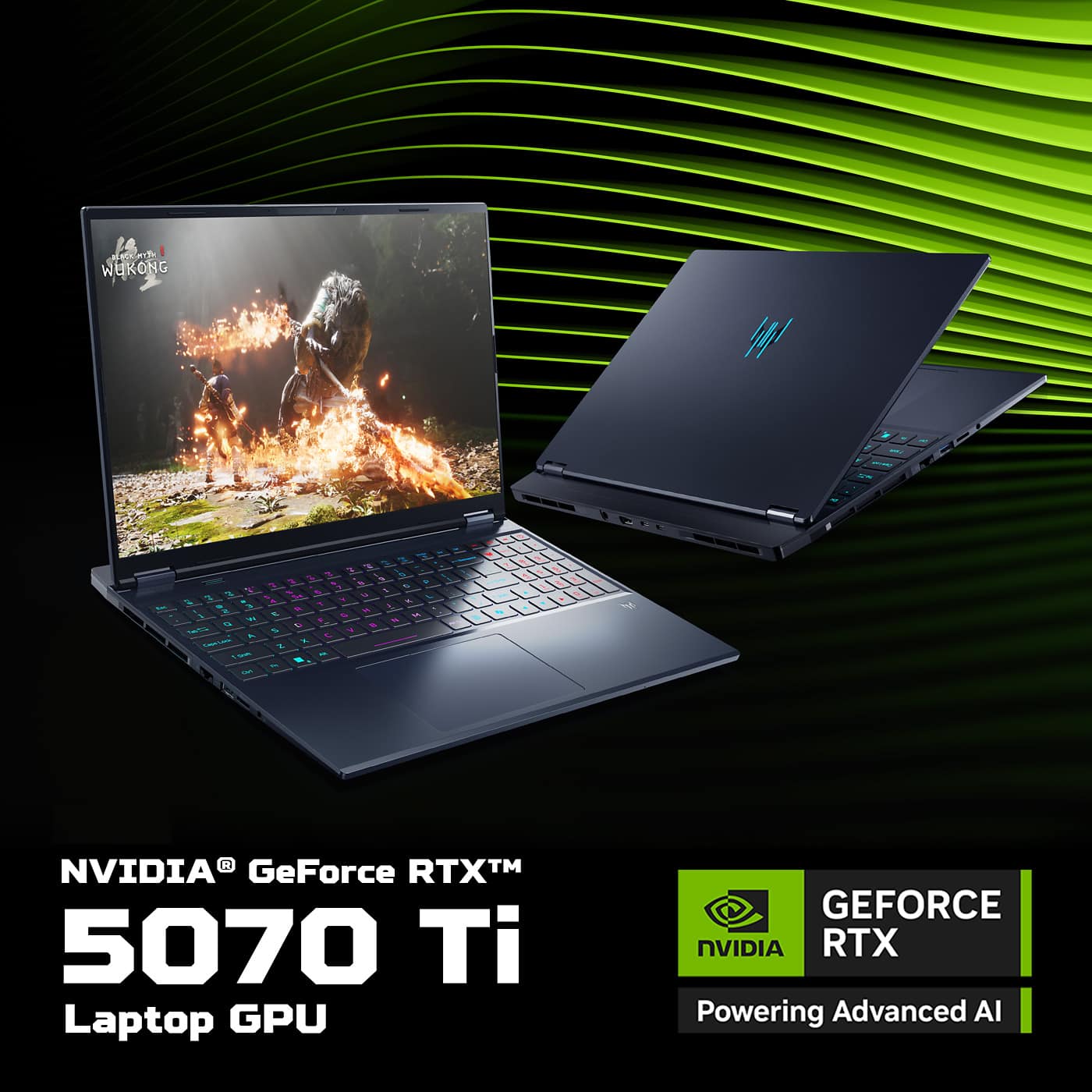
A:AnswerI've only played Fortnite on this and it's was on native resolution which is 2560x1600 and it was Fortnite performance mode and I can tell you that this thing was pulling in around 210fps+ in tilted zone wars
A:AnswerThis product has an International Travelers Warranty, for genuine travelers. The domestic warranty is in the country of purchase. If you purchase the product in the US (for example) then the domestic warranty is in the US. If you travel outside the US the ITW warranty can apply. We recommend you check the terms and conditions at http://www.acer.com/worldwide/support/itw.htm.
A:AnswerThe chassis is plastic.
The monitor part is made of really tough, high-quality, premium plastic. But the bottom is a cheaper plastic, so be careful. If you drop it, the bottom will crack.






![The text on the image reads:
"OLEI I dtsx Esc F1 & F2 F3 de F4 F5 o F6 F7 D F8 C- F9 F10 & F11 F12 AN PrtSc t Ins Del H >/II H ~ 1 ! 1 @ 2 # 3 $ 4 % 5 A 6 & 7 . 8 [ 9 ] O | + = Backspace Numik / Tab Q W E R T Y U I O P { [ } ] I / 7 Home 8 A 9 PglUp - Caps Lock A S D F G H J L : a - Enter 4 a 5 6 V + 1 Shift Z X V N M - > - ? / 1 Shift 1 End 2 V 3 PgDn Enter Ctrl Fn Alt Alt Gr i O 3re Del"
The text is a list of keyboard shortcuts for various functions, such as Esc, F1, F2, F3, F4, F5, F6, F7, F8, F9, F10, F11, F12, and more. The shortcuts are organized in a way that makes it easy for users to find and use them while working on their computers.](https://pisces.bbystatic.com/image2/BestBuy_US/images/products/e9e6c769-2ef3-4649-ad17-3fab10424316.jpg)