Questions & Answers
Page Showing 1-2 of 2 questions
Q: QuestionWhy isn't my monitor displaying an image when I connect it with an HDMI cable? I replaced my old screen with this one, but it's not showing anything when I connect it using my HDMI cable. (I'm not connecting it to a gaming PC it's for a regular
Asked by HDMI.
- A:Answer There could be several reasons for this. The most common culprits are the wrong input source selected on the monitor, loose cables, or needing a restart; first ensure the monitor is on the correct HDMI port (e.g., HDMI 1, HDMI 2), check cable security at both ends, then restart your computer and monitor, and finally, try a different cable or port to rule out hardware failure. Also if you are using an adapter that could be the problem as well. We suggest you post your question on the Acer community forum at community.acer.com. This is a very good peer-to-peer forum for questions and answers on Acer products.
Answered by TeamAcer
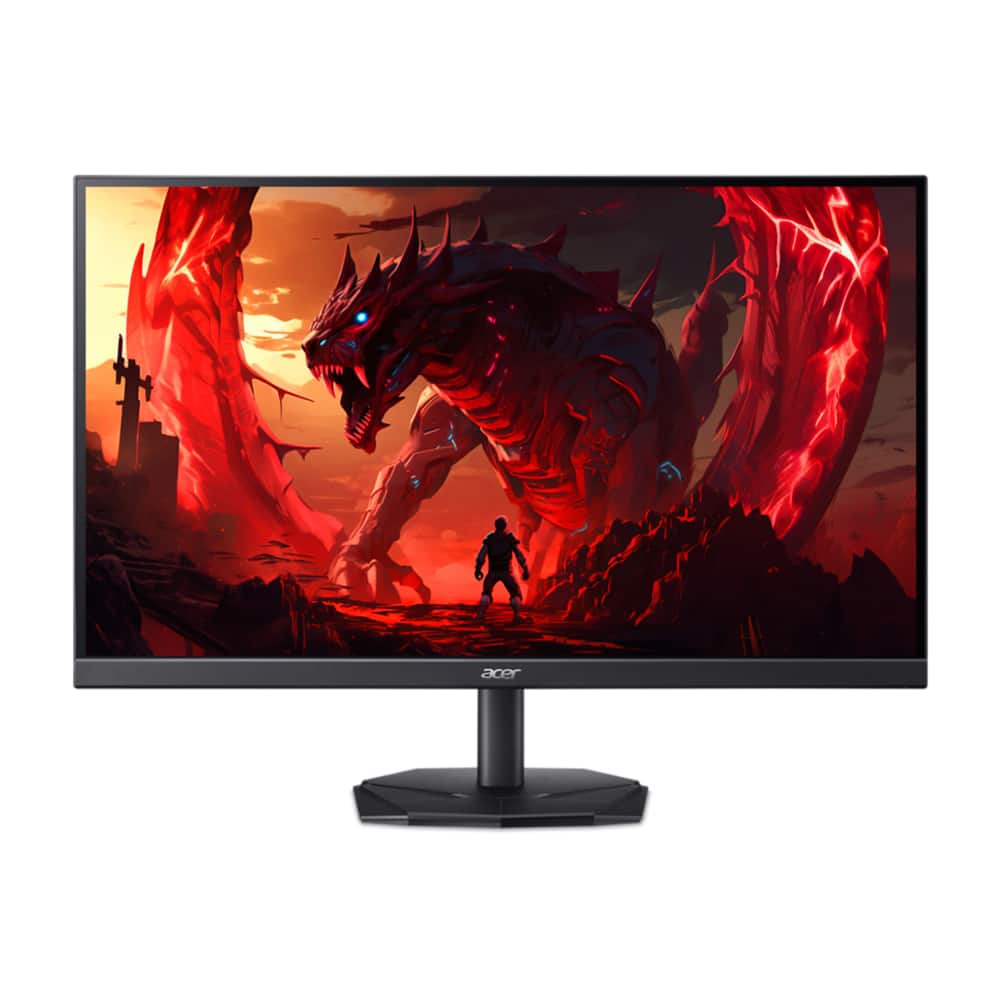
Q: QuestionDoes this monitor work at 180hz refresh rate at 2560x1440? If so, how? The specs list it as only having 2xHDMI 1.4 which can only support 1440p at 75hz. Am I missing something, because I want to make sure I get the best performance out of my monitor.
Asked by Will.
- A:Answer Yes this monitor supports up to 144hz via HDMI and 180hz via DP and the native resolution is 2560x1440. If you are unable to get the higher refresh rate, check to make sure your GPU supports at least 144hz but if the GPU does not support 180hz, you won't be able to get that higher refresh rate.
Answered by TeamAcer
Page 1, Showing 1-2 of 2 questions