A:AnswerI installed it on my Mac desktop and MacBook Air with no issues. Also, if you need to install on more then two computers I believe you can deactivate the license for one computer to install on others.
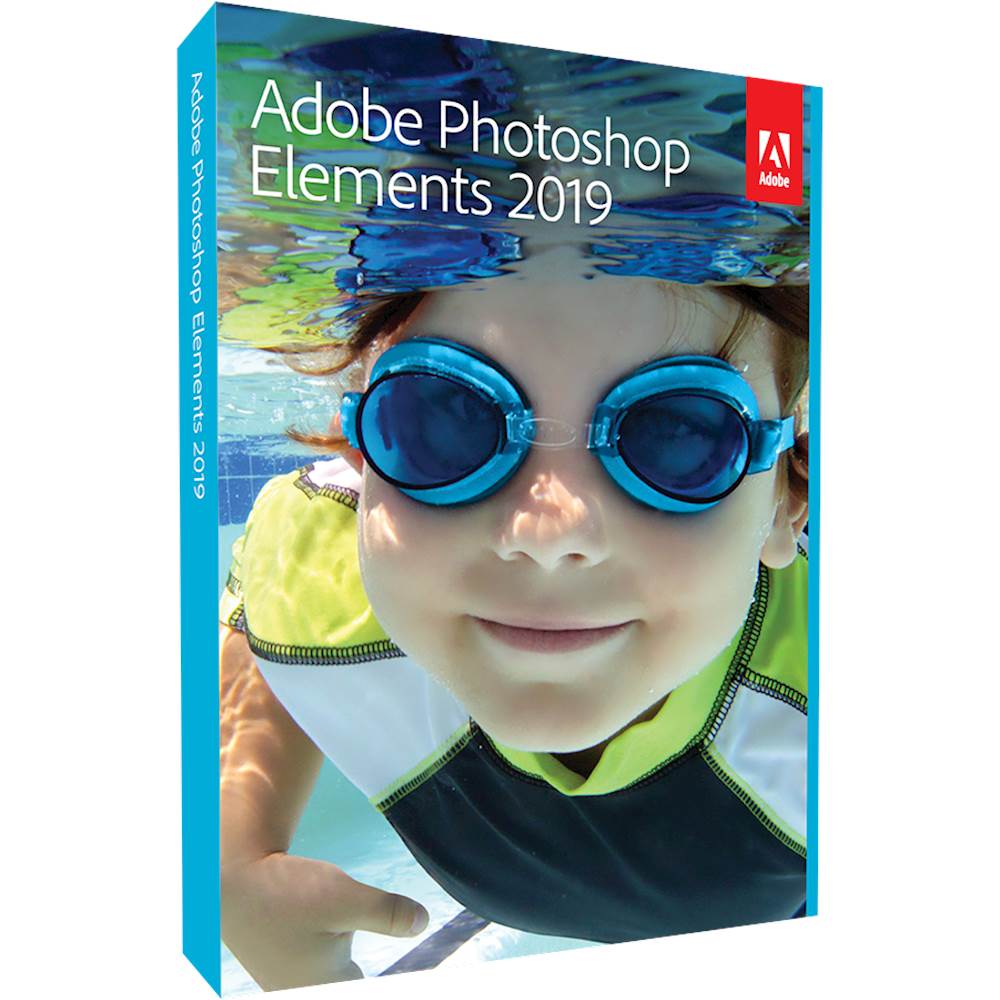
A:AnswerYou can buy the box, and download the program from Adobe. There is a registration code in the box you use to activate the software. Best Buy also sells external DVD drives that work on Macs. Not expensive, and you'll need one eventually.
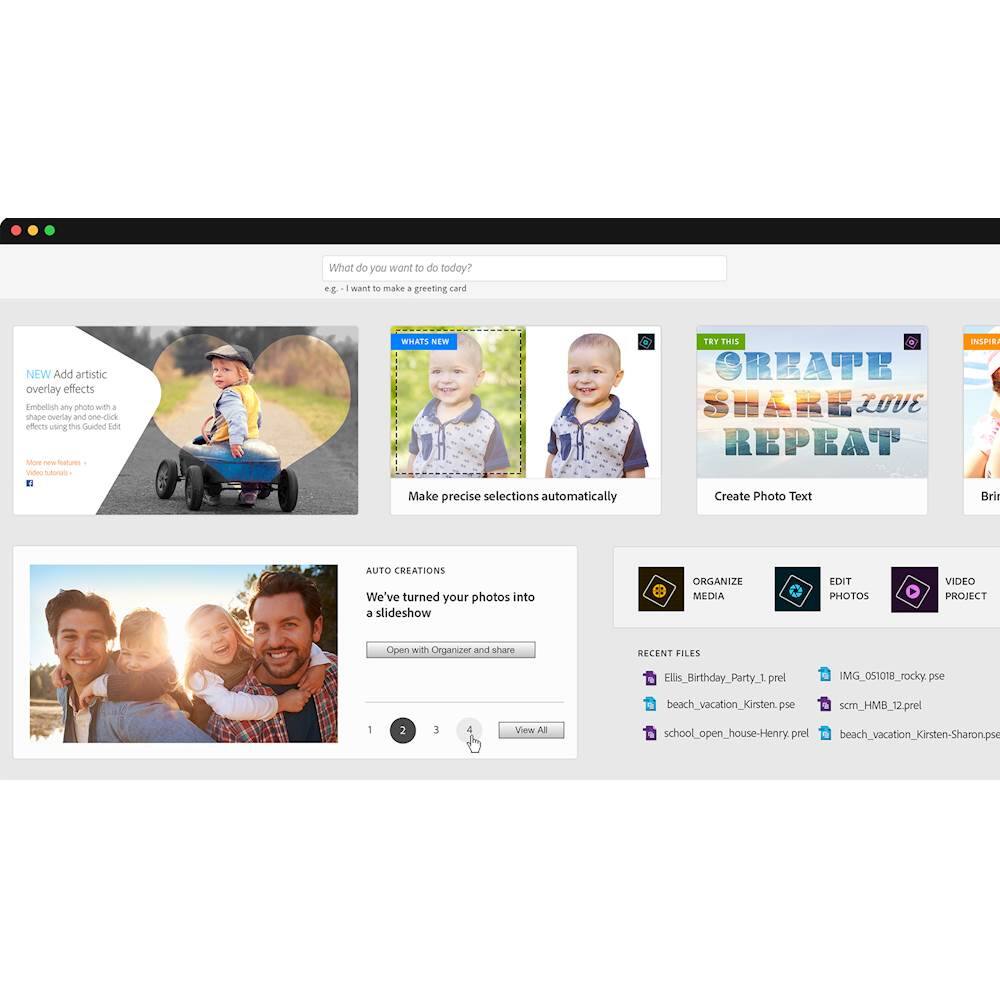
A:AnswerPSE 19 adds itself as a separate program on a separate folder. Both can stay on the machine. I deleted 18 then added 19. Photos transferred over easilly. Nice clean interface on the new version !
A:AnswerIt comes with a disk which you can use to download, or you can use the link listed on the product key insert to download from the website. This is what I did since my laptop doesn't have a DVD drive. Hope this helps.
A:AnswerOnce your software is activated you can use it with or without being connected. Maybe whoever told you this is referring to using the cloud for storage.
A:AnswerThis question is irrelevant to Photoshop Elements. Store your photos anywhere you want. If you want them in the cloud, set up an account with any of the many cloud service providers. Or store them locally on your computer. Photoshop Elements doesn't care. It will load them from and save them to any location you indicate.
A:AnswerI bought the box from Best Buy. It comes with an installation disk and the serial number to unlock the software. The manual is on-line. There are so many great free you tubes out there for learning Elements that I have not found this to be a problem. I only reference the manual when I am trying something new and I can't find a video that shows what I want to do. This usually helps me to frame the question when searching for videos to help me learn something new. Just search photoshop elements and you will get a long list of helpful you tubes.
A:AnswerThe program can be purchased directly at the Adobe website, in which case you download it and type in a license number that you receive when you make the purchase to activate it and make the installation permanent. The program can also be purchased boxed with an installation DVD.