Questions & Answers
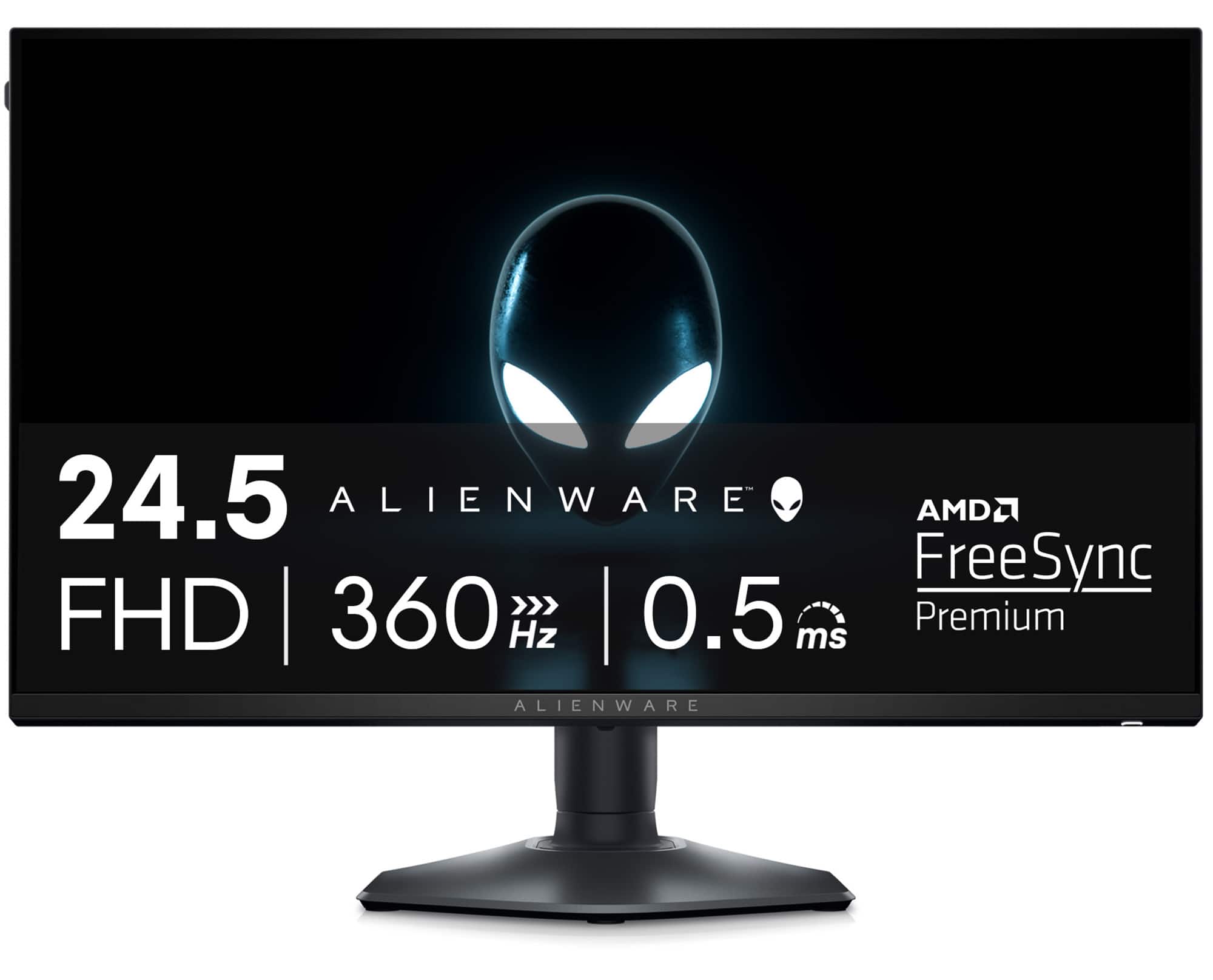
- Model:
- AW2523HF
- |
- SKU:
- 6517611
Highly rated by customers for: Refresh Rate, Overall Performance, Gaming
$349.99Your price for this item is $349.99
Page Showing 21-31 of 31 questions
Q: QuestionCan this monitor connect with the omen 25L
Asked by Kellen.
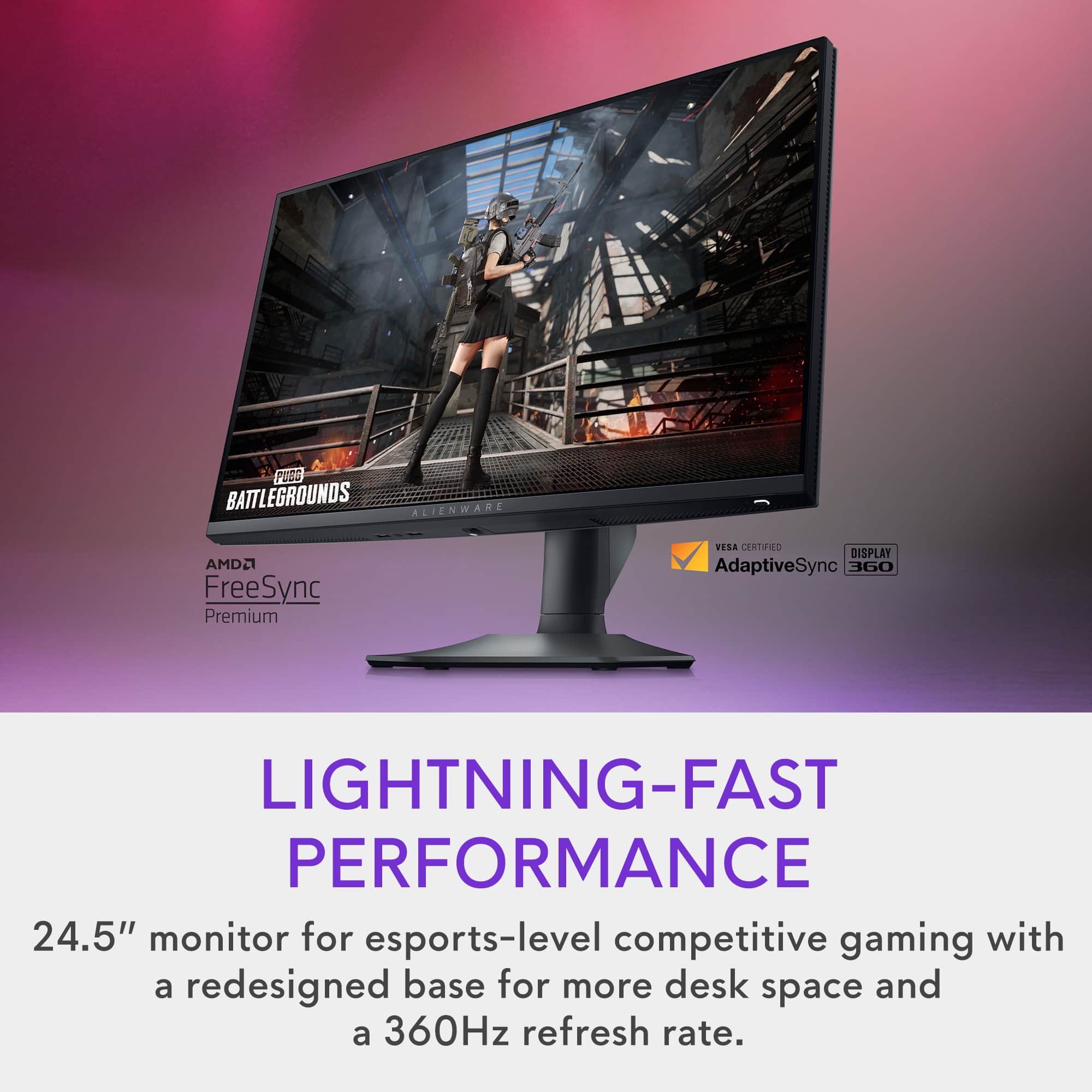
- A:Answer It goes up to 360 frames so yes it can even if your omen doesn't put out 360 frames. You can upgrade your stuff and eventually hit the 360 frames. 4060 ti paired with amd 7700 should be enough for most games.
Answered by Rage
Q: QuestionWhats the dimensions for the base?
Asked by Anonymous.
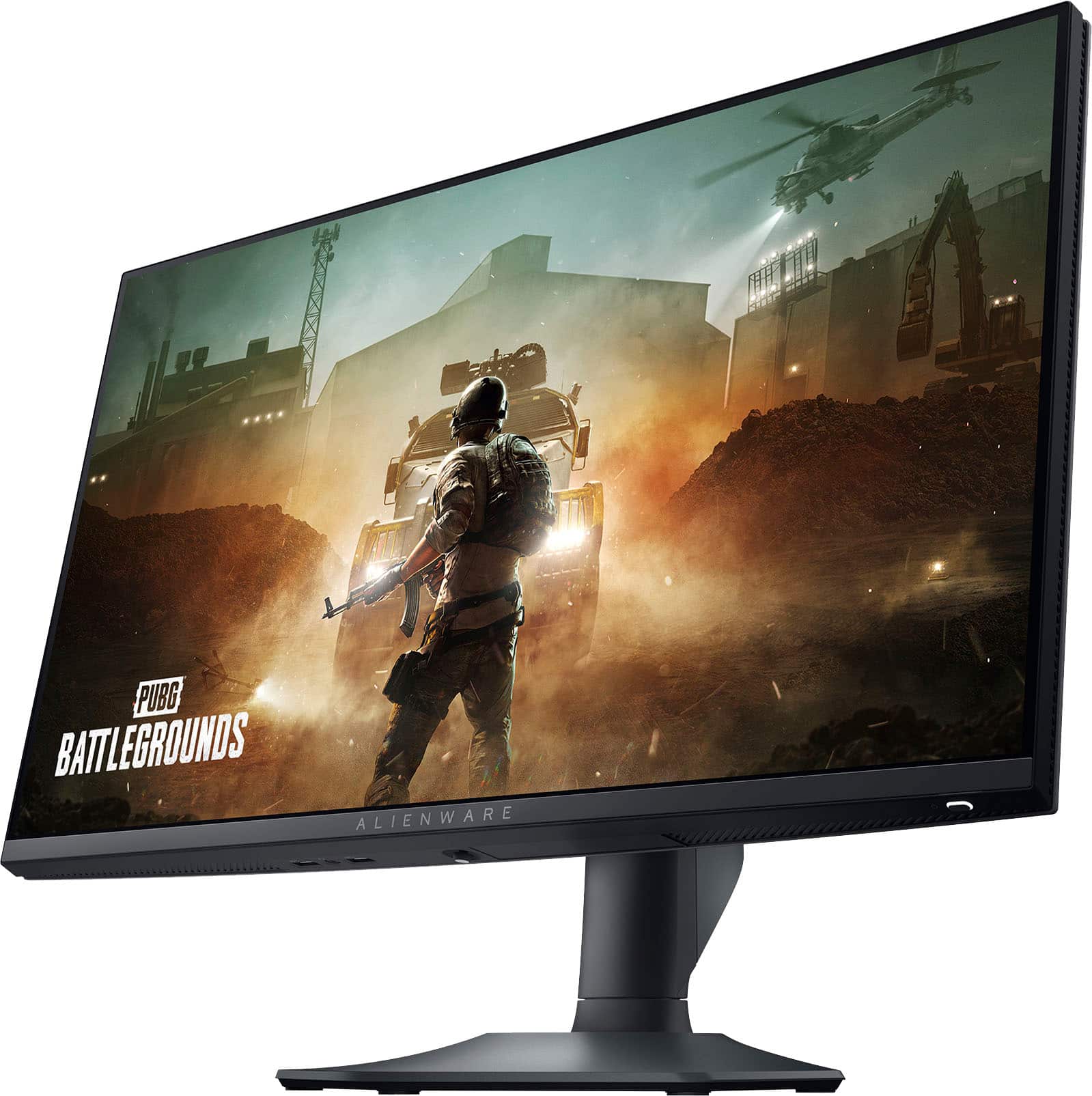
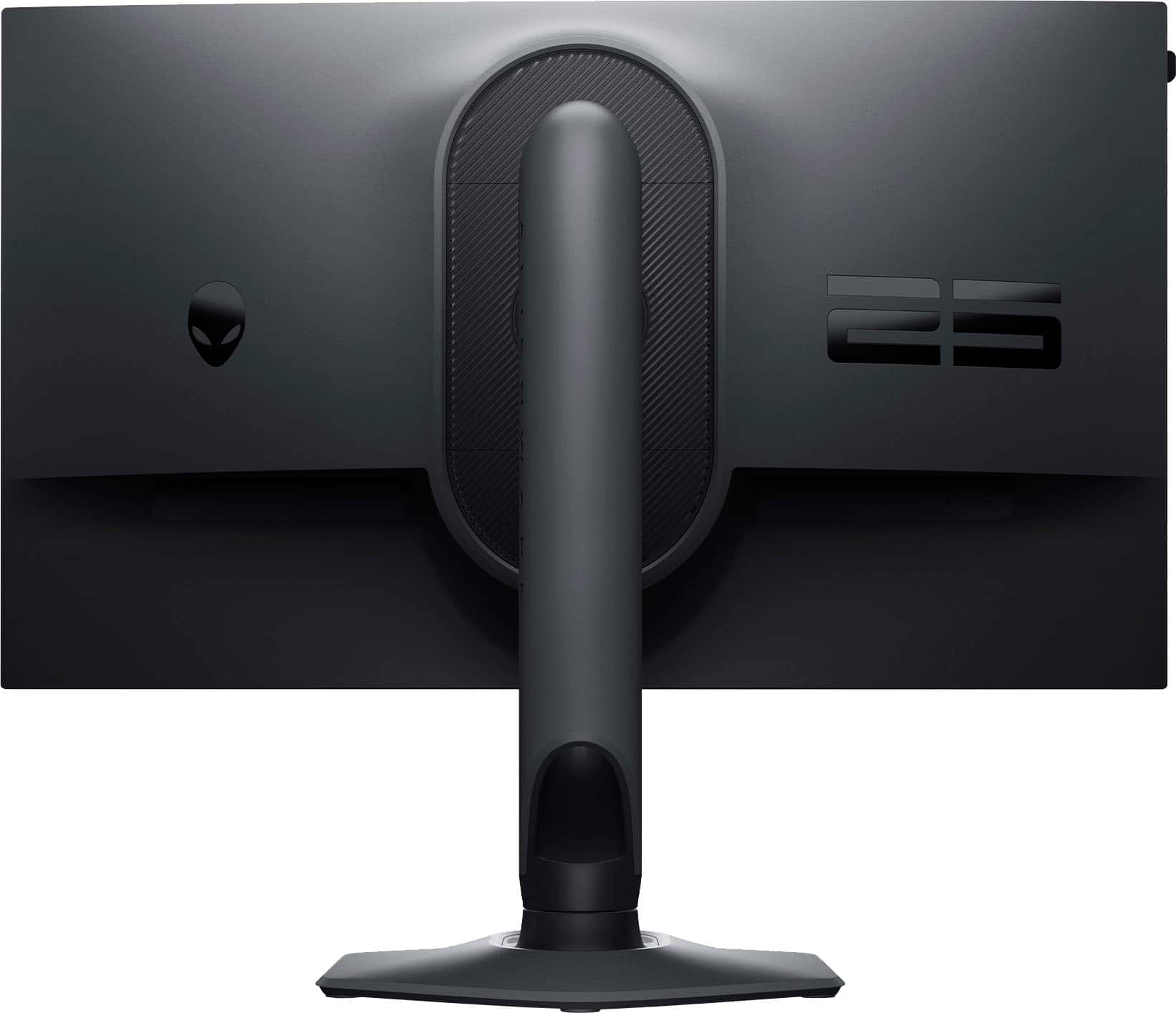
- A:Answer The dimensions of the base of this monitor are 233.40 mm x 223.14 mm (9.20 in. x 8.79 in.).
Answered by YourDellTeam

Q: QuestionDoes this have firmware updates?
Asked by XplosivoZ.
- A:Answer Drivers for this monitor are available on the Dell support page. For technical assistance, we recommend contacting the Dell technical support team for assistance after the purchase. They are available on Facebook and Twitter(@Dellcares).
Answered by YourDellTeam

Q: Questionis the monitor compatible with G-sync (nvidia graphic cards).
Asked by marioflores.
- A:Answer Yes, but you have to use a display port for G sync, not HDMI.
Answered by KenOnCape
Q: QuestionMy sin has an Alienware laptop...will this work with that laptop?
Asked by WhyFi.
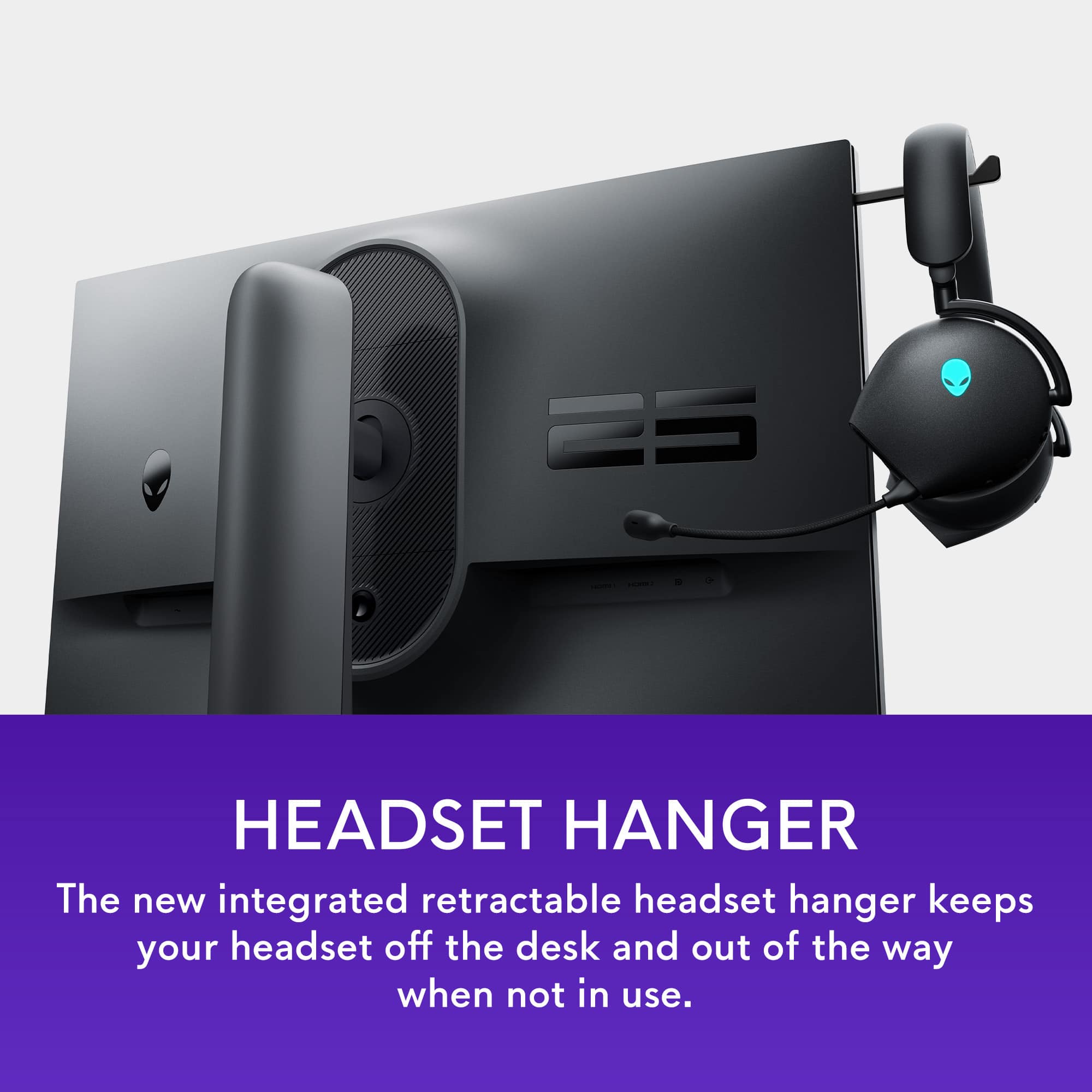
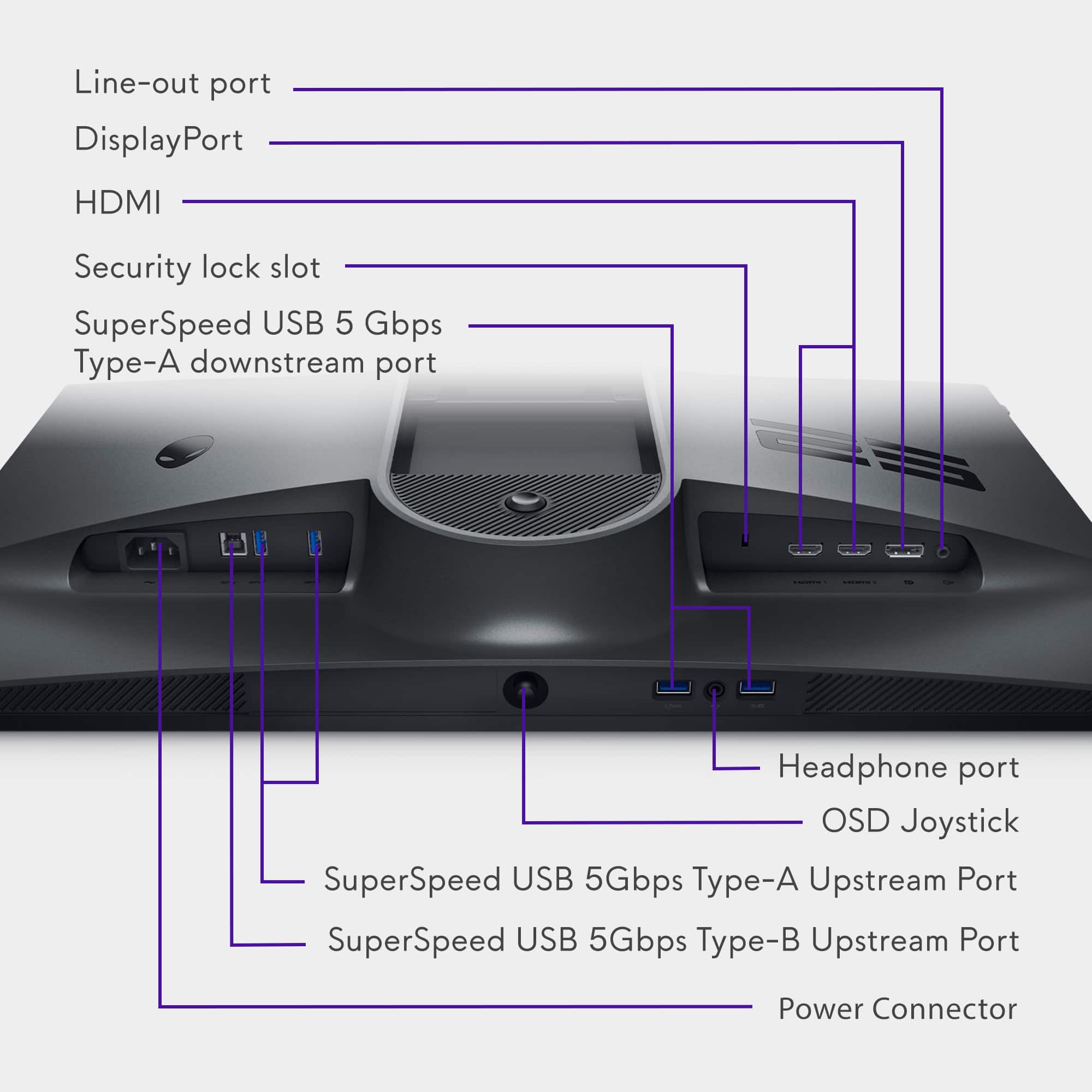
- A:Answer This monitor includes 2 x HDMI 2.0 ports (HDCP 2.2) and 1 x DisplayPort 1.4 (HDCP 2.2), systems compatible with these ports can be connected to this monitor.
Answered by YourDellTeam

Q: QuestionI use Monitor Arms to mount my monitors to my desk without the stand in the way, I cannot tell from the back of the images does this have the ability to be mounted on a monitor stand. Please see the picture I have attached of my monitor arm and how it mou
Asked by Jp7476.
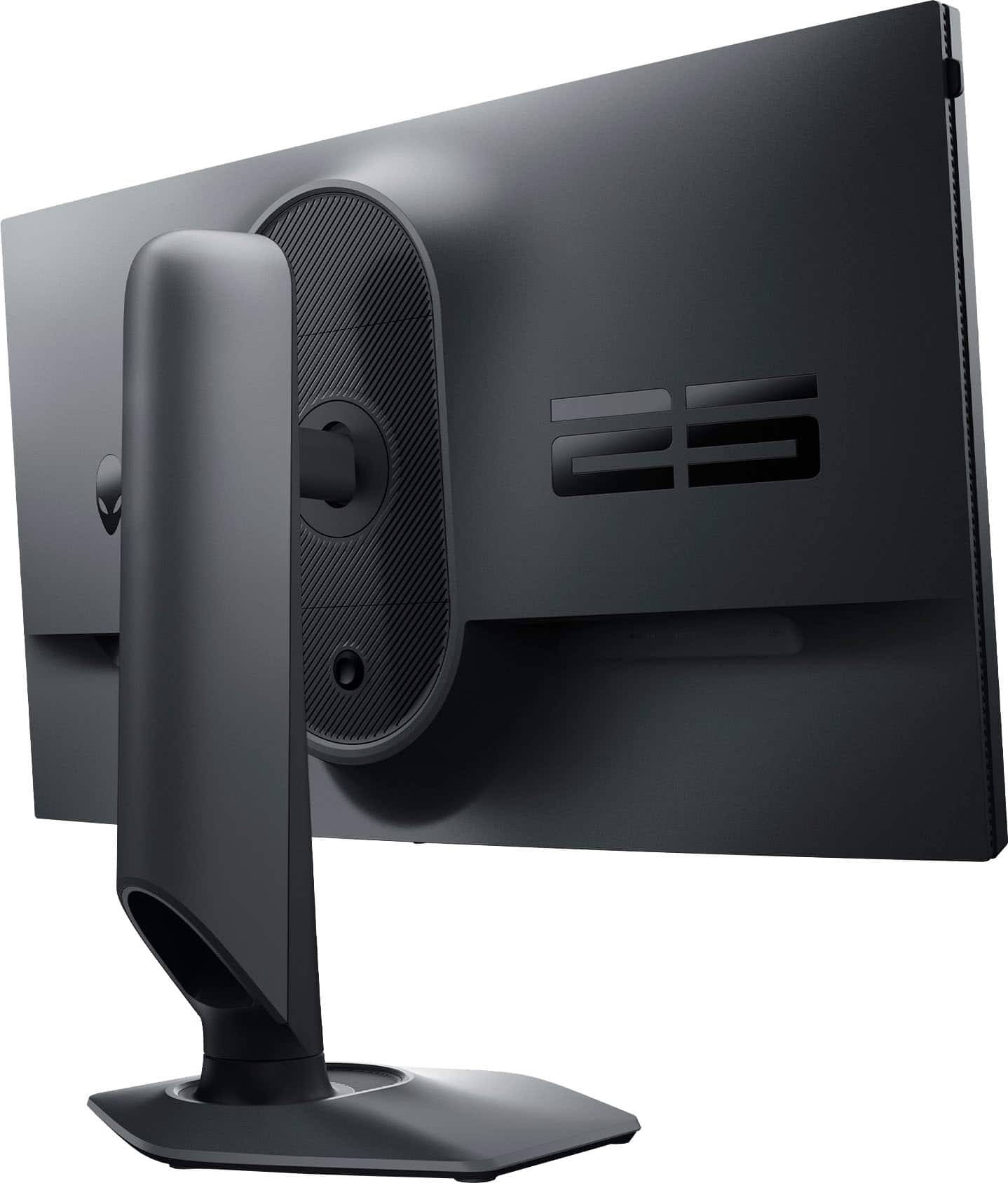
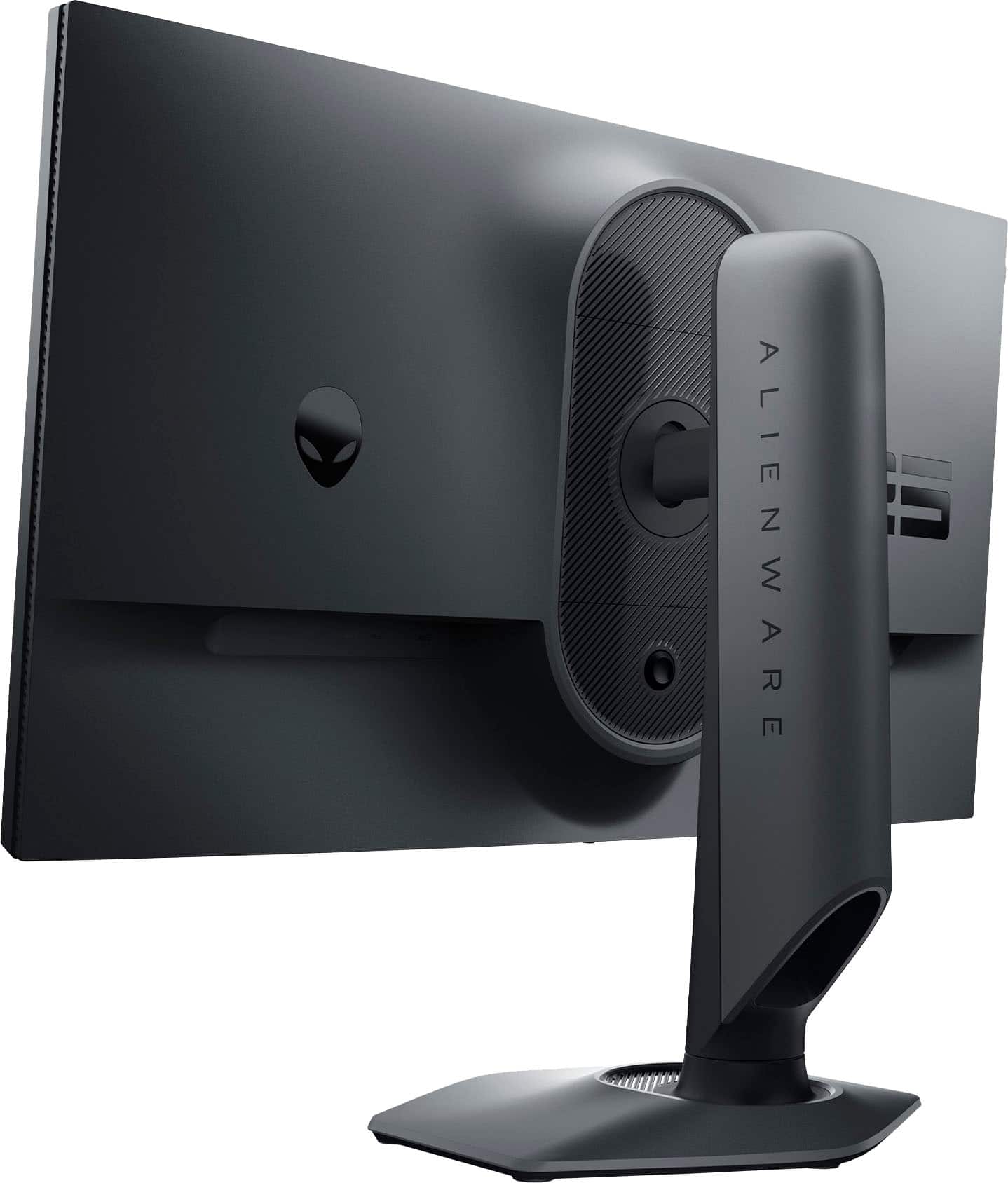
- A:Answer This monitor comes with VESA mounting holes (4) (100 mm x 100 mm-behind attached VESA cover) that can be used to wall mount the monitor using VESA compatible wall mount kit (100 mm x 100 mm).
Answered by YourDellTeam

Q: QuestionMonitor is not reaching 360 htz even after changing settings on pc. Only Staying at 120 htz. Even connected to display port.
Asked by John.
- A:Answer see if your pc graphics card can support that, make sure you are using the highest rated display port cable DP 1.4 or higher, make sure your PC can support display port 1.4 or higher if it is an older standard port you are not going to get the 360 htz, if your pc does support DP 1.4 and using the right cable you should be able to change in the display settings in windows or you may have to open graphics card manager software app like NVIDIA for example and change it that way first to enable it. hope that helps,
Answered by Anonymous
Q: QuestionWhich HDMI cable type does this come with? (2.1? or ?)
Asked by Jimmy.
- A:Answer this monitor has built in HDMI 2.0 port so I assume it comes with a HDMI 2.0 cable, I use the display port which is DP 1.4 and has a cable that is DP 1.4, if you want to get the 360htz then you need to use the display port that is why people buy this monitor for that high refresh rate, other monitors with higher HDMI port 2 standards can achieve the 360 htz, but the price tags on monitors varies a lot.
Answered by Anonymous
Q: QuestionCan I adjust the height of the monitor on the factory stand? If so, how?
Asked by John.
- A:Answer Yes, up and down and you can rotate it 90 degrees. It also tilts a little.
Answered by KenOnCape
Q: QuestionDoes this monitor support display scaling such as 1600x1024. Not GPU scaling in Nvidia but Display scaling which I can use CRU to get a stretched resolution for gaming such as Fortnite?
Asked by SeekingTruth.
- A:Answer No.
Answered by Rage
Q: QuestionCan I use this for my PS5 ?
Asked by Alex.
- A:Answer yes, you should be able to, I don't think it supports ps5 vrr update though maybe in the future. I use and elgato Game Capture HD60 S+ and it works great. You are limited to HDMI though, I would not advise an hdmi to display port sony and xbox has weird security systems/limitations in place that might cause issues, stick to hdmi, I would advise a 4k tv if possible though it will run so much better and looks amazing on my 4k tv this would be step down from that.
Answered by Anonymous
Page 2, Showing 21-31 of 31 questions
Most-viewed items
- Black Friday Deal$199.99Your price for this item is $199.99
- Black Friday Deal$849.99Your price for this item is $849.99
- $139.99Your price for this item is $139.99$359.99The comparable value for this item is $359.99
- Black Friday Deal$899.99Your price for this item is $899.99
- Black Friday Deal$249.99Your price for this item is $249.99
- Black Friday Deal$179.99Your price for this item is $179.99
- Black Friday Deal$649.99Your price for this item is $649.99
- Black Friday Deal$369.99Your price for this item is $369.99
- Flash Deal$99.99Your price for this item is $99.99
- Black Friday Deal$209.99Your price for this item is $209.99
- Black Friday Deal$799.99Your price for this item is $799.99
- $399.99Your price for this item is $399.99$649.99The comparable value for this item is $649.99
- Black Friday Deal$849.99Your price for this item is $849.99
- Black Friday Deal$249.99Your price for this item is $249.99
- Black Friday Deal$169.99Your price for this item is $169.99
- $549.99Your price for this item is $549.99$699.99The comparable value for this item is $699.99
- Black Friday Deal$1,499.99Your price for this item is $1,499.99
- $259.99Your price for this item is $259.99$399.99The comparable value for this item is $399.99
- Black Friday Deal$109.99Your price for this item is $109.99
- Black Friday Deal$129.99Your price for this item is $129.99