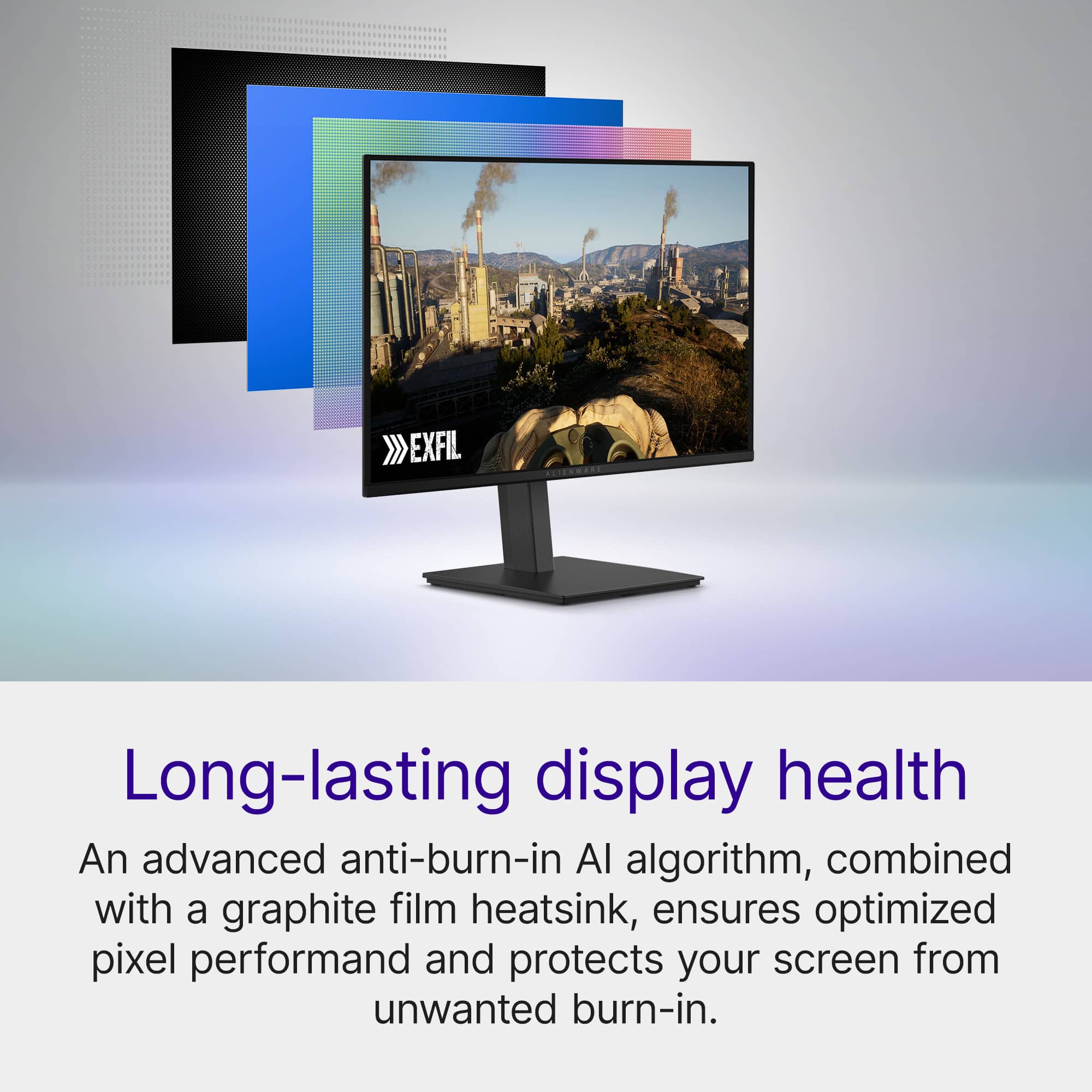
A:AnswerThe monitor tracks usage and triggers a pixel refresh automatically after ~4 hours of use.
It usually runs when the monitor goes into standby or when you turn it off.
A:AnswerYour monitor is not auto-detecting the active input on startup, even though only one PC is on.
So it waits on the wrong input until you manually press Auto Detect. Please try the following steps. 1. Enable / adjust Auto Input settings. 2. Turn OFF “Deep Sleep” / Power Saving. 3. Force a primary input instead of Auto. 4.0 Use DisplayPort instead of HDMI (work around). We recommend contacting the Dell Technical Support team if the issue remains unresolved.
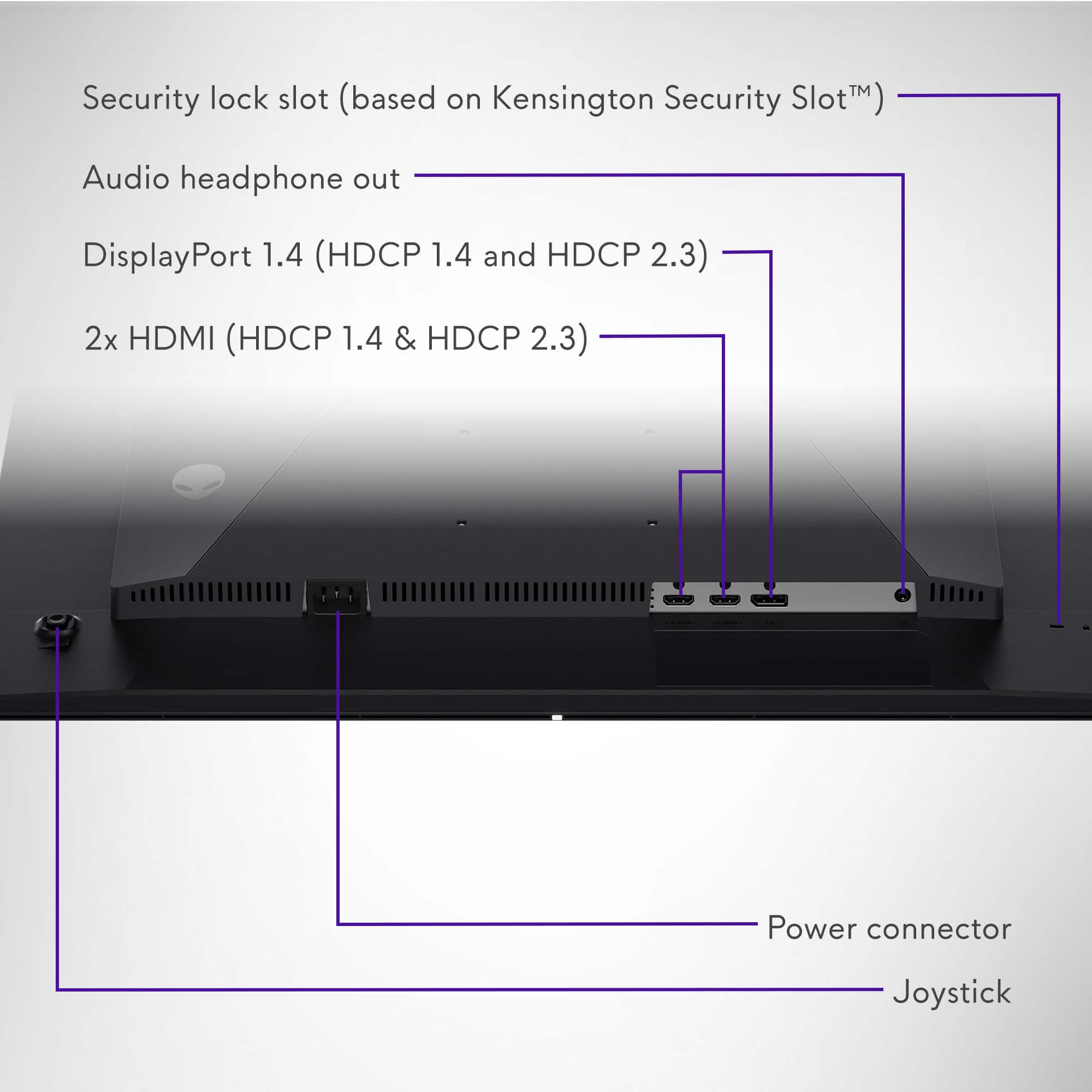
A:AnswerGo into the monitor’s on‑screen display (using the joystick/button on the back) and check:
1. Auto Power Off / Power Saving Mode.
Turn OFF or set to maximum time.
A:AnswerYes, the Alienware AW2726DM will do true 1440p at 120 Hz on Xbox with zero tricks.
It does not have the same issue. Use any Ultra High Speed HDMI cable (HDMI 2.1), the one included with the monitor or with your Xbox is fine.
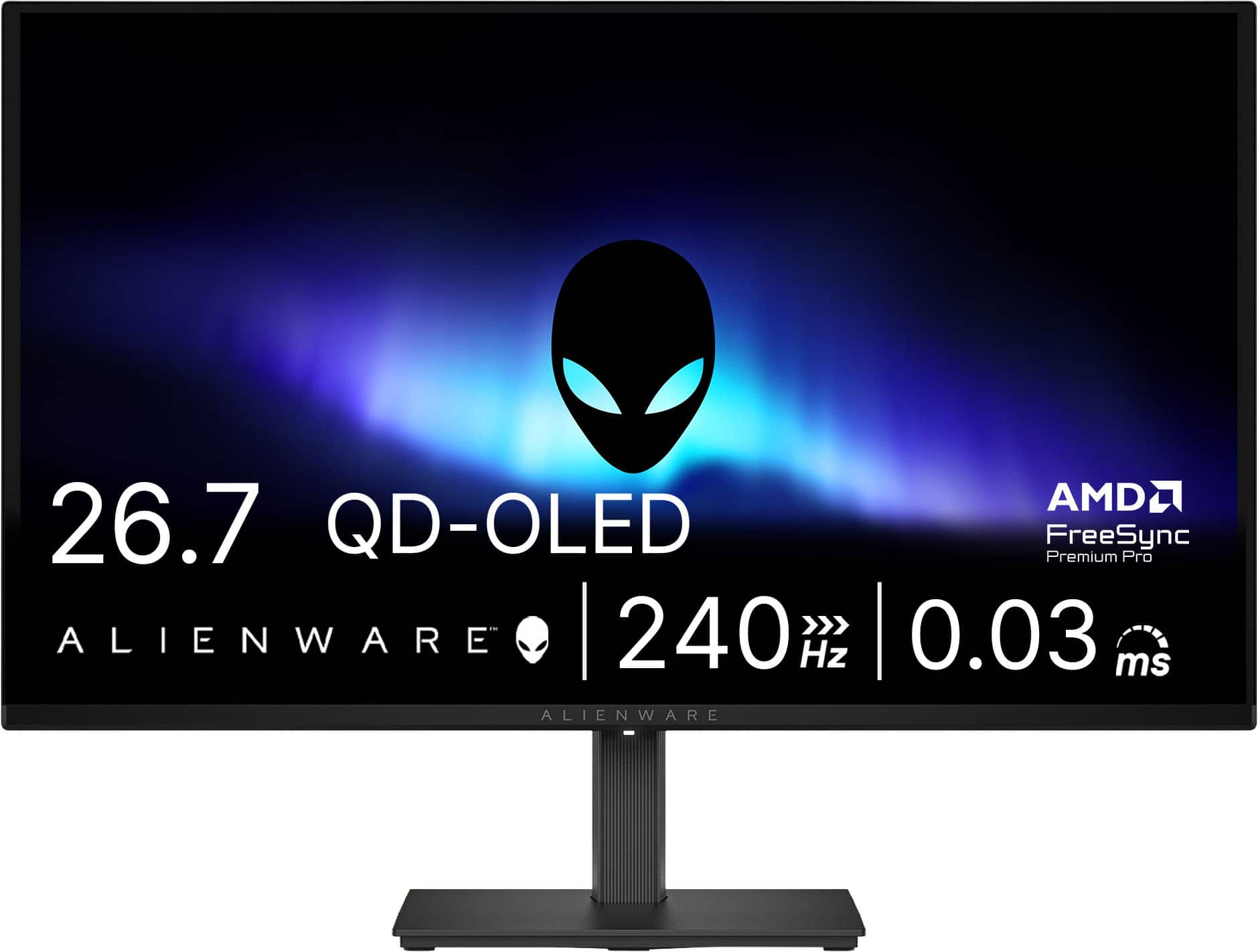
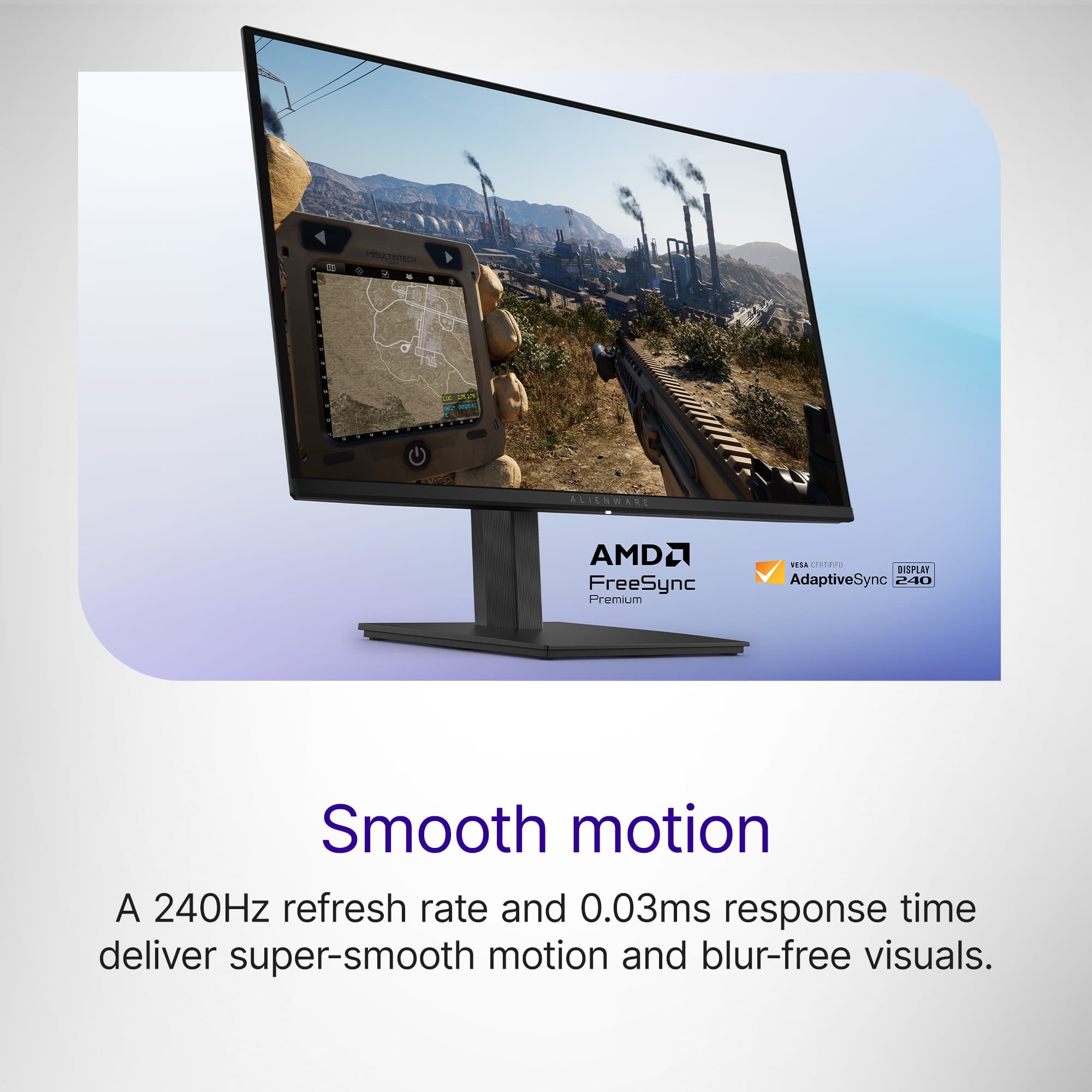
A:AnswerIt really is 0.03 milliseconds (ms), not seconds.
0.03 ms = 0.00003 seconds.
That is extremely fast, and yes, it's among the fastest response times on the market.
A:AnswerYes, you can play Fortnite at ~120 FPS on Xbox Series S. But it will NOT be native 1440p at 120 FPS at the same time. Fortnite’s 120 FPS Mode on Xbox Series S runs at 1080p, not 1440p.
A:Answerthere are display models in store, dell site says if you order now you can get it by Tuesday, Apr 21 so i assume best buy will have it available on or before then
A:AnswerNo, but you do need a high speed HDMI. You can fix it in advanced display settings on PC. DisplayPort is better application for this though. On console you cannot get 240hz.