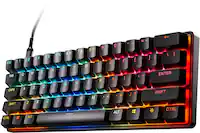
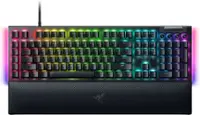
A:AnswerYes if you set the colors on your personal computer and then use it on another computer the settings will stay the same I did that from my Alienware desktop to my MacBook Pro and it stayed the same.
A:AnswerYou can plug it into the the monitor if there are USB ports available, the keyboard will work with any computer including all in one. If you are just using a monitor only, performance may very. I have not tried this technique myself however I will attempt to try this
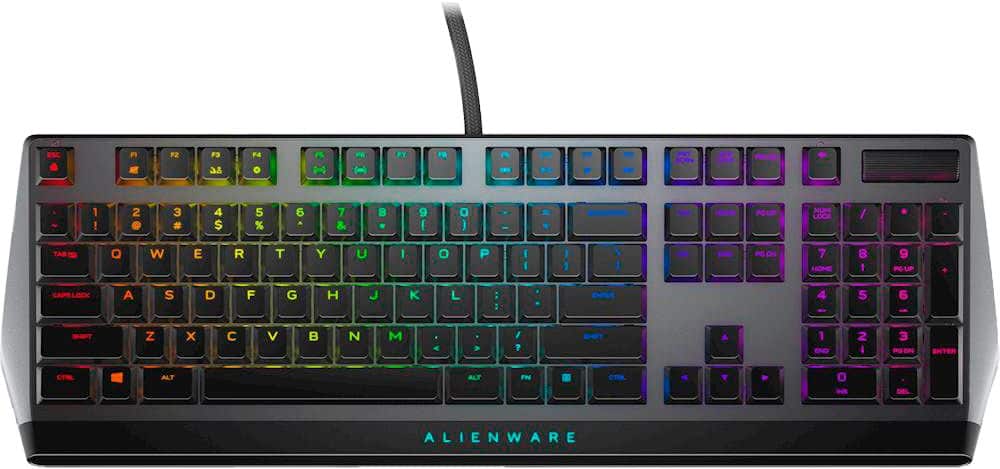
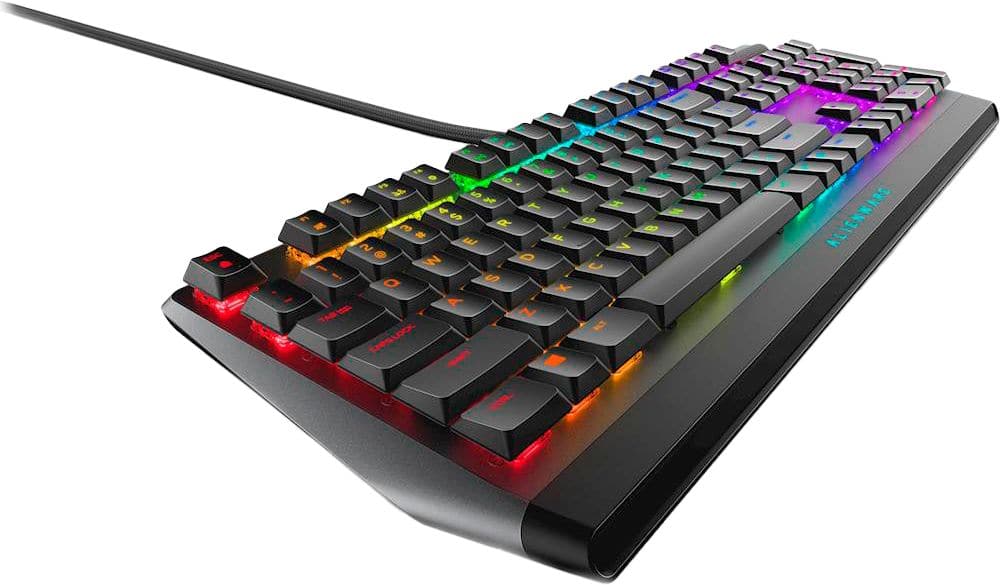
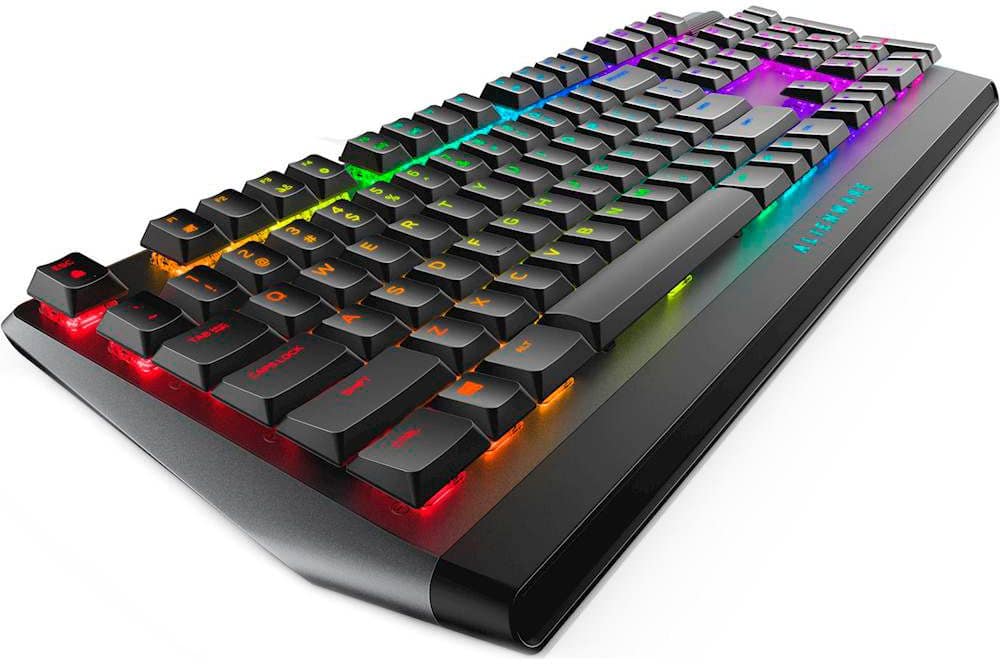
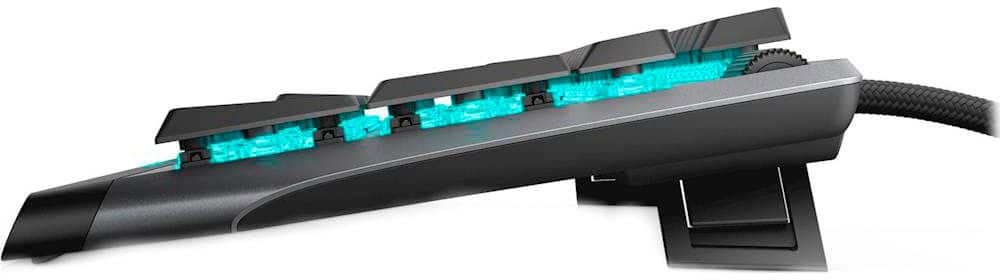
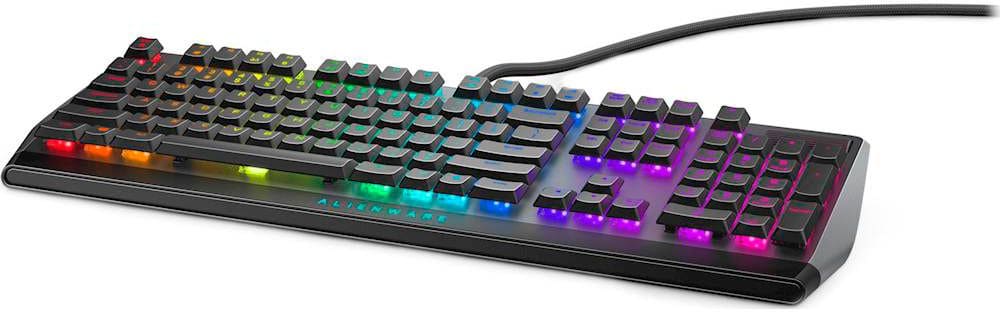
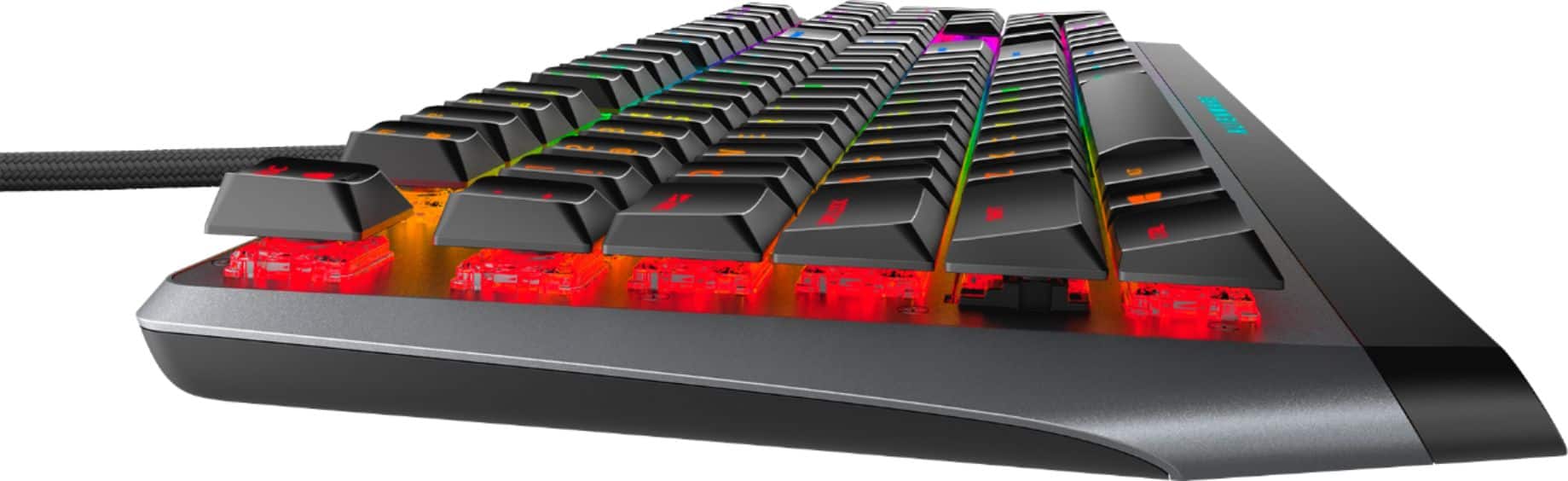
A:AnswerThe AW50K wired keyboard is built with latest generation Low-profile Cherry MX keys and durability of 50 million keystrokes. It features fully programmable keys for macros and key assignments and on-board memory for on-device storage of setting. The device has dedicated audio control with sound roller for fast & accurate adjustability.
A:AnswerThere is a possibility of compatibility issue, we recommend you to check with Steel series regarding this or alternatively you may also check with the Geek squad at the store.
A:AnswerYes, there is an usb-a port where you can attach your mouse. To change the colors, you will need to install the Alienware Command Center from Dell page, this app will allow you to update your keyboard and customize the colors.
Regards
A:AnswerXbox controllers works best in these situations. You need an emulator for anything PS and I’m a PS guy, but I refuse to use XBOX. I hope this helps. Just know it may be harder and laggy with the emulator
A:AnswerYes, this keyboard and mouse bundle is compatible with PS4. We recommend you to reach out to the Dell technical support team for assistance in sorting out this issue. They are available 24/7 on social media platforms. Facebook and Twitter(@Dellcares).
A:AnswerPlease reach out to the Dell technical support team. They will review your concerns with this device and assist you to resolve the issues if any.
A:AnswerPlease ensure that they are compatible with the Alienware keyboard before you purchase them. We recommend you to reach to HyperX regarding this.