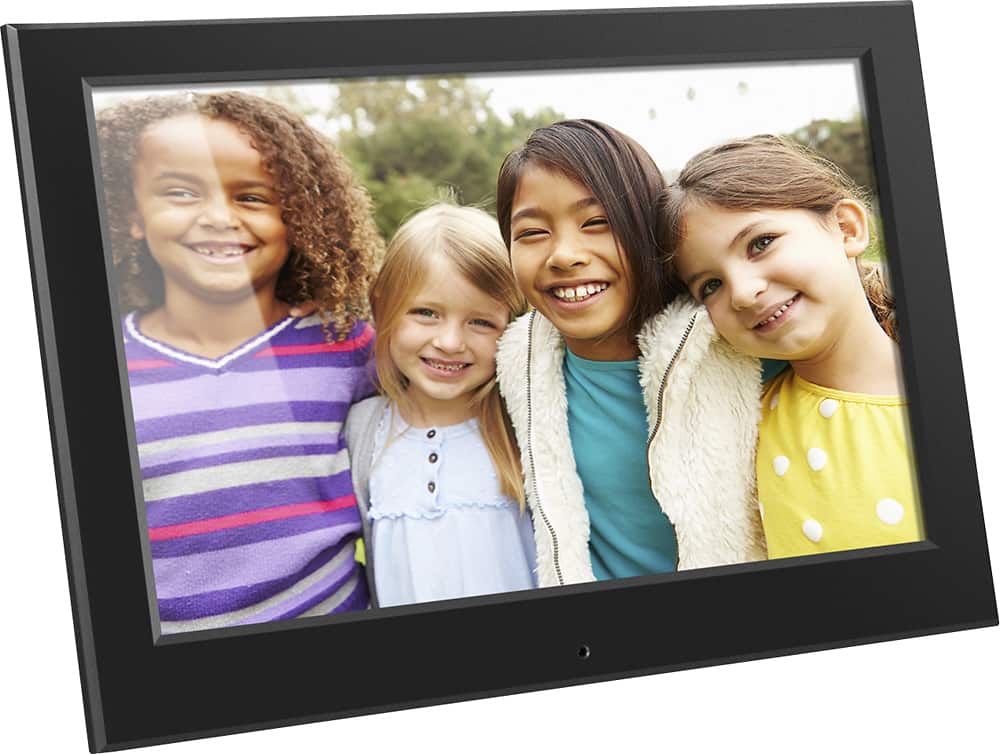
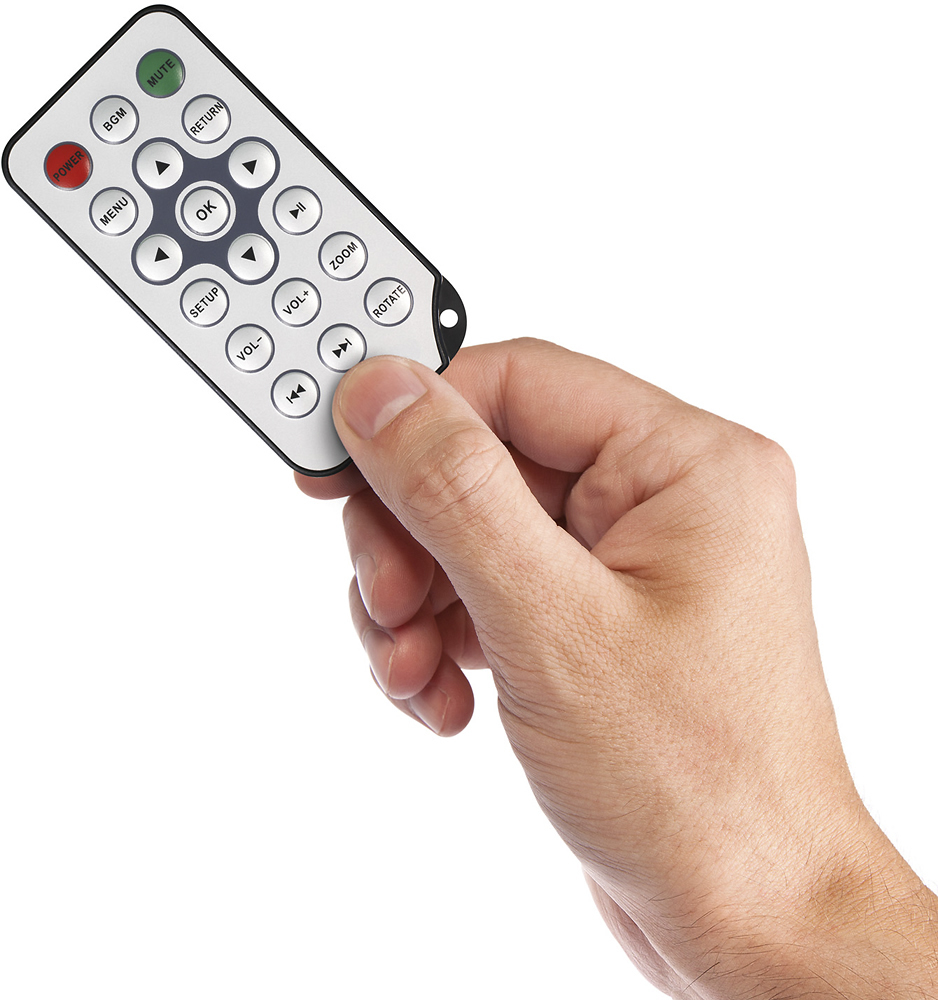
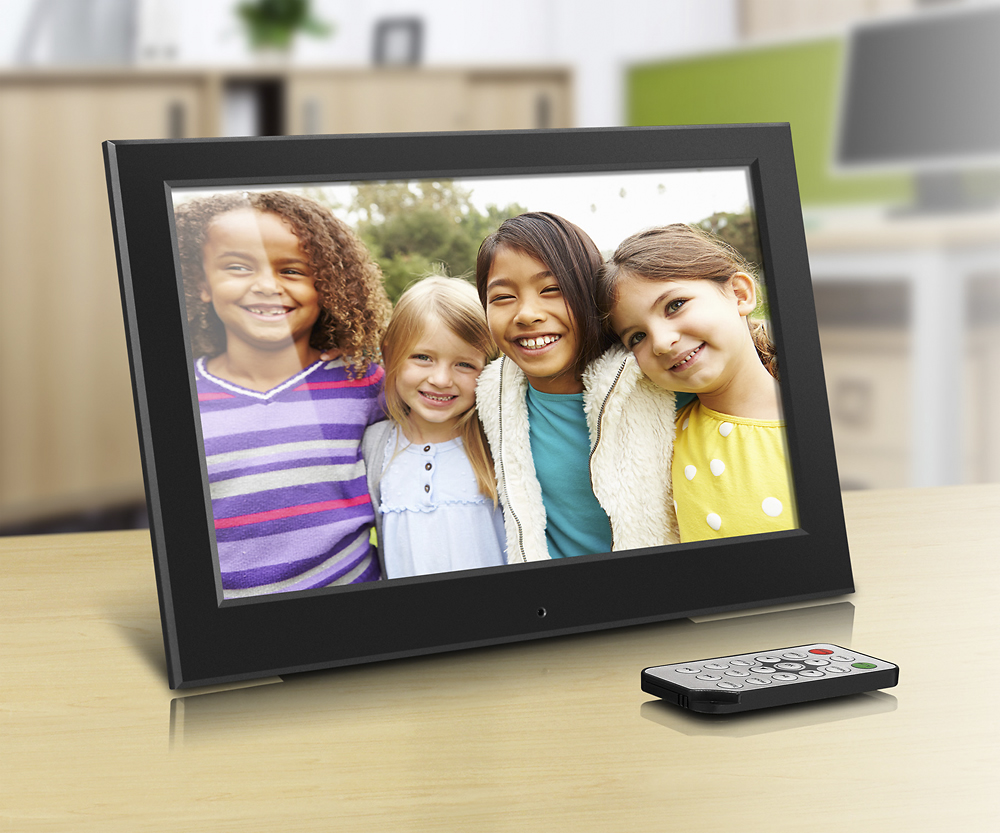
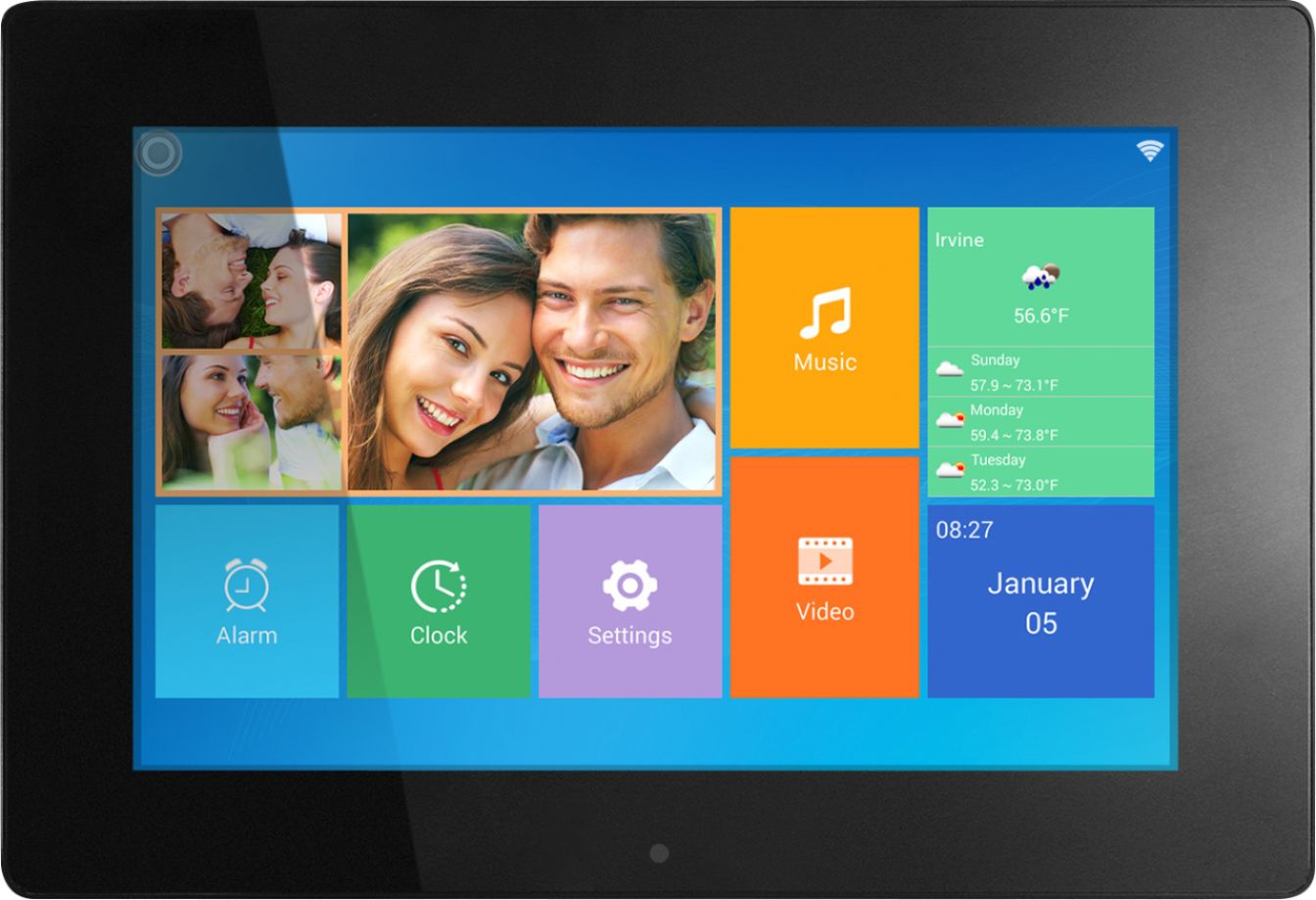
A:AnswerPlease go to the folder/browse menu on the frame. Navigate to the file that you want to delete and press the left arrow button. A popup menu will show up for the delete option.
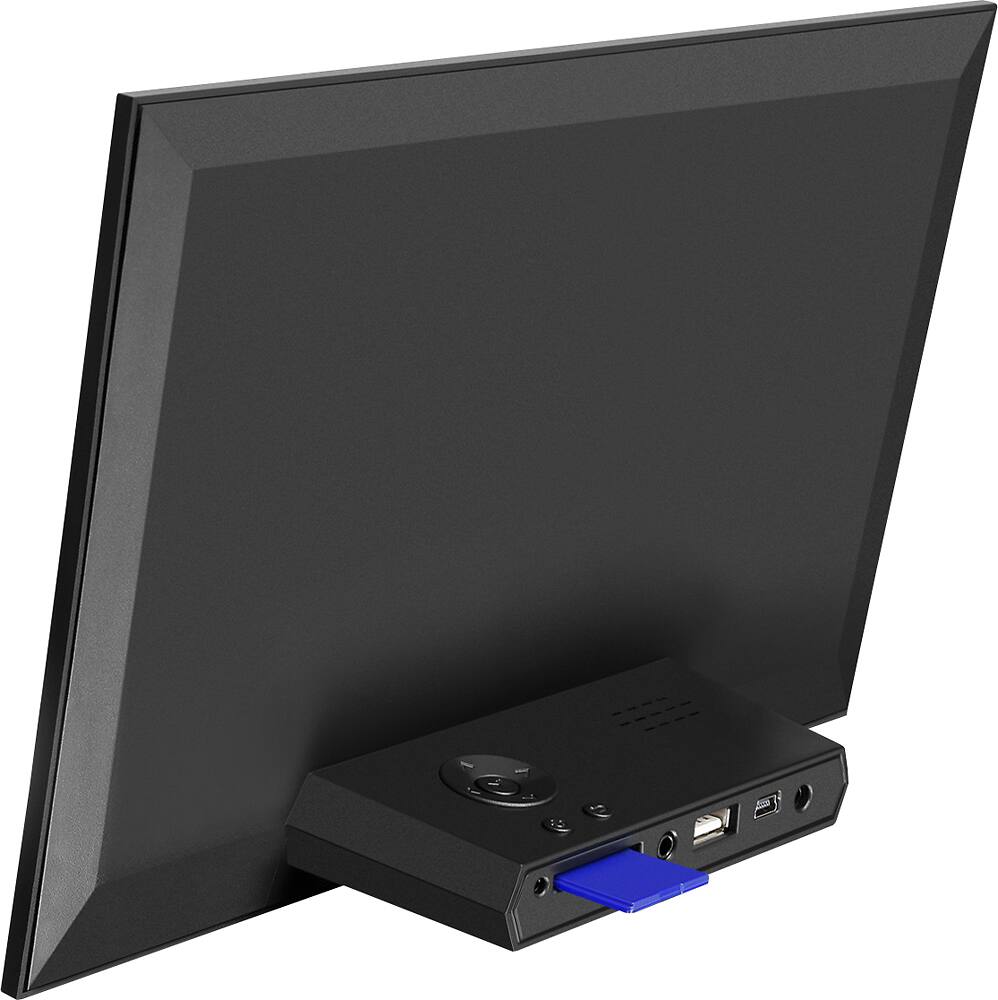
A:AnswerThe provided cable is used to connect to a computer to transfer pictures to the internal memory of the frame. The pictures can not be transferred directly from your iPad to the frame. You will need to transfer pictures to a computer first.
A:AnswerYou will not able to connect your iPhone to the frame directly. You will need to copy the pictures on your phone to your computer and copy to the internal memory of the frae or a SD card.