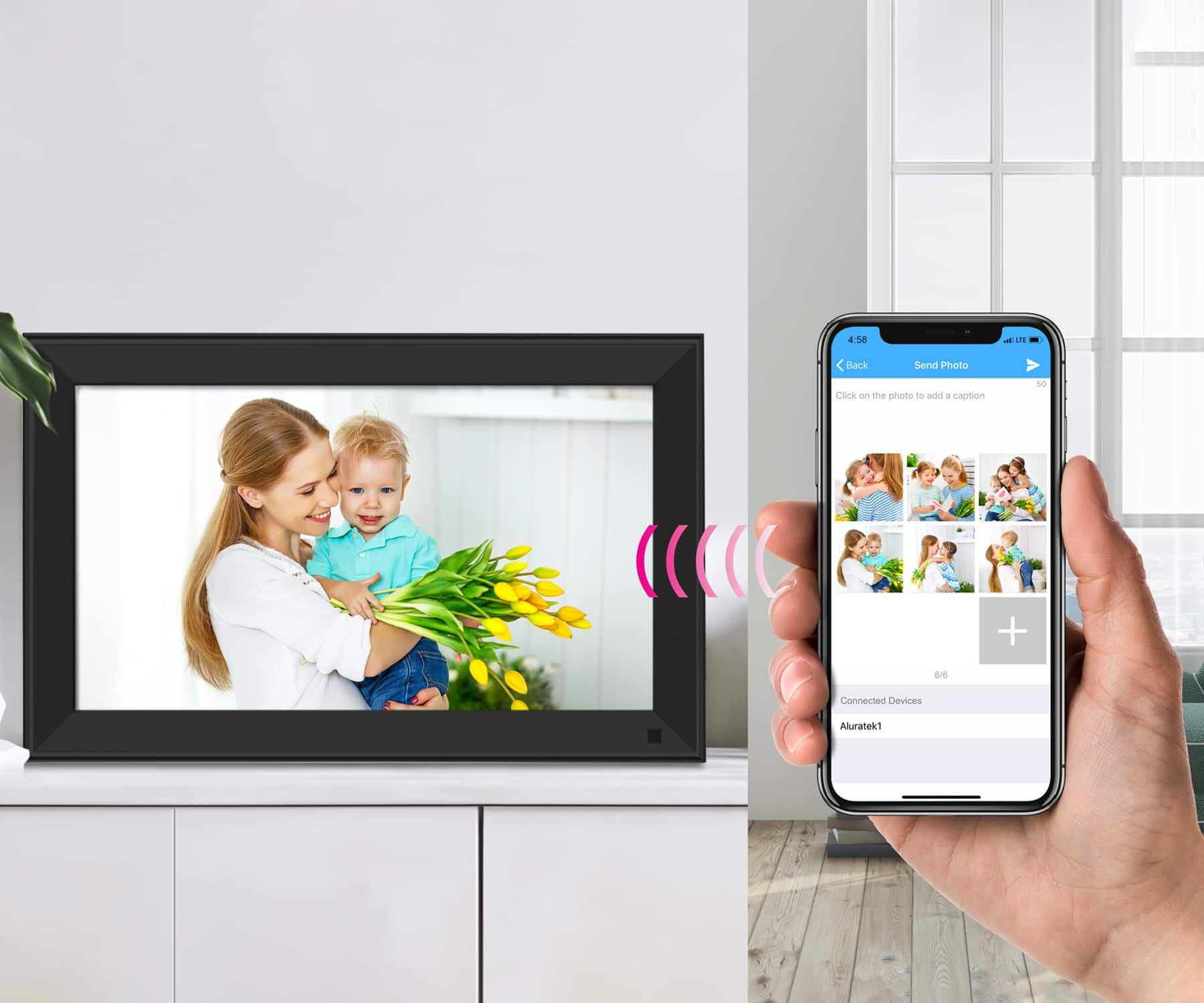
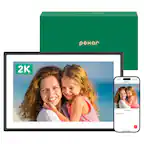
A:AnswerPhotos are sent via WIFI to the frame, or they can be shown on the frame from an SD card or USB thumb drive. Not sure what you mean by routing. Bu feel free to contact us at [email protected] for more tips.
A:AnswerMost of our frames will begin a slideshow automatically, but the slideshow can also be started by going into the photo app and tapping on a photo to begin. Slideshows can be random or sequential and can be adjusted in settings. Contact [email protected] for more info.
A:AnswerIn theory this should work, but there are "hand-shake" protocol differences with servers in different countries that could prevent the photos from being shared to our server. We only support and sell our products in the U.S. and Canada. Keep that in mind when it comes to support. For m ore questions feel free to contact us at [email protected].
A:AnswerNo, but that unit can be used with an SD or USB thumb drive. Use 32GB or smaller. It can play the photos directly from the memory cards. Contact [email protected] if you have other questions or need tips on using the frame.
A:AnswerThe AWS215F has 32GB of memory. Just like with computers you do not want to completely fill up the HD because the frame needs some of that for OS operations. However you should be able to put thousands of photos on the unit. This depends on the size of the photos. The screen has a resolution of 1024 x 768 (4:3 aspect ratio). So the frame will operate best if photos are scaled down in size to this resolution. Photos should be in .jpg format for best results. Contact [email protected] for further questions or assistance.
A:AnswerIt can be used outside of the States, however it may not connect to WIF and certainly not to our servers. But if photos are preloaded, or if your dad prefers using a 32GB or smaller SD card or USB thumb drive then photos can be shown directly from the memory cards.
A:AnswerYes. Just be sure to use the Smart Frame app. We have different phone apps for different models of WIFI frame. This one requires our Smart Frame app. Contact [email protected] if you need help setting up. There are two setup methods. One for the first setup person and one for additional users.
A:AnswerPhotos that come from the phone app go to the internal memory. Photos on a 32GB or smaller thumb drive will work in jpg format. The frame can show the photos directly from the card but you choose whether to show USB/SD or to show Internal. Photos that come from email go to the internal HD.