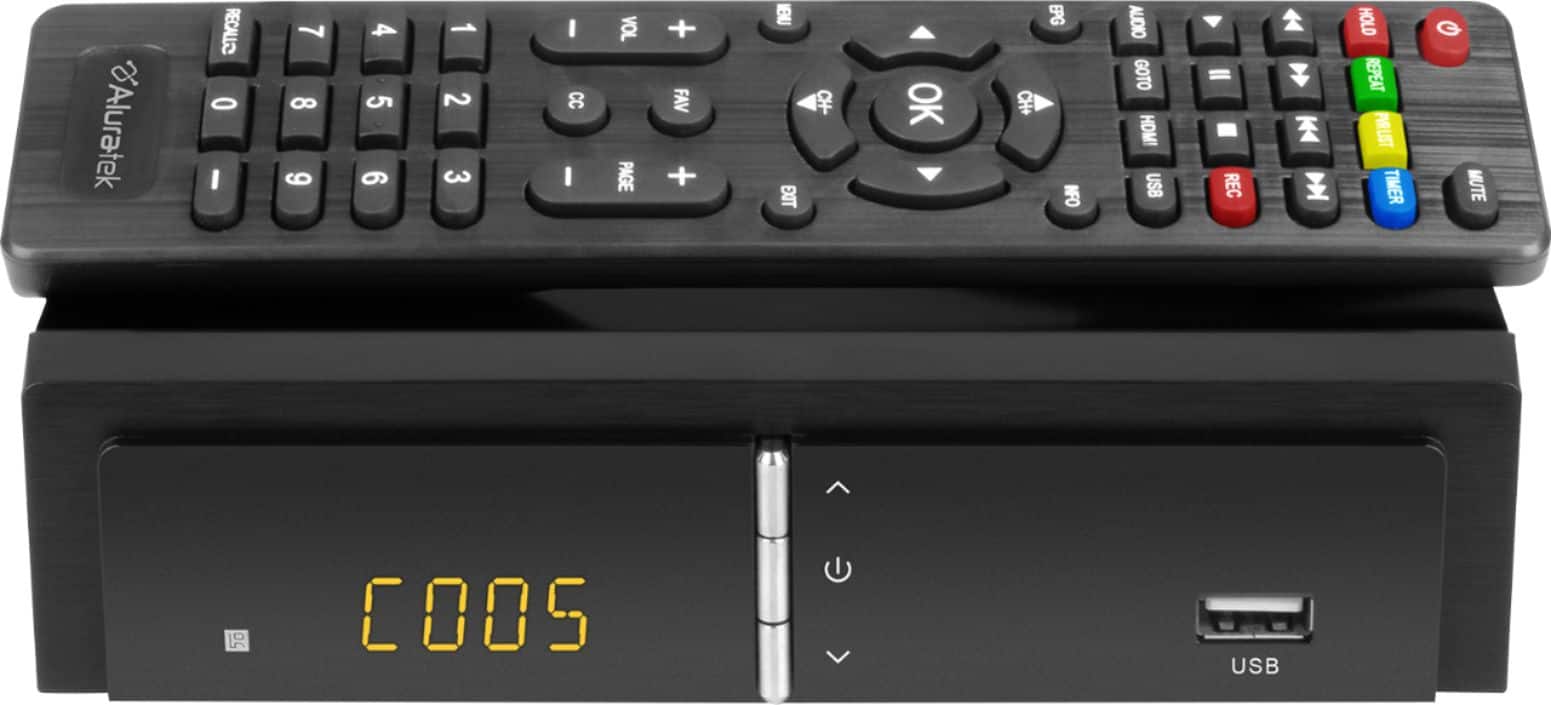
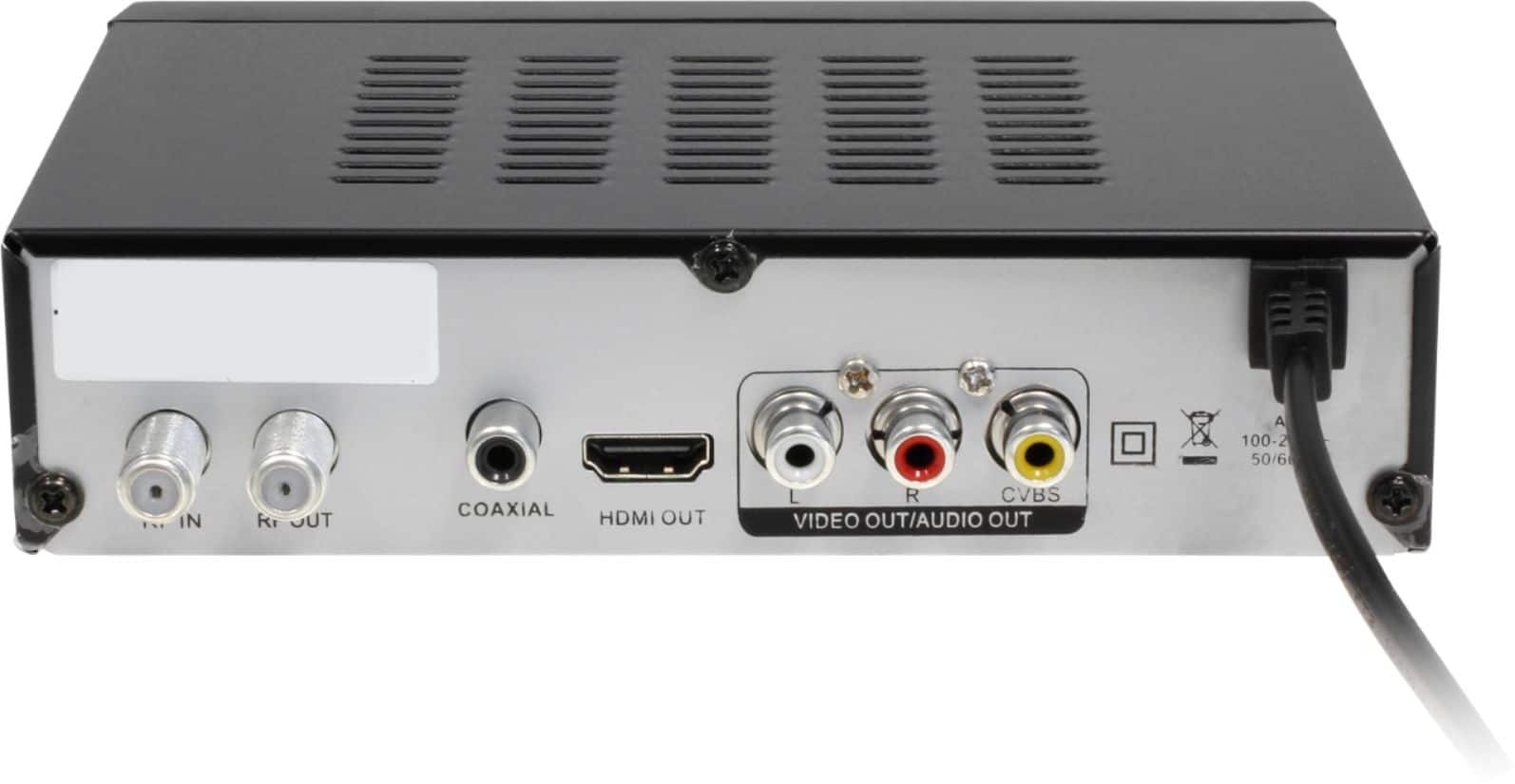
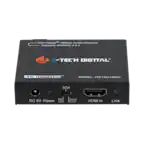
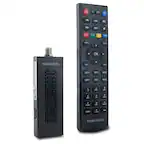
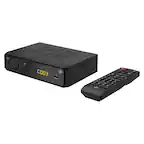
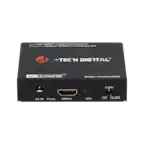
A:Answer My Aluratex converter functions very well. I first connected coaxial cable of my RCA antenna to the "RF In" port on the back of the digital converter & next I took the converter's coaxial cable & connected it to the "RF Out" port in the back of the converter and the other end of this cable to the back of the TV into a port called "DTV/TV Cable/Antenna". Next I took the cable with the HMDI 1 and inserted this cable into the HMDI I port in the back of the TV and the other end of this cable in the back of the converter into the port called "HMDI 1 OUT." Then insert the three colored composite cables (red, yellow & white) in the back of the converter, matching the colors of the composite cables to the colored holes of in the back of the converter. Also insert the other end of these cables in the back of the TV's colored hole, matching their holes, however be sure to insert these into the back of the TV in a section labeled
AV GOOD
"Video Audio R Audio L." Do not insert these cables in any other part of the back of the TV.
Finally be sure your antenna is plugged into & turned on. Hopefully this detailed information is helpful. When I first turned on the TV, the converter took about 5 minutes to get going. I've tried other converters and this is the best. If you still have problems, I will have videos for you. Elizabeth