Presidents’ Day SaleEnds February 16. Limited quantities. No rainchecks.Shop now

Main Content

Questions & Answers

Your price for this item is $15.99
Clearance
The comparable value price is $79.99
Page Showing 21-40 of 50 questions
  • Questioncan i use this to stream on my xbox for twitch.

    Asked by questionguy.

    • Answer Yes, you can!

      Answered by Aluratek

  • QuestionWill this work with windows 7

    Asked by Vic.

    • Answer Yes, this cam will work with Win7

      Answered by Aluratek

  • QuestionDoes this cam record videos?

    Asked by lusoda.

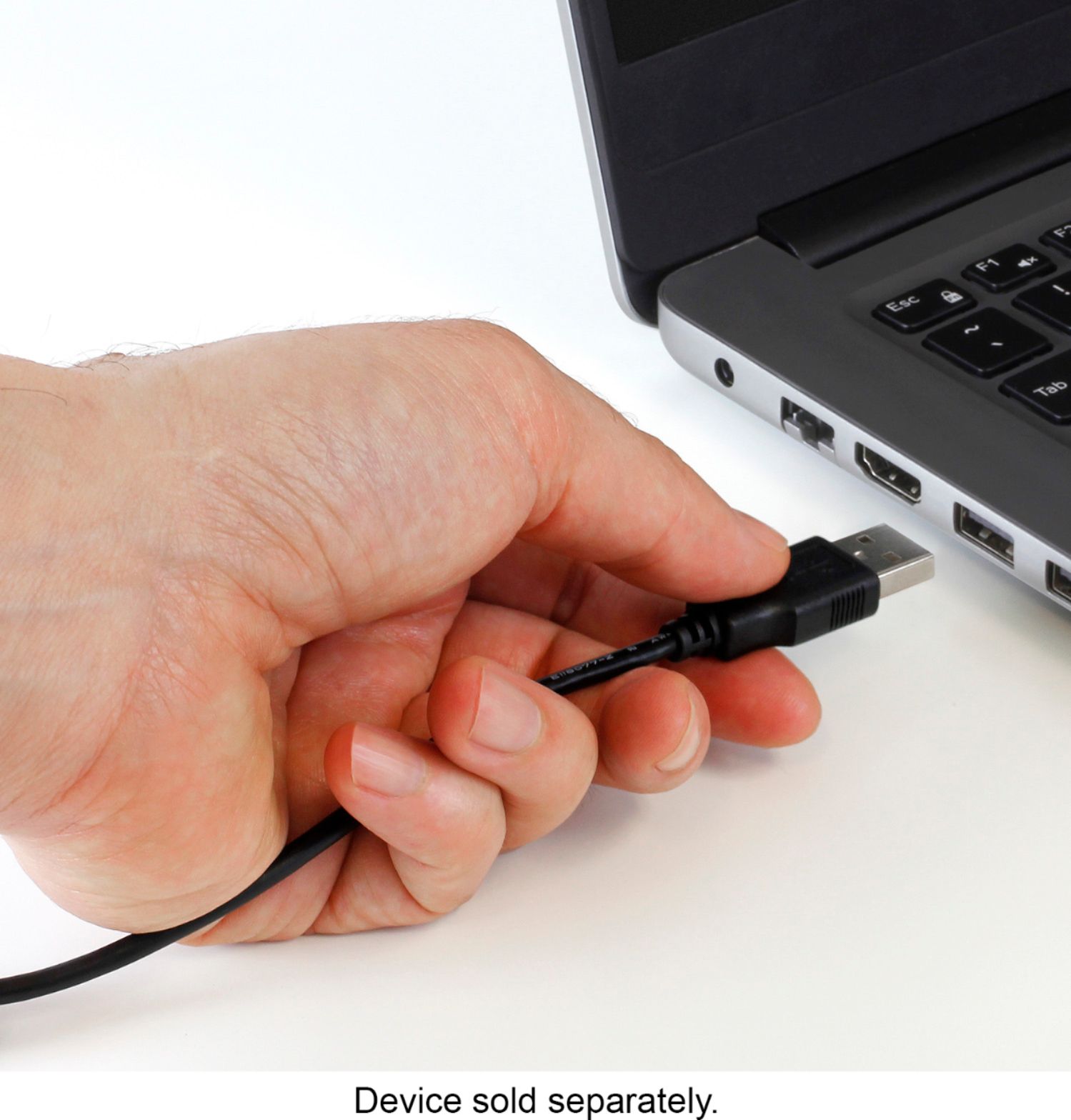
    • Answer It doesn't have any internal storage so it can not record video on it's own. It needs to connect to a Mac or PC via the included USB cable.

      Answered by KidNotorious

  • QuestionWill this camera stay attached to the side off a monitor, rather than on top?

    Asked by PaulR.

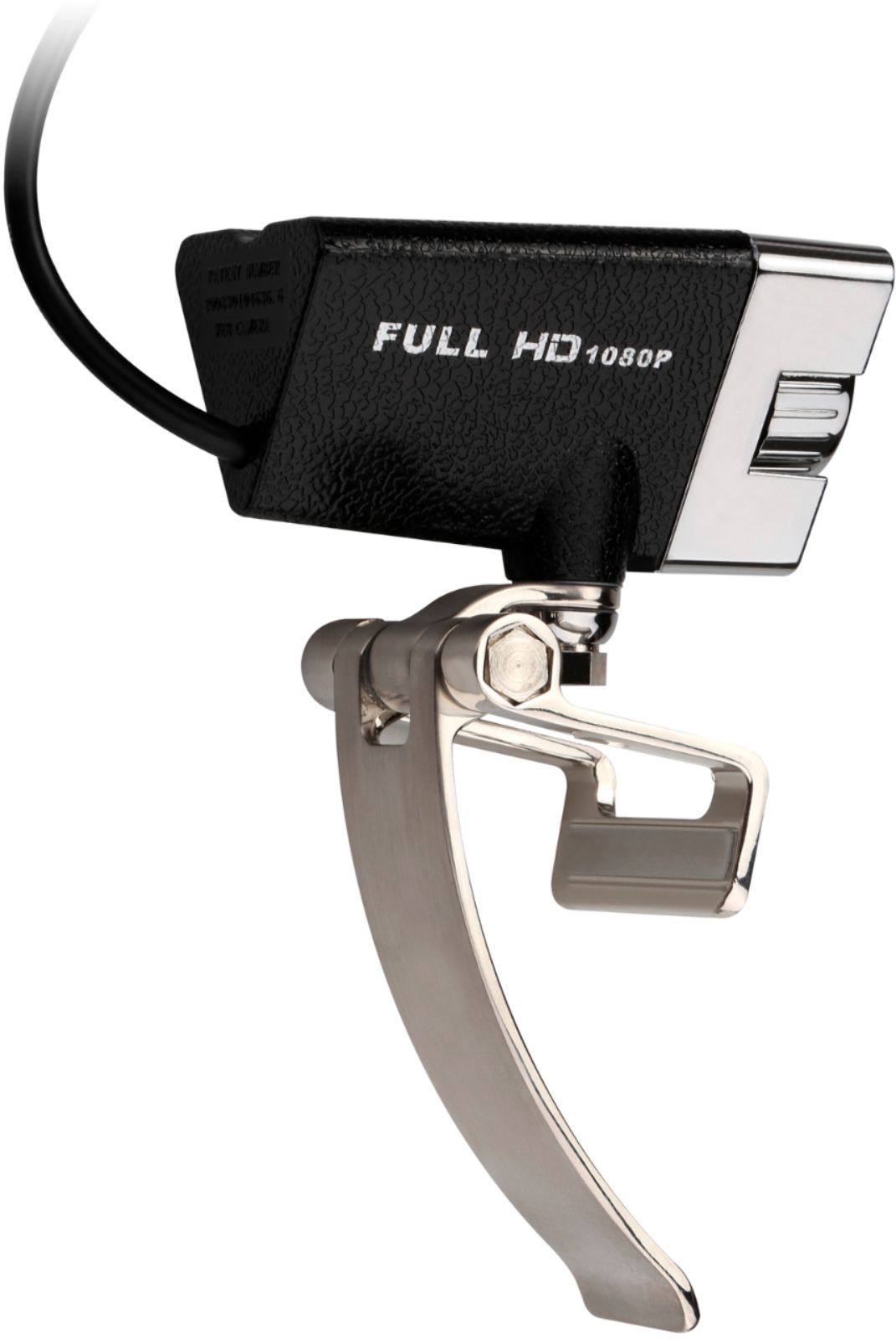
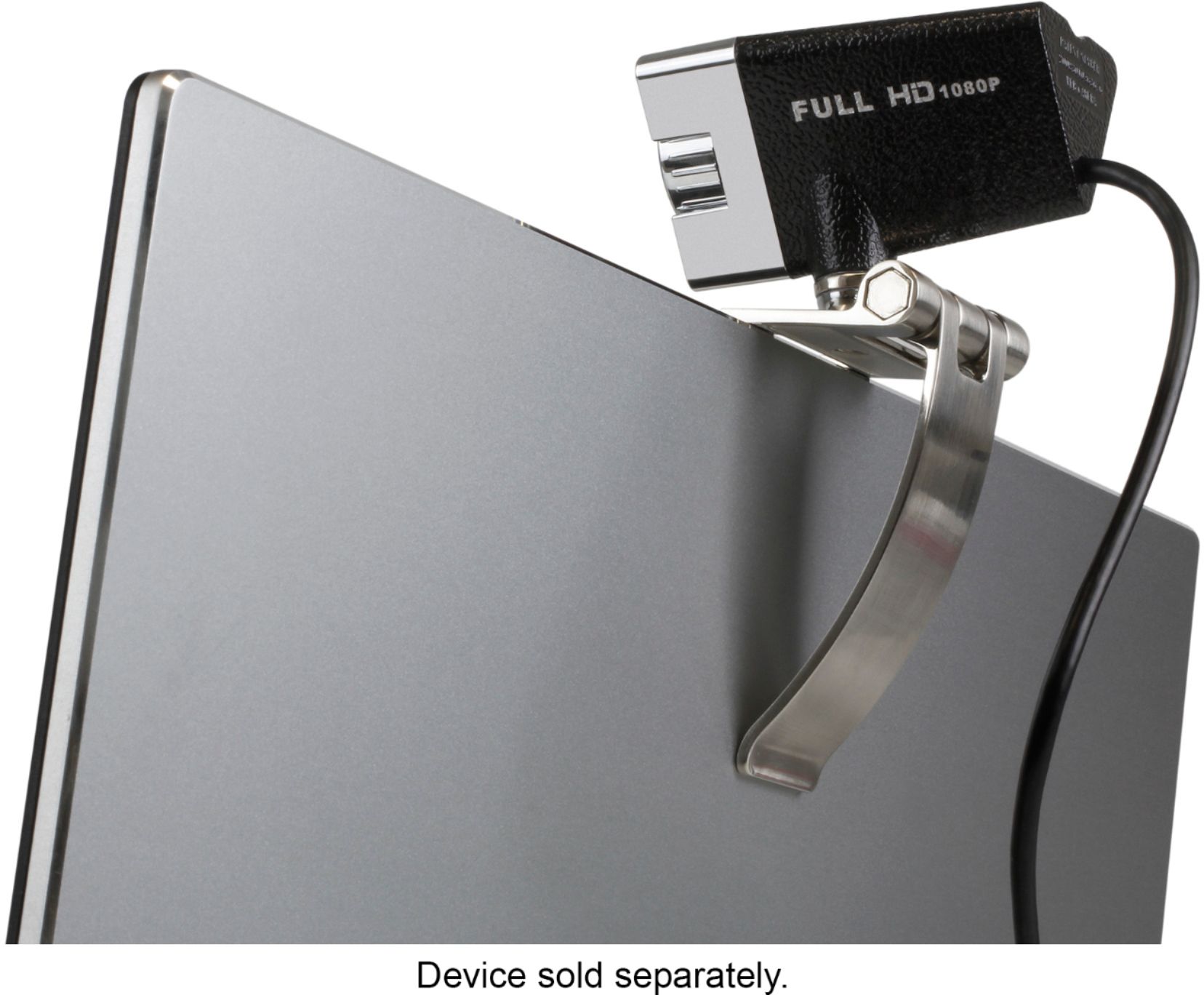
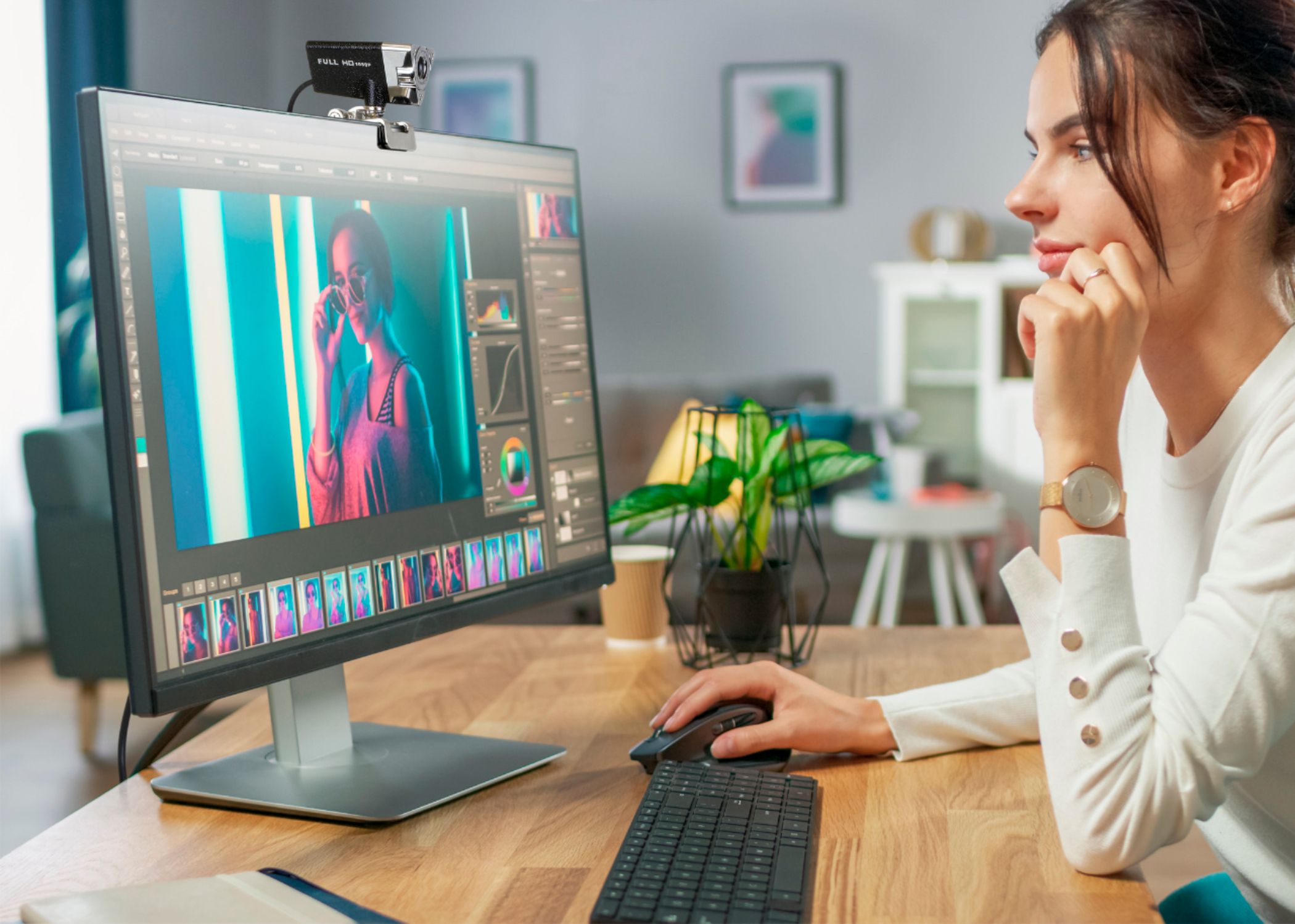
    • Answer No. It will not attach to the side. The bracket is not spring loaded. It can be positioned to hang from the top of your monitor or sit on a tabletop.

      Answered by Randy

  • QuestionIs it compatible with Chrome Book

    Asked by Anonymous.

    • Answer Yes

      Answered by Drblack

  • QuestionWill This Work On My Gaming Rig It is Windows 10 and has USB 3.0 ports?

    Asked by Jimmy.

    • Answer It is plug-and-play and works fine on my windows 10 gaming rig with USB 3.0 ports.

      Answered by Randy

  • QuestionDoes this cam work with a hp 6g pavilion notebook pc

    Asked by Jazz.

    • Answer I see no reason why it wouldn't, but I've only used it under Windows 10 so far. It did not require an additional driver. I've used it on both a desktop PC and a laptop. If you have a USB 2.0 connection available, it should be fine.

      Answered by Daniel

  • QuestionWill this sit flat on a desk or does it only mount on a monitor.

    Asked by Brian.

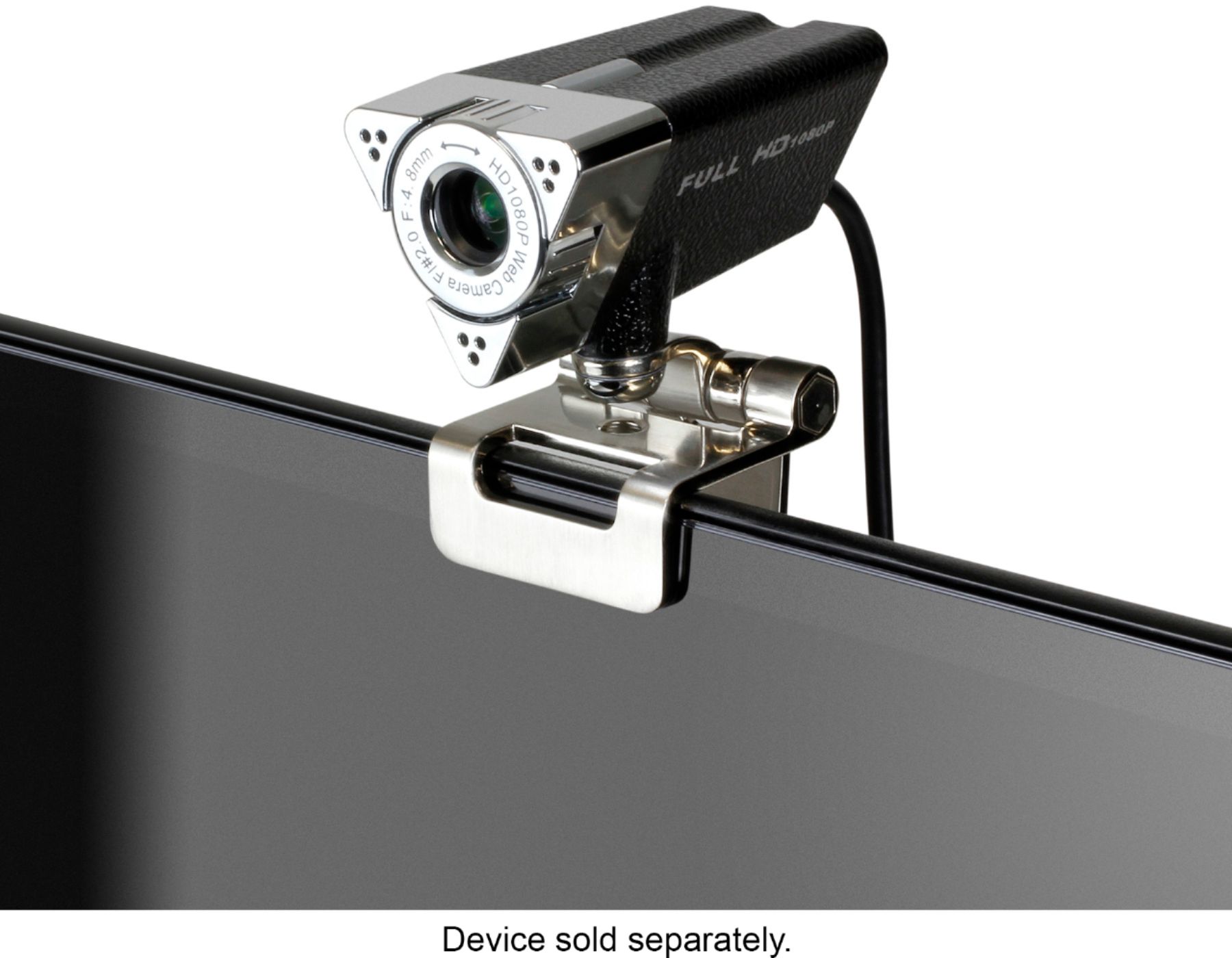
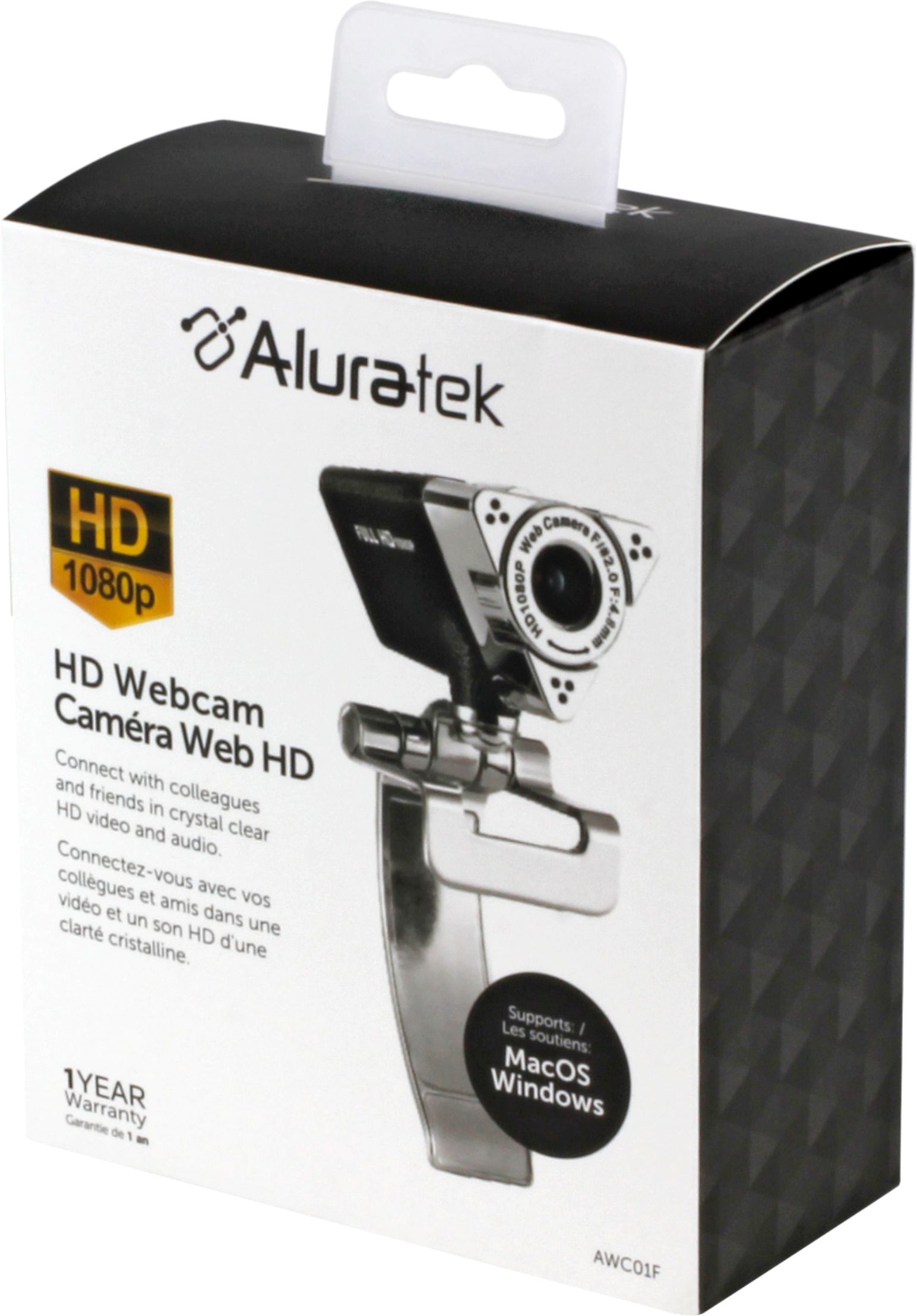
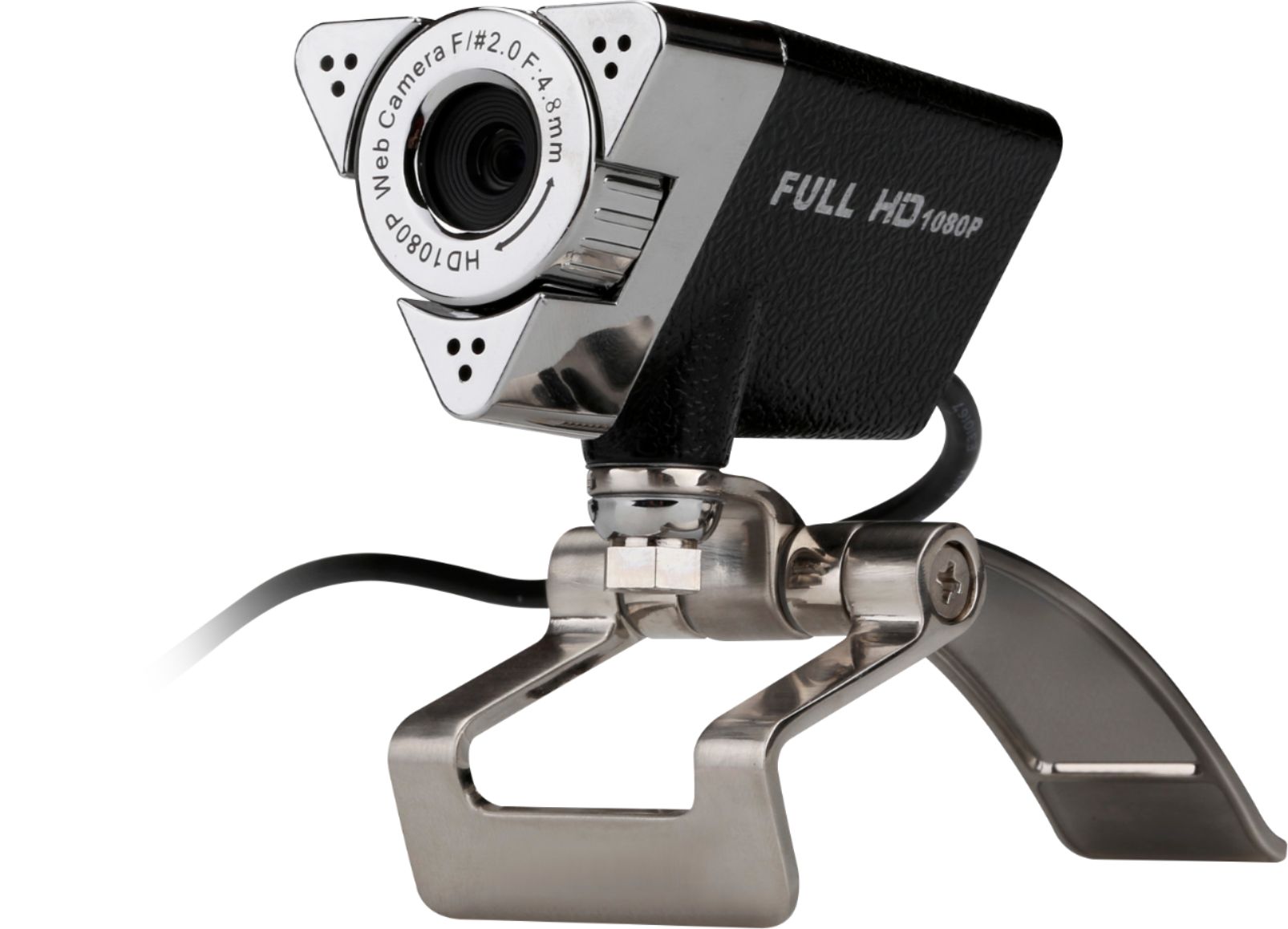
    • Answer Yes. The mount/base has 3 moving arms attached to a common axle, looking a bit like a door hinge with a door stop. The camera attaches to the shorter arm that provides left-to-right (horizontal) panning. The part that acts as a hook for the monitor and the part that stabilizes the assembly when hanging on a monitor can be positioned to become the front and back of a desk base, the part the camera is attached to can be swiveled up and down for vertical positioning. The base/mount is a fairly versatile contraption. The hinge is stiff enough to keep the parts in place, but not so tight as to make it hard to move, and there's a screw on one side to adjust the stiffness. If you have a "borderless" monitor (one of mine has a very thin bezel), the "hook" end tends to rest in front of the screen if you're not careful. I have solved this by using some scrap foam I had laying around between the hook and the top of the monitor, raising the mount enough to keep it higher than the display. Note that it does not have an "on air" LED to indicate that it's in use, so if you get this camera, be sure to put the provided cover on the front when you're not using it. It seems to be a decent camera with a good microphone; I'm happy with it.
      Answered by Daniel

  • QuestionWill this work with a Ciber power PC connected to ASUS Monitor (bought at BestBuy).

    Asked by RAM.

    • Answer It should work fine. Will work with any Windows or Mac computer with an available USB port. The clip on the camera should allow it to attach to any flat screen monitor

      Answered by KidNotorious

  • QuestionCan you disable the microphone?

    Asked by Kirb.

    • Answer There are no audio controls on this camera. It should be possible to disable the microphone or select another audio source in software, but if you have privacy concerns, unplug the camera when not in use.

      Answered by Daniel

  • QuestionDoes this work with a Chromebook?

    Asked by Daddo.

    • Answer Yes, this will work with a Chromebook.

      Answered by Aluratek

  • QuestionSo far so good the mic however pics up on things that I don't intend on it picking up which is annoying at time's but the camera seems to be working fine.

    Asked by Crow.

    • Answer First time I have heard a complaint that a device works...too good.... :^)

      Answered by jpenajr

  • QuestionIn the package, there is a string. Can you tell me how it is used?

    Asked by dpus.

    • Answer Use it on cover to loop through the camera base to keep cover from being misplaced.

      Answered by Awesome

  • QuestionGood morning, How does the mute function on this camera work and is it compatibel with a PC?

    Asked by Casi.

    • Answer Mute is managed by the software you are using ie. Zoom, Skype, Teams. This camera works with both PC & Mac.

      Answered by Aluratek

  • QuestionWill this webcam fit on tripod?

    Asked by Moneyb69.

    • Answer The mount on the camera is not designed for a tripod mount. However, if the tripod head has a flat surface, you may be able to clip the camera mount on it depending on the size of the surface.

      Answered by zapperabbado

  • Questionwill this works on my laptop for school. on blackboard.

    Asked by sophie.

    • Answer Actually we are ussing on our desktop

      Answered by JoseE

  • QuestionWill it work with MS Teams?

    Asked by Alex.

    • Answer I don't use MS Teams, I use Zoom, but it should not matter. It does work with Windows camera, meaning Windows Plug & Play recognizes it. Good luck

      Answered by Cheerdad

  • QuestionCan this work with Xbox ones

    Asked by Maddox.

    • Answer Yes! This webcam will work with the Xbox One to stream via Twitch. Just make sure to enable the settings within your Xbox. See link below on how to do this. https://help.twitch.tv/s/article/xbox-broadcasting-and-troubleshooting?language=en_US

      Answered by Aluratek

  • QuestionCan this be rotated up and down?

    Asked by E.

    • Answer It can be adjusted up and down and all the way around. However, the adjustments are manual, not motorized.

      Answered by TimP

  • QuestionHoe far does the camera focus on you in feet

    Asked by jajo1031.

    • Answer Good focus is between two to three feet from camera

      Answered by BearPaws