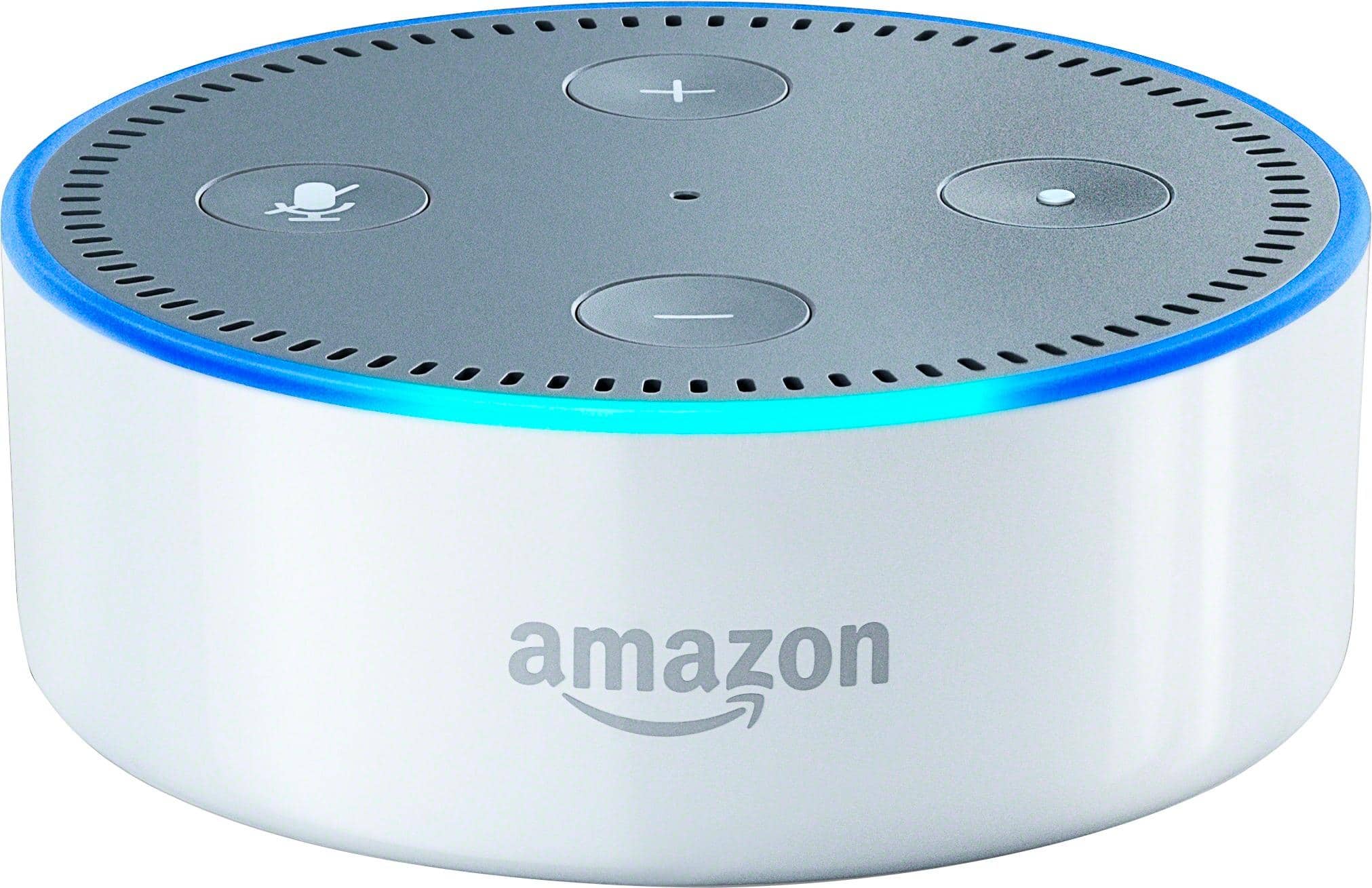
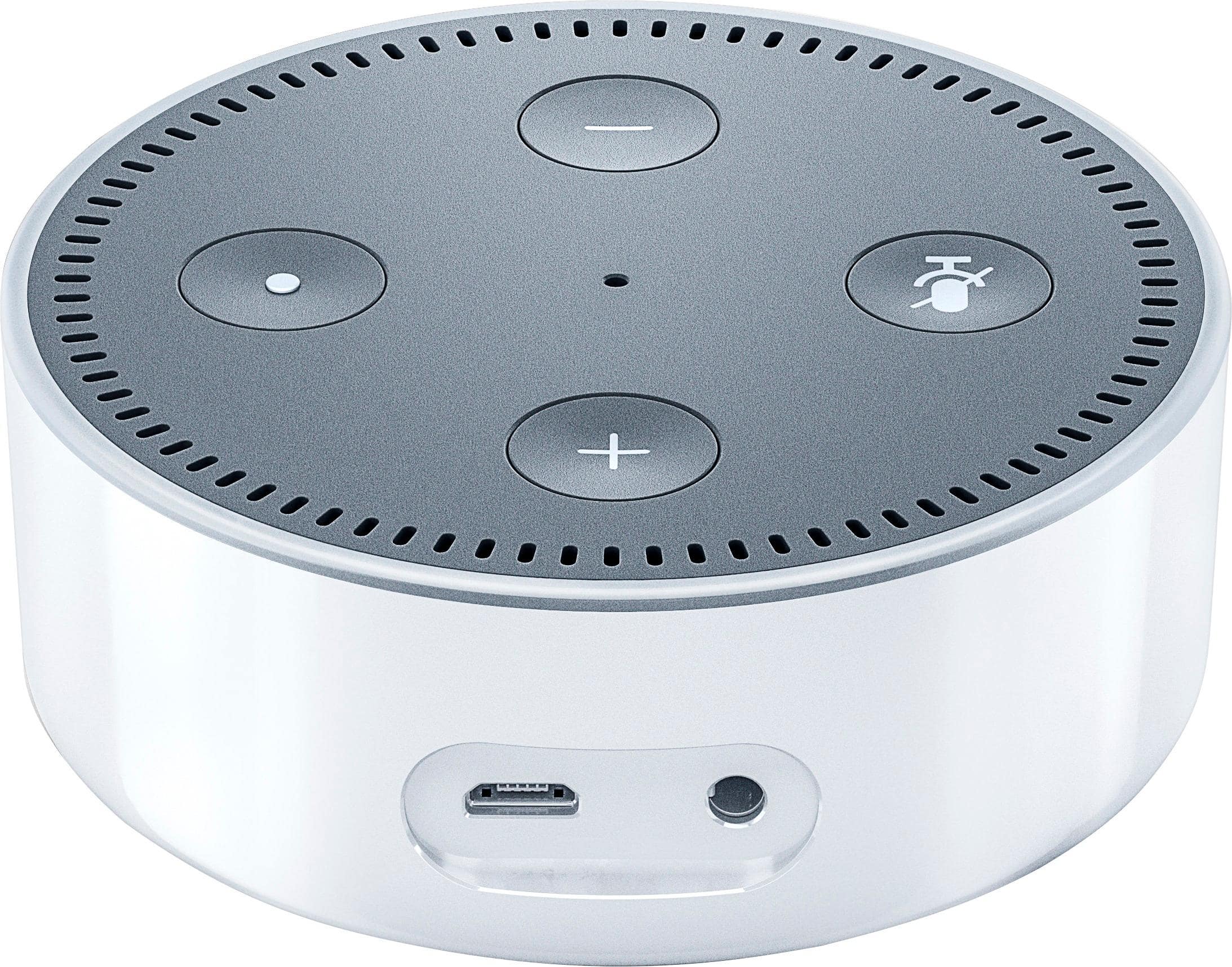
A:AnswerAlexa/Echo does not have an on/off feature. If you need it "off", you will need to unplug it. When you tell it to stop, it goes back into idle/monitor mode listening for its keyword "Alexa" (unless you changed the default word) to wake the device back up. It is not actively running unless you see the blue lights on the Echo light up.
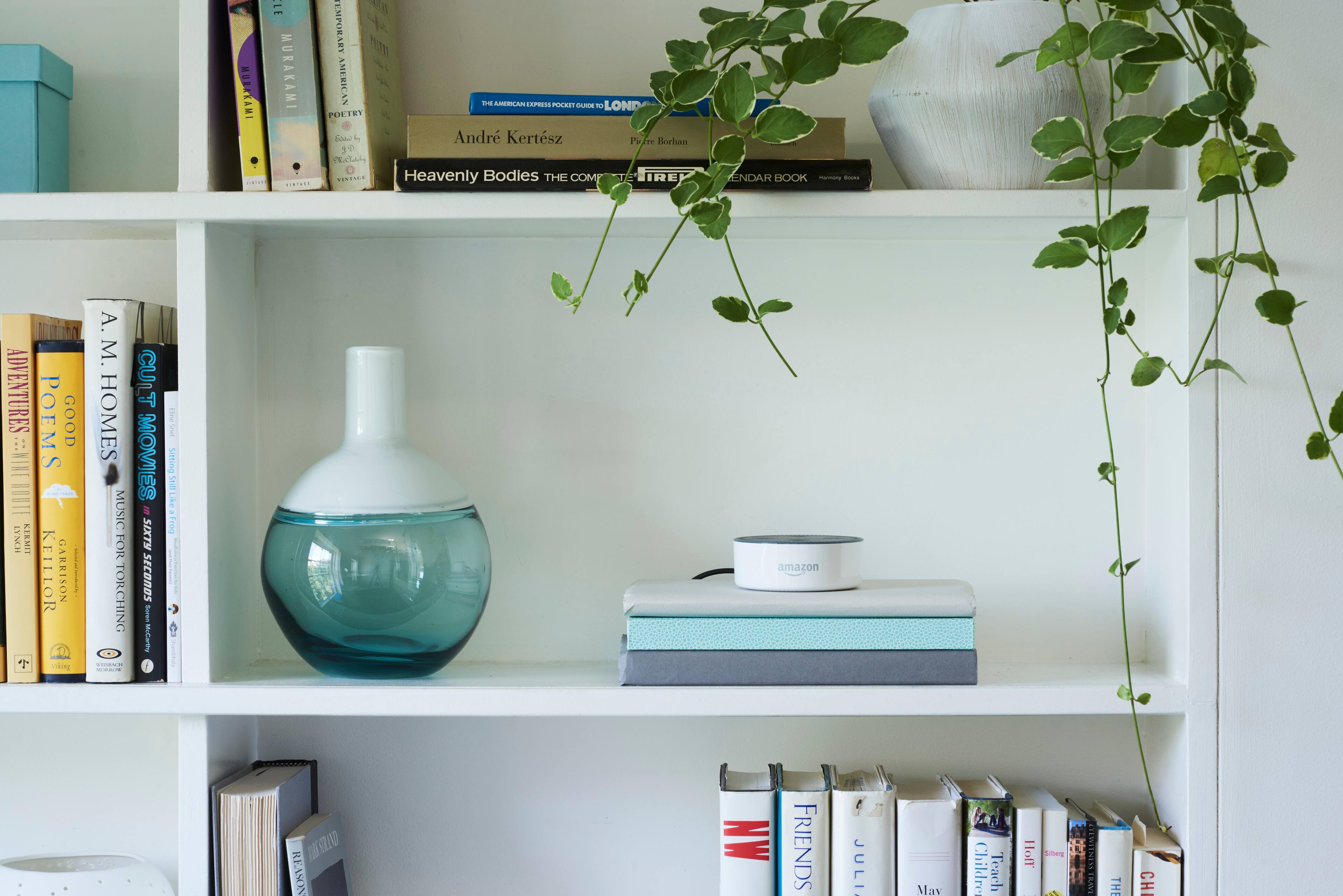
A:AnswerNo accessories really needed. You just need an account with Amazon. Doesn't even have to be a Prime Account, although having Prime does help because you will have access to Amazon Music. The Echo has a built in speaker that is supposed to be pretty good. The Echo Dot is just the brains with less quality speakers ( laptop quality speakers ) I recommend buying the Echo Dot and connecting it to an external speaker system via 3.5mm cable. The 3.5mm cable would have to be purchased if you did that
A:AnswerIt is recommended to have wifi. You can use the dot as a Bluetooth speaker from your phone.
I'm pretty sure you can't ask it questions and have it use your phones cellular signal for internet access.
A:AnswerIn my experience I would put one upstairs and down stairs with back ground noise sometimes she doesn't hear. They will both link up to the smart lights and you be less annoyed in the long run.
A:AnswerBoth offer the same type of experience however that experience may vary due to the services that Amazon and Google utilizes. Google Home particularly provides Chromecast support whereas the other does not.
A:AnswerYes u have to buy a home hub kit that come with the the brain control (smart hub) and two light bulb. After that u can buy as many light bulbs as u want and control them Individually. Light switches and plugs and thermostat can be control too.