A:AnswerHello,
I’m not too sure, but try going to Amazon music and touch lyrics and maybe it might show up. If not try your settings on echo or in Amazon music. Sorry I hope you figure it out. If I figure it out I will let you know.
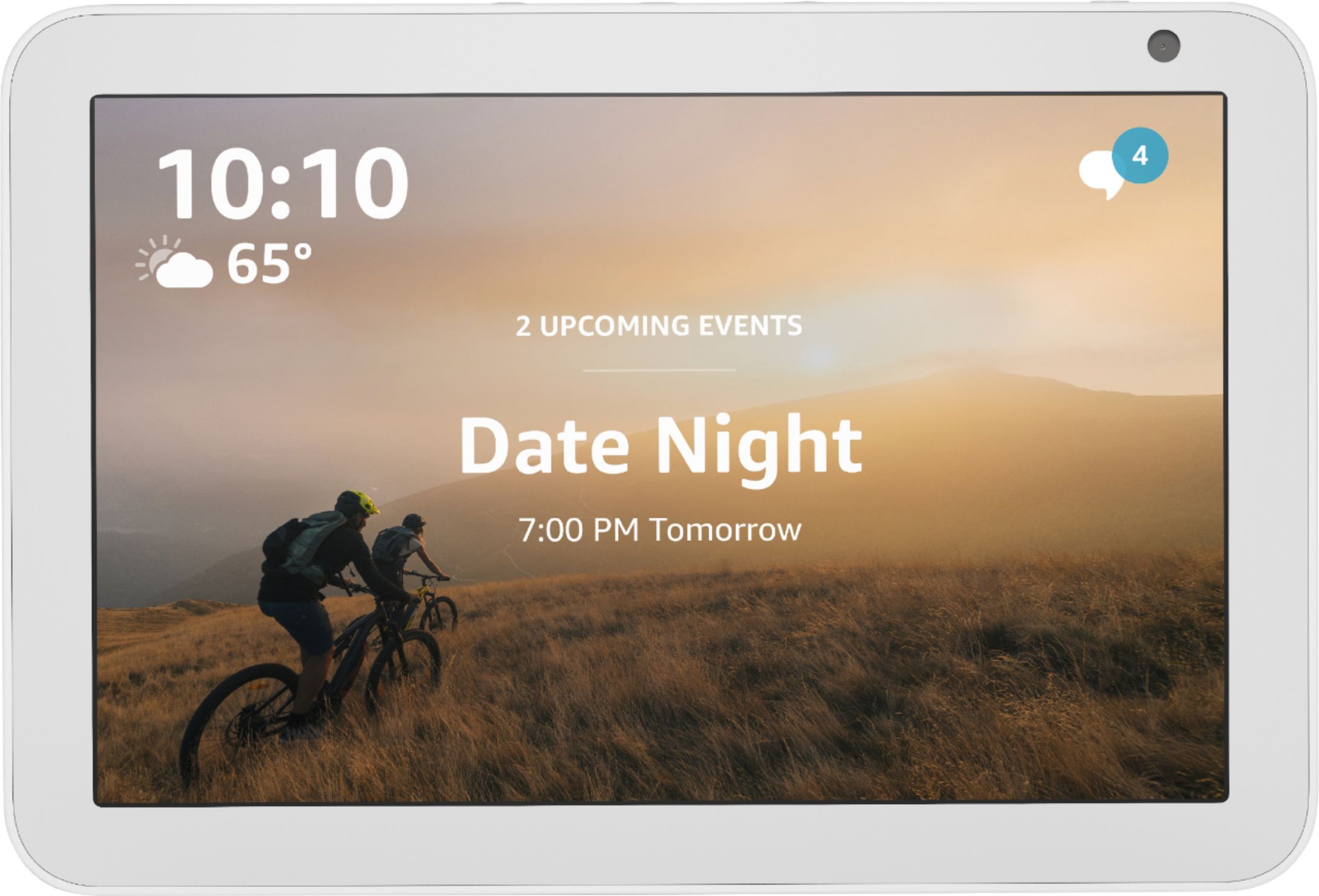
A:AnswerHello, Lis! Yes, you can ask Alexa to set an alarm for you and use the Echo Show 8 as an alarm clock! The screen also has an auto-dim function that will help to keep the screen from getting too bright at night. Have a great day!
A:AnswerI can tell you I have EZVIZ, Blink and Wyze all connected without issue on my Show 8. If you go like you are going to add a device (camera) in the Alexa app it will show you a full list of compatible brands.
A:AnswerYou will need the Alexa app on your phone. From there you can add the skill to control your lights. Just select the brand that your lights use. It should mention it on the box of your lights. The Alexa should detect it in a minute. When activated, you can control with your voice or using the touchscreen.