A:AnswerThe HD 8 does come with special offers enabled. The special offers on this tablet only show up on the lock screen of the device. There are no other ads on the device during its use.
A:AnswerHello Stephanie, Google Chrome is not available for download on the Fire Tablets, however Zoom is available to download free of charge. Hope this helps!
A:AnswerHello, Kunane! Yes, the Fire HD 8 has a microSD card slot for you to expand the memory. The maximum memory you can add to the tablet is 1 TB. I hope that helps! Have a great day!
A:AnswerHi Chris,
Yes, you can listen to Audio Books from this device, or pair Bluetooth headphones or a Bluetooth speaker to this device for listening as well. Hope that helps.
A:AnswerHello Caro, here are some of the features for the new Fire HD 8 Plus: 8" HD display, 2X the storage (32 or 64 GB of internal storage and up to 1 TB with microSD card) + 3 GB RAM. Up to 12 hours of battery life and now with USB-C for easier charging. Fully charges in under 4 hours (with included cable and adapter). There's two 2MP cameras on the front and back as well. The new HD 8 Plus also features a game mode for an optimized gaming experience and Blue Shade which helps offer a more comfortable reading experience, especially at night. Hope this helps!
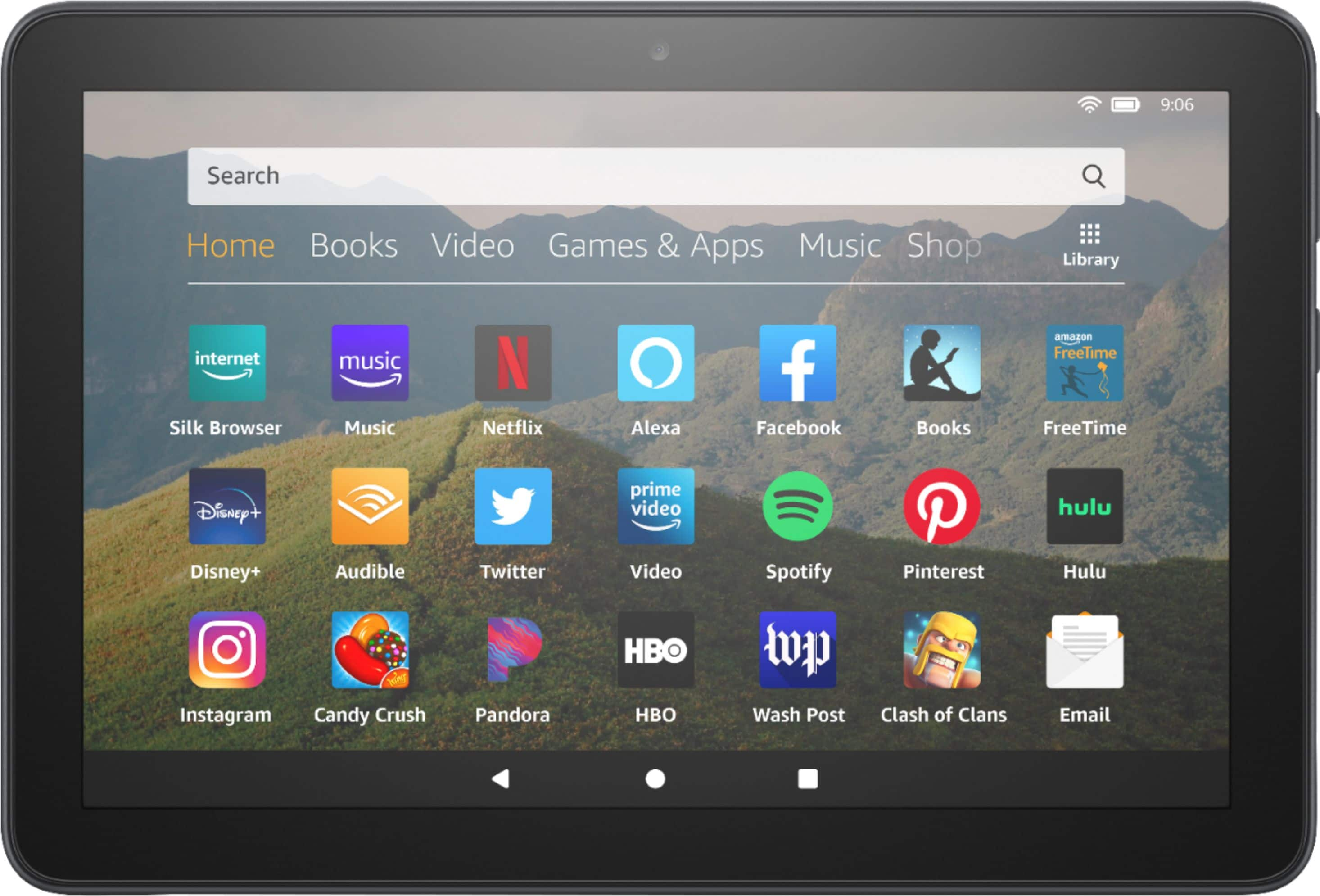
A:AnswerIn the bottom of the screen you will see 3 icons, back arrow, circle for home and a square. Tap the square and then swipe all the tabs away.
Hope that helps
A:AnswerHello,
Yes, Facebook and Instagram are available for download, as well as many games, including Solitaire. It uses Silk for the Internet Browser. And yes, you can view your email on this tablet. Hope that info all helps.
A:AnswerHello,
This tablet does have an internet browser, it uses the Silk Browser. I am not sure if it would work very well as these tablets only have a 2G of Ram, meaning they are not very fast when running huge programs like that. This is not a computer, but just a light version, and does not have all of the processing power of a computer. It also does not have the ability to download apps like Word and Excel, but there are versions of Word Processors/Note pads you could download.
A:AnswerHello Reese, follow these steps to remove special offers: Go to Manage Your Content and Devices.
Select Devices and then click the device Actions button to the left of the device name.
Next to Special Offers click Edit, and then follow the instructions to unsubscribe from Special Offers. You see the amount of the one-time payment before you confirm.
A:AnswerThe Amazon Fire Tablets do not have any cellular connectivity or a SIM card slot. The only way you could use it like a phone is with a WI-FI connection and use one of the messenger apps.
Have a great day!
A:AnswerHi there,
As long as you have the any needed adapters for outlets, this should work, as well as Wifi. Depending on the app or content, its hard to say that all things will work, but overall it should. Hope this info helps. Have a great day!
A:AnswerHello, Jen! If you are talking about books saved to your Kindle, you will be able to access those on your new Fire Tablet. All books purchased through your Kindle are tied to your Amazon account, you will just have to download them to the new tablet when you get it set up. You just open the Kindle reading app on your tablet and select which books you want to download to the new device. I hope that helps! Have a great day!
A:AnswerHello! To answer your question about the Fire HD 8 10th Gen having NFC functionality, the answer is no. This device does not support NFC technology. Thanks for the question, have a great day!